
We’re glad to tell that the updated D5 Render 2.4 takes interior designers to a new render world, in which the brand new GI, subsurface scattering materials, dynamic assets and combination with DCC software help you work in a more efficient way.
The rendering tool we use here is D5 Render, which is a free standalone real-time rendering software.
D5 GI
With the new D5 GI, you only need an HDRI to light up your scene! You can get detailed shadows and sufficient lighting in deep interior spaces, which frees designers from setting artificial lights. The increased skylight bounces in D5 2.4 work particularly well to handle backlighting, solving a big challenge for interior design.
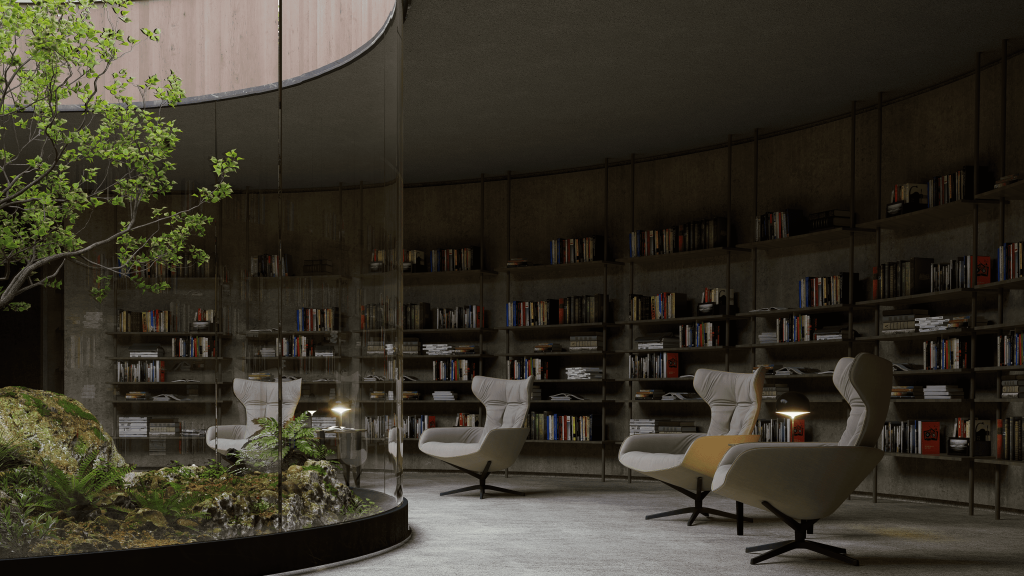
Let’s check out this scene which uses HDRI and only 1 artificial light. Thanks to the optimized GI in D5 2.4, the natural lighting looks awesome even deep inside this space. It enhances many details, like the carpet textures and the lighting transitions.
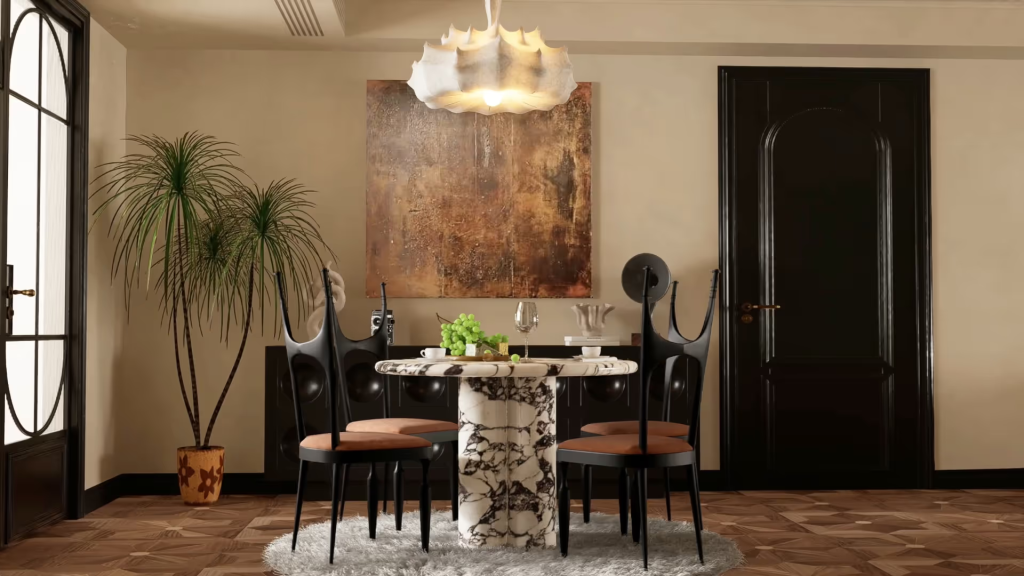
Then we place a rectangular light by the window to add more specular details. By far, the result has looked almost as good as Corona’s.
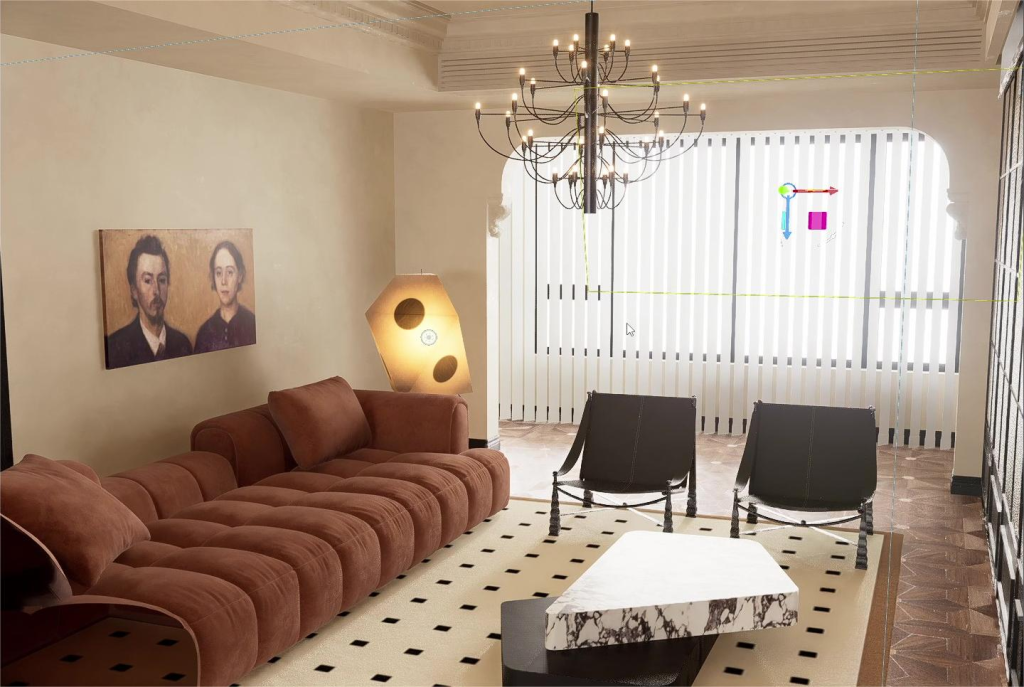
Plus, the shades which could have seemed pitch-black in other renderers are also well approached in D5 Render 2.4.

Subsurface scattering(SSS)
Subsurface scattering(SSS) materials are now supported to simulate semi-translucent objects such as jade, wax, and fruits.
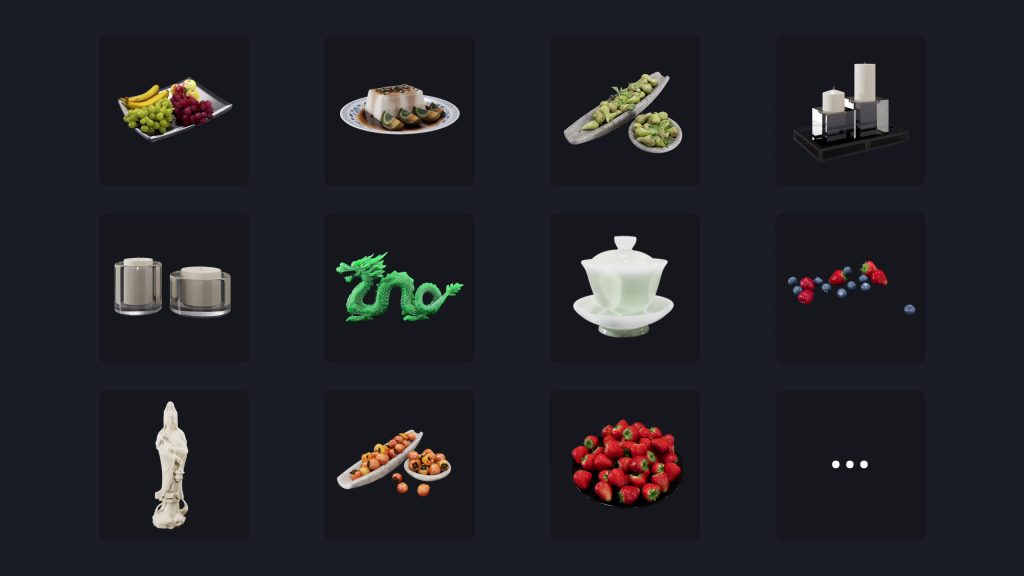
It gives an object a clearer and more natural look. Take the grapes as an example. Without subsurface scattering, they look like green dates. But when turning SSS on, they become super crystal! The rendering further displays the translucency of the grapes, just like in real life.
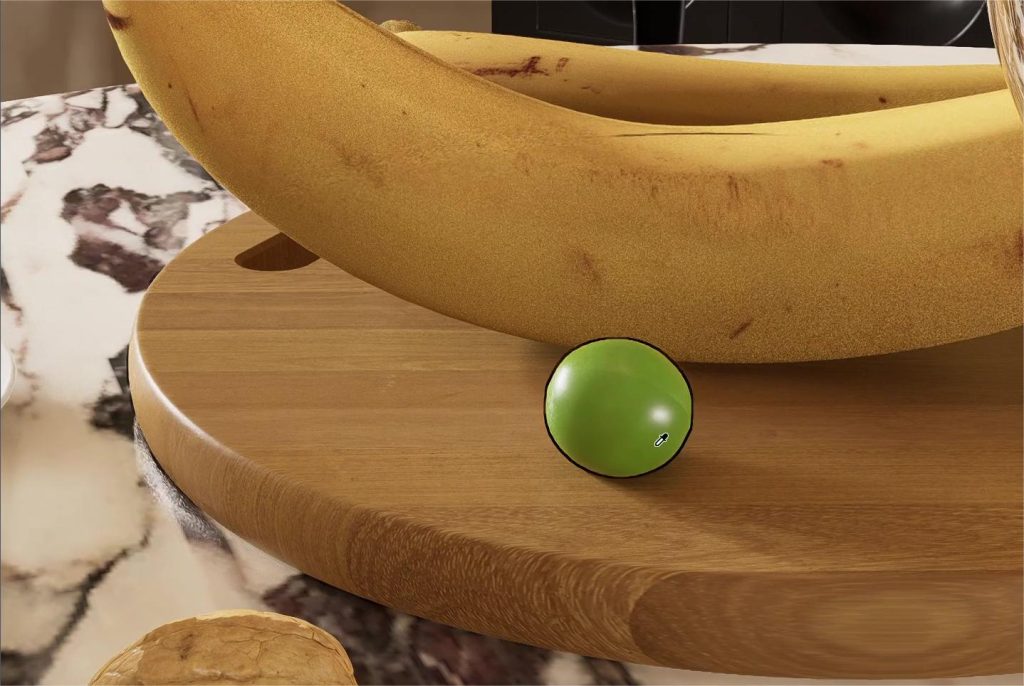
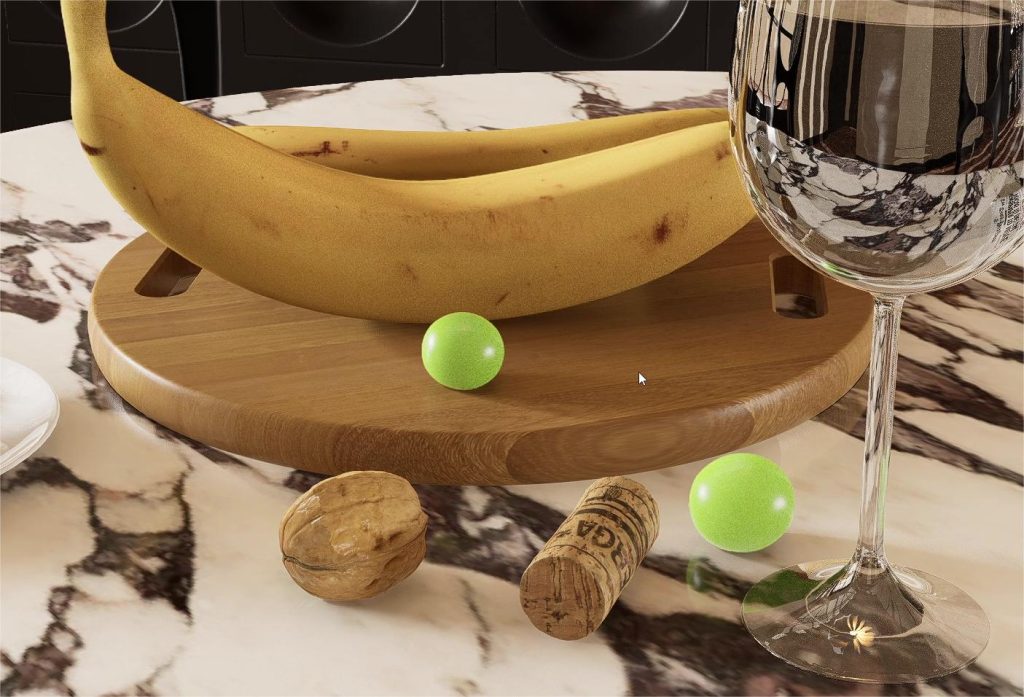
A collection of subsurface scattering assets are available now in the D5 Asset Library. You can find them by searching “sss”.
Animated Assets in D5 Asset Library
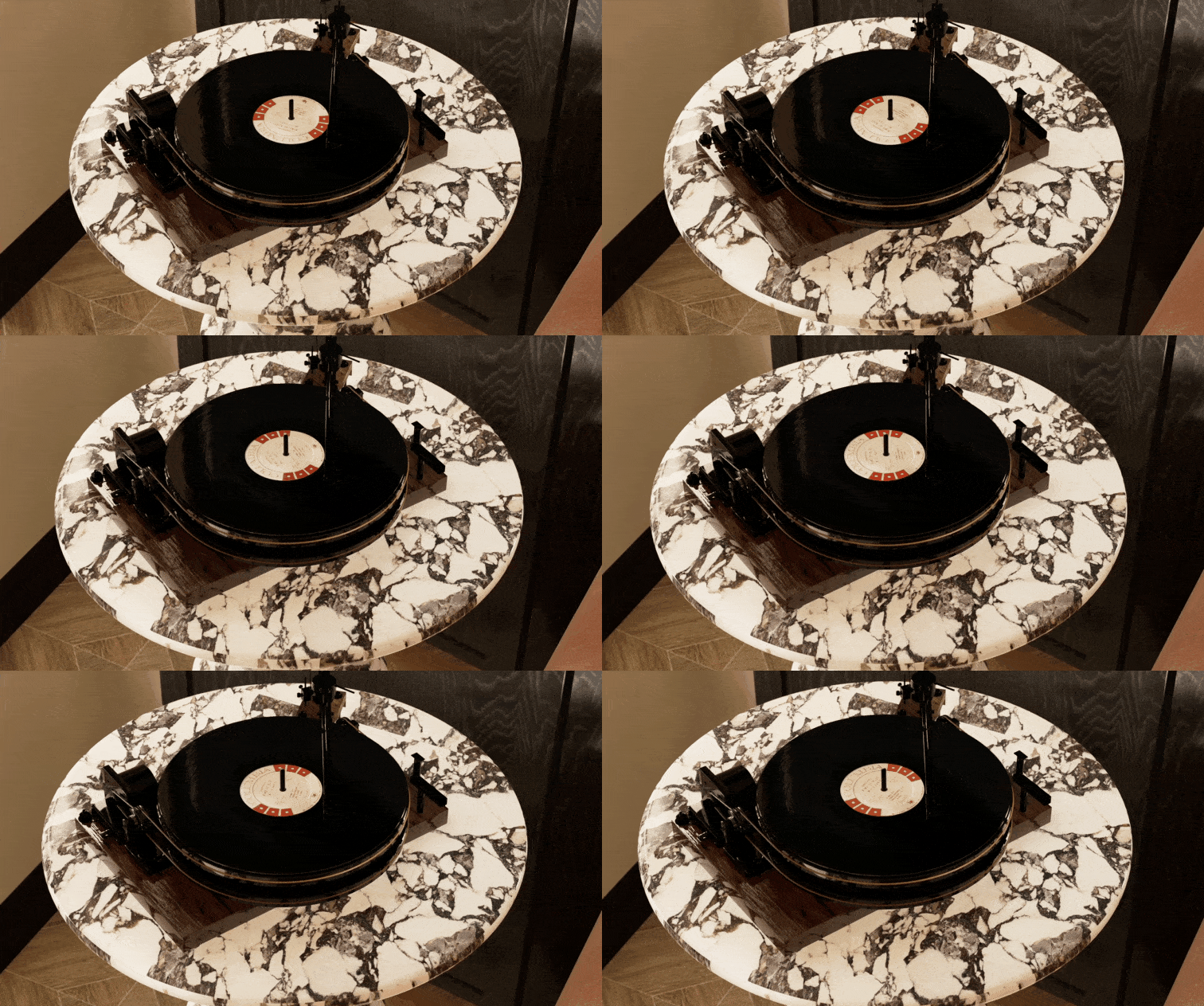
The built-in D5 Asset Library has over 10,000 models, materials, and particles, including about 650 animated assets that can breathe life into your scene when used together with animation.
In the D5 Asset Library, check the “Dynamic only” option and select an animated ornament as you need.
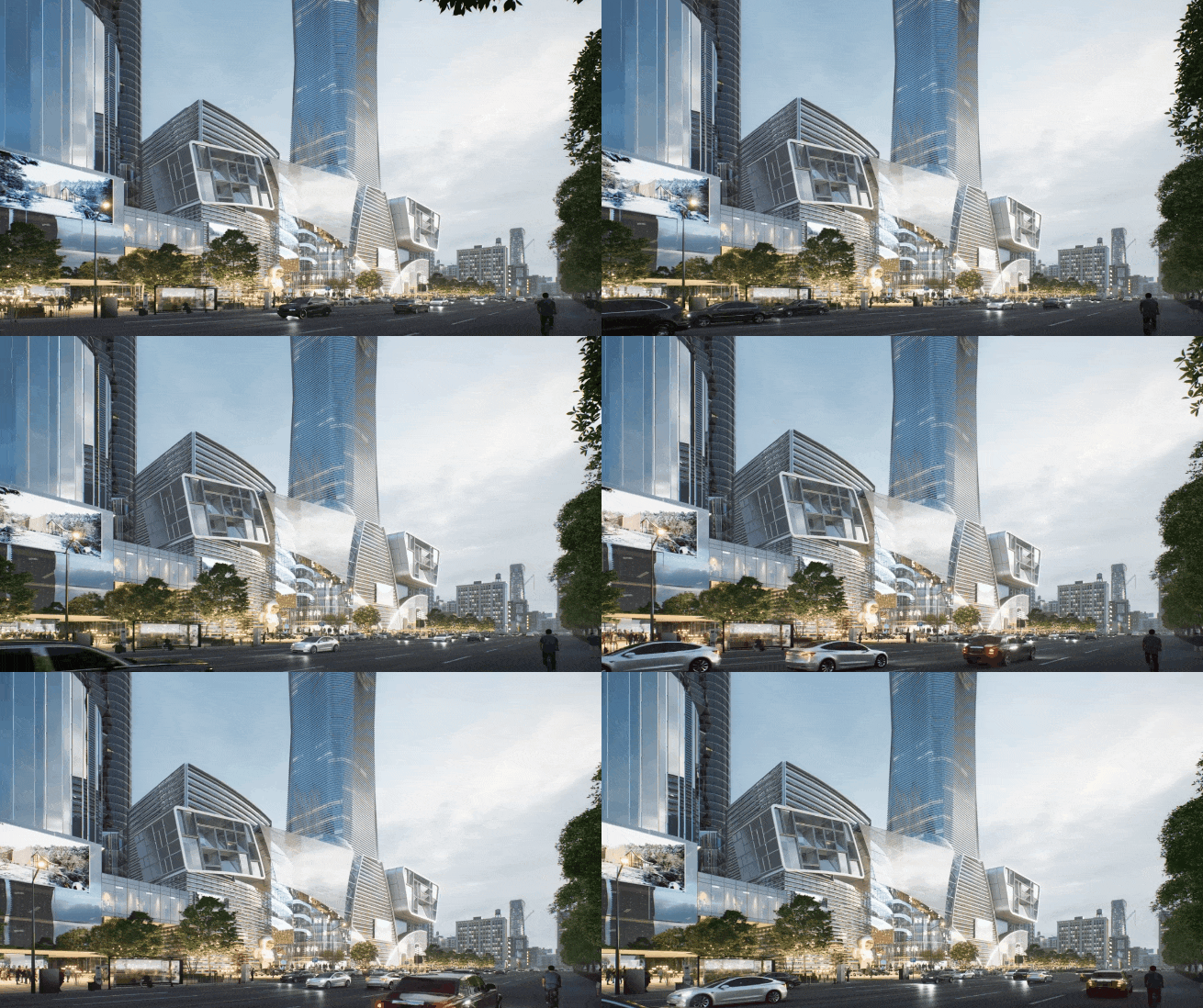
This elaborate vinyl record player, for example, can help us create some touching close-up shots. You just need to create a frame on the timeline, rotate the camera, and add the second frame. Done! Is it way more convenient than what you need to do in offline renderers? Make sure to give the animated assets in D5 Render a shot!
Integration with DCC software
D5 is compatible with 3ds Max, SketchUp, Revit, Rhino, Archicad, Blender, and Cinema 4D. You can import models, scenes, lights, and materials from DCC software into D5 with its live-sync plugin D5 Converter.
Why should you do that? For one thing, D5 is capable of handling complex scenes with high-poly models, which could have caused the lagging issue in SketchUp.
For another, the ability to build a real-time rendering workflow with SketchUp and 3ds Max makes D5 a handy tool for designers to revise their projects. You can model walls, grounds, and ceilings in SketchUp and build furniture in 3ds Max.


 English
 Español
 Français
 한국어
한국어 日本語
日本語