최종 업데이트

2025년 8월 1일

읽는 시간

3분 읽기

공유

이 글에서

D5에서 물 입자를 사용한 풍경 렌더링을 개선하는 방법

In the field of landscape design, we usually use water materials to create a lake or ocean. Their gentle or raging waves will add much vibrance to the scene. Yet there is another water-relevant element that can make your design lively and realistic as well. That’s to say, water particles, which can be used to form fountain and waterfall.

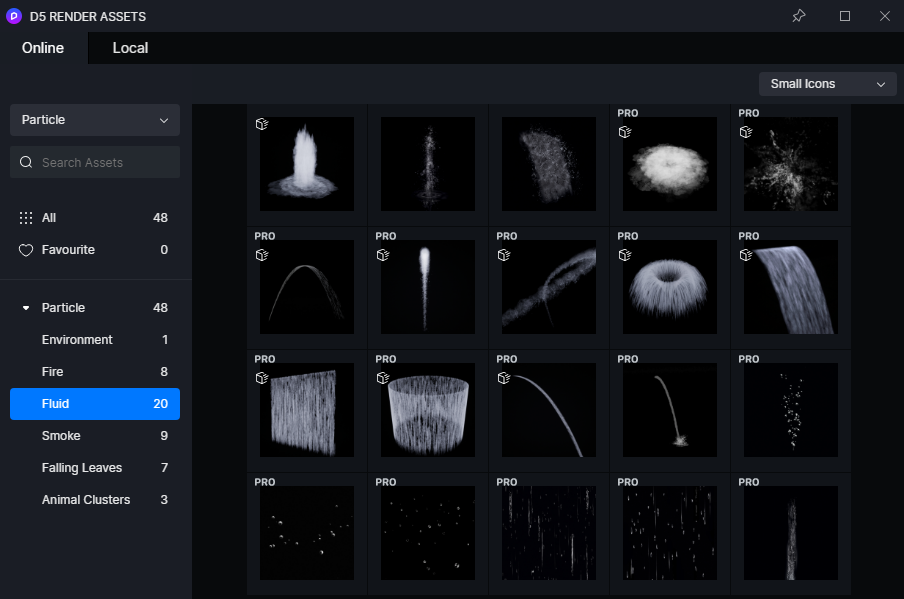
For now, the built-in D5 Asset Library has 20 kinds of water particles with various adjustable parameters to help you build the shape you like. In order to offer landscape designers and architects a better experience, we are working on the preparation of fluid-imitated water assets in .abc format, which will be more dynamic. So please stay tuned.

water particles in D5 Render

Adjustable parameters

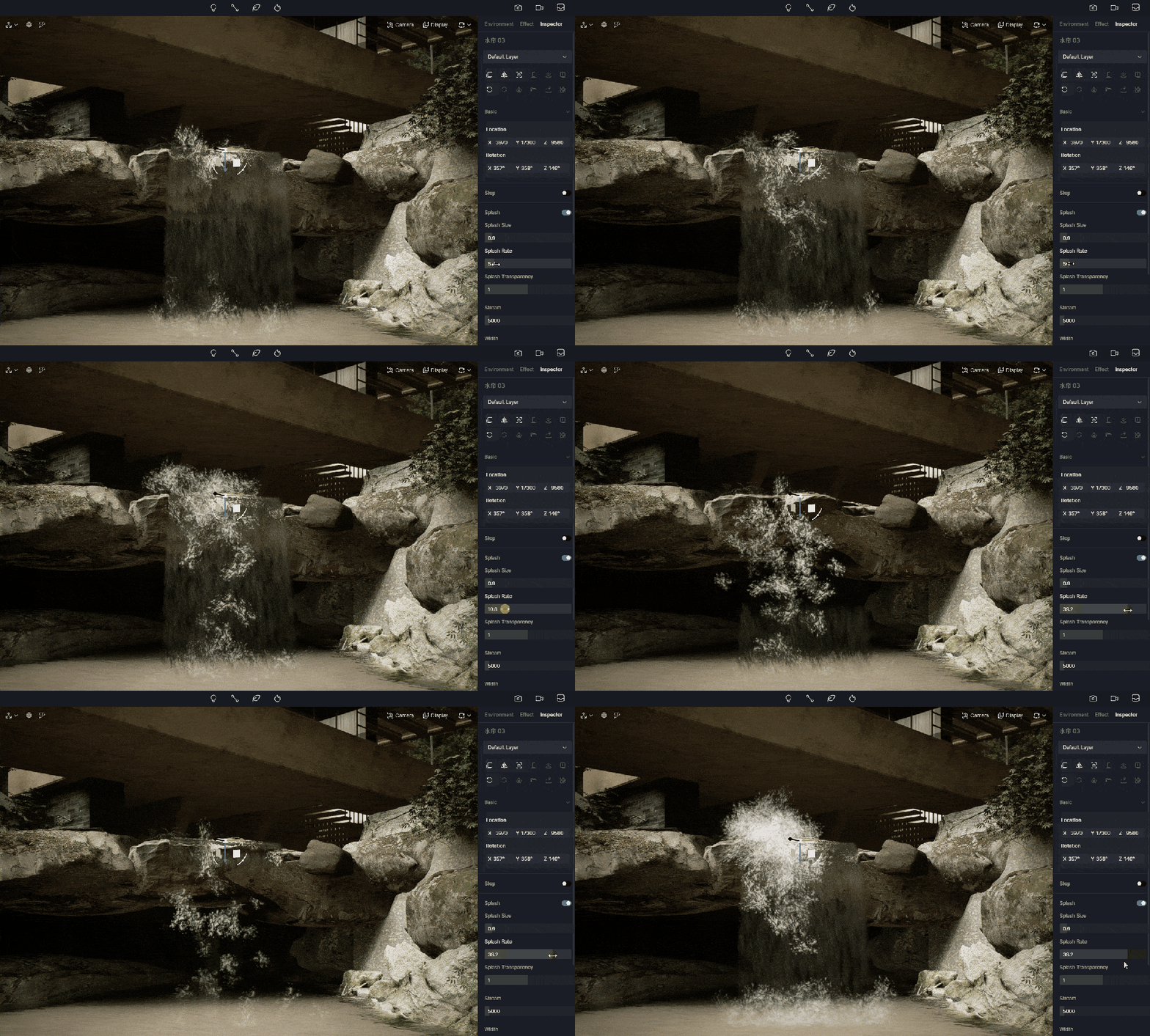
Splash

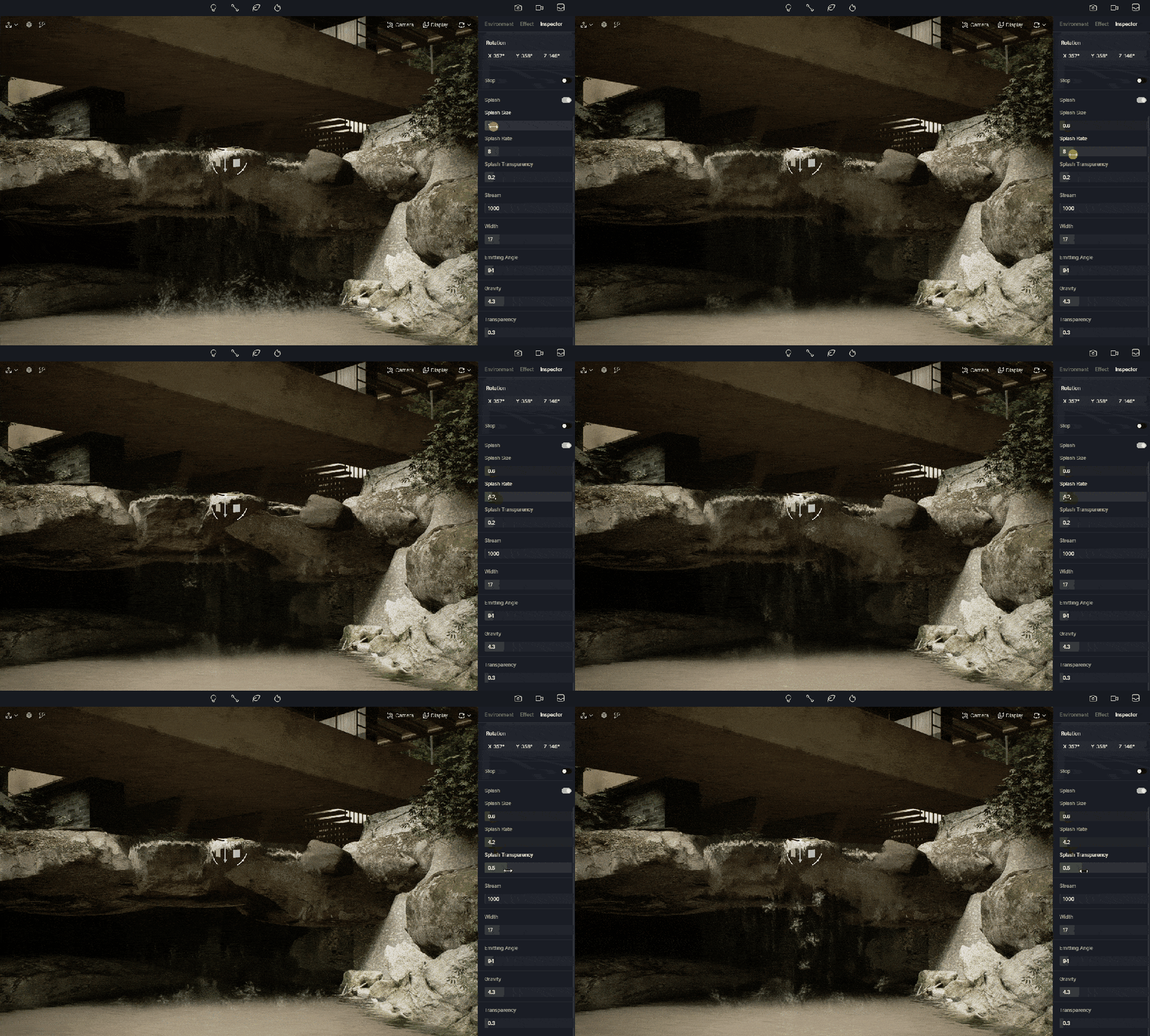
Parameters in the Splash column decides how the splash will look. You can make it faster and bigger by turning up the size and rate.

D5에서 물 입자를 사용한 풍경 렌더링을 개선하는 방법

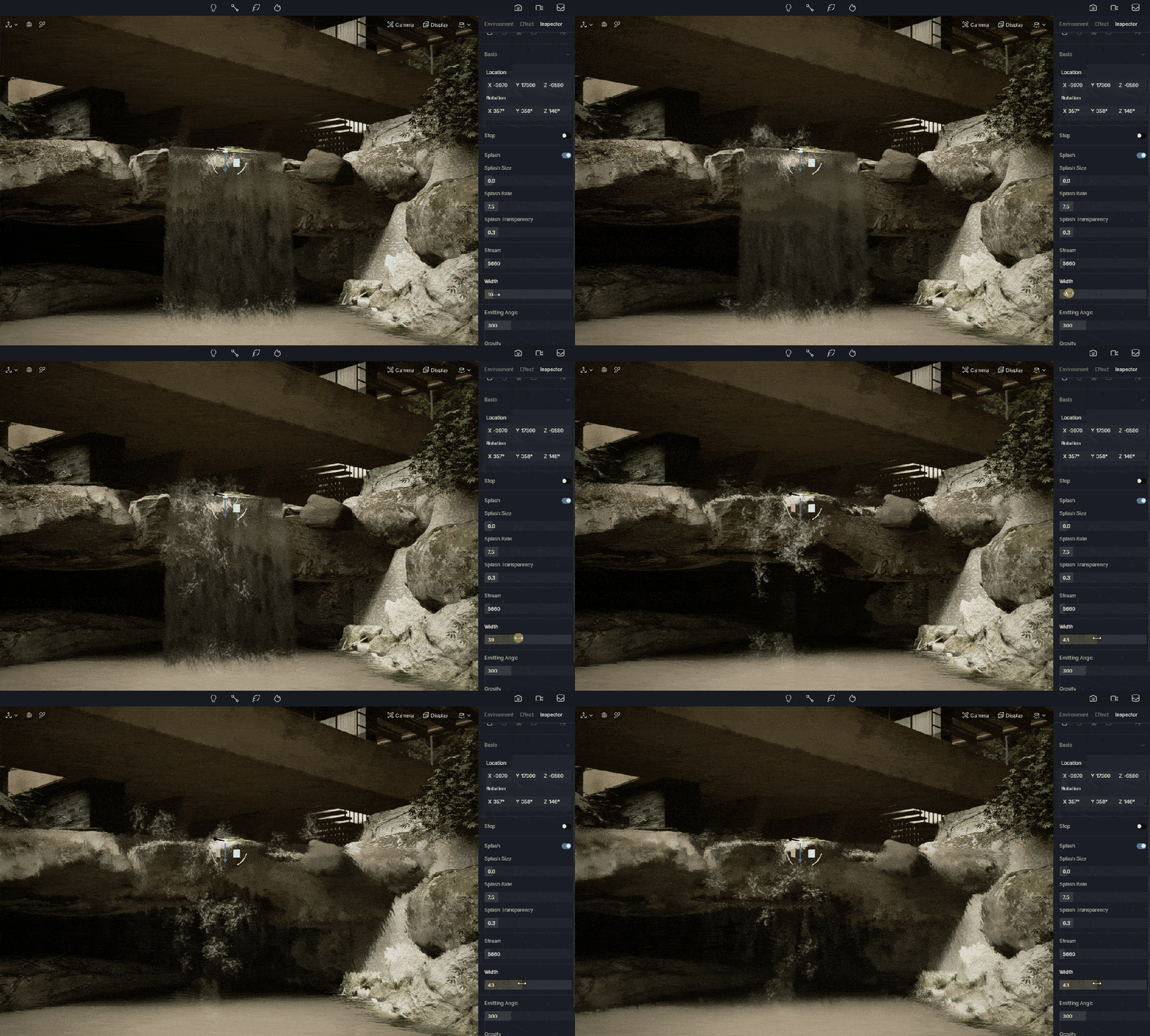
Stream

Stream decides the quantity of the dripping flow you will see.

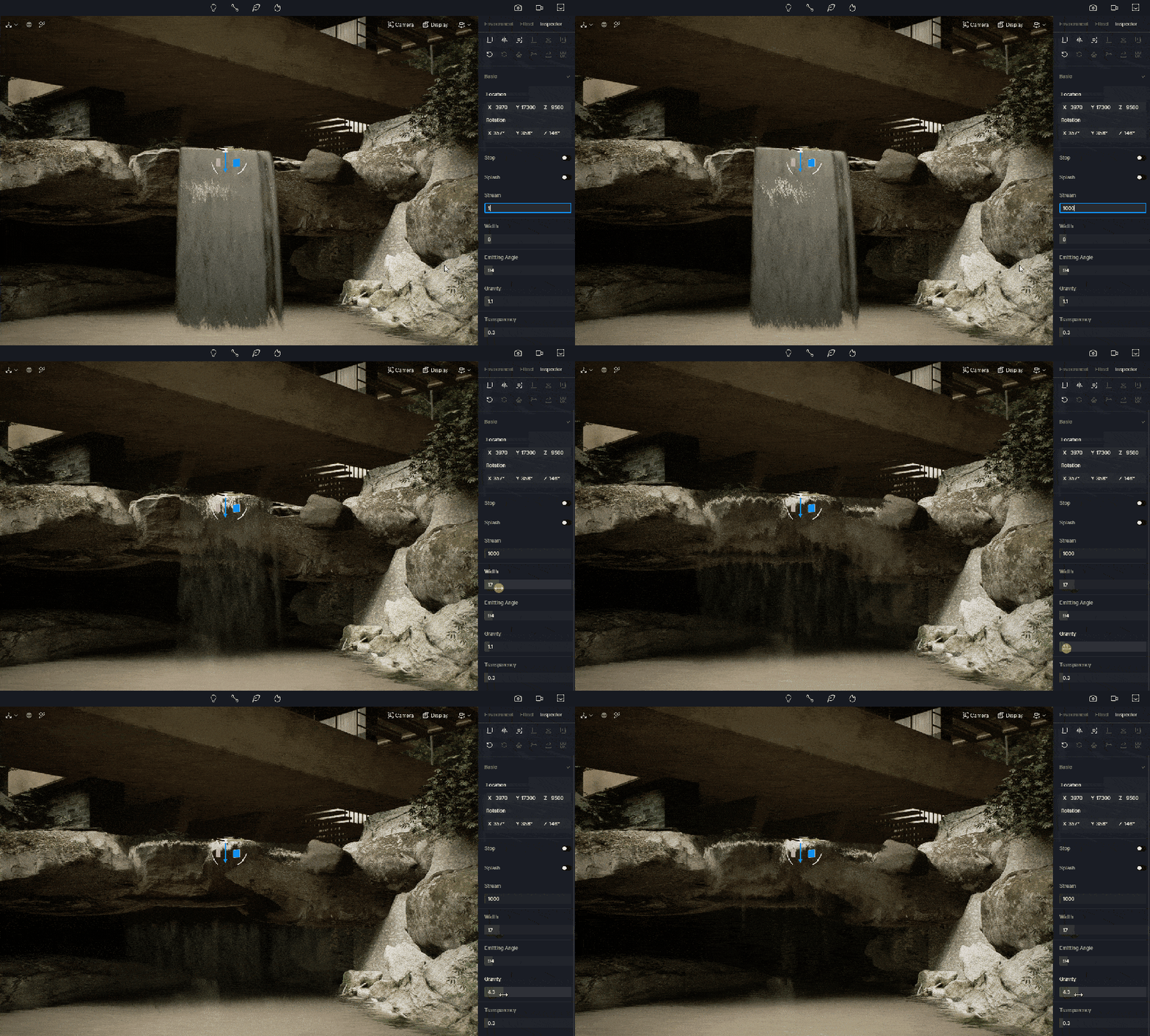
Parameters that decide the look of waterfall

It is recommended to stop the Splash first to have a better look at the water particle itself.

First adjust the Width properly so it can fit with the surroundings. Then you can try to change its Emitting angle and Gravity to see how curved it should be. When Transparency gets higher, the flowing water will be more visible.

D5에서 물 입자를 사용한 풍경 렌더링을 개선하는 방법

How to create an exquisite waterfall in landscape visualization

Be it landscape design or architectural visualization, overall atmosphere is always the top priority. Observe the vibe first and have a general idea of what the waterfall will look like. For this tranquil villa located in the forest, for example, a murmuring brook flowing gently will best fit with it.

After adding a water particle from the D5 Particle Library, you can first adjust its direction, size and width, making it fit in the rockery.

Different from spectacular waterfalls in those national parks, here the waterfall doesn’t need huge splashes or thundering sounds. So its stream should be tiny and gentle. Adjust the Stream and Transparency to achieve such an effect. Then adjust Gravity to make it curved a bit.

D5에서 물 입자를 사용한 풍경 렌더링을 개선하는 방법

As there should be splashes when the waterfall flaps the rockery, you can turn on Splash. Note that the value of Size and Rate should not be very high, otherwise big splashes would break the tranquil vibe.

D5에서 물 입자를 사용한 풍경 렌더링을 개선하는 방법

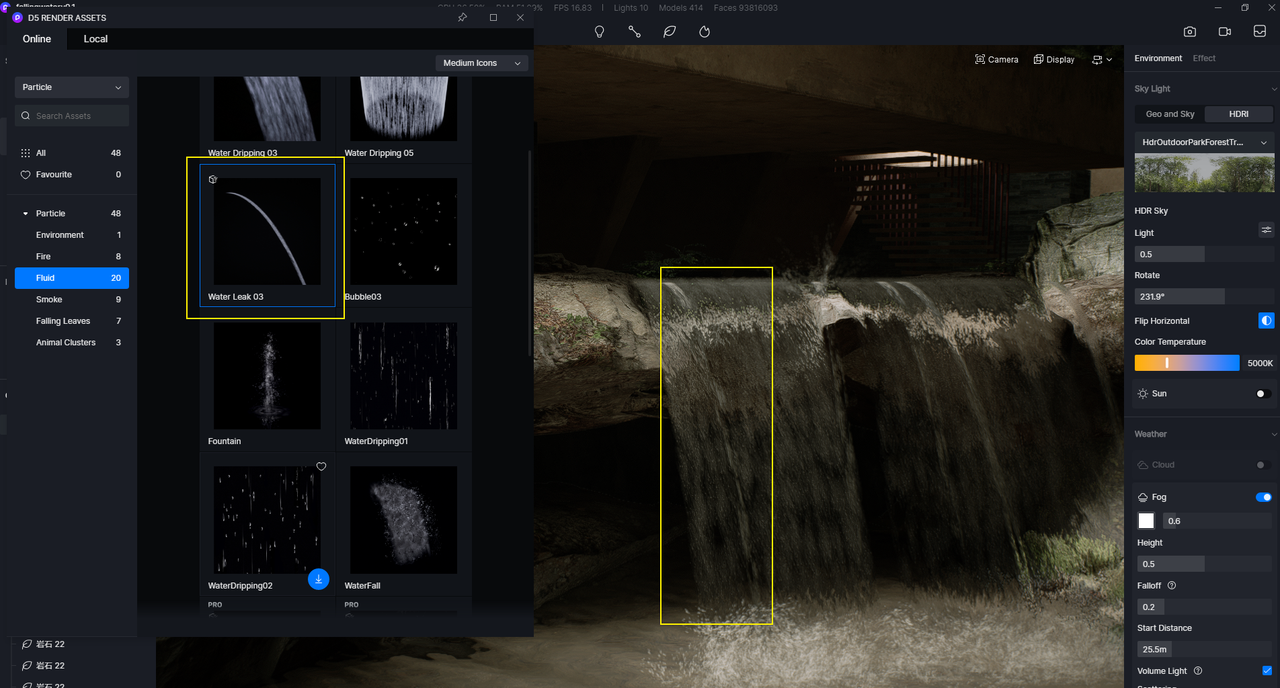
As you can see, the edge of the rockery has several gaps which leaks stream. You can add some from D5 Asset Library, making it more realistic.

D5에서 물 입자를 사용한 풍경 렌더링을 개선하는 방법

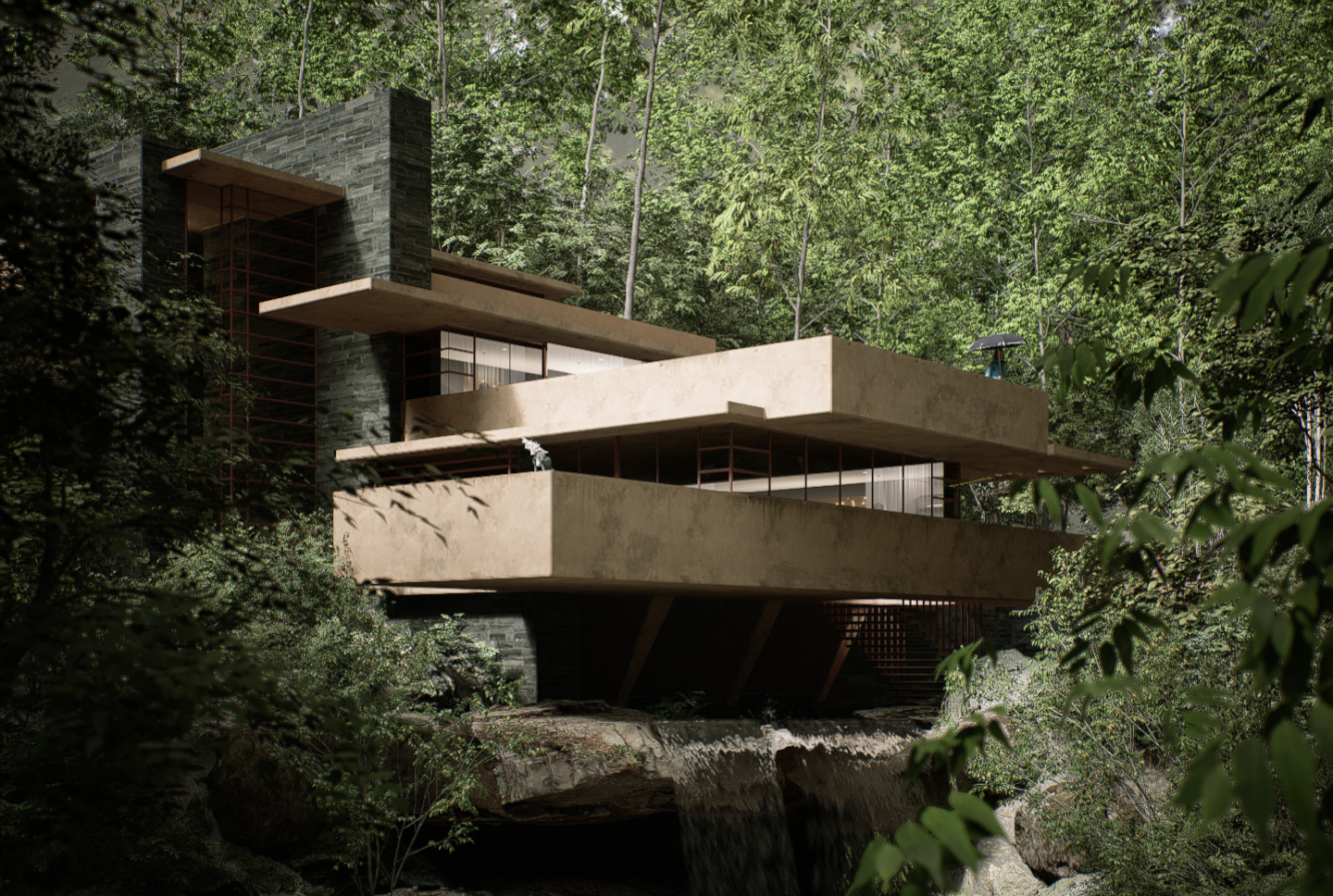
Now let’s take a look at the final rendering.

D5에서 물 입자를 사용한 풍경 렌더링을 개선하는 방법

Falling WaterDesigned by Frank Lloyd Wright
Rendered by Shawn

Free download the demo scene

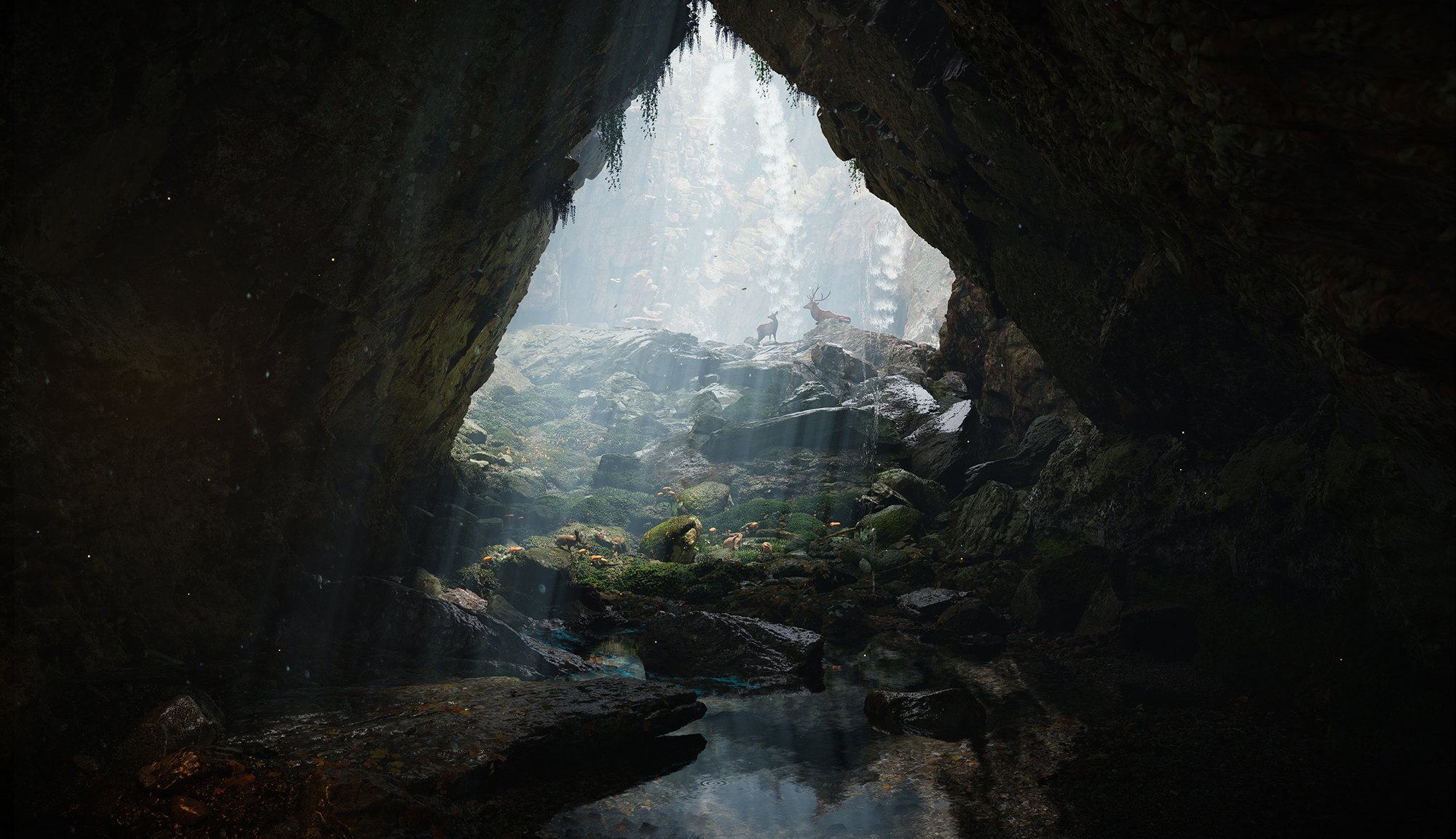
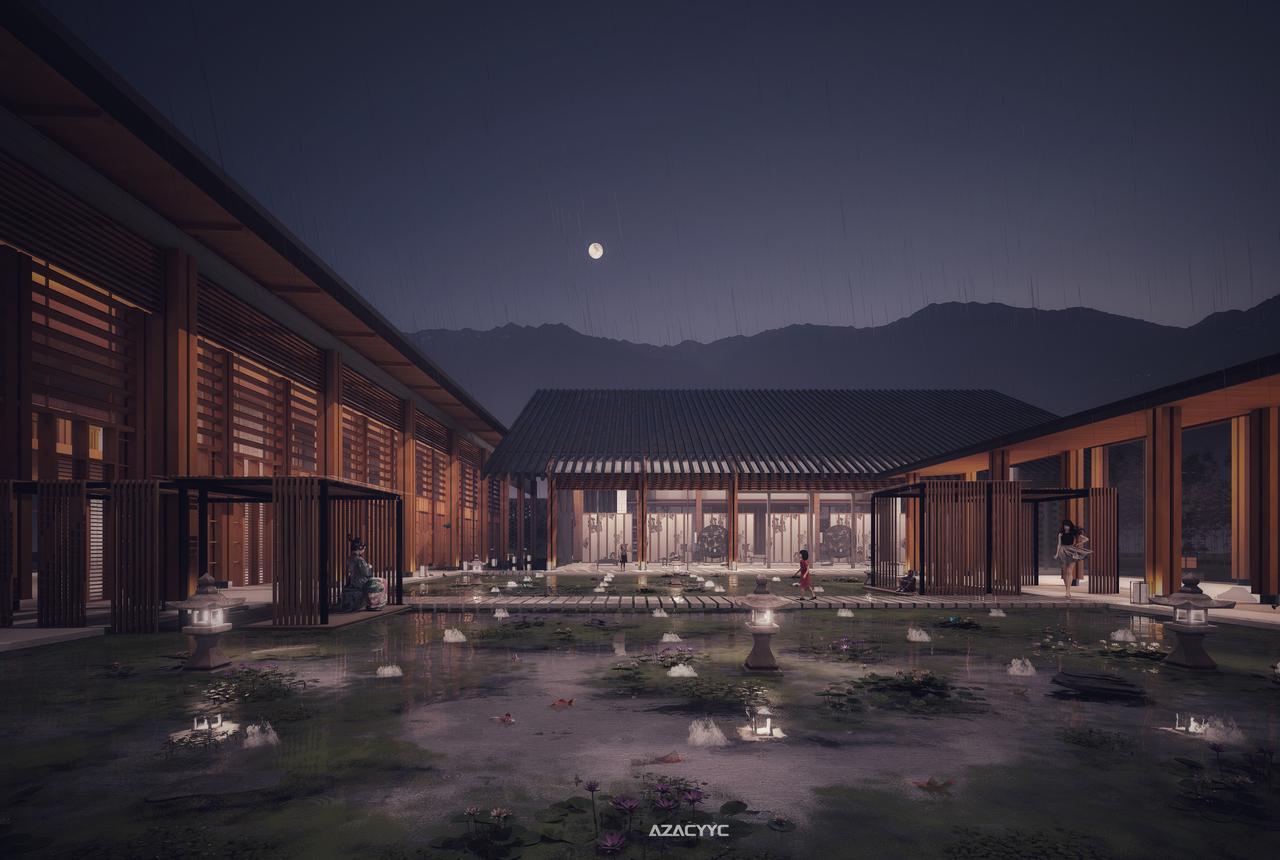
Render showcase

D5에서 물 입자를 사용한 풍경 렌더링을 개선하는 방법
Artist: Lighting
D5에서 물 입자를 사용한 풍경 렌더링을 개선하는 방법
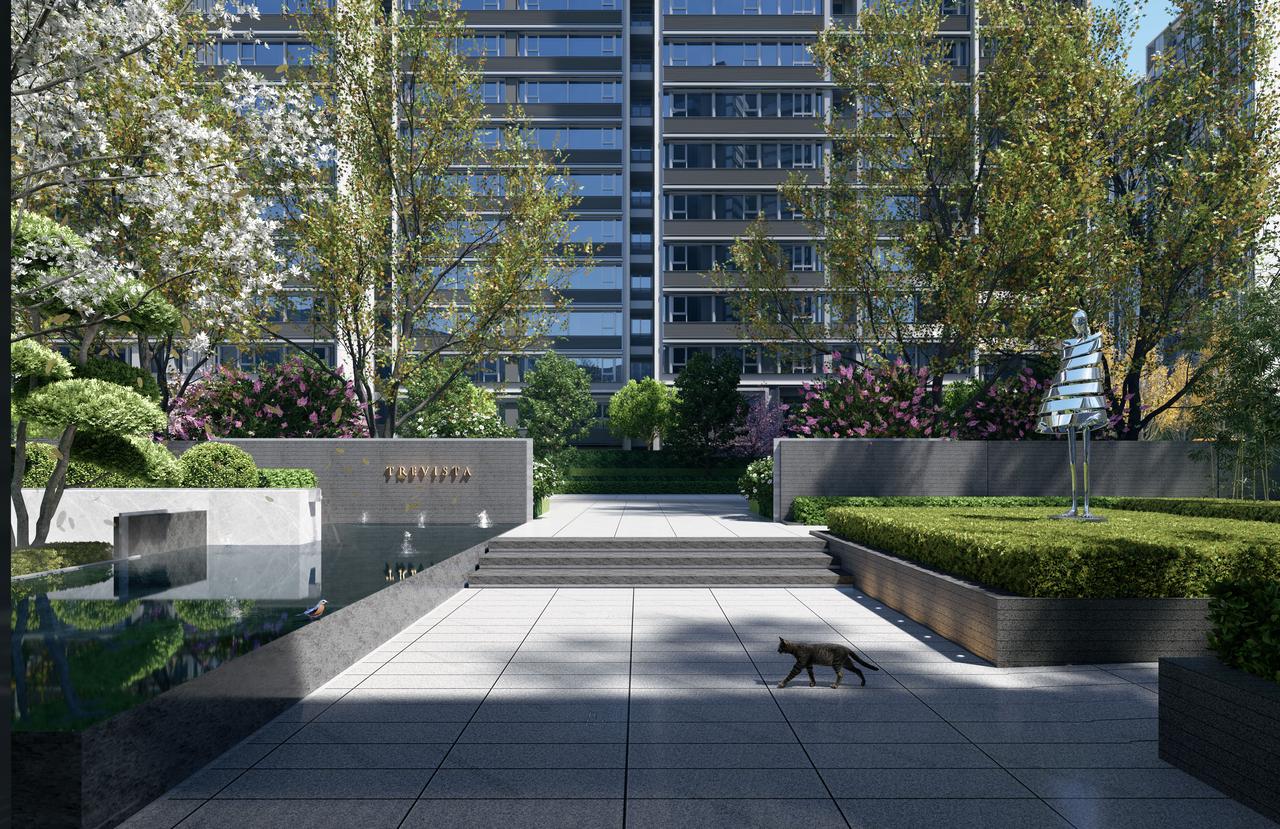
Artist: Showing Inspiration
D5에서 물 입자를 사용한 풍경 렌더링을 개선하는 방법
Artist: FISH

다음 항목도 참고하세요.

문의하기

일반 문의: contact@d5techs.com

마케팅: marketing@d5techs.com

팀 솔루션 문의: sales@d5techs.com

기술 지원: support@d5techs.com

업무 시간: 월요일~금요일, 10:00~18:00(GMT +8)