
When working on large projects, arch design studios often assign different parts of the architecture to different team members. This way, everyone can focus on what they do best and get things done faster. But the catch is that the software they use for visualizing the project has to allow this kind of collaboration.
Luckily, D5 Render has the perfect fix for better, easier teamwork: Merge Project.
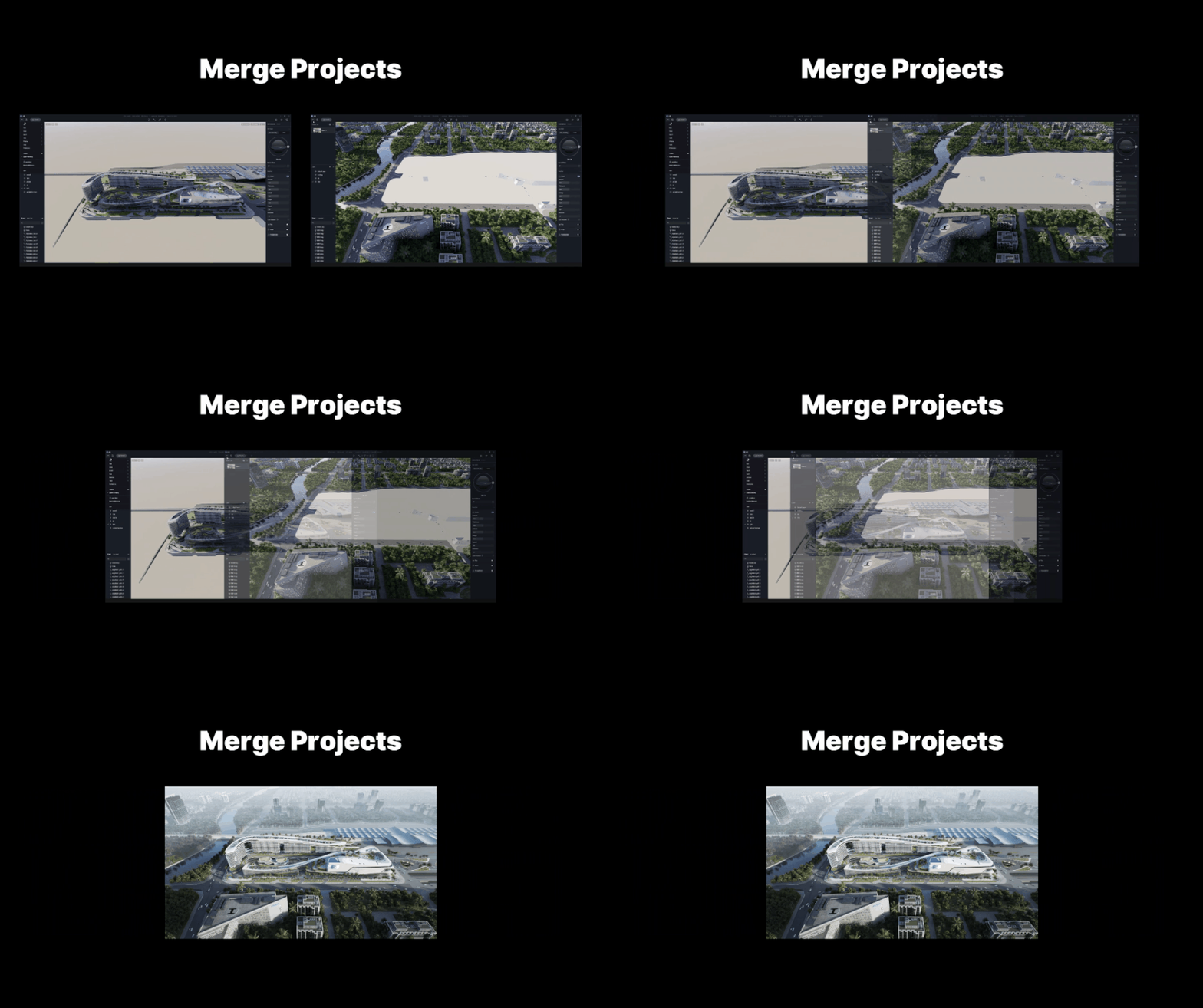
What is Merge Project
Merge Projects in D5 Render is a solution for seamlessly combining different visualization projects into one! With this innovative feature, you can now effortlessly merge various parts of the design created by different team members and bring them together in a single, cohesive masterpiece.
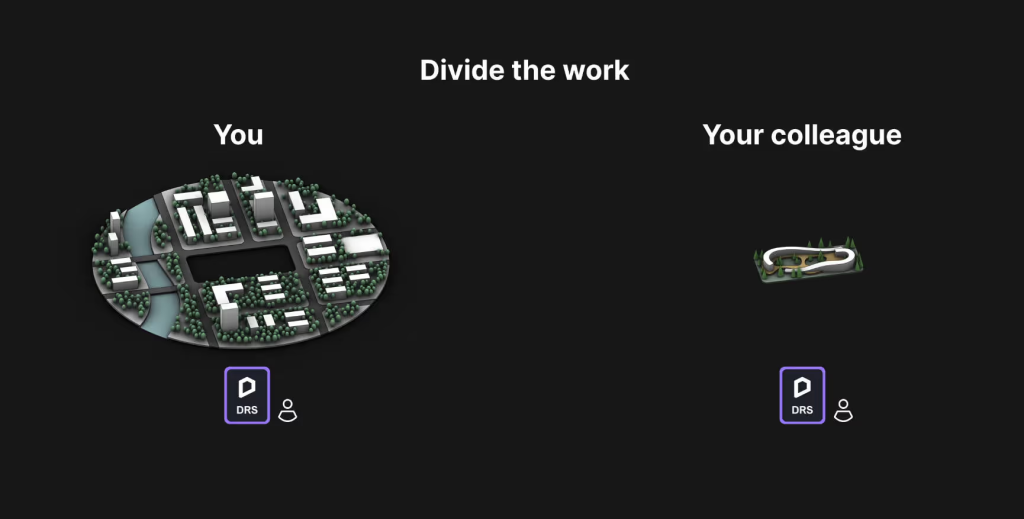
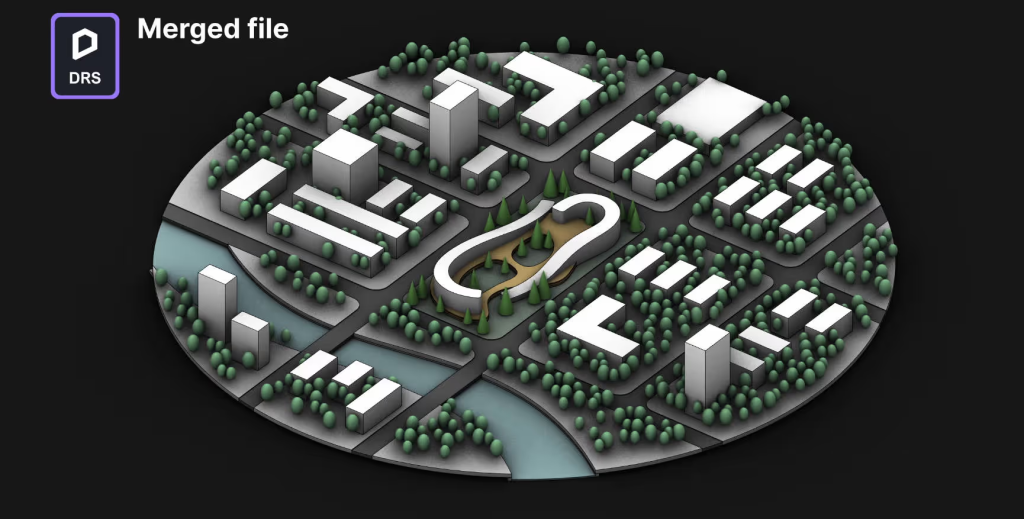
Take this SketchUp project as an example.
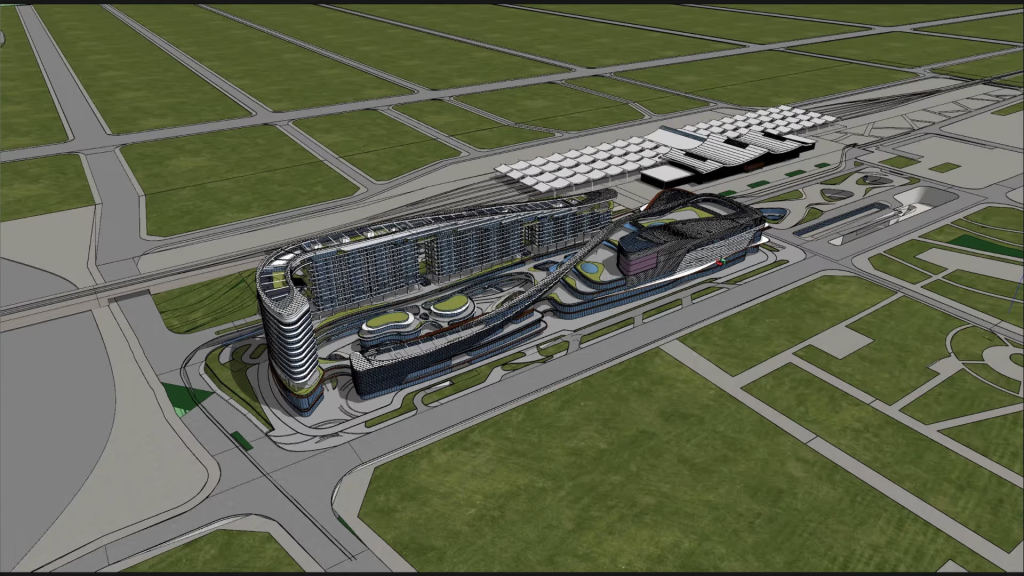
You can divide the project into two parts including the main site and the surrounding context.
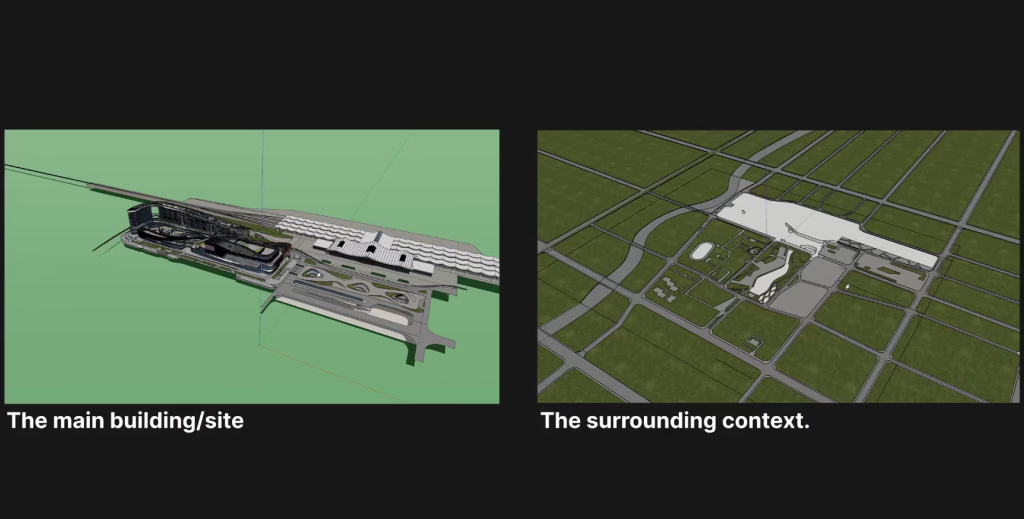
After importing to D5 Render, separate them as two scene files. Then you and your colleague can dive into the visualization of two parts at the same time.
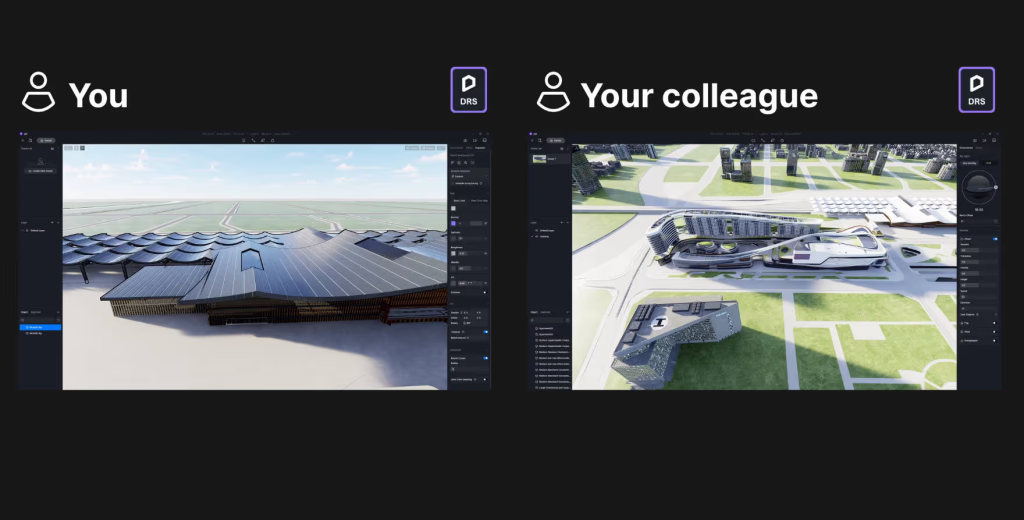
When completing the two parts, you can merge them into one.
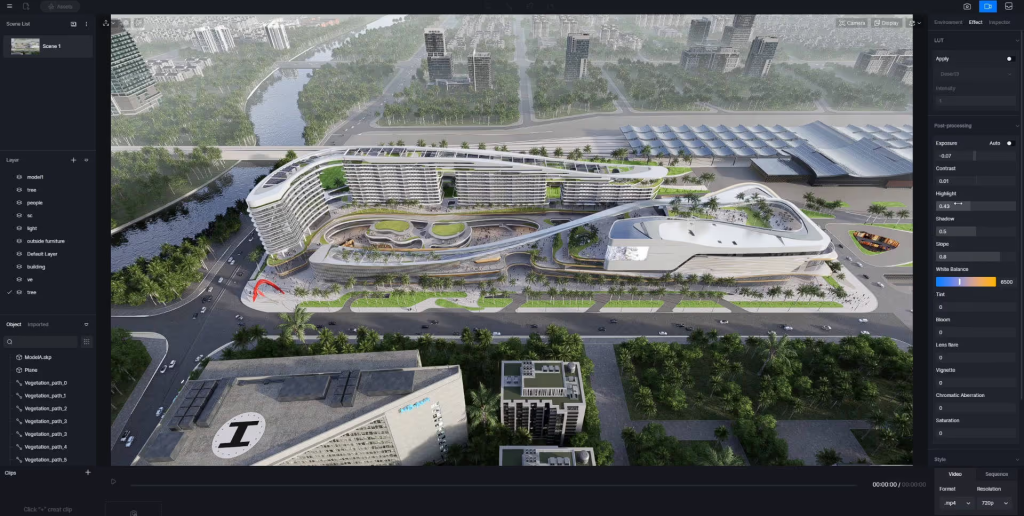
How to Use Merge Project
Please first go to Menu > Preference > Widgets and turn “Merge Project” on.
After importing the divided models into D5 Render, save the scene file and create as many copies as your team needs. Then, you and your colleagues can simultaneously work on different scene files. Remember to delete irrelevant parts of each scene file and save them.
Now, you are all set to merge projects.
Go to the D5 welcome page > Recent and click the icon in the upper right corner.
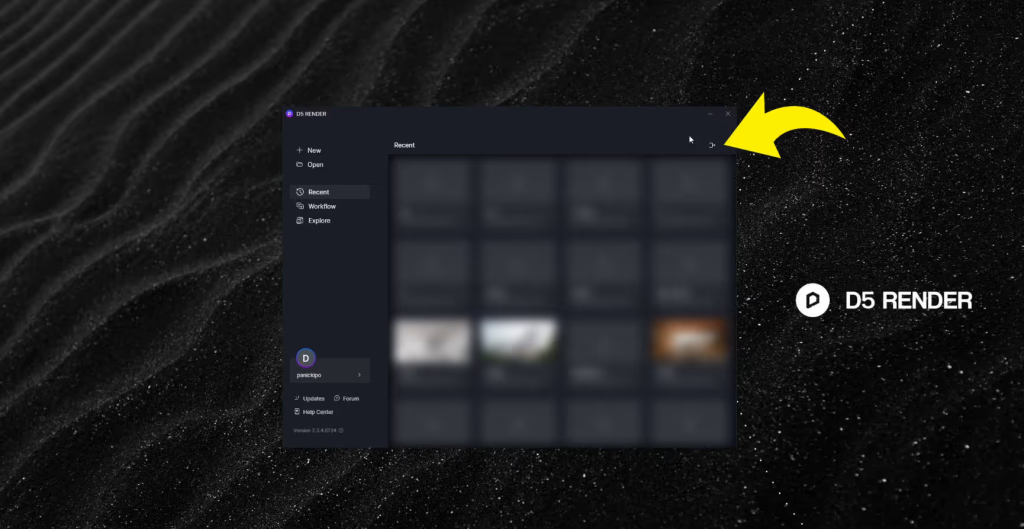
Add the projects you need to merge.
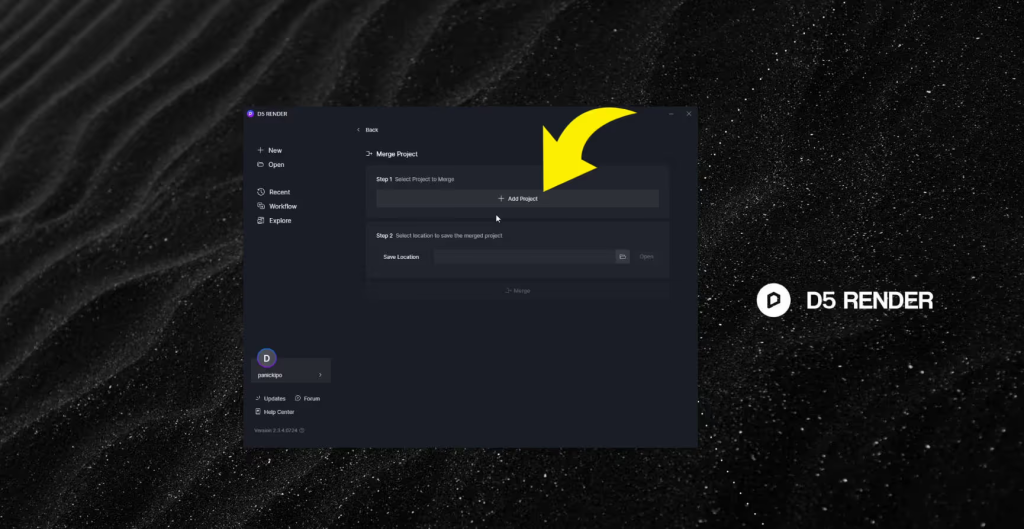
Here you will see that D5 Render can merge imported models, nature models, light sources, and other D5 assets, scene lists, video clips, and render queues.
You can merge all or some of them.
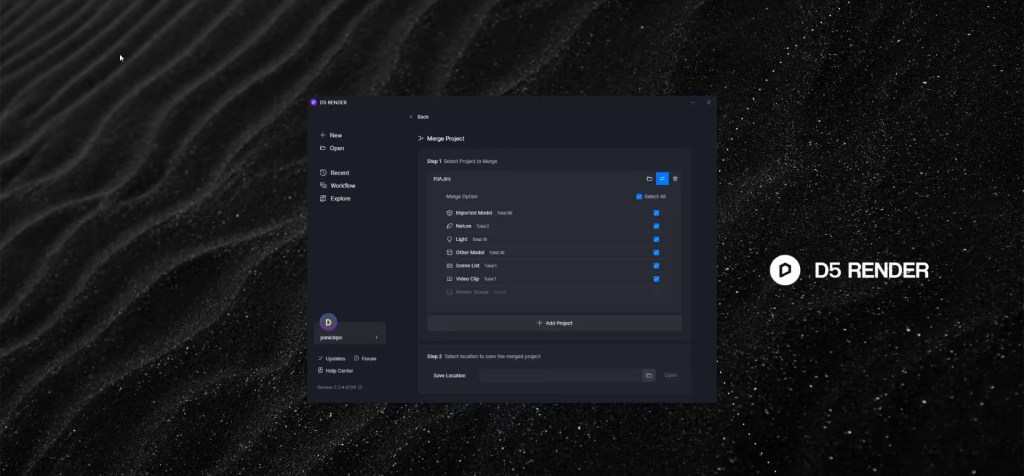
Finally, choose the file path where you want to save the project and start merging.
It’s very fast to combine these projects together in D5. So, no need to worry about wasting time waiting.
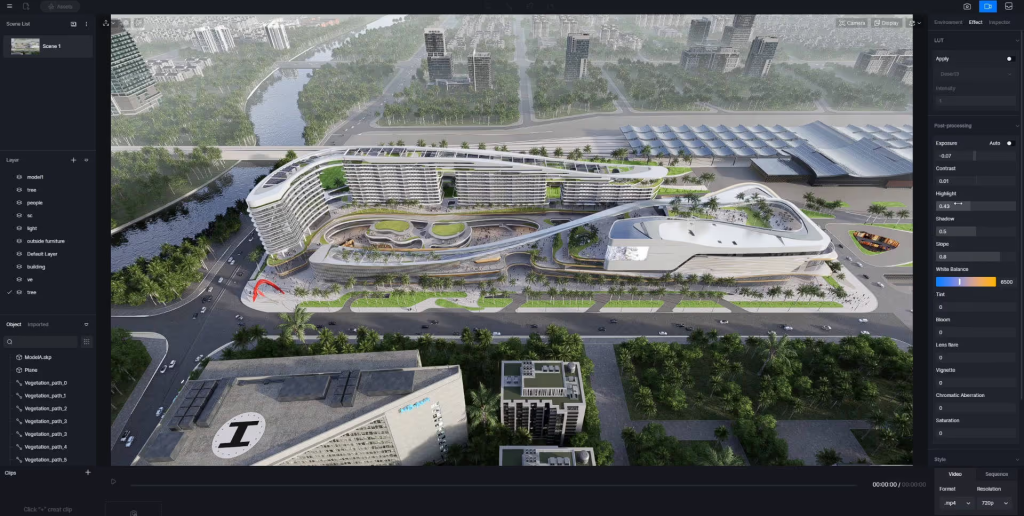
Now, you can set post-processing effects as you need or output high-quality animations.
Powered by D5’s real-time rendering solution, everything is visualized on the fly.


 English
 Español
 Français
 한국어
한국어 日本語
日本語