最終更新

2025年8月7日

読書時間

3分で読める

共有

この記事では

ガラス素材をレンダリングする方法

Table of content

  • Adjustable parameters of glass material in D5 Render
  • How to make fluted glass
  • How to make black-tinted glass
  • How to make frosted glass
  • Rendering showcase

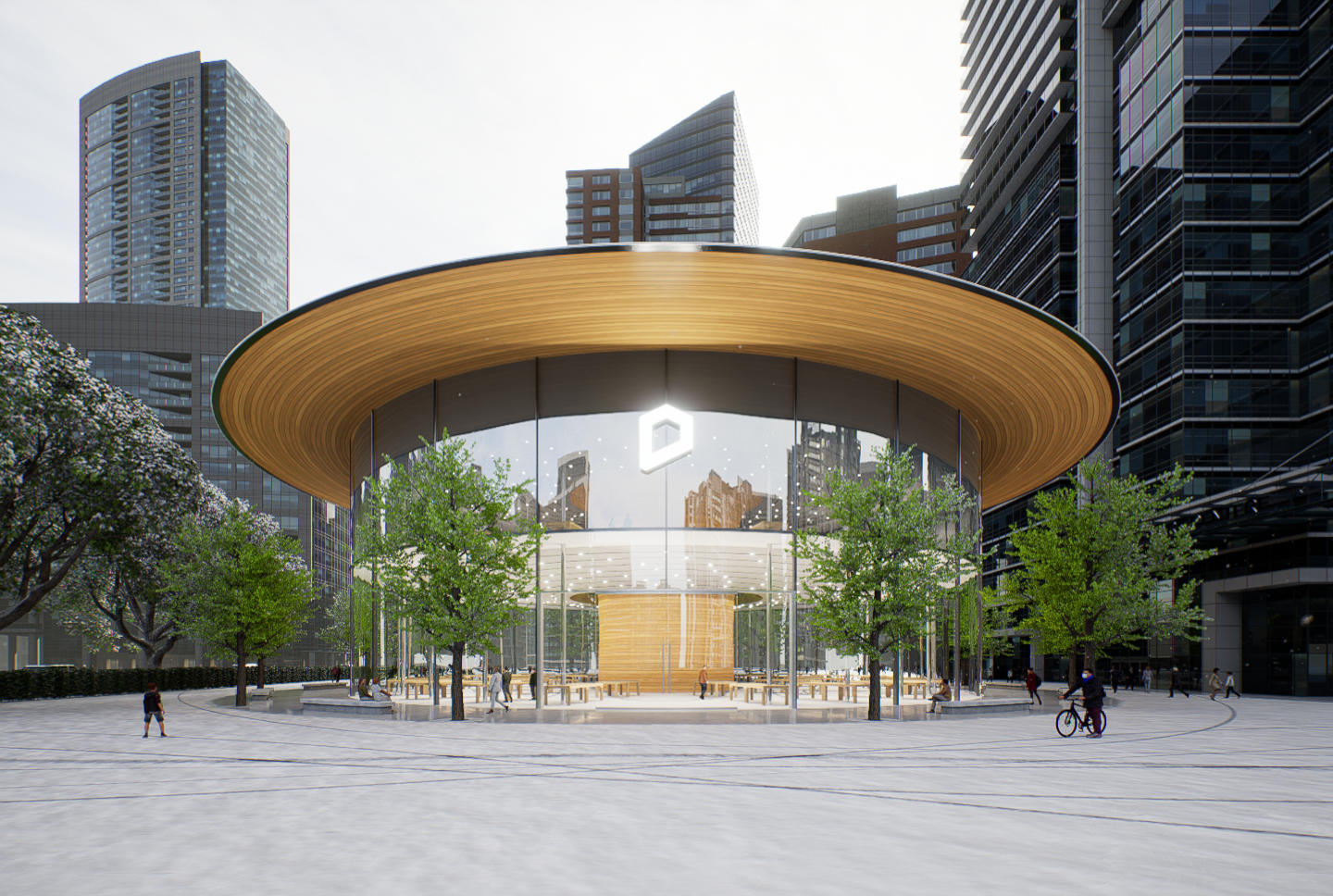
Glass is one of the most common materials in modern architecture/interior design. It is like a bridge connecting the exterior and interior spaces. Though creating beautiful glasses with clear reflection and refraction might be hard in traditional rendering engines, it’s actually a piece of cake in D5 Render.

In this article, we are going to introduce in detail how you can make the glass material you need in D5.

Adjustable parameters of D5 glass material

Thickness

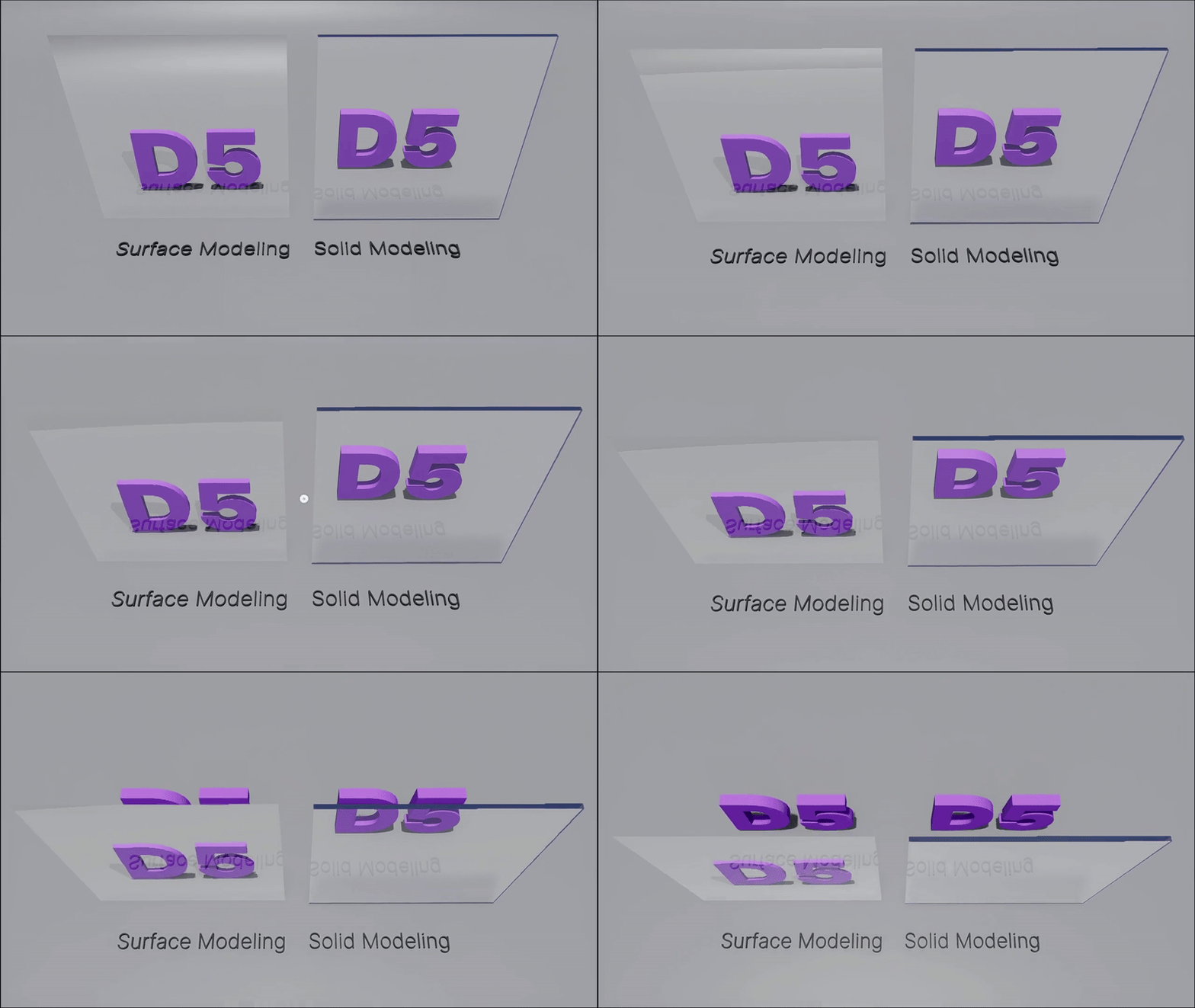
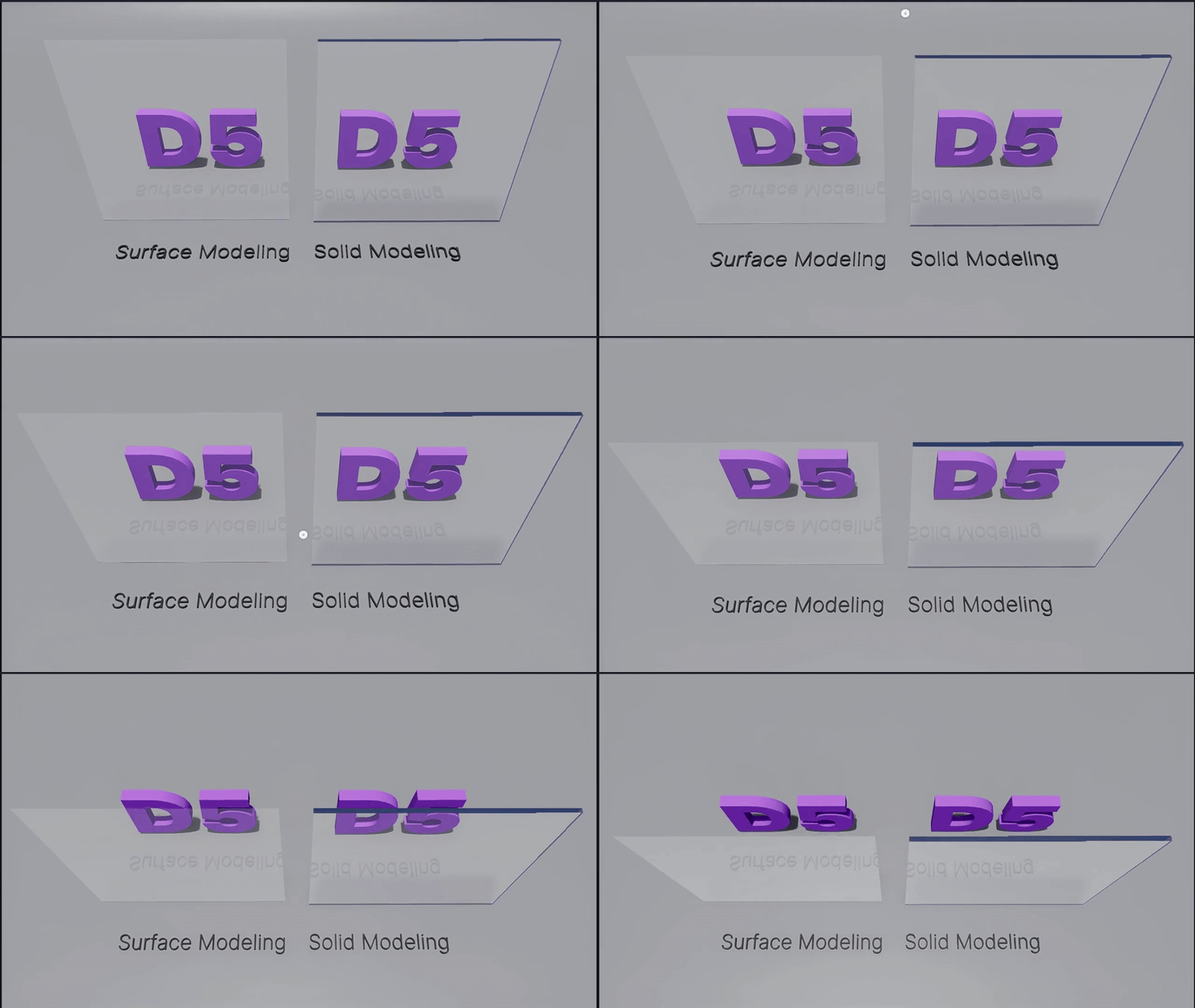
Basically, there are two ways of modeling: one is solid-modeling, which means building models in a geometrically correct way; the other is surface-modeling with only visible facets in order to keep the model file light.

When glass materials are applied onto the latter, they may have incorrect refractions. To fix this, you don’t need to model in DCC software again. Turn on the “Thickness” option in D5 Render instead. The glass will immediately have a correct refraction, which is quite convenient.

ガラス素材をレンダリングする方法
Thickness off
ガラス素材をレンダリングする方法
Thickness on

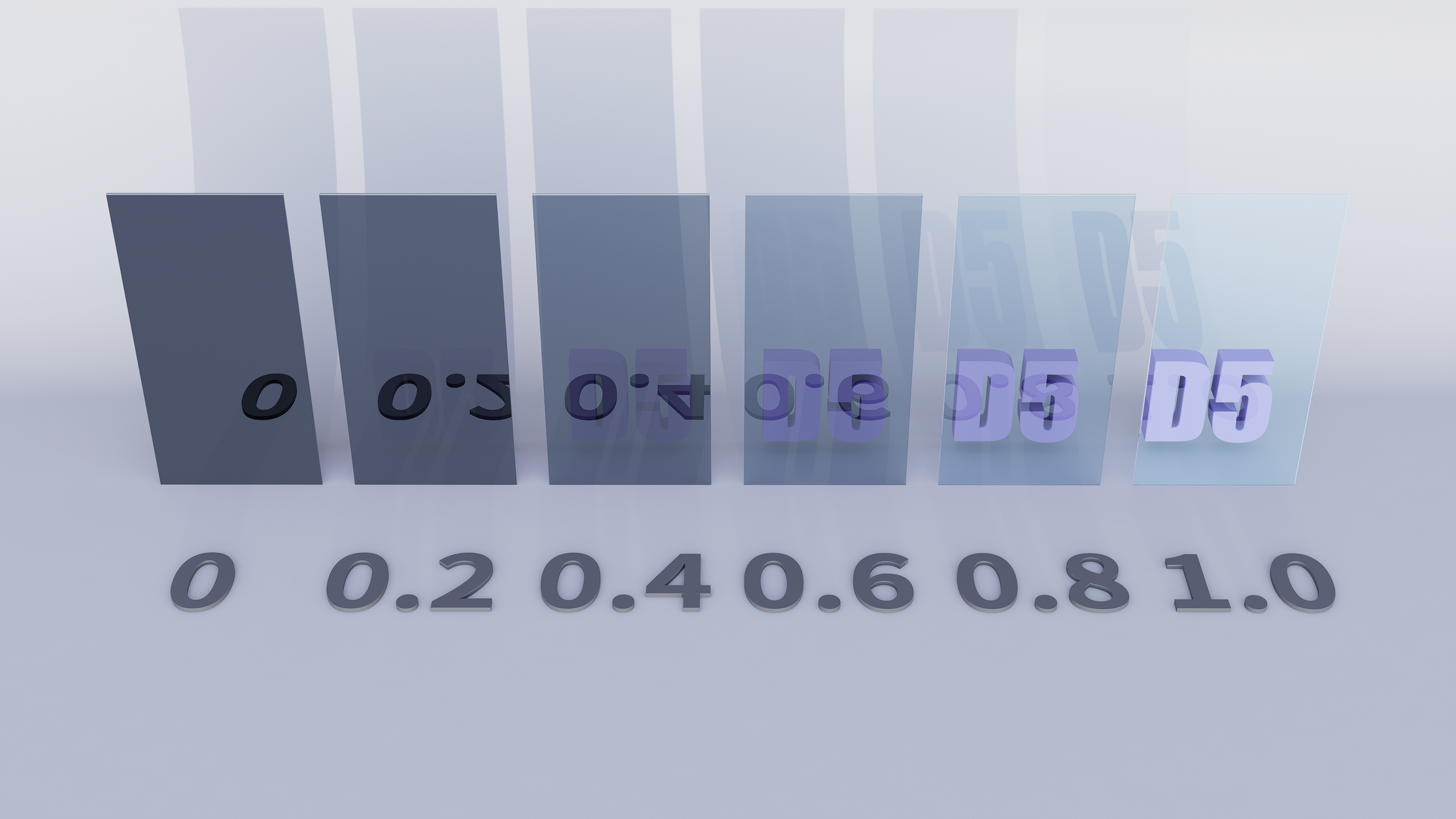
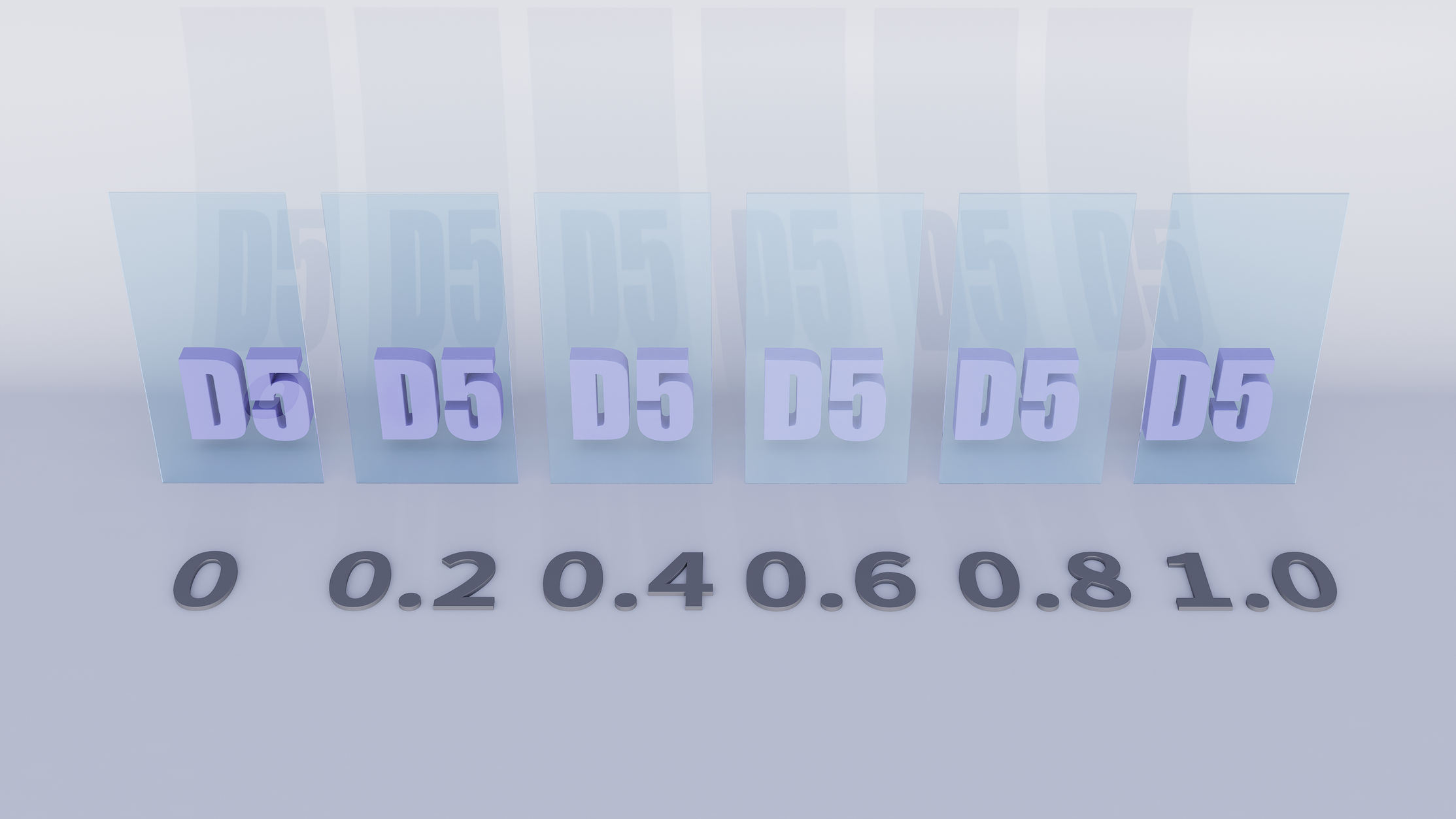
Transparency

By adjusting Transparency, you can decide how much light can pass through the glass material.

ガラス素材をレンダリングする方法

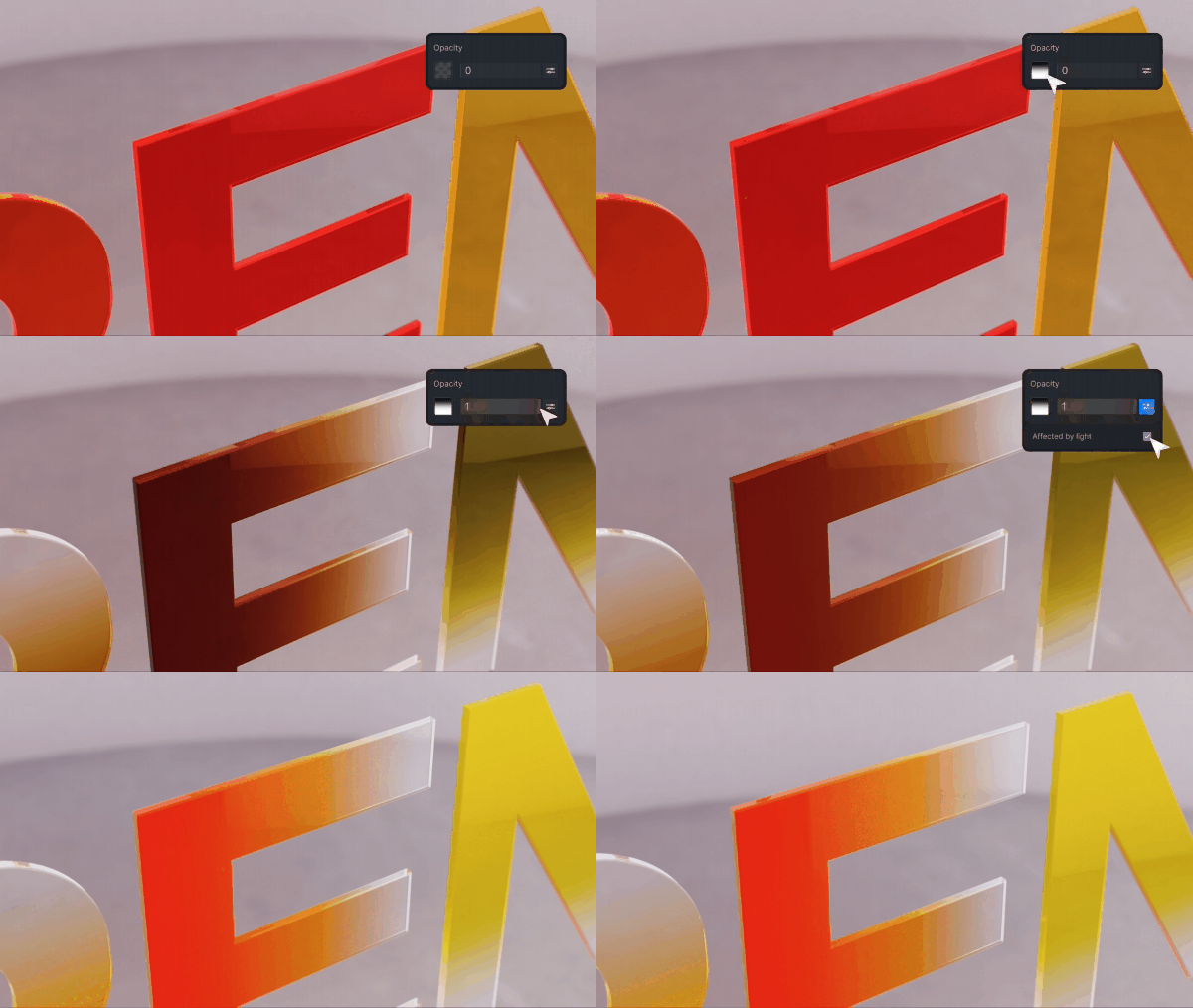
Achieve stunning effects like colored gradient glass by enabling the ‘Affected by Light’ option. Adjusting the opacity value and using black-and-white maps to control the opacity pattern allows for dynamic light interaction.

ガラス素材をレンダリングする方法

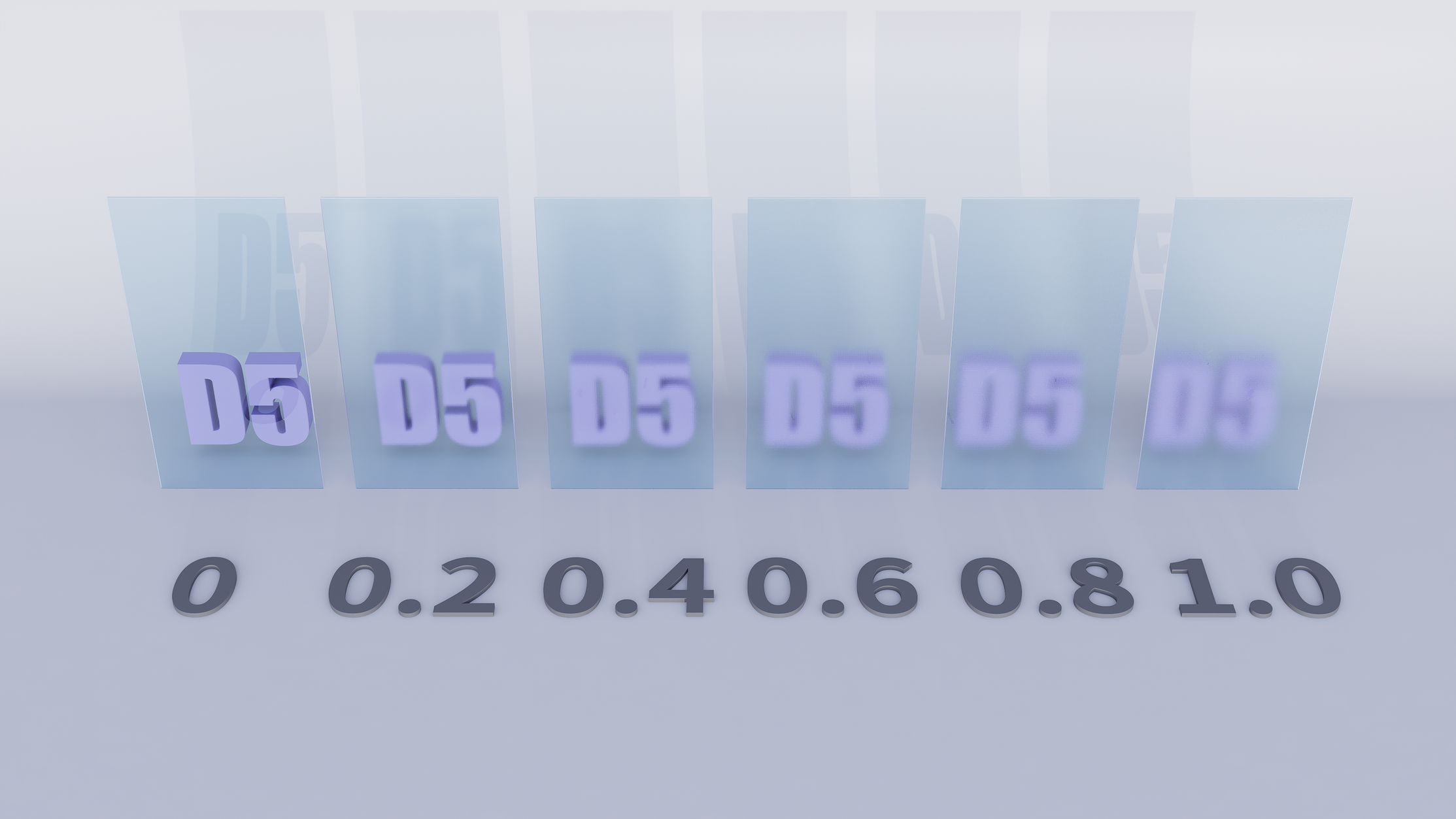
粗さ

It controls how smooth the glass surface is.

ガラス素材をレンダリングする方法

For now, the effect of frosted glass made with Roughness may not be evident. So we’ll introduce a method of making it in the later part of “how to make frosted glass”.

ガラス素材をレンダリングする方法

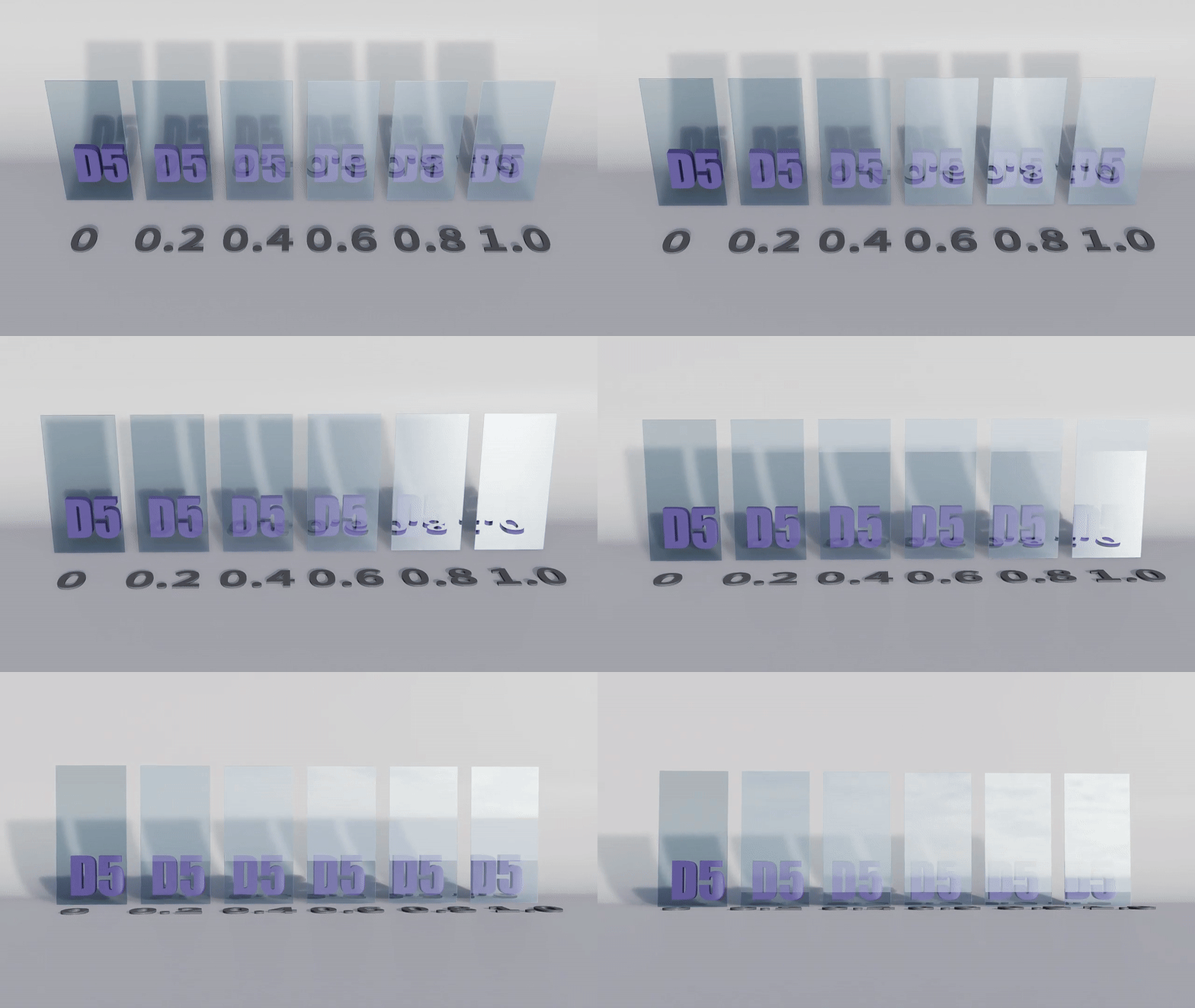
Specular

The Specular parameter influences how much light will be reflected by the glass material.

ガラス素材をレンダリングする方法

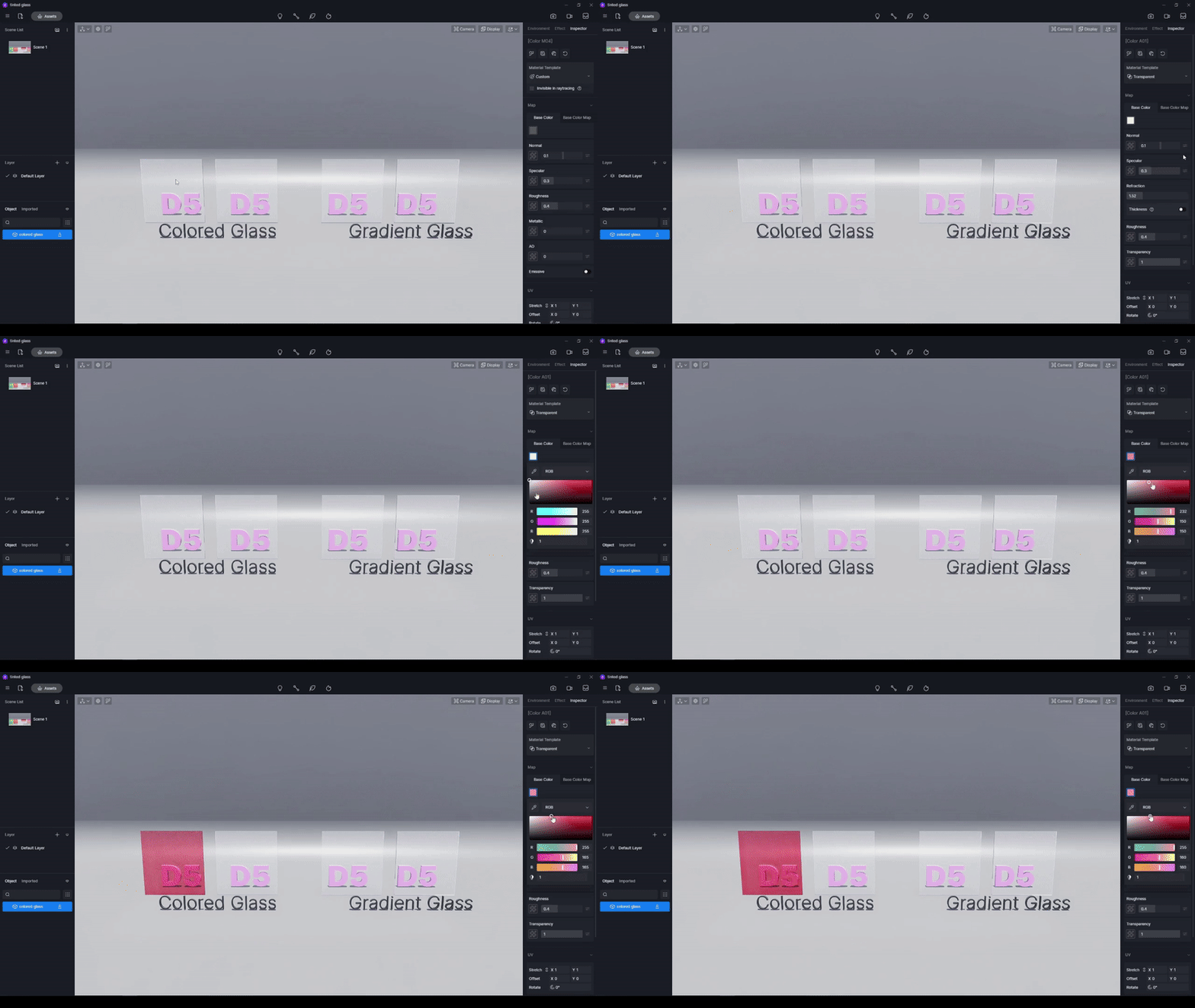
Color

You can create solid-colored glasses by changing the base color, or gradient-colored glasses with a map.

ガラス素材をレンダリングする方法

How to make fluted glass

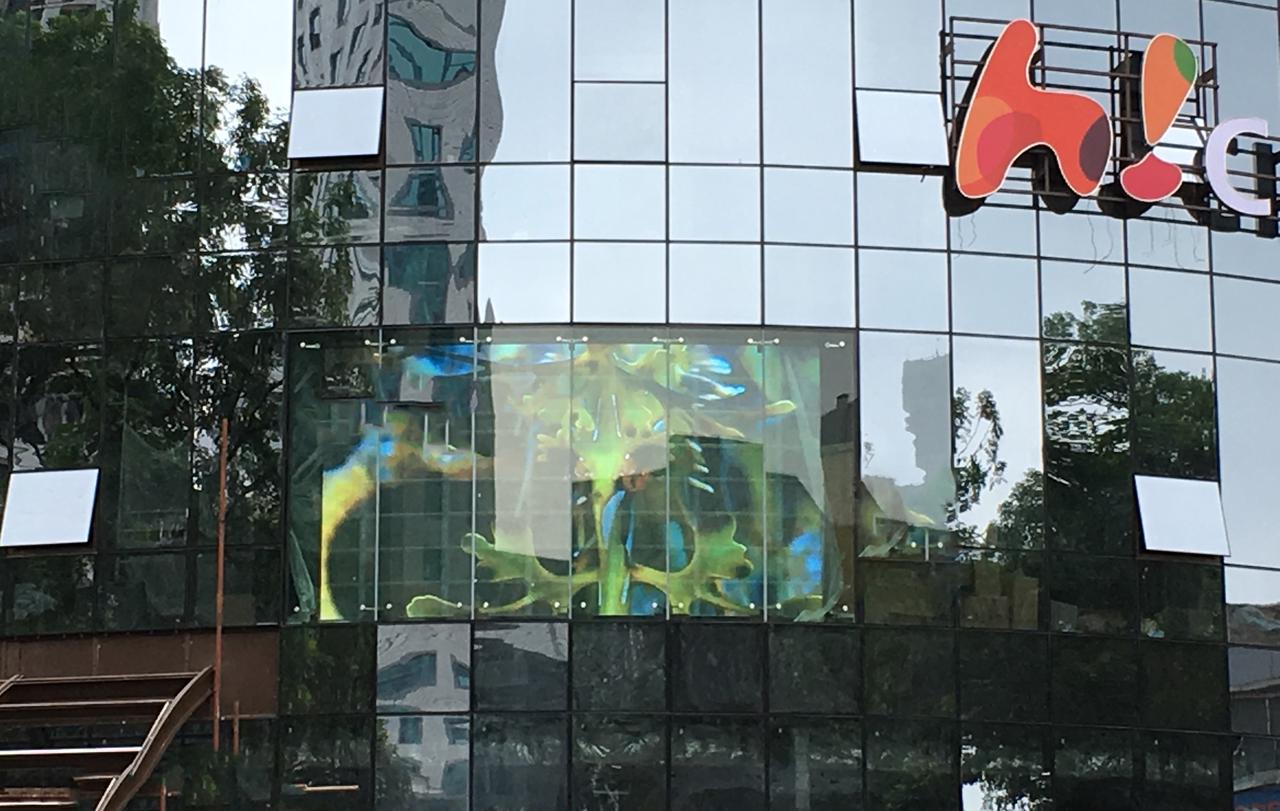
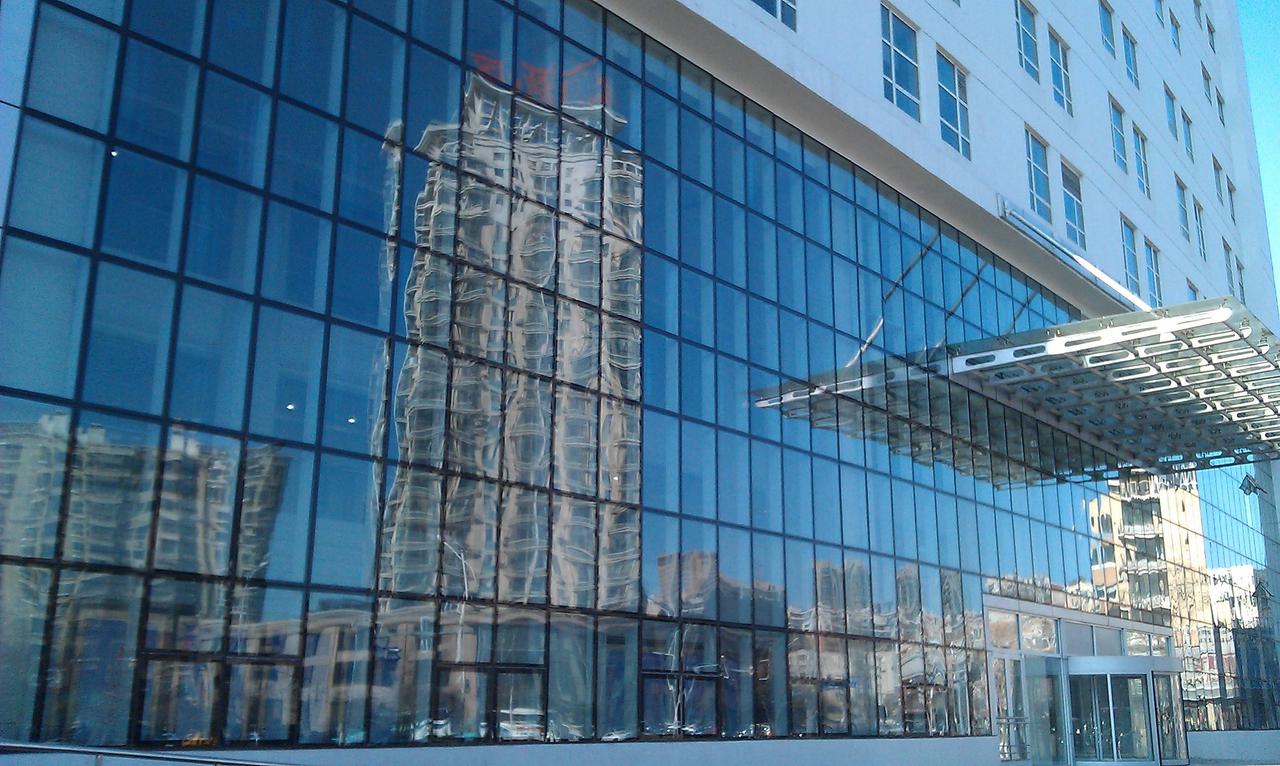
Observing the glass facades in the real world, we can see that they have a reflection looking like waves. That’s because glasses usually have slight bumps on their surface due to the processing technology.

ガラス素材をレンダリングする方法
ガラス素材をレンダリングする方法

So, how to achieve this effect?

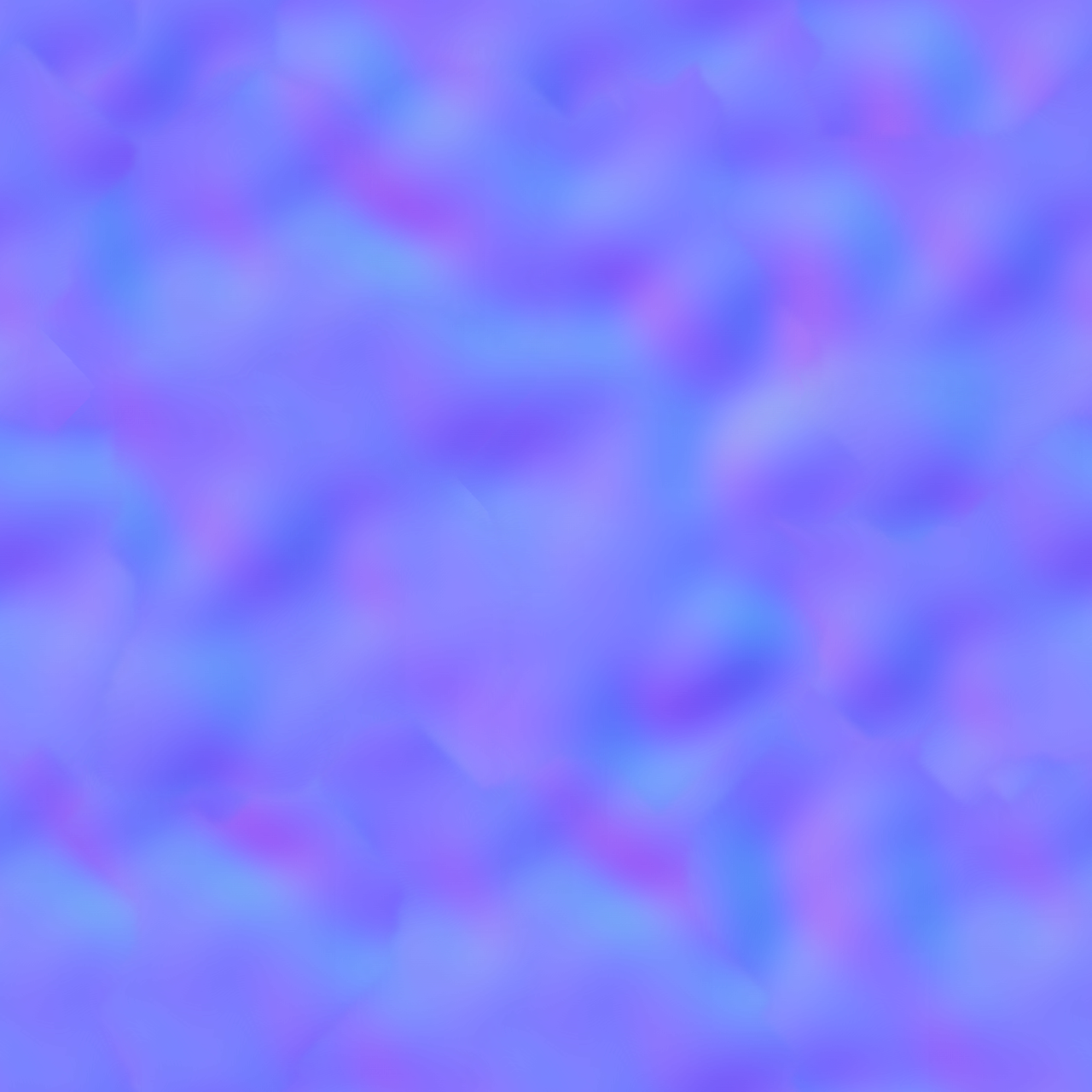
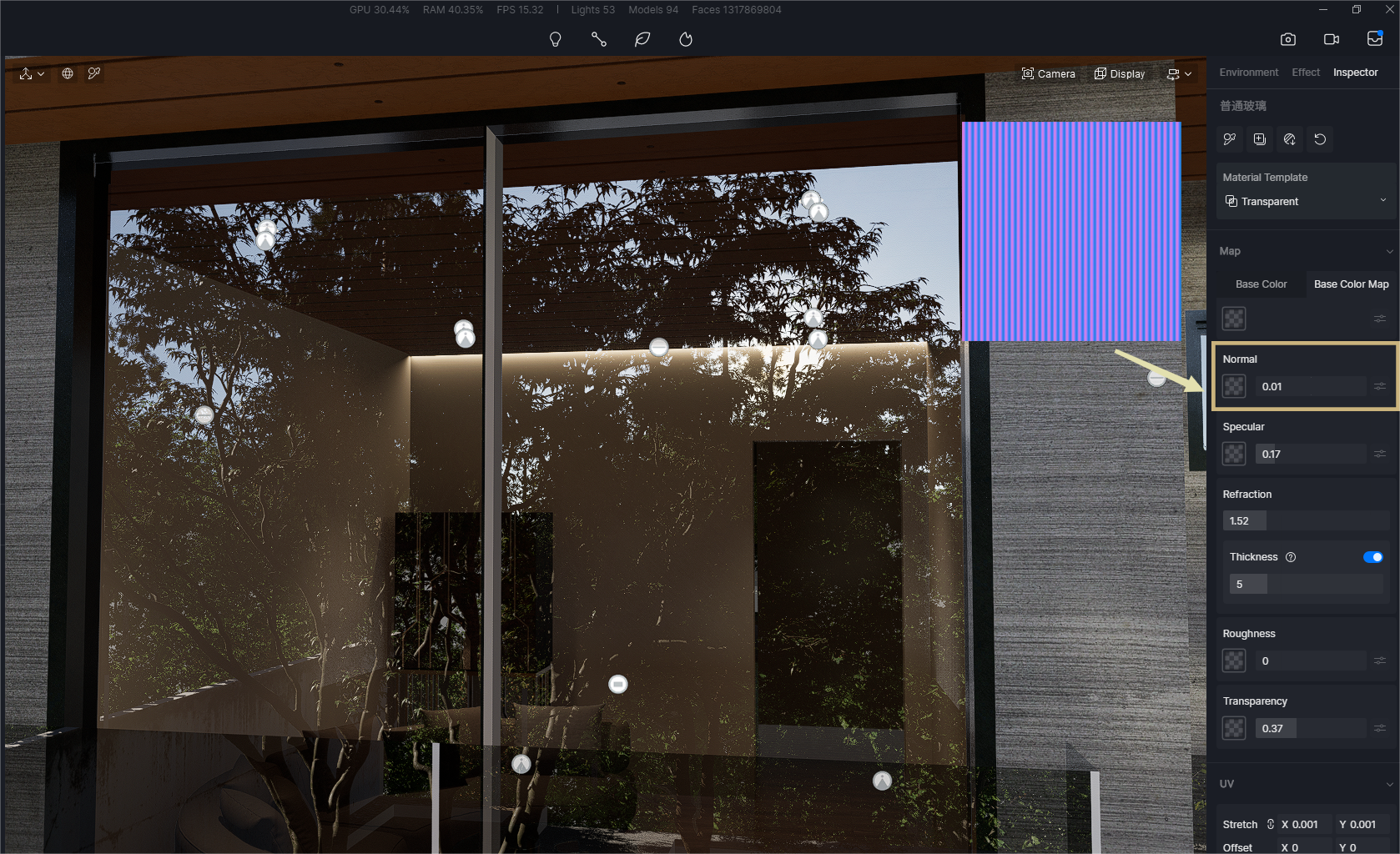
You just need one Normal map.

ガラス素材をレンダリングする方法

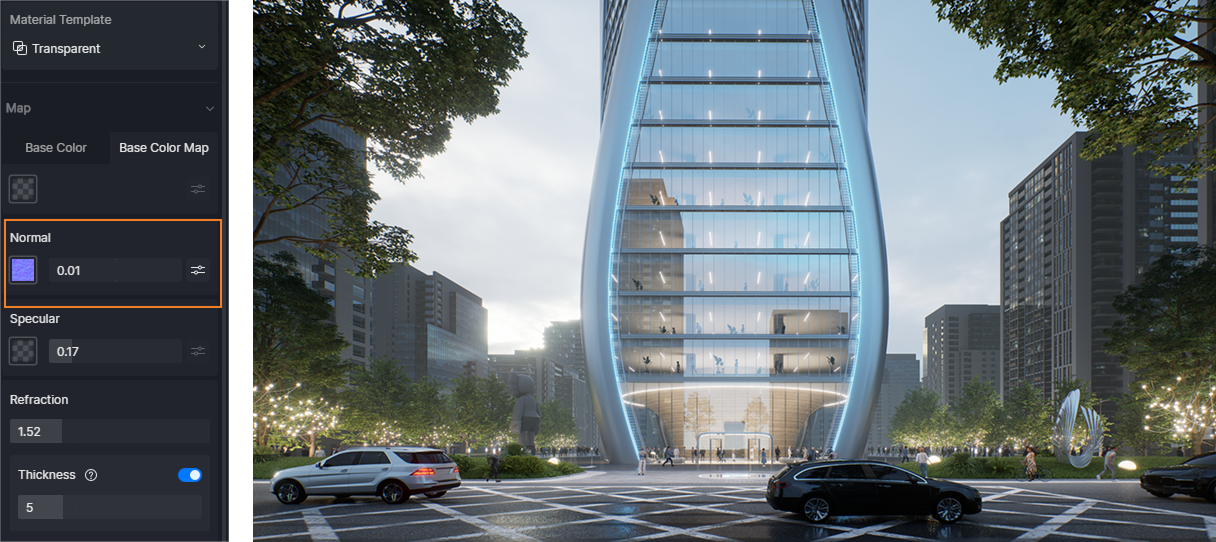
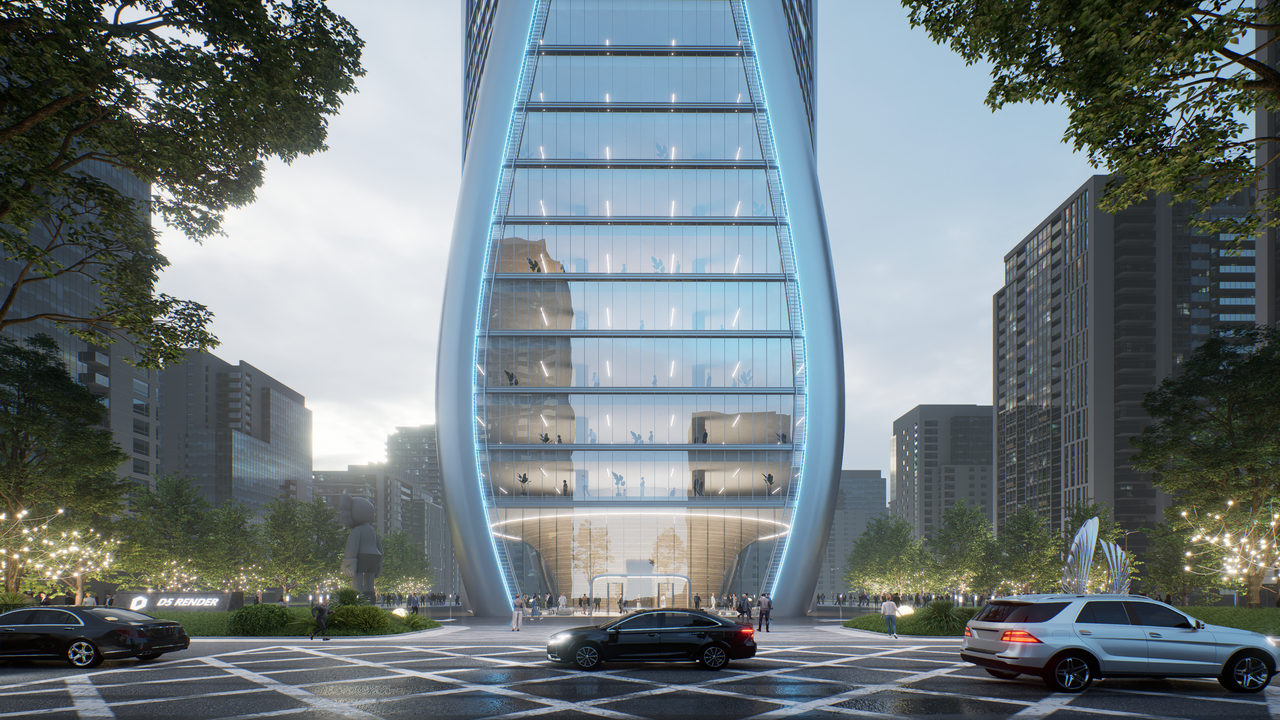
Take this building for example. To simulate those wavy reflections in glass, you just need to import a Normal map, reduce its UV value, and increase the Normal Intensity a bit.

ガラス素材をレンダリングする方法
ガラス素材をレンダリングする方法

A normal map can also play magic when you want to make fluted glasses.

ガラス素材をレンダリングする方法
ガラス素材をレンダリングする方法

These tiny changes could be the finishing touch on your scene.

How to make black-tinted glass

ガラス素材をレンダリングする方法

Actually, it’s quite easy to make a gradient glass facade as shown above.

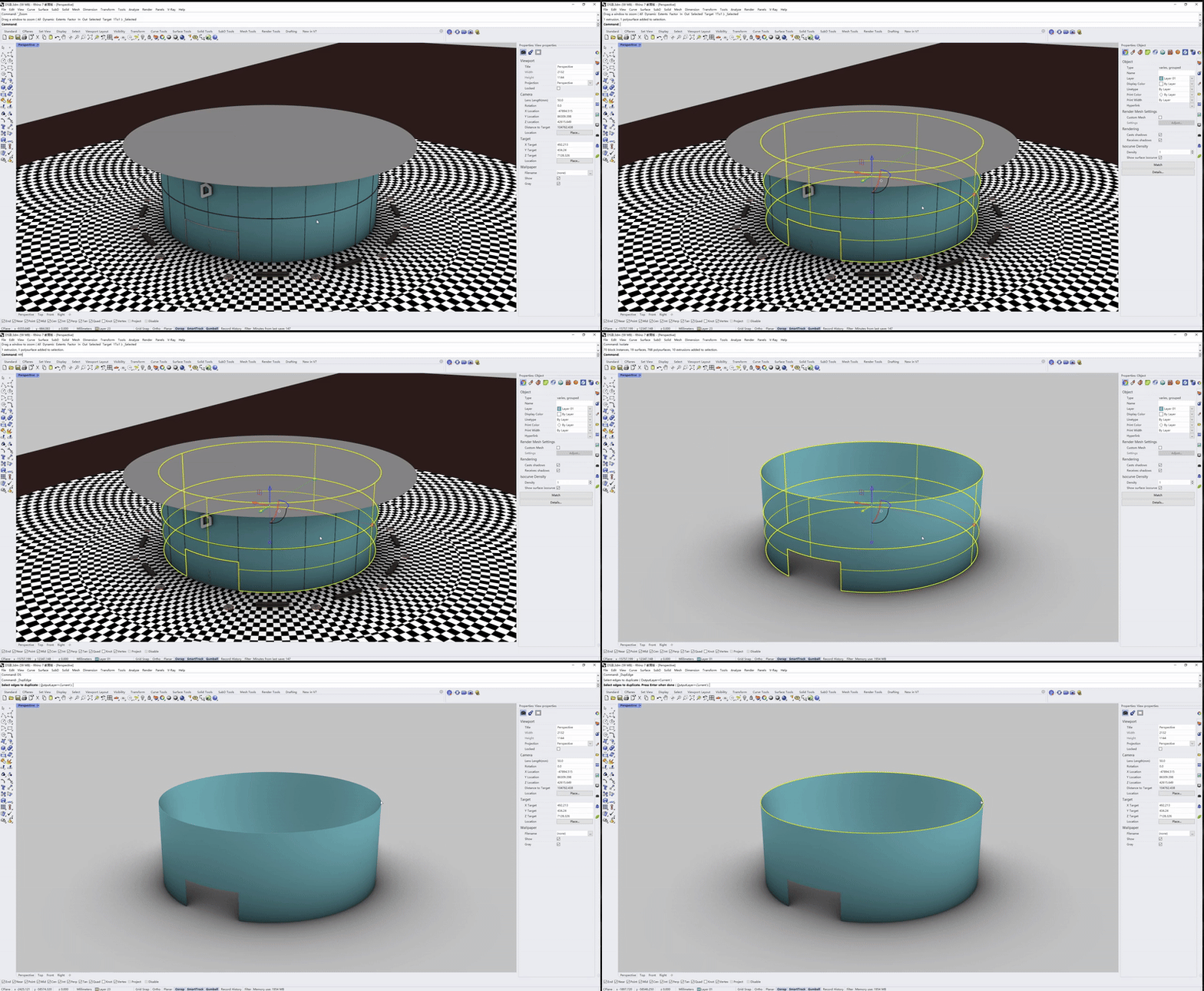
First offset the surface of the facade model. Change the material of the offset surface to Custom with a black-to-white normal map.

ガラス素材をレンダリングする方法

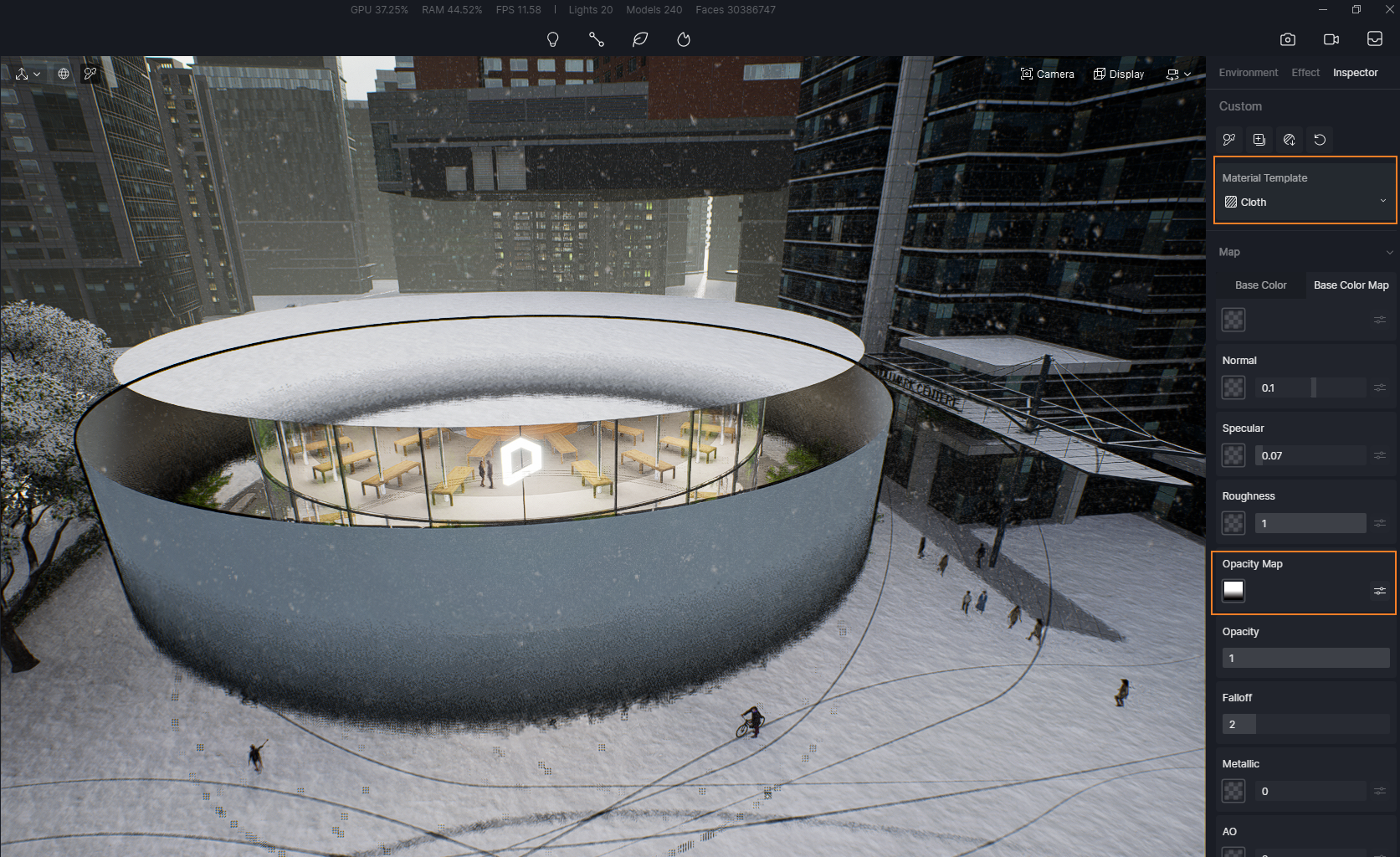
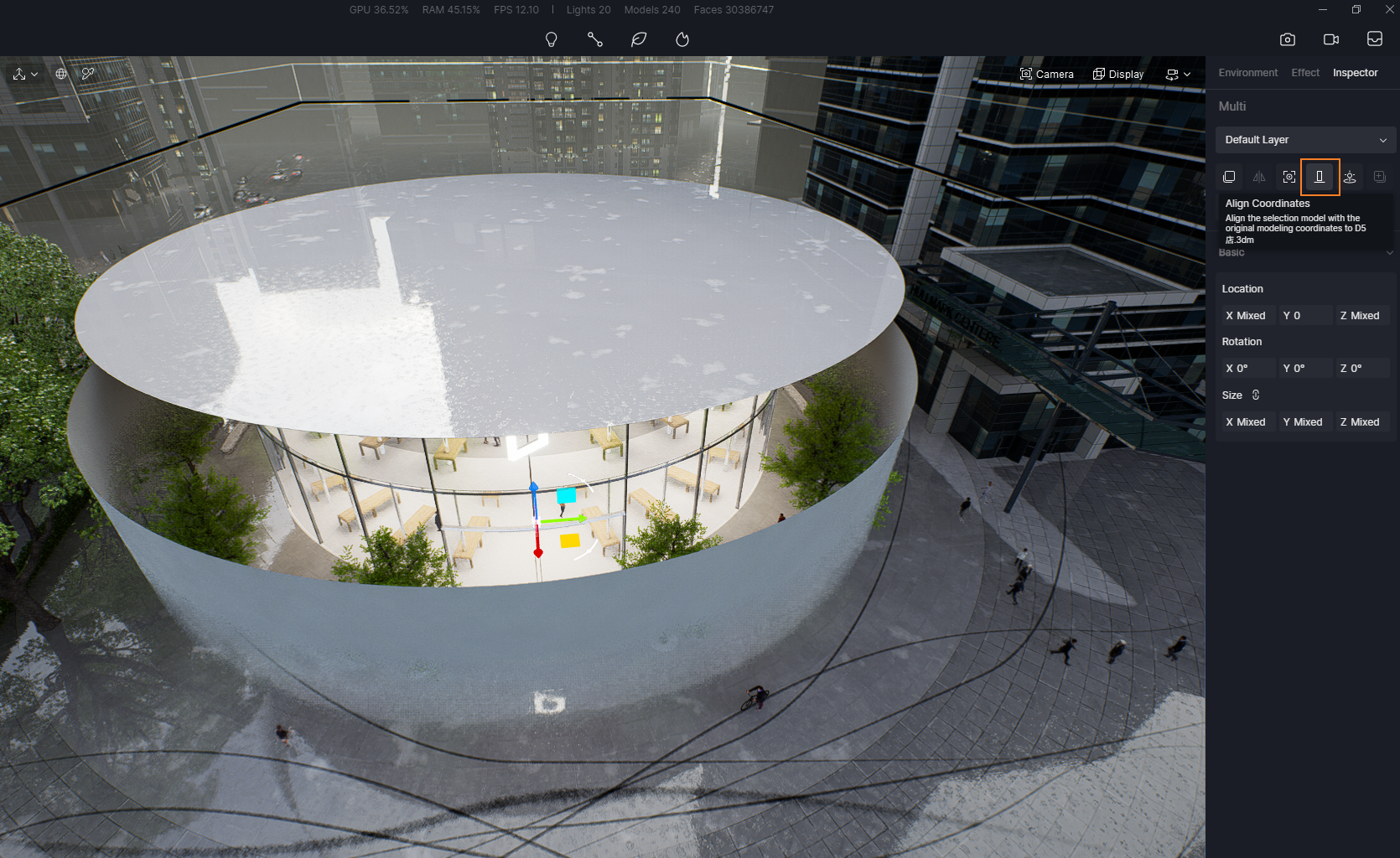
After importing it into D5 Render, you can give the offset surface the texture of Cloth. Then add a black-to-white gradient map into the Opacity column. Align the surface model and the facade model.

ガラス素材をレンダリングする方法
Aligh the surface and the facade model
ガラス素材をレンダリングする方法
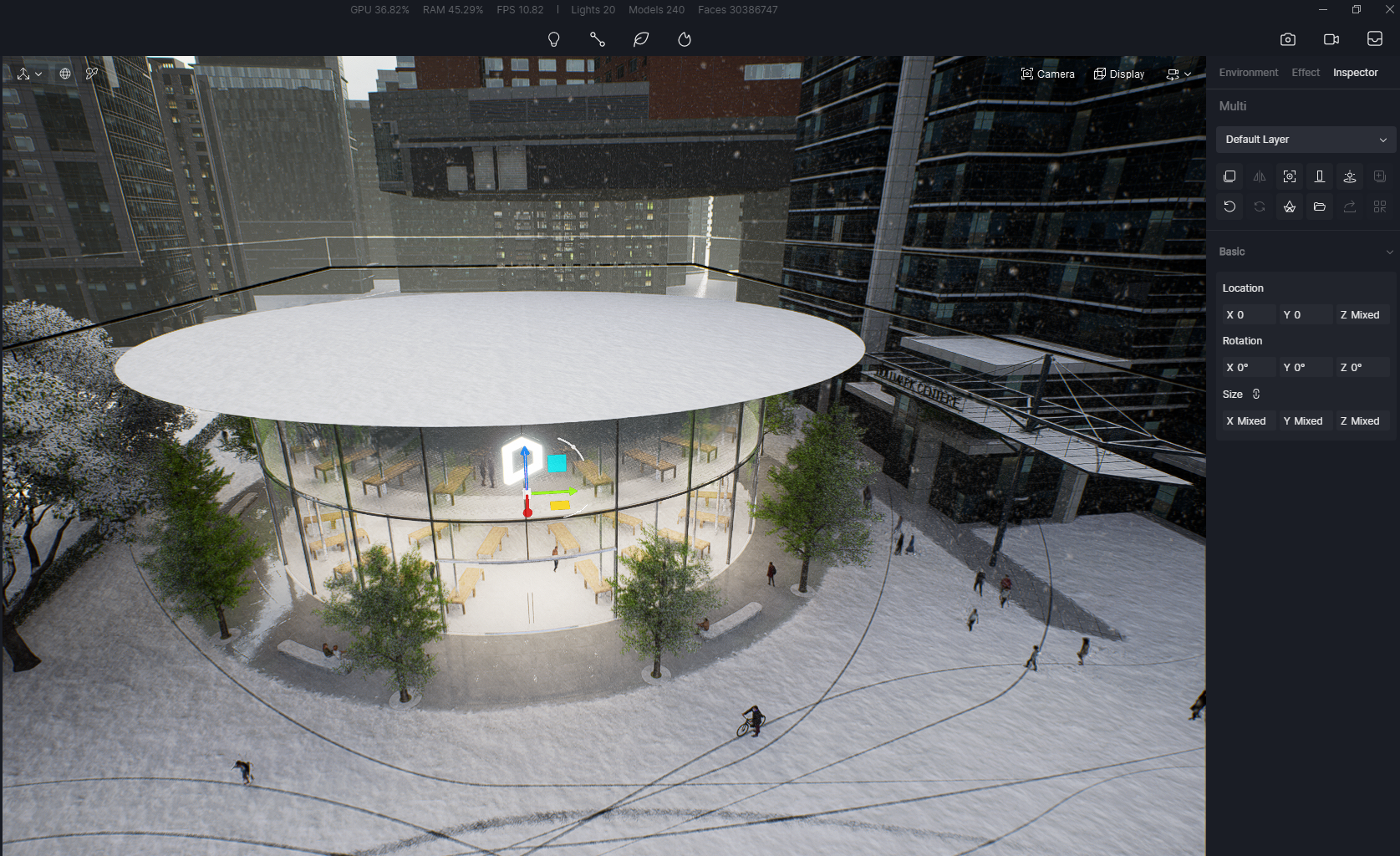
Aligh the surface and the facade model
ガラス素材をレンダリングする方法
Tinted glass

How to make frosted glass

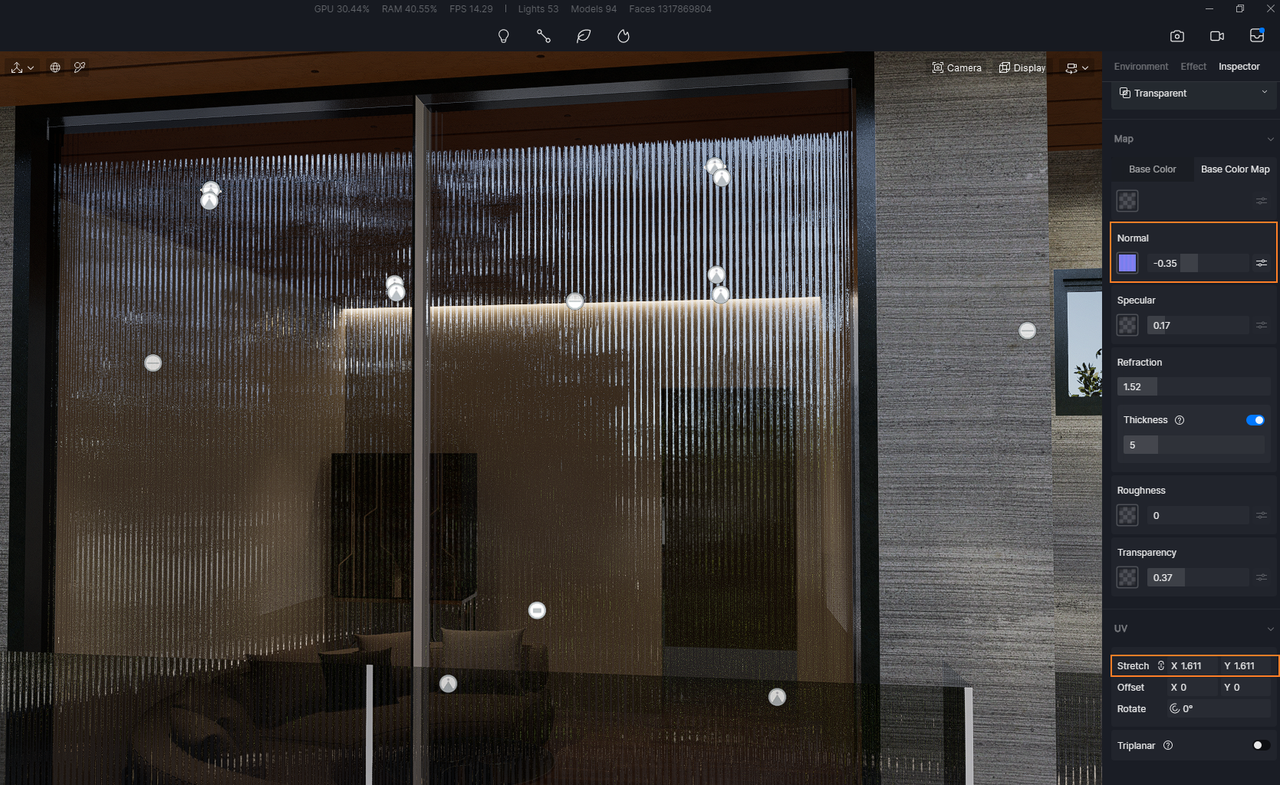
Here’s a trick to make frosted glass in D5 Render:

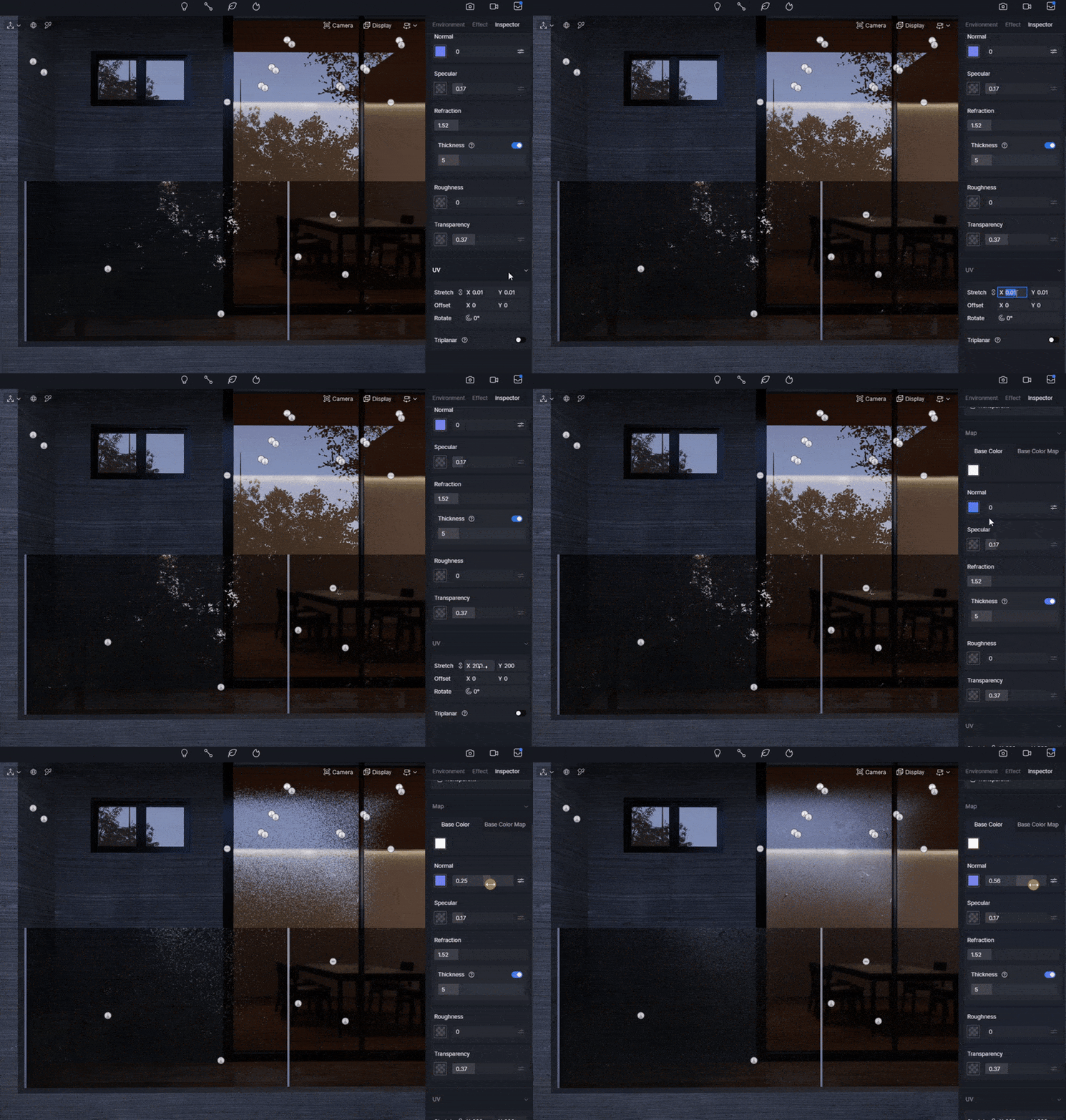
Add a Normal map, stretch its UV and turn up the intensity.

Done! That’s all you need to do.

ガラス素材をレンダリングする方法

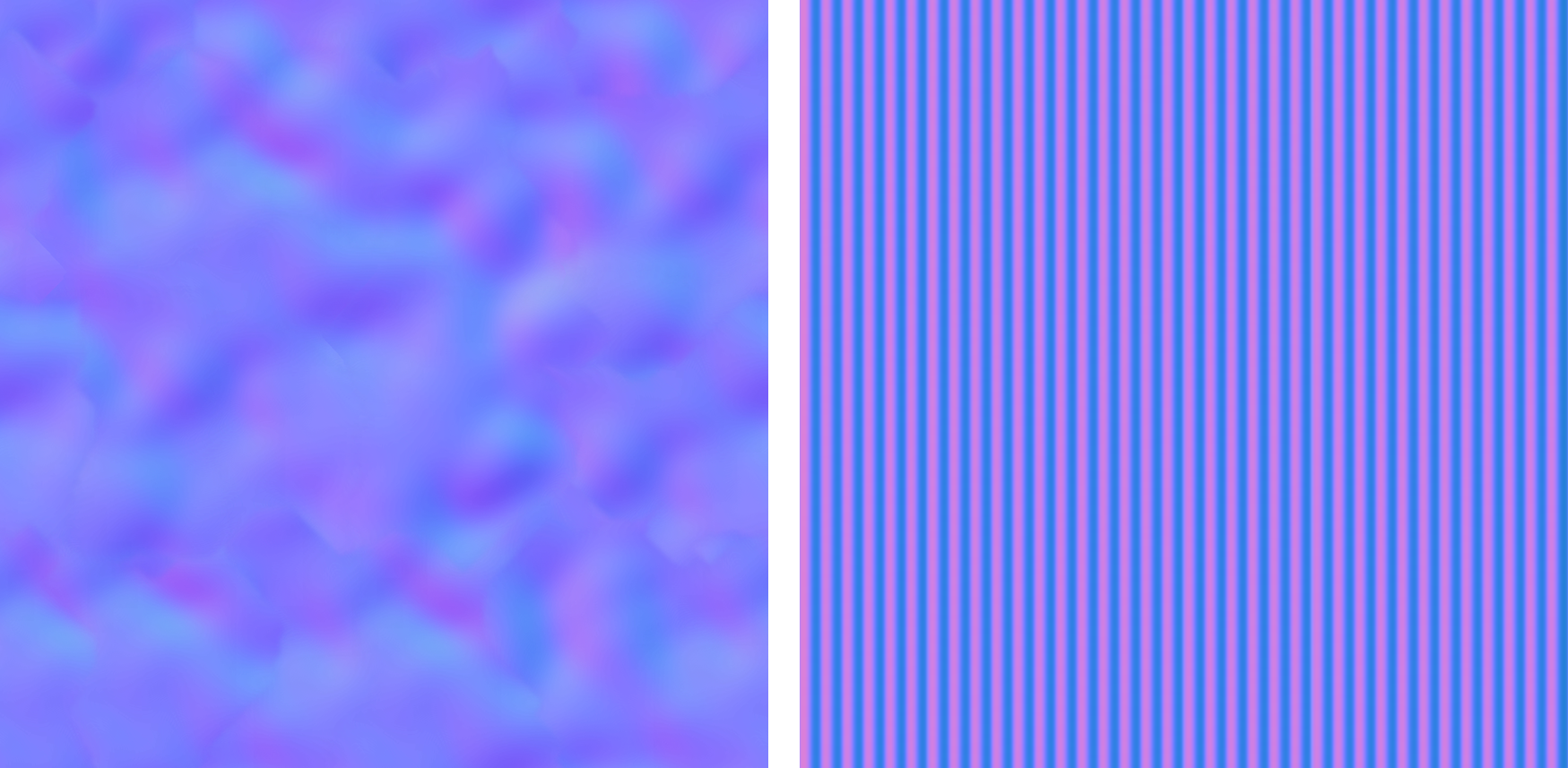
Here’s the Normal map we used in the article:

ガラス素材をレンダリングする方法

こちらもおすすめ

お問い合わせ

お問い合わせ:contact@d5techs.com

マーケティング:marketing@d5techs.com

チーム・ソリューションに関するお問い合わせ:sales@d5techs.com

テクニカルサポート:support@d5techs.com

営業時間月曜日~金曜日、10:00~18:00(GMT +8)