
A proper lighting is always at the top priority when creating a harmonious scene.
There are two commonly used skills: realistic and dramatic lighting. For architectural visualization, we prefer the image/animation to look as close to the real world as possible. Thus natural sunlight is a good choice.
Luckily, you can use Geo&Sky system in D5 Render to simulate the sunlight in any area at any time with ease and pleasure. Just input the location ( longitude, latitude) and time (month, day) info, then D5 Render will create the sunlight you want automatically.Of course, you also have HDRI available to get an actual lighting distribution over the scene.

Adjustable parameters of Geo&Sky
Direction of sunlight
You can control the position of the sun by time, date and geo position. Offset angle can be changed by North Offset as well.
Intensity of sunlight
強度 determines how bright the sunlight will be, affecting the contrast between light and dark.
Shape of shadow
The higher the Sun Disk Radius, the sharper the edge of shadow will look.
ケーススタディ
Geo&Sky is especially helpful when you want to create a twilight scene like this:
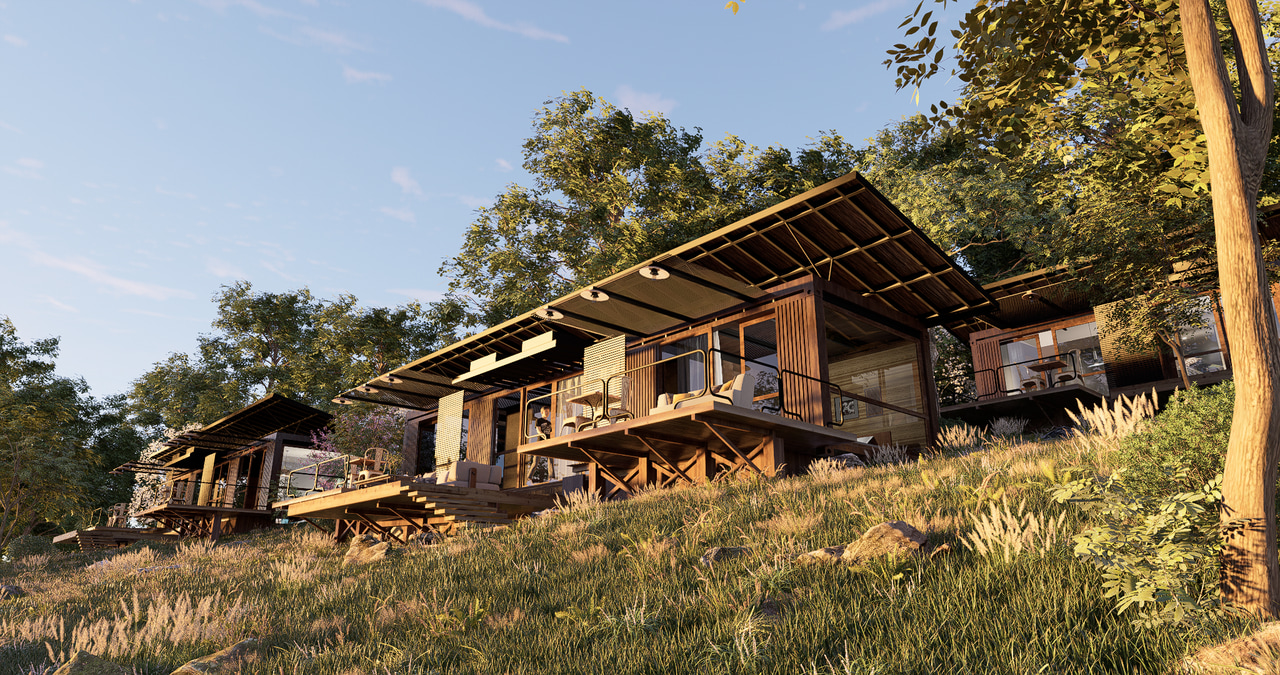
Set the time to evening, which ensures correct color temperature and shadow length.
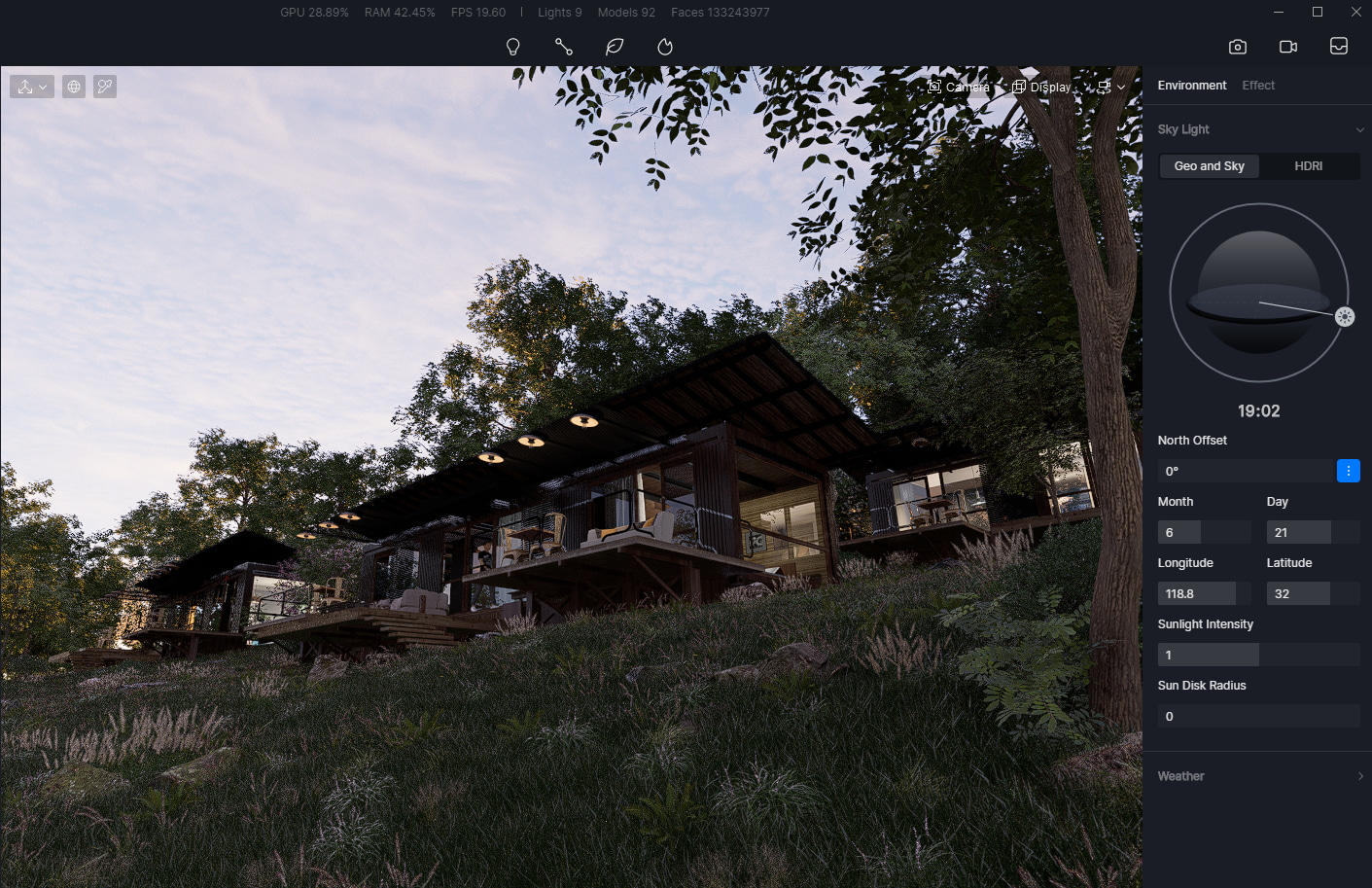
Then adjust North Offset, making sure the building’s main facade faces the sun, so that it can be properly illuminated.
Here is an example of how NOT to set the sun. When the sun is on the side of the building, we can see that the whole building is shrouded in shadow, thus losing many details and looking blurry.
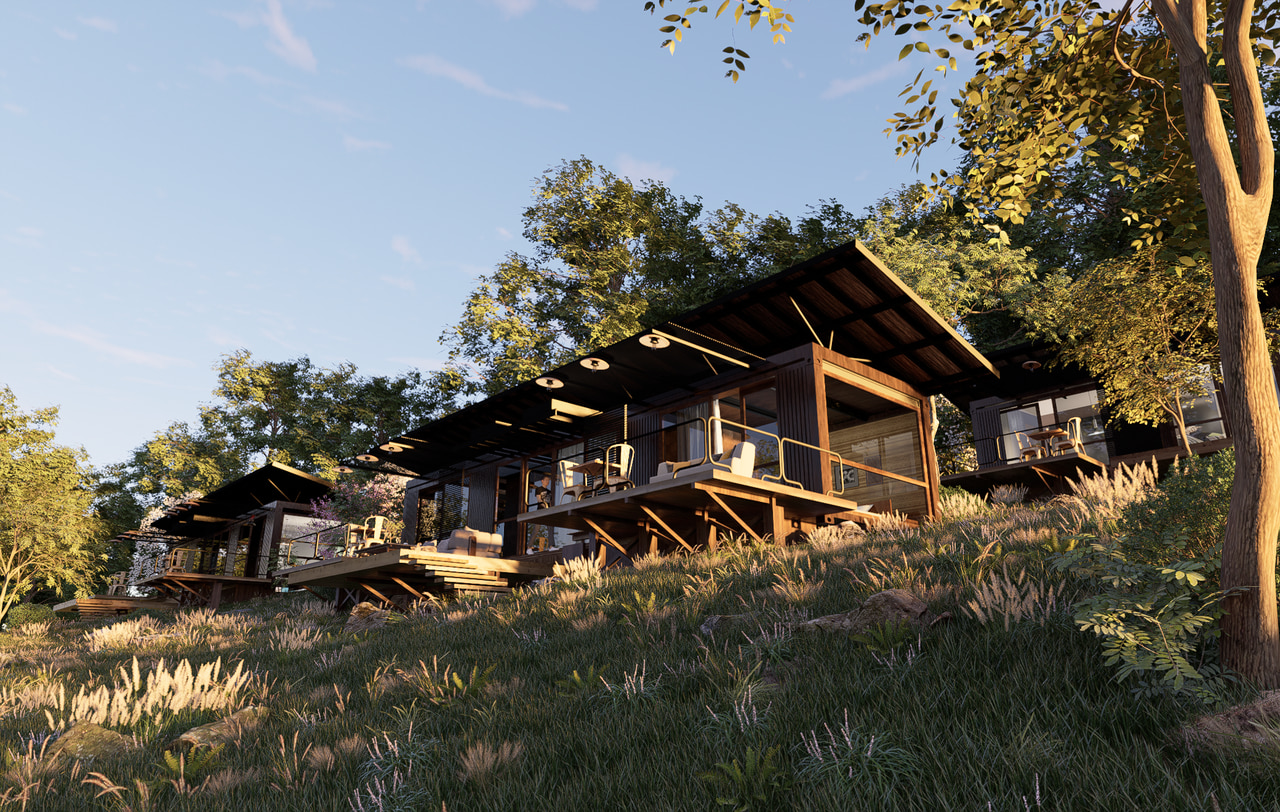
In order to create a relaxing and cozy vibe for this twilight scene, we can pull the Sun Disk Radius higher, making the shadow edge as soft as possible. This step can prevent confusion between twilight and noon. To add a tint of romance, you can turn on clouds which will look pink and purple under the influence of sunlight.
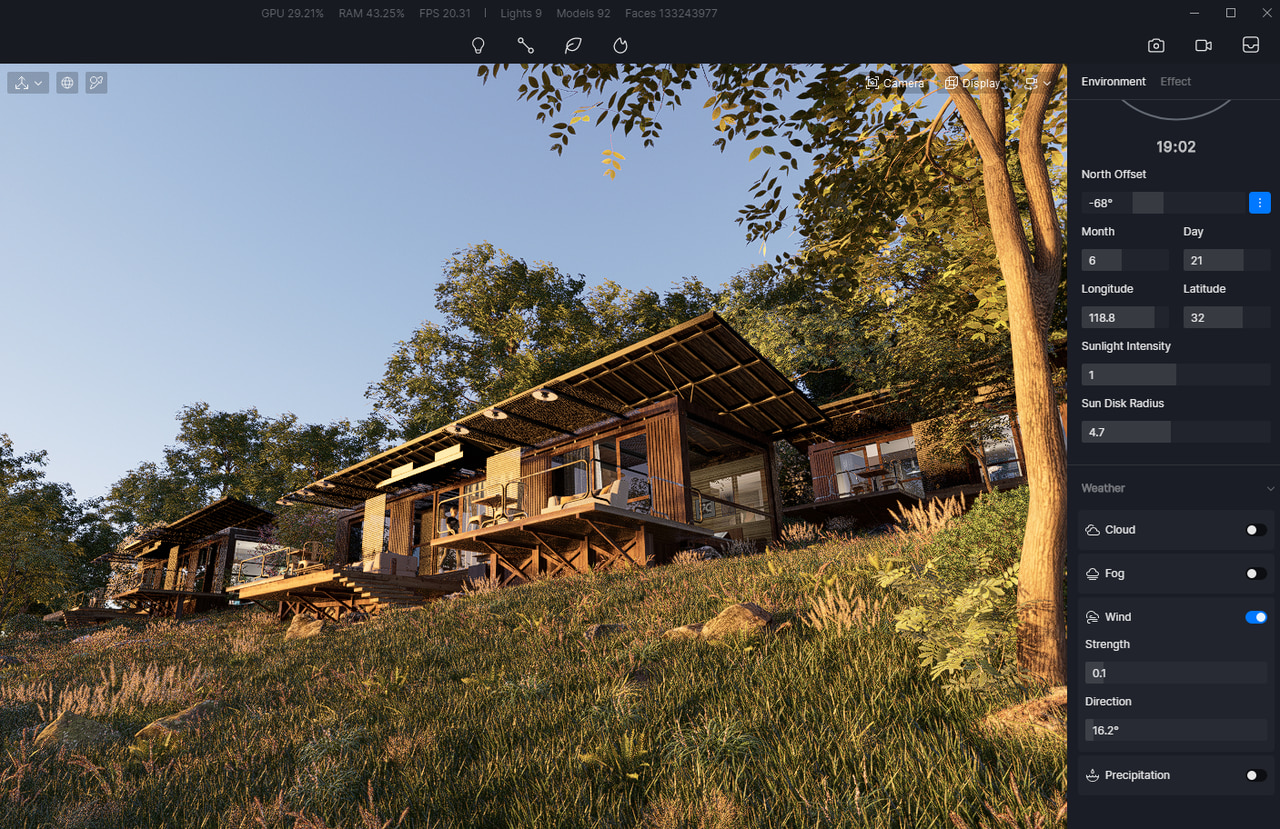
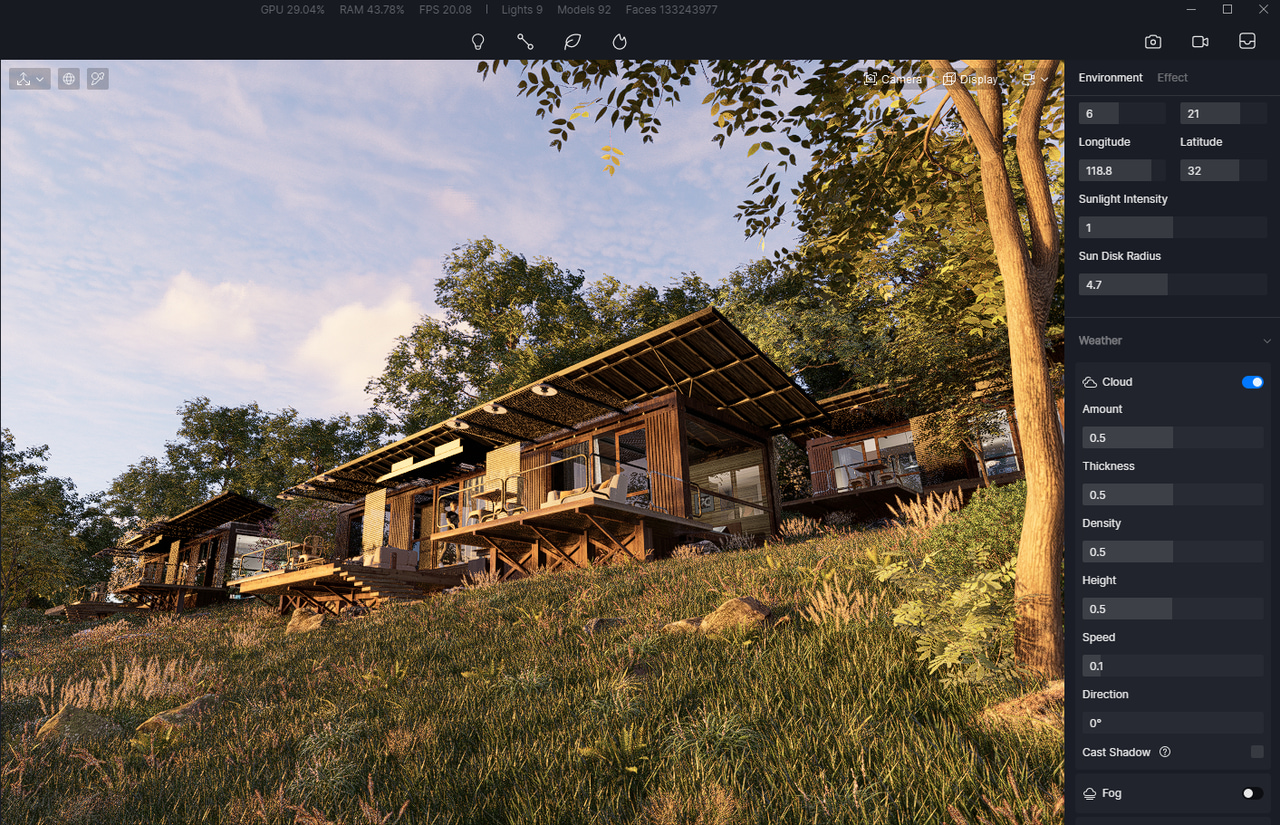
Now you can see how Geo&Sky has improved the quality of the whole image.
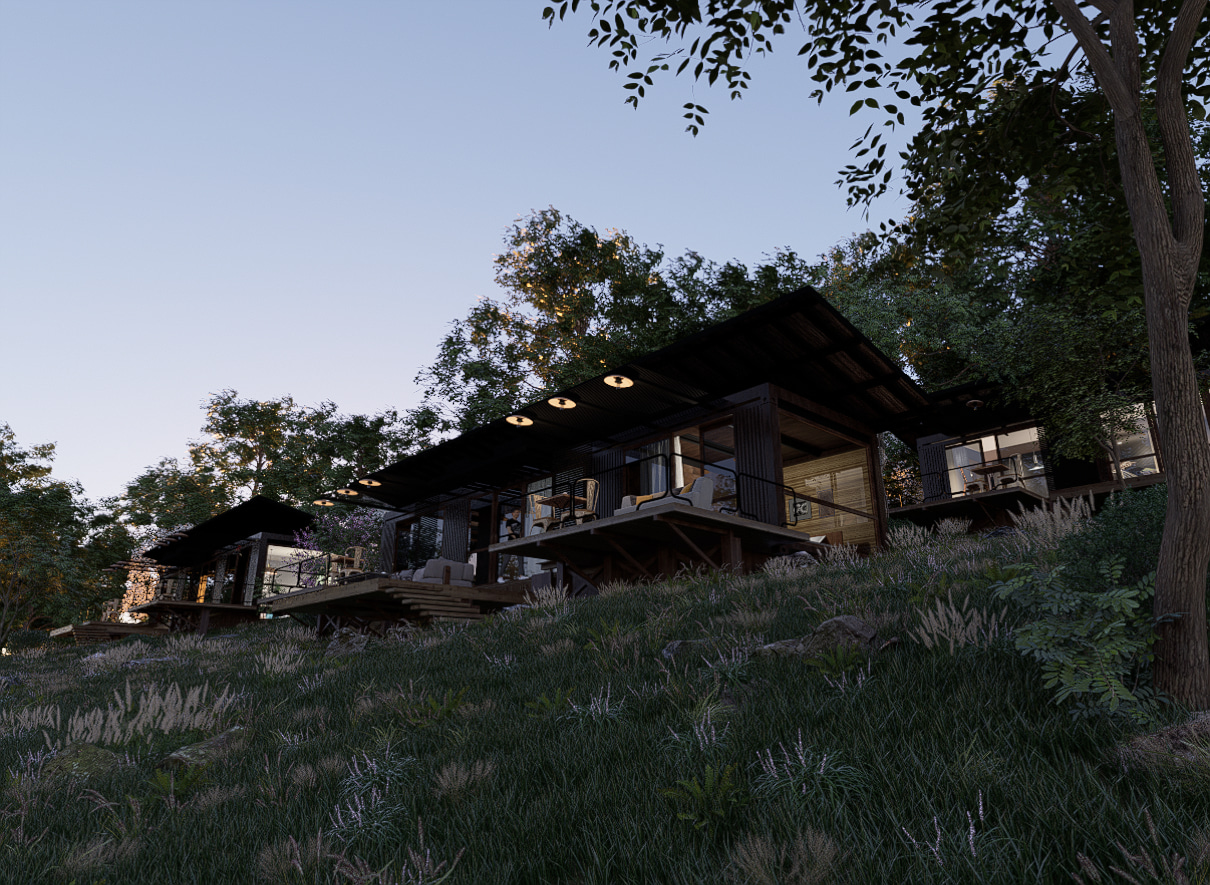
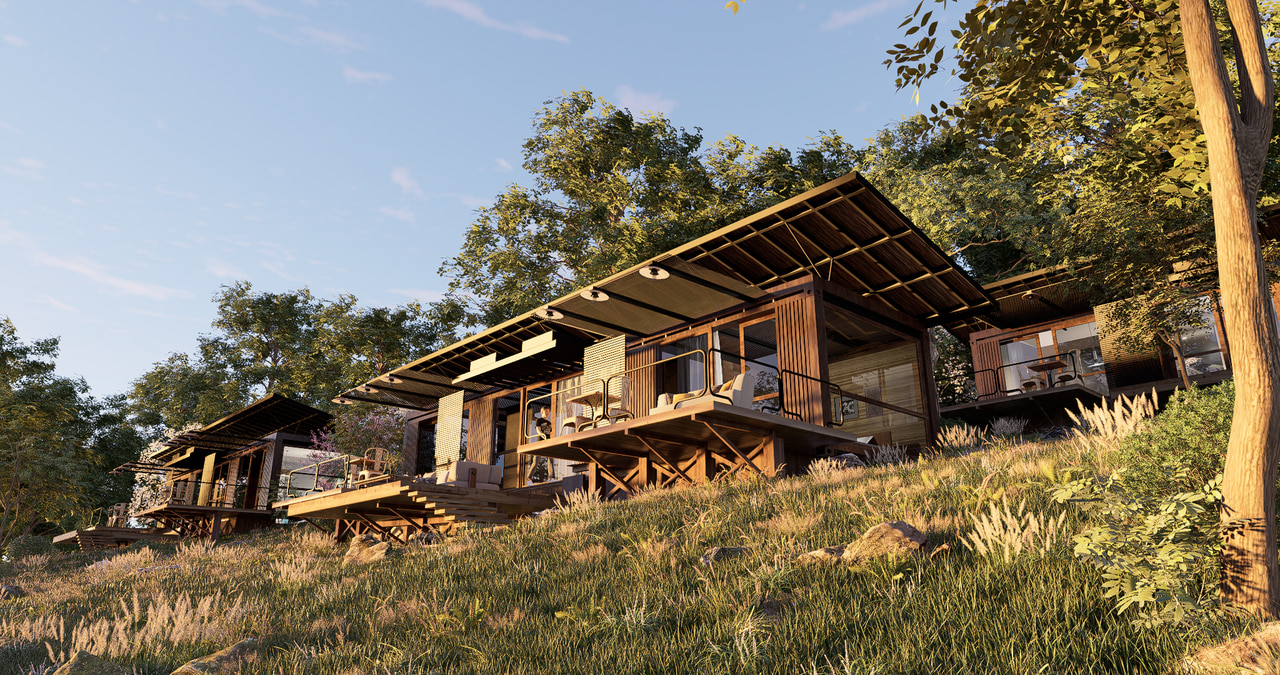
Conclusion: Master Natural Sunlighting with Ease
Mastering natural sunlighting doesn’t have to be complicated. With D5 Render‘s Geo&Sky system, you hold the key to creating incredibly realistic and atmospheric archviz scenes. From pinpointing the exact sun position to softening shadows for a cozy vibe, you have all the controls. So why wait? Dive into D5 Render and let Geo&Sky bring your architectural visions to life with perfect, natural light.
Start creating your masterpiece today!


 English
 Español
 Français
 한국어
한국어 日本語
日本語