
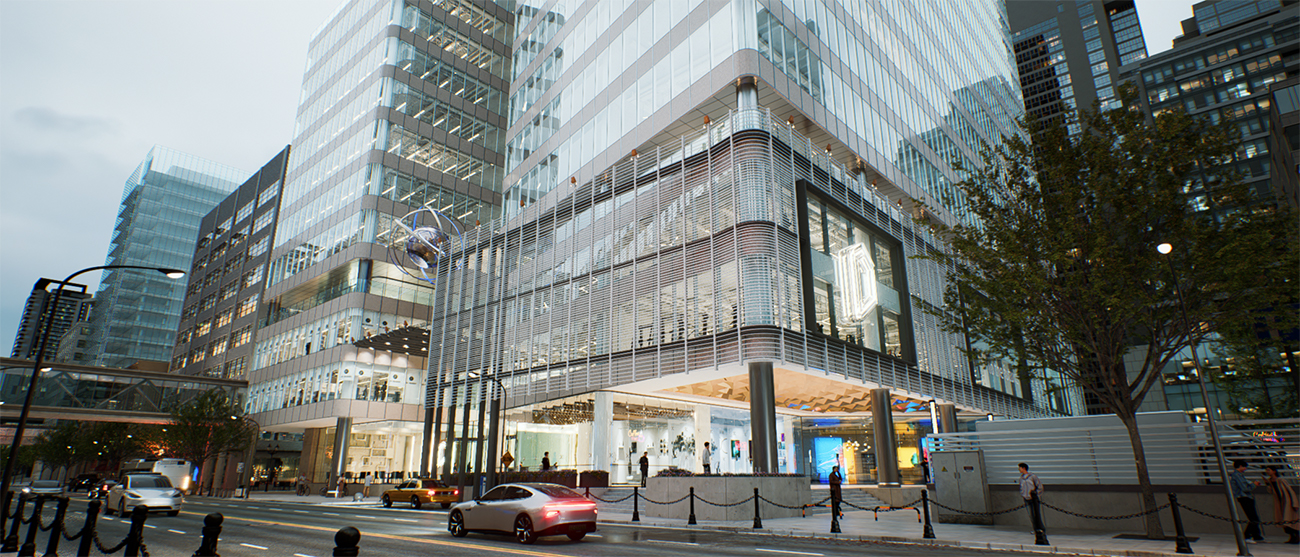
Looking for ray tracing software that delivers both speed and stunning realism for architectural visualization? D5 Render stands out as a top choice in 2025, combining リアルタイムレイトレーシング 〜と seamless BIM integration. Unlike traditional tools that slow you down, D5 offers instant feedback, lifelike lighting, and a massive asset library—all while keeping your workflow smooth. Whether you’re presenting to clients or refining designs, D5 ensures photorealistic results in record time. Ready to upgrade your rendering process?
Key Takeaways: Best Ray Tracing Software for Architects (2025)
- Real-time ray tracing is essential for efficiency - D5 Render‘s GPU-powered engine provides instant feedback, allowing architects to adjust lighting, materials, and models in real time without delays.
- Photorealism wins clients – With AI-accelerated denoising, 2000+ PBR materials, and dynamic lighting, D5 Render delivers stunningly realistic visuals without manual tweaking.
- Seamless workflow integration saves time – D5 Render offers live sync with major modeling tools like Revit and SketchUp, eliminating tedious export/import steps while maintaining full ray-traced accuracy.

1. What Architects Need in Ray Tracing Software
For architects, choosing the best ray tracing software means balancing three critical factors: speed, realism, and workflow efficiency.
スピード is crucial—architects cannot afford to wait hours for renders with tight deadlines. That’s why real-time rendering, especially for BIM tools like Revit, is essential. D5 Render‘s GPU-powered engine provides true real-time ray tracing, allowing architects to adjust lighting, materials, and models on the fly and see the changes instantly.
Realism makes or breaks client presentations. True ray tracing software must accurately simulate light behavior—グローバルイルミネーション, reflections, and material properties. D5’s AI-accelerated denoising and 2000+ PBR materials ensure photorealistic results without manual tweaking.
D5 Render stands out with its live sync capability for eight major modeling platforms like Revit and SketchUp, eliminating cumbersome export/import processes. Unlike conventional solutions, D5’s integration is supercharged by リアルタイムレイトレーシング—ensuring every design modification instantly translates into photorealistic previews. This seamless synchronization bridges the gap between modeling and visualization.
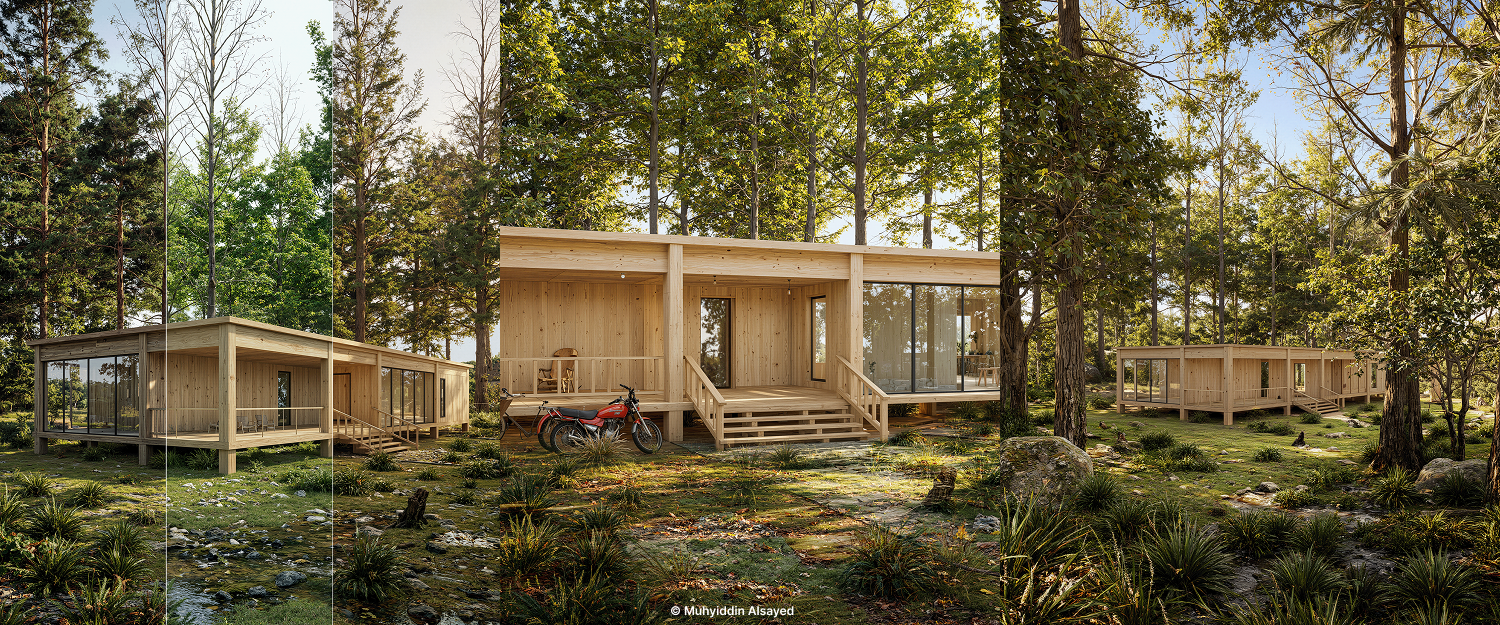
2. Ray Tracing Software Comparison
When choosing the best ray tracing software for architects, four key factors matter: real-time performance, output quality, workflow efficiency, and BIM integration. Here’s how top contenders compare:
| 特徴 | D5 Render | ルミオン | エスケープ | V-Ray | ツインモーション |
|---|---|---|---|---|---|
| Ray Tracing Type | Full real-time RT | Rasterized | Hybrid | Offline | Hybrid |
| Revit Integration | ✅ Live sync | ❌ Manual export | ✅ Live sync | ❌ Export needed | ✅ Live sync |
| 4K Render Speed | Fast | Moderate | Very Fast | Relatively slow | ✅ Live sync |
| 4K Render Speed | Fast | Moderate | Very Fast | Relatively slow | Fast without PT; Slow with PT on |
| Built-in Asset Library | 15000+ | 1,200+ | 500+ | Manual setup | 800+ |
While all these options can create stunning visuals, D5 delivers something rare – actual real-time ray tracing that doesn’t compromise quality. That means:
- No more guessing how lighting will look
- Instant feedback when moving the sun angle
- Client-ready renders in coffee-break time
If you’re serious about リアルタイムレンダリング and tired of waiting, D5 Render is the best ray tracing software for architects who value their time.
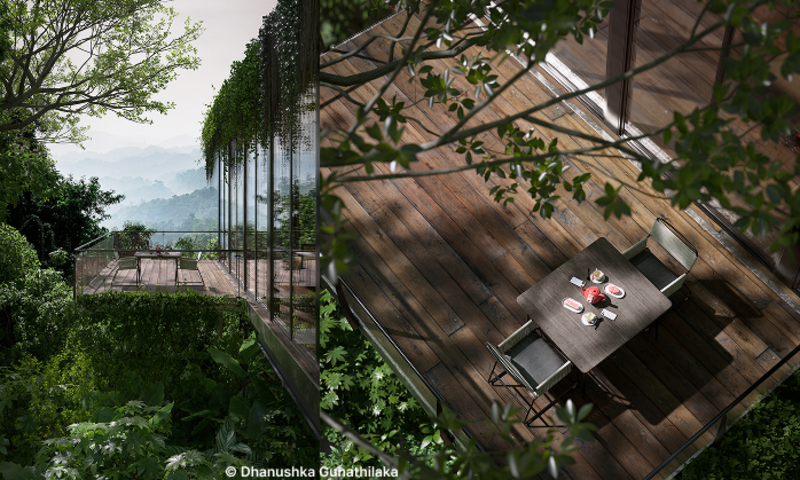
3. Why D5 Render Leads the Raytraced 3D Design Realm
When choosing the best ray tracing software for architects, four factors make or break your workflow: real-time performance, output speed, animation capabilities, and photorealism. This is exactly where D5 Render outshines competitors—let’s break down why.
① Real-Time Ray Tracing Viewport: Design Without Waiting
Unlike traditional ray tracing software that forces you to wait for previews, D5‘s GPU-powered viewport delivers instant feedback. Adjust sunlight, swap materials, or tweak camera angles.
- Competitor gap: Tools like V-Ray require CPU rendering for final quality, while Lumion and Enscape may use rasterized approximations for real-time previews, which can lack the same level of detail.
- Architect’s advantage: Real-time ray tracing means no more guesswork. Clients see photorealistic results during meetings, not days later.
Lumion vs. D5 Render: Which Is Better for Architects >
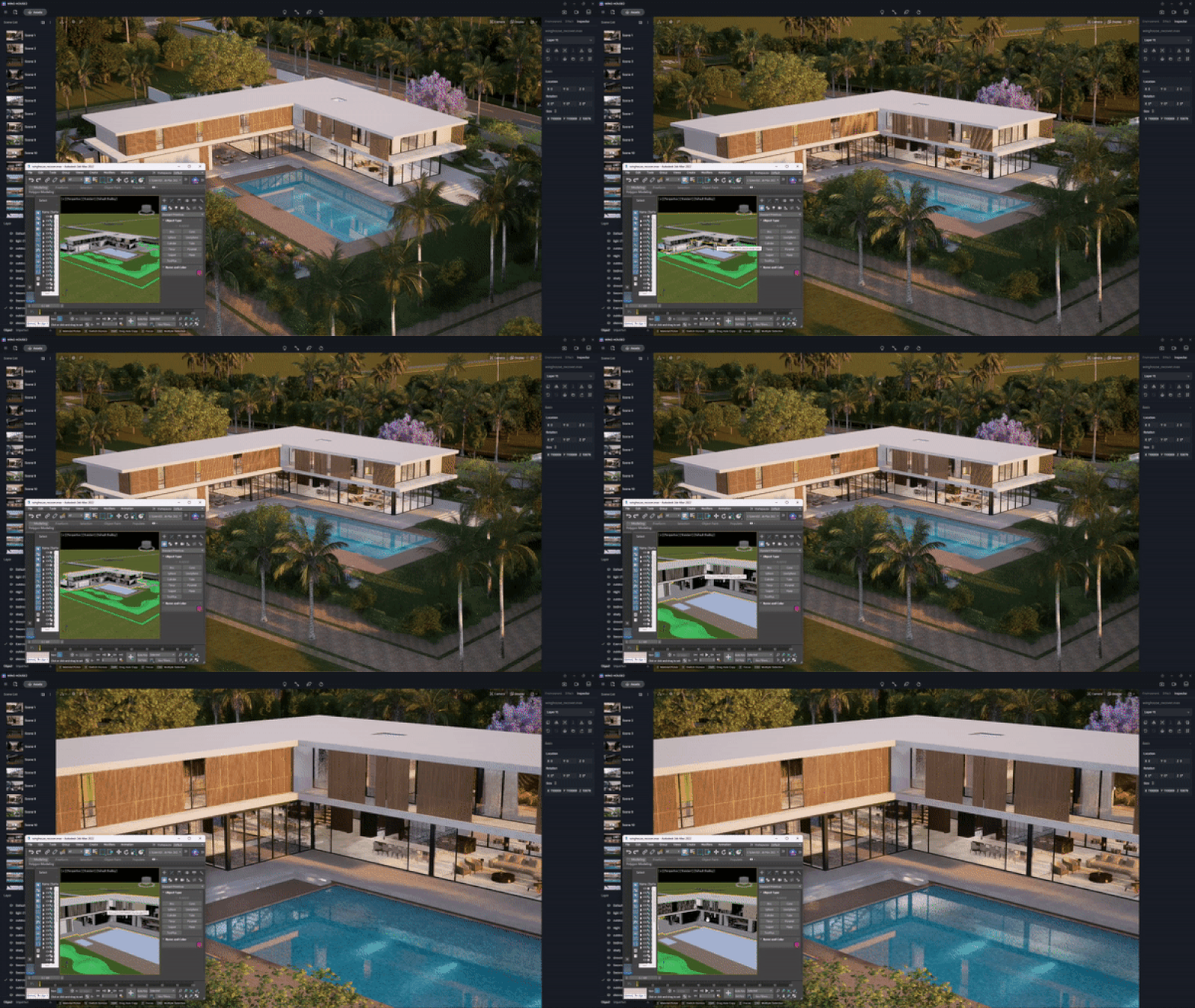
② Super Fast Output Speeds for Images & Animations
D5 Render excels not only in quality but also in speed, providing unparalleled efficiency for both images and animations. Its real-time ray tracing technology ensures that every shadow and reflection is rendered with precision, delivering an immersive experience. Features like D5 SR Image Rendering, which uses neural network super-resolution, further enhance rendering speeds without sacrificing detail. For animations, D5 Render achieves up to 120 FPS at 4K resolutions, making it ideal for cinematic storytelling and architectural walkthroughs.
By combining cutting-edge technology with user-friendly tools, D5 Render empowers architects to work faster and smarter, ensuring that every project is completed with the highest level of quality and efficiency.
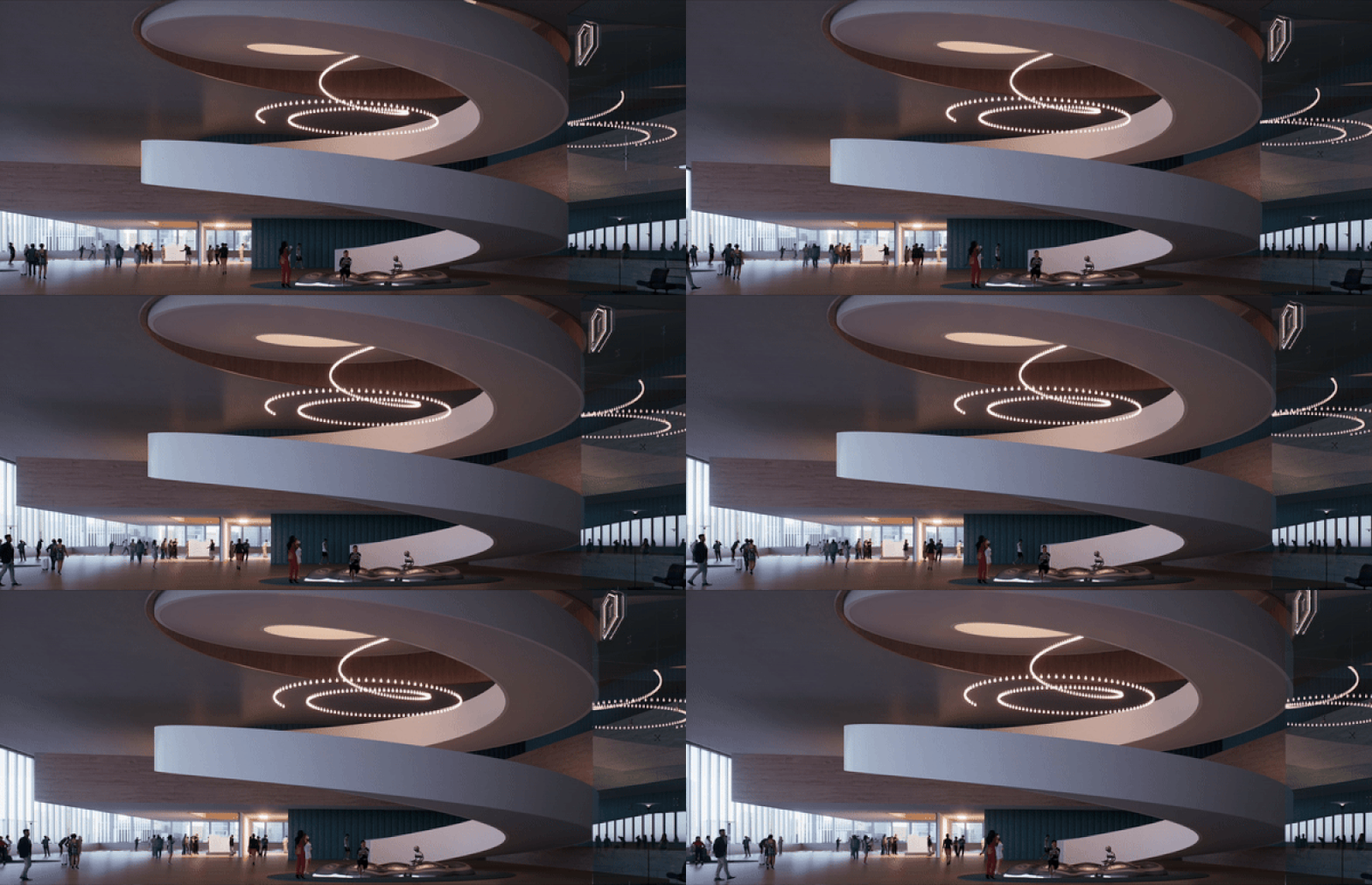
③ Streamlined Animation Rendering with D5 Render
D5 Render simplifies the once-complex process of rendering animations, enabling designers to bring their visions to life with ease and fluidity. The software’s user-friendly video editor means that intricate sequences can be animated, previewed, and refined without the need for external applications or cumbersome plugins. With preset camera movement templates and customizable camera paths, users can craft compelling animations with just a few clicks.
How to use keyframes to create animations in D5 Render >
Free & quick cinematic animation making in D5 Render >
Free Camera Movement Templates for Everyone >
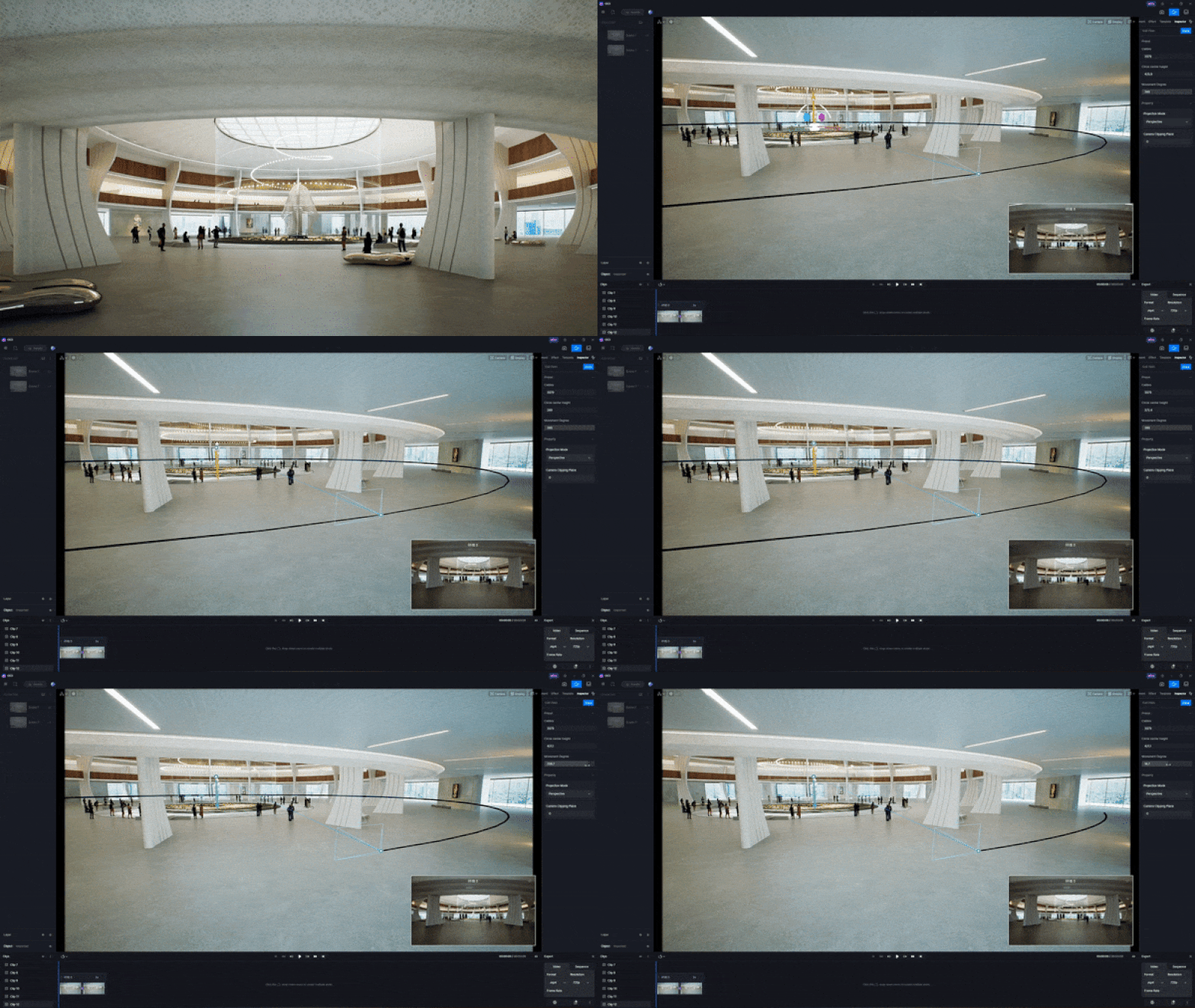
④ Photorealistic Outputs That Win Clients
In architecture, renders must not only look good but also convincingly convey the design intent. D5 Render achieves this through:
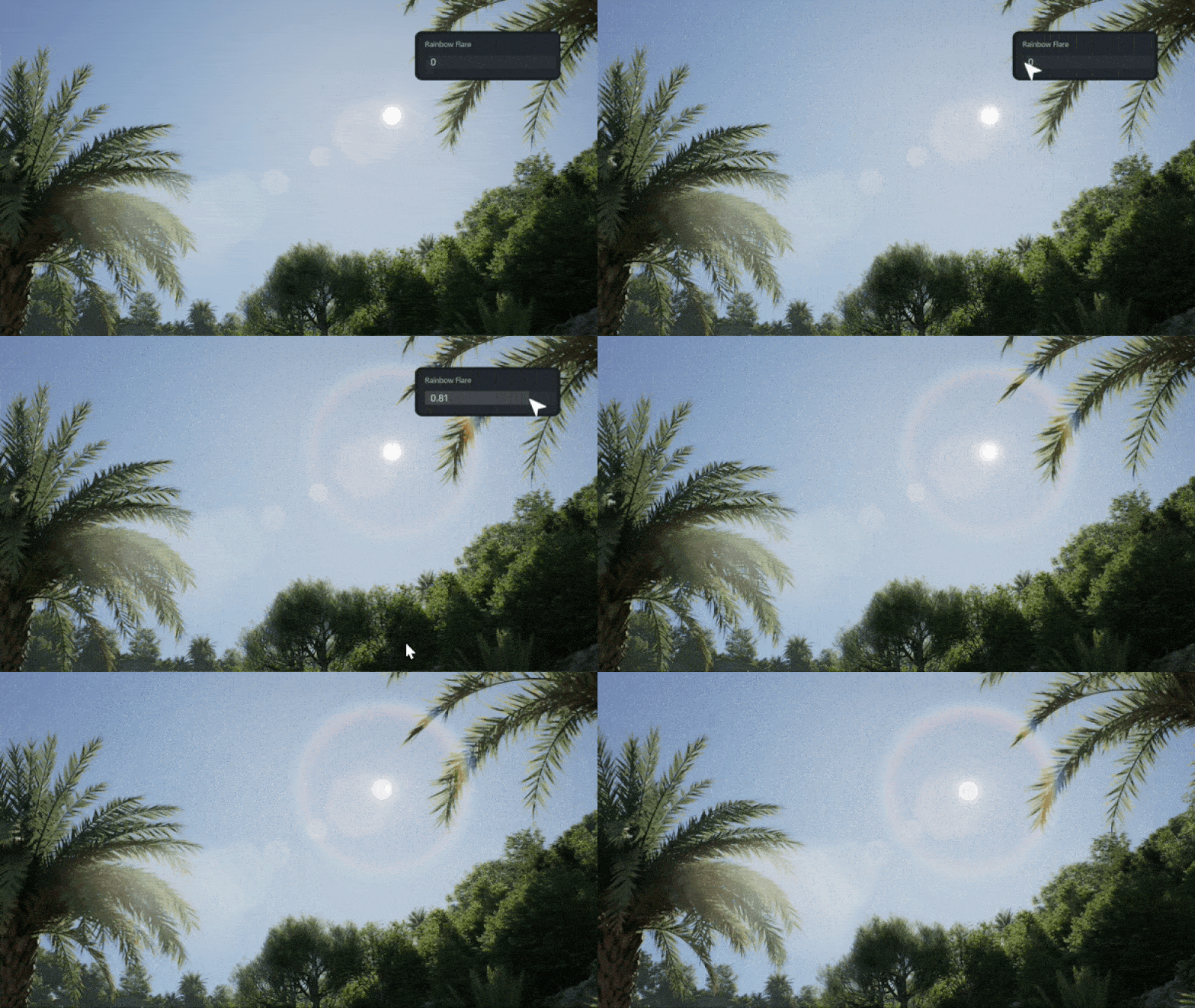
- Advanced lighting: Real-time グローバル・イルミネーション そして パストレース accurately simulate how light interacts with materials, resulting in natural and immersive scenes.
- Extensive material library: With over 2000+ drag-and-drop PBR materials, including realistic textures like wood and brushed metal, designers can achieve authentic material representations.
- Dynamic environmental controls: The software offers dynamic skies and weather options, allowing designs to be presented under various lighting and atmospheric conditions without the need for external editing software.
4. How to Get Started with D5 Render
Ready to experience real time rendering? Here’s how to quickly master D5 Render—no advanced skills required.
4.1 Try It for Free
D5 Render offers a powerful free Community Edition loaded with professional-grade features. Download it directly from the D5 official website or simply click the image below to get started. Experience real time rendering firsthand—either with your own projects or using our pre-built demo scenes. Perfect for architects, designers and 3D artists, this trial version lets you test critical capabilities including live ray tracing and seamless synchronization with major modeling software like SketchUp and Revit.
4.2 Learn with Beginner-Friendly Resources
New to real time rendering? D5 Render prioritizes accessibility with these beginner-friendly resources:
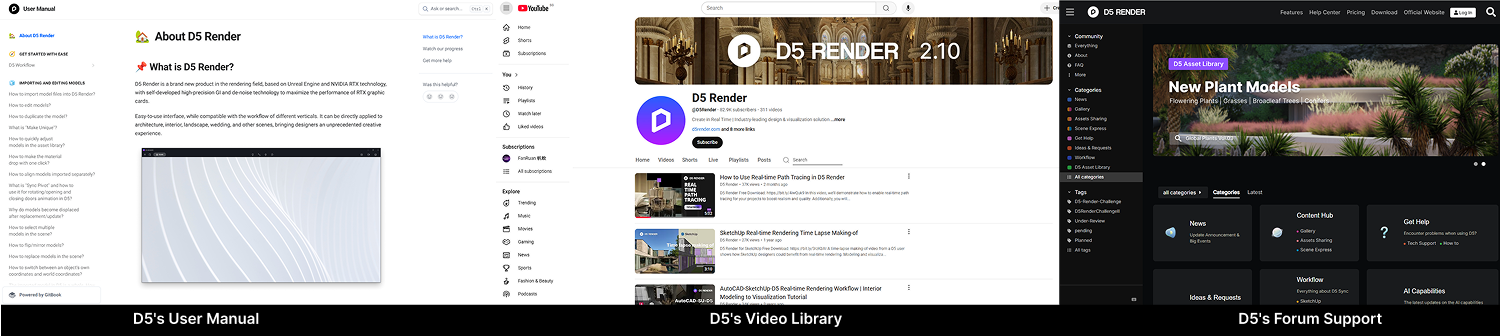
- D5’s User Manual: D5’s comprehensive user guide clearly explains interface basics, material adjustments, and lighting configurations. It also includes a well-organized FAQ section covering common usage questions and tips.
- D5’s Video Hub: The official D5 YouTube channel offers hundreds of targeted tutorials, from interior lighting to landscape design techniques.
- D5’s Forum Support: Need help? D5 Render’s active forums offer instant support from experienced users and developers. Search solved threads for quick answers, pro tips, or to report issues.
Tip: Check existing posts before asking!
4.3 Master Advanced Workflows
Once comfortable, dive deeper:
- Sync with Leading Design Software: Seamlessly connect D5 with SketchUp, Revit, Rhino, 3ds Max, Archicad, C4D, Vectorworks そして Blender for live model synchronization. Make changes in your CAD/BIM software and watch them instantly appear in D5—no manual re-exporting needed.
- Supercharge workflows with D5’s AI: Use D5’s AI tools to automatically generate texture maps, match atmospheres from reference images, and enhance image details, streamlining your workflow and boosting realism.
ニュース: Stay tuned for D5 Render 2.11 – we’re adding even more AI-powered features to revolutionize your real time workflow!
- Powerful Animation Tools: Create high-quality animations with D5’s video editor, camera path tools, and real time previews. Produce smooth walkthroughs and flyovers, rendered in up to 4K resolution.
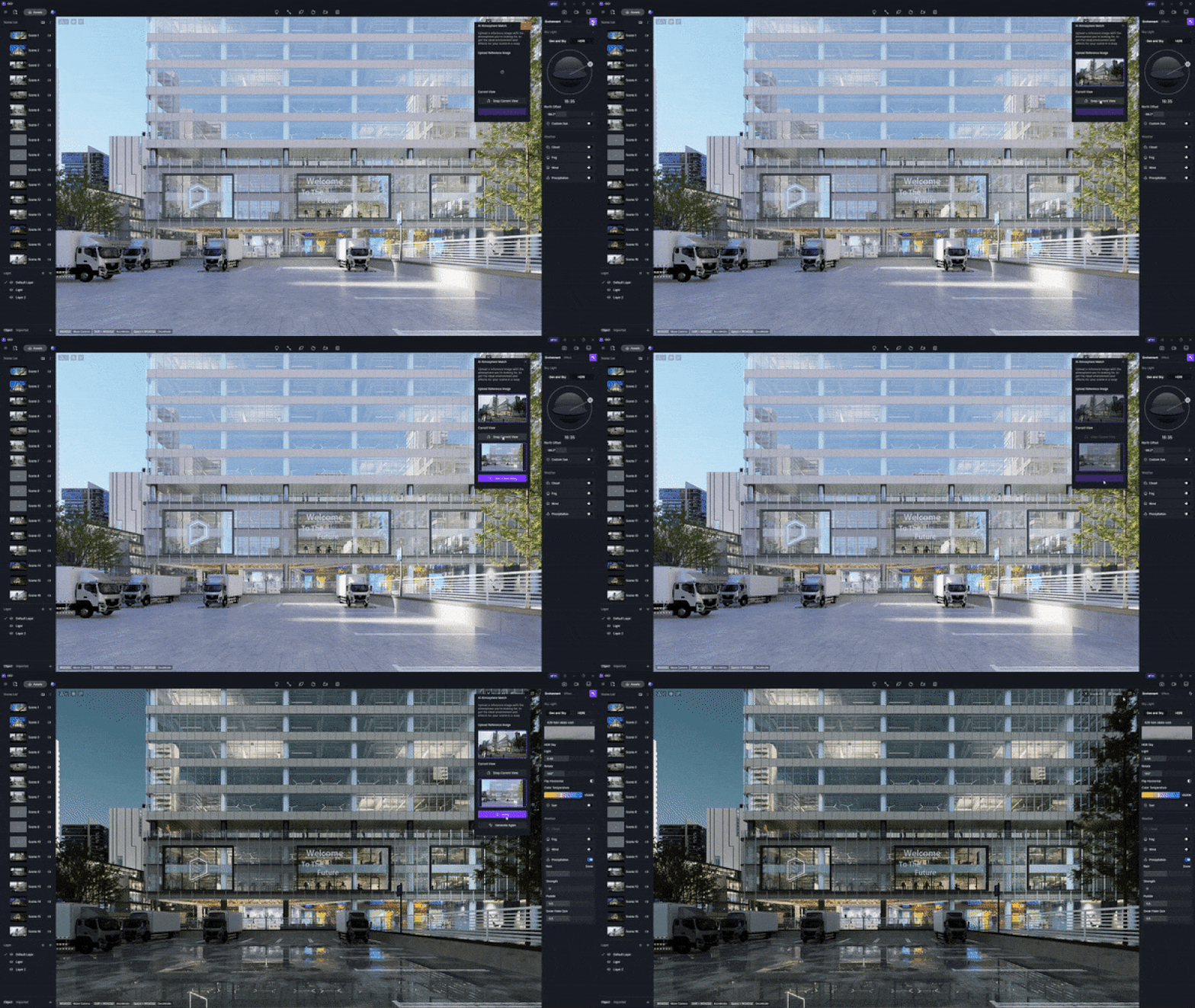
D5 Render‘s AI Atmosphere Match
5. Conclusion: The Clear Choice for Architects
For architects who need speed, realism, and seamless workflow, D5 Render stands out as the best ray tracing software in 2025. With real-time GPU-powered rendering, instant BIM/CAD sync, and photorealistic results, it eliminates waiting and guesswork. Whether for client presentations, animations, or design iterations, D5 delivers fast, high-quality renders without compromise. Try the free version today and experience the future of architectural visualization! ?
続きを読む D5 Renderのその他の機能
グローバルイルミネーションとは何か、そしてなぜそれが必要なのか
D5 Render 2.10におけるリアルタイムレイトレーシングとは何か、そしてなぜ重要なのか?
D5 Render 2.10 BetaはNVIDIA DLSS 4を統合: リアルタイムレンダリングにおけるAI革命
D5 Render Terrain Toolによる建築景観のマスター >
D5 Render で AI を活用したライティングをマスターし、リアルな ArchiCAD ビジュアライゼーションを実現する
D5 Renderに挑戦する初心者のためのFAQ
“「スムーズなパフォーマンスのために必要なコンピュータのスペックは?”
最適なパフォーマンスを得るには、専用のNVIDIA RTX GPU(3060以上を推奨)が理想的ですが、最低要件はNVIDIA GTX 1060 6GBまたは同等品です。中程度のシーンであれば16GBのRAMで十分ですが、複雑なアーキテクチャのプロジェクトであれば32GB以上が良いでしょう。.
“D5のリアルタイムレンダリングは、従来の手法と比べてどうなのか?”
V-RayのCPUベースのレンダリングが1フレームあたり数分/数時間かかるのとは異なり、D5は作業中に即座にビジュアルフィードバックを表示します。ライティングやマテリアルの変更 カメラアングル 秒単位で更新される。.
“プロの建築ビジュアライゼーションにD5 Renderを使用できますか?”
Absolutely. Many firms use D5 for client presentations and competition entries. D5’s PBR materials, accurate lighting and growing asset library meet pro standards. For final deliverables, combine real-time previews with high-quality offline renders (4K/8K output supported). The workflow saves hours versus traditional methods.
“既製の材料やモデルはどこで手に入りますか?”
D5’s built-in library offers 15,000+ assets (materials, models, vegetation). The Material Editor also lets you create custom PBR textures.


 English
 Español
 Français
 한국어
한국어 日本語
日本語