
A LUT (Look-Up-Table) is simply a table of fixed numerical values that can be applied to image/video to alter its look by changing the contrast or colour or both. It’s an easy and convenient way of post-processing tocreate a specific vibe for the scene with no need of elaborate back-and-forth adjustments. Luckily, you can use LUT with ease in D5 Render, which saves you time and energy to look for other post-processing tools. D5 Render has 5 default LUTs which can make the scene look vibrant, warm, bleak or cool-toned. You can also import custom LUTs to achieve more effects as you like.Don’t forget to adjust the intensity of LUT properly, making sure it doesn’t break the balance of the image.
1. LUT for interior visualization
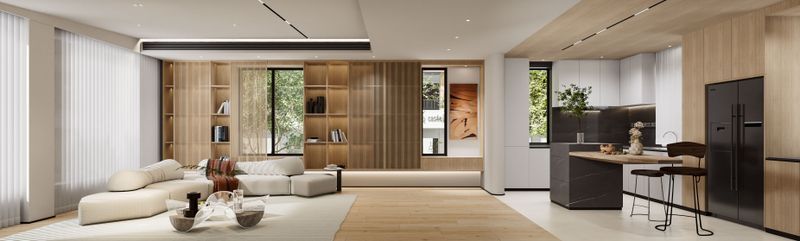
For this interior design, you can import a LUT that adds a feeling of comfort and relaxation.
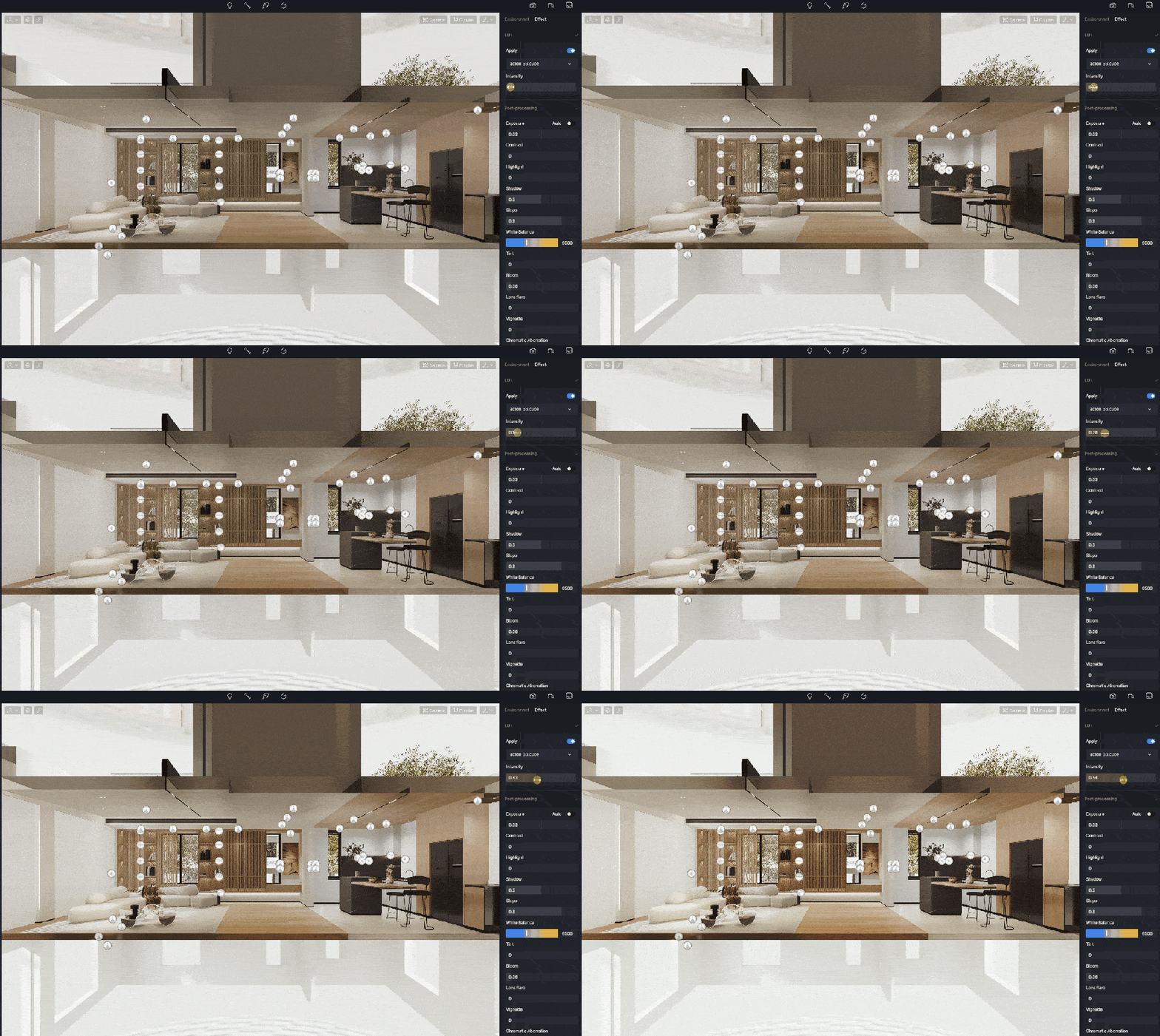
Click here to download the scene file. You can find the LUT in asset>lut.
2. LUT for architectural visualization
If you want to make this office building look more lively and energetic, then the built-in LUT of D5, “Vibrance C“, would be a good choice as it increases the image’s saturation and color brightness.
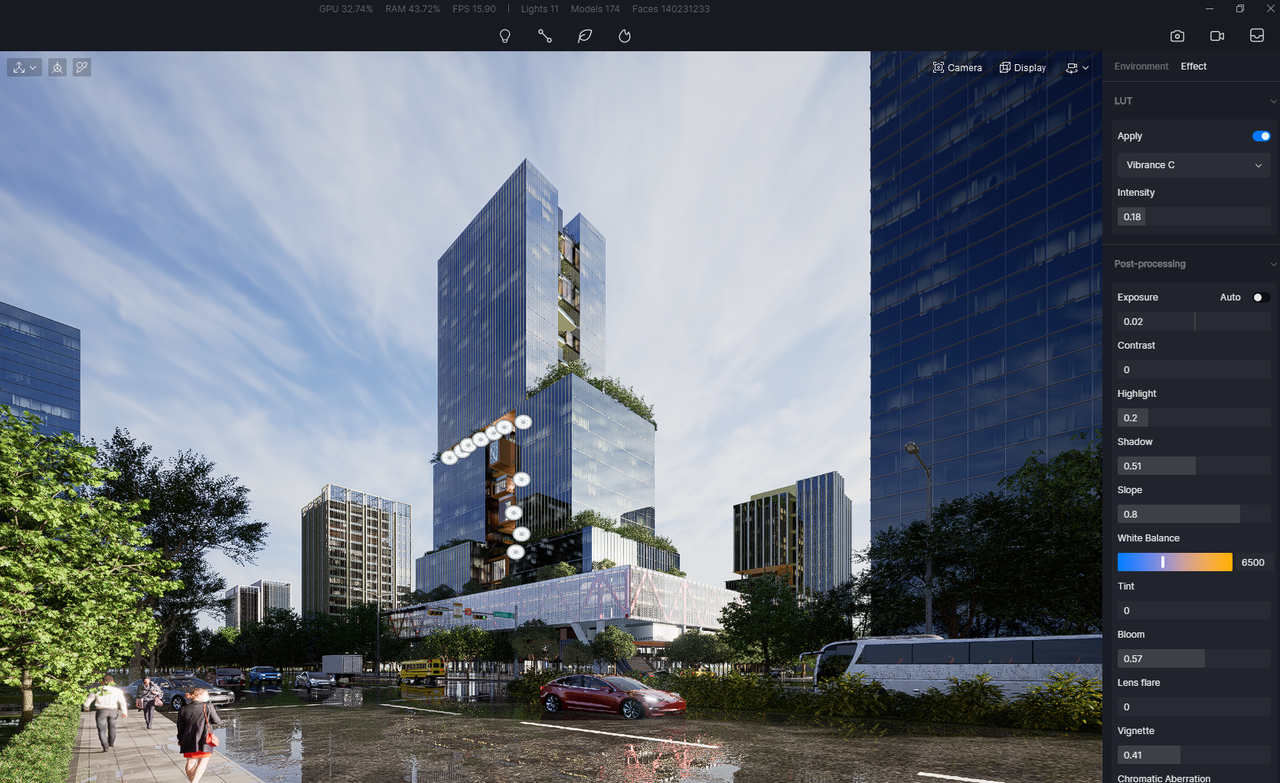
Click here to download the scene file for free.
3. LUT for landscape design
Before the LUT is added, the scene looks a bit pale and grey. Just a click to turn on LUT will make the trees and flowers become more attractive and full of life.
Conclusion
Post-processing usually has a lot to do with exposure, white balance, saturation, contrast, etc. Yet there is one trick that can bring your scene to life easily and quickly: LUT. Explore the surprise brought by this tiny feature in D5 Render.
 English
 Español
 Français
 한국어
한국어 日本語
日本語