Visualize as you design.
Iterate with AI.

See your ideas take shape in real time — no exports, no context switching.
The plugin that flows with you, from first massing to refined concept.

Stay in your design tool.
Stay in your flow.

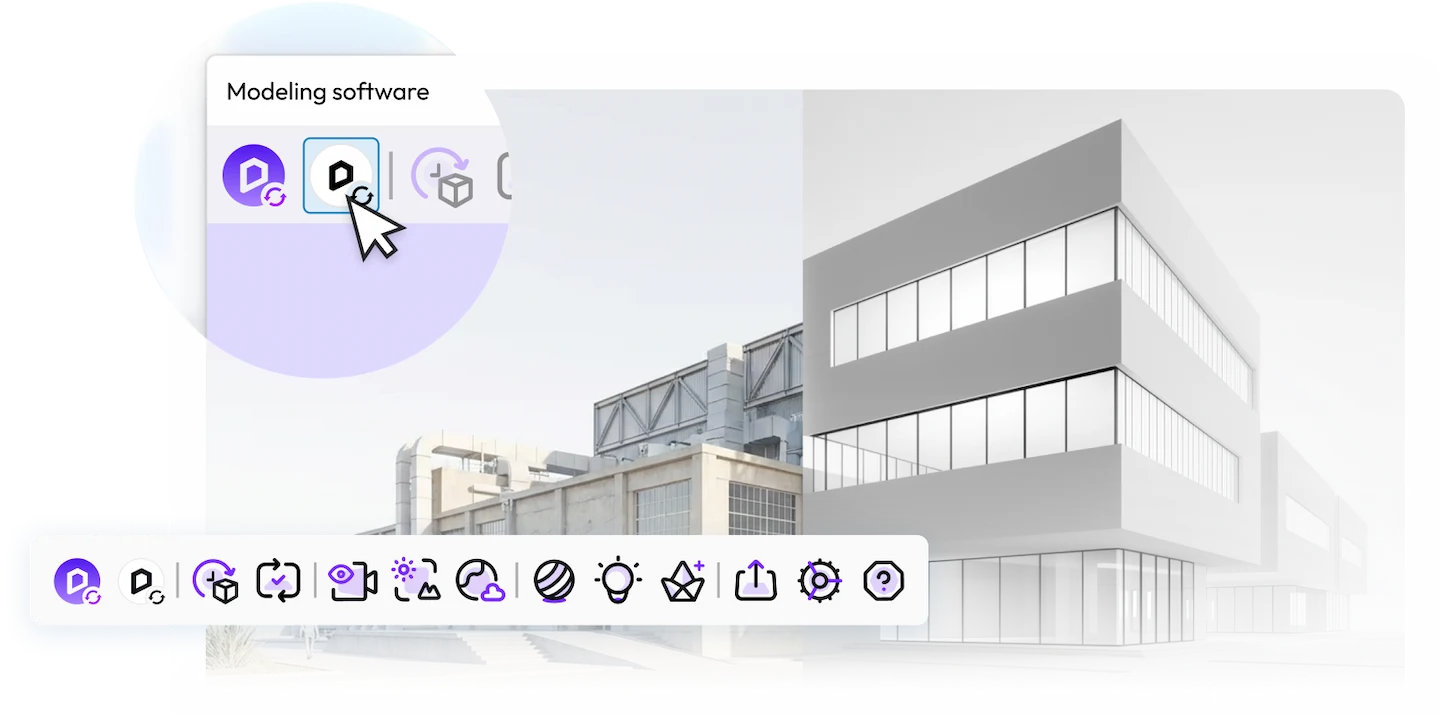
Embeded right inside your modeling tool. Design, render and iterate with AI — all in sync
Intuitive interface.
Zero learning curve
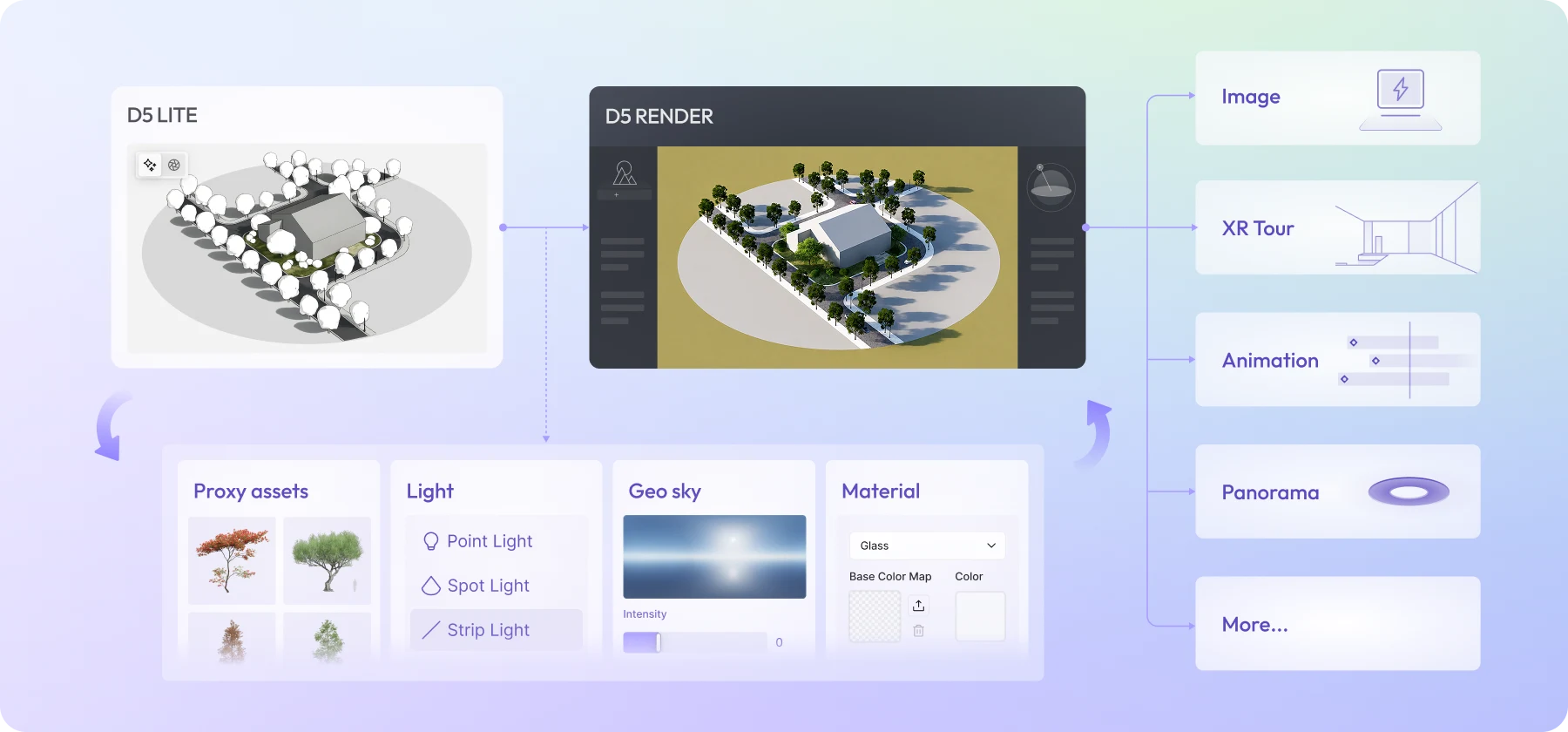
One-click send to D5 Render for animation, panoramas, and
high-end refinement

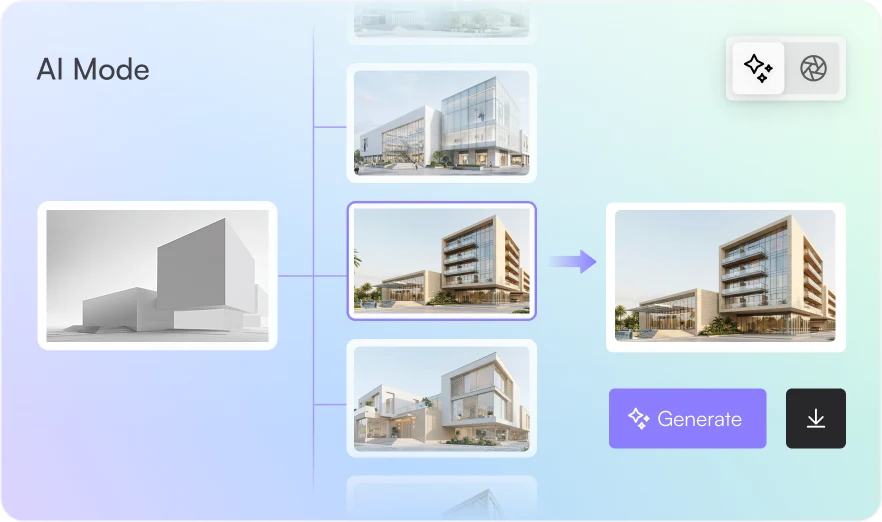
Describe it.
AI shows you options.

Explore directions: Generate up to 4 distinct options per run to compare styles instantly.
Never lose an idea: Full version history. Quick re-runs. Every direction saved.
Accelerate decisions: Skip the feedback loops. Validate concepts faster with clear visuals.

Real enough to decide.
Fast enough to explore.

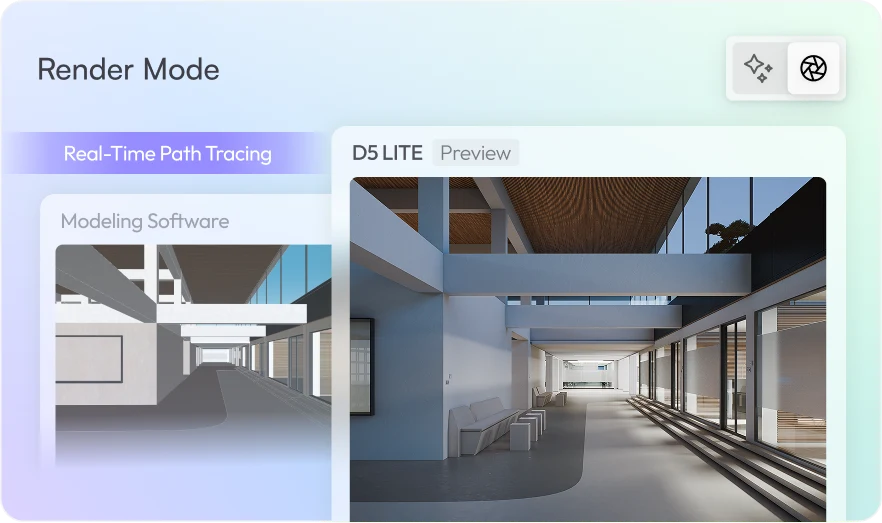
Real-time path tracing: Quality you can trust for design decisions.
Proxy Assets: Lightweight while you edit. Full detail when you render.
Powered by D5 Engine: Built for design. Fluid performance, even with complex scenes.

One workflow.
Always connected.

Render settings and assets are
saved in the model — no extra
files to manage
Unified account, asset library,
and experience across
D5 Lite and D5 Render

FAQ

Which modeling tools does D5 Lite support?

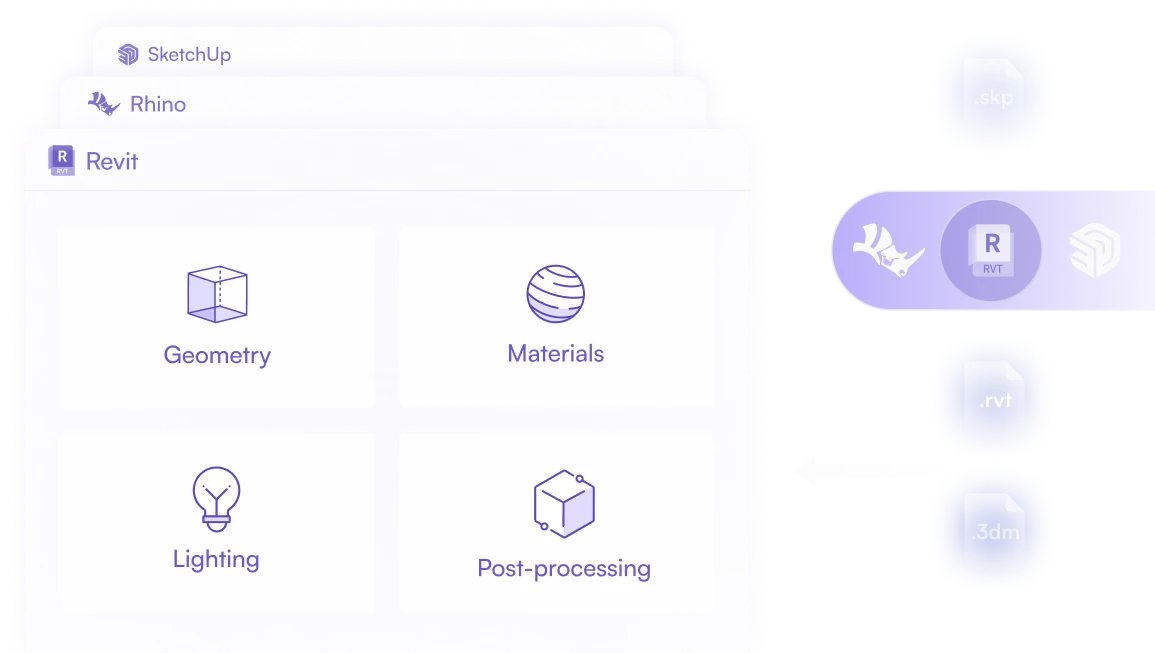
D5 Lite is compatible with SketchUp versions from 2021.1 to 2026.

Support for additional modeling tools will be rolled out gradually, starting with Rhino, Revit, and 3ds Max.

What are the system requirements of D5 Lite?

Operating system: Windows 10 v1909 or later

Graphics card: NVIDIA RTX series GPU

Is D5 Lite free?

D5 Lite itself is free to use. Premium features such as AI require a D5 Pro license. Learn more about D5 Pro >