
D5 Render vs. Enscape
Looking for the best Enscape alternative app? Discover D5 — the ultimate all-in-one software that transforms your projects with stunning results, faster than you ever imagined.
Dive into this comprehensive breakdown of features, user experiences, pricing, and much more, to discover the unique advantages of D5.
Try D5 today, you’ll see the difference.
How does D5 Render compare with Enscape?
D5 3.0
Enscape 4.14
Models
14000+
10000+
Nature models
4700+
5100+
Animated characters&cars
Particle assets
Built-in decals
Built-in parallax assets
Materials
2100+
400+
Built-in AI features
AI model rendering
AI atmosphere match
AI material generation
AI 3D model generation
AI agent
AI enhancer
AI inpainting
AI style transfer
AI enhancer
AI material generator
Subsurface scattering material
Round edge
Weather
Rain
Snow
Fog(with tyndall effect option)
Wind
Cloud
Milky Way
Fog(with no tyndall effect option)
Wind
Cloud
AI-integrated environment settings
Local exposure
Caustics
Various output formats
(Image, Video, Panorama, VR, Virtual tour)
Render elements
Material ID
Sky Mask
AO
Reflection
Transparent
Z Depth
Alpha
AI post-processing
Object ID
Material ID
Depth
Alpha
Sample projects
500+
10+
Supported CAD/BIM Tools
SketchUp
Revit
Rhino
Archicad
3ds Max
Blender
C4D
SketchUp
Revit (for Windows only)
Rhino
Archicad
Vectorworks
Operating system
Windows
Windows
MacOS
Enterprise solution
Shared team library
Team member management
Multi-editor editing
Real-time comments
Virtual tour
More high-quality presets
Premium support
Personalized onborading
Collaborative Annotation
Premium support
Personalized onborading
Free software use
Paid license
D5 Pro:
$38/month, $360/year
Enscape solo:
$96.90/month, $574.80/year
Paid license
Free
$149/year
More Exclusive to D5
Photo-realistic Light & Shadow, Even in Preview
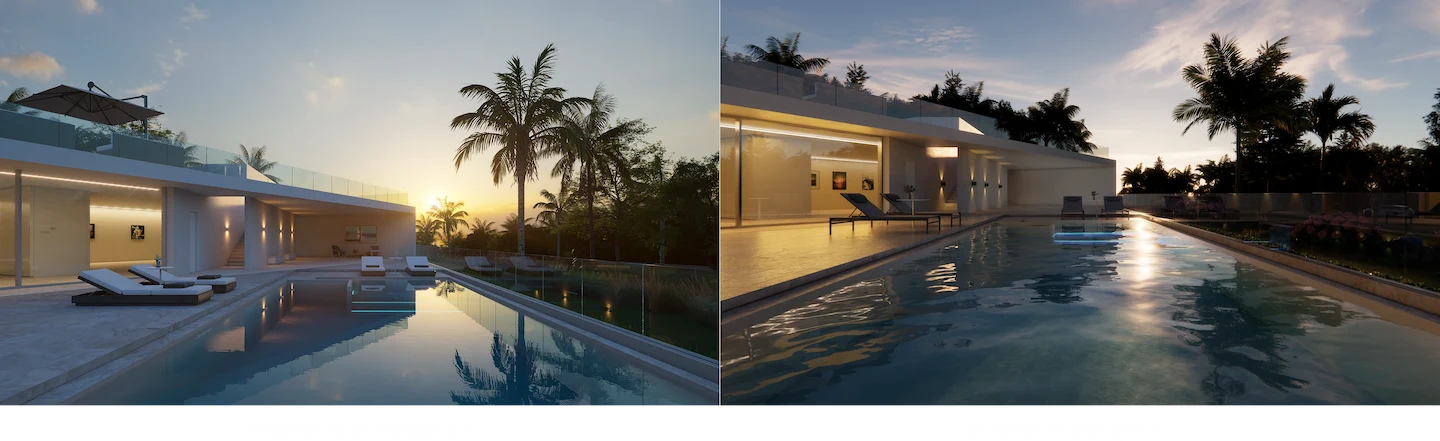
With optimized calculation of both direct lighting and indirect lighting in D5 GI(global illumination), the accuracy of light and shadows has been elevated to unprecedented heights.
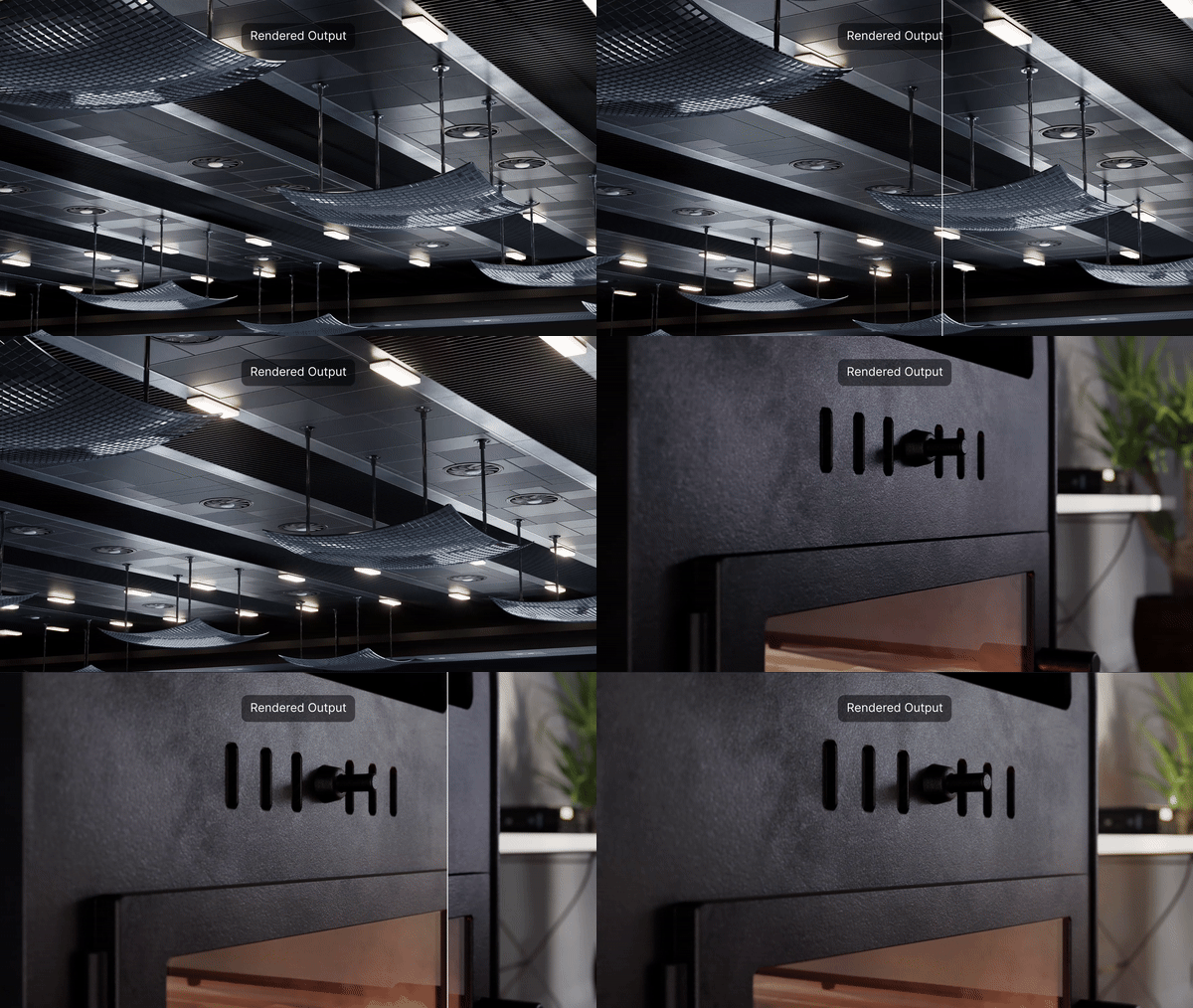
D5 is continuously optimizing its proprietary GI algorithm to bring results that are closer to ground truth, while ensuring the best balance between speed and quality. Learn More
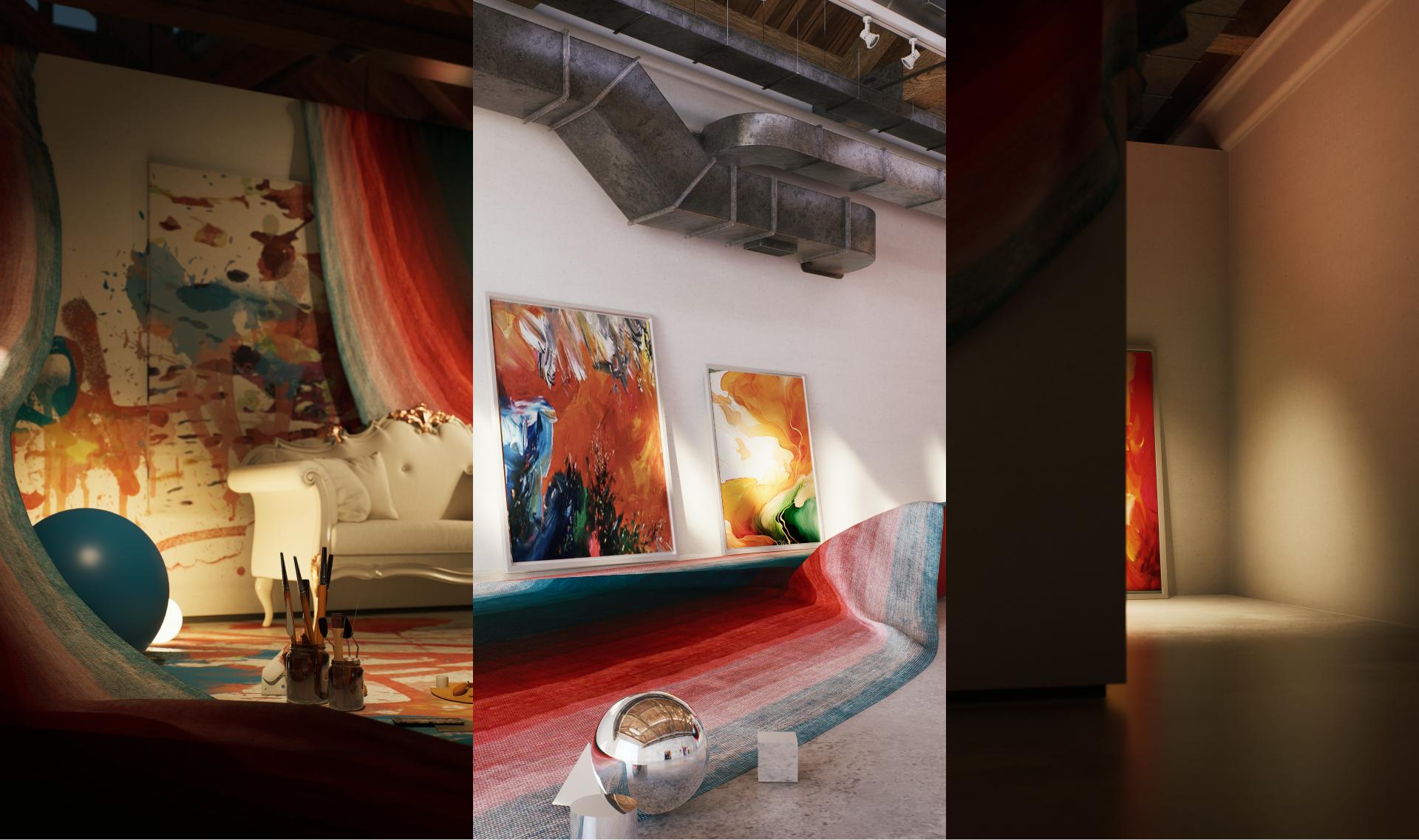
Easier Environment Setup with Presets and AI
Get high-quality presets from D5 or your previous projects, to directly apply the desired environment&effect, or activate ‘AI Atmosphere Match’ inside D5 to enable AI to achieve the right vibe according to your reference image.
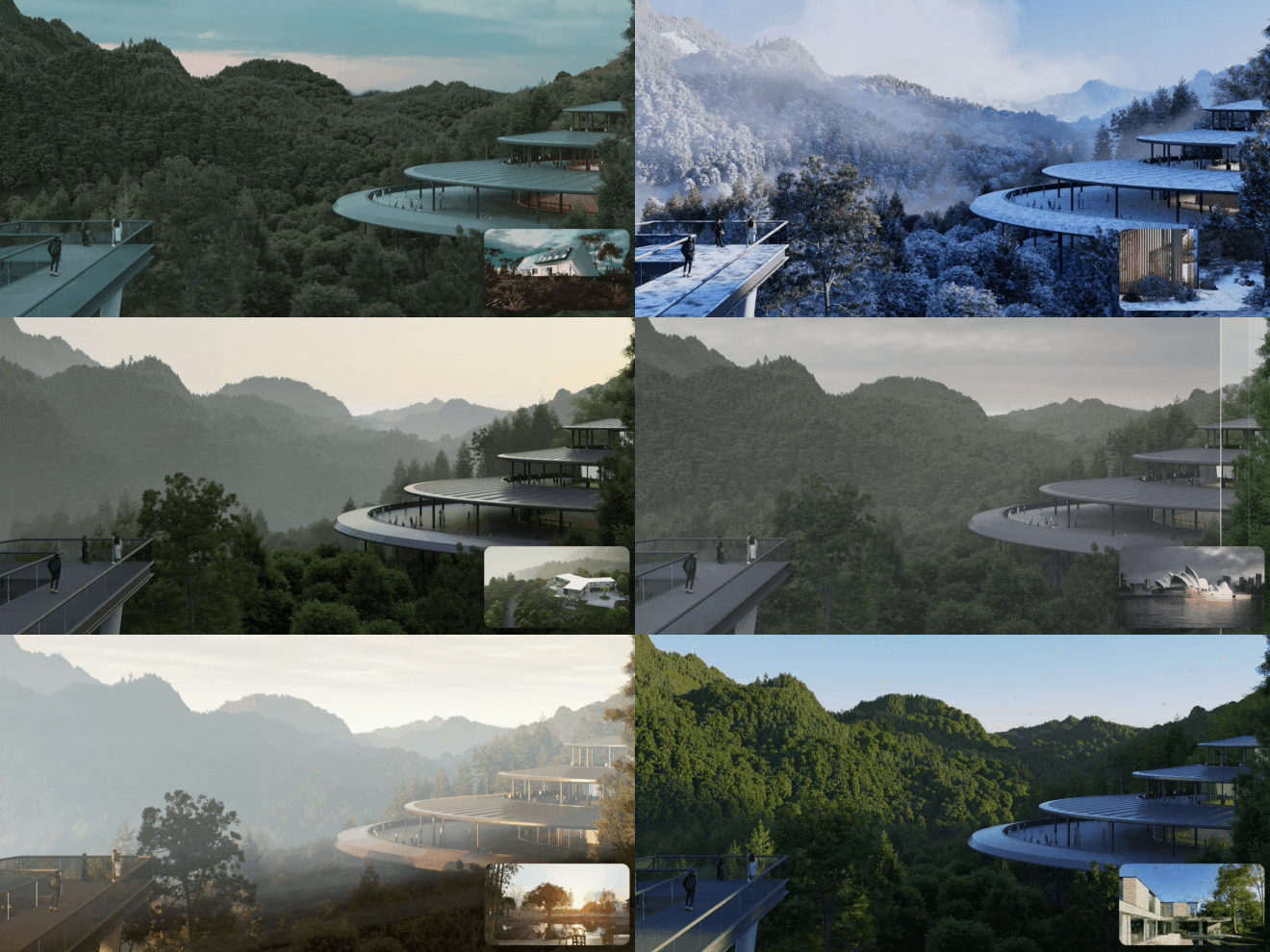
A Stable & Fast Design Process
Experience a seamless livesync workflow as you edit in the modeling software, watching them instantly come to life in your D5 scene. Add models, refine materials, and adjust lighting directly in D5, with the real-time viewport ensuring precise adjustments on the fly.
Maximize efficiency with D5 as a robust standalone program, ensuring smooth and stable performance, with minimal risk of crashes, even when handling ultra-large and complex scenes.

Dynamic Elements and Weather Effects
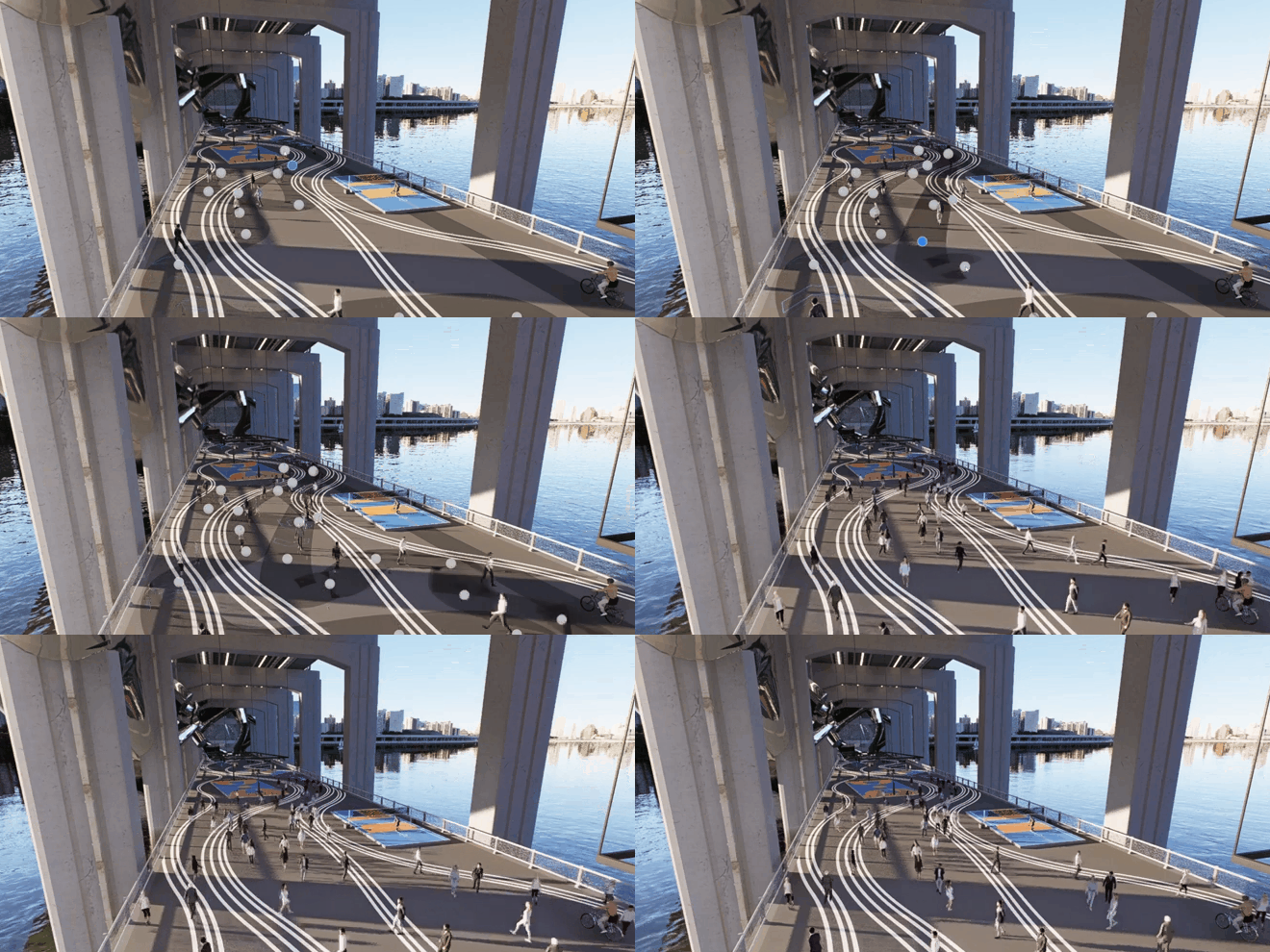
Bring your scene to life with D5’s animated vegetation, characters, vehicles, animals, and particles including fire, smoke, fallen leaves, fountain, etc.
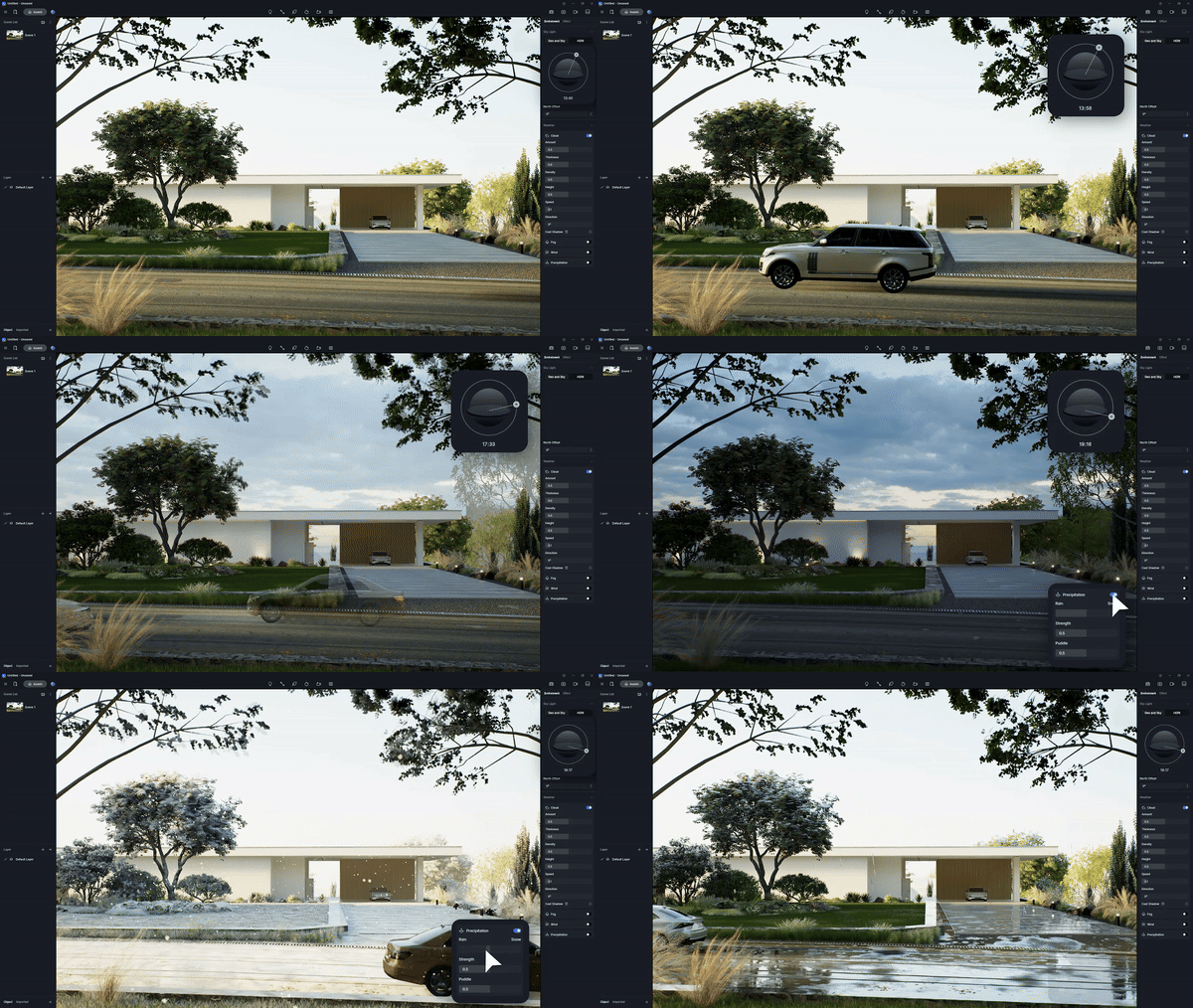
Switch between different weathers to find the perfect vibe, seeing elements like gentle breezes or snowflakes add motion to your renders.
Animation Render Made Easy
In addition, with D5’s intuitive and efficient video editor, path tool for animated objects, and the common camera movement templates, there’s a lot you can do with video rendering to create engaging animations in a considerable short amount of time.
All the Vegetation and Tools You Need
Choose from a diverse collection of vegetation assets ranging fro palms, citrus, to conifers to enrich your local or international projects with life-like landscapes.
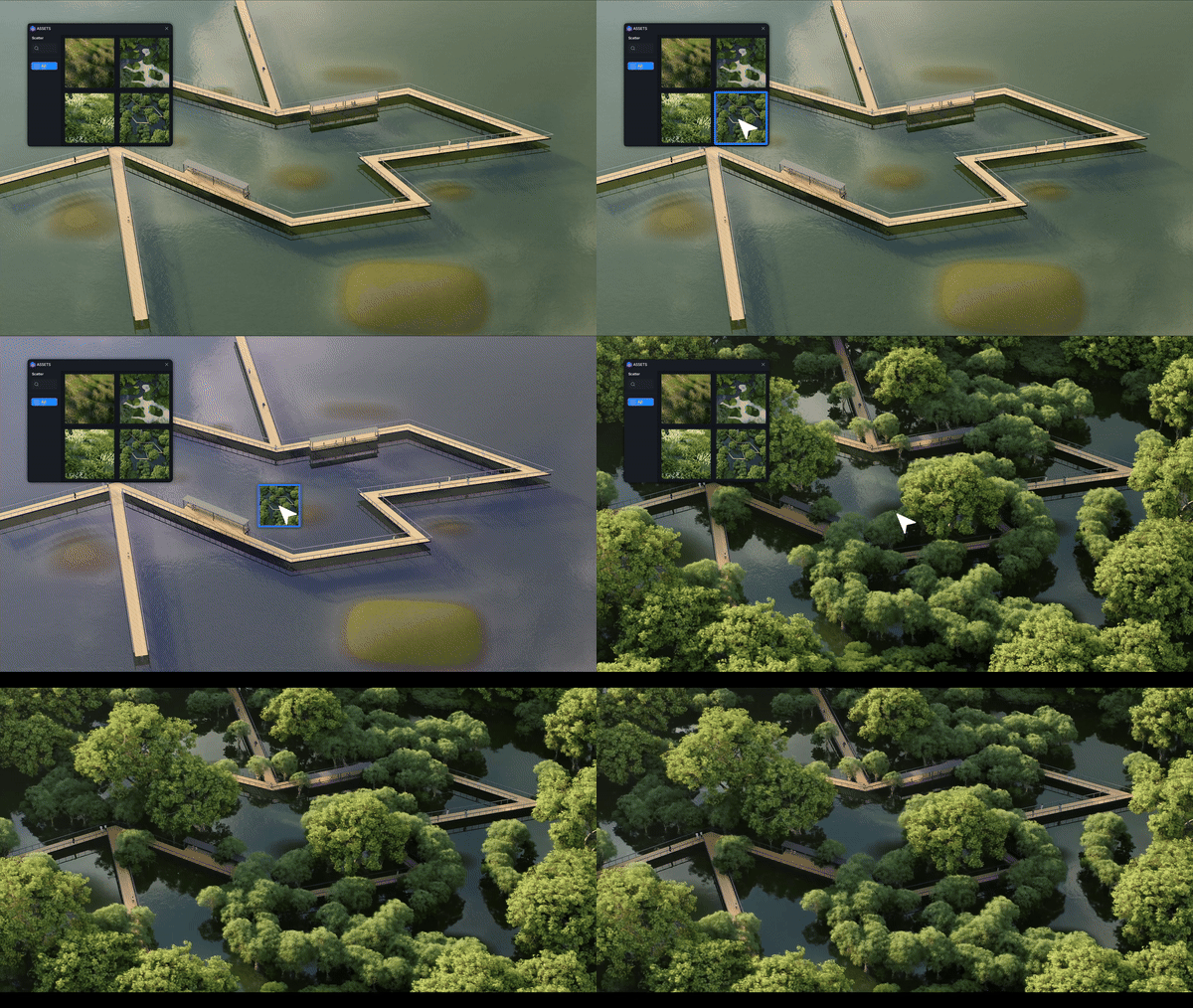
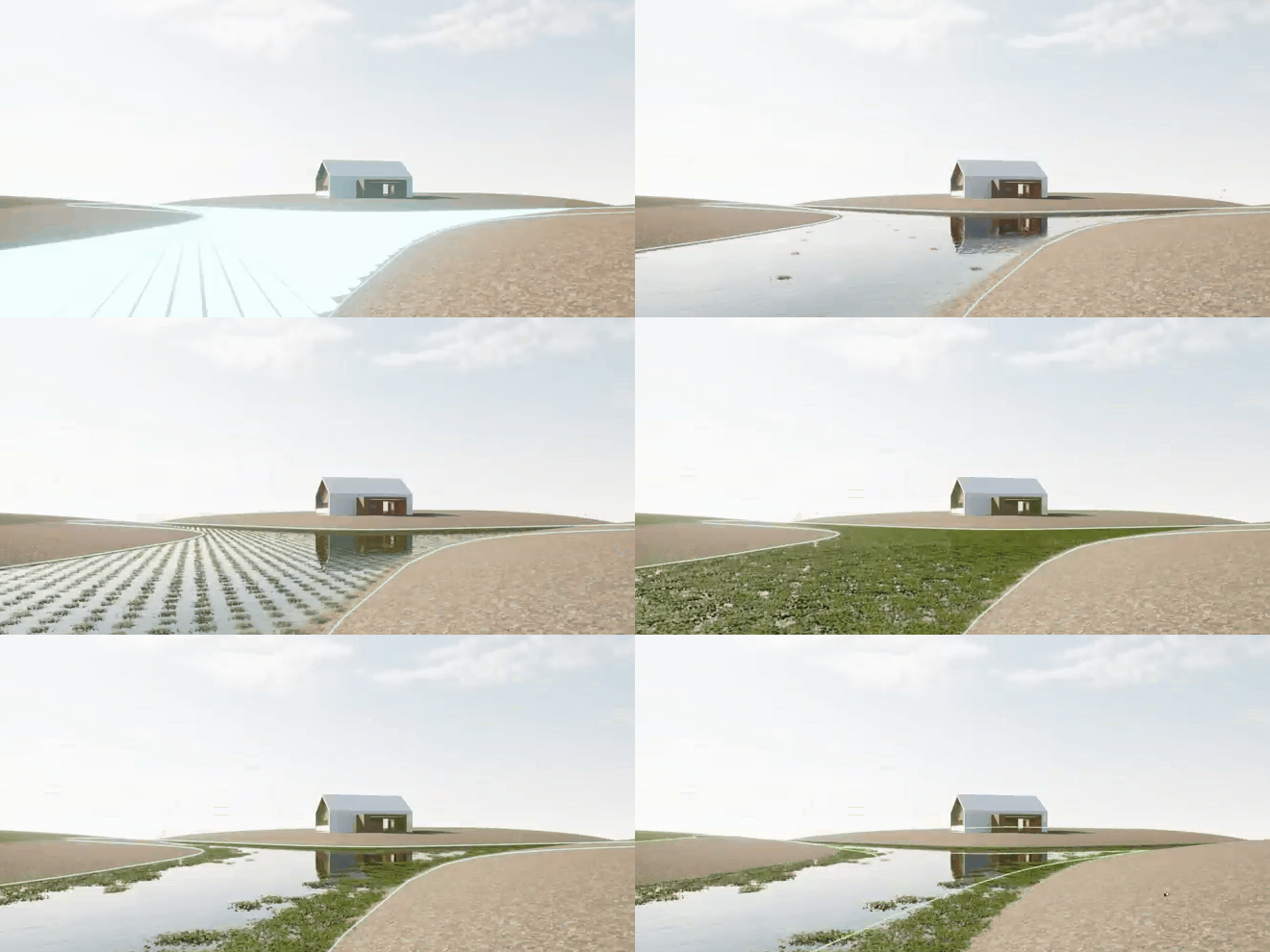
Utilize D5 Render’s realistic-looking grass templates along with the brush, scatter, and path tools to rapidly populate your scene with lush greenery.
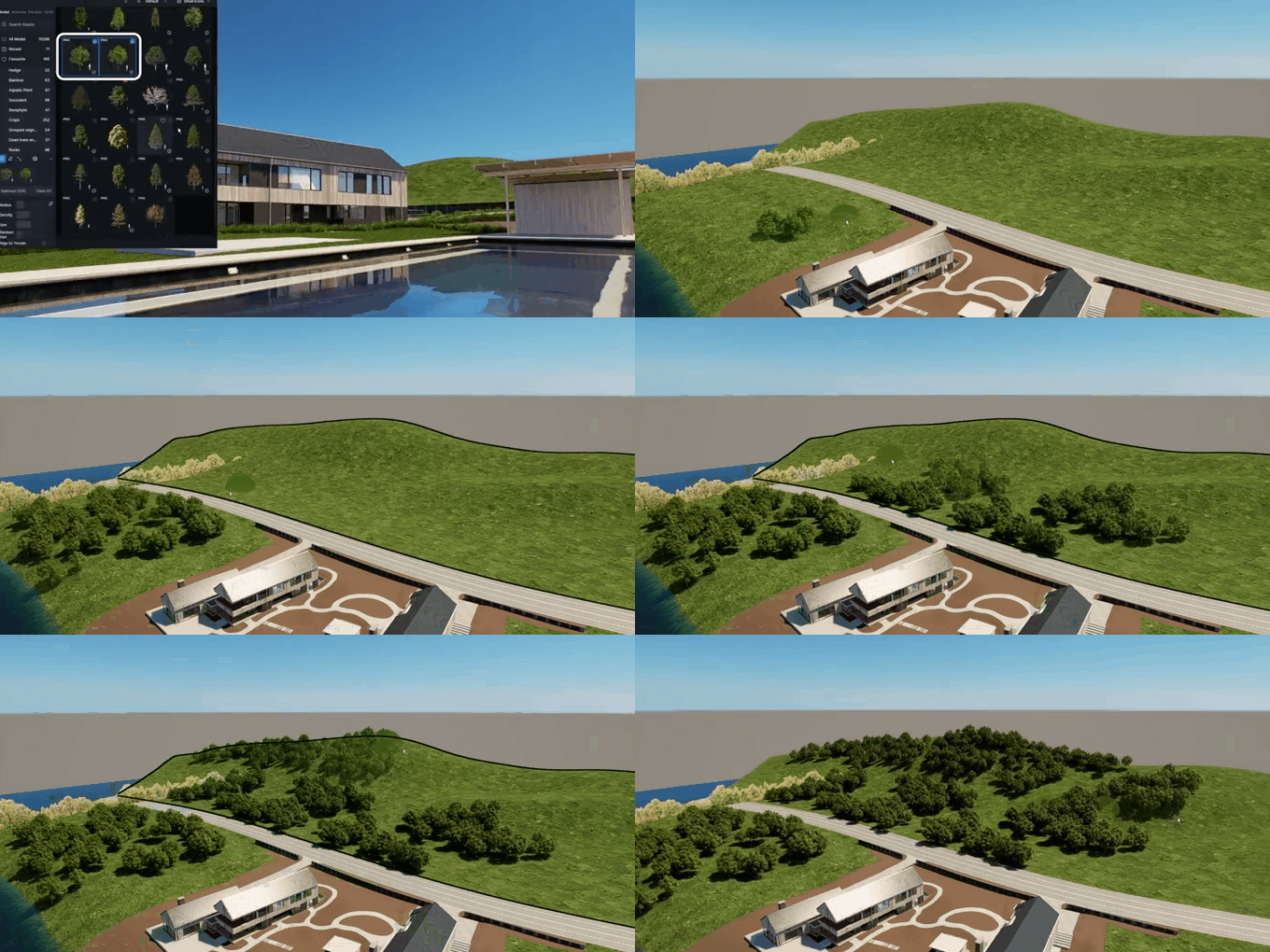
The ultimate D5 Scatter is here to revolutionize your workflow, allowing you to seamlessly generate high-quality, customizable landscapes for projects of any scale.
What Our Users Say
“After trying several render engines, I can say that D5 is undoubtedly the one with the best value for money.” — Matteo M
“We have tested Lumion, Twinmotion, and Enscape. Playing with D5 for 6 months now, out of all of the software, I really enjoy D5 the best. They come out with updates almost every month, and within those updates are new features or fixes to any bugs. They have many forums to reach them if there is a problem, and they respond very quickly. The learning curve for d5 is effortless, and you can produce an excellent rendering within a few days. The thing I like the most about D5 is the realism that you can create in a short amount of time. Also, they are super responsive if you have a question or problem with any part of the software. This is a huge plus for me. They listen to their customers and take our ideas into consideration.” — Jessica S
G2 Ratings
D5 Render
Enscape
Ease of setup
9.5
9.2
Ease of use
9.5
9.3
Quality of support
9.2
8.4
G2 Best Architectural Rendering Software 2025
1st Easy-to-Use Architectural Rendering software

4.9
D5 Render has become the go-to rendering solution for designers and large architecture enterprises worldwide.
It offers not just a powerful real-time rendering platform but also sets the pace for the industry with frequent updates. We invite you to join this revolution, download D5, and join the forefront of design and visualization. Welcome to the future, welcome to D5.

Ready to Flow?
 English
 Español
 Français
 한국어
한국어 日本語
日本語