
Why Choose D5 Render for RIKCAD
Live Link for Instant Exterior Design Feedback
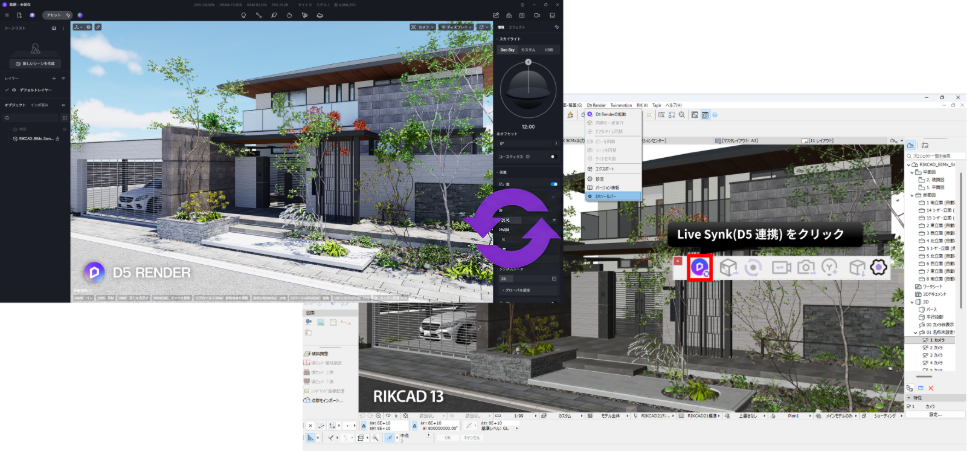
D5 LiveSync for RIKCAD connects your exterior and landscape design workflow with D5 Render’s real-time visualization environment. Changes made in RIKCAD, from adjusting fences and paving to refining planting areas and outdoor structures, can be reflected in D5 with realistic lighting, materials, shadows, and atmosphere.
Built for Exterior, Garden, and Landscape Visualization
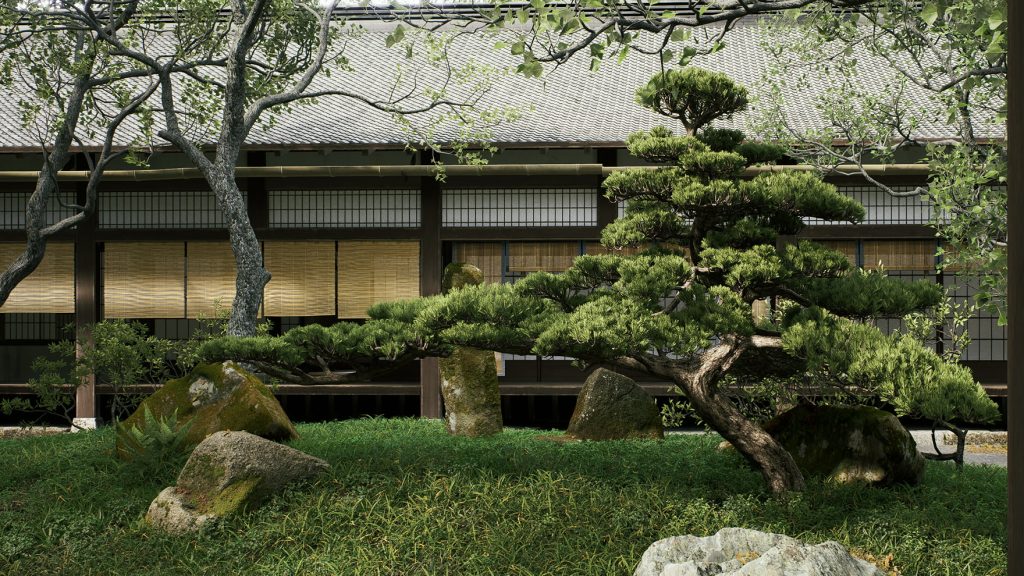
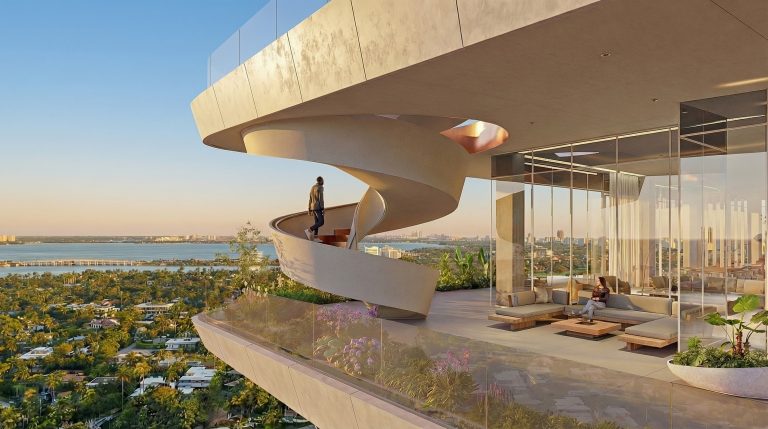
RIKCAD is widely used for exterior, garden, and landscape design workflows. With D5 Render, RIKCAD users can transform outdoor design models into immersive visual scenes with realistic planting, terrain, materials, lighting, and atmosphere.
D5 supports landscape visualization with tools such as Scatter, Brush, and Path for vegetation placement, terrain sculpting and texture painting, realistic grass and vines, plus sky, weather, wind, and atmosphere controls to present outdoor spaces in real-world conditions.
Access to a Massive Landscape Asset Library
D5 Render provides instant access to a massive 16,000+ asset library, including trees, plants, furniture, people, vehicles, lighting, and outdoor scene details. RIKCAD users can drag and drop assets directly into D5 to enrich exterior scenes and create lush natural landscapes at unparalleled speed.
👉 How to Use D5 Assets for Fast, Quality Scenes>
👉 Explore D5 Vegetation and Landscape Assets>
👉 Access the 3D Asset Library>
AI-Powered Tools for Landscape Creativity and Productivity
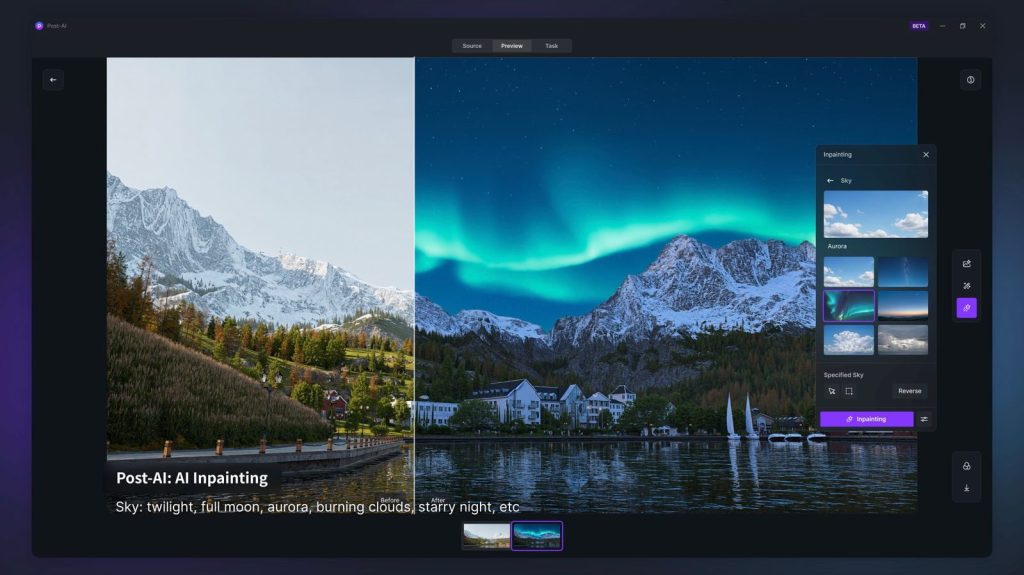
D5 Render integrates AI tools that help speed up exterior and landscape visualization, to capture the nuances of outdoor environment, including real-time physical sky systems, dynamic weather changes, seasonal transitions, and many more. Features like Style Transfer, Inpainting, and AI-powered visual enhancement help designers test different moods, improve presentation quality, and reduce repetitive post-production work.
👉How to Use AI within 3d Rendering Software >
👉Learn more about the AI Capabilities of D5 Render >
Create Movie-Like Presentations in Seconds
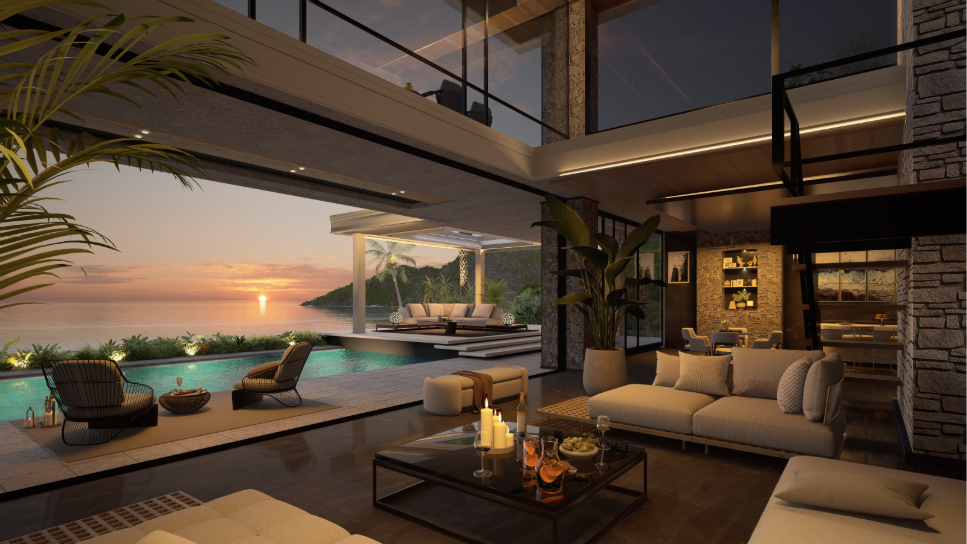
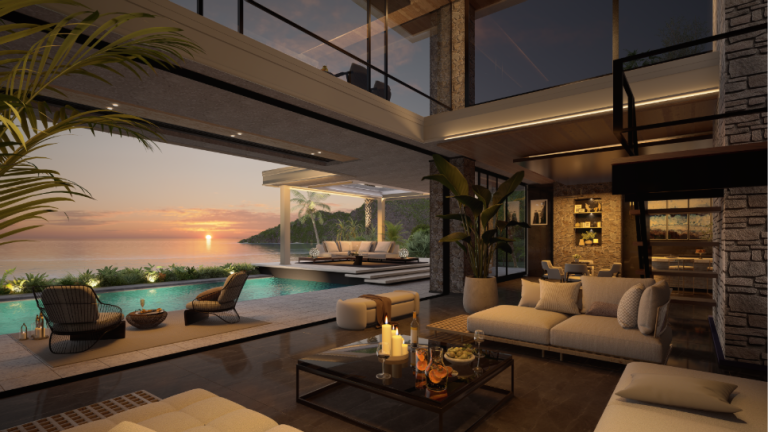
D5 Render leverages GPU rendering to deliver fast, high-quality visuals for complex exterior and landscape scenes. RIKCAD users can create photo-realistic still images, 8K rendering, 360° panoramas, and smooth VR walkthroughs directly from the model in progress, significantly shortening the client approval cycle.
FAQ
With the D5 Render linkage introduced in RIKCAD 13, users can seamlessly bring exterior, garden, and landscape models into a real-time visualization environment. This enables the creation of photorealistic images, animations, and presentation materials that communicate design intent more clearly.
Beyond rendering, D5 offers a range of AI-assisted tools, including AI Enhancer, AI Inpainting, AI Style Transfer, AI Atmosphere Match, and AI Material Snap. These features help designers refine materials, explore different moods, and improve image quality while reducing the need for manual post-production.
For RIKCAD users, D5 provides a streamlined workflow that connects CAD design, real-time rendering, AI-assisted visualization, and client-ready presentations in a single process.
RIKCAD13 supports linkage with D5 Render, allowing users to review 3D models in a real-time rendering environment. This helps designers move from detailed exterior and landscape design work in RIKCAD to high-quality visual presentations in D5 Render.
D5 Render linkage is introduced as part of RIKCAD13, which is planned for release on July 1st, 2026.
Yes. Once the model is brought into D5 Render, users can enrich the scene with D5’s asset library, including vegetation, outdoor furniture, people, lighting, materials, HDRIs, particles, and landscape presets.
 English
 Español
 Français
 한국어
한국어 日本語
日本語