
Comment Marstudyo utilise le rendu en temps réel pour aligner les parties prenantes, comparer les scénarios et faire avancer les projets en toute confiance
Principaux enseignements :
- La visualisation en temps réel aide les équipes à s'aligner plus rapidement en testant les options de conception instantanément au lieu d'attendre des rendus statiques.
- Marstudyo a réduit le nombre de révisions de 6 à 7 à seulement 1 à 2 en améliorant la clarté, et non en simplifiant la conception.
- Les visuels partagés créent un langage commun entre architectes, clients et parties prenantes non techniques.
- Des décisions plus rapides mènent à de véritables résultats commerciaux : plus de succès, plus de demandes et des supports marketing plus solides.
Aperçu du studio :
- Lieu : Istanbul, Turquie et Vienne, Autriche
- Taille de l'équipe : 11
- Type de studio : Studio d'architecture et de design boutique
- Types de projets : développements résidentiels, projets de logement axés sur le style de vie et projets architecturaux à usage mixte, impliquant souvent de grands sites et une conception conceptuelle basée sur des scénarios
- Outils de modélisation : Revit (principal), ainsi que SketchUp, Rhino et Blender

En architecture et en immobilier, la plupart des retards ne proviennent pas de la construction.
Ils viennent de l'incertitude.
Les projets s'arrêtent lorsque les parties prenantes ne peuvent pas voir clairement l'impact des choix de conception. Les révisions se multiplient, non pas parce que les conceptions sont erronées, mais parce que les clients se sentent incertains.
Marstudyo, un studio d'architecture et de design boutique, l'a compris très tôt. Leur travail est profondément conceptuel et axé sur les scénarios, mais ils comprenaient une vérité essentielle : les idées n'avancent que lorsqu'elles aident les gens à décider.
Cette prise de conscience a transformé leur approche de la visualisation.
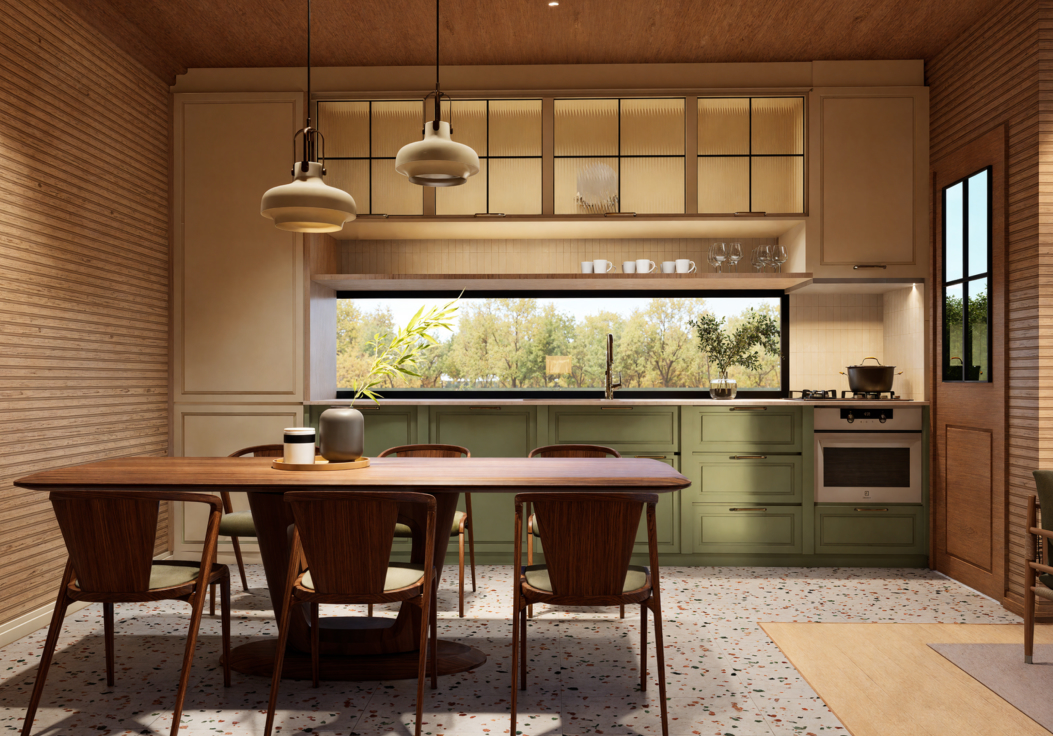
Concevoir des choix, pas seulement des espaces
Le processus de conception de Marstudyo commence par les gens, pas par les plans — en se Demandant comment les espaces seront habités, traversés et ressentis. Pour chaque projet, ils créent plusieurs scénarios de vie au lieu de pousser une seule “ solution ”.”
Pour un développement résidentiel en périphérie d'Istanbul, l'équipe a présenté trois options de conception complètes :
- Pour les familles avec enfants
- Un pour les jeunes couples
- Un pour les résidents à temps plein
Chaque version explorait non seulement l'esthétique, mais aussi différents besoins spatiaux, rythmes et implications financières. Cela faisait de la conception un choix stratégique, et pas seulement une préférence visuelle.
Mais pour que cette comparaison soit utile, ils avaient besoin d'un outil de visualisation rapide, flexible et précis. Leur flux de travail traditionnel ne pouvait pas suivre.
Pourquoi les outils traditionnels étaient insuffisants
Avant d'adopter D5 Render, Marstudyo a utilisé un mélange de Revit, SketchUp, Rhino, Blender, 3ds Max et Corona, et Lumion. Bien que capable de produire des résultats de haute qualité, le flux de travail était lent et rigide.
Les rendus prenaient des heures. Les révisions signifiaient une refonte complète. Les designers attendaient une nuit entière pour les mises à jour. Les clients peinaient à interpréter des images statiques. Comparer les scénarios ? Pratiquement impossible.
“ Avec les moteurs de rendu traditionnels, on laisse l'ordinateur tourner toute la nuit et on obtient deux rendus en une semaine. Avec D5, on peut en explorer vingt. ”
— Timur Irmakoglu, Fondateur de Marstudyo
Pourquoi D5 : une réorientation axée sur la prise de décision
Marstudyo n'a pas adopté le modèle D5 par simple effet de mode. À l'issue de tests approfondis et après avoir recueilli les commentaires de ses pairs, deux facteurs se sont démarqués :
Vitesse qui correspond à la pensée design
D5 a permis à l'équipe de tester l'éclairage, les matériaux et l'ambiance en temps réel. Les différentes variations de la scène pouvaient être explorées en quelques minutes, et non en plusieurs jours.
“ Si nous obtenons un résultat de qualité équivalente à celui du 85% en cinq fois moins de temps, c'est un choix commercial plus judicieux. Les clients ne se soucient pas des nuances de réalisme : ce qui leur importe, c'est de comprendre. ”
A lire également : IA en temps réel pour les petites sociétés de rendu : Amélioration de l'efficacité
2. Outils d'IA qui réduisent la friction
Les outils assistés par IA de D5 ont permis de simplifier la configuration des matériaux, l'équilibrage de l'éclairage et le peaufinage des scènes. Au lieu de se battre avec le logiciel, l'équipe a pu se concentrer sur la création.
Cela a fait de la visualisation un instrument de conception actif, et non une étape de sortie passive.
Un nouveau flux de travail axé sur les décisions
Le D5 est devenu un élément central du processus de conception de Marstudyo, depuis les premiers concepts jusqu'à la présentation finale.
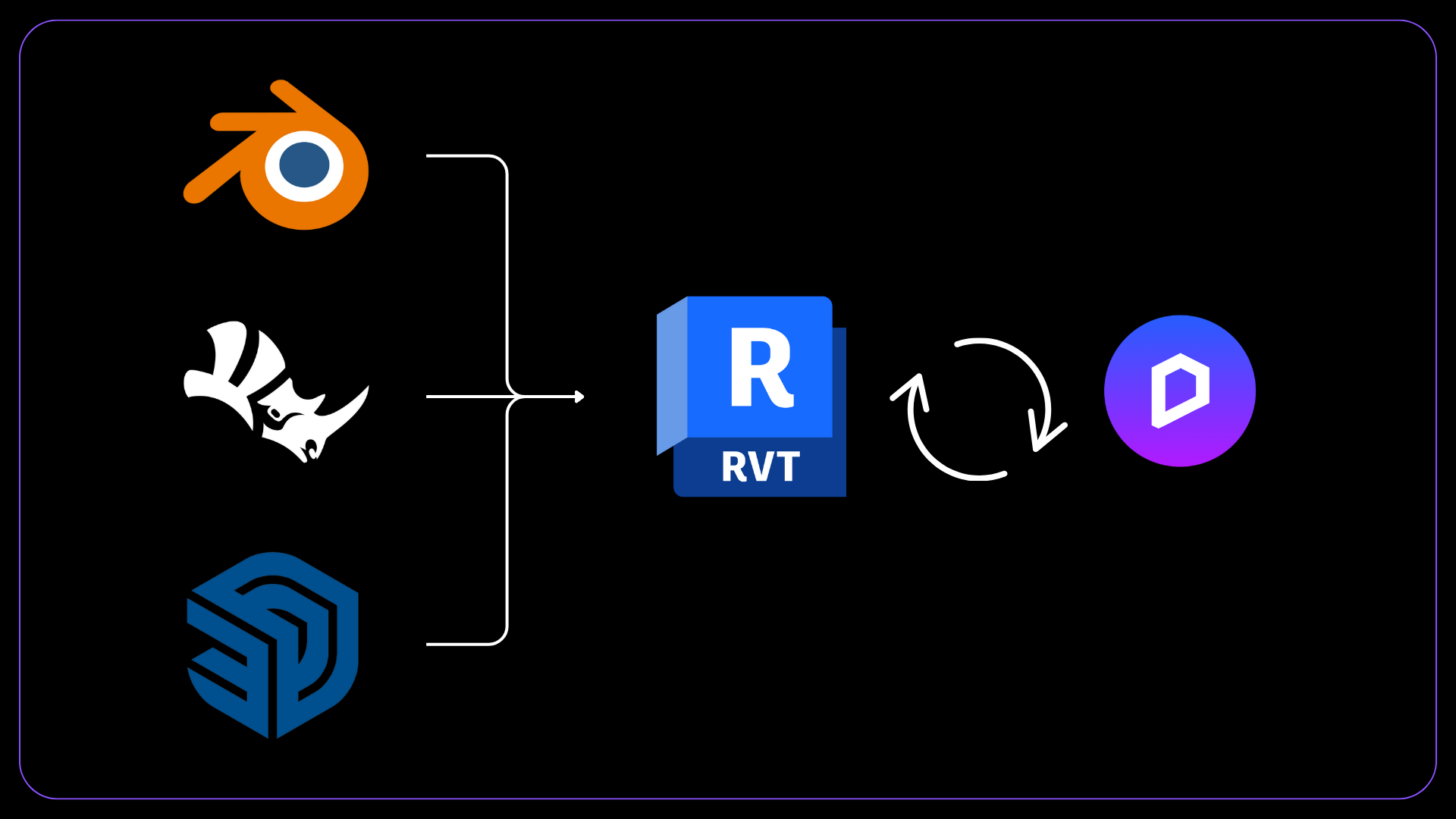
Ils utilisent désormais D5 pour tester des scènes, comparer des mises en page, explorer des textures, créer des animations et valider rapidement des idées. Ce changement leur a permis de présenter trois concepts entièrement développés en trois semaines, alors qu’auparavant, il leur fallait un mois pour en réaliser un seul.
“ Quand on travaille trop longtemps sur un concept, on finit par ne plus y voir clair. D5 nous aide à retrouver le cap. ”
A lire également : D5 Widgets | Fusionner les projets de rendu pour faciliter le travail d'équipe dans Arch Studio
De la révision à l'alignement
Avant la version D5, il était courant de procéder à six ou sept cycles de révision majeurs. Aujourd'hui, la plupart des projets s'en sortent en un ou deux cycles seulement.
“ Avec D5, ce que nous intégrons correspond exactement à ce que nous nous attendons à voir, ce qui permet aux clients et aux concepteurs d'être sur la même longueur d'onde bien plus tôt. ”
Moins de révisions signifient de meilleures décisions, prises plus tôt—ce qui profite directement à l'entreprise grâce à :
- Moins de travail non facturable
- Délais plus courts
- Livraison plus prévisible
- Une plus grande capacité sans augmenter les effectifs
Visualisation comme salle de décision
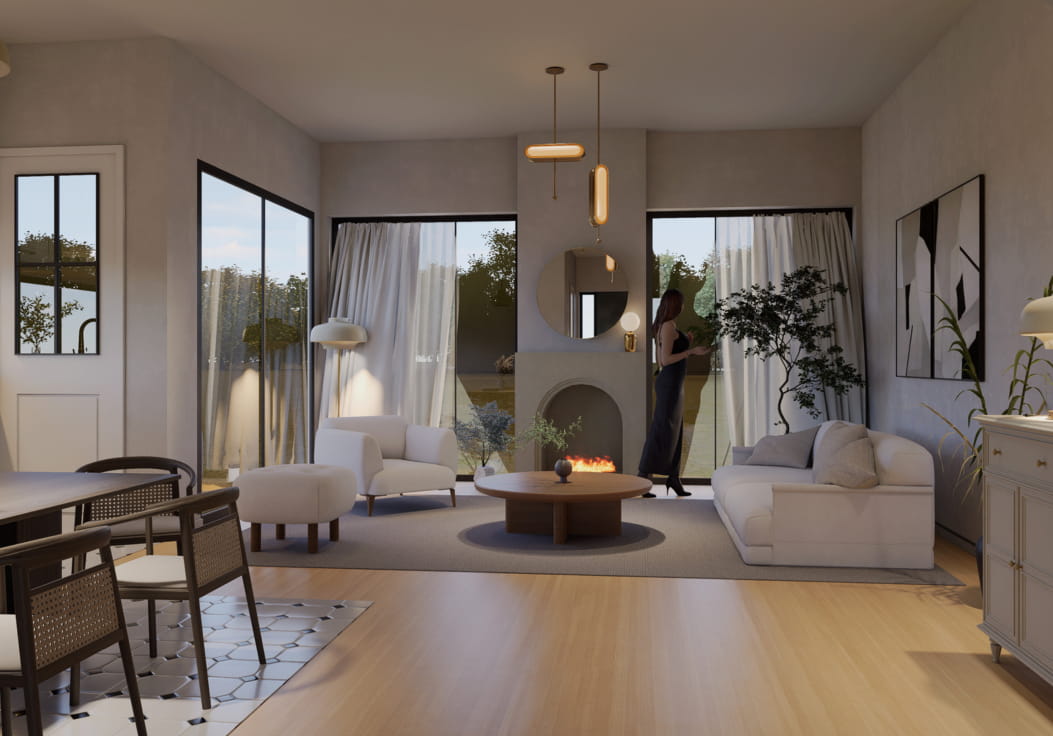
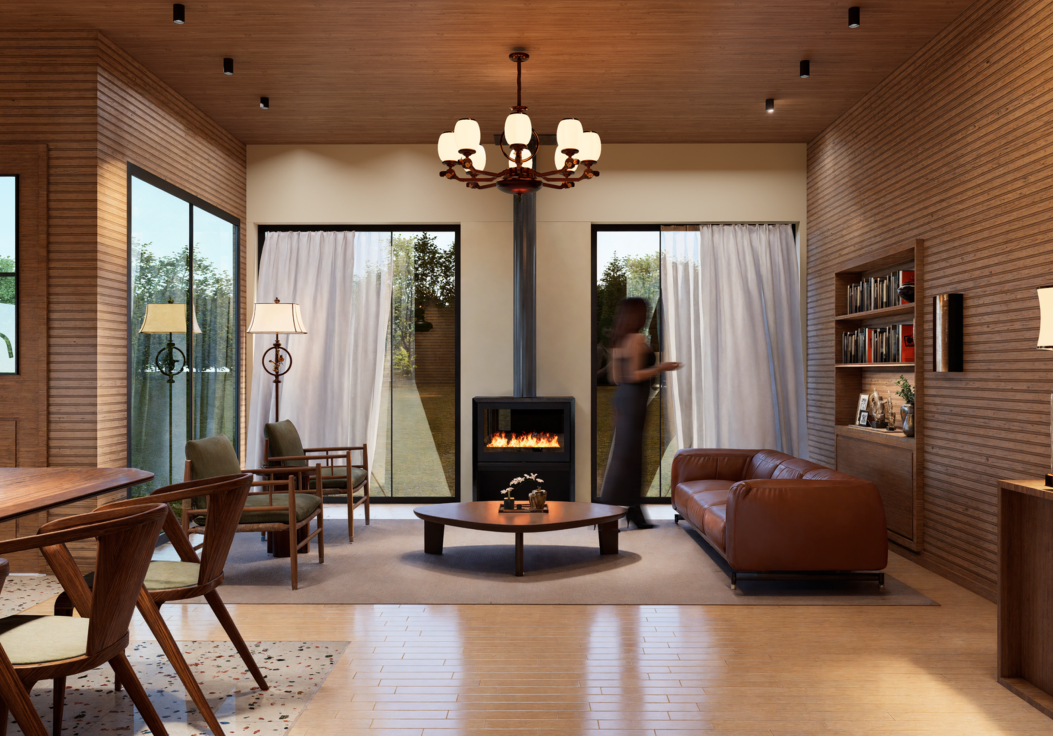
Au lieu d'images fixes, Marstudyo utilise désormais des animations D5 pour guider les clients à travers les espaces, leur permettant ainsi de découvrir la lumière, la circulation et l'ambiance en mouvement.
“ Quand les clients voient l'animation, ils ne l'aiment pas seulement, ils la comprennent. Cela change toute la conversation. ”
Surtout, D5 permet parties prenantes non architectes pour établir un dialogue constructif. Le fondateur lui-même, qui n'a pas de formation en architecture, utilise les visuels de D5 pour orienter les discussions avec les clients et conclure des contrats.
Ceci élimine un obstacle courant dans les équipes de projet : le fossé de traduction entre le langage de conception et le langage commercial.
A lire également : Guide complet sur la façon de créer une animation cinématique dans D5 Render
Quand la visualisation s'étend au-delà du studio
À mesure que la confiance s'est renforcée, l'équipe a commencé à exploiter les résultats de D5 à des fins de marketing et de développement commercial. Une animation est désormais diffusée sur les panneaux d'affichage numériques d'Istanbul : une tâche qui prenait autrefois des semaines est désormais réalisée en quelques jours.
“ L'année dernière, cela nous aurait pris des années. Grâce à D5, nous y sommes parvenus en une semaine. ”
La visualisation est devenue une actif polyvalent—servant simultanément le design, les ventes et le marketing.
Résultats commerciaux découlant de meilleures décisions
Dans l'année suivant l'adoption du programme D5 Render :
- Le nombre de projets remportés a doublé (augmentation de 100% par rapport à l'année précédente)
- Les demandes des clients ont augmenté de 5 à 7 fois
- La qualité de l'affichage est devenue la principale raison du lancement de cette nouvelle campagne de sensibilisation
Tout cela s'est passé sans augmenter les effectifs ni les dépenses publicitaires.
Conclusion : Concevoir pour l'engagement
L'expérience de Marstudyo montre que la véritable valeur du rendu en temps réel ne réside pas seulement dans la rapidité, mais aussi dans la clarté. D5 Render est devenu bien plus qu'un simple outil de présentation. C'est devenu un cadre de référence pour la prise de décision.
Pour les studios qui gèrent des projets complexes, la leçon est simple :
Les meilleurs visuels ne sont pas ceux qui sont les plus beaux. Ce sont ceux qui aident les gens à décider.
Dans le cas de Marstudyo, cette idée a remodelé non seulement leur façon de concevoir, mais aussi leur façon de faire des affaires.
Prêt à aller plus loin avec D5 ?
Si cette histoire a suscité des idées chez vous — ou reflète votre propre expérience — il y a deux façons simples de maintenir l'élan :
Partagez votre histoire
Avez-vous un projet, un processus de travail ou une réussite d'équipe rendus possibles grâce à D5 ?
Nous cherchons toujours à mettre en lumière des histoires réelles de la communauté. Votre expérience pourrait être présentée dans une future étude de cas.
Entrez en contact avec l'équipe D5
Vous vous demandez comment la méthode D5 pourrait s'appliquer à votre équipe ou à un projet spécifique ?
Parlons. Planifier une démo ou discutez directement avec notre équipe — nous sommes là pour vous aider.


 English
 Español
 Français
 한국어
한국어 日本語
日本語