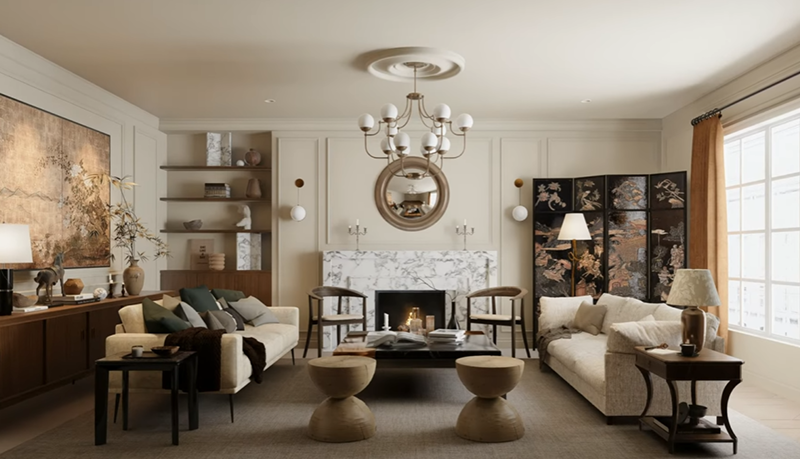


There's a certain magic to vintage interior design—the warmth of weathered wood, the texture of timeworn fabrics, that golden-hour glow that makes a living room feel instantly cozy and lived-in. Capturing this authentic mood in a 3D visualization, however, can feel like a daunting task. How do you translate that nostalgic charm from a blank canvas into a photorealistic scene that actually breathes with character?
What if you had a tool that made this process not only intuitive, but genuinely inspiring? Enter D5 Render. In this guide, we're pulling back the curtain to show you, step by step, exactly how to build a stunning vintage interior design visualization from the ground up.
🚀 Key Insights into Vintage Interior Design
- Frame your shot early in D5 Render to highlight cozy vintage interior design elements like fireplaces or curved sofas.
- Establish a nostalgic mood with soft, diffused HDRI lighting rather than harsh sun for a lived-in feel.
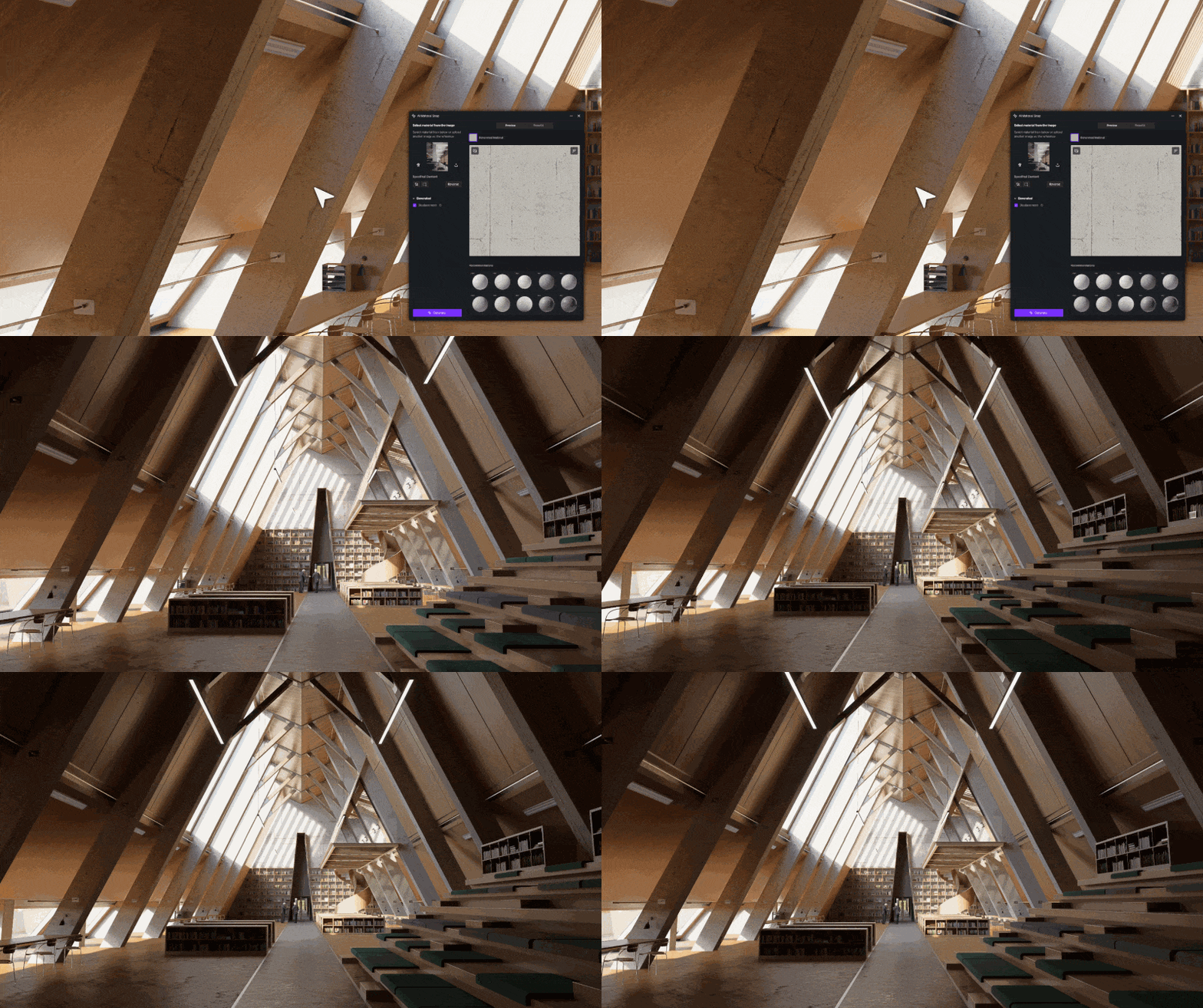
- Use D5 Render's AI PBR Material Snap tool to instantly generate authentic, aged textures directly from your reference photos.
- Finalize the scene by layering classic furniture assets and warm accent lighting to create a cozy glow.

1. Framing the Vintage Interior Design Scene
Before we even fire up D5 Render, the first step is all about preparation. Get your living room model ready in your favorite 3D so ftware—whether that's SketchUp, 3ds Max, or another tool. Make sure the core architectural elements like walls, windows, and doors are in place. This solid foundation is key
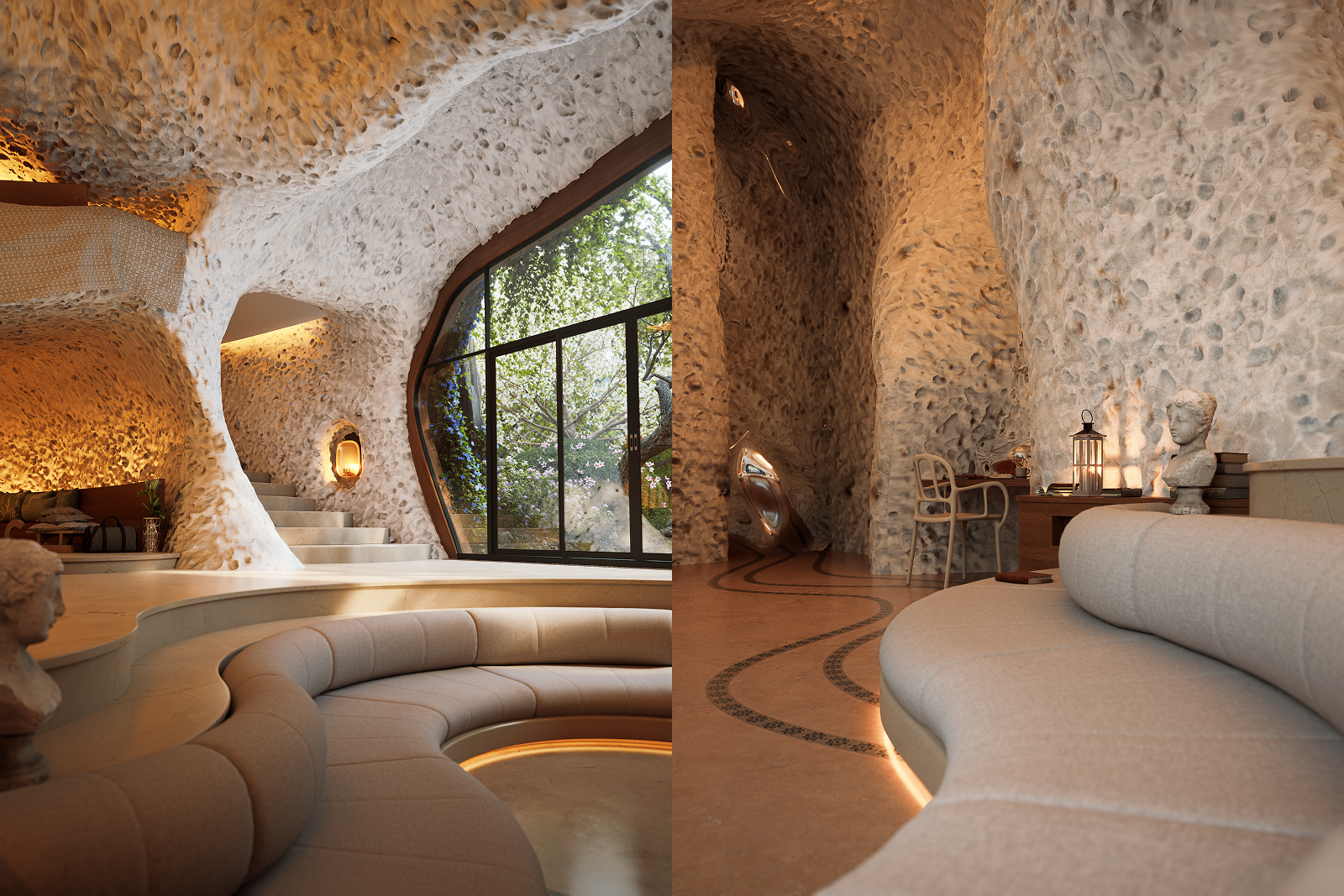
Once your structure is imported into D5 Render, we recommend starting with camera angles. For a captivating vintage interior design scene, frame your shots to highlight key areas: the warmth of a fireplace, or the curve of a main sofa. Setting these compositions early will guide your entire creative process, from lighting to furniture placement.

2. Setting Natural Light & Warm Mood in D5 Render
The secret to any convincing render—especially one steeped in nostalgia—is nailing the lighting right from the start. Think of it as setting the stage for your story.
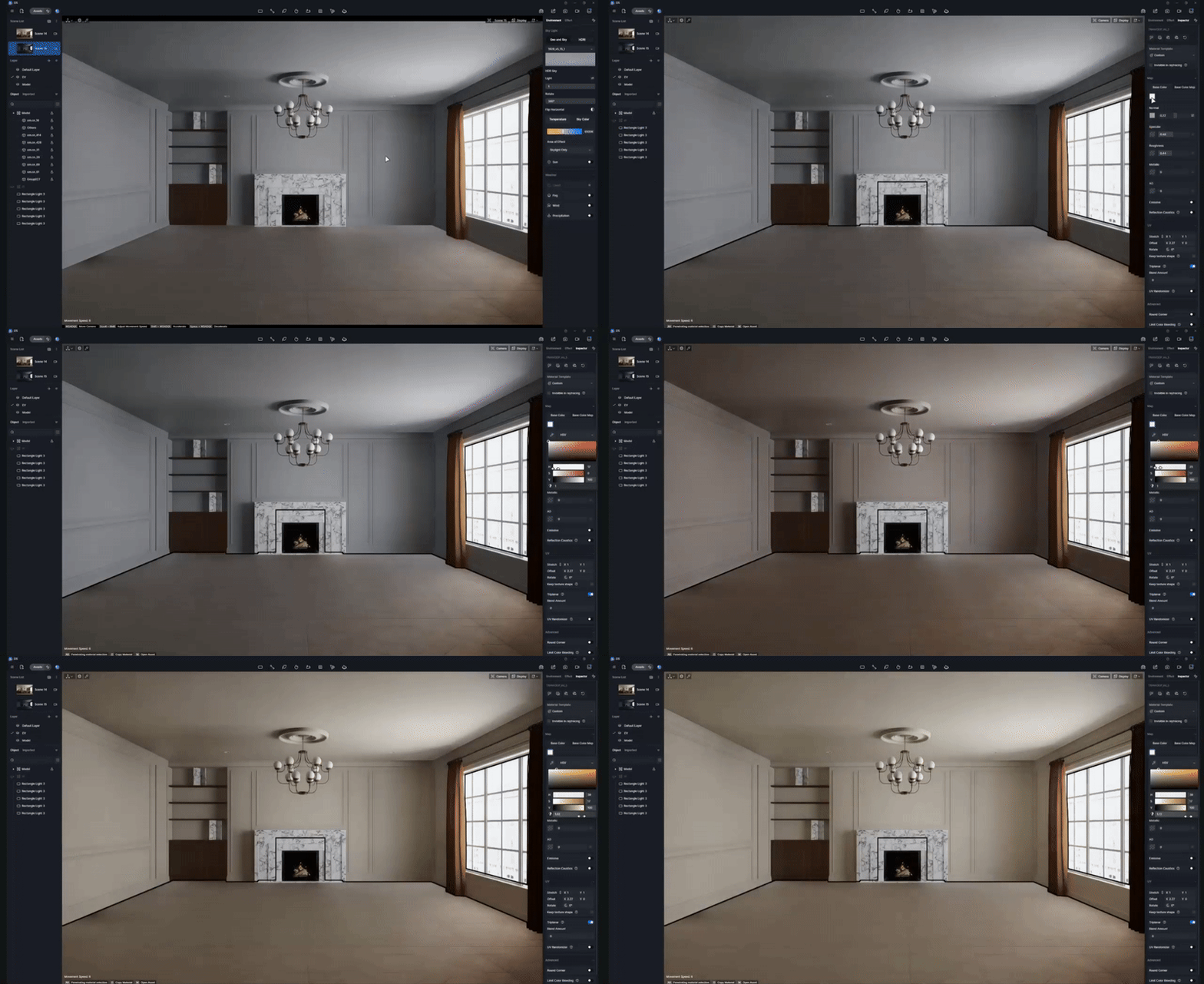
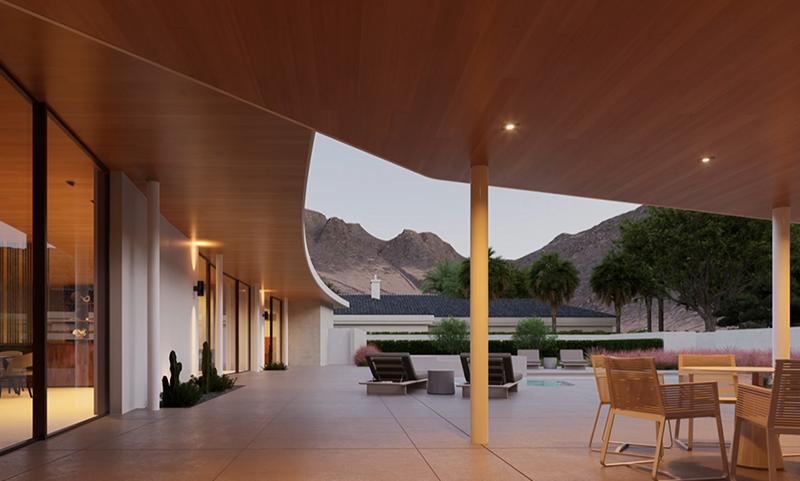
Inside D5 Render, we begin by establishing the primary natural light using an HDRI environment. For that authentic vintage interior design charm, skip the harsh midday sun and opt for a softly diffused HDRI. This creates gentle, subtle shadows that perfectly complement classic furniture and decoration. To enhance this effect, strategically place a few rectangular lights near your windows. Keep their intensity low and their color warmly tinted to mimic sunlight gently spilling into the room. The goal is a calm, lived-in ambiance—think of a peaceful afternoon in a well-loved home.
Finally, don't overlook your walls. A warm beige, muted cream, or softly yellowed white can instantly establish the right vintage interior design mood. With D5 Render's intuitive material controls, a simple tweak to hue and saturation makes all the difference, ensuring your space feels invitingly warm rather than stark or overly modern.
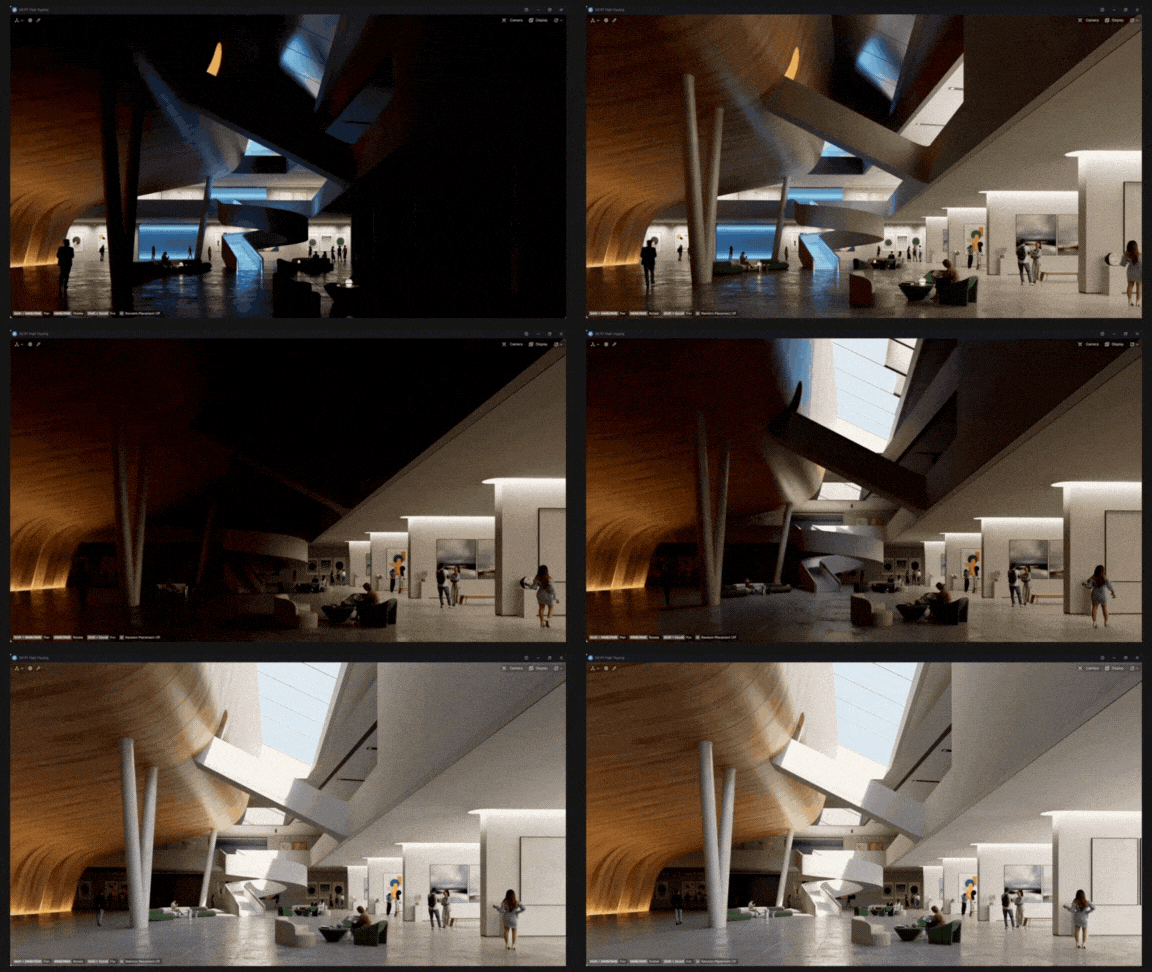
👉 How to Light Dark Rooms: Interior Lighting with D5 Render
3. Refining Vintage Interior Design Materials with D5's AI Tools
True character lies in the details, especially when it comes to vintage interior design. The subtle grain of aged wood, the soft nap of worn velvet, and the gentle tarnish on a brass lamp are what make a space feel truly authentic. Fortunately, D5 Render is packed with intelligent tools that make crafting these textures intuitive.
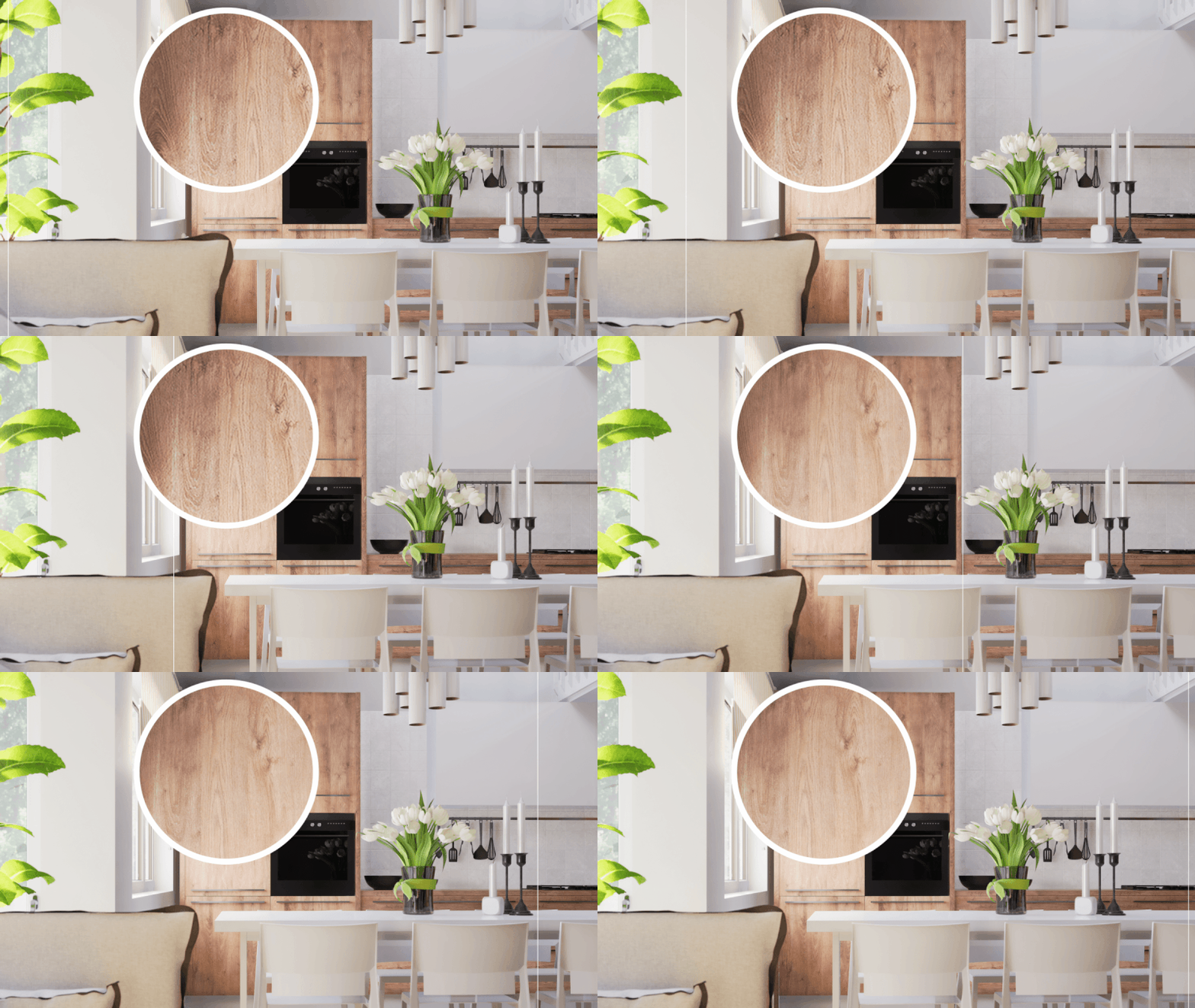
If you already have some basic texture maps, D5 Render's built-in AI tools allow you to refine them further. You can boost clarity, enhance normal and bump maps for more pronounced texture, and even accentuate the cracks and crevices that give vintage surfaces their story.
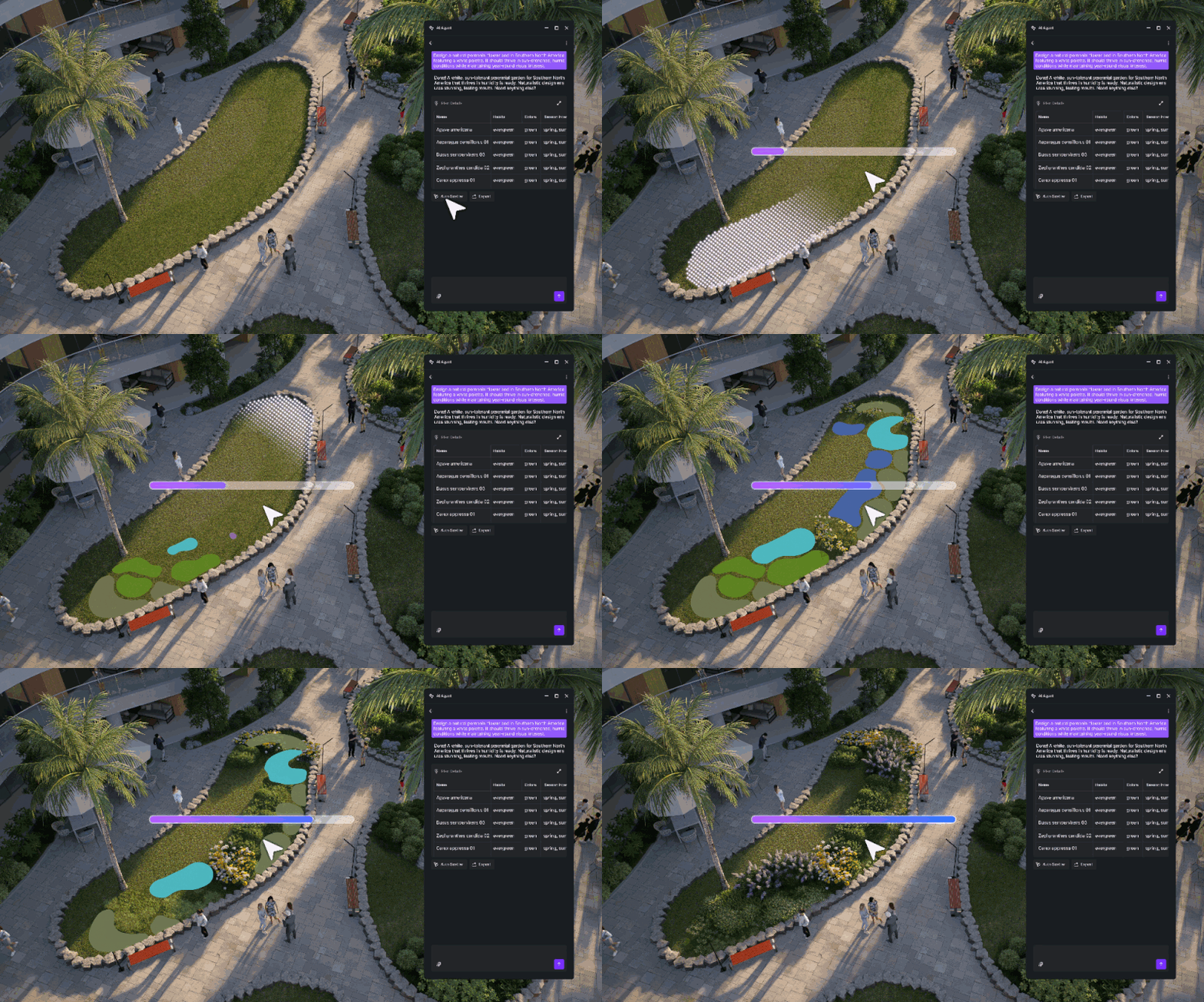
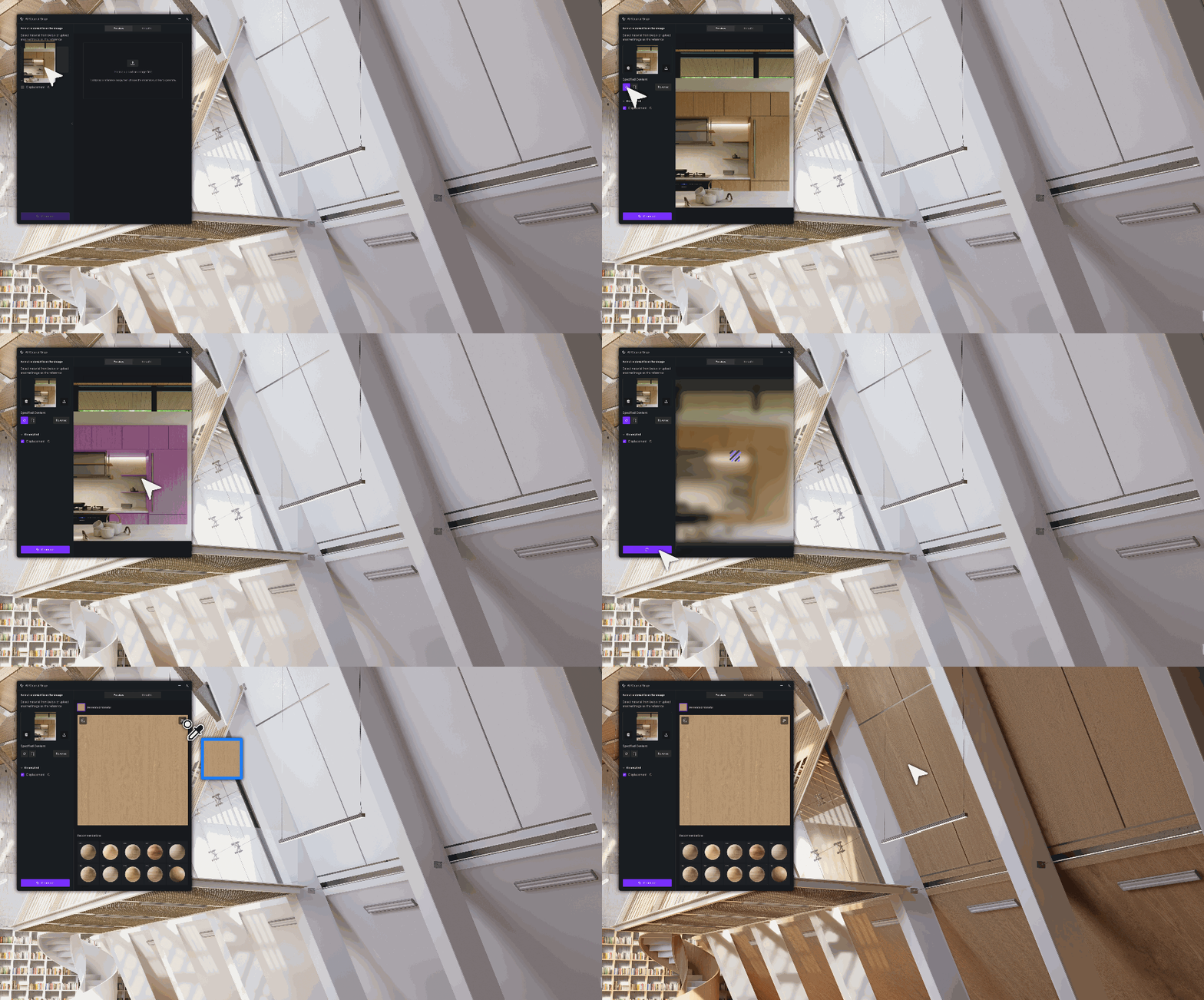
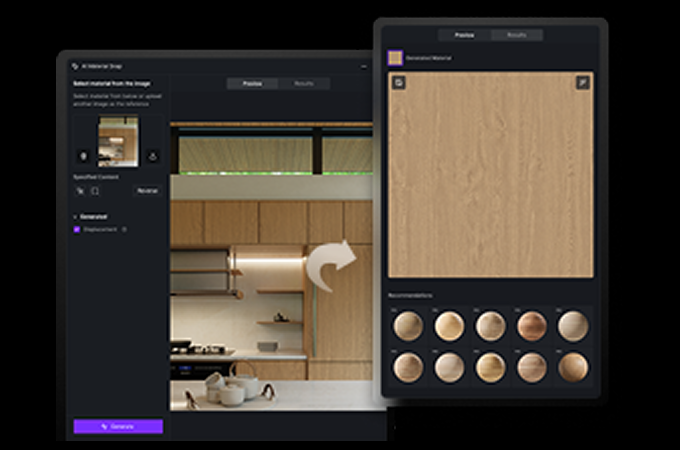
But what if you're starting from just an inspiration image? This is where D5 Render becomes a game-changer. Imagine you've found the perfect photo of a distressed leather armchair or a time-won wooden floor. Simply use our AI PBR Material Snap tool to capture the material directly from your reference image, D5 Render will generate a high-quality, physically based (PBR) material for you. It's one of the fastest ways to bring authentic vintage character into your scene.
👉Need Free PBR Textures? Try AI PBR Material Snap in D5!
And for that final layer of realism, don't forget to explore decals maps within D5 Render's asset library. A subtle overlay of wear, dust, or water stains on floors and surfaces can effortlessly elevate your scene so your vintage interior design living room feels truly lived-in.
👉 How to Create a Detailed Rendering with Decals in D5 Render?
4. Furnishing with D5's Asset Library for Vintage Charm
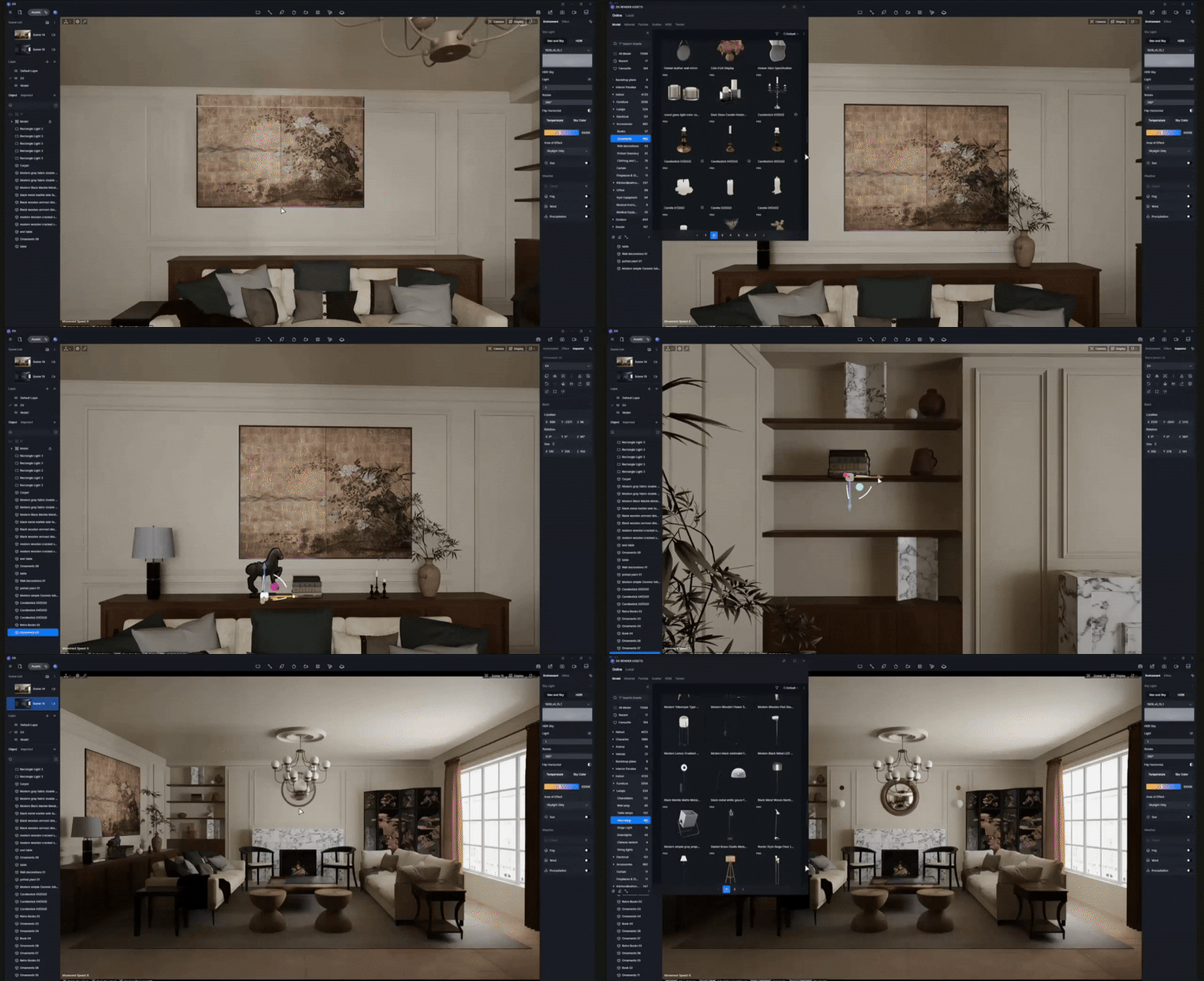
With your natural lighting set and materials textured, it's time for the most exciting part: furnishing your vintage interior design. This is when the personality of your living room truly comes to life.
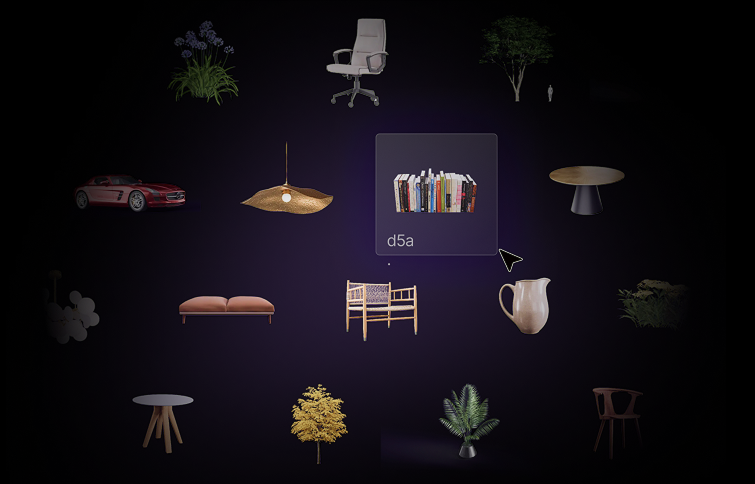
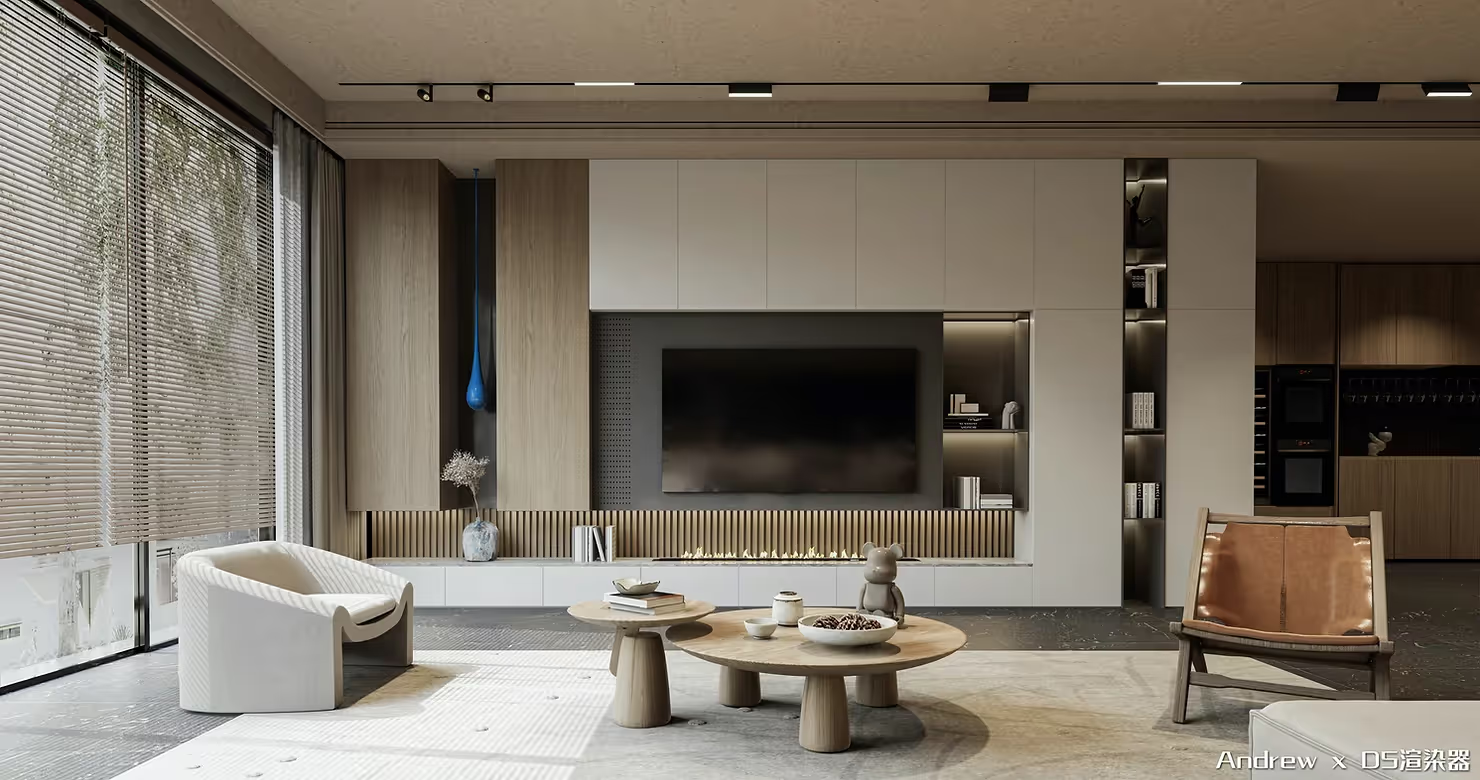
Head over to the D5 Render Asset Library — your treasure trove for timeless pieces. Look for classic sofas with rounded arms, sturdy wooden coffee tables, and vintage armchairs to build the foundation. The key to a convincing layout is thoughtful layering: group comfortable seating for conversation and establish a clear focal point, like a fireplace or a gallery wall.
Don't forget the details! Side tables, weathered rugs, and small decorative items are essential for adding that curated, lived-in charm that vintage interiors are known for. The D5 Render Asset Library is stocked with a vast array of these small accessories, ensuring your vintage living room feels unique and authentically yours.
5. Crafting a Warm Vintage Glow with Accent & Emissive Lighting
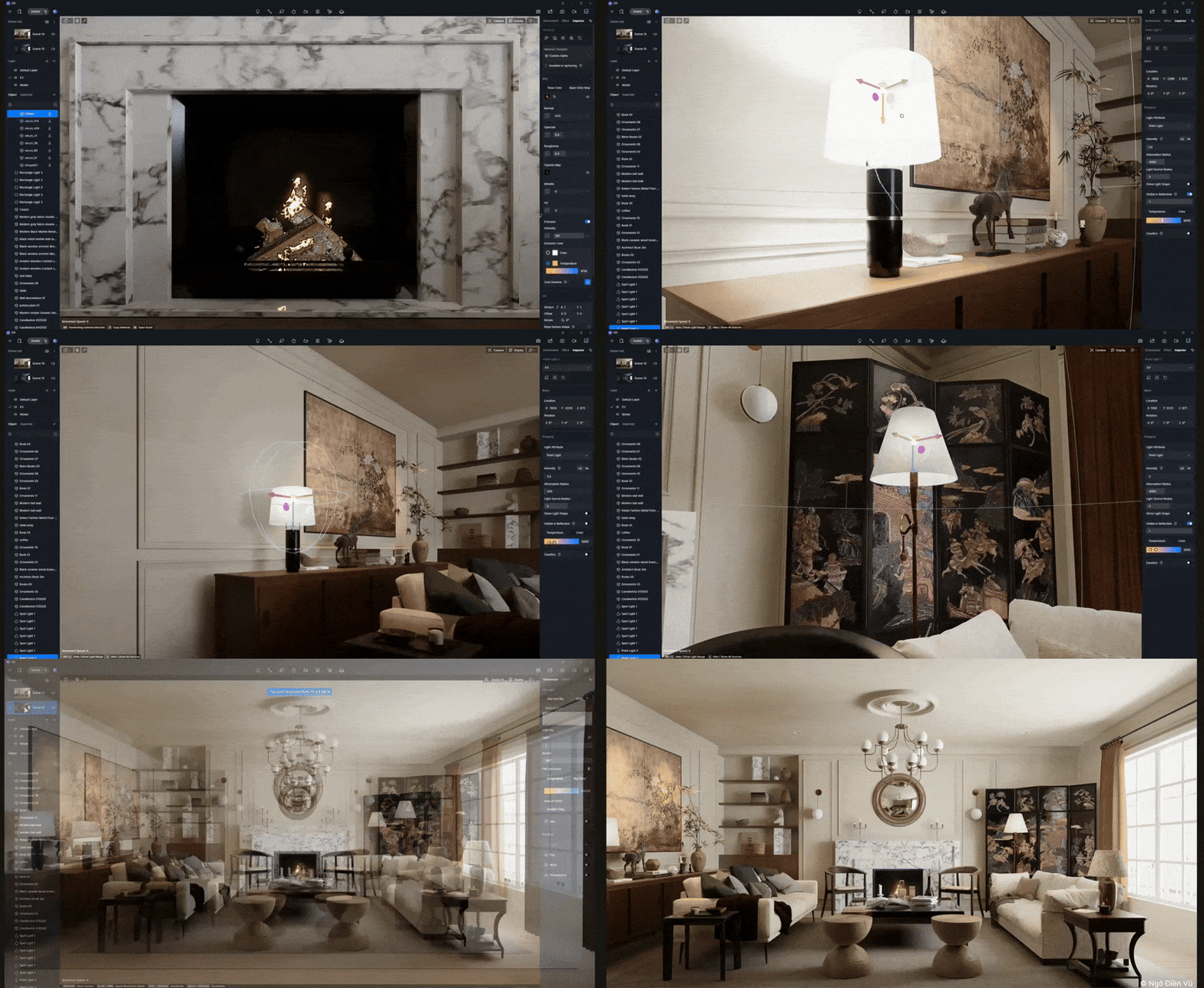
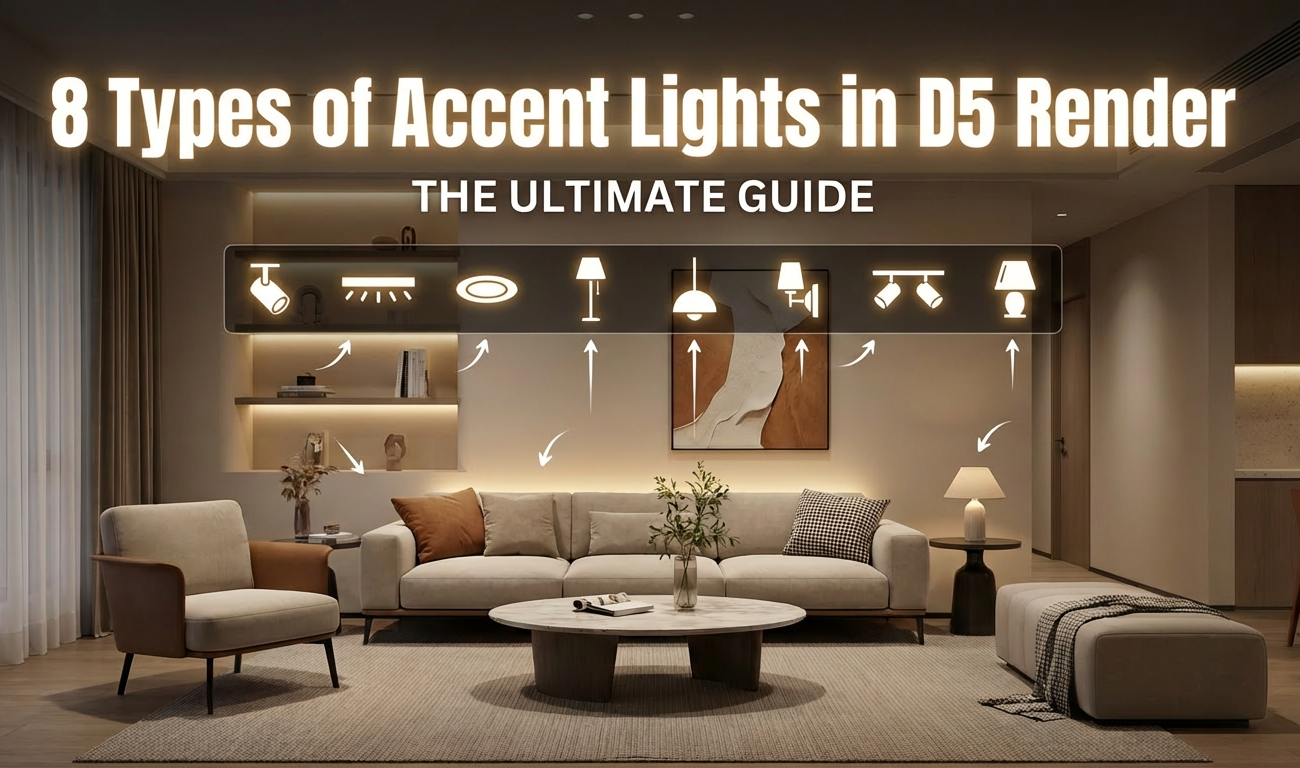
Once your daylight and furniture are in place, lighting becomes the key to bringing your vintage living room to life in D5 Render. Start by layering accent lights: use spotlights and point lights to gently highlight focal areas such as artwork above the fireplace, a reading nook, or a vintage cabinet. Keep light intensities moderate and choose warm color temperatures to preserve that nostalgic, lived-in feeling that defines vintage interior design.
If your scene includes a fireplace, let it become the emotional centerpiece. Turn on the emissive option for the fire material and adjust its strength so that the flames cast a soft, believable glow rather than an overpowering light. Enhance this effect with a subtle point light inside the fireplace to mimic light spilling onto the floor and nearby furniture. Together, warm accent lighting and emissive fire create a cozy, intimate evening atmosphere that looks compelling in both still renders and animations.
Conclusion: Visualize Your Vintage Interior Design Dream
So there you have it! Creating a cozy, vintage interior design scene in D5 Render is all about nailing those key elements: soft lighting, textured materials, and classic furniture. It's not about perfection, but about capturing that warm, lived-in feeling. Don't be afraid to experiment—play with different decals, adjust that warm glow, and make the space your own.
Now it's your turn! Open D5 Render and start building your own nostalgic escape. We're excited to see the unique vintage charm you create.
Explore More Interior Design Tips
How to Light Dark Rooms: Interior Lighting with D5 Render
Visual Storytelling: Make Your Interiors Cinematic with D5 Render
AI Interior Design? D5 Render Turns Ideas Into Reality!
How To Make an Interior Phasing Animation
D5 Render for Interior vs. Exterior Architecture: Key Rendering Techniques
Upgrade Renders: 1200+ Branded Interior Design Models in D5
Vintage Interior Design FAQs
Q1: What is the best way to create a cozy, "lived-in" atmosphere in interior rendering?
A: Creating a "lived-in" feel relies heavily on imperfect textures and warm lighting. Instead of pristine surfaces, you need materials that show history. D5 Render excels here, offering AI tools that enhance texture maps to accentuate cracks in wood or worn leather. Furthermore, applying subtle "decal" assets from the D5 library—like dust or water stains—is a fast way to add that crucial layer of authentic nostalgia to your scene.
Q2: How can I get realistic vintage textures if I only have inspiration photos?
A: This is a common challenge when trying to capture the look of specific antique pieces. We recommend leveraging AI tools to solve this. D5 Render's AI PBR Material Snap is a true game-changer here. It lets you turn any inspiration photo—like distressed fabric or aged wood—into a high-quality PBR material automatically, instantly bringing that authentic character into your visualization.
Q3: What kind of lighting setup best captures a nostalgic, golden-hour mood?
A: To achieve a nostalgic mood, it's best to avoid harsh, modern lighting. We suggest starting with a softly diffused HDRI environment instead of direct midday sun. To enhance the warmth, try layering warm-tinted, low-intensity rectangular lights near the windows in D5 Render. This technique mimics sunlight spilling naturally into the room, creating subtle shadows that complement classic furniture.
Q4: Where can I find high-quality 3D models of vintage furniture and decor?
A: Sourcing specific antique assets can be time-consuming. However, a robust built-in library is essential for efficiency. The D5 Render Asset Library is described as a treasure trove for this style, stocking everything from foundational pieces like rugs and rounded-arm sofas to the small, curated decorative items necessary for layering a convincing vintage scene.
Q5: My interior render feels too stark and modern. How can I fix the overall vibe quickly?
A: Often, the culprit is stark white walls, which can feel too contemporary. To instantly establish a vintage mood, we recommend changing wall colors to warm beiges, muted creams, or antique whites. D5 Render's intuitive material controls allow for rapid tweaks to hue and saturation, ensuring the background feels invitingly aged and provides the perfect foundation for antique decor.
Q6: What is the best workflow for starting a complex vintage interior visualization?
A: Don't jump straight into lighting. We suggest that before touching materials or lights, you should establish camera angles immediately after importing your model into D5 Render. By framing shots early to highlight key vintage elements—like a bay window or a cozy sofa curve—you create a roadmap that guides all subsequent lighting and furniture placement decisions for a stronger composition.
Q7: Is real-time rendering suitable for high-quality vintage interior design?
A: Absolutely. Vintage design requires constant iteration of subtle lighting and textures to get the "mood" right. D5 Render's real-time path tracing and ray tracing are ideal for this. It allows designers to instantly see how warm light interacts with aged materials, making the process of tweaking the "golden-hour glow" intuitive and genuinely inspiring, rather than a slow, technical hurdle.


.png)







.png)
1%20(2).png)


%20(1).png)
.png)
.png)











.png)