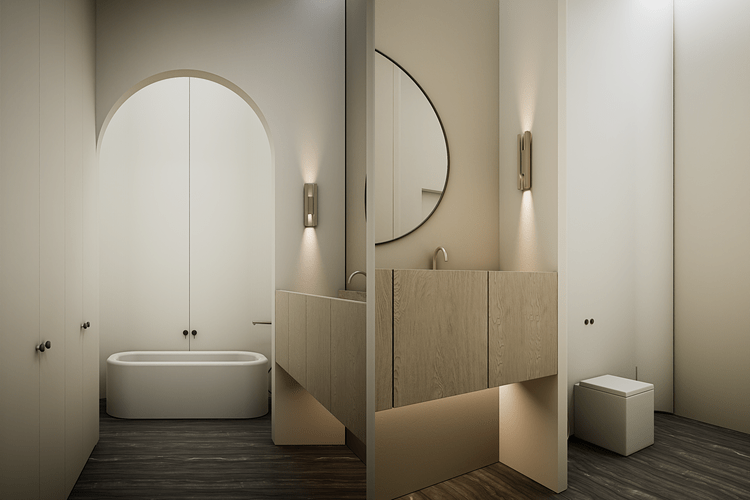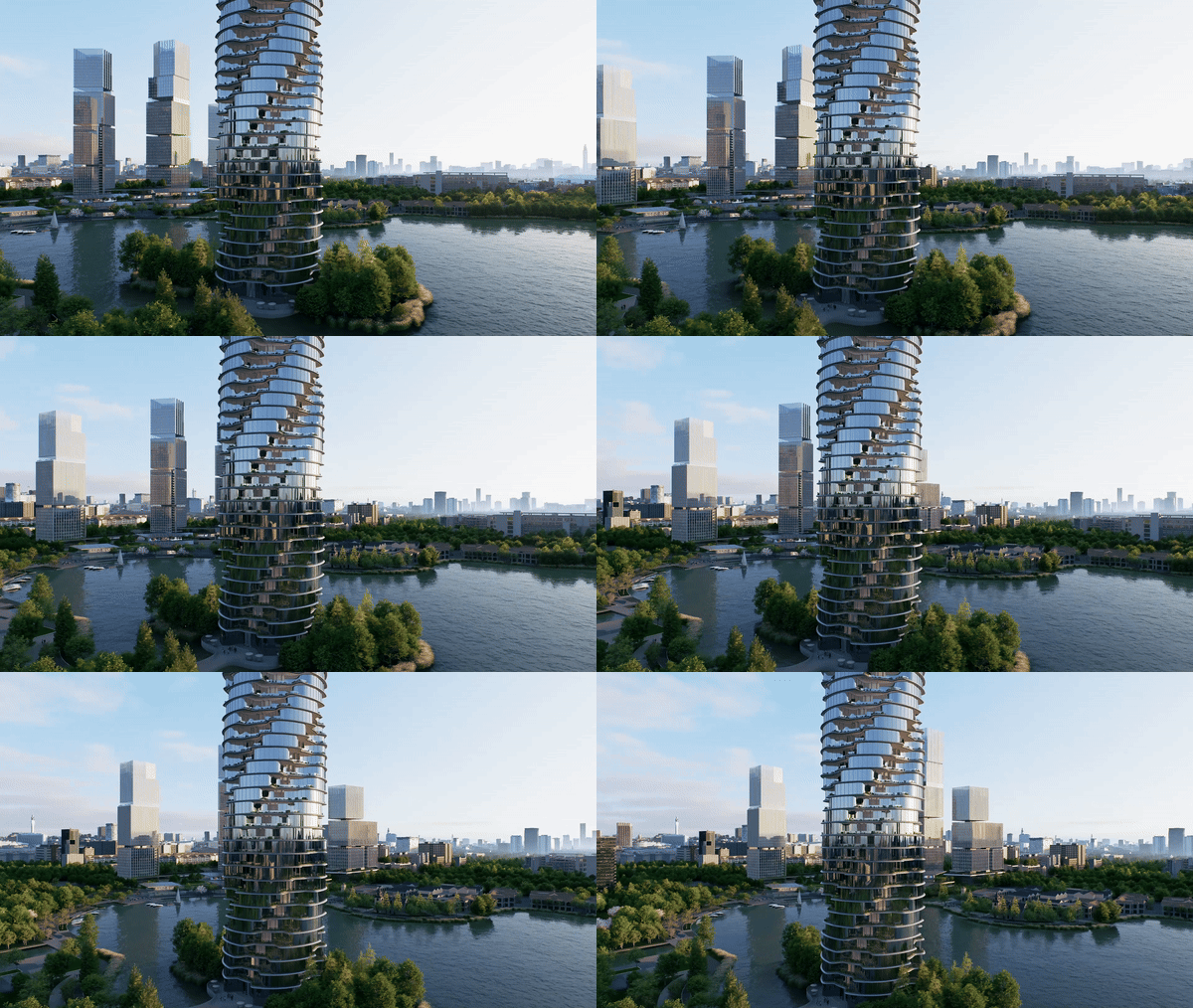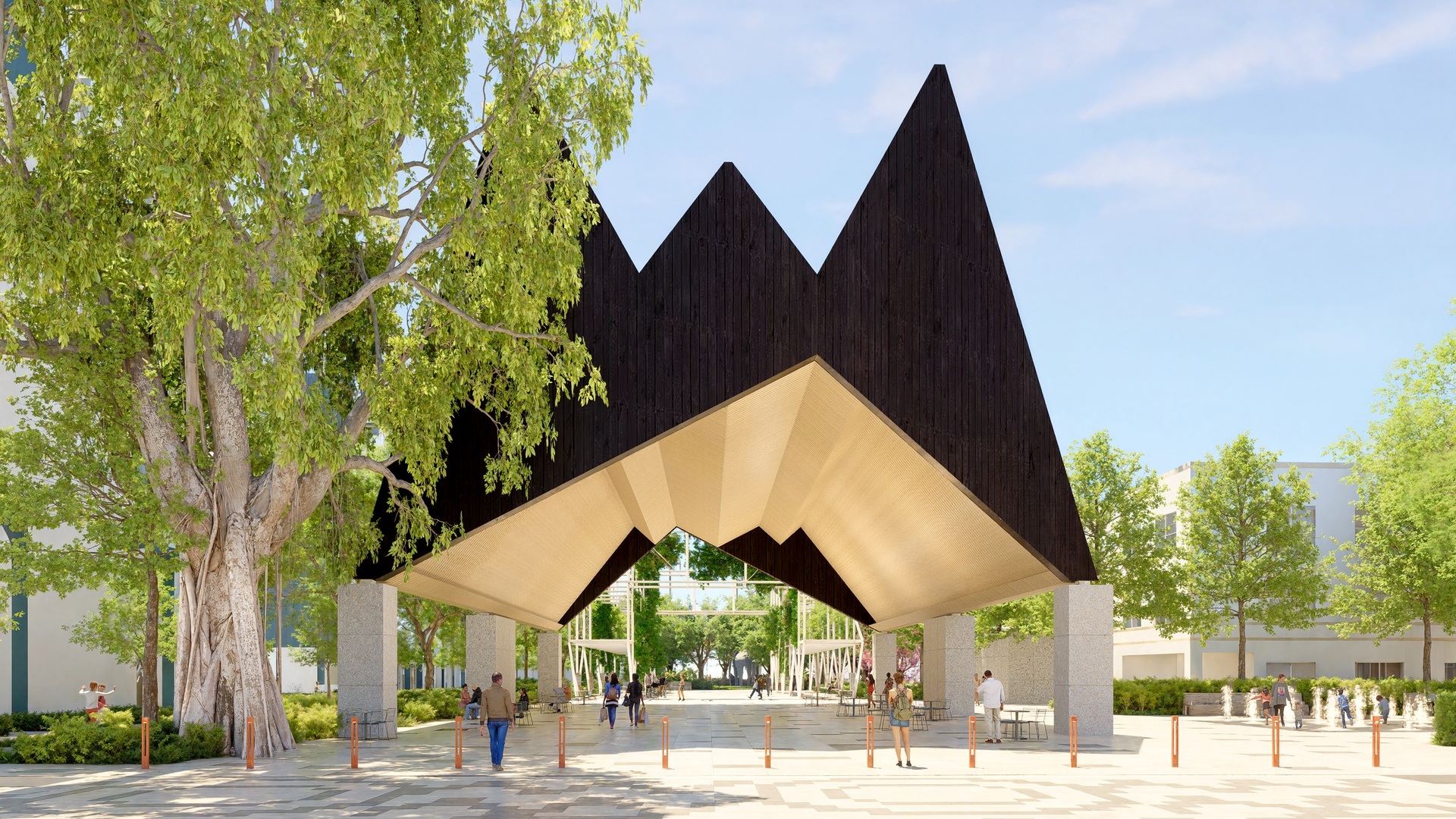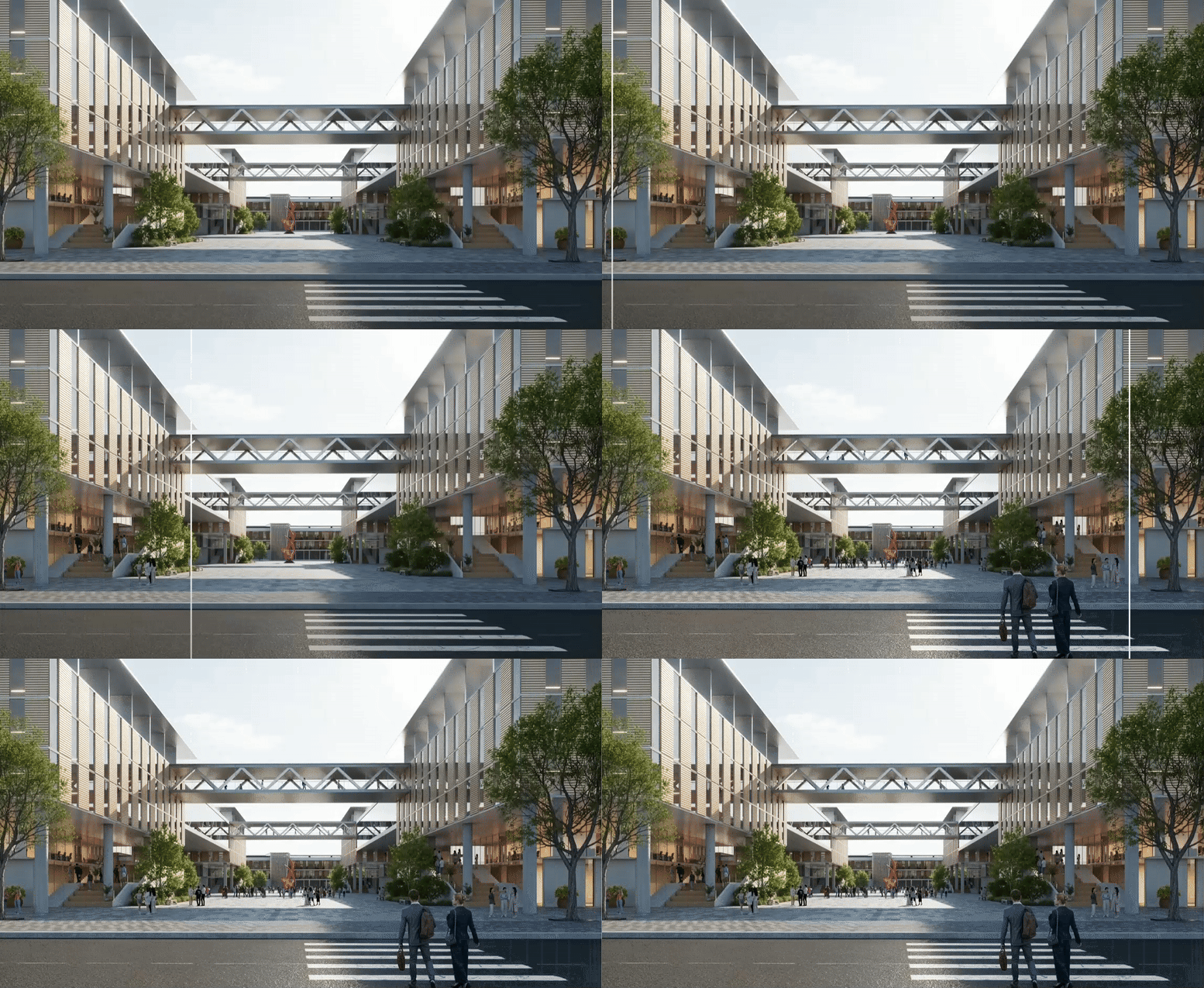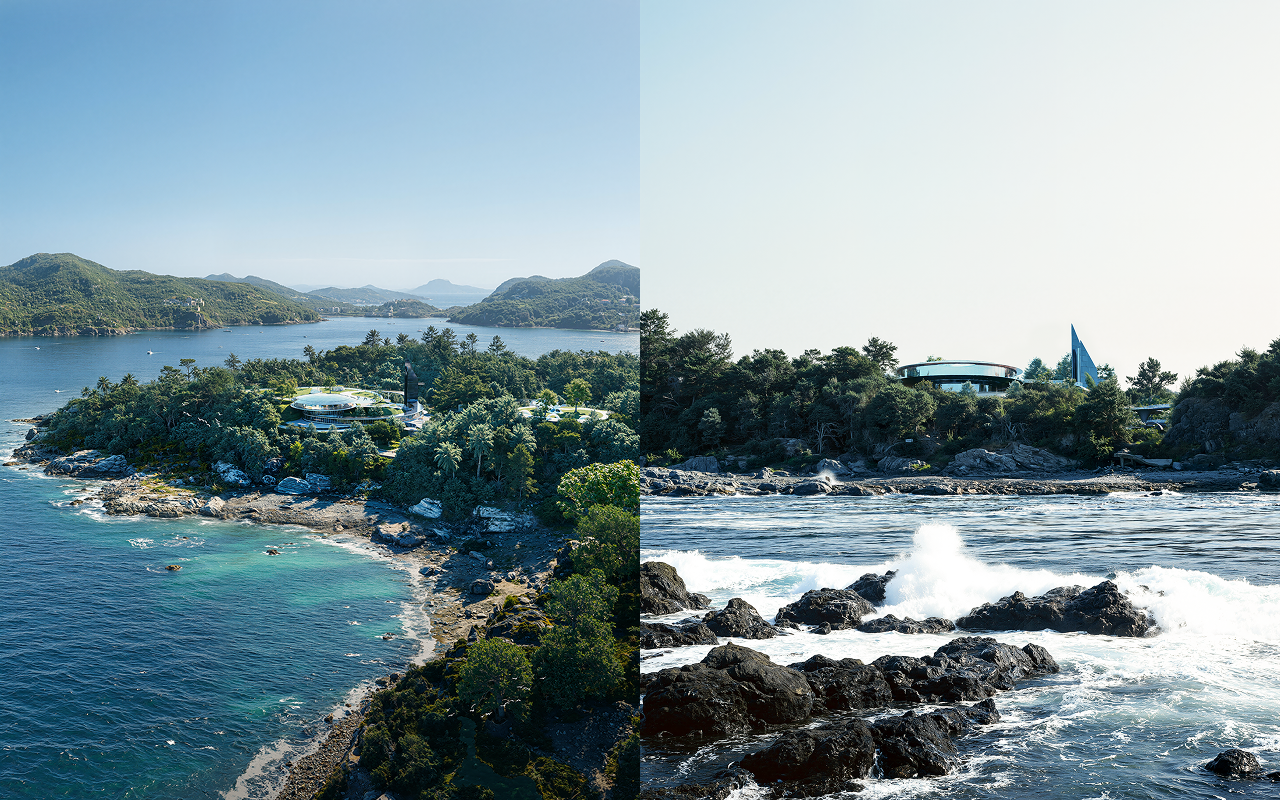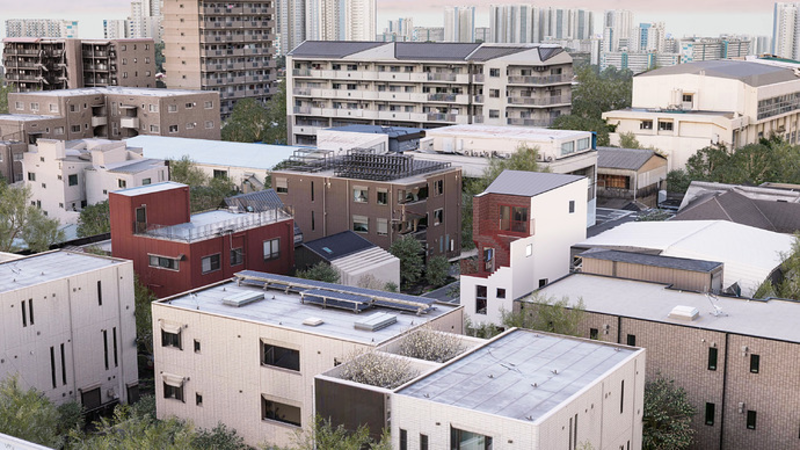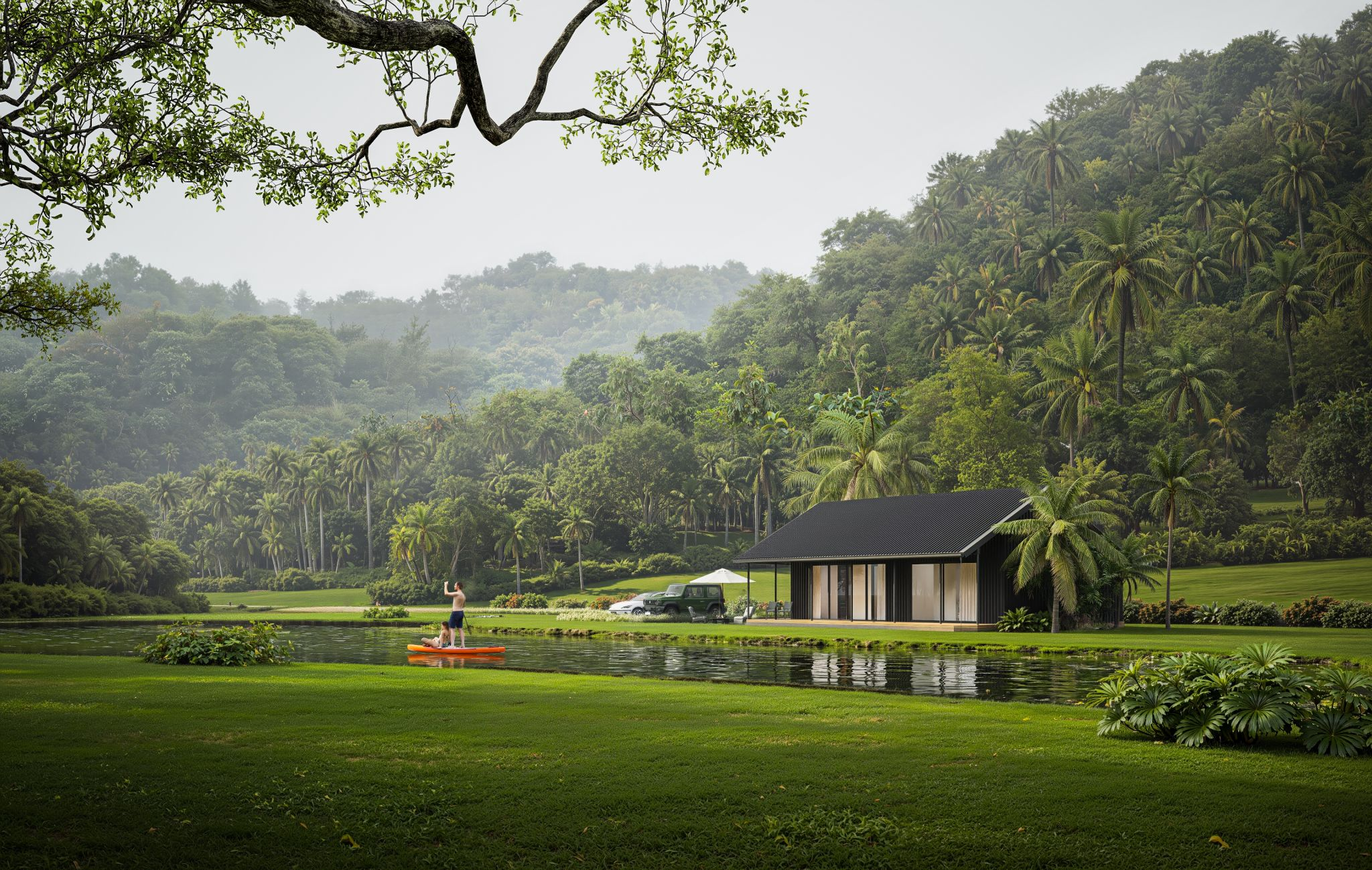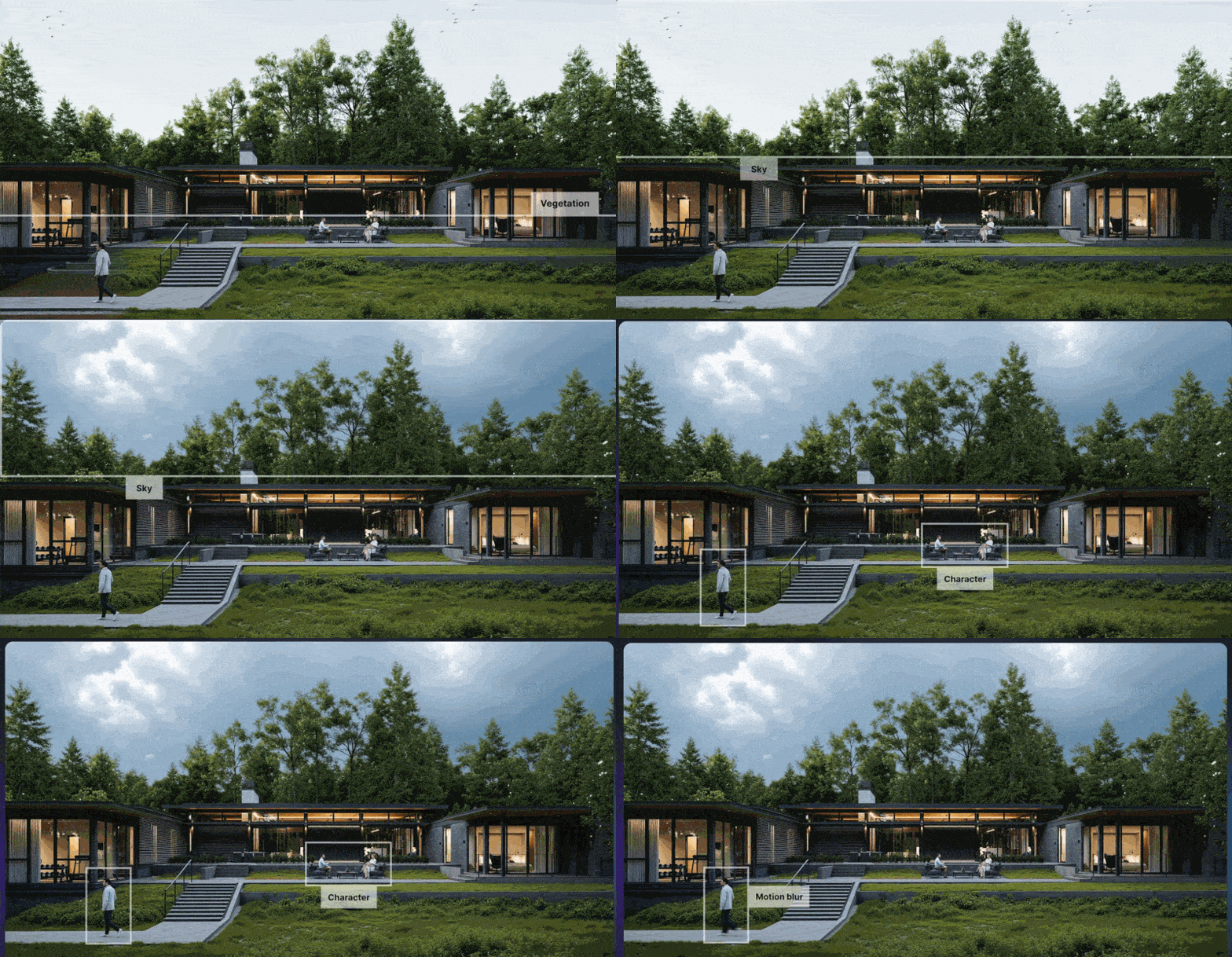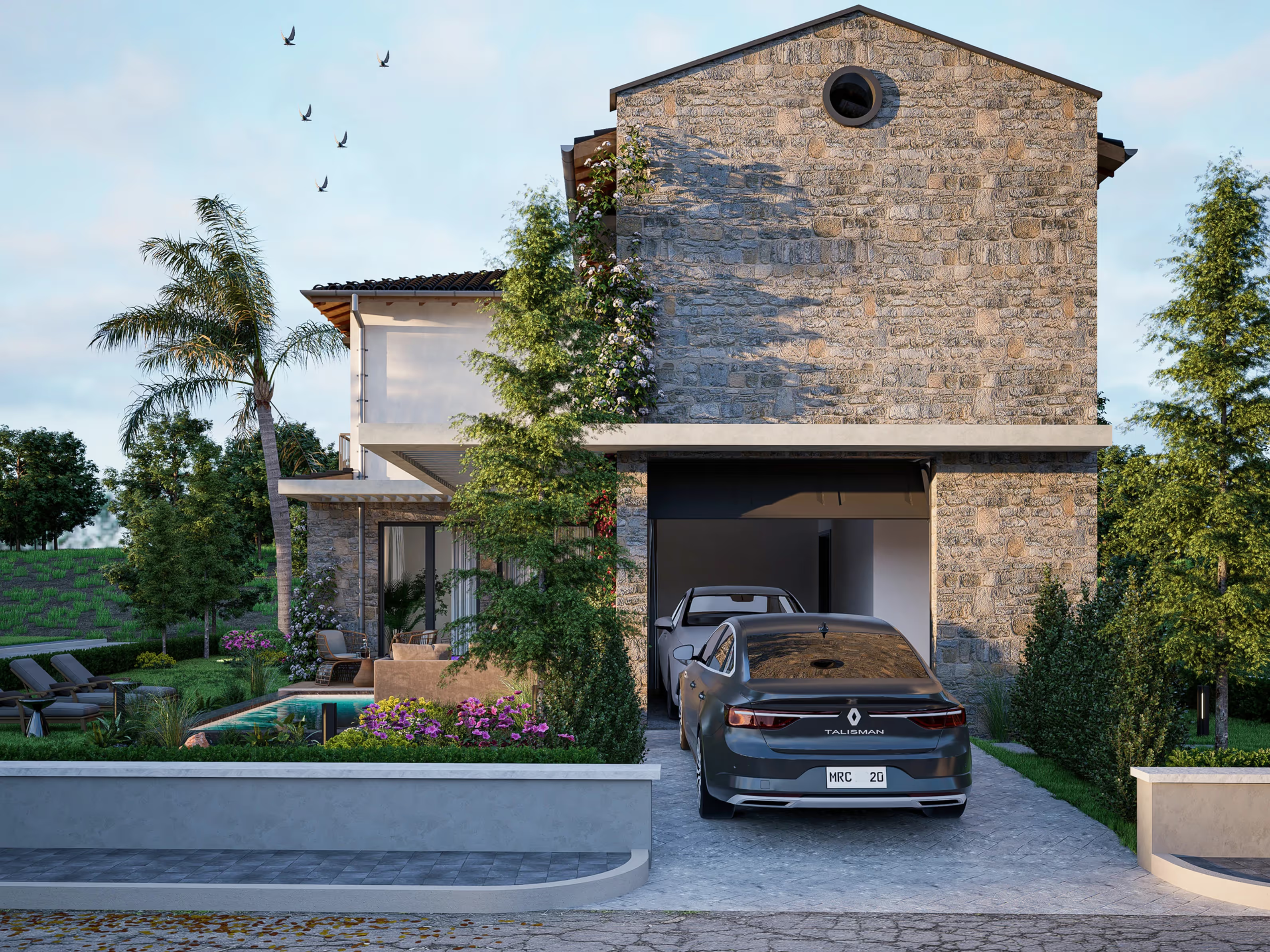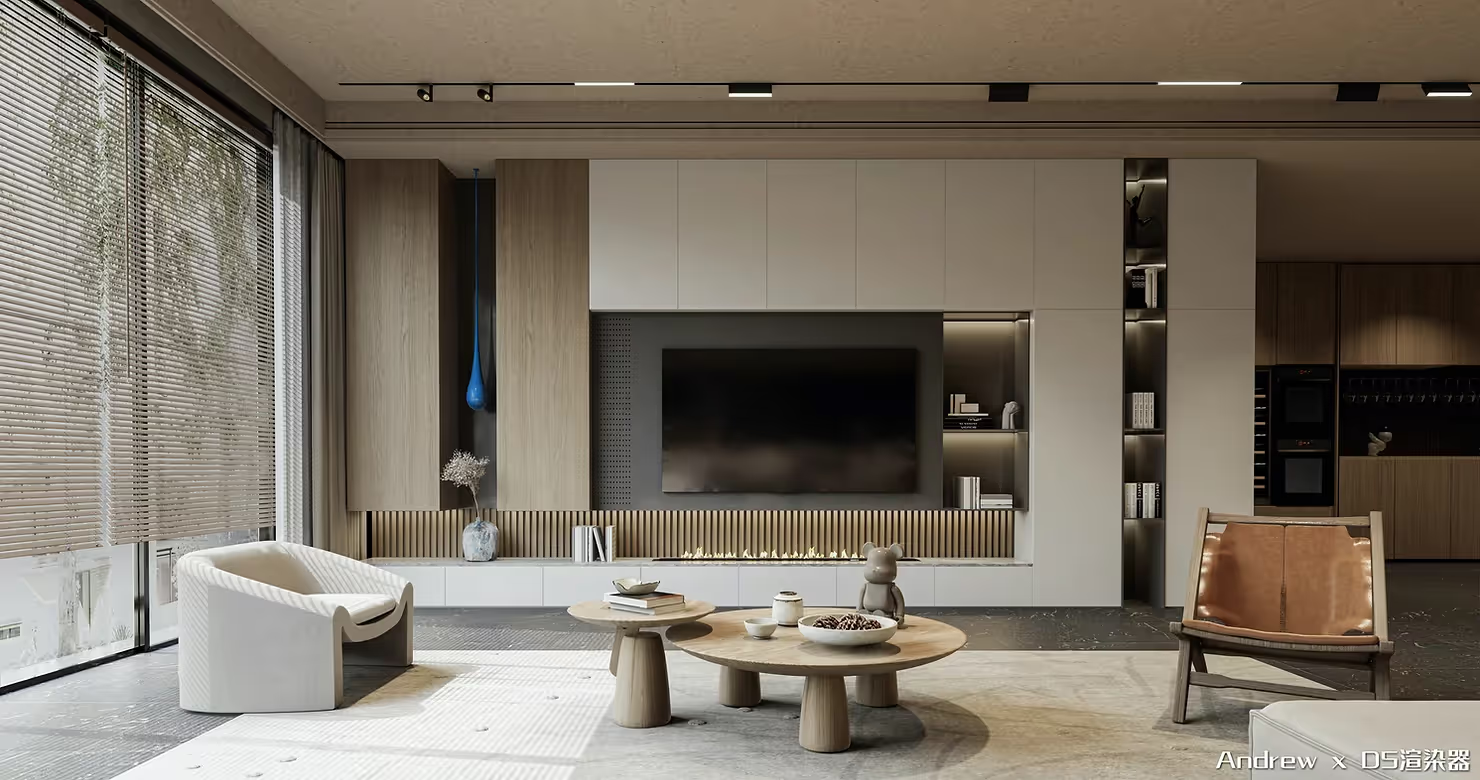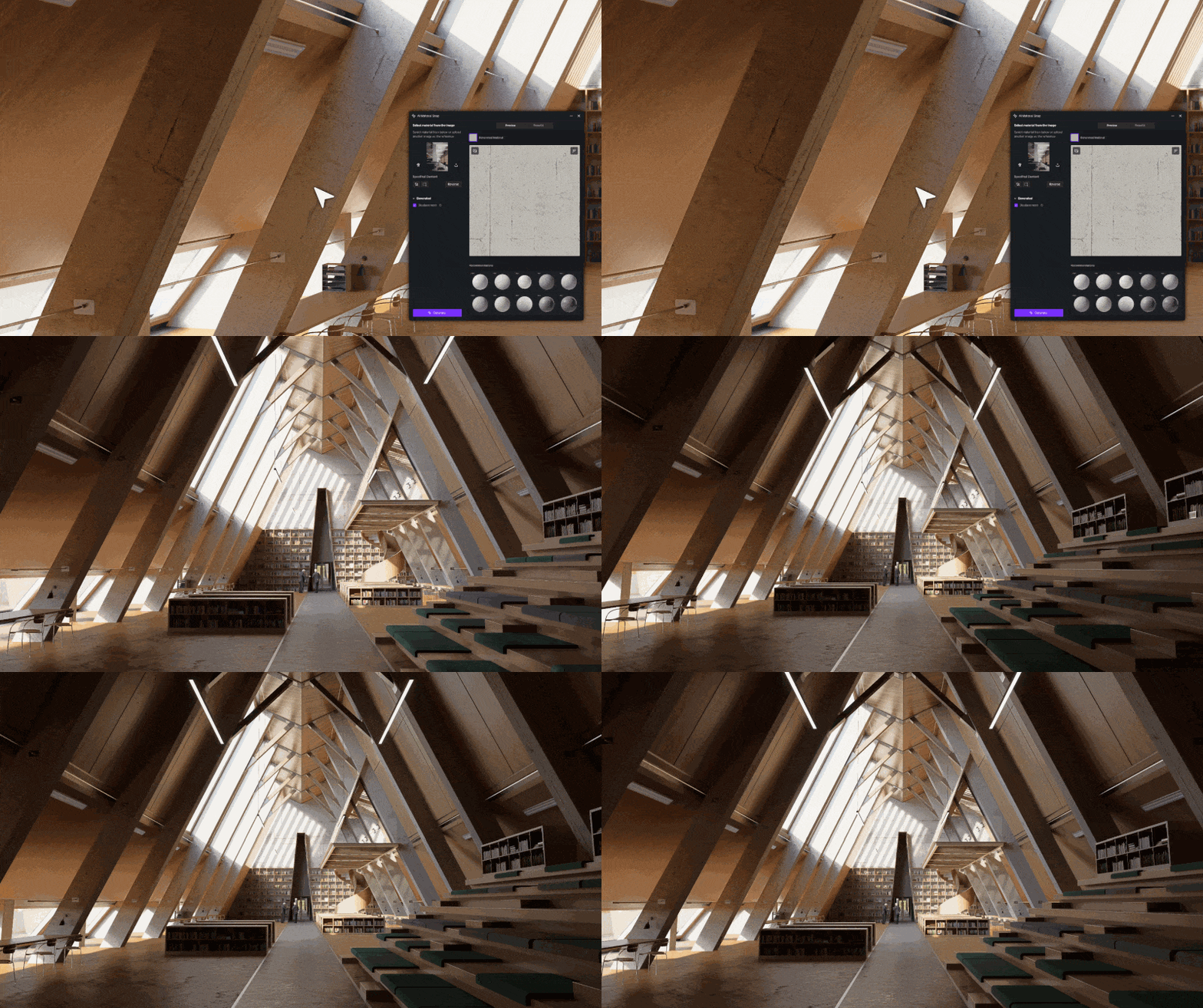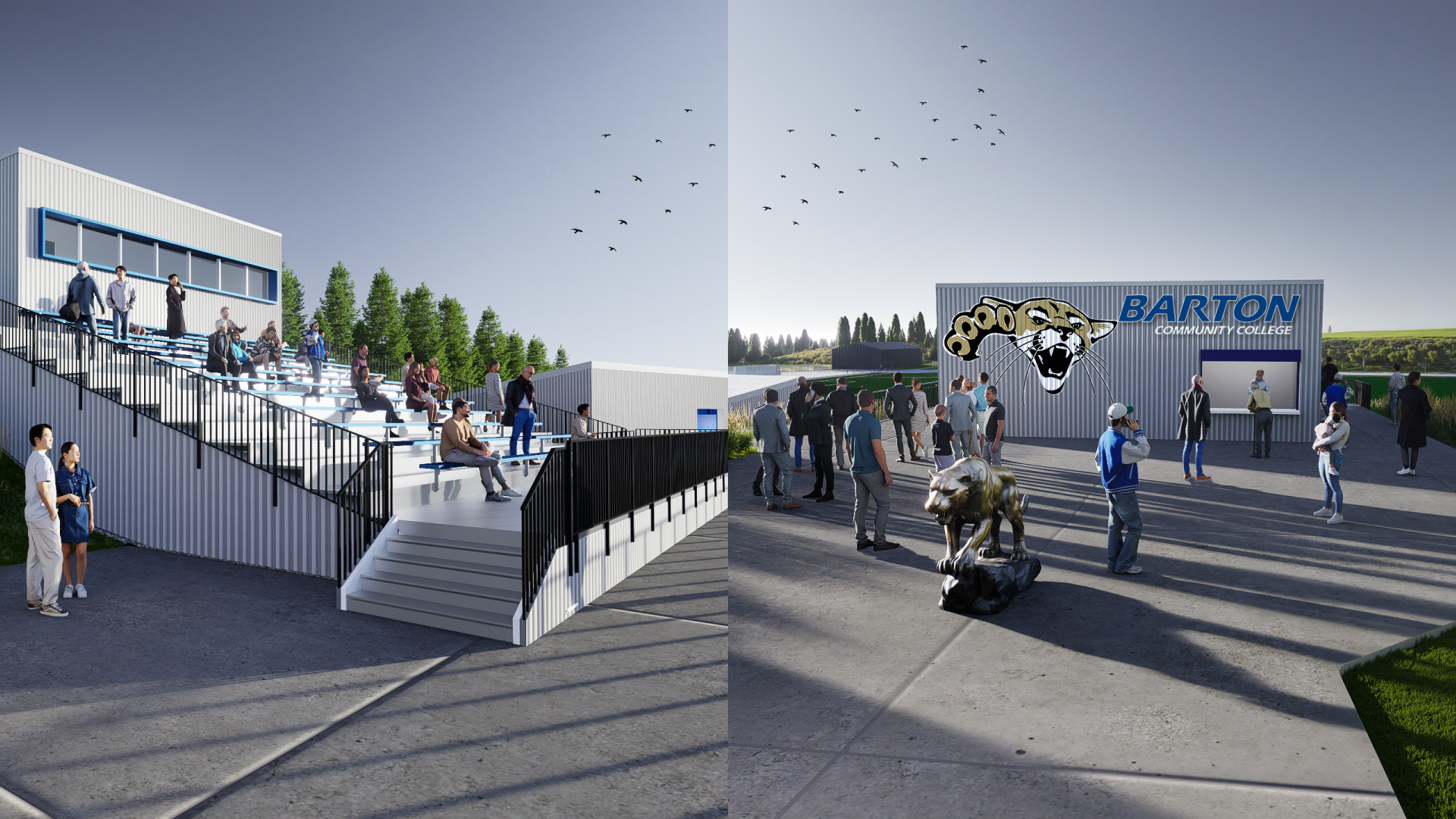


平坦で静的な空ほど、ハイエンドレンダリングのリアリズムを速く損なうものはありません。すべてのテクスチャと光のバウンスを完璧に仕上げても、背景が奥行きがない「ステッカー」のように感じられることがあります。何年もの間、スカイ・リプレースメントは妥協の連続でした。カメラアングルに合った完璧な HDRI を何時間もかけて探したり、Photoshop の不整合を修正したりしていました。
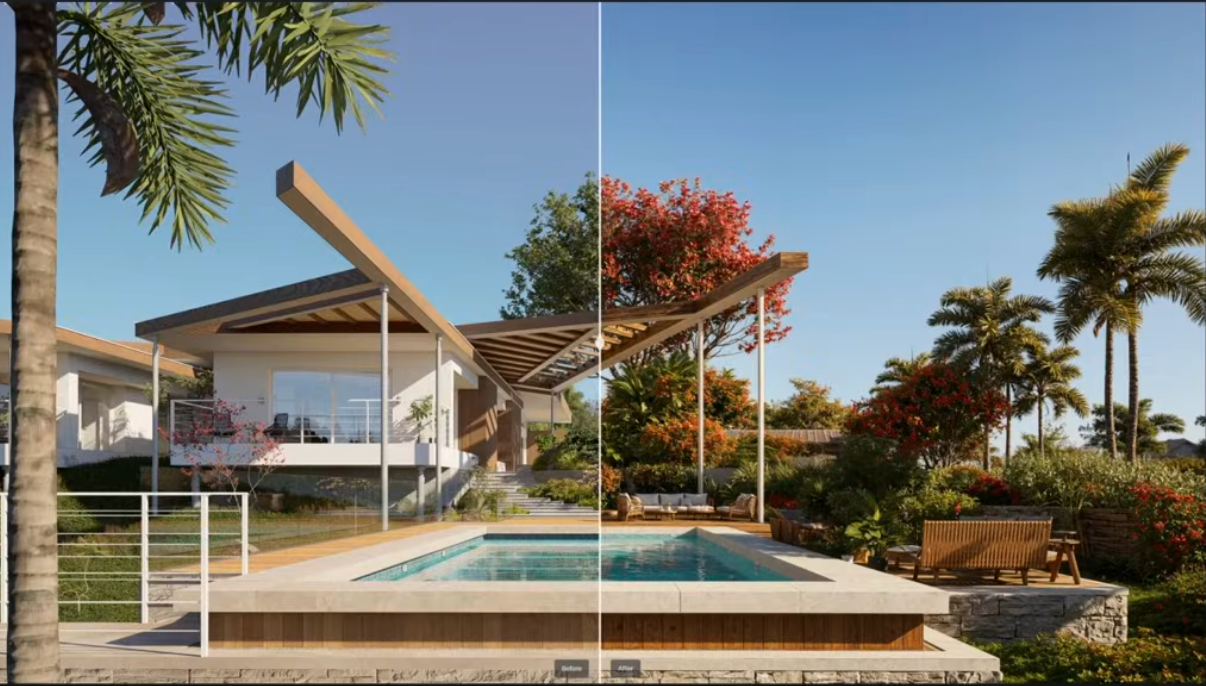
で D5 レンダー 3.0、新しいボリューメトリッククラウドを使えば、空はシーンのアクティブでダイナミックな要素になります。
👉 D5 Render 3.0で他に何が新しくなったのか知りたいですか?
📌 重要なポイント:雰囲気をマスターする
- D5 レンダリング リアルでプロフェッショナルなトーンを瞬時に確立する9つの物理ベースのプリセットでワークフローを効率化します。
- 新しいスカイラインモードとディレクションモードでは、ボリューメトリッククラウドを「操縦」して建物のシルエットをフレームに収め、意図的にリードラインを描くことができます。
- これらのボリュームクラウドは、現在完全に統合されています D5 ウェザーシステム雨、風、霧などを含め、環境全体が1つの統一された生きた世界のように感じられるようにします。

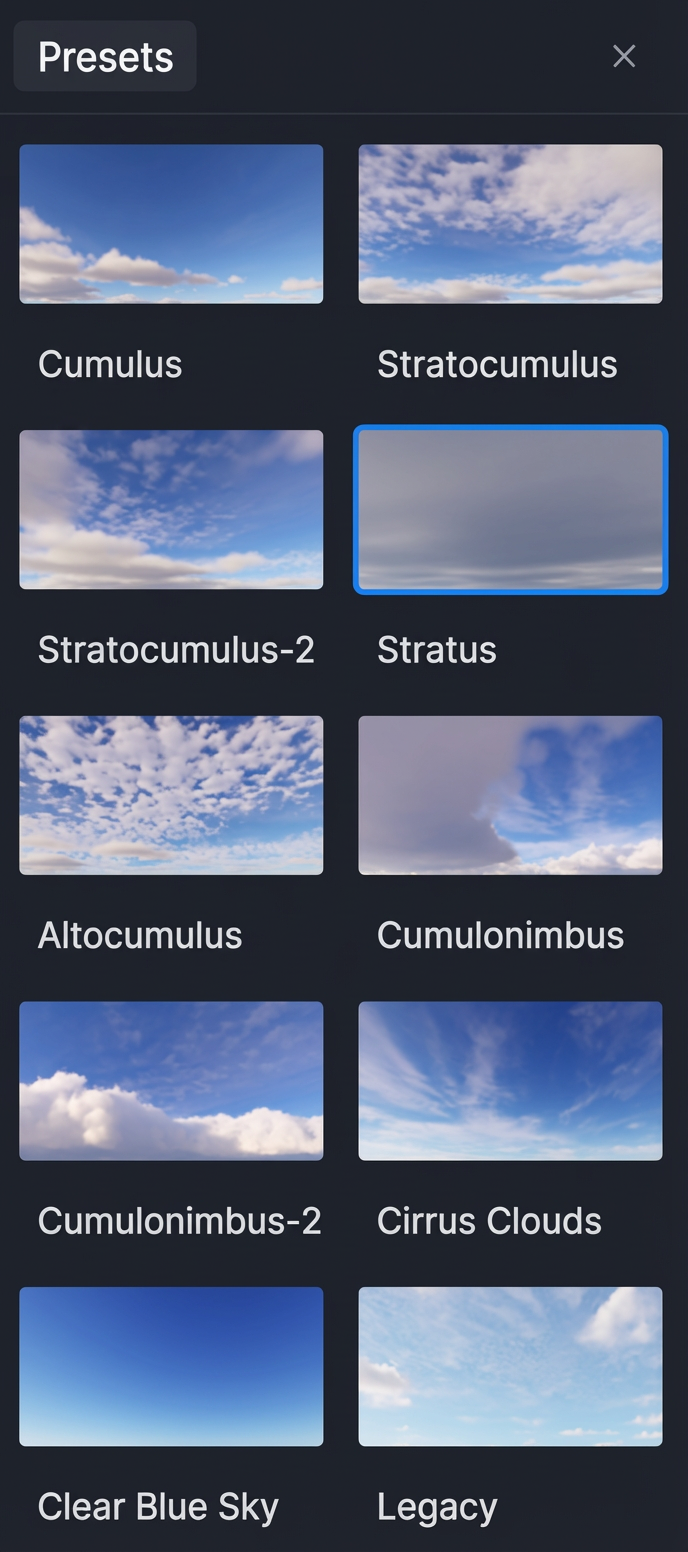
インスタントアトモスフィア:9つの新しいクラウドプリセット
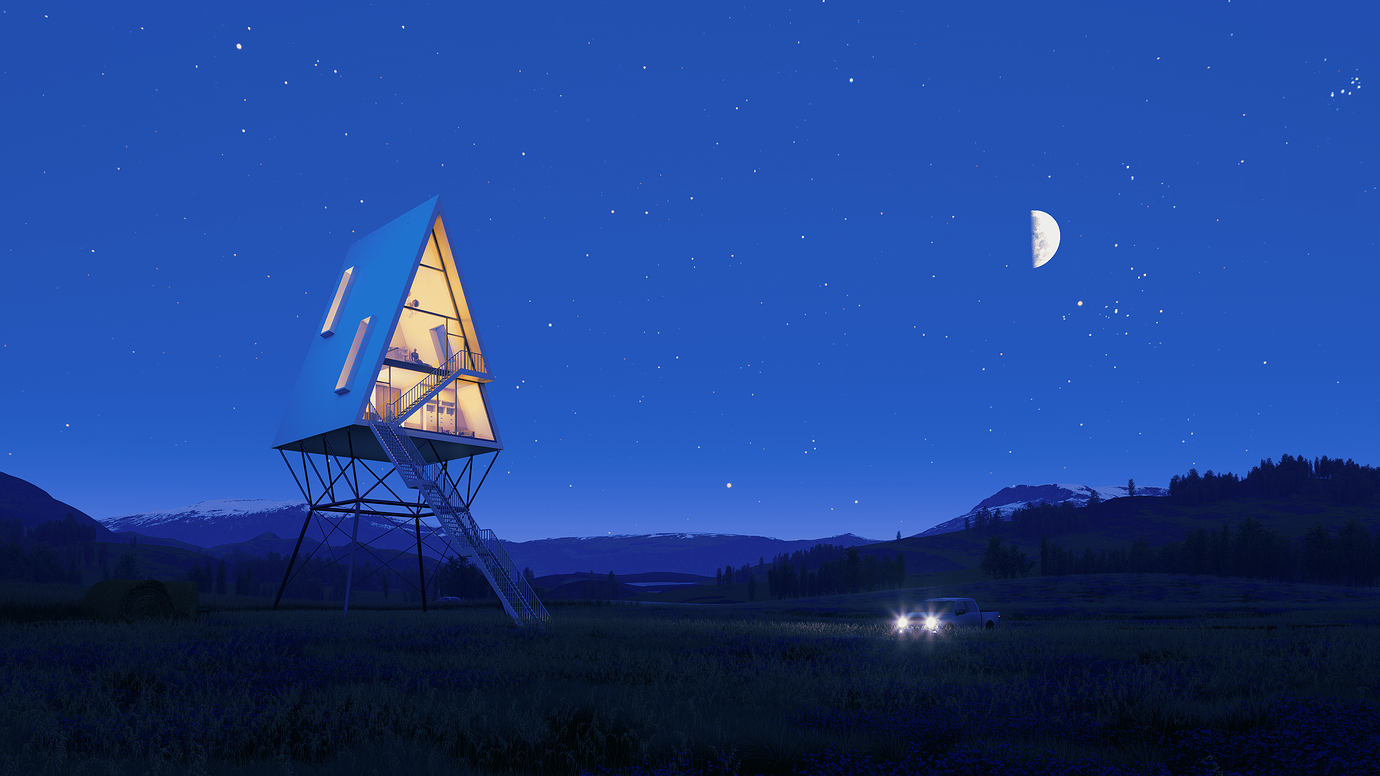
効率性はプロのスタジオの根幹ですが、リアリズムを犠牲にしてはいけません。すべての空をゼロから構築する代わりに、 D5 レンダー 3.0 には、適切なトーンを数秒で設定できる9つの物理ベースのプリセットが用意されています。これらの雲は太陽の位置にダイナミックに反応し、地上から天頂まで照明が一定に保たれます。
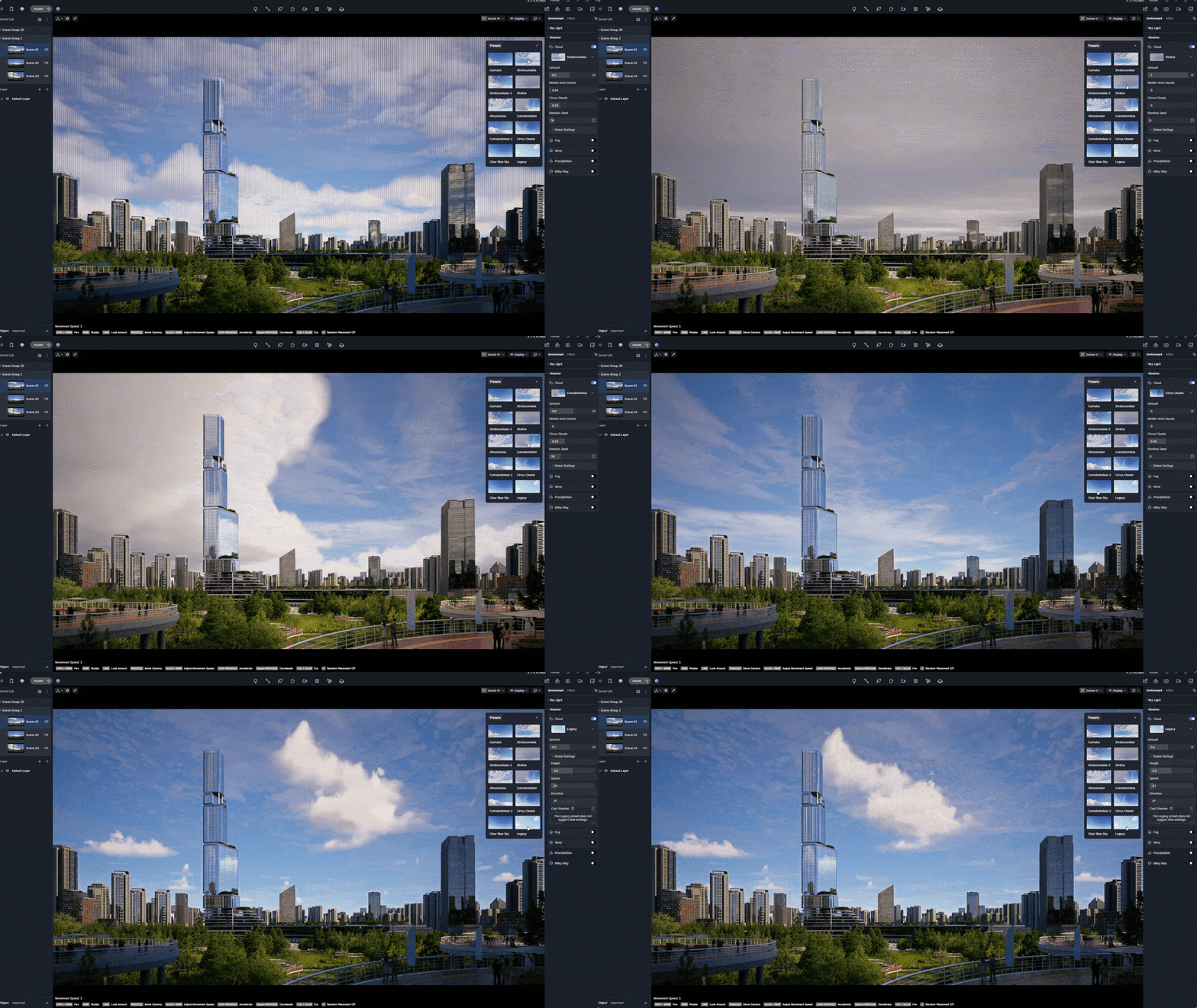
💡 プリセットギャラリー:9つの現実世界のスタイル
| Cloud Preset | Visual Character & Best For |
|---|---|
| Cumulus & Stratocumulus | Fluffy, classic formations. Perfect for bright, airy residential projects. |
| Stratus & Altocumulus | High-texture layers; adds depth and a sense of scale to mid-day shots. |
| Cumulonimbus | Heavy and dramatic. Ideal for cinematic, moody narratives. |
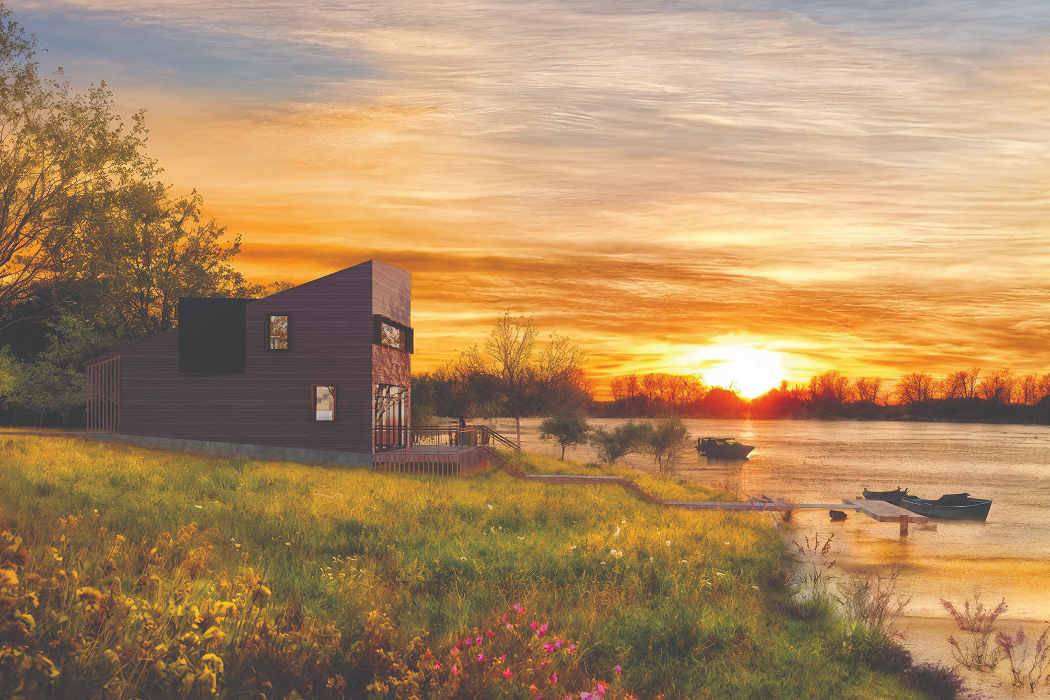
| Cirrus Clouds | Elegant, high-altitude wisps. The secret ingredient for a high-end Golden Hour. |
| Clear Blue Sky | Clean and minimal. Essential for site plans and retail visualizations. |
| Legacy | Ensures a smooth transition for your existing scenes into the 3.0 engine. |
クリエイティブコントロール:スカイラインとカバレッジモード
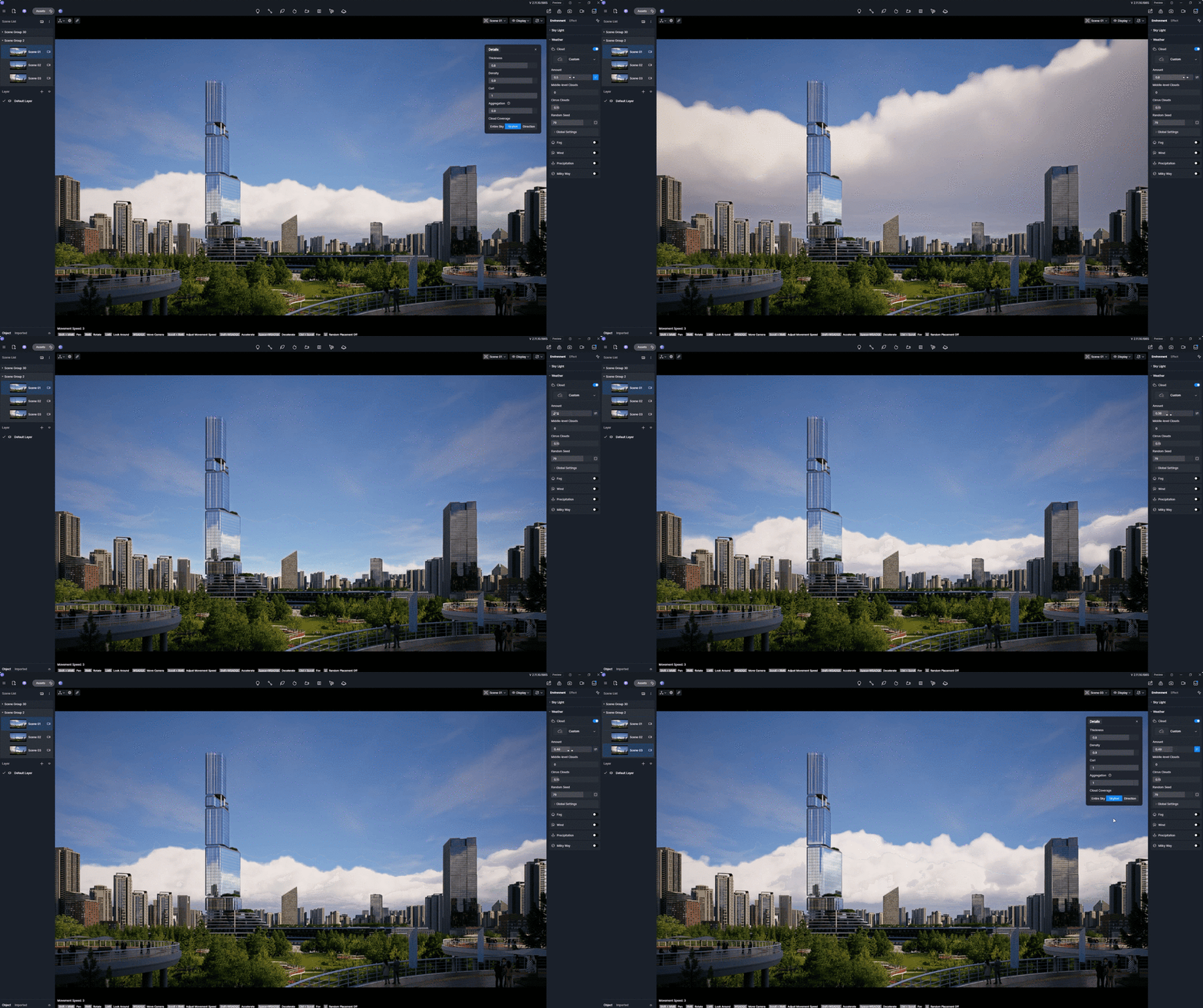
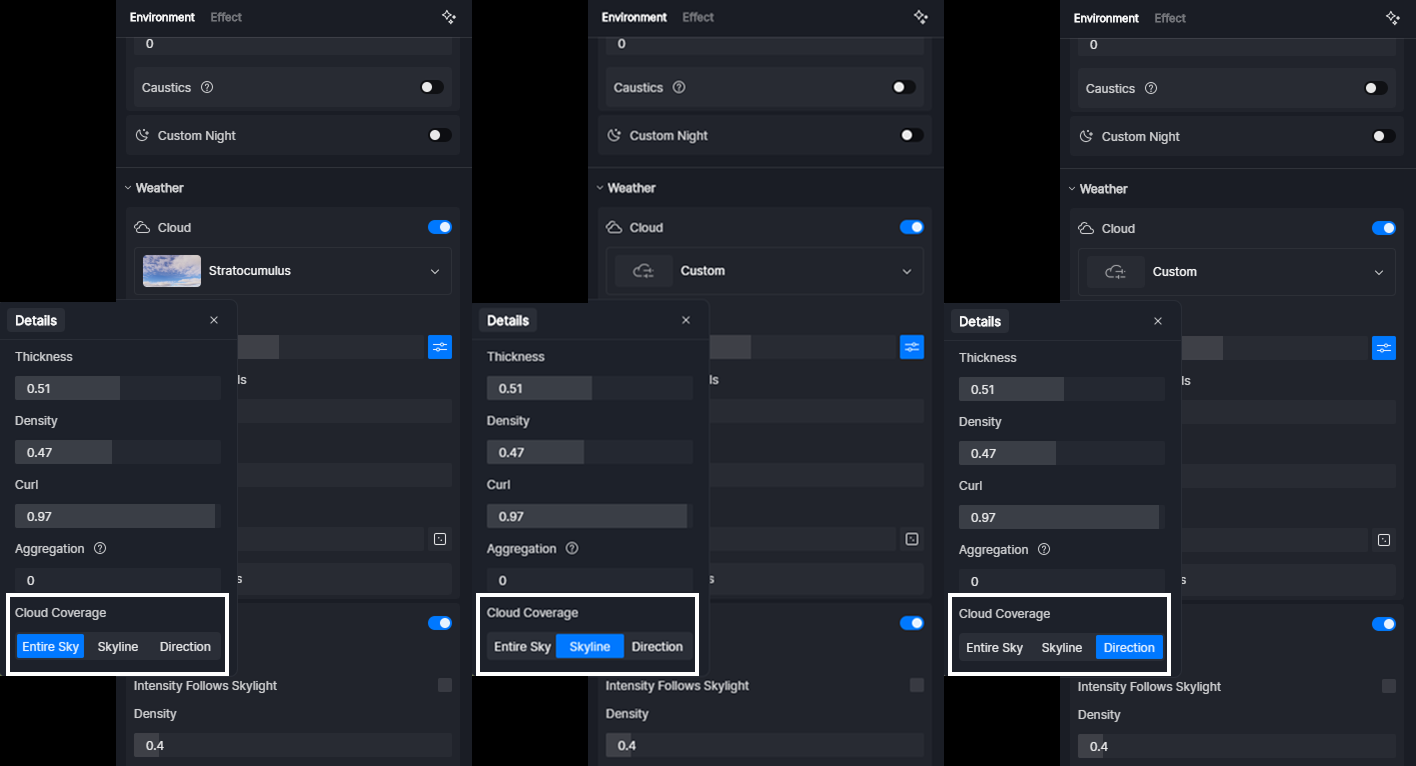
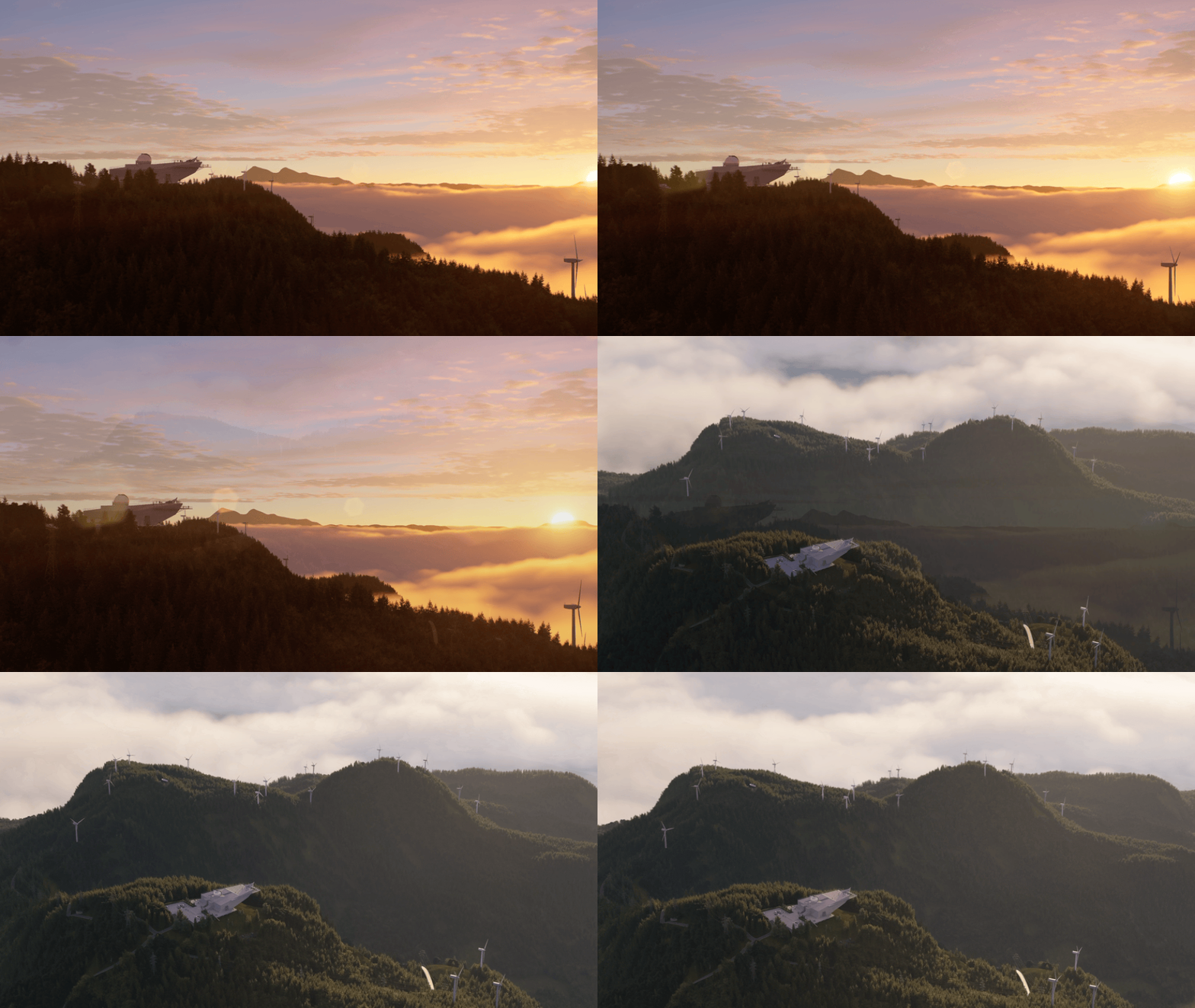
建築ビジュアライゼーションでよくある不満は、「視覚的な乱雑さ」です。雲が誤って超高層ビルの尖塔やきれいなルーフラインを覆い隠してしまうことです。 D5 レンダー 3.0 コントロールを取り戻します。Volumetric Clouds パネル内には 3 つのインテリジェントモードがあり、空の成り行きを正確に指定できます。
① 空全体 (デフォルト): 自然なランダム性
一般的なシーンに最適なこのモードは、広がり全体に雲を生成します。カバー範囲を広げると、空がランダムに広がり、本物そっくりのない有機的な雰囲気になります。
② スカイラインモード:「クリーン・ゼニス」の秘密
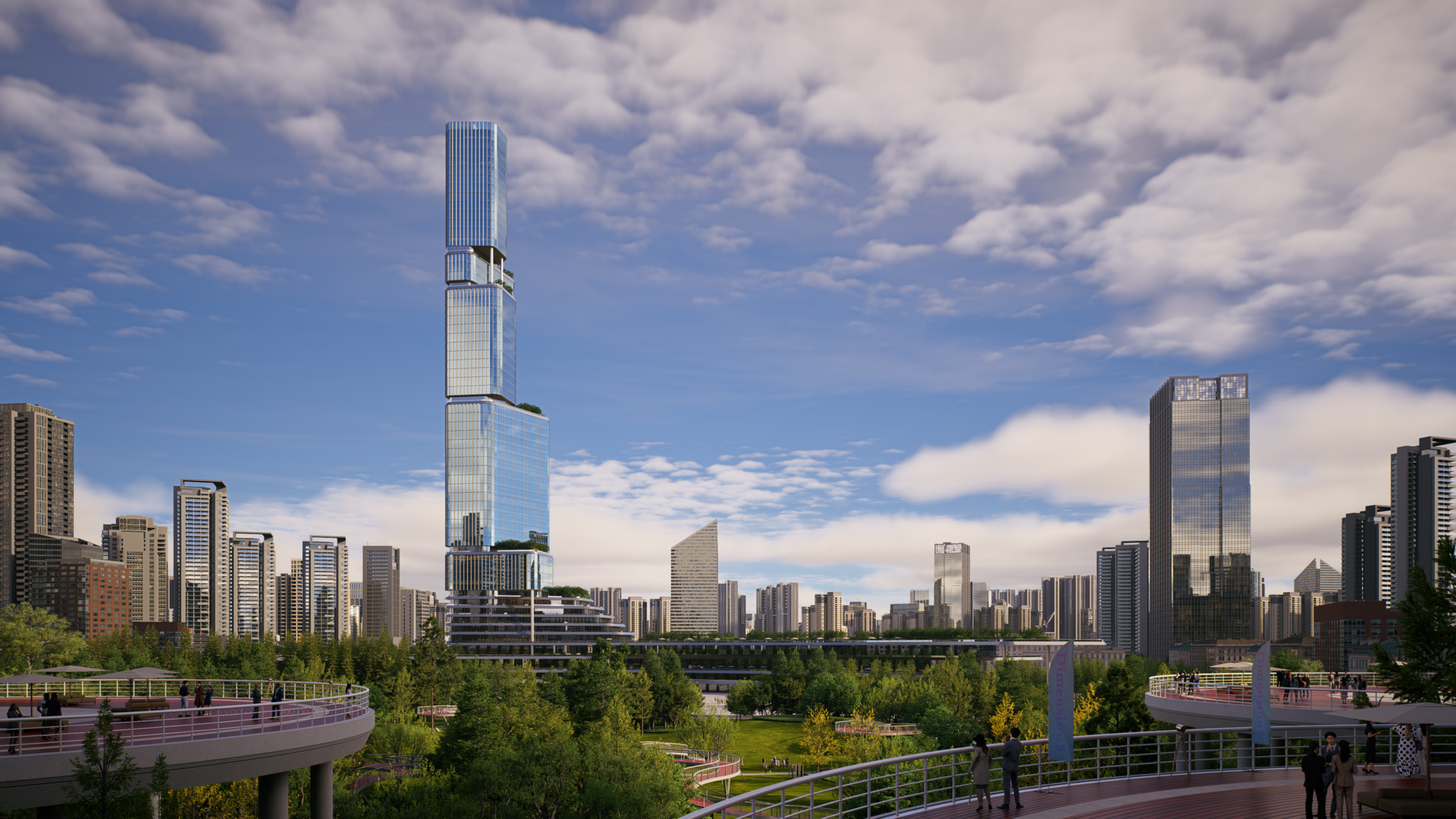
建築から気をそらすのではなく、雰囲気をフレームに収めたいなら、これが頼りになります。雲は地平線に現れて天頂に向かって進み、建物のシルエットが「呼吸する」ことができるように、上部フレームがクリアに保たれます。
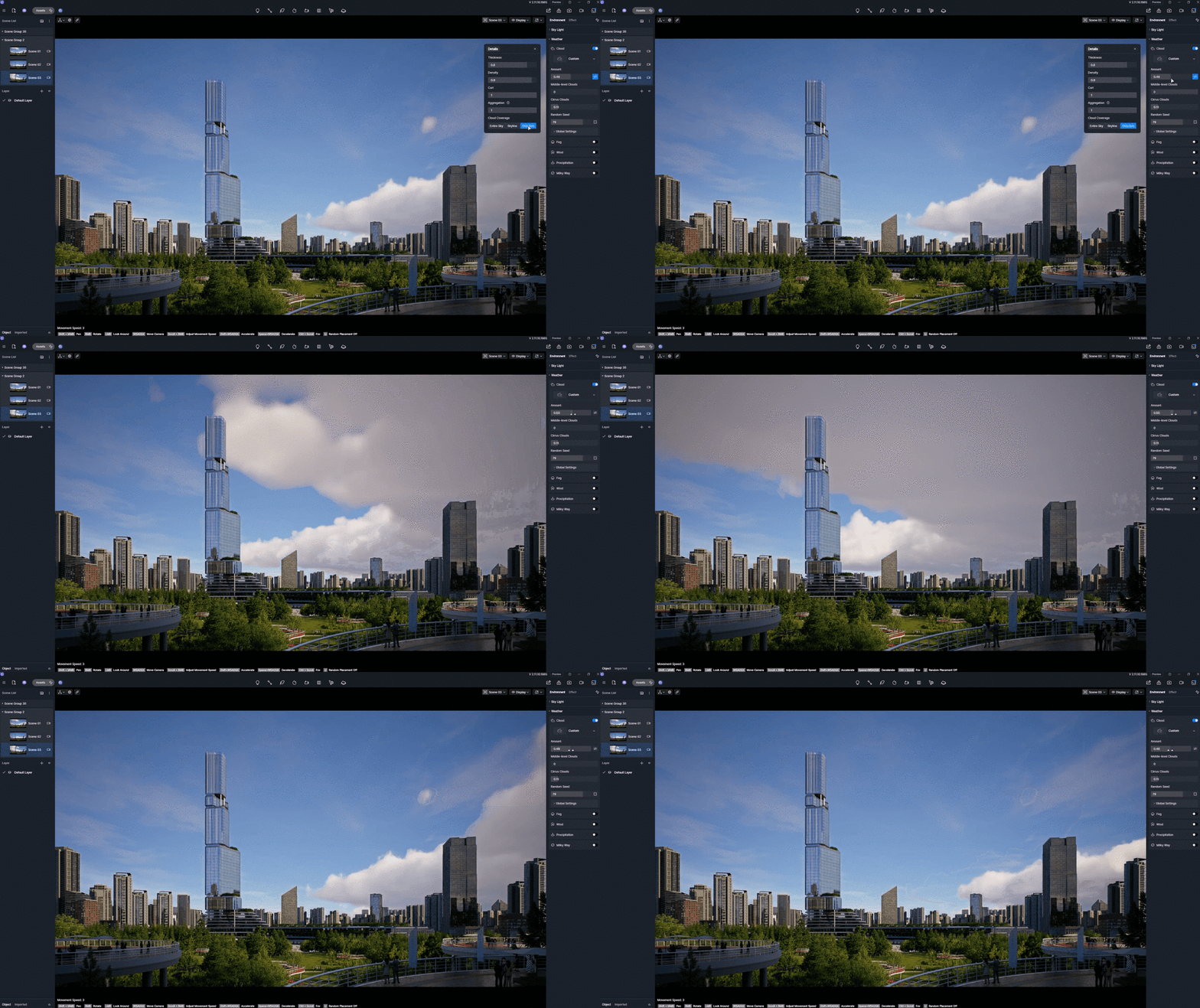
③ ディレクションモード:ビジュアルストーリーテリングとリーディングライン
方向モードでは、特定のベクトルに沿ってフォーメーションを「操縦」できます。指定された方向から雲を埋め込むことで、その雲を建築の焦点に向かわせるリードラインとして使用できます。半分は晴れ、半分は嵐が押し寄せる「スプリットスカイ」のストーリーを作成する場合でも、このモードでは天候の流れと範囲を完全に把握できます。
ステップバイステップ:完璧な環境を作る
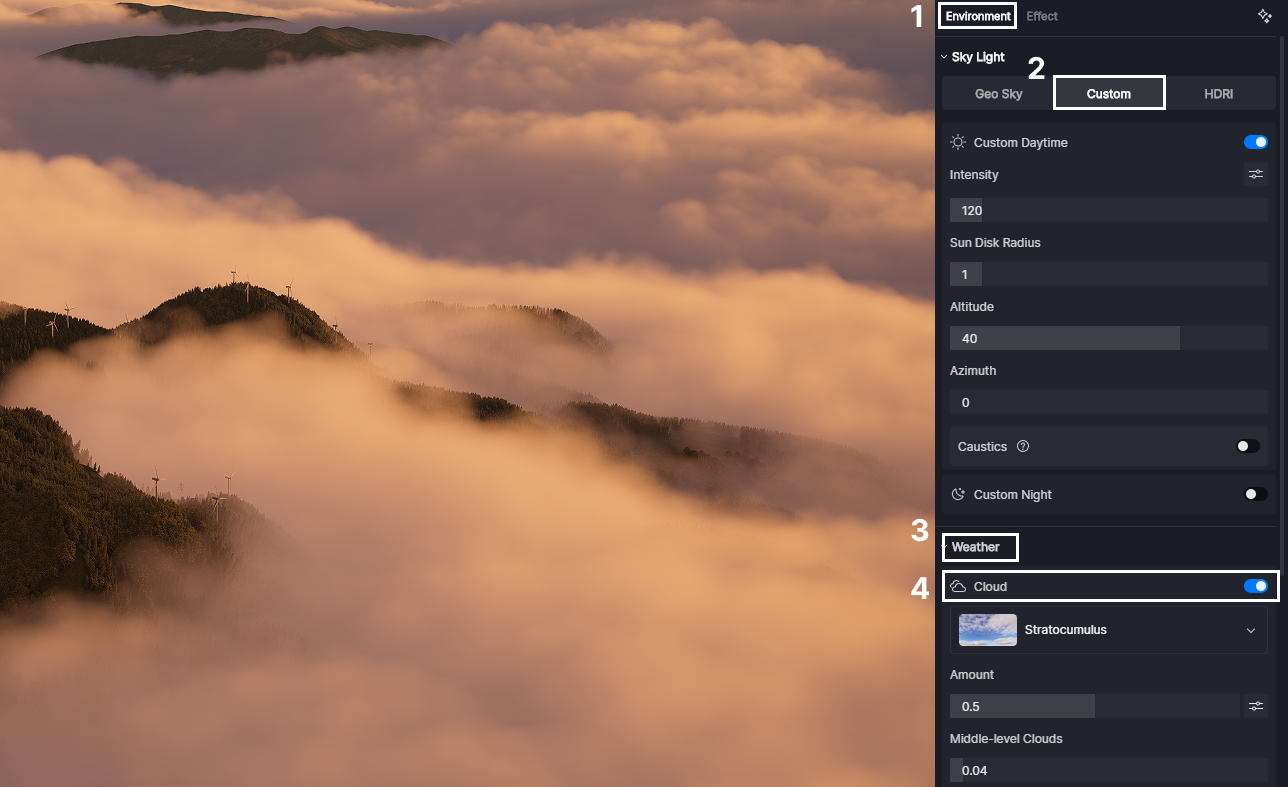
ステップ1 | ボリュームシステムをアクティブにする
を開きます 環境 > カスタム >天気 パネルとトグルオン ボリュメトリッククラウド。これにより、基本的な空が物理的な 3D 環境に置き換わります。
ステップ 2 | クラウドプリセットの設定
サムネイルライブラリを参照し、プリセットを選択します。既存のプロジェクトとの一貫性を保つ必要がある場合は、をクリックします。 レガシー 古いバージョンのスカイシステムに瞬時に切り替えることができます。

ステップ 3 | スカルプティング・ザ・スカイ:量と詳細設定
クラウドレイヤーコントロール
プリセットのすぐ下にあるクラウドレイヤーコントロールには、現実世界の気象学に触発された新しいシステムが導入されています。大気を 3 つの独立した層 (低、中、巻雲) に分割することで、洗練されたプロ仕様の空を作り出すことができます。プロジェクトのムードや規模にぴったり合うように、各高度レイヤーを個別に微調整できるようになりました。
クラウド金額と詳細設定
ザの 金額 スライダーで雲の量と範囲を瞬時に制御でき、隣のボタンでロックが解除されます 詳細設定 より深いカスタマイズが可能です。ここでは、5 つの重要なボリュームパラメータを使って雰囲気を真に形作り、グラウンディングすることができます。 D5 レンダリング ハイエンドリアリズムのシーン。
クラウドカバレッジ:コンポジションに最適なカバレッジモードを選択します。高層プロジェクトの場合は、に切り替えることをお勧めします スカイラインモード 建物のシルエットをシャープに保ち、水平線に対してすっきりとした状態に保ちます。そこから、で全体の音量を調整できます。 金額 スライダー。
ステップ 4 | グローバル設定
プロジェクトをその環境で真に根付かせるには、のグローバル設定を使用してください D5 レンダリング 大気の挙動を微調整するためのツールを提供します。雲の高さの調整から動きのアニメーション化、リアルな影の有効化まで、これらのコントロールにより、空が建築物語の自然で統合された部分のように感じられます。
統一された雰囲気:雲と天気の統合
の天気 D5 レンダー 3.0 今では真に統一されたシステムとして機能しています。ボリューメトリッククラウドは、単独のエフェクトの集まりではなく、大気の変化に直感的に適応し、雨や雪が降っているときには、シーンをまとまりのある曇りの照明に自動的にシフトさせます。
環境全体をまとめて最適化されたボリューメトリックフォグは、空と地面の境界線がぼやけるようなシームレスで自然なトランジションを実現します。
- 強度はスカイライトに追従します: 霧の明るさを太陽と同期させる新しいトグル。日が沈むと霧は自然に暗くなり、手動で調整しなくても照明の一貫性が保たれます。
- 色と密度の分離: 霧の色(金色の朝の霞など)を厚みとは別にカスタマイズして、プロフェッショナルグレードの効果を得ることができます。
- 安定したベースの高さ: フォグを特定の標高に固定します。カメラの垂直移動中に霧が「飛び出る」ことはもうありません。設置した位置とまったく同じ位置にとどまります。
このレベルのインテグレーションは、単なるエフェクトにとどまらず、あなたの能力を高めます 天気 すべての要素が完璧に調和して機能する、まとまりのある呼吸可能なエコシステムへと移行します。
結論:ボリューメトリッククラウドでレンダリングをレベルアップ
デザインの邪魔になるようなフラットで静的な背景に甘んじる必要はありません。と ボリュメトリッククラウド に D5 レンダー 3.0、ついに、建築と同じくらい意図的で詳細な空を作成するためのツールが手に入りました。面倒なポストプロダクションは必要ありません。
違いを確認する準備はできましたか? D5 3.0 アップデートを今すぐダウンロード 雰囲気を生き生きとさせましょう。新しいレンダリングを見るのが待ちきれません!
よくある質問:ボリュメトリッククラウドとスカイリアリズム


.png)



.jpg)

.png)
1%20(2).png)





%20(1).png)
.png)
.png)