
D5 Render is built around a simple but powerful idea: rendering should feel like part of the design process, not a separate technical step. You move a light, adjust a material, tweak the environment—and you see the result instantly. No waiting, no submitting jobs, no broken creative flow.
This real-time philosophy is what makes D5 Render so effective for architects, designers, and visualization artists working under tight timelines. But real-time doesn’t mean unlimited. As projects grow in scale and complexity, even the most fluid workflow can run into a very real constraint: hardware.
1. Real-Time Doesn’t Eliminate the Need for Performance
Unlike traditional offline renderers that distribute work across multiple machines, D5 Render relies primarily on a single GPU to drive real-time preview, lighting, reflections, and final output. This is a deliberate design choice—it’s what keeps the experience responsive and interactive.
However, it also means performance is capped by the strength of that one GPU.
Large scenes with dense geometry, high-resolution textures, complex lighting setups, or long animation exports can push local machines to their limit. Not every designer or studio can upgrade to a top-tier workstation whenever a deadline tightens—and for many, especially students or small teams, that’s simply not practical.
Importantly, this doesn’t mean D5 Render is “too heavy.” It means it’s doing exactly what it’s designed to do—deliver real-time fidelity, which naturally demands strong hardware at the upper end of production.
2. D5 Render Doesn’t Need More GPUs — It Needs Better Access
Because D5 Render is optimized around single-GPU performance, throwing more GPUs at it won’t help in the way it does for offline engines like V-Ray or Redshift. Scaling horizontally isn’t the answer.
The real need, in certain situations, is temporary access to a stronger GPU:
- exporting high-resolution stills or animations
- handling peak production deadlines
- working on hardware-intensive scenes from a laptop or older workstation
- collaborating across teams with uneven hardware capabilities
This is where a remote workstation model can make sense—not as a replacement for D5 Render’s workflow, but as an extension of it.
3. A Practical Option When Local Hardware Becomes the Bottleneck
For some users, there are moments when local hardware simply reaches its limit—especially when scenes grow heavier or deadlines become tighter. In those situations, remote GPU services such as iRender can function as a practical extension of the existing workflow. Rather than submitting jobs to a traditional render farm, users access a high-performance workstation remotely, open D5 Render directly, and continue working much as they would on their own machine.
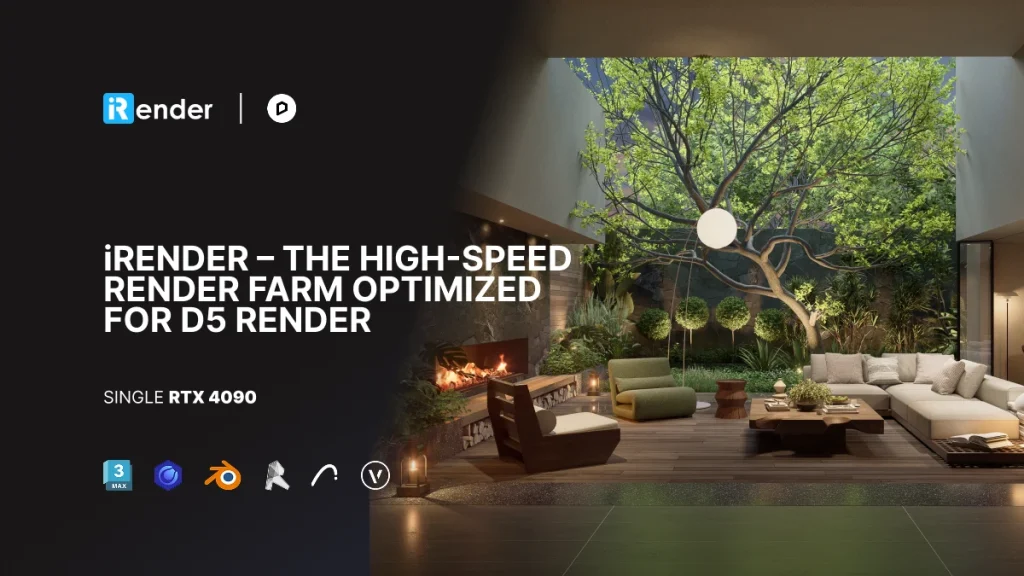
Because D5 Render is optimized around single-GPU performance, this model centers on access to a stronger individual GPU—such as an RTX 4090—rather than multi-GPU scaling. The benefit is straightforward: heavier scenes, higher resolutions, and animation exports can be handled more comfortably, while the real-time nature of D5 remains intact.
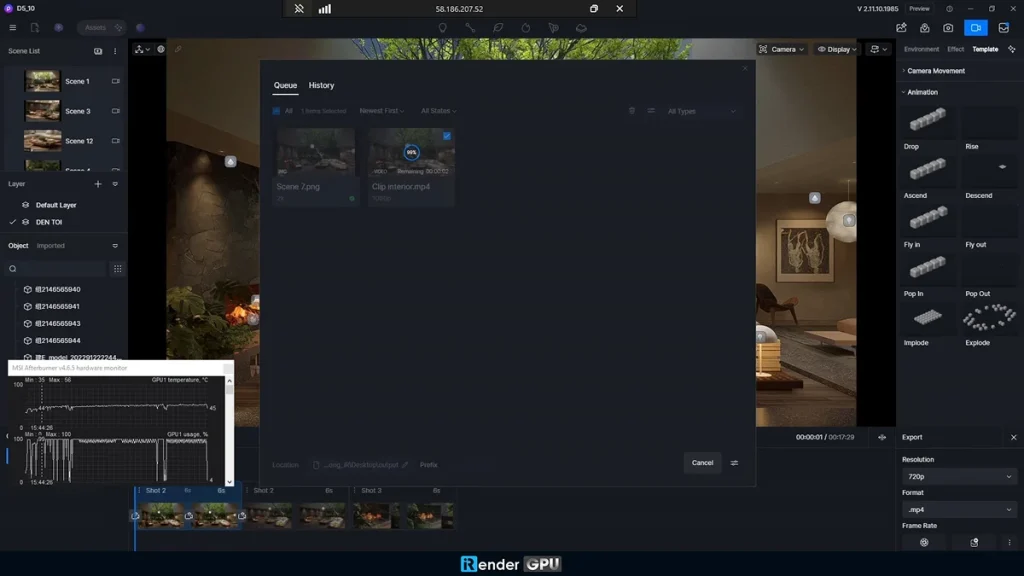
What makes this approach suitable for real-time tools like D5 Render is that it doesn’t interrupt the creative process. Once connected to a remote machine, artists retain direct control over their projects instead of shifting into a queued or automated rendering environment. Sessions remain live, allowing adjustments to lighting, materials, or camera settings to happen naturally as the work evolves.
The setup is also flexible. Users can work with their preferred version of D5 Render and, if needed, install commonly used design and DCC applications such as 3ds Max, SketchUp, Revit, Rhino, Blender, Archicad, Cinema 4D, or Vectorworks. In practice, this helps the experience feel familiar—the workflow stays the same, with additional performance available in the background.

From a practical standpoint, access can be short-term or project-based. Hourly options make sense for deadline-driven tasks or temporary performance needs, while longer packages are better suited for extended production phases. Pricing models and occasional regional promotions vary over time, but the underlying idea is flexibility rather than long-term commitment.
The key distinction is that the workflow remains fully interactive throughout:
- lighting, materials, and environments can be adjusted live
- last-minute changes don’t require restarting the process
exports are handled directly within D5 Render
In this setup, D5 Render remains the core creative tool. The remote machine simply helps remove local hardware constraints when projects momentarily demand more performance.
4. Keeping the Creative Flow Intact
Used this way, remote GPU access doesn’t contradict D5 Render’s real-time philosophy—it supports it. Designers stay in control of their scenes, maintain immediate visual feedback, and avoid shifting into a slow, offline mindset.
For many users, this isn’t an everyday requirement. Local hardware is often enough for most design stages. But when projects become heavier or deadlines tighter, having the option to temporarily scale performance—without changing tools or workflows—can be a practical safety net.
5. The Bigger Picture
D5 Render is fundamentally about speed, clarity, and creative momentum. Real-time rendering removes friction from decision-making, communication, and iteration—but it doesn’t erase the realities of compute-intensive work.
When positioned correctly, solutions like iRender aren’t alternatives to D5 Render. They’re infrastructure options for moments when ambition, complexity, or timing outgrow local hardware.
The result is a workflow that stays fluid from early design to final delivery—powered by D5 Render, and supported by stronger hardware only when it’s truly needed.
 English
 Español
 Français
 한국어
한국어 日本語
日本語