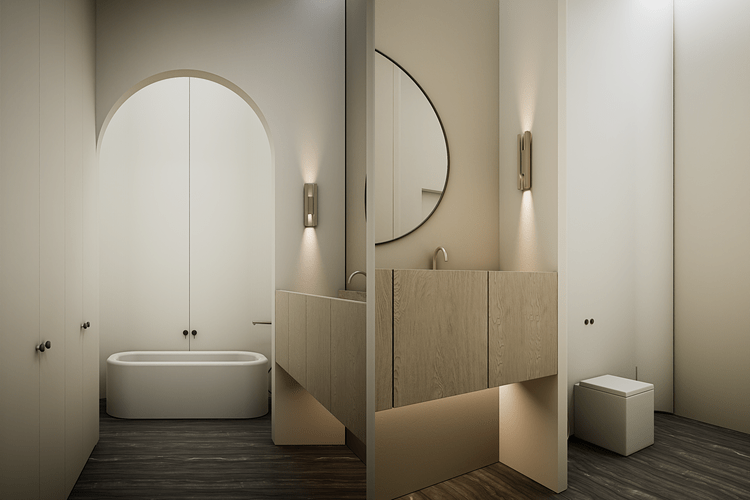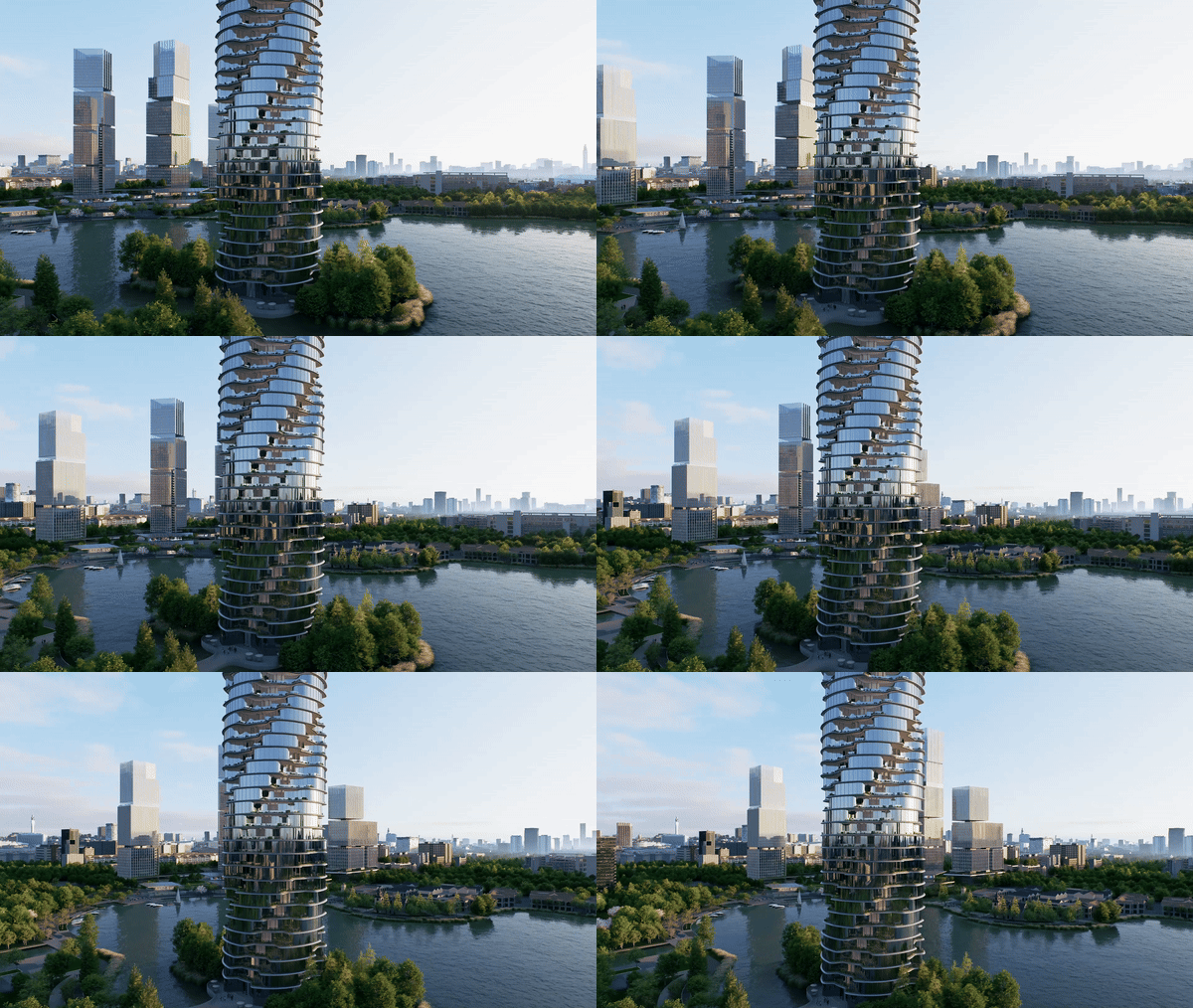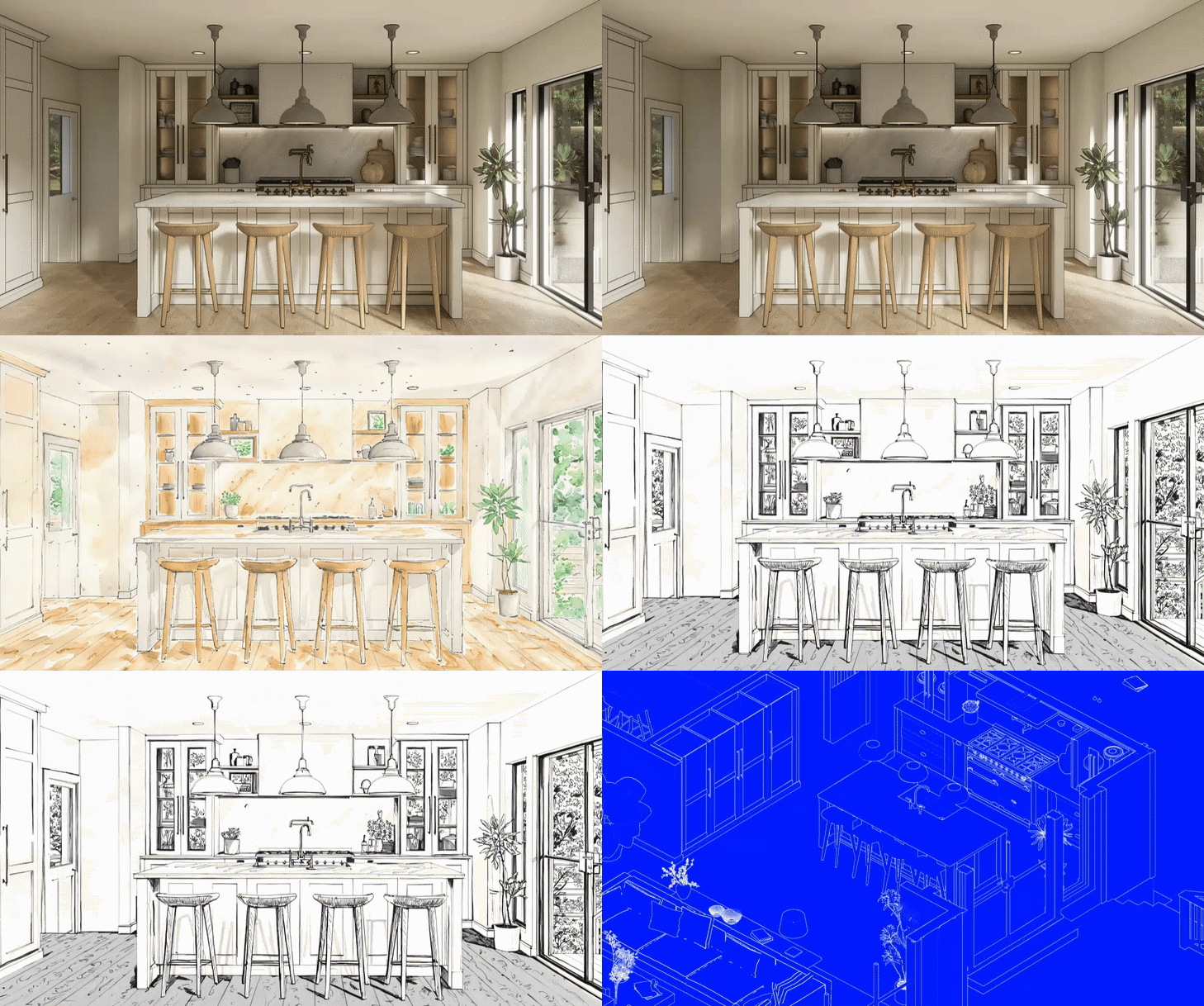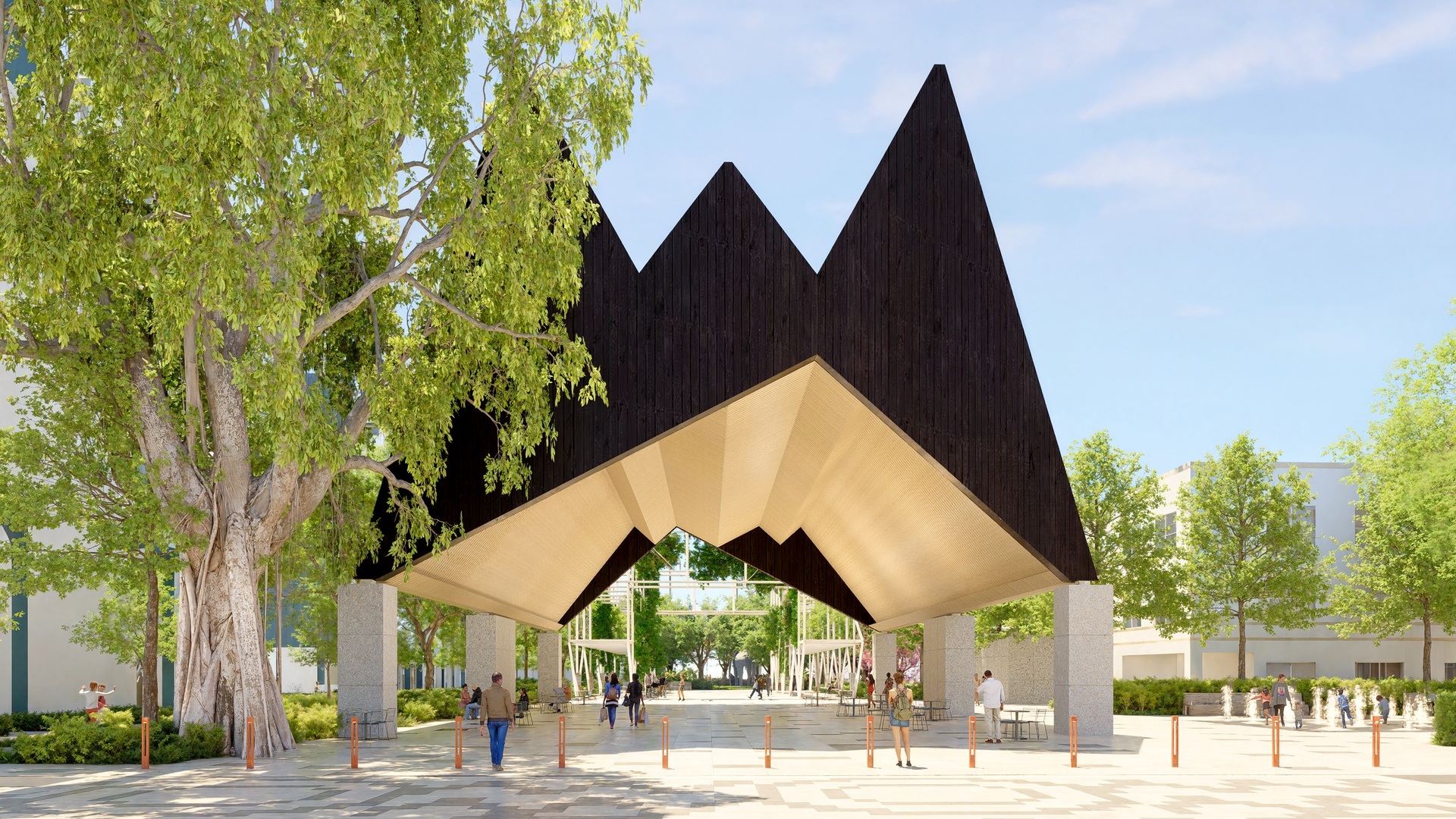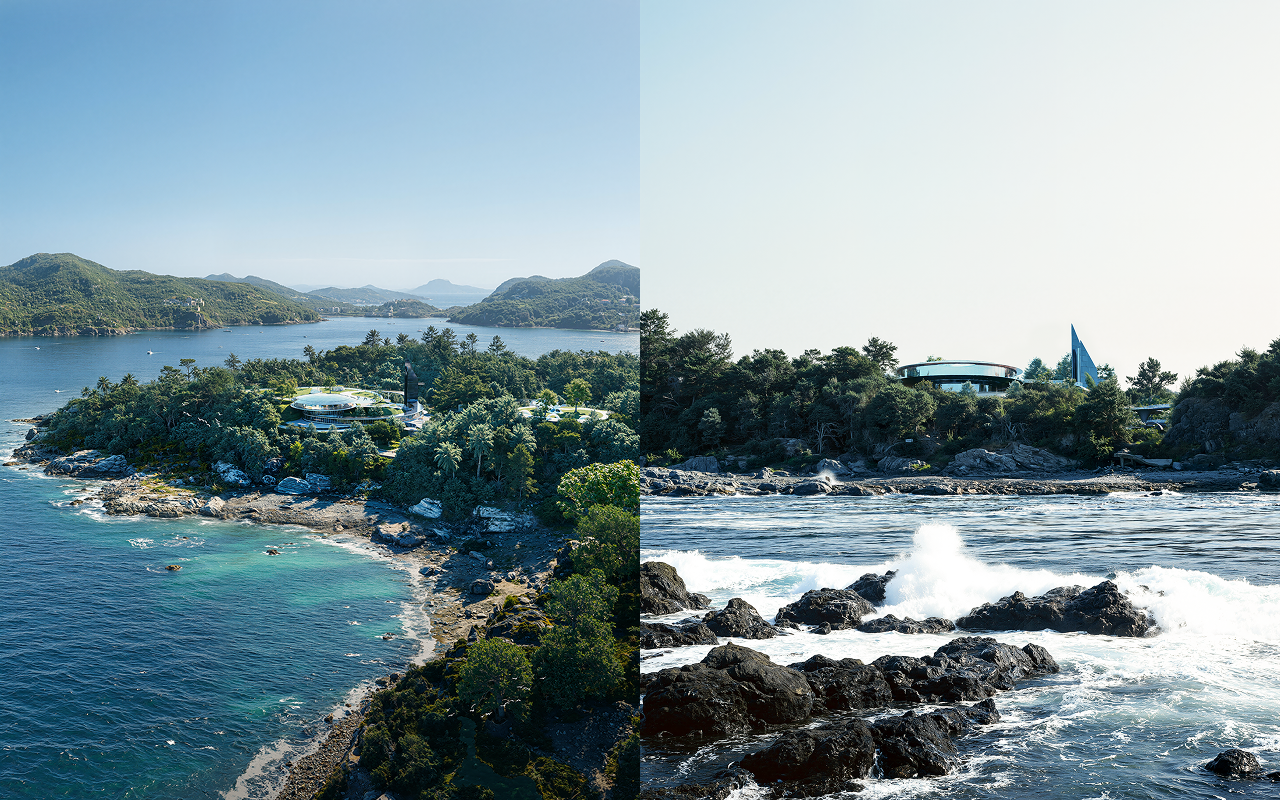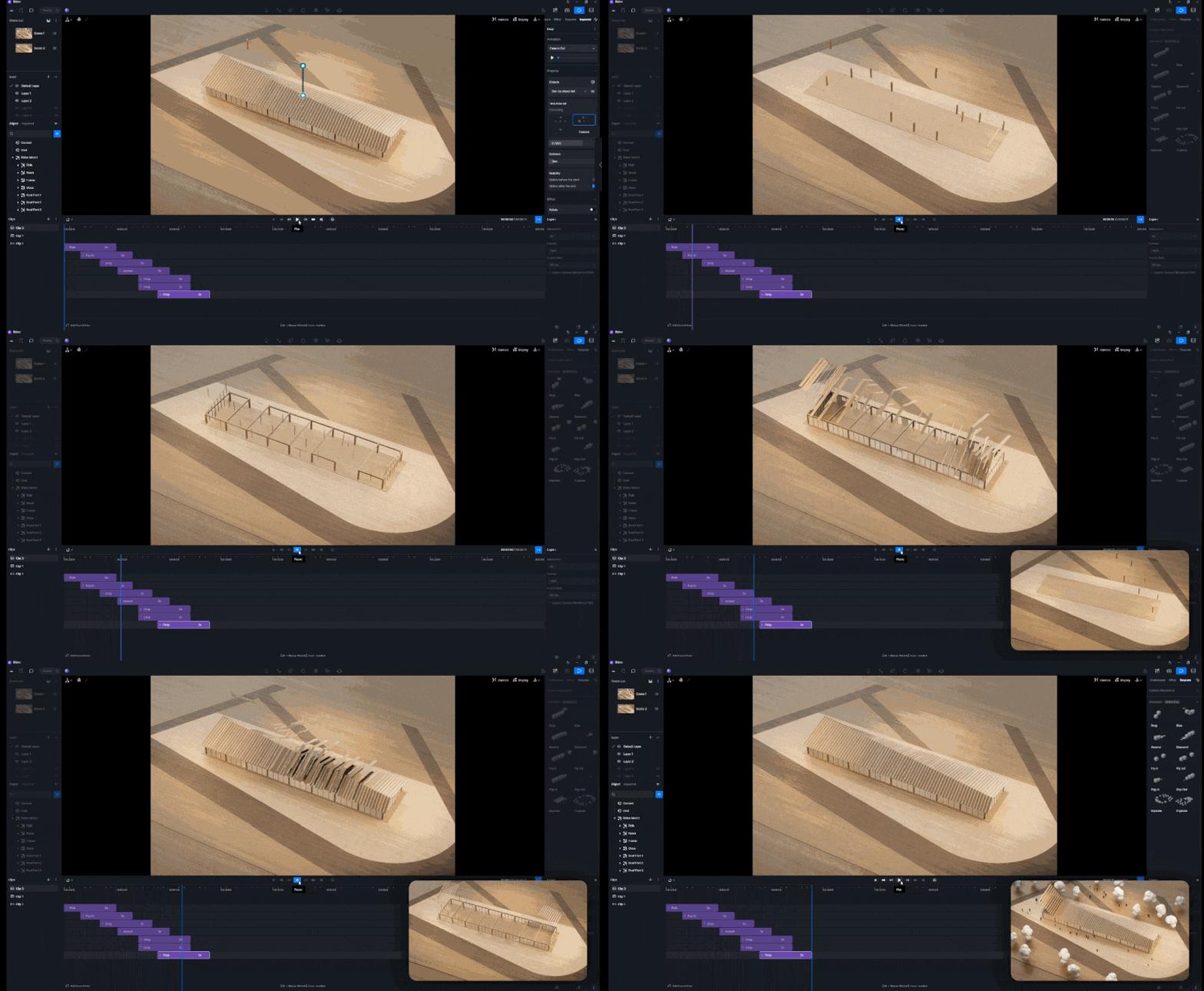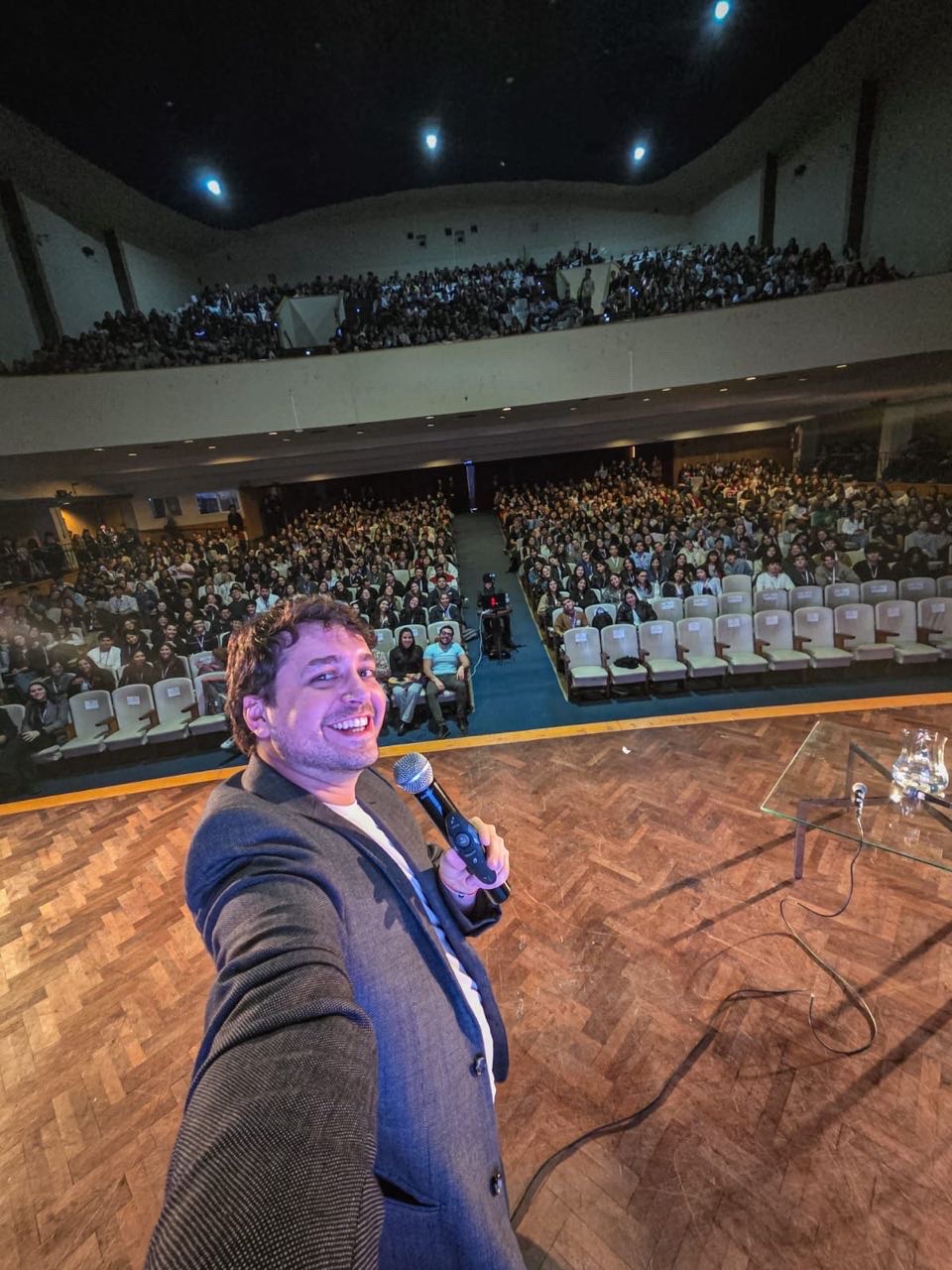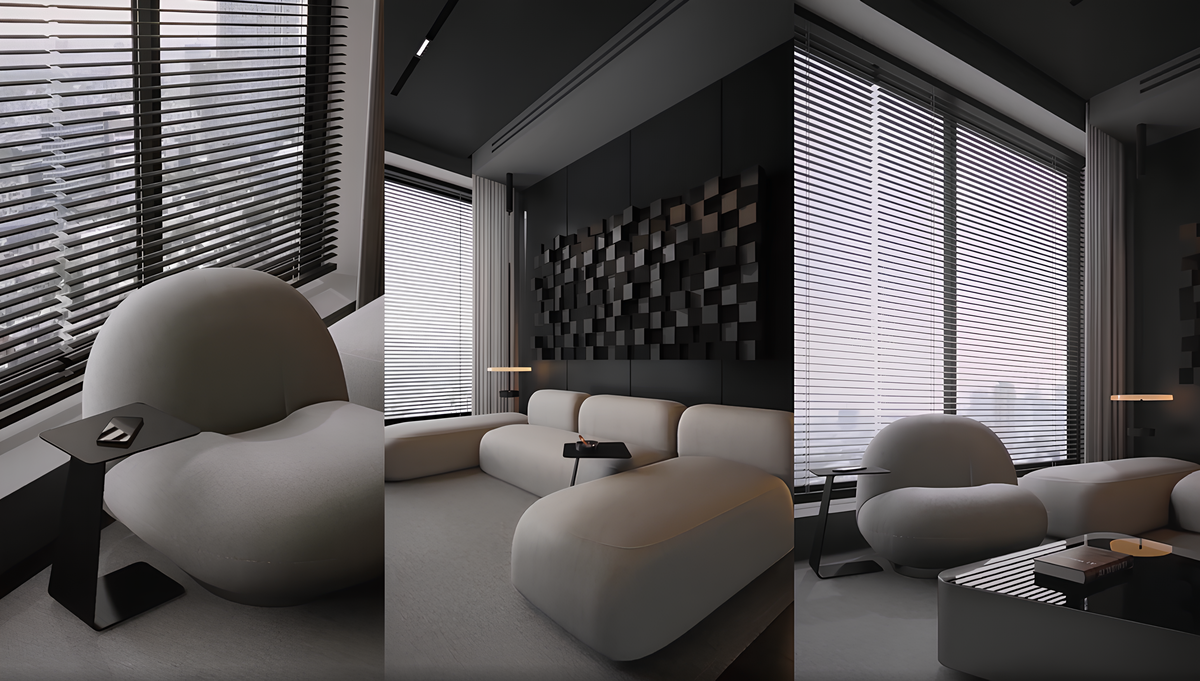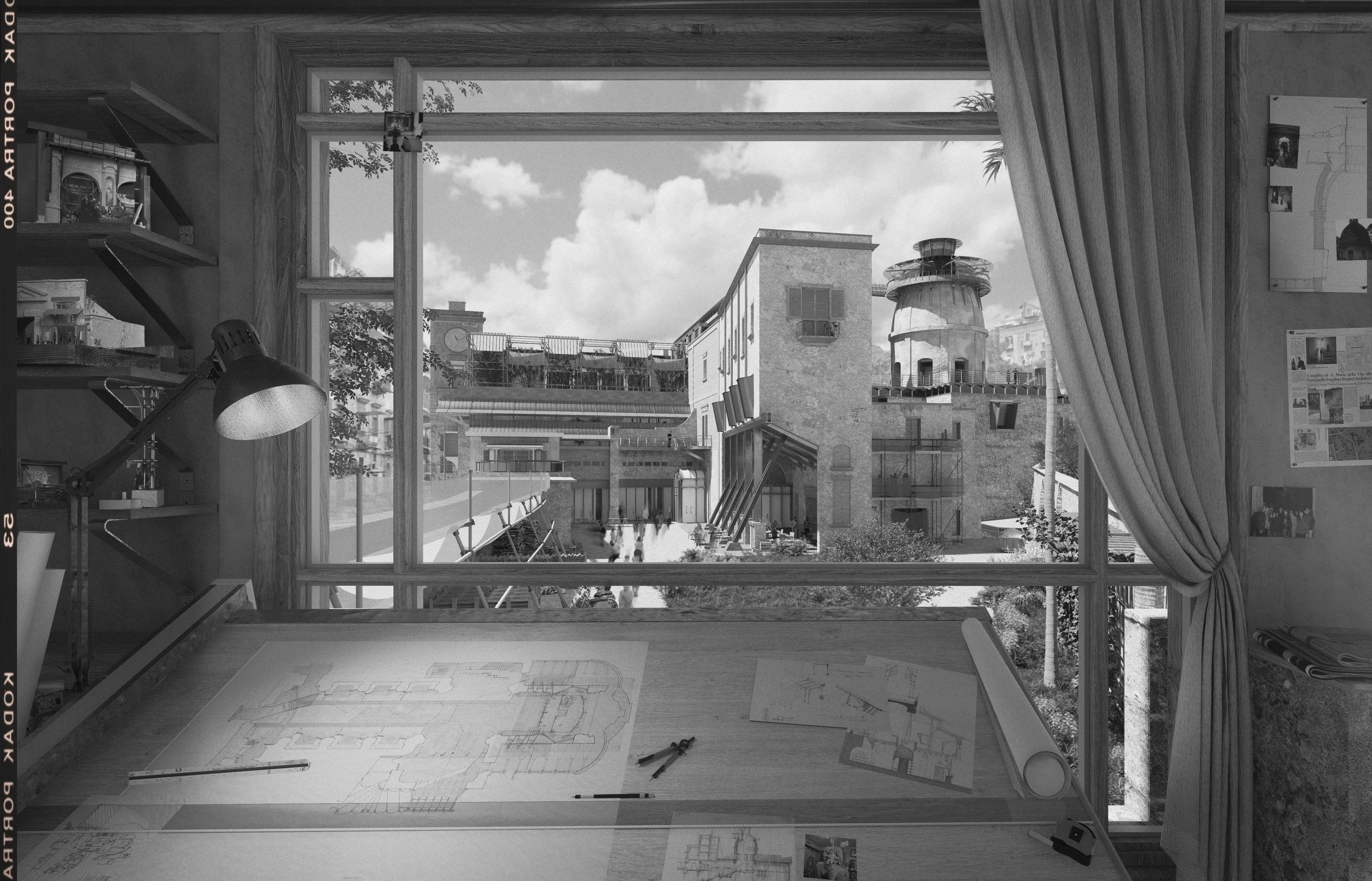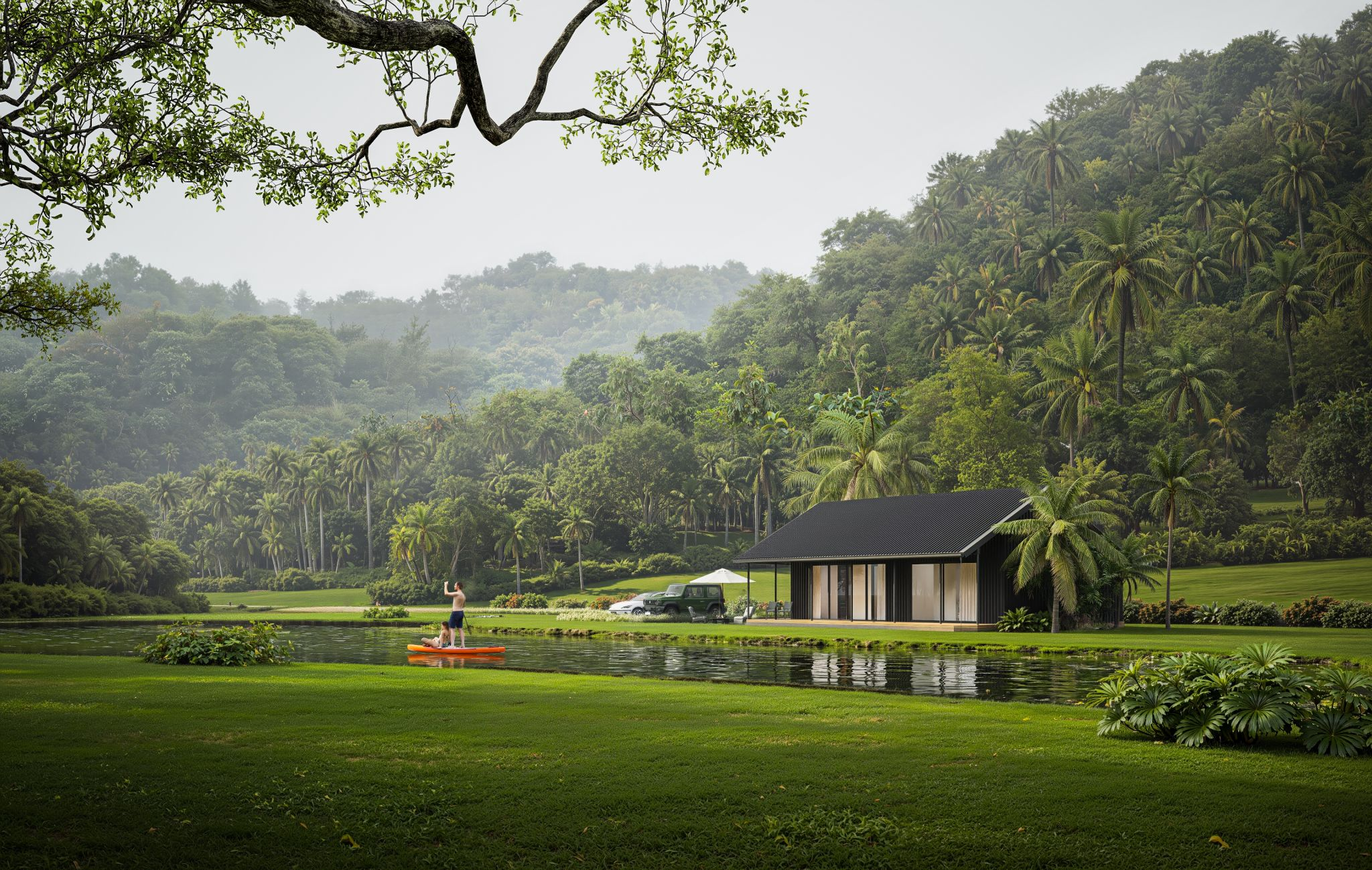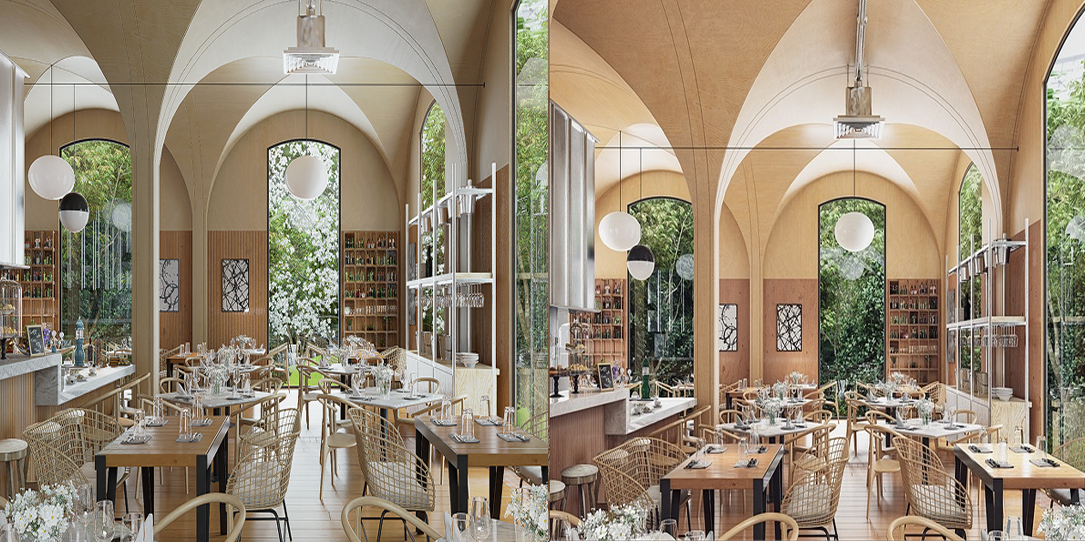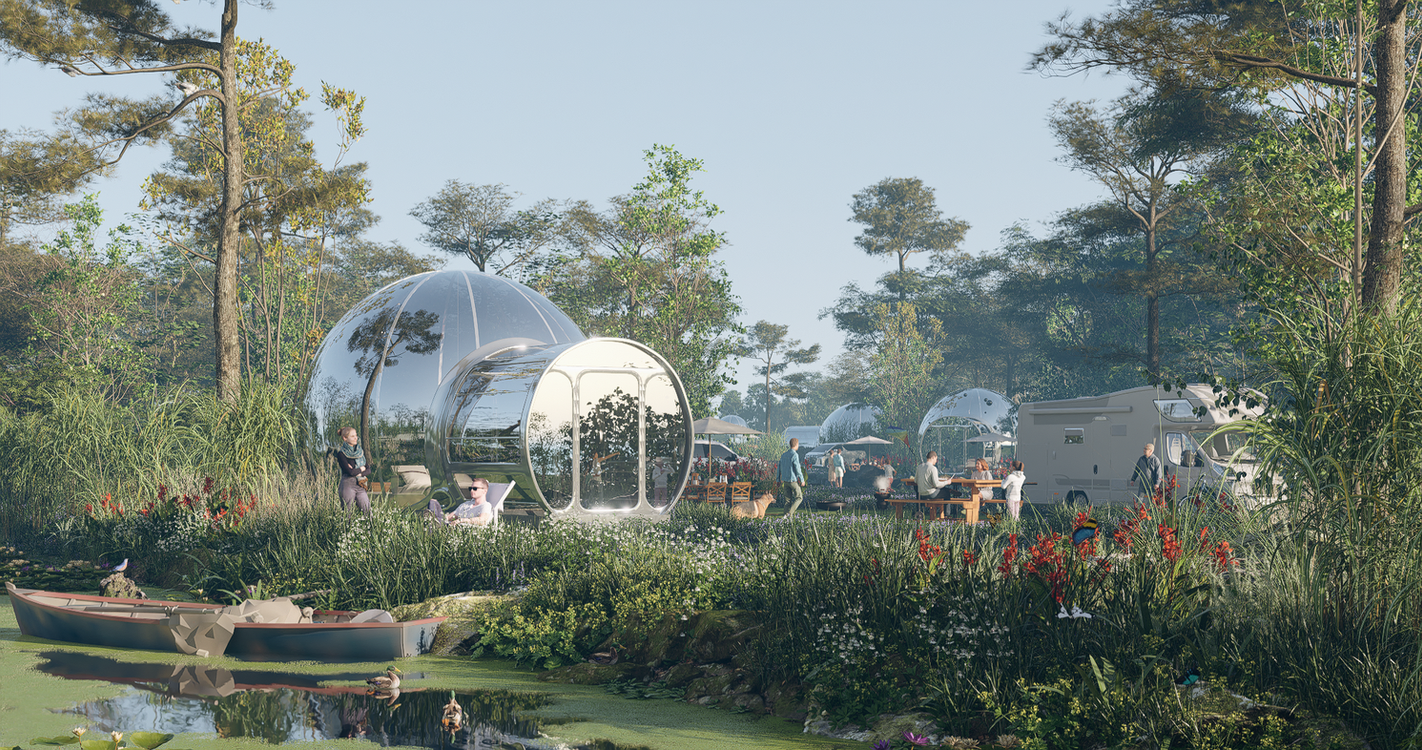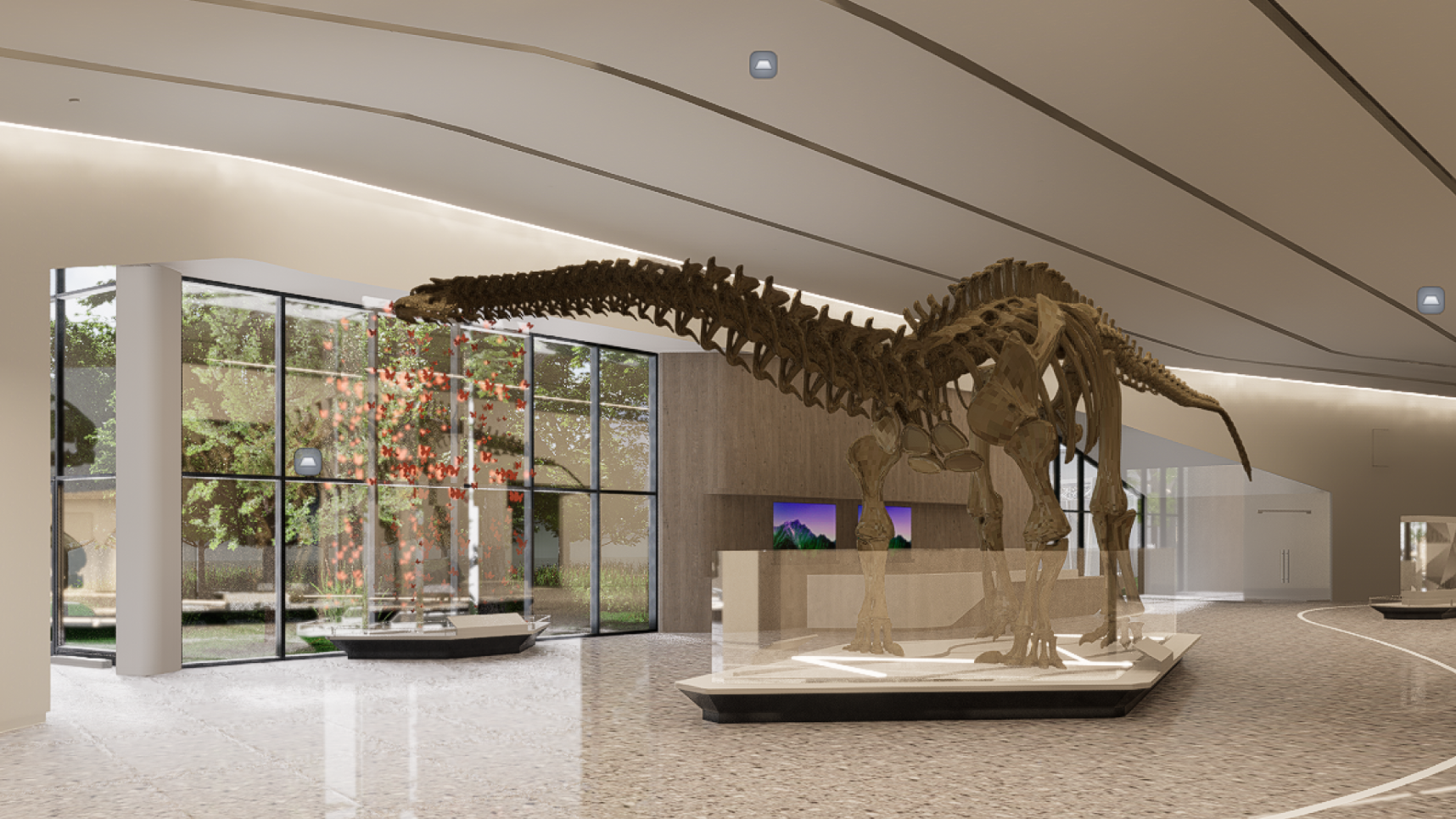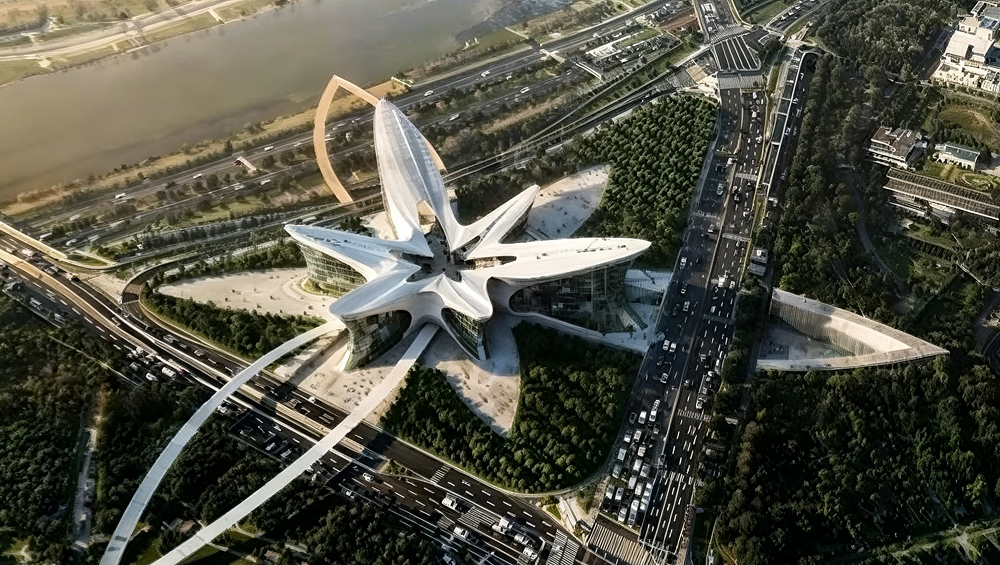


Recently, Han from Digit TV sat down with Song Ha-yong, CEO of Giga Architecture and a D5 Certified Instructor, to see if the new D5 Render 3.0 actually lives up to the hype. Instead of a standard demo, they focused on the "trenches" of architectural practice—handling massive urban sites and keeping the design flow from breaking.
Below, Architect Song shares his perspective on navigating the D5 All-in-One Workflow.
▶️ Watch the Full Video: A Senior Architect's Deep Dive into D5 Render 3.0

🎙️ Special Feature: Song Ha-yong's Vision
As an architect with 14 years of experience and the CEO of my own firm, I've learned that the most expensive thing in a studio isn't the software—it's the interruption of thought.
In my daily practice at Giga Architecture, and through my sessions as a D5 Certified Instructor, I've seen how the "creative thread" often snaps when we jump between five different tools just to see a basic material reflection. When D5 Render 3.0 was released with the concept of the "All-in-One Workflow," I didn't just want to see pretty pictures. I wanted to see if it could solve the two biggest headaches in my practice: massive urban context modeling and the friction of AI integration.
Here is my "blackened" review—a realist's perspective on how D5 3.0 actually performs in the trenches of a real-world architectural office.

D5 Lite vs. Nano Banana: The Battle for Consistency
In the Korean design community, we've long relied on Nano Banana Pro as the gold standard for AI post-processing. It's an incredibly powerful engine, but using it as an external tool often breaks the "creative thread"—you export, you prompt, and you pray the perspective doesn't shift.
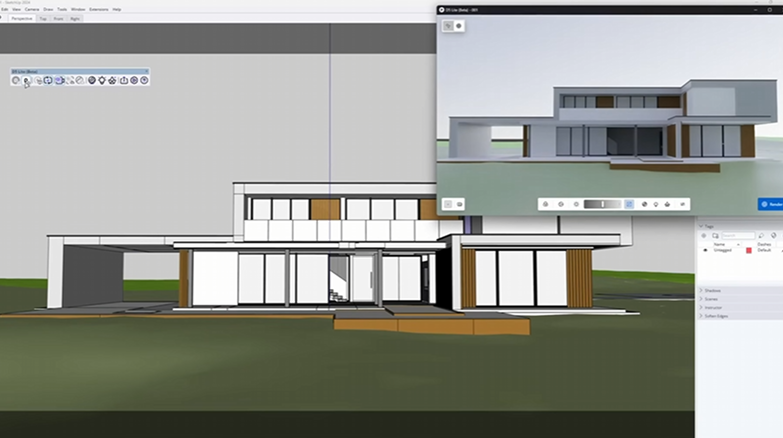
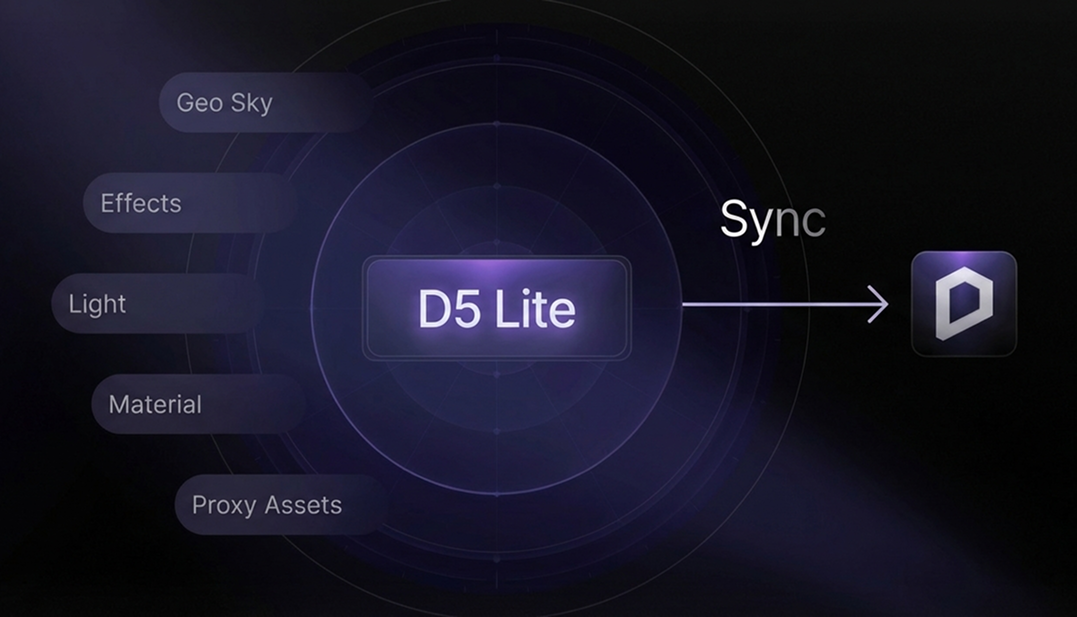
With D5 Lite, the AI is finally integrated directly where I work (currently SketchUp, with Rhino on the horizon). Beyond incorporating the AI logic of Nano Banana Pro into its ecosystem, D5 has transformed a standalone 'art generator' into a precision architectural tool.
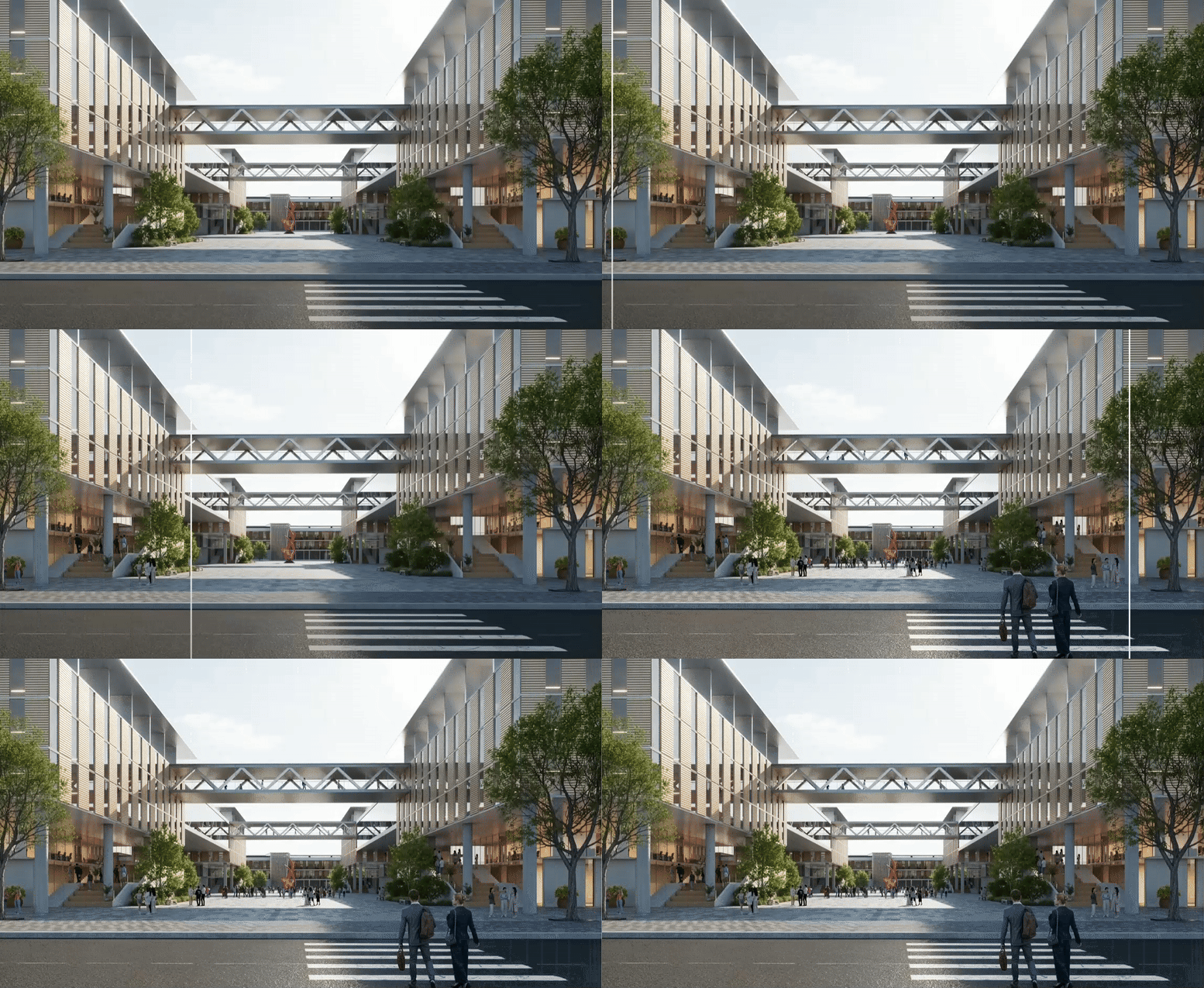
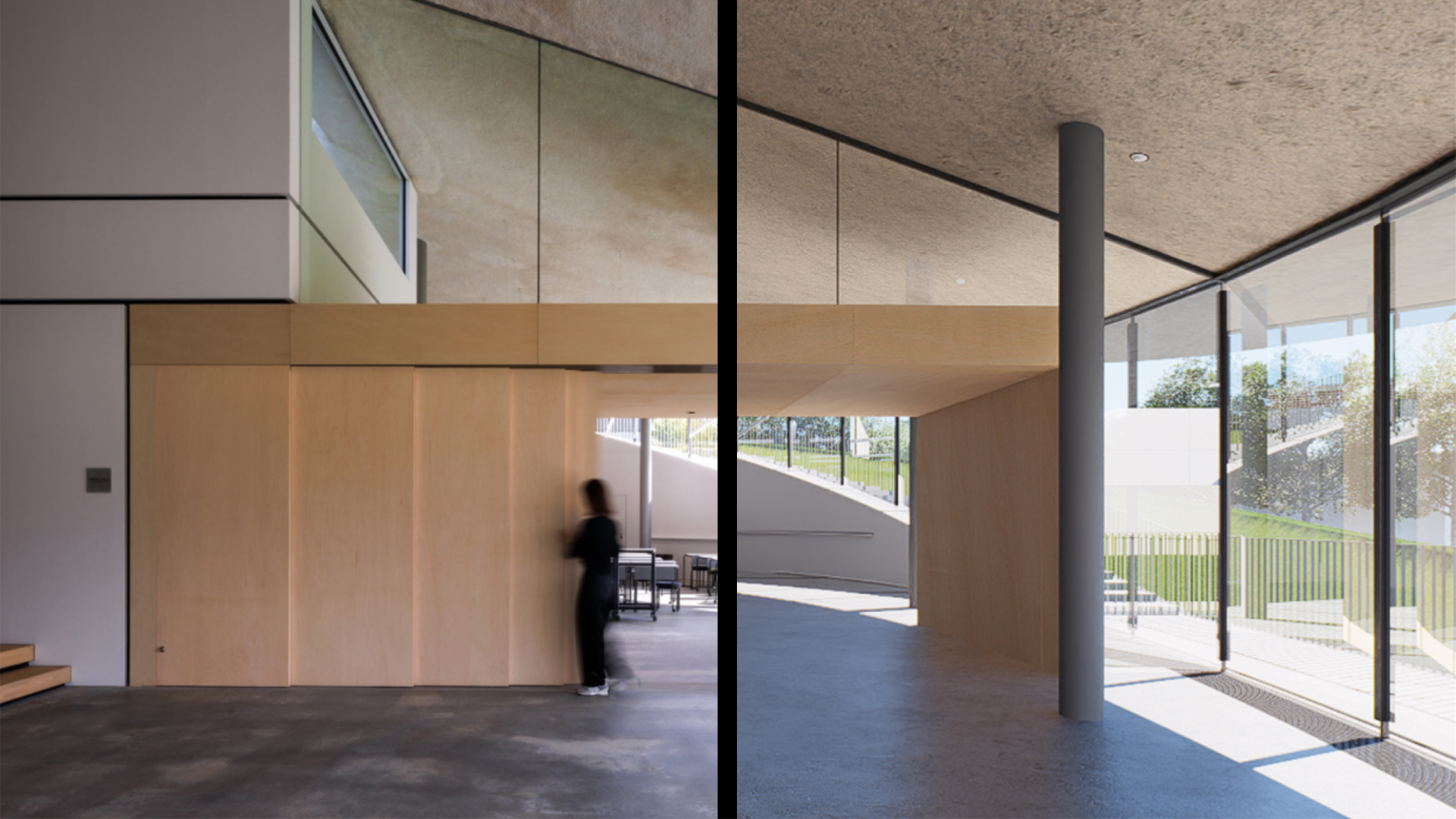
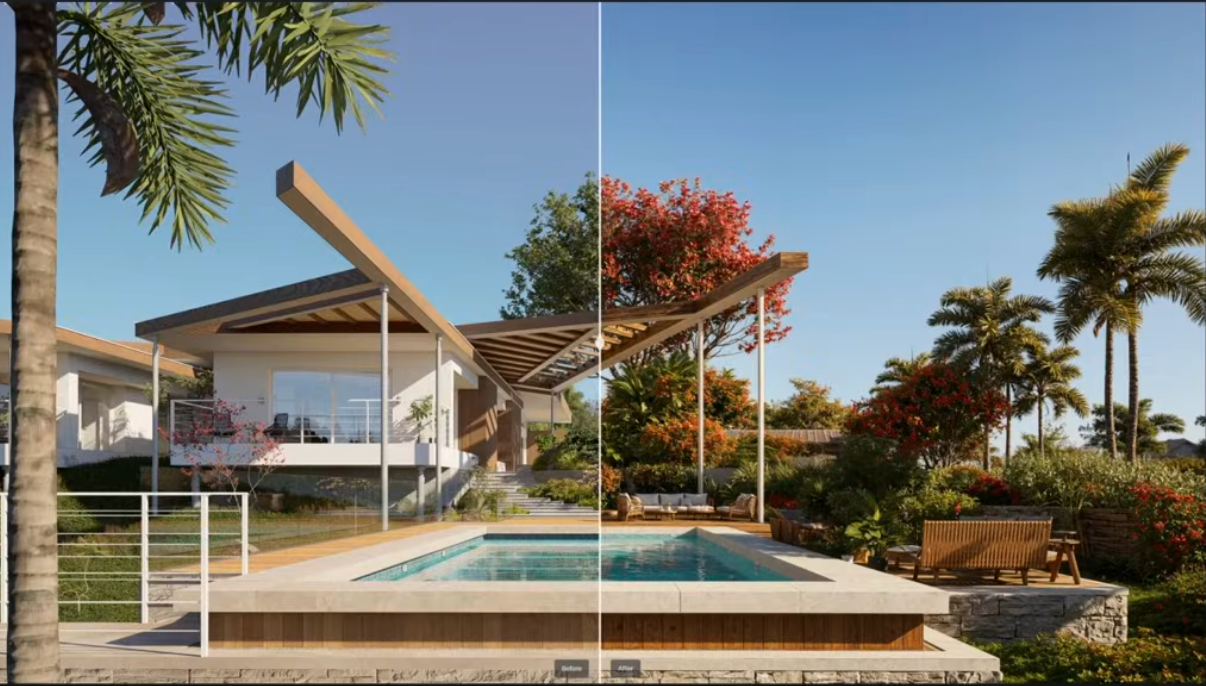
- Consistency is King: Unlike web-based AI, D5 Lite maintains the camera view and perspective with surgical precision. This is critical. If the perspective shifts even slightly, the AI's suggestions become useless for professional refinement.
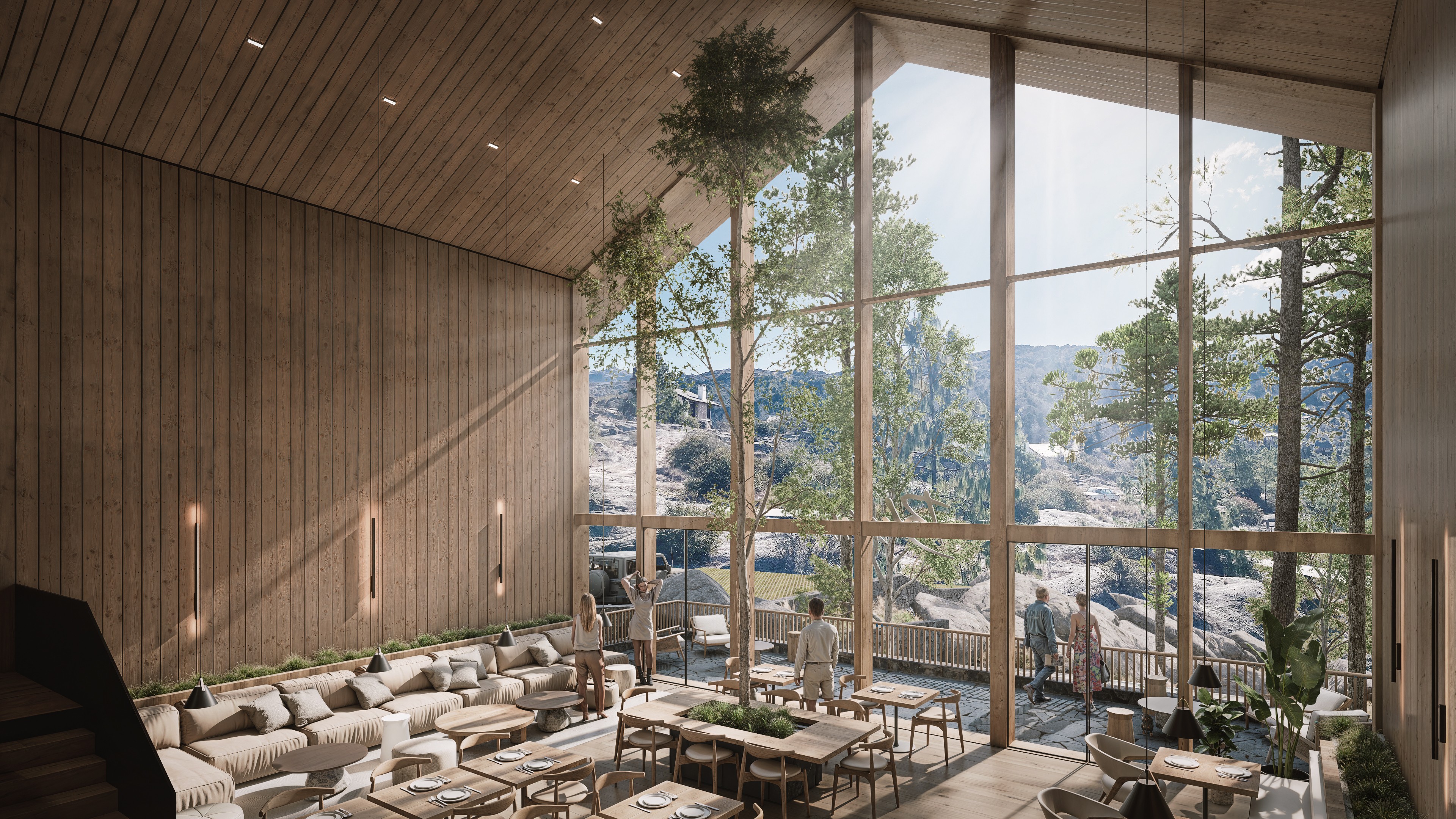
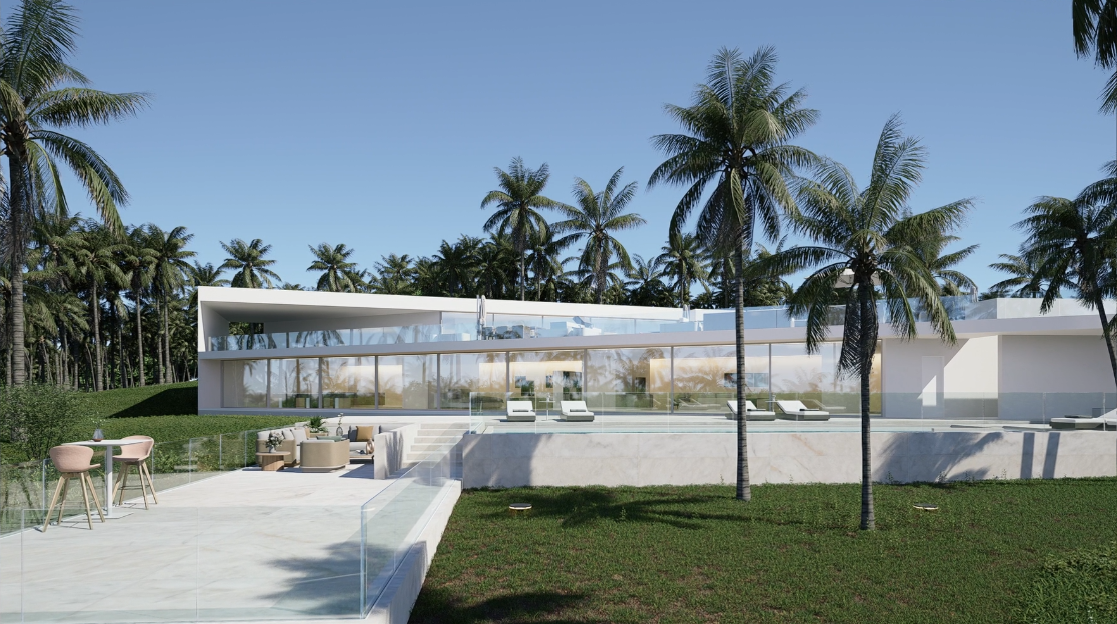
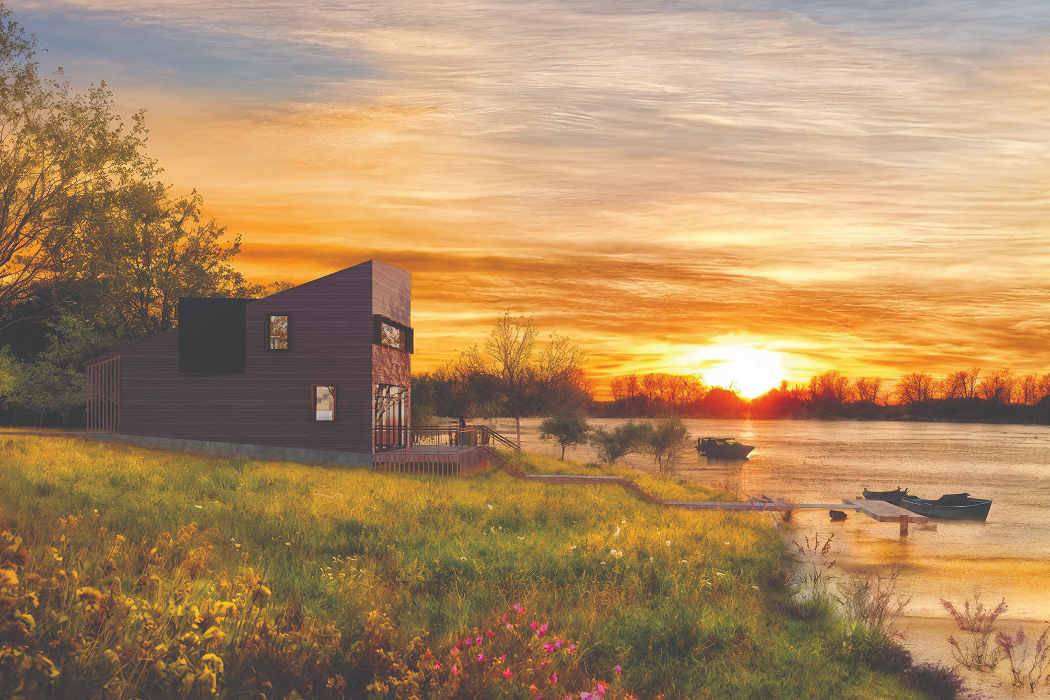
- Intuitive Material Brainstorming: I can take a raw massing and instantly visualize it in gray stone, warm wood, or curtain-wall glass. It bridges the gap between a "gut feeling" and a client-ready visual in seconds, allowing me to make decisions based on light and shadow rather than guesswork.
👉 Introducing D5 Lite: AI Rendering & Instant Visualization for SketchUp

Solving the "Large Site" Crisis: Cesium & Urban Context
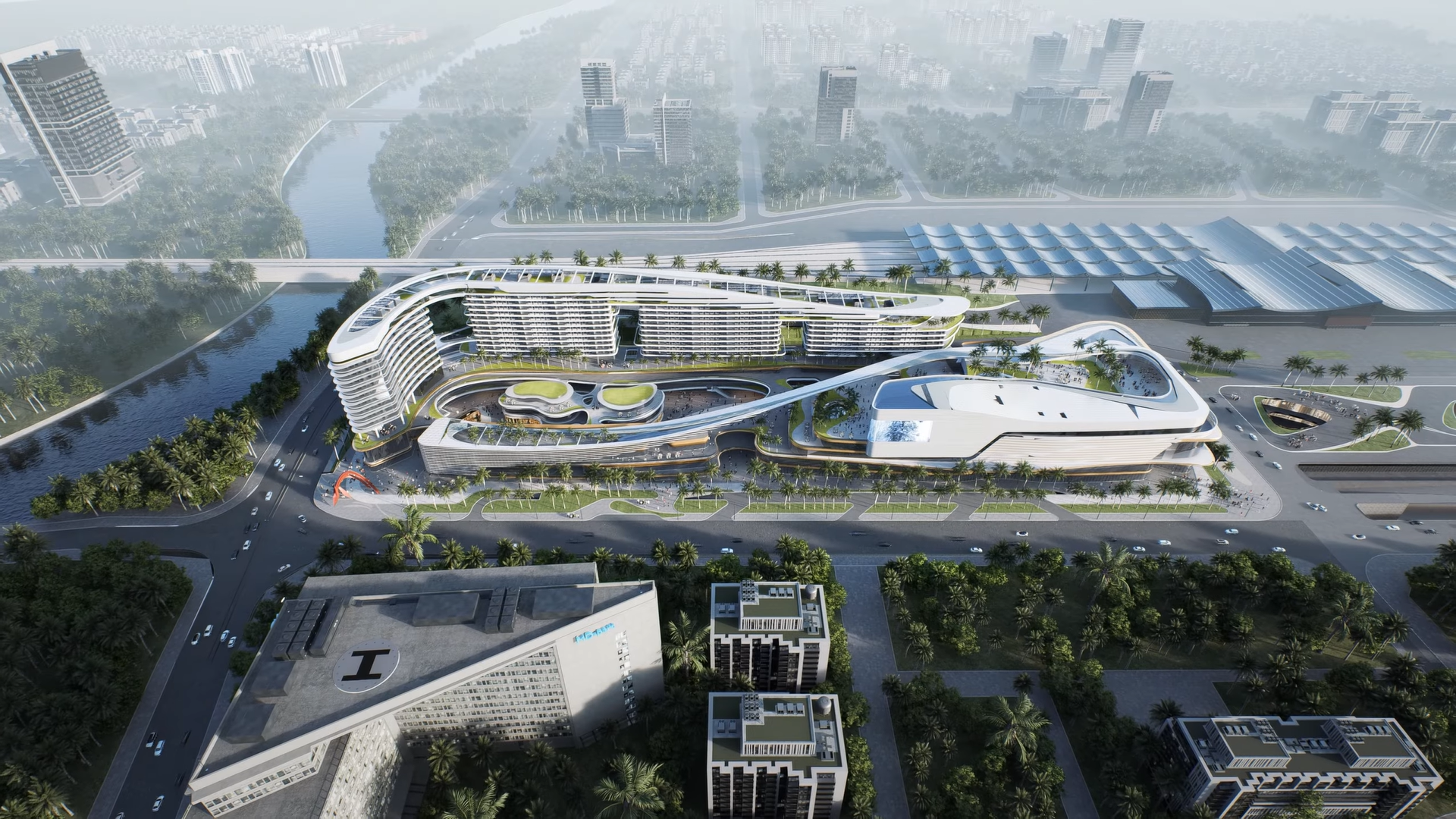
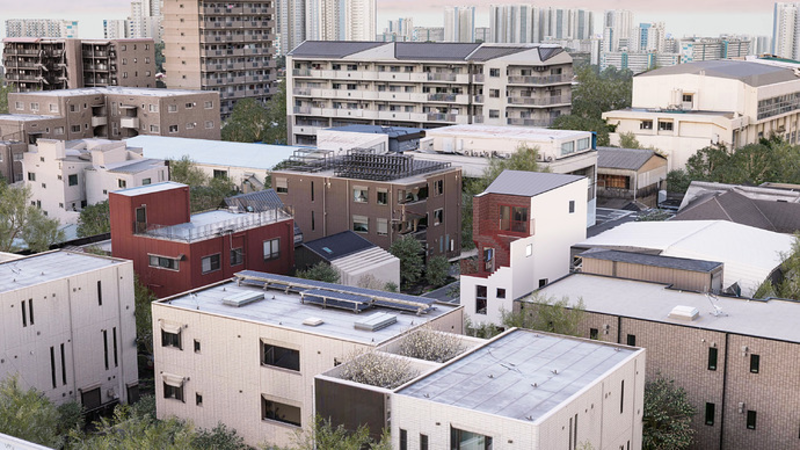
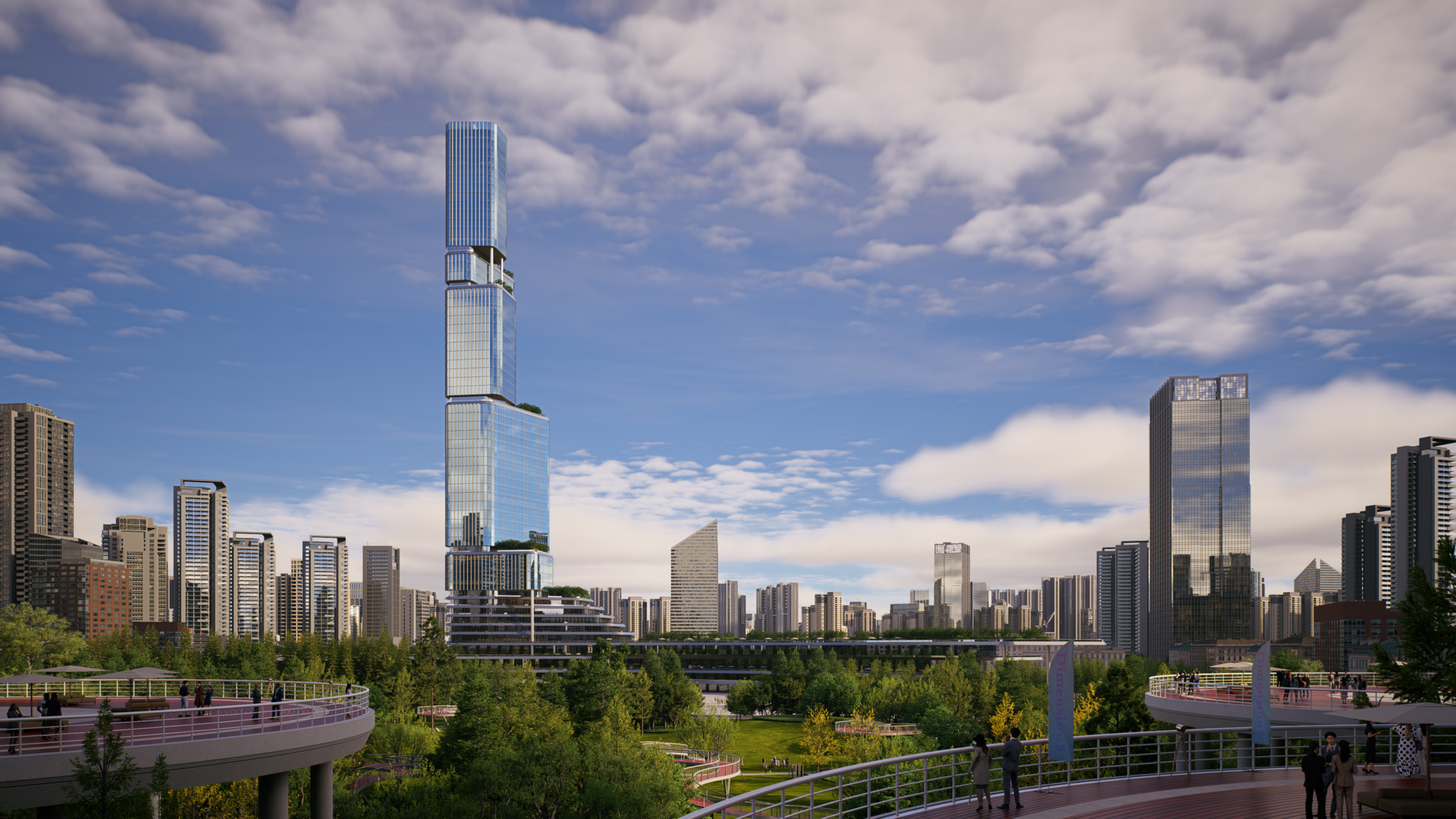
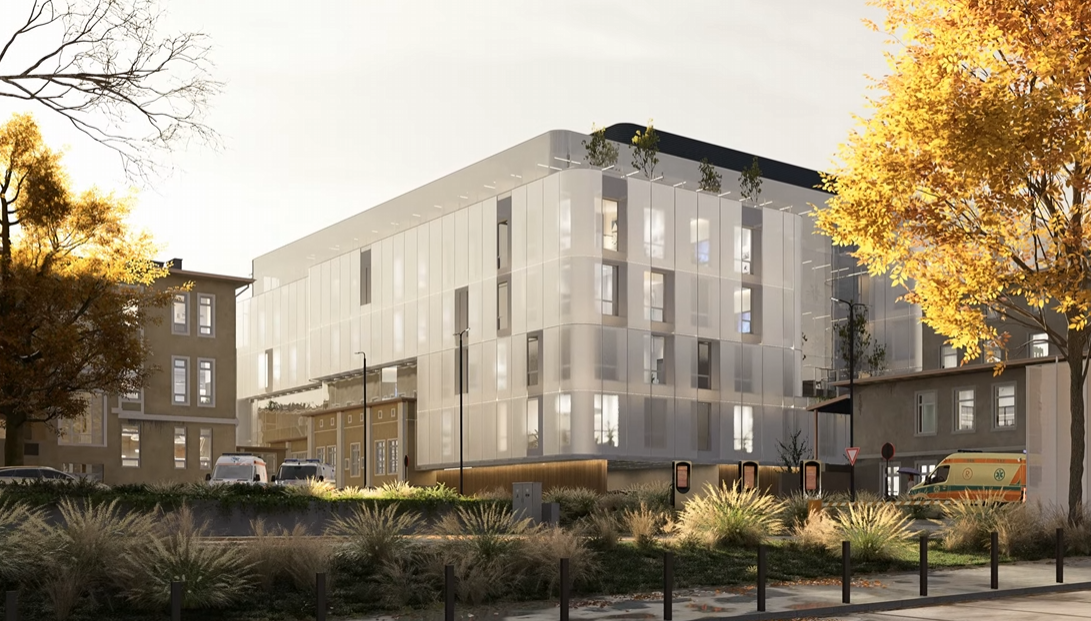
In my church project and other large-scale urban designs, modeling the surrounding context is a soul-crushing task. Usually, you're stuck with flat 2D satellite images or spending weeks low-poly modeling neighboring buildings.
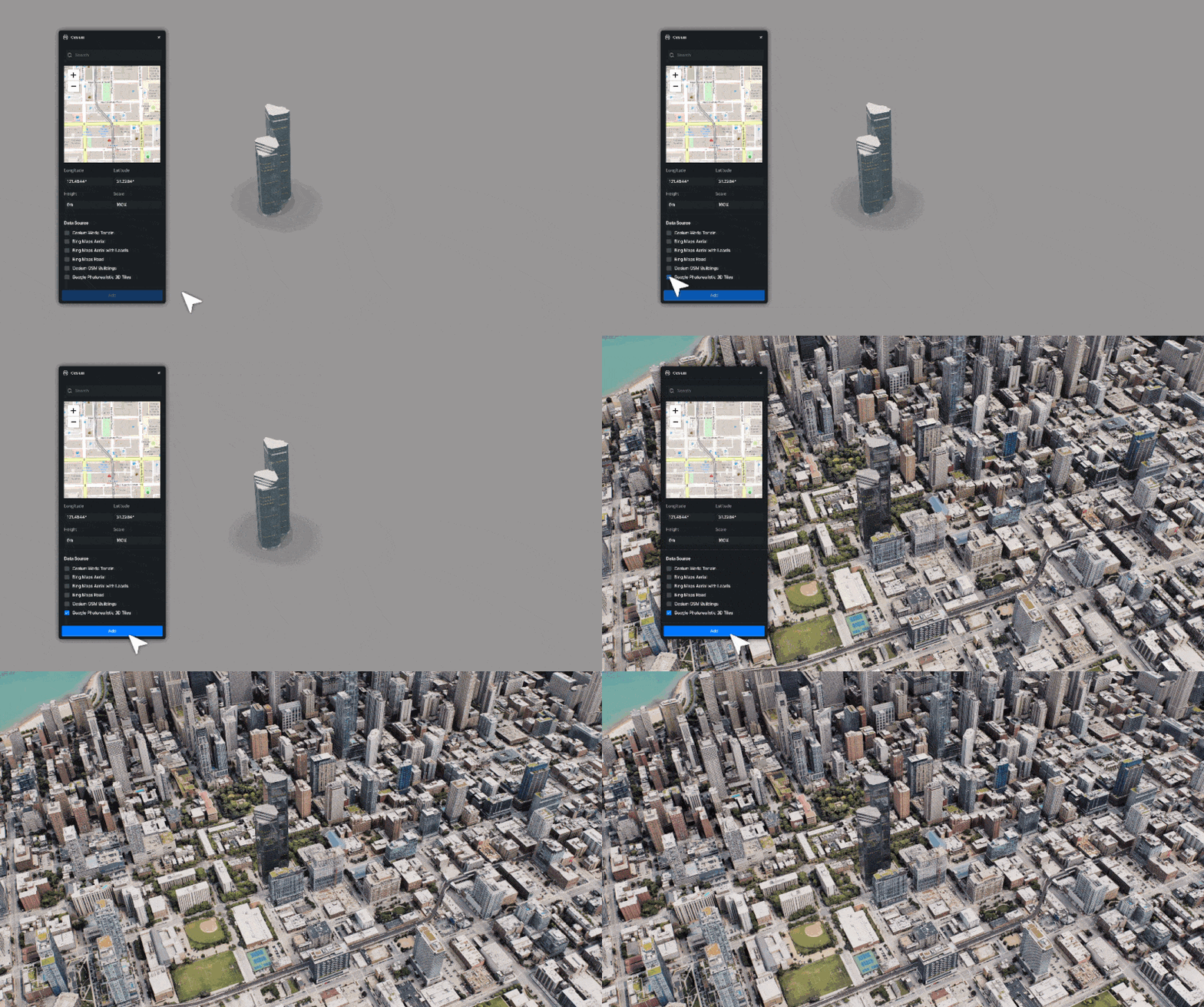
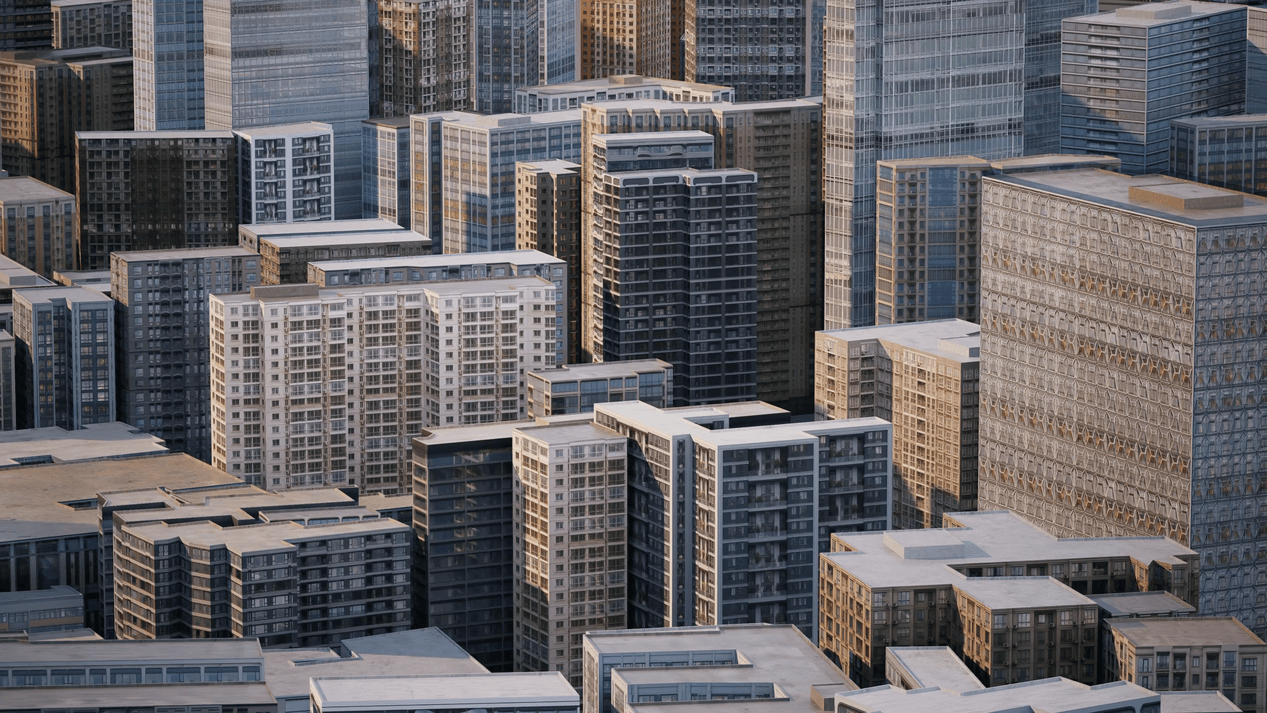
D5 3.0's integration with Cesium (Google 3D Tiles) is, frankly, the most "shocking" feature for any urban designer.
- Direct Import: You can fly through a 3D version of Florence or Manhattan directly within the D5 interface and import that 3D data with one click.
- The "Blackened" Hack: In Korea, Google 3D data is often restricted. My workaround? I modeled one block in Rhino, then pulled the Google Map data as a texture and "sandwiched" it. By using a Section Cube, I cleared a hole in the 3D city data and dropped my high-detail model right in.
👉 Design with Real-World Context: Cesium x D5 Render in Action!
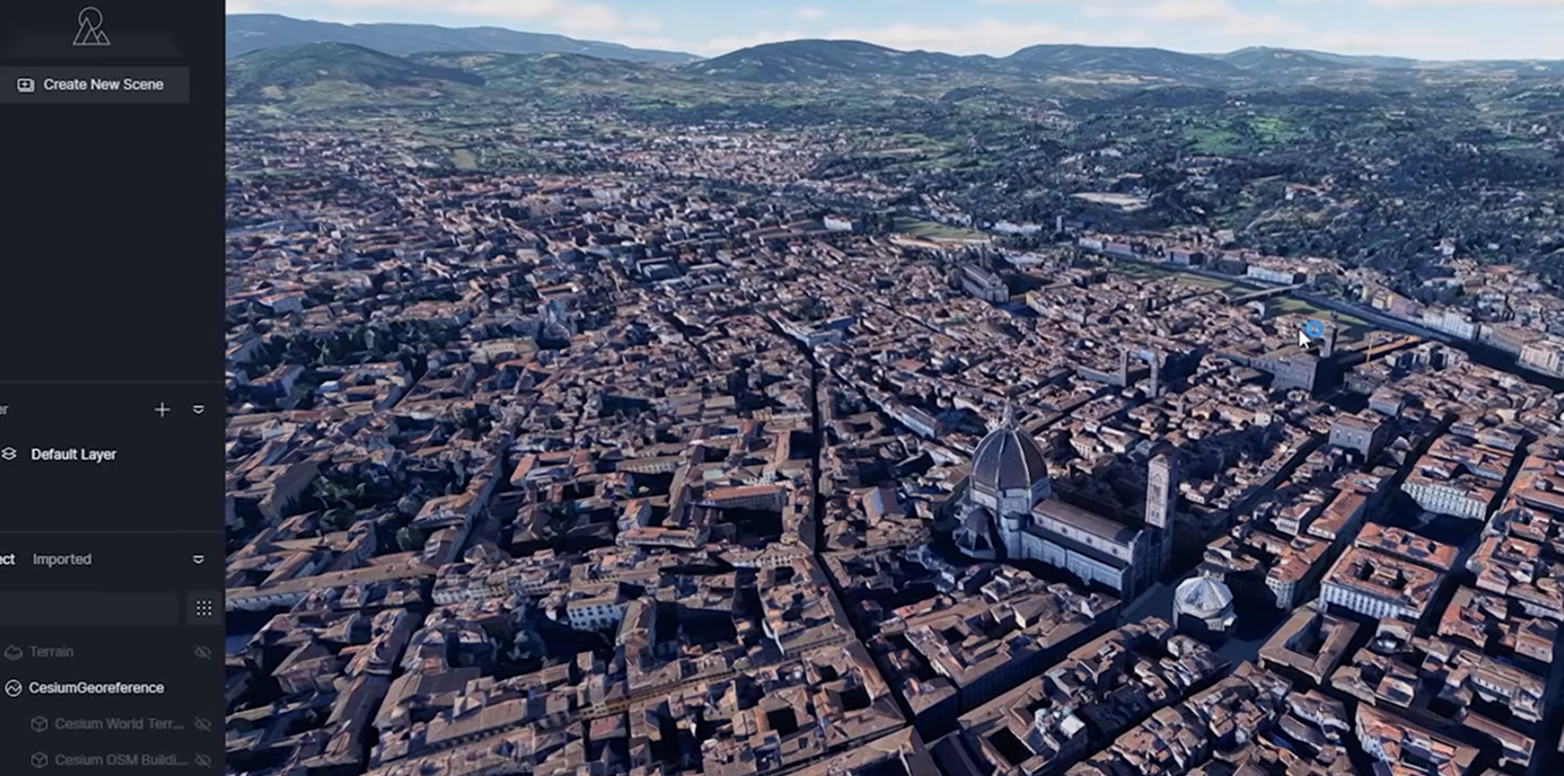
When you run this through the AI enhancer, the blurry satellite buildings suddenly get "touched up" with realistic textures and lighting. It turns a low-res urban scan into a believable environment in minutes. If you're still modeling every neighbor's house by hand, you're wasting your firm's money.
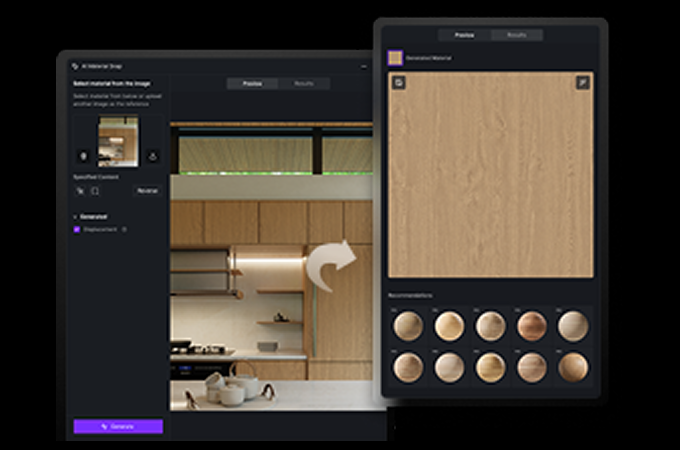
Precision in Detail: True Displacement
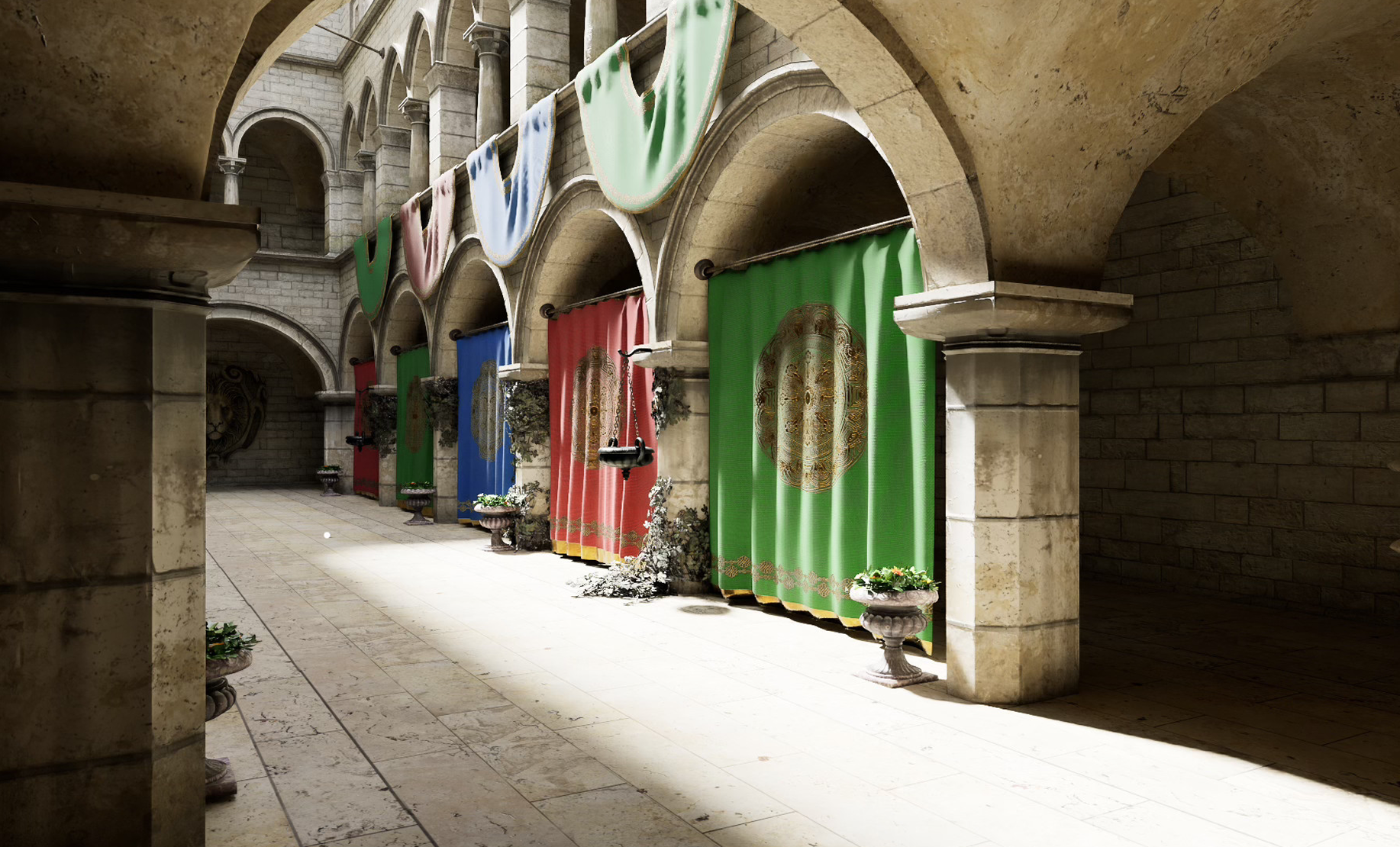
We've been "faking" textures for years. Normal maps and standard "fake" displacement in previous versions were just clever lighting tricks. If you looked at a brick wall from a 90-degree angle, it was still a flat line.
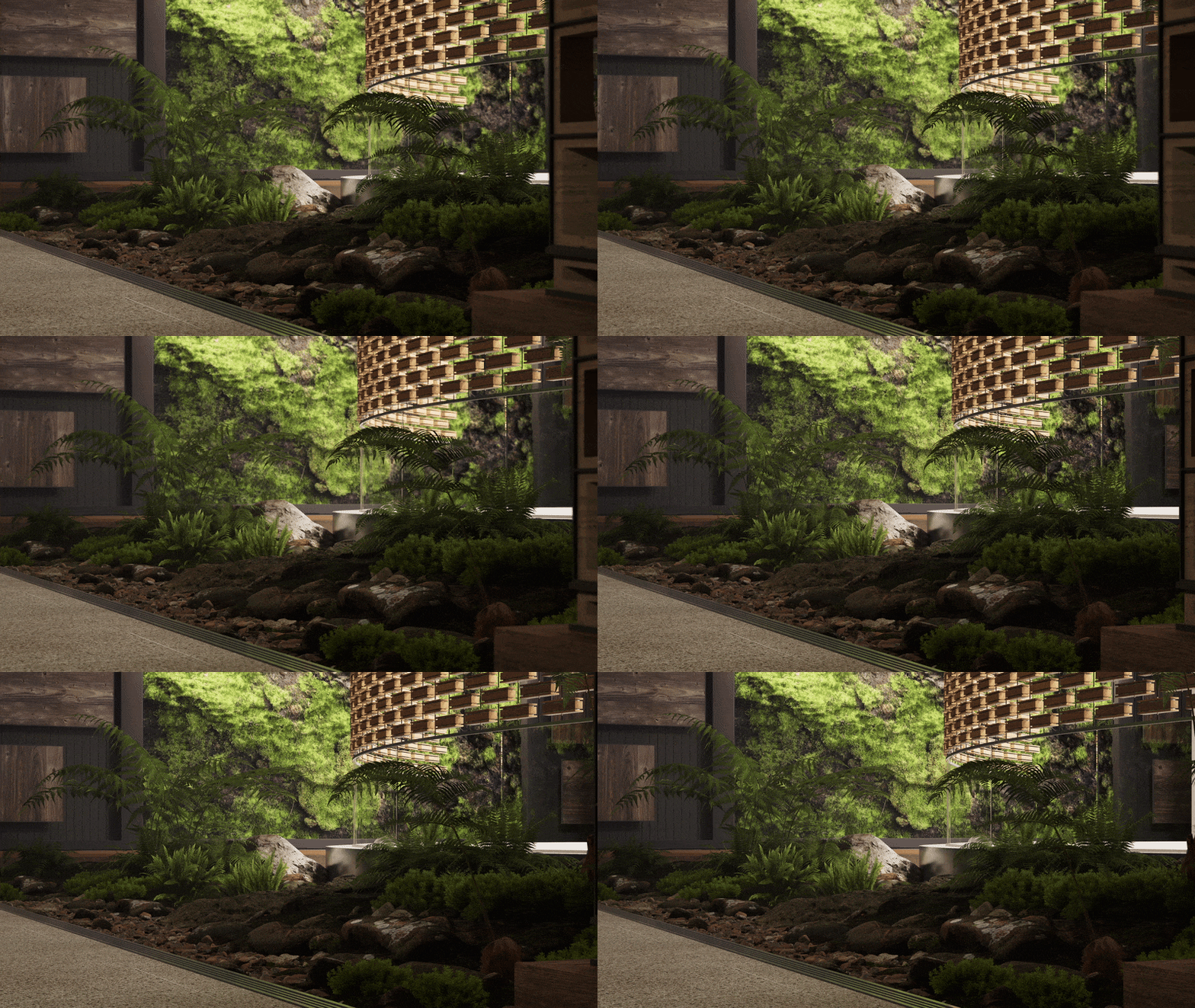
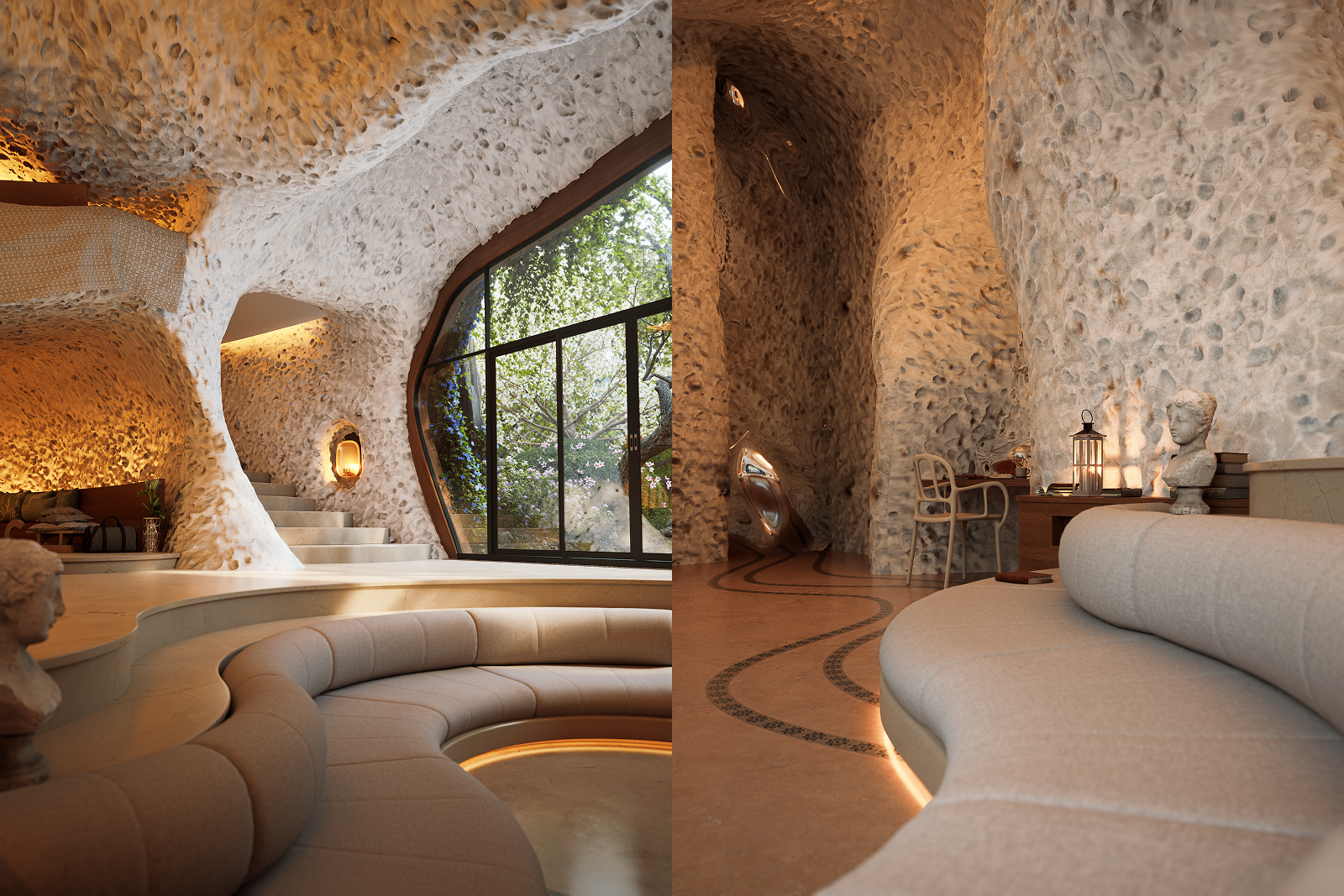
D5 3.0 introduces True Displacement. It's exactly what it sounds like: it turns the texture into actual mesh geometry.
- The Depth of Reality: When I applied PBR textures to a stone wall, the shadows cast by the crevices were real. The edges of the geometry actually "deformed" to match the texture.
- A Practitioner's Tip: This is high-fidelity tech. I don't use it for every wall in a skyscraper, but for the "hero" materials—the tactile surfaces that a person would touch—it provides a level of photographic honesty that "fake" maps simply cannot reach.
👉 Mastering Displacement Maps: Achieve True Depth in D5 Render

The Architect's Toolkit: D5 Works
One thing I appreciate about the D5 ecosystem is its understanding of "Architectural Logic."
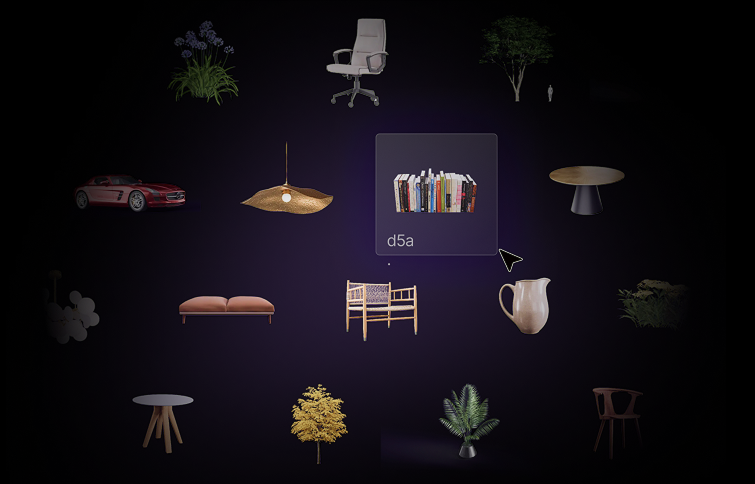
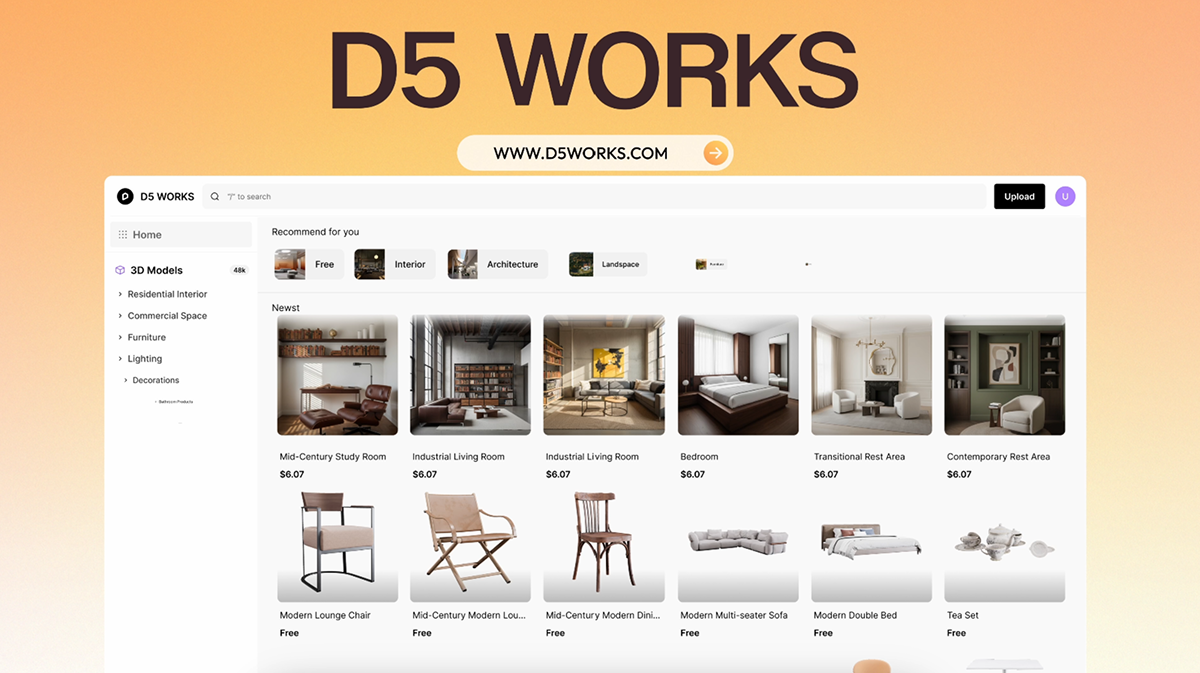
D5 Works isn't merely a place to source furniture models; it is a curated asset platform for spatial design designed to let architects "drag, drop, and keep moving.
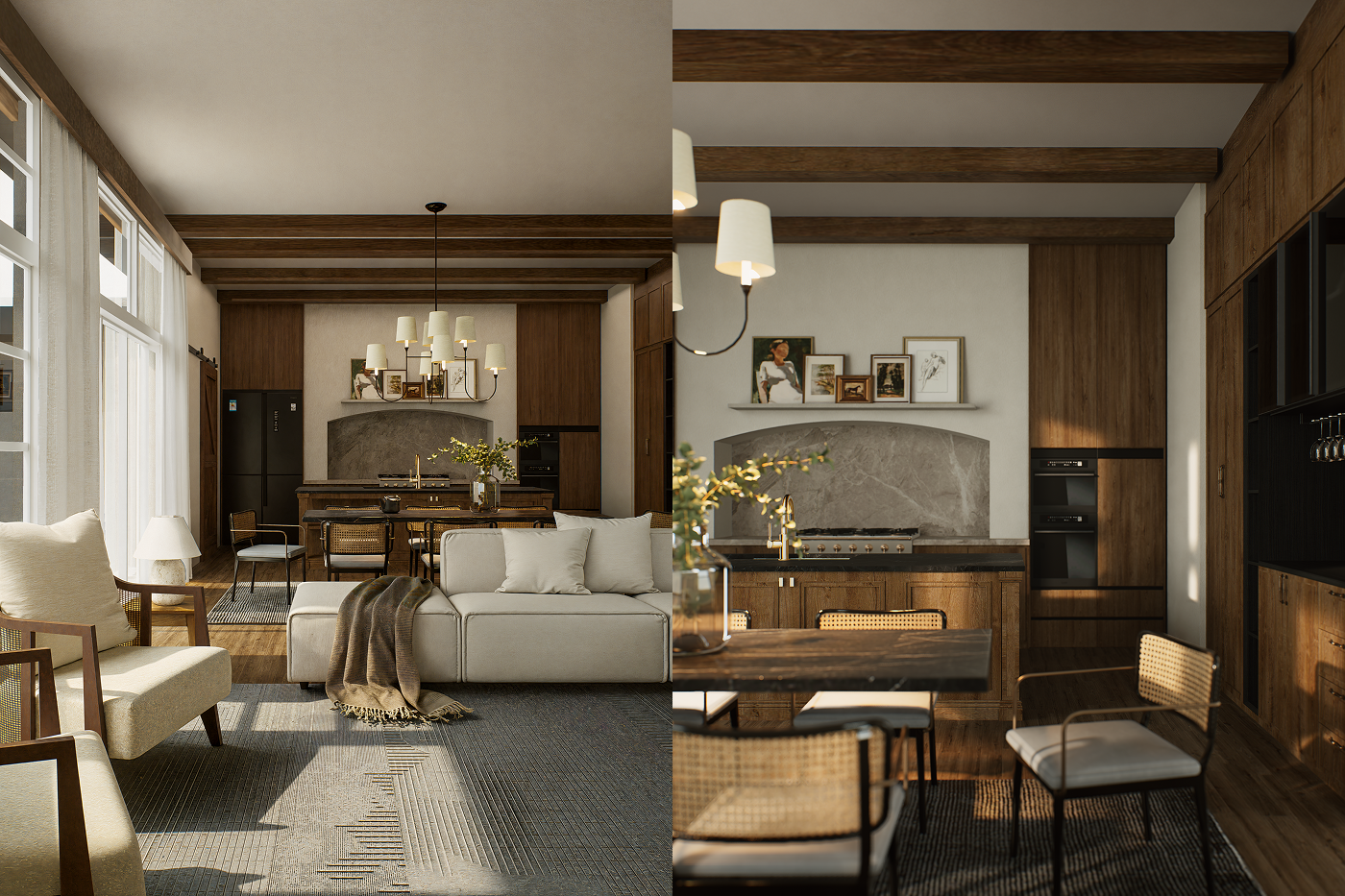
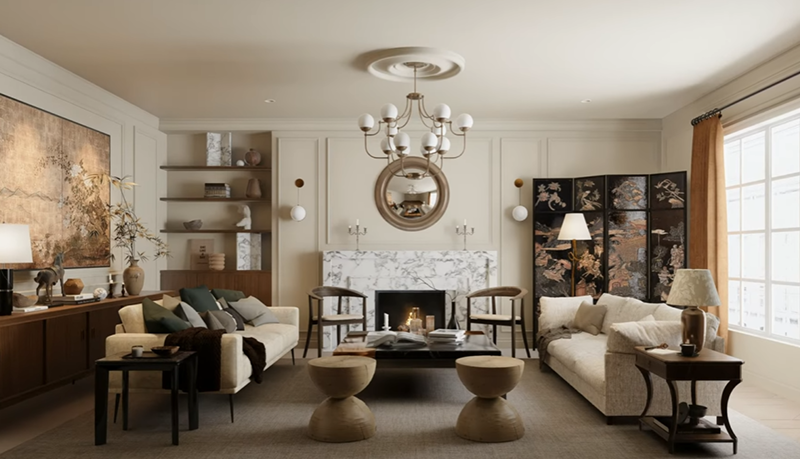
In my firm, we often use these 0-cost, high-detail scenes (some 400MB-500MB in size) as "material starters." We can deconstruct a professional lighting setup or a complex furniture arrangement and adapt it to our projects. It democratizes high-end visualization for smaller studios.
👉 D5 Works is Here: Your Curated Hub for AEC-Ready 3D Models

The AI Agent: Your New Design Intern
We are living through a "transition era." I see many young architects and students worried that AI will replace the need for modeling or design skills. As someone who is currently supervising construction sites and managing complex designs, my takeaway is this: AI is about the power of selection.
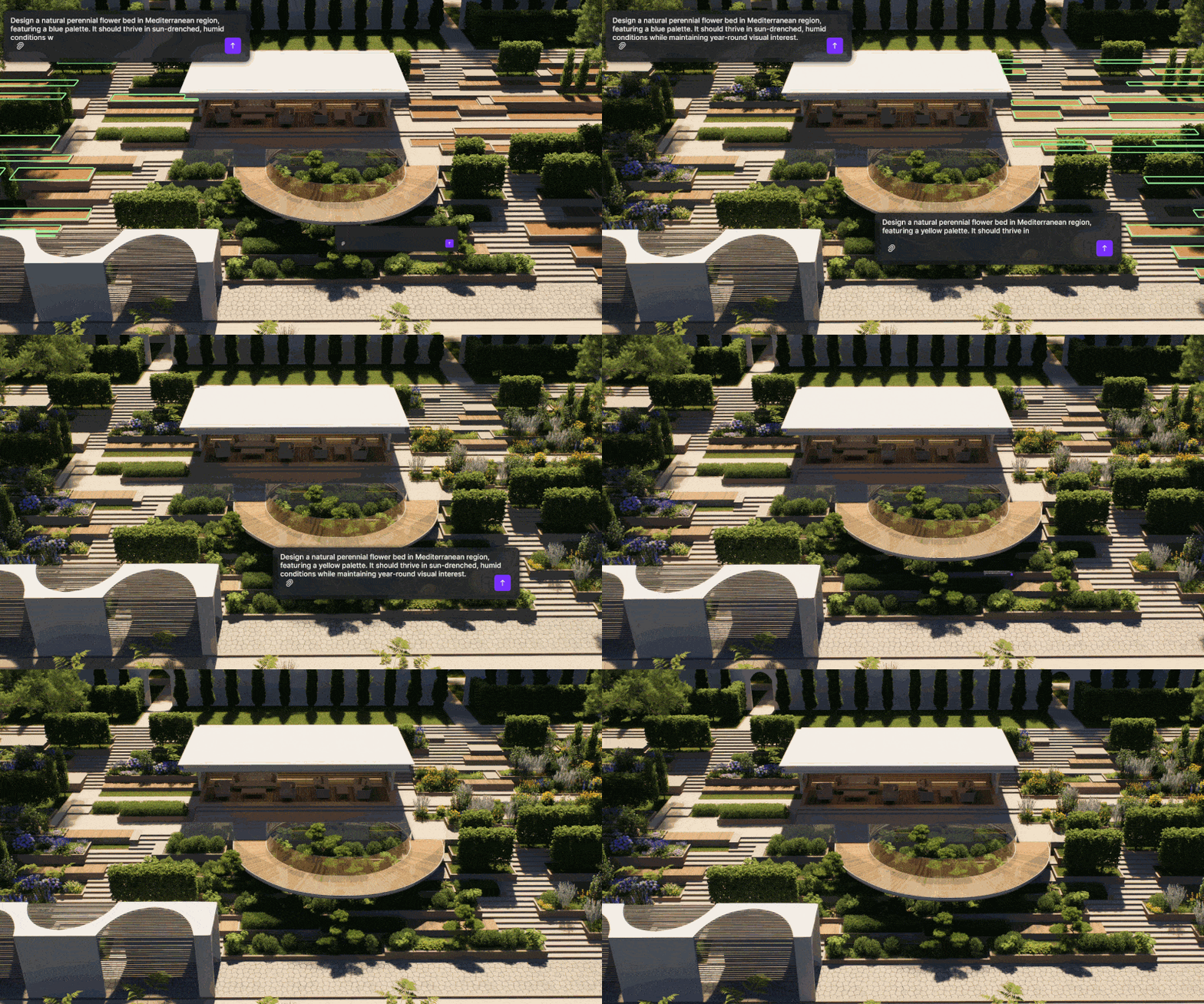
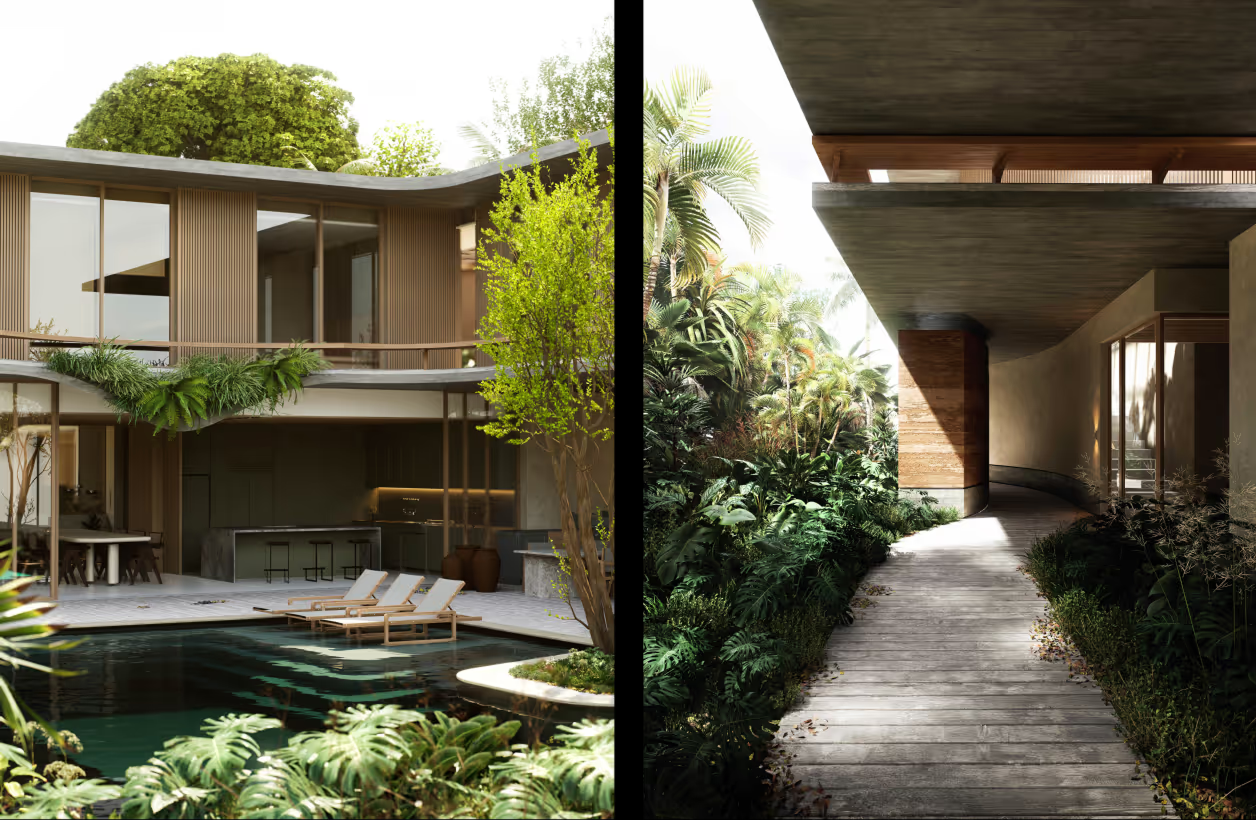
- Conversational Logic: Instead of searching through thousands of assets, I can simply tell the AI Agent: "I need an atmospheric pool setting with swimmers."
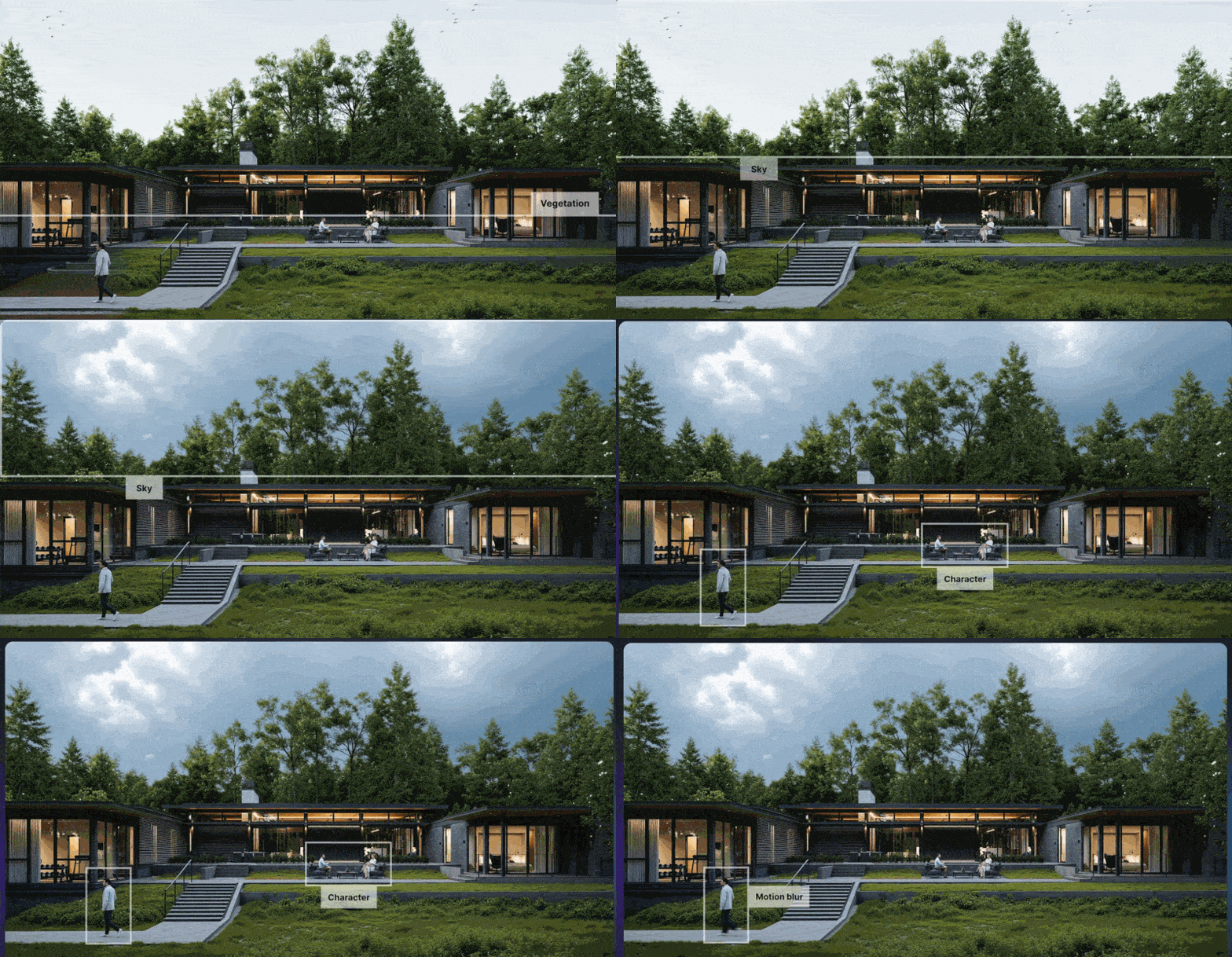
- Intelligent Suggestion: D5's AI Agent acts as a high-speed curator, interpreting my verbal prompts to suggest the perfect lighting, atmospheric settings, and relevant assets (like vegetation or characters) directly from the D5 asset library.
👉 Ditch Manual Setup: D5 Render AI Scene Generation for Archviz
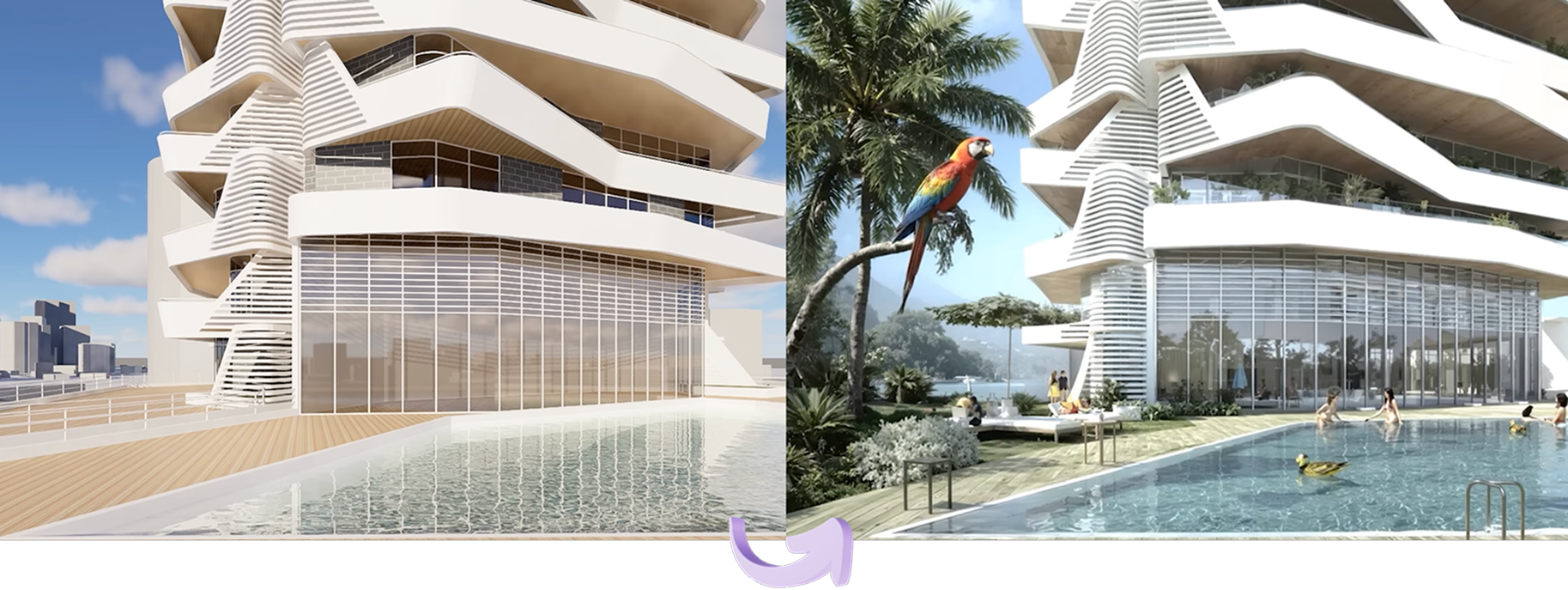
I even tested creating a 3D "Duck" model via text prompt. The result was a high-quality, textured mesh that was ready for the scene. This opens up endless possibilities for custom icons and background details that previously required external modeling.
.png)
Closing Thoughts
D5 Render 3.0 isn't just a rendering engine anymore; it's a collaboration platform between human intent and machine speed. It respects our need for an "unbroken workflow" and gives us the tools to handle the complexity of modern urban design without losing our creative souls.
Explore More on D5 Render 3.0 >>
D5 3.0: The complete visualization workflow with AI
D5 Render 3.0 is Live: A New Era of AI Rendering for Your Design Workflow
Redefining the Architectural Design Process in 2026: From Friction to Flow
D5 Works is Here: Your Curated Hub for AEC-Ready 3D Models
Introducing D5 Lite: AI Rendering & Instant Visualization for SketchUp
D5 Engine: Redefining Real‑Time Rendering for Architectural & Spatial Design
FAQ: Mastering D5 Render 3.0 Workflow


.png)



.jpg)



.png)
1%20(2).png)






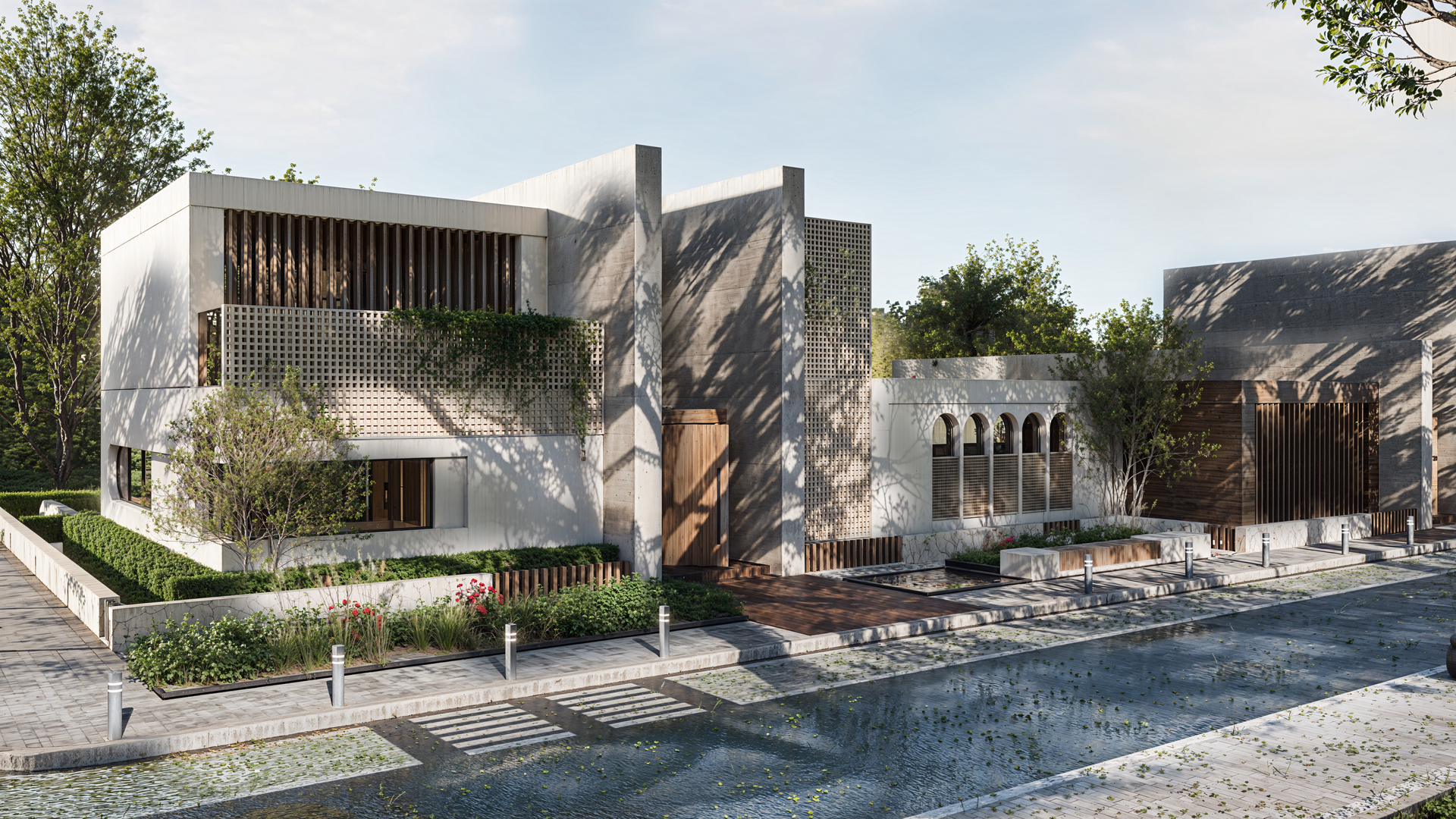
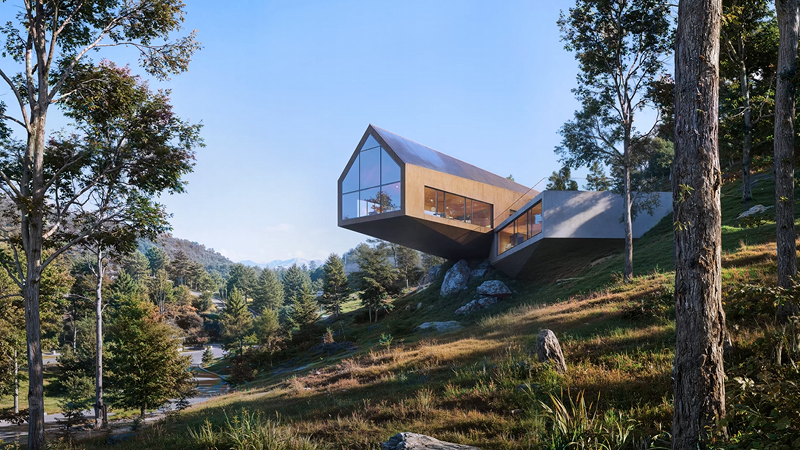
%20(1).png)
.png)
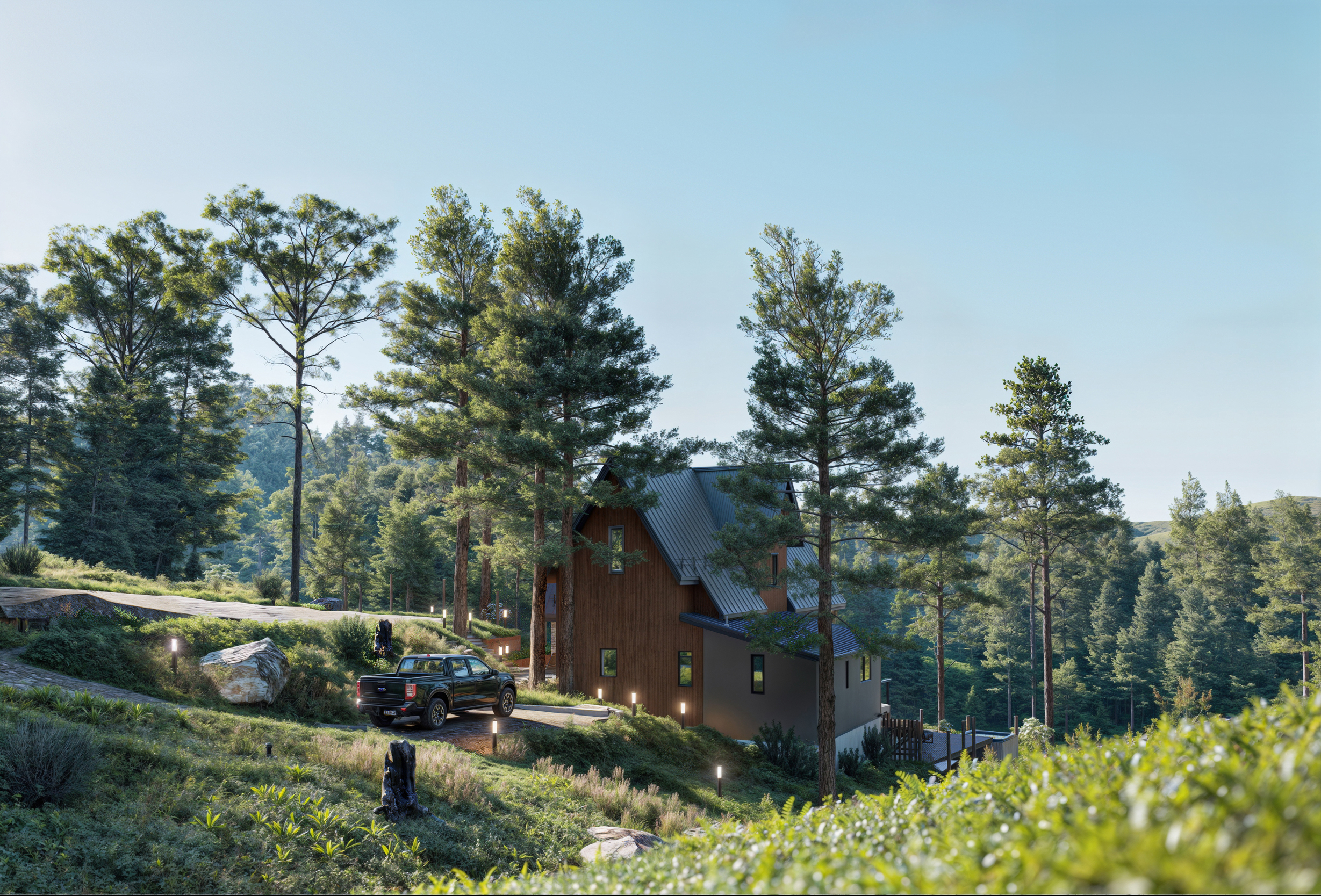
.png)