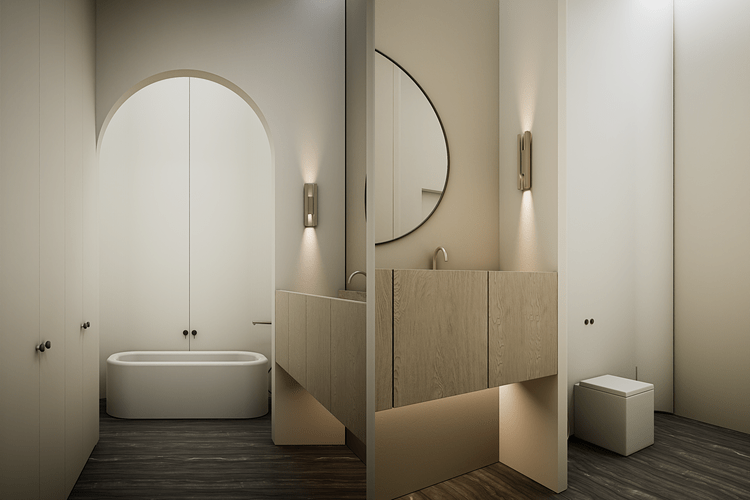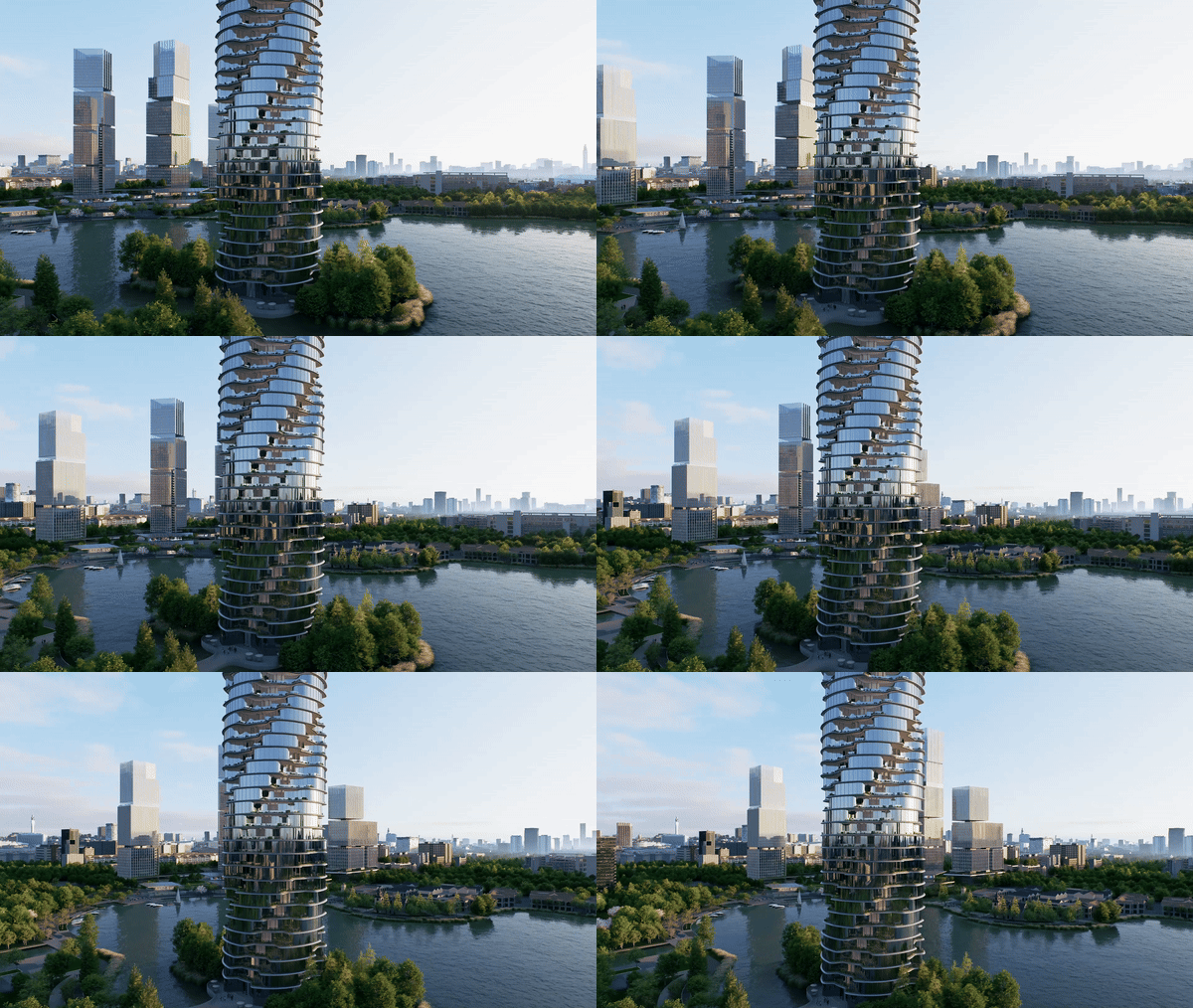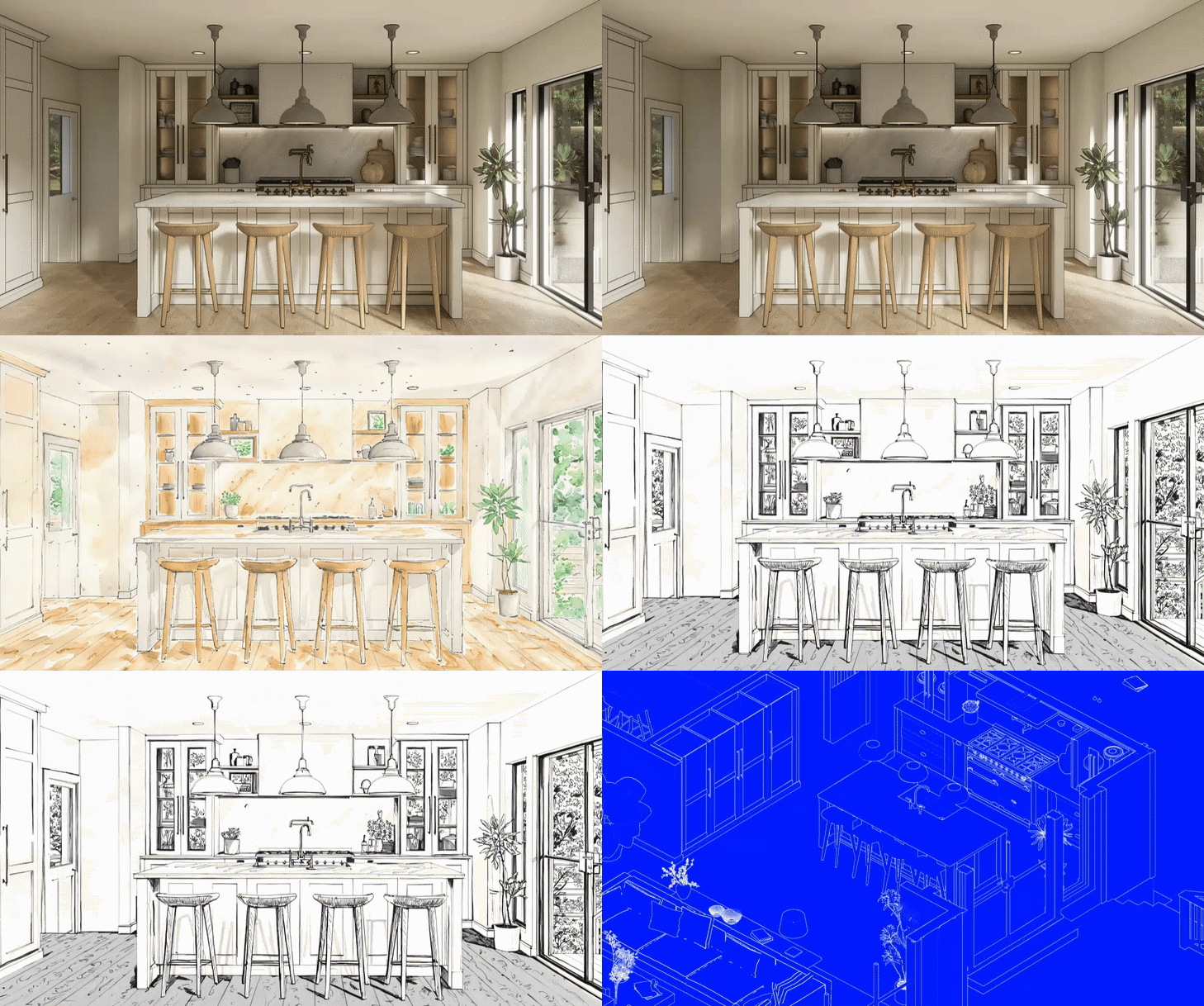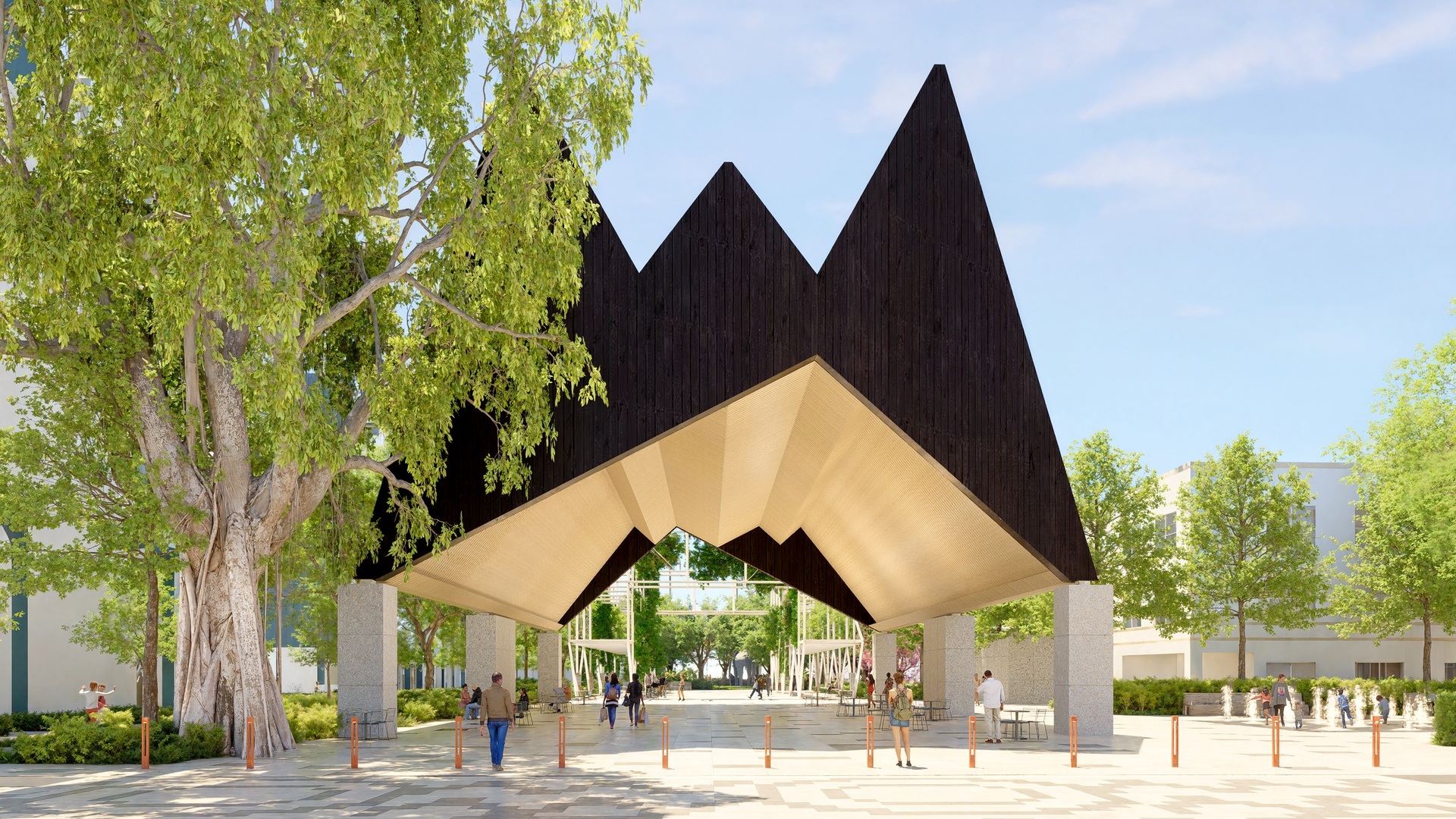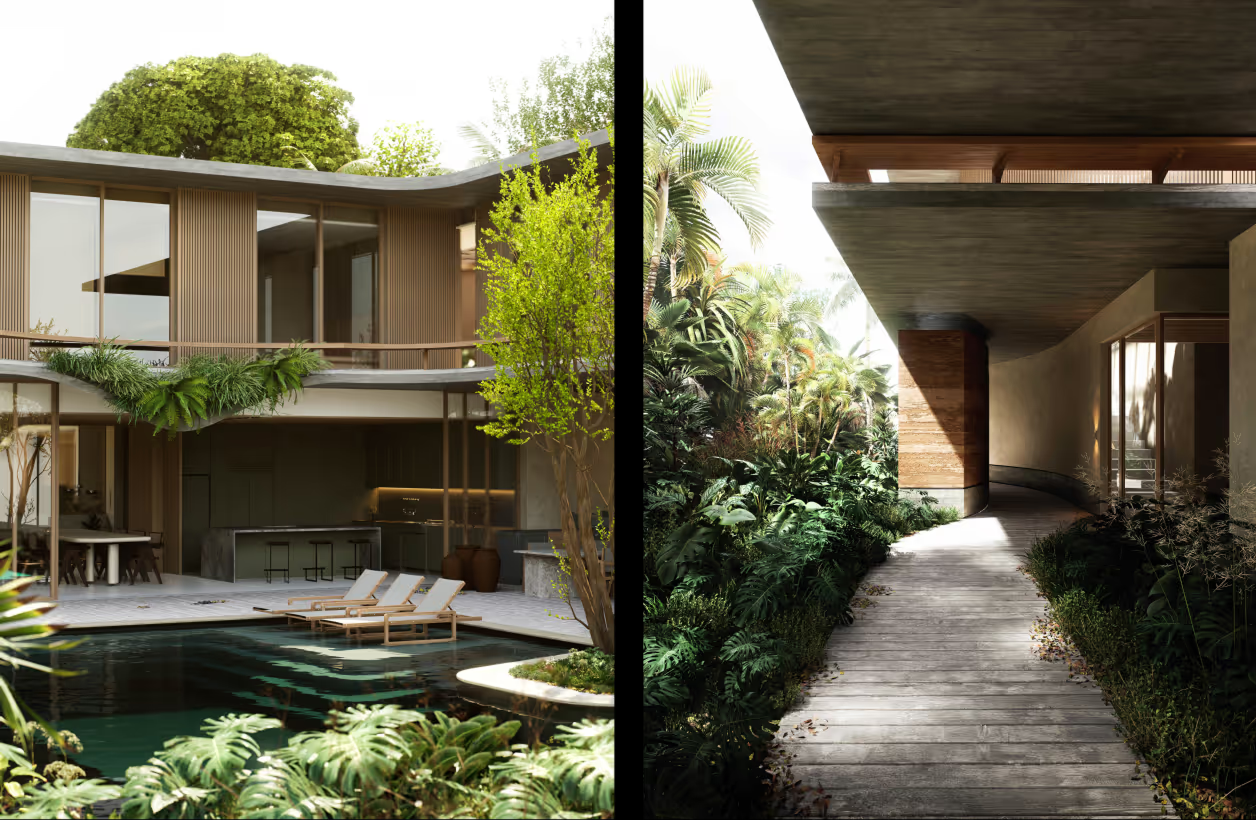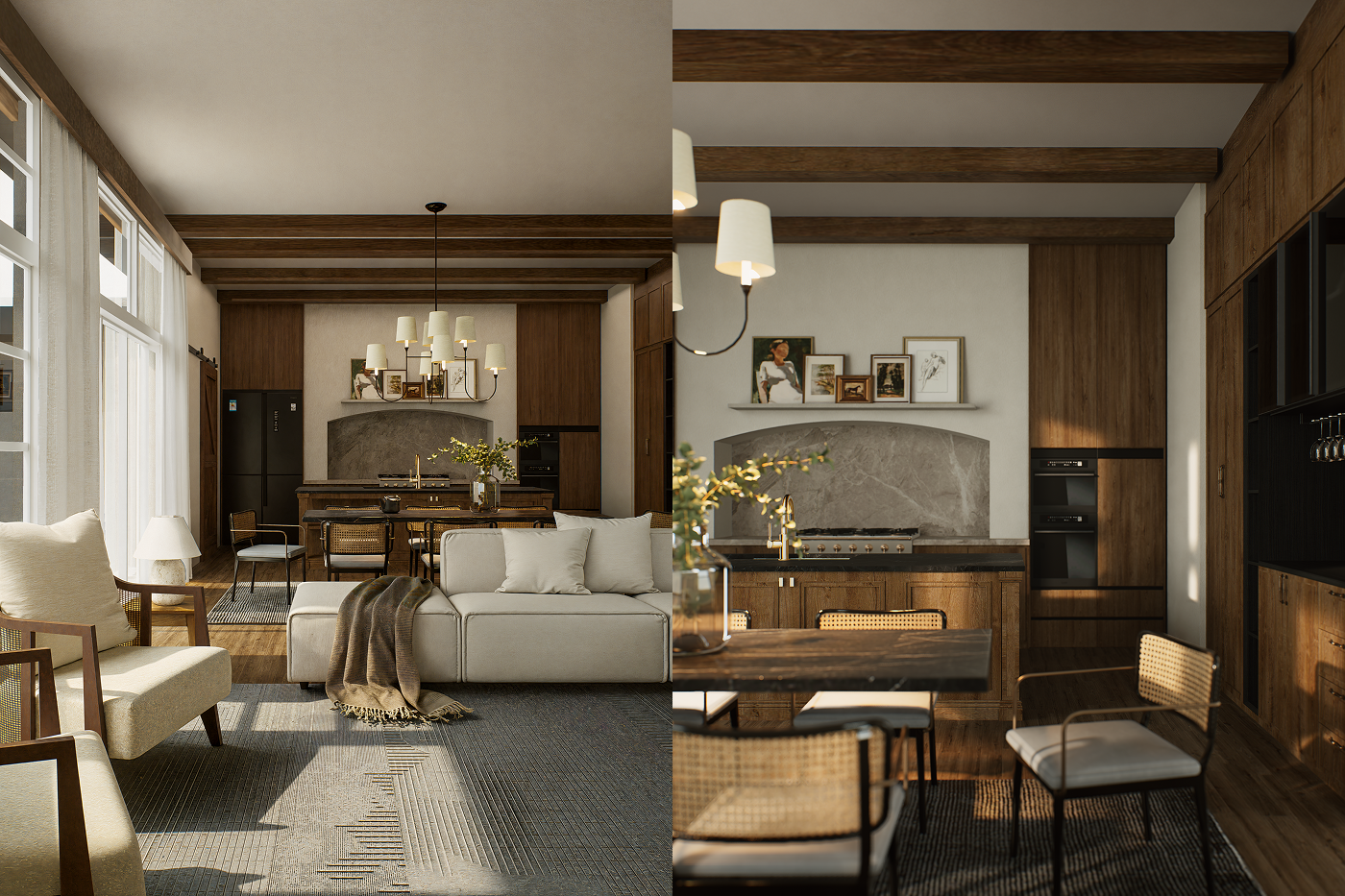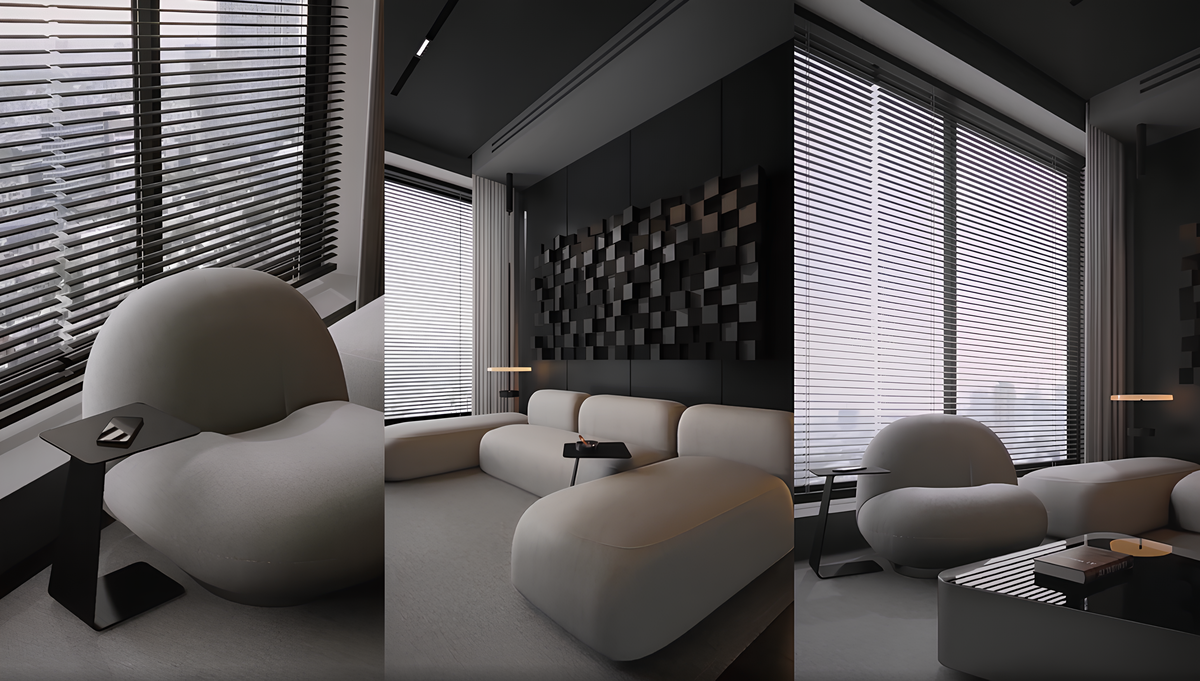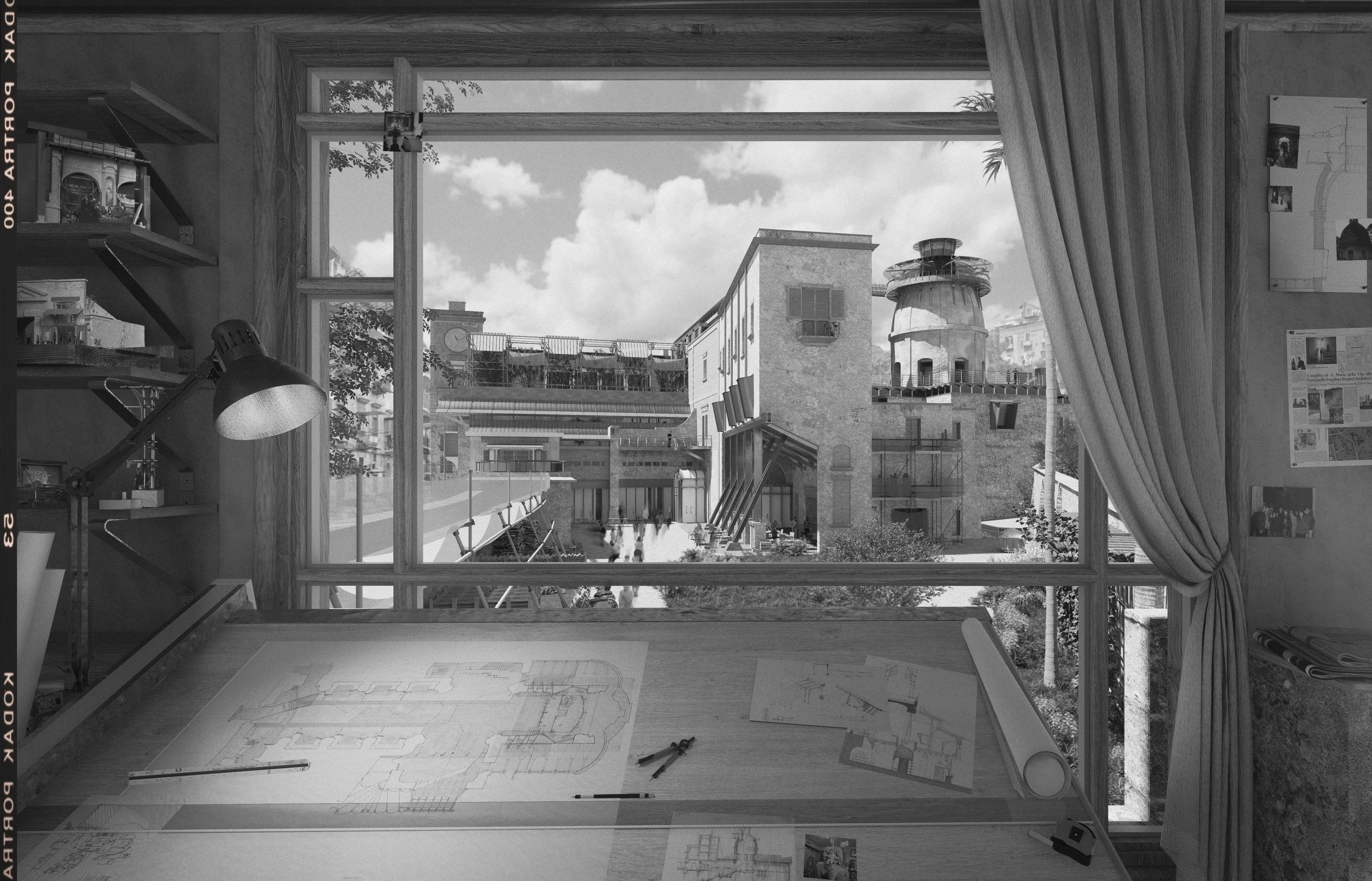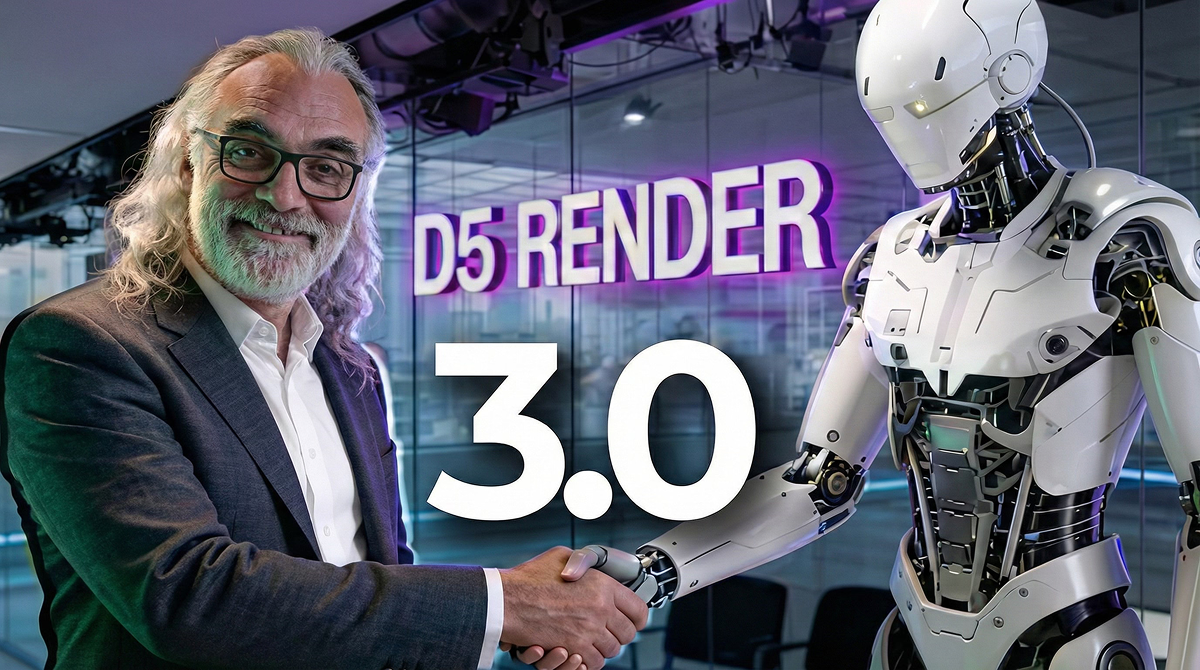


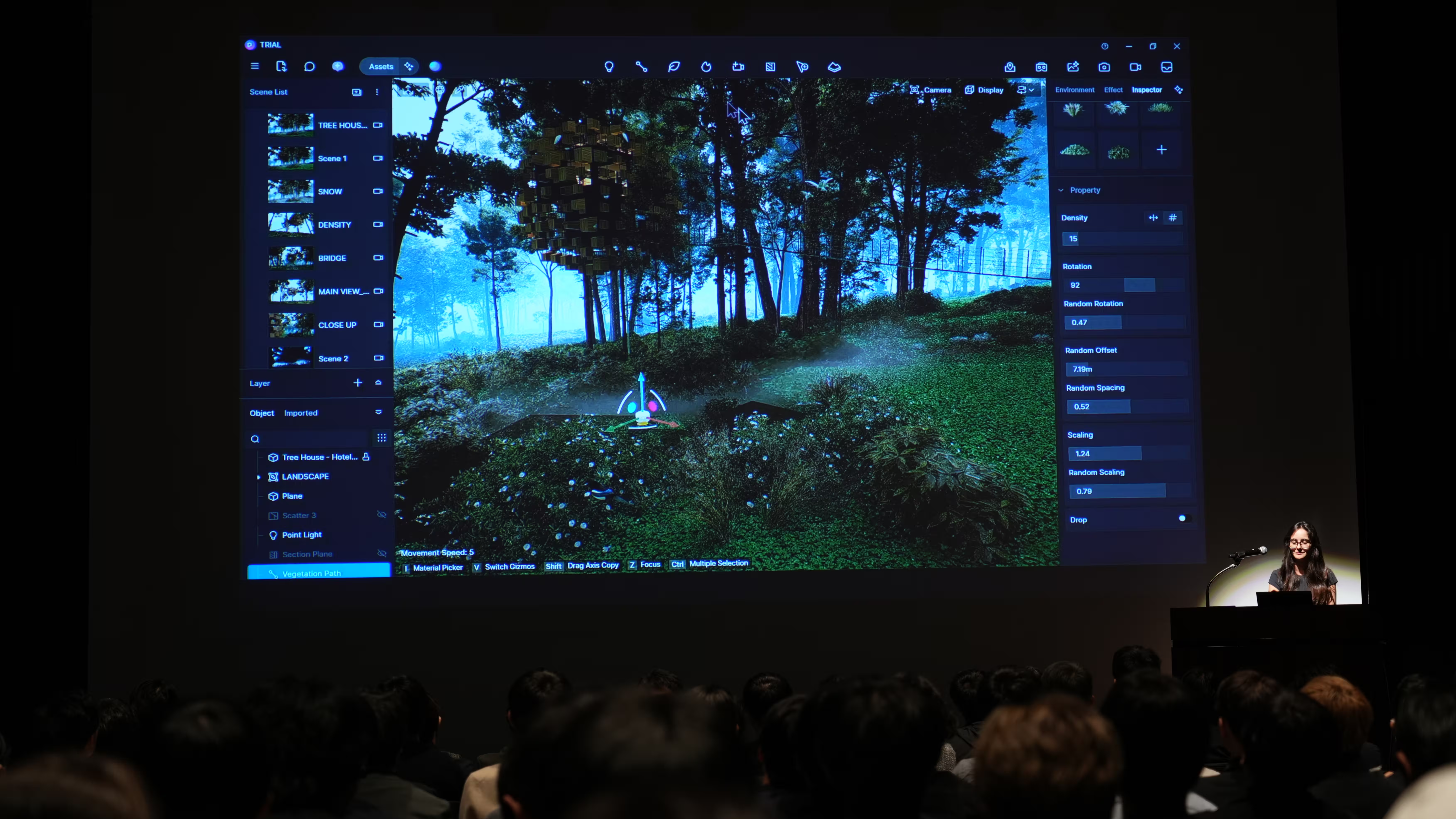
In this special feature, we explore the design philosophy and real-world practice of Sergio Manes. With over 30 years of experience in architecture and academia, Sergio is a Professor at Universidad Blas Pascal and the visionary behind arqMANES—a powerhouse community of nearly 700,000 architects and designers. More than just a software expert, Sergio treats design as a methodology of thinking, sitting at the urgent intersection of AI and the evolving role of the architectural visualization artist.
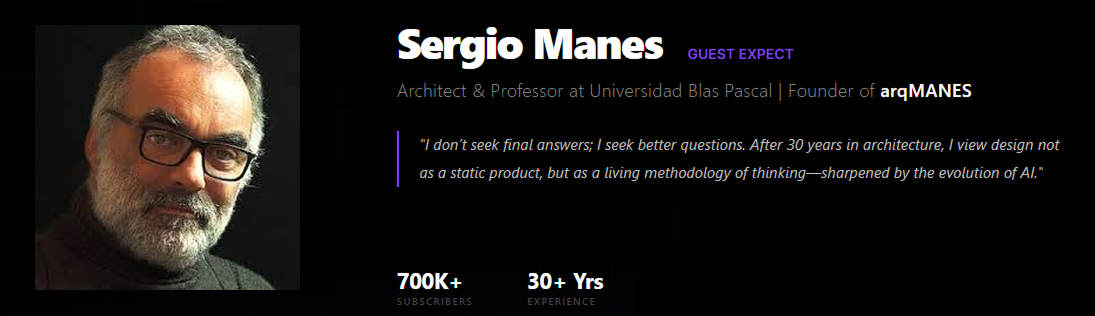
🎙️ Special Feature: The Vision of Sergio Manes
D5 Render 3.0 has arrived, and I'm going to tell it to you straight, no detours: Rendering has changed. It's not just because there are new features—and believe me, there are plenty—but because D5 Render 3.0 has fundamentally shifted the concept of what we do.
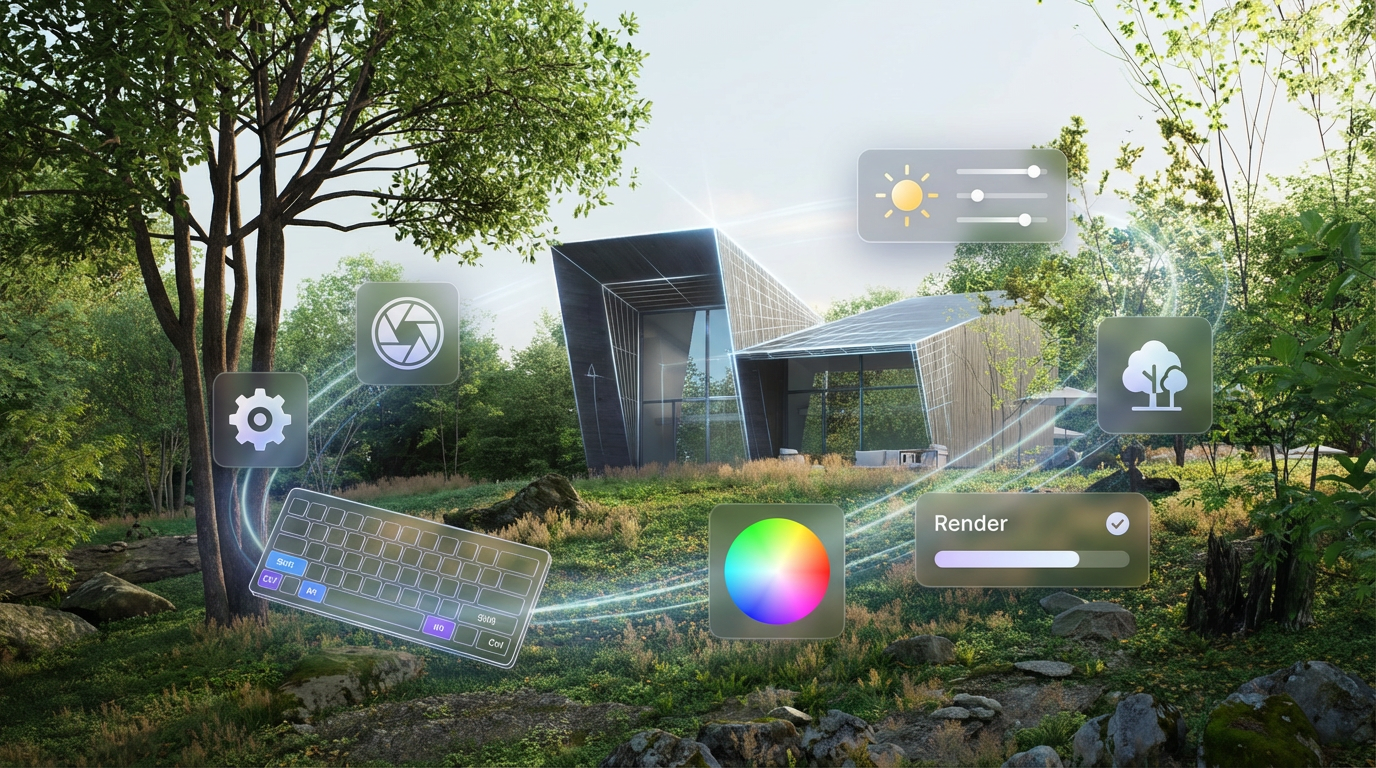
For years, the "render" was the final product, the static image at the end of a long, exhausting road. Today, that boundary has dissolved. Rendering is no longer the finish line; it is the language in which we design and iterate in real-time. Everything now lives within a single, seamless All-in-One workflow.
The Shift: Why You Must Stop Being an "Operator"
If you feel a bit uncomfortable with the current speed of technological change, good. That discomfort is a mirror of your situation. For too long, the architectural visualization artist or the designer has been a mere "Operator"—someone lost in the friction of software exports, hunting for missing textures, and waiting for slow feedback loops.
The most expensive asset you own isn't your workstation or your Pro license. It's your focus. Your concentration, your momentum, your inertia. Every time you have to stop and ask, "Where on earth are those brick displacement maps?" or "Which plant should I pick?", your creative spark dies a little.
D5 3.0 redefines this. It pushes you to become a Director through a sophisticated AI driven design methodology. The AI doesn't replace you; it optimizes your criteria and accelerates your decision-making. As I tell my students: Print this on your coffee mug—AI optimizes criteria; humans take the helm.

Case Study: Conceptual Design with D5 Lite
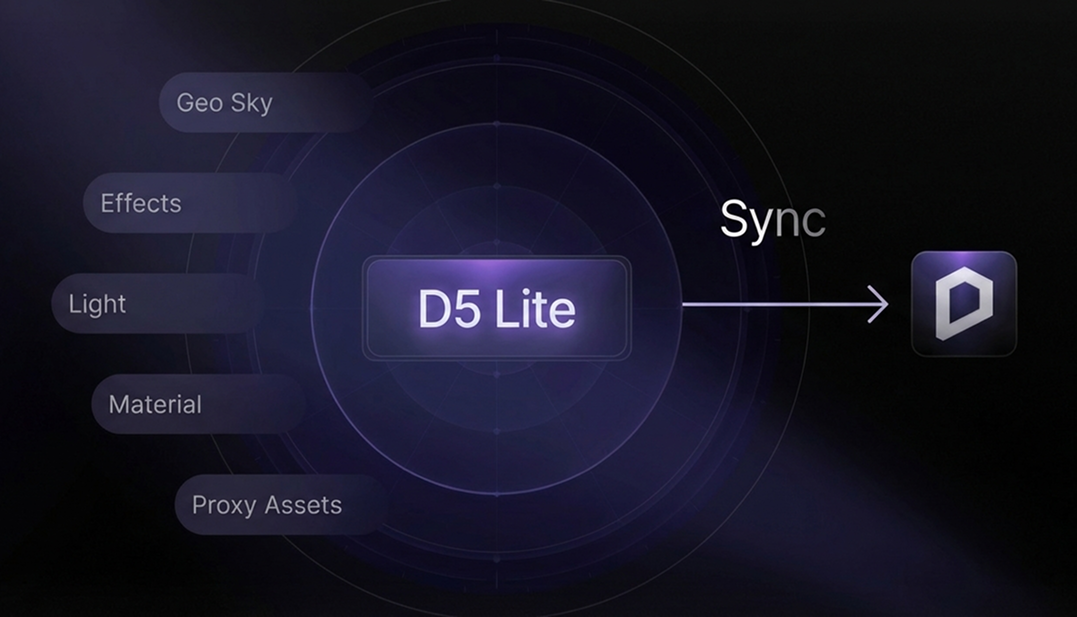
One of the biggest hurdles in our industry is friction. The constant back-and-forth between modeling and rendering often kills the "inertia" of a good idea. To solve this, D5 3.0 introduces D5 Lite, a dedicated conceptual assistant that lives directly within your modeling environment, creating a truly All-in-One workflow.
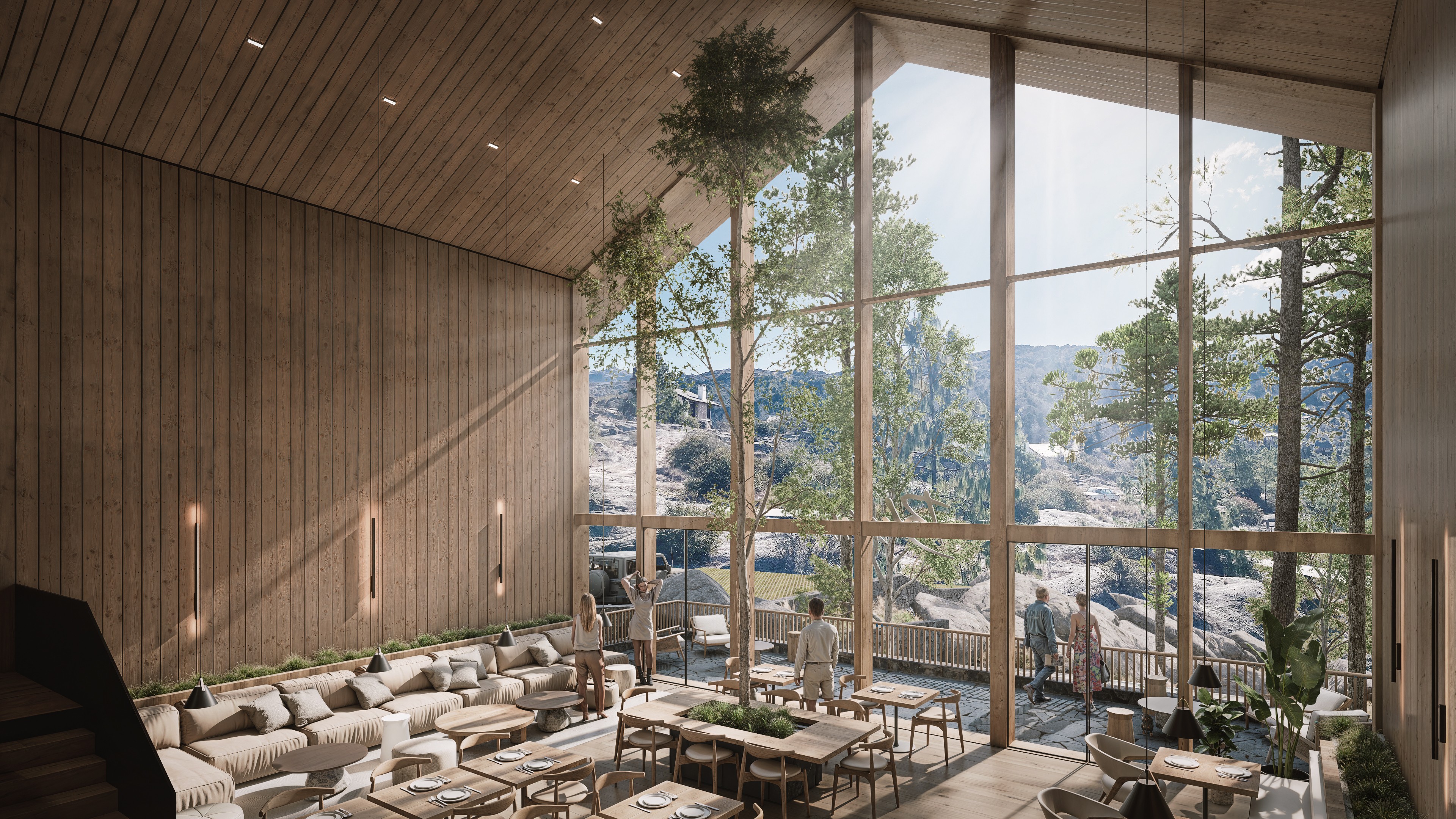
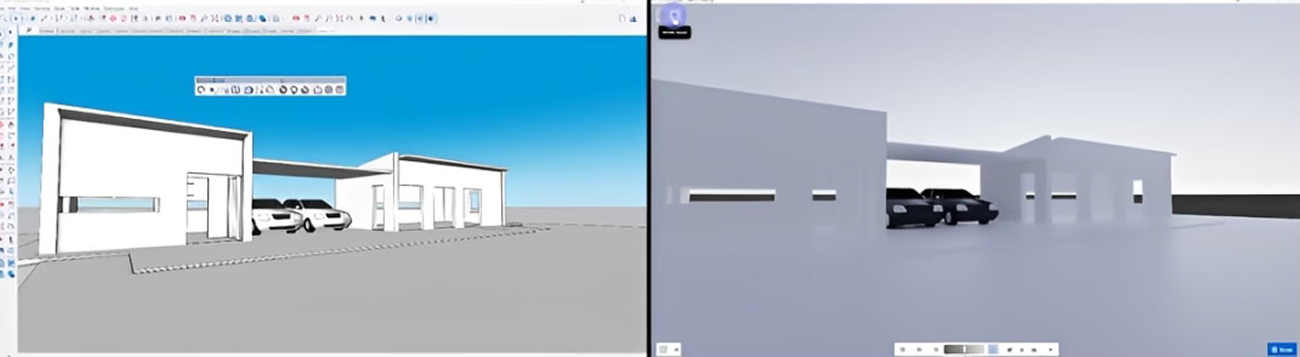
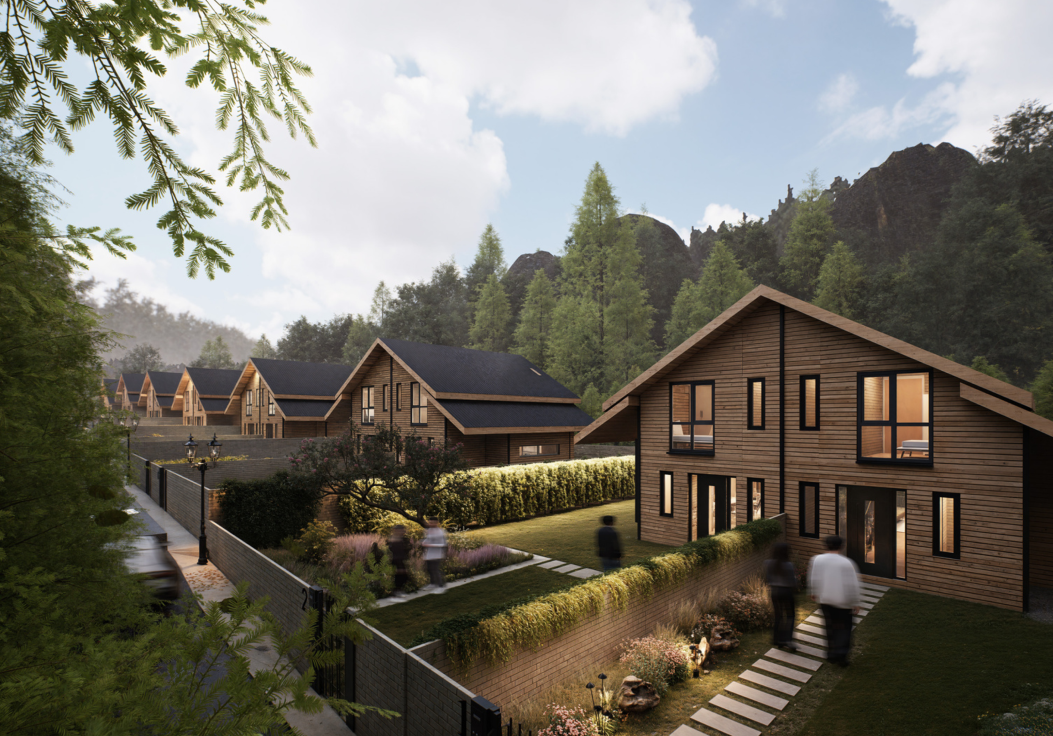
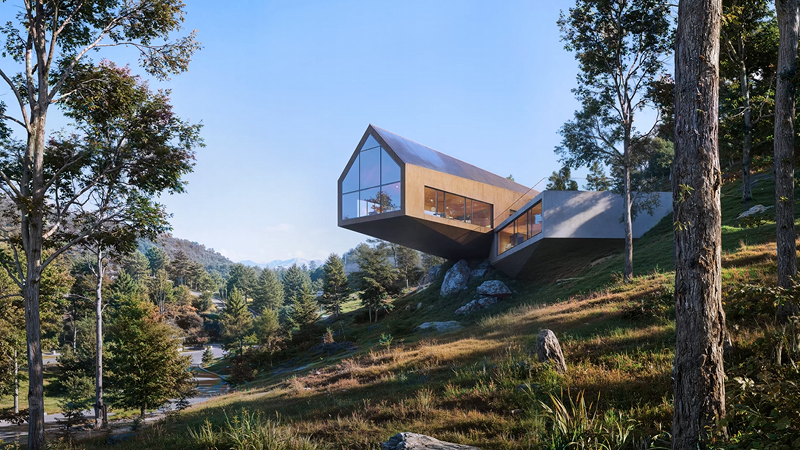
Let's look at a real-world process. I recently started a conceptual project—a weekend retreat. It began as a "crappy" volume in SketchUp. In the old days, I'd be designing in gray boxes, blind to the final atmosphere. With the new D5 Lite, I have an AI driven design partner that validates my sketches in seconds.
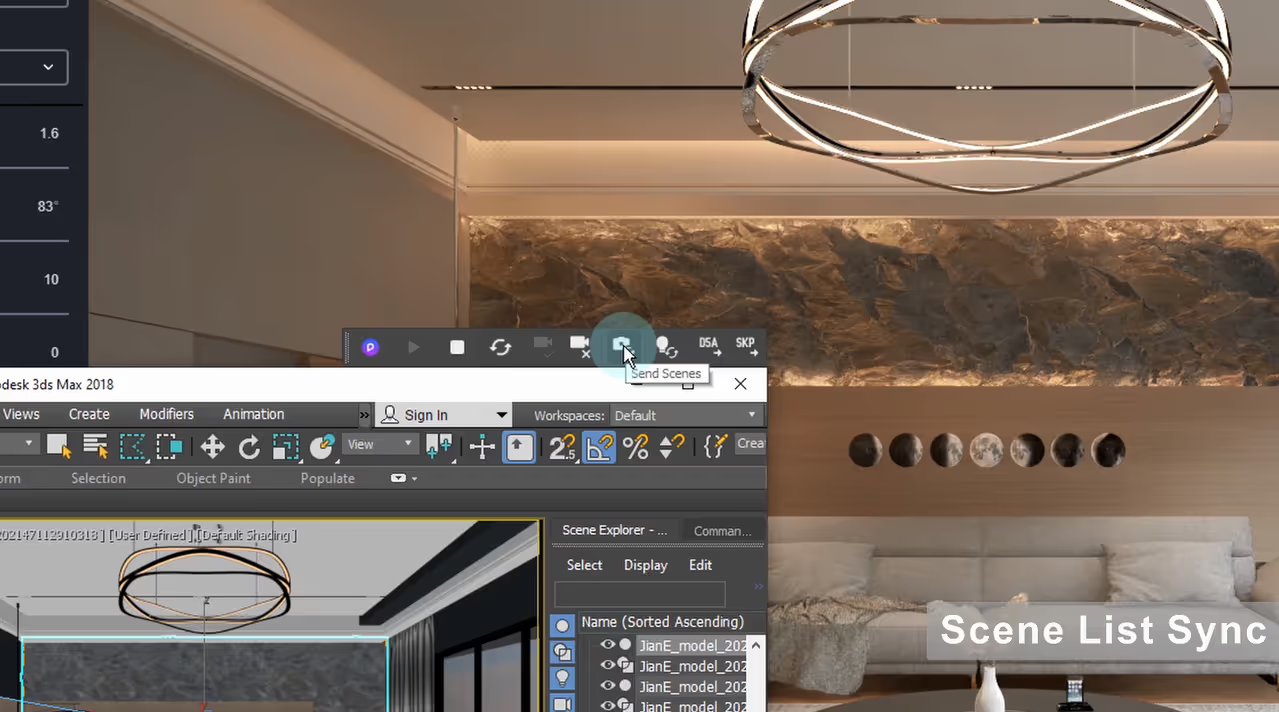
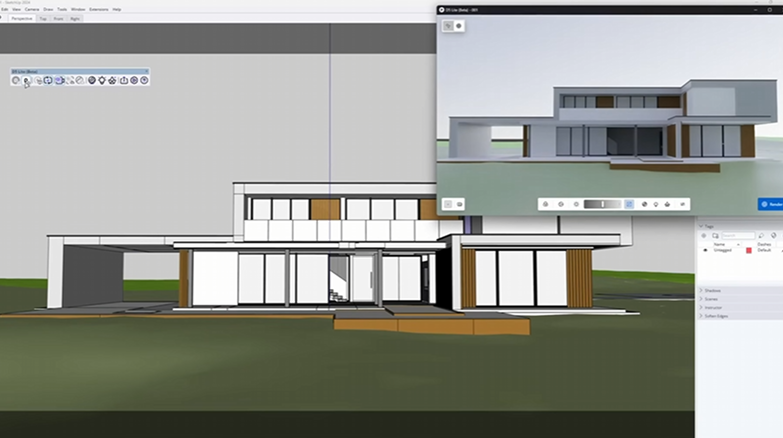
First, I hit the "Lite" button directly in my SketchUp toolbar. It opens a secondary "shadow" window that stays perfectly synced with my model. For an architectural visualization artist, this is the end of the "export-and-wait" era; you are now designing and rendering in the same breath.
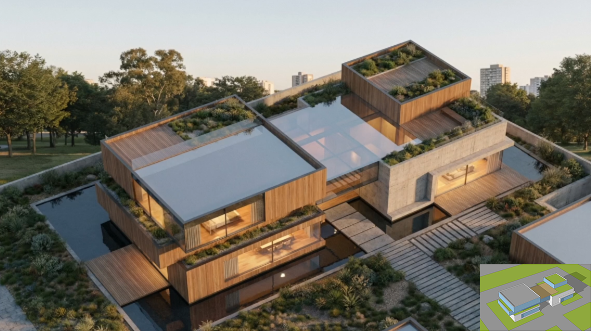
Next, I take the Director chair. I set the "Residential" style and prompt the AI for specific timber and brick finishes. Within seconds, it proposes high-quality visions that breathe life into my conceptual boxes.
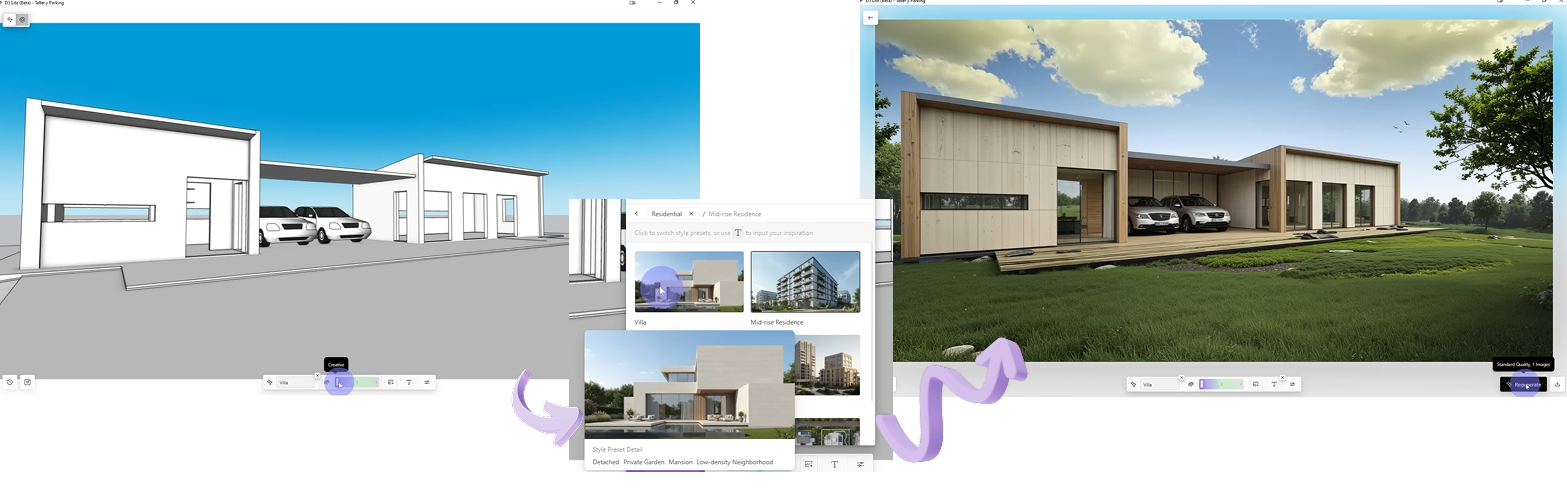
Looking at the AI proposal, I realized my pergola was too small to provide proper shade. Without breaking my momentum, I resized the geometry in SketchUp and updated the capture. I was making critical design decisions early—when they are still "cheap" to fix.
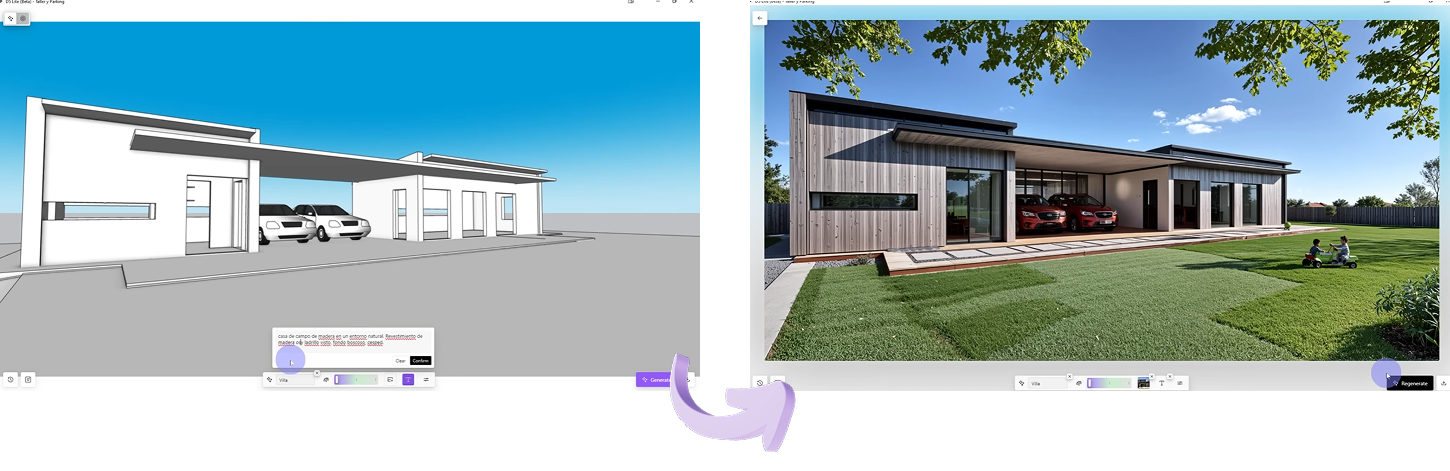
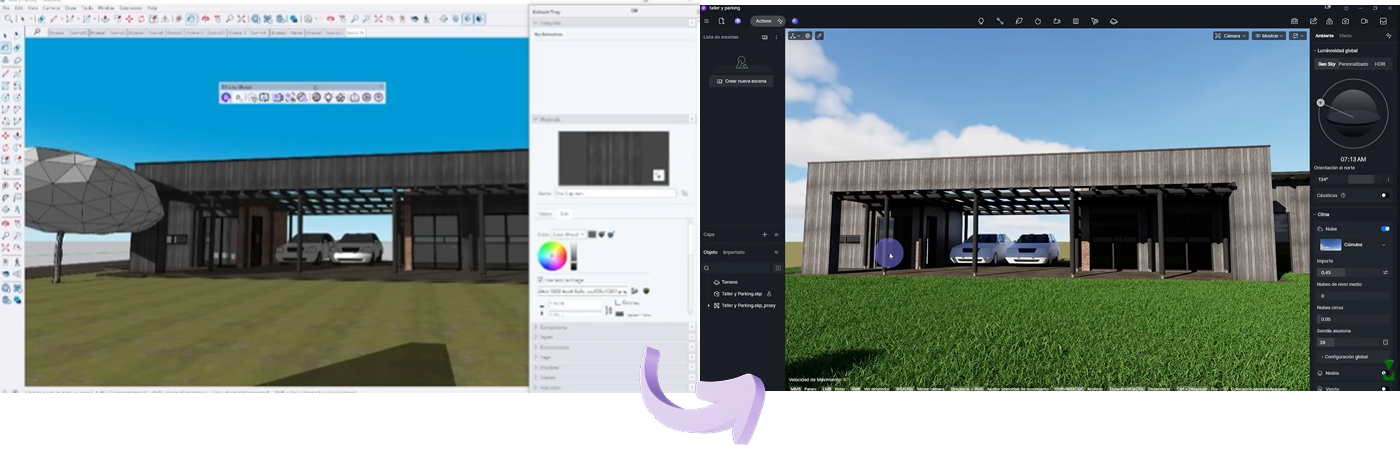
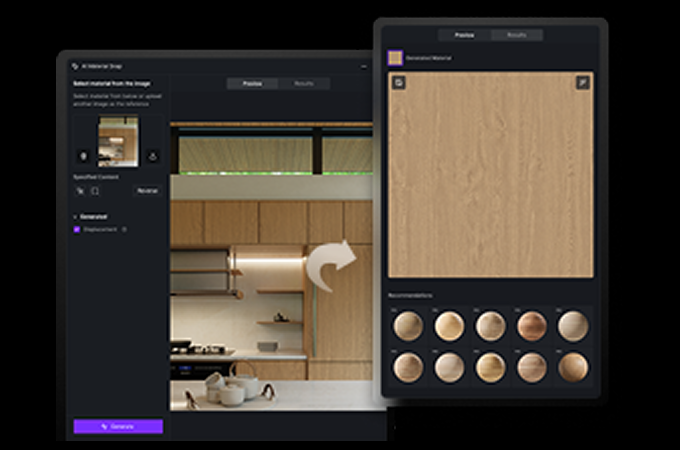
I even used an "image reference" from the web to guide the AI's materials. When the client asked for darker wood, I didn't spend hours re-texturing; I simply updated the prompt to "dark wood, almost black," and let the AI propose the look.
Once the concept was locked, I didn't "export" to D5 Render—I simply transitioned into it. Every tree and material choice from the Lite stage was already there. This seamless All-in-One workflow ensures my focus remains on the design, not the software.

The AI Agent: Your Atmospheric Collaborator
There's a lot of fear about AI replacing designers. But after diving deep into D5 3.0's AI Agent, I've realized something crucial: AI doesn't replace the architectural visualization artist; it optimizes your criteria.
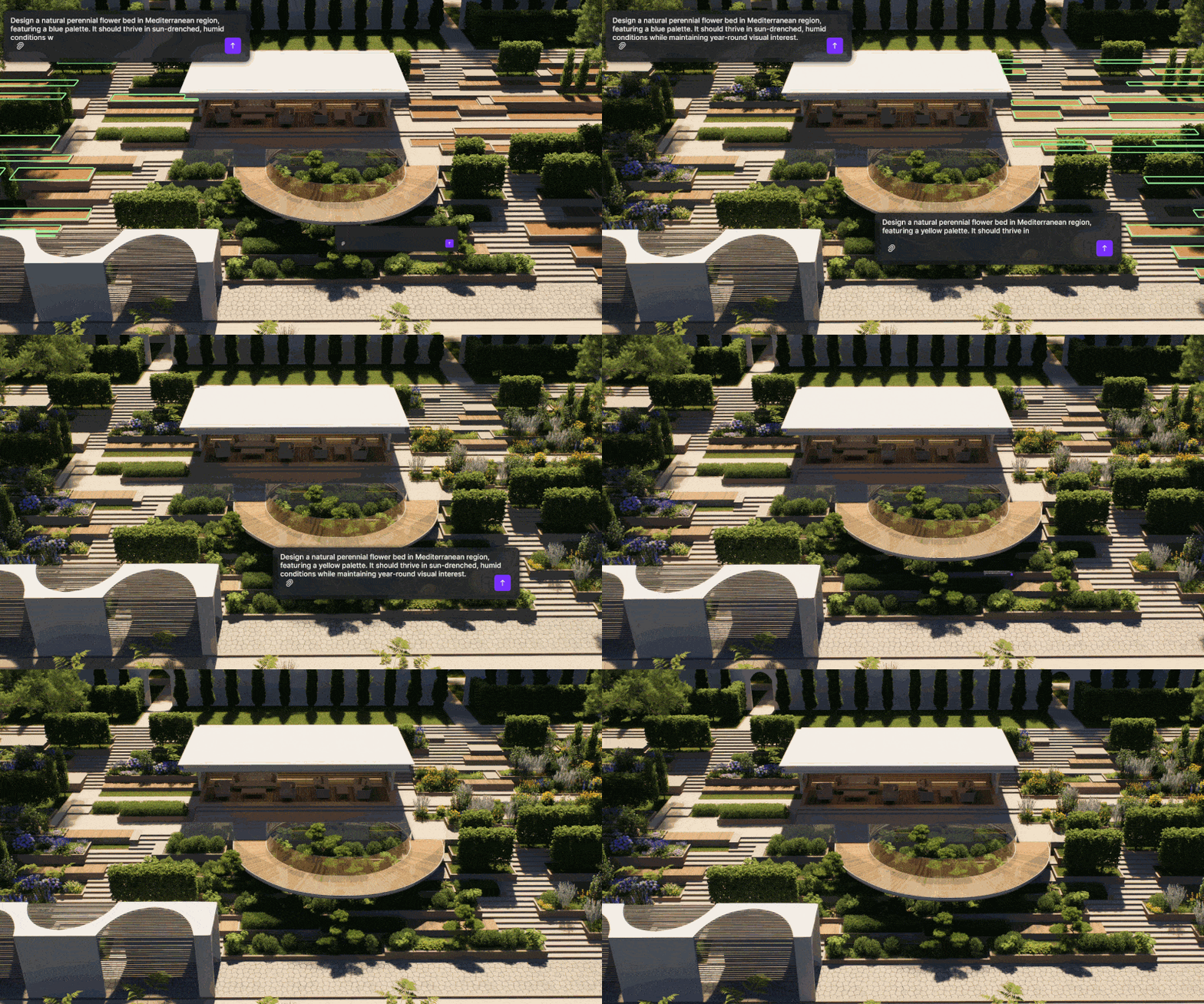
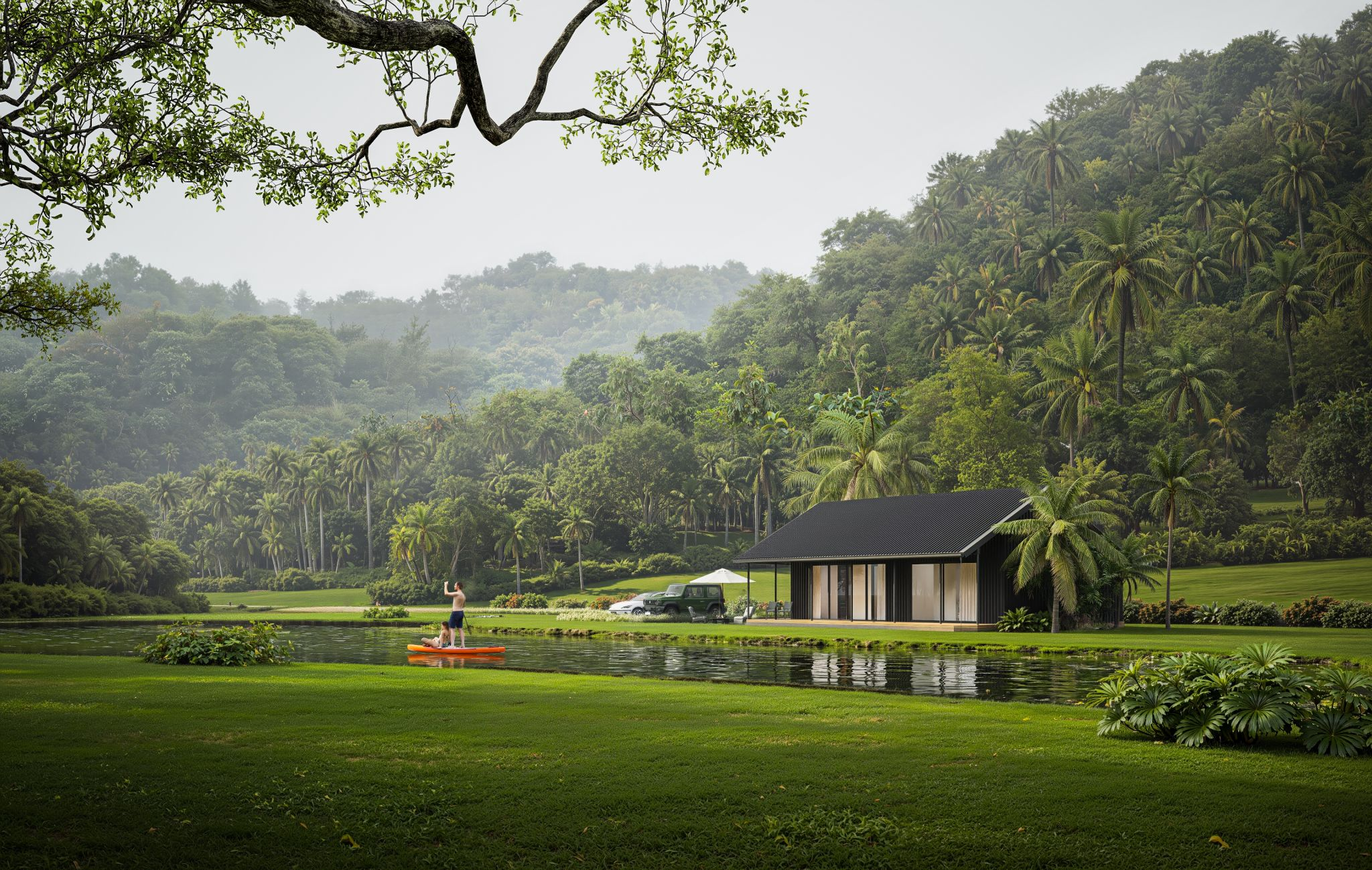
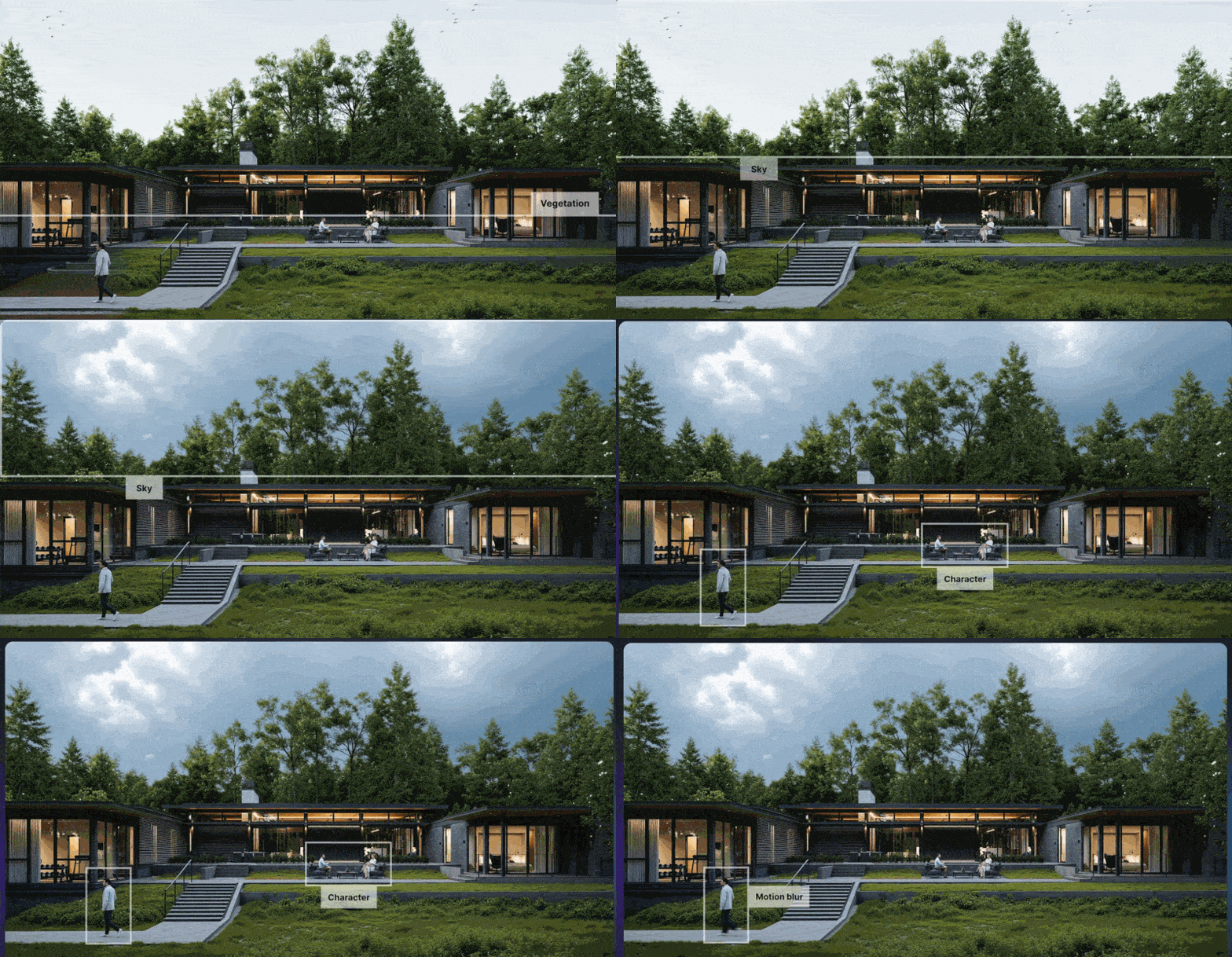
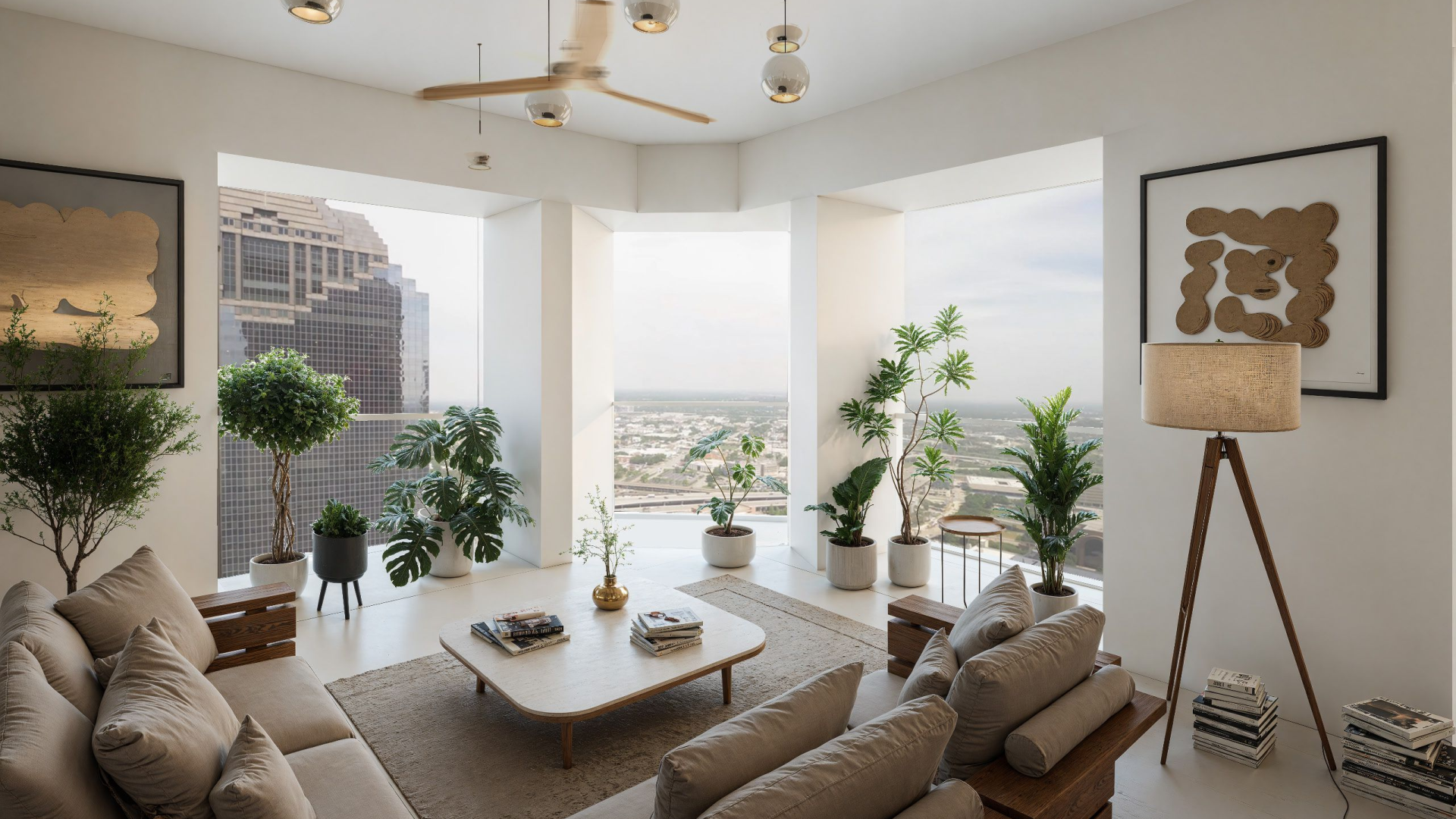
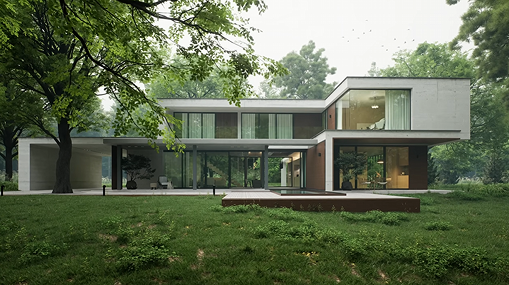
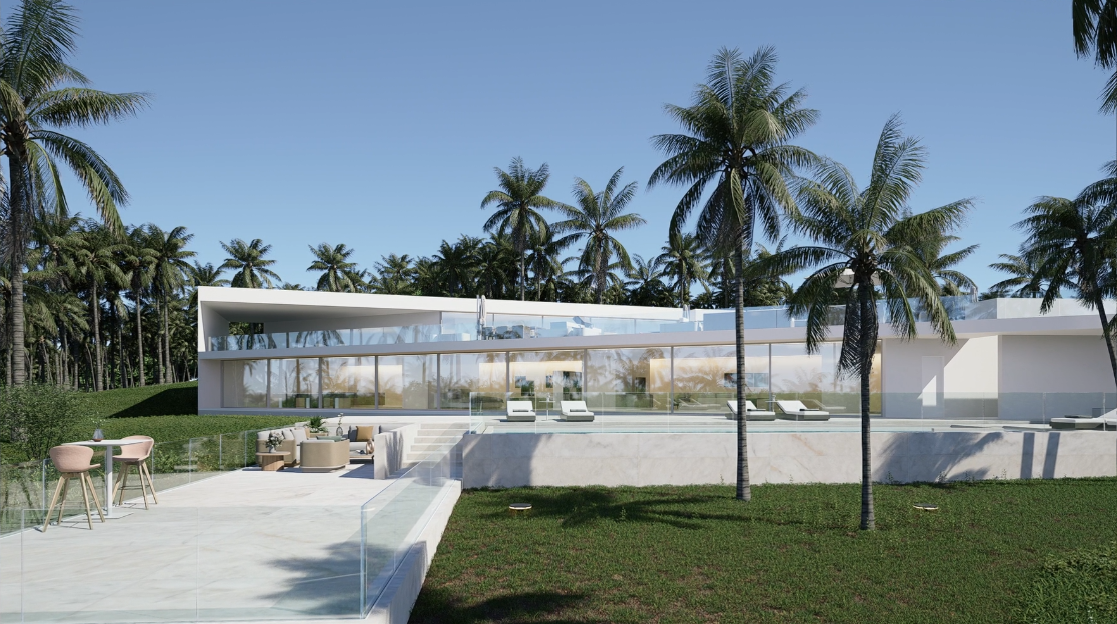
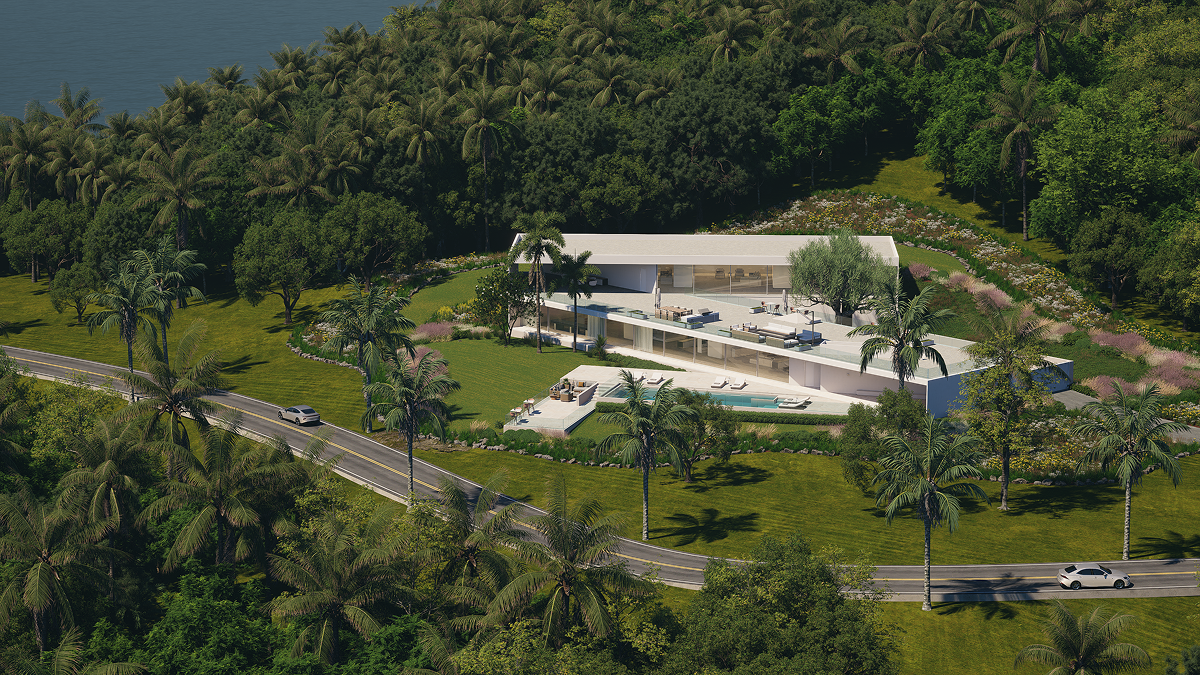
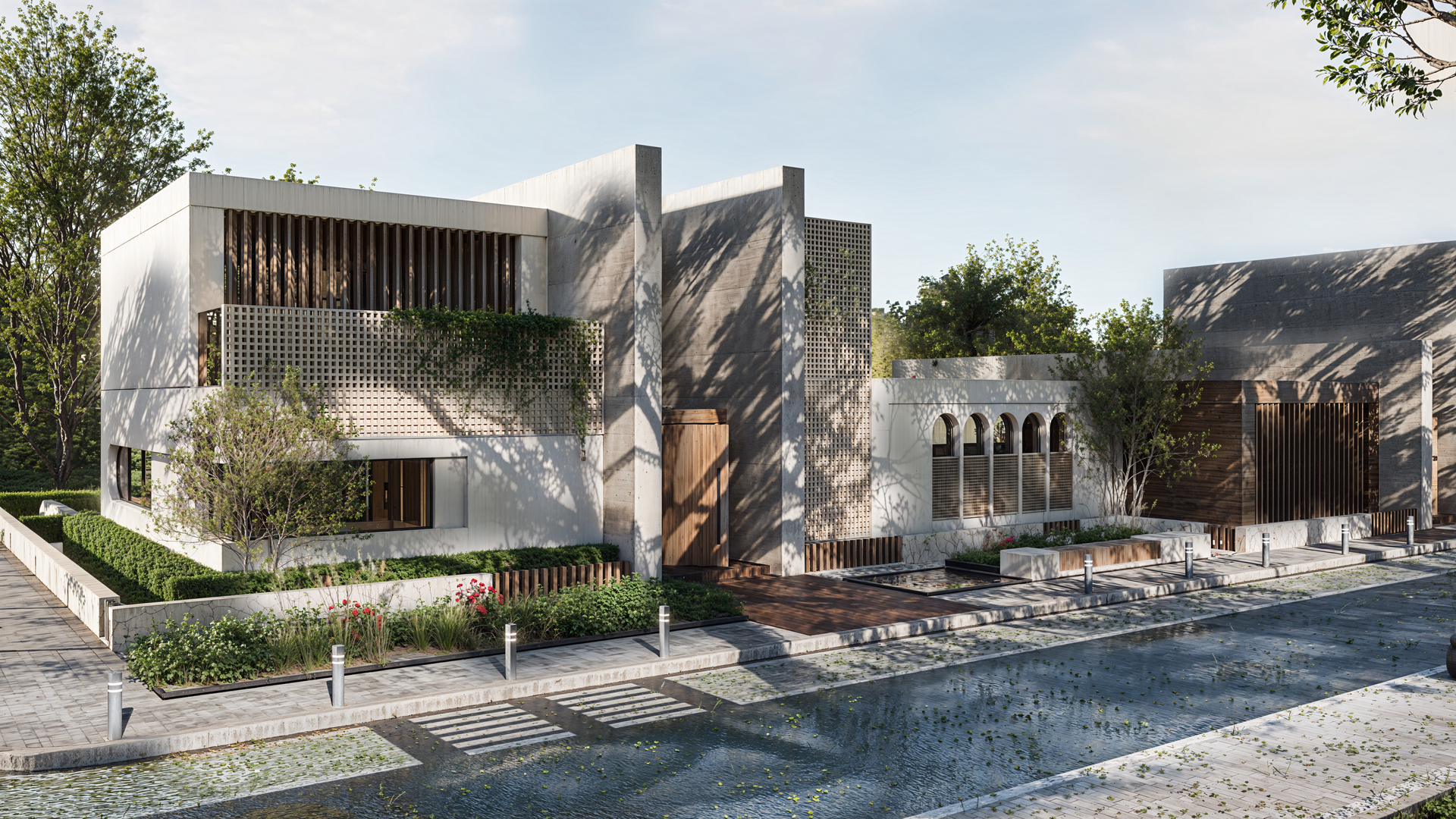
The AI Agent in D5 3.0 is no longer a gimmick; it's a conversational partner for AI driven design. I challenged it with a radical request: "Transform this natural environment into a jungle landscape similar to Iquitos, Peru, on a rainy day."The transformation was radical. It didn't just filter the image; it thought through the atmosphere. It generated a reference image, and when I asked it to "Remove the rain and make it a sunny day where trees cast shadows on the facade," it adjusted again.
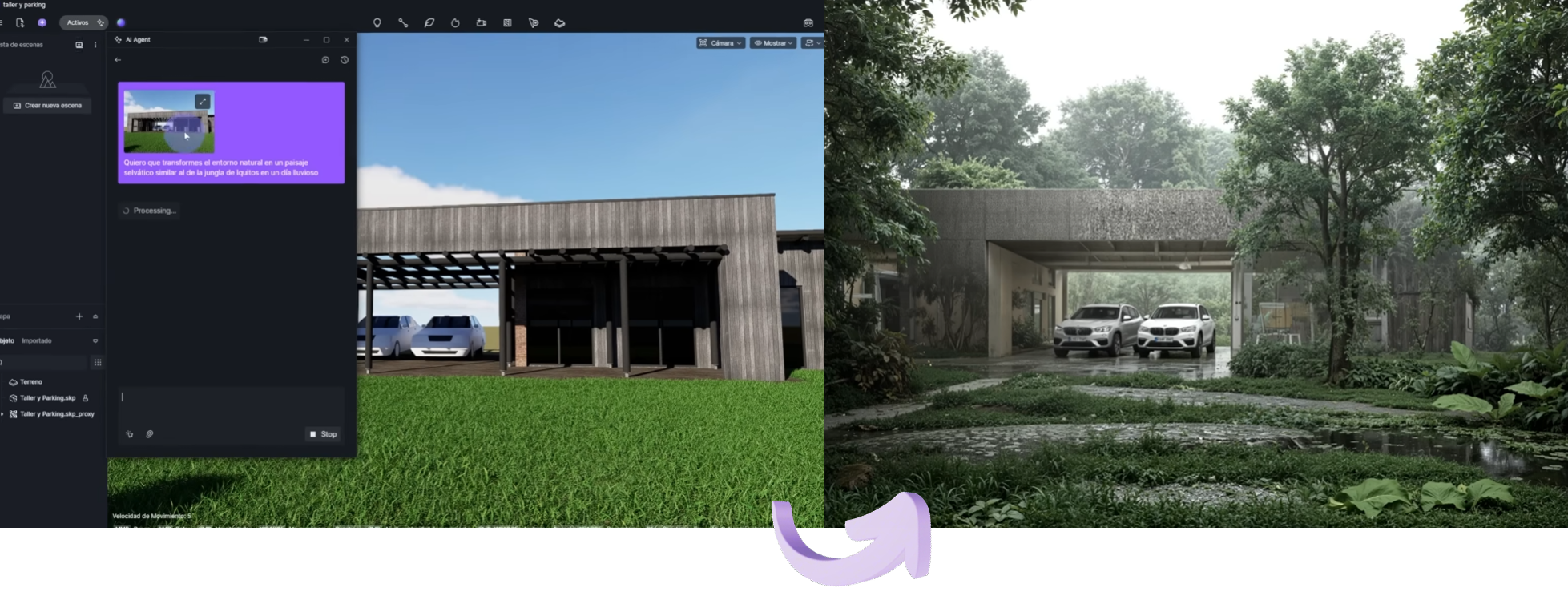
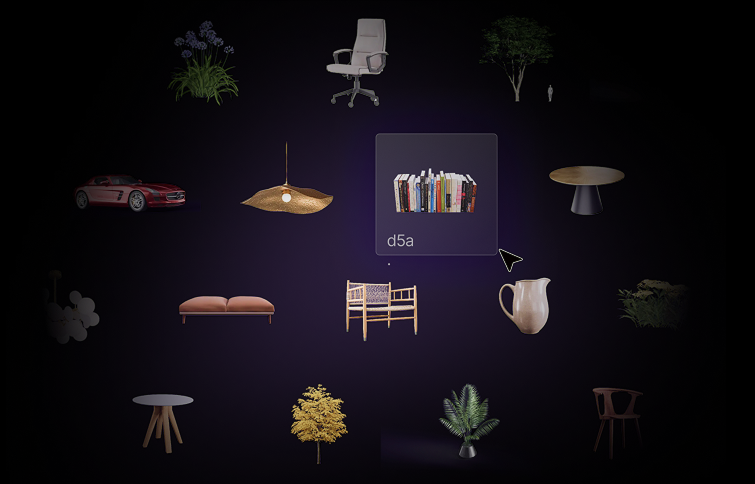
Asset Recommendation in the AI Agent is the 'magic' solution for productivity. Instead of hunting through thousands of assets, I clicked a button, and the AI recommended specific trees, plants, and even vehicles that matched that Peruvian jungle vibe. I didn't have to search for them one by one; I simply downloaded and placed them. This is how you reclaim your focus.

Displacement Material (beta) & AI Image to 3D
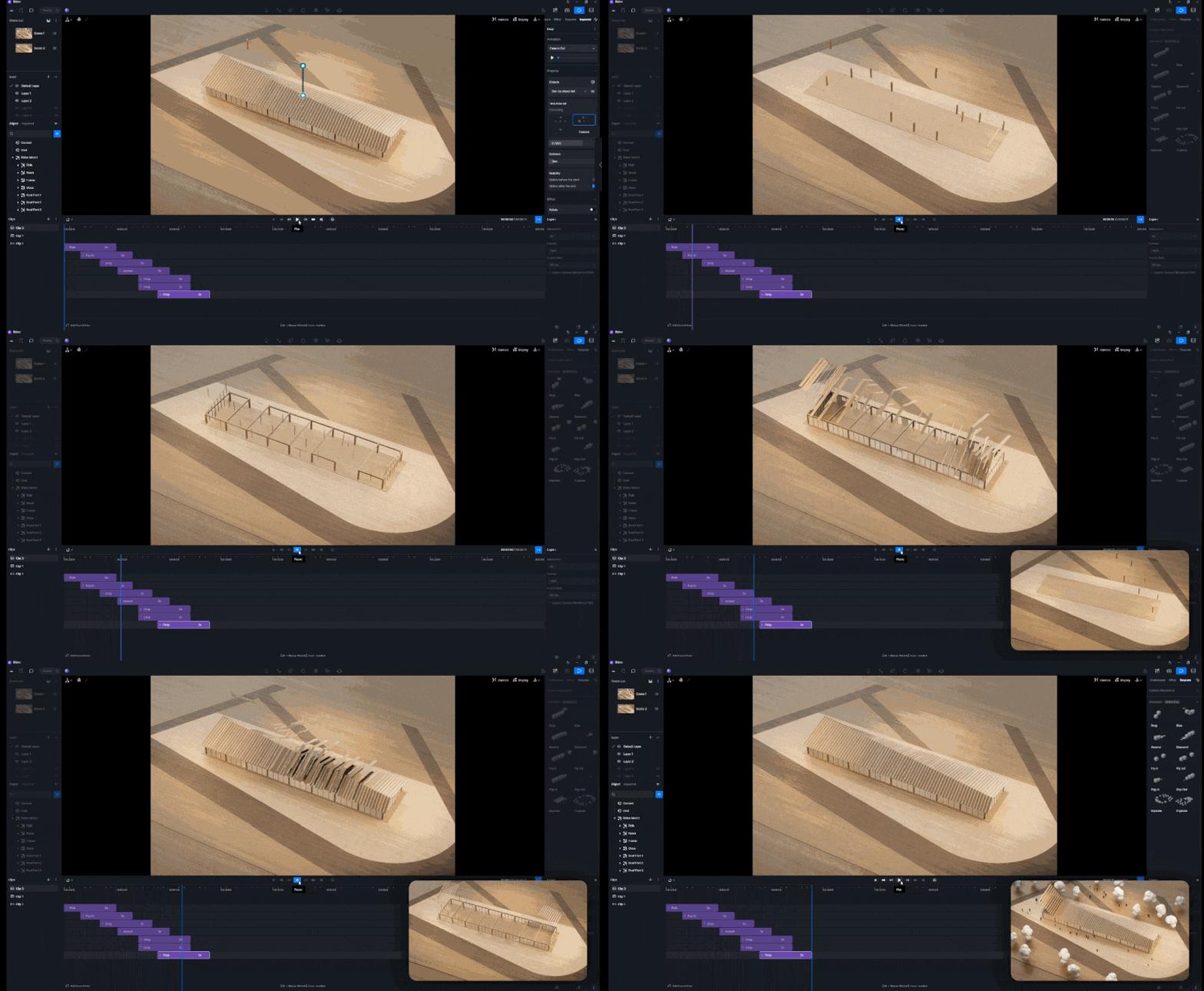
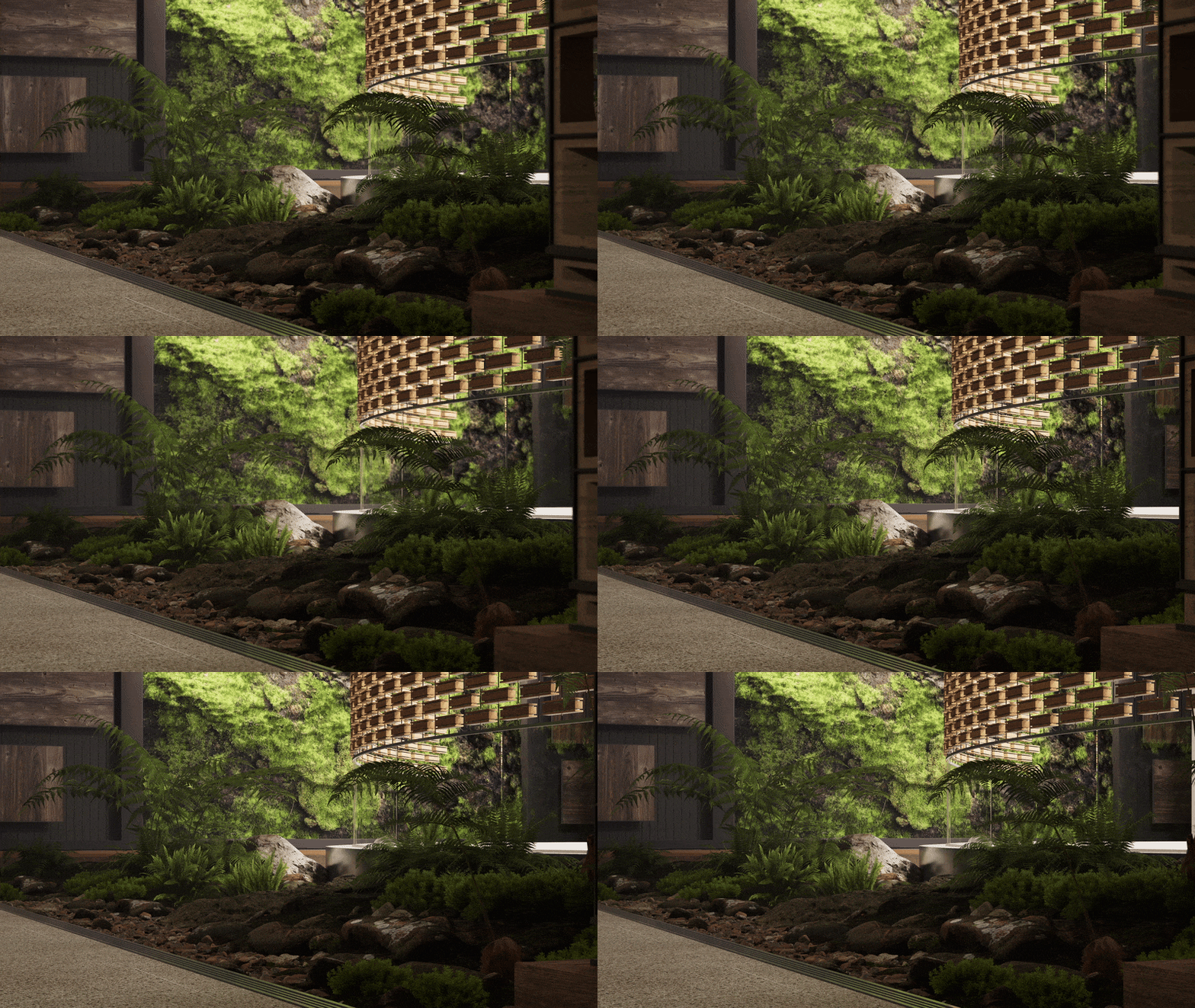
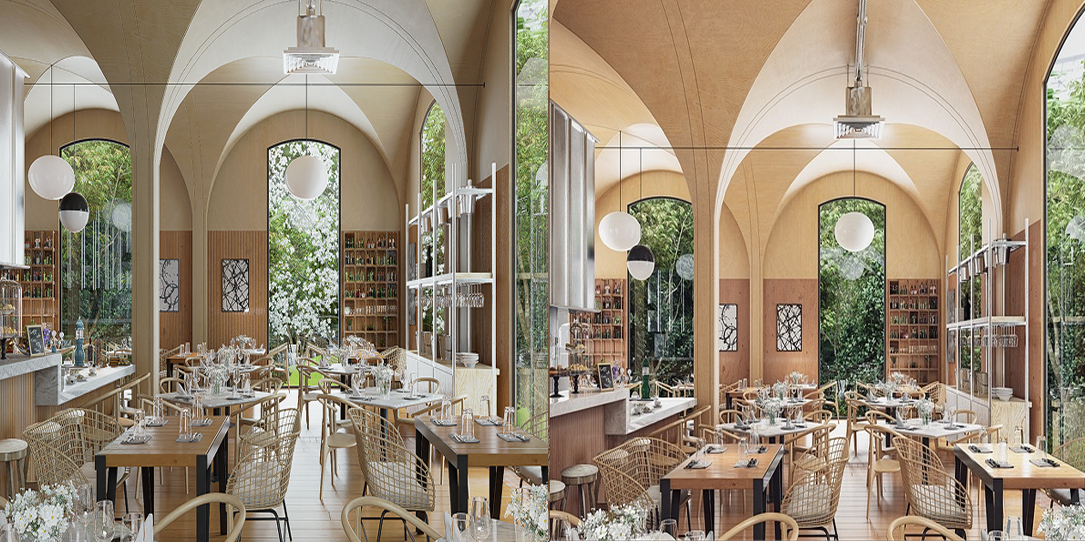
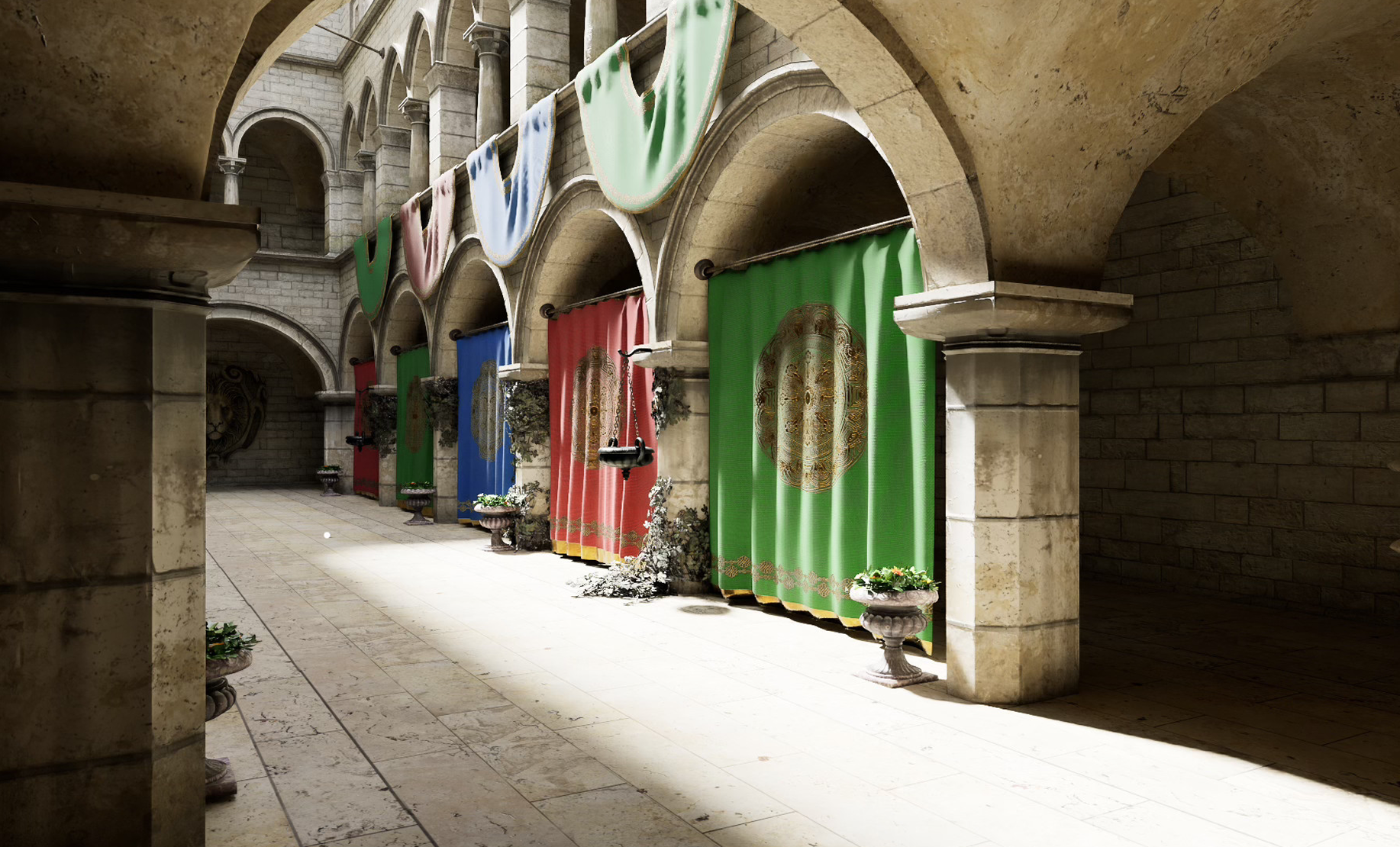
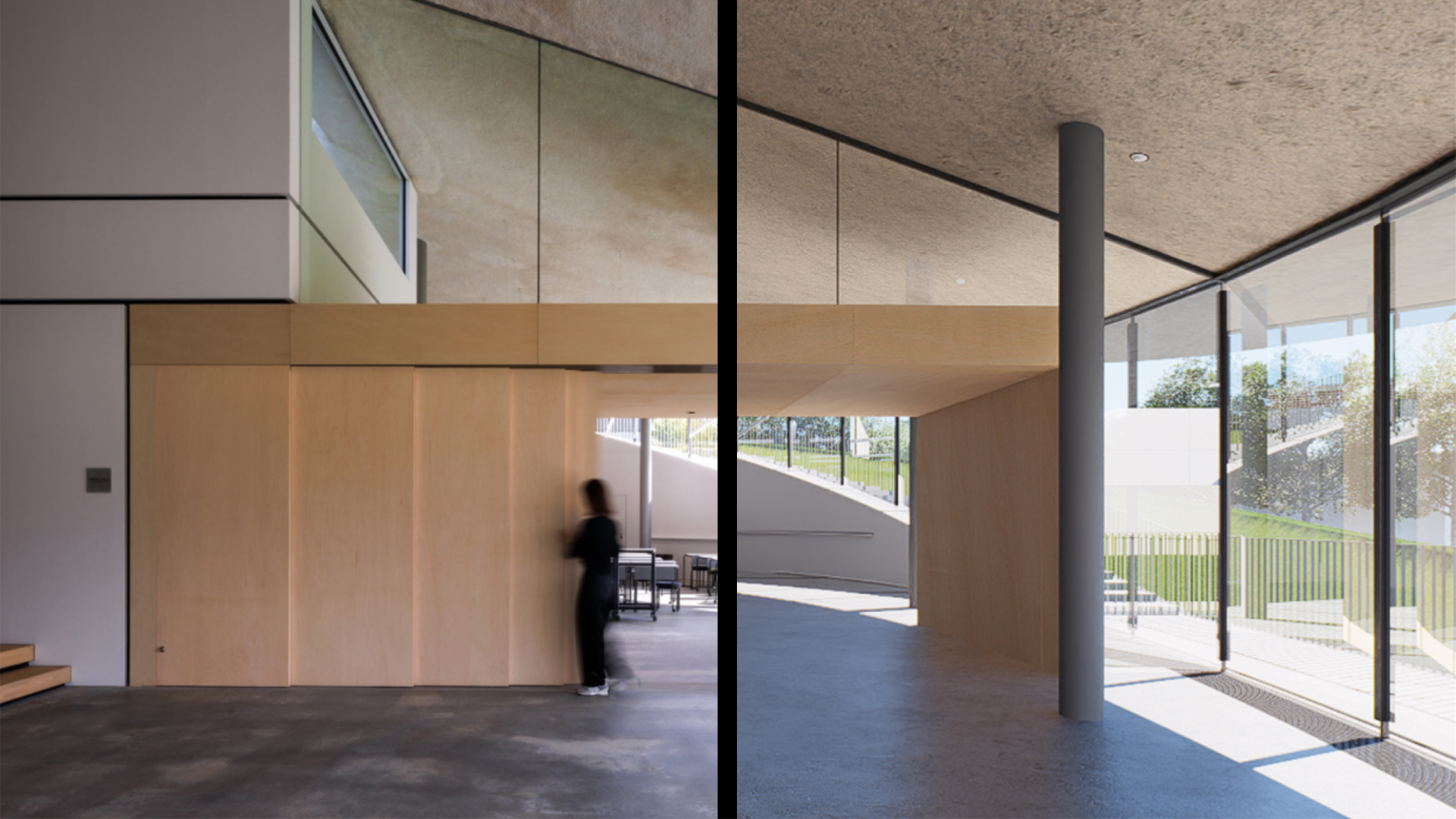
We've all been anticipating Displacement Material, and version 3.0 truly delivers. The key lies in the height map rather than just enabling the feature. In my brick wall test, I activated True Displacement to ensure actual geometric displacement. This is no more a mere lighting illusion—it’s a physical transformation of the mesh.

Need a custom asset?
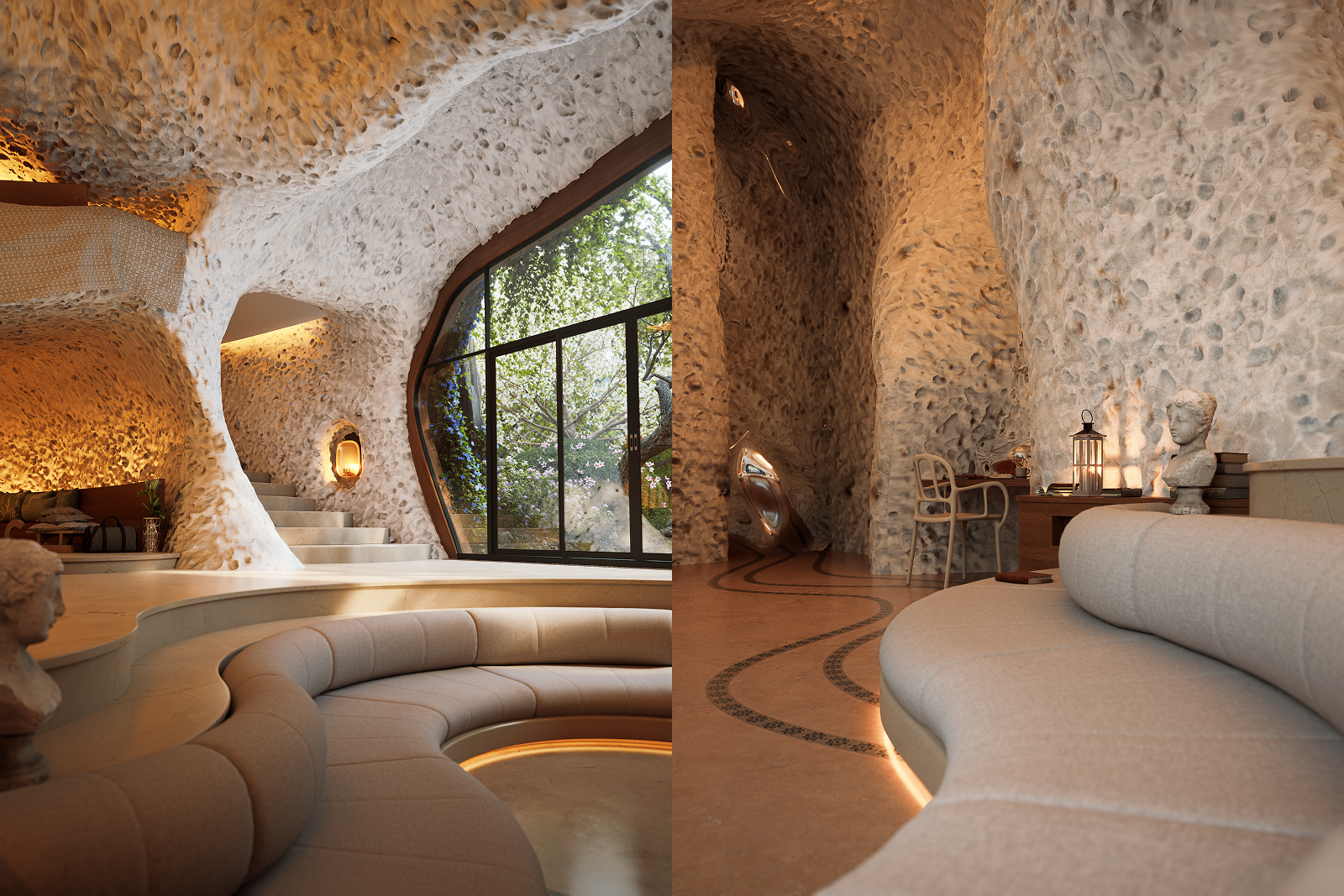
I needed a specific wooden "Tinaja" (a large jar). I couldn't find it in any asset library. So, I used D5 3.0's AI Image to 3D. I gave it a prompt and a reference image of the wood texture I wanted. In seconds, I had a multi-angle product view and then a 3D model ready to be scaled and placed in my scene.

The D5 Works Ecosystem: From User to Creator
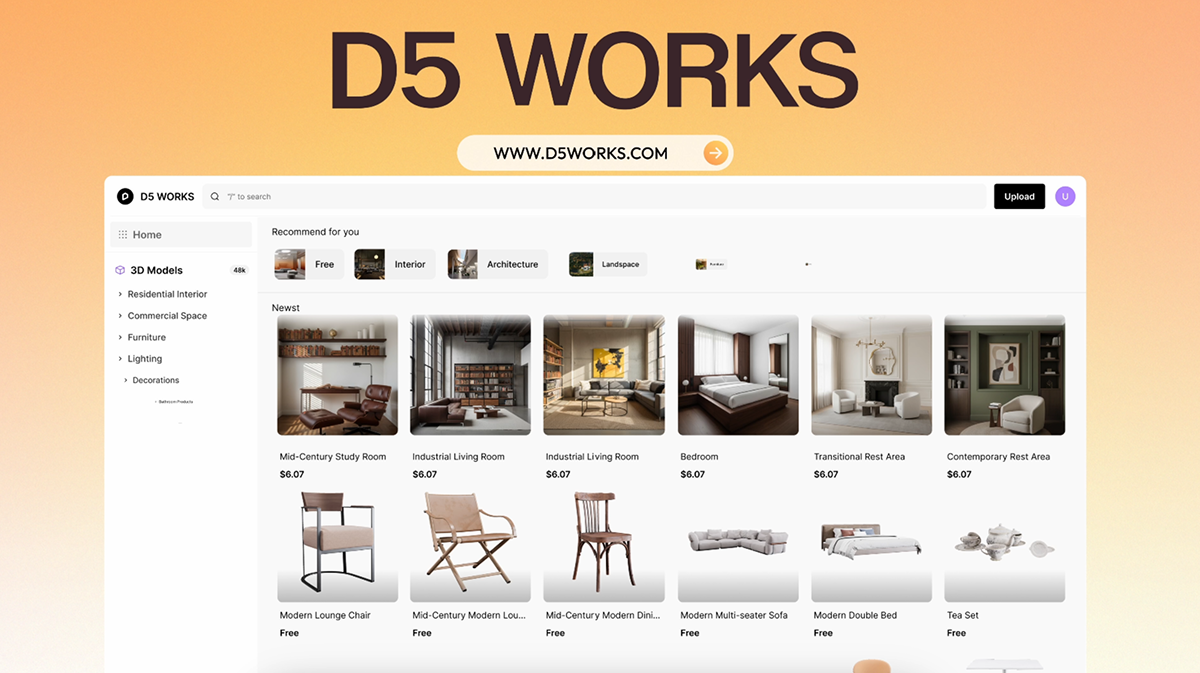
The revolution concludes with D5 Works, the curated asset platform specifically built for spatial design. It ensures your All-in-One workflow remains uninterrupted from the first sketch to the final output.
- AEC-Ready Assets: Whether it's extensive interior furniture or landscape scenes, it's all drag-and-drop.
- 0% Commission for Creators: The revolutionary part? You can upload your own models—whether crafted in SketchUp, 3ds Max, or other modeling software—set your price, and keep 100% of the revenue.
- Seamless Integration: It's built into the D5 Launcher, ensuring that the "All-in-One" workflow stays unbroken. You find it, you use it, you keep moving.
It's a complete, self-sustaining loop where the boundaries between designing, rendering, and asset creation are gone.
My Final Reflection: Take the Helm
When visualization is present from minute zero, you aren't "decorating" someone else's decisions later; you are making them early, when it is still cheap to correct course, before you "sink the ship."
D5 Render 3.0 isn't just about "prettier renders." It's about a new way of working.
- Less "Operator," more "Director."
- Less friction, more focus.
- Less "fixing it in post," more "validating while thinking."
The imagination doesn't die with AI; it gets trained, sharpened, and more demanding. It's time to stop pushing buttons with guilt and start taking decisions with calm.
Explore More on D5 Render 3.0 >>
D5 3.0: The complete visualization workflow with AI
D5 Render 3.0 is Live: A New Era of AI Rendering for Your Design Workflow
Redefining the Architectural Design Process in 2026: From Friction to Flow
D5 Works is Here: Your Curated Hub for AEC-Ready 3D Models
Introducing D5 Lite: AI Rendering & Instant Visualization for SketchUp
D5 Engine: Redefining Real‑Time Rendering for Architectural & Spatial Design
People Also Ask: Common Questions on AI & Visualization





.jpg)






.png)

1%20(2).png)







%20(1).png)
.png)

.png)