

Key Takeaways:
- D5 Render supports full-spectrum 3D environment design — from urban concepting with real-world data to atmospheric, terrain, and lighting simulation — within a real-time, unified workflow.
- New features like volumetric clouds, ocean systems, and AI-assisted tools streamline complex tasks such as climate simulation, large-scale vegetation, and procedural urban massing, significantly improving design speed and realism.
- Real-time path tracing enhances design decisions by delivering physically accurate lighting and reflections throughout the environment, eliminating the need for offline rendering and reducing reliance on post-production adjustments.

In architectural and urban design, modeling the environment isn’t just an aesthetic exercise. It’s an essential part of understanding context, evaluating spatial relationships, and communicating design intent. The tools and workflows designers use profoundly affect both speed and quality. Historically, architects have relied on fragmented pipelines involving separate modeling software, external lighting setups, and offline rendering engines. This fragmentation introduces inefficiencies and technical friction that complicate visualization workflows.
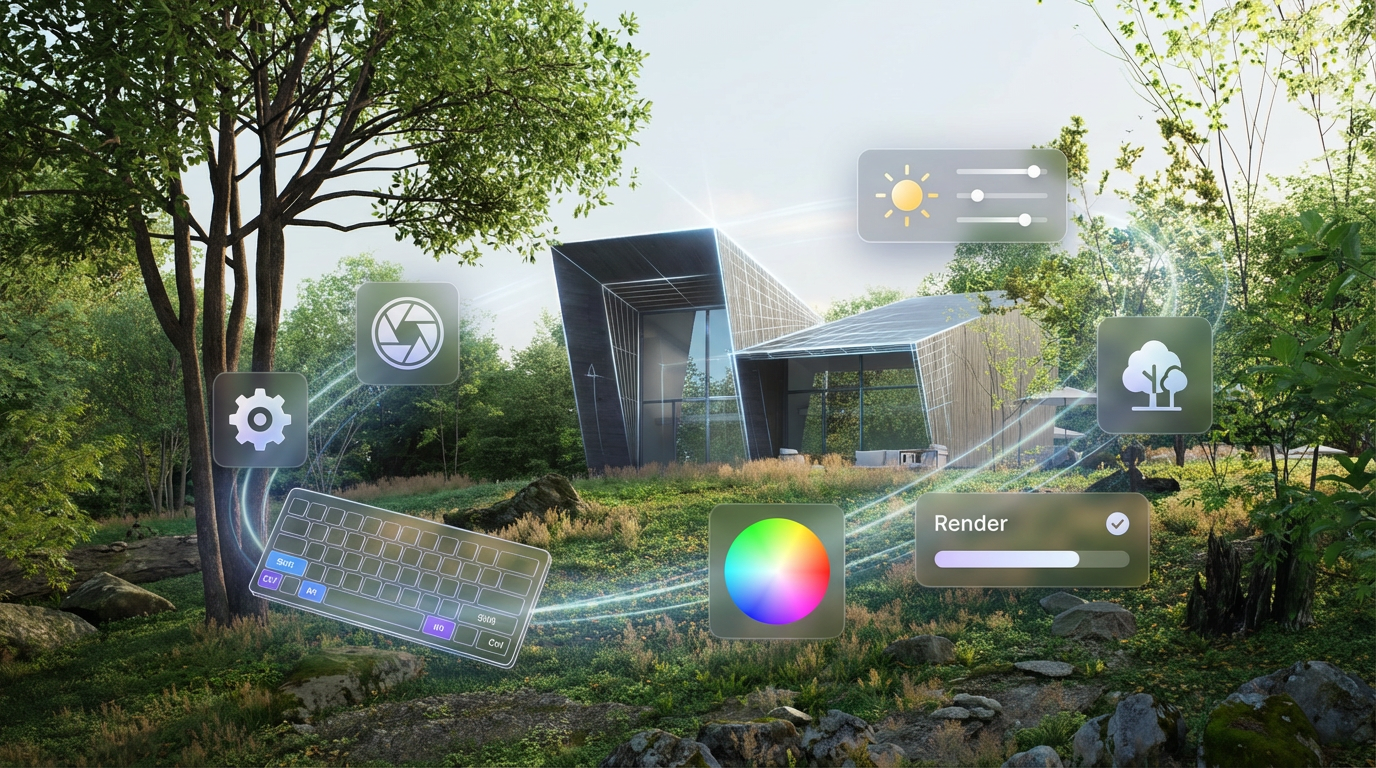
With its latest release, D5 Render reframes environment design as a cohesive, integrated workflow rather than a series of disconnected tasks. Its updated environment systems address foundational needs — terrain and vegetation, sky and atmosphere, dynamic water, urban context, lighting, and AI‑assisted automation — all within a real‑time ecosystem built for architectural visualization. This article explores how these features streamline environment creation while deepening realism and control.
A Unified Approach to Atmospheric Simulation
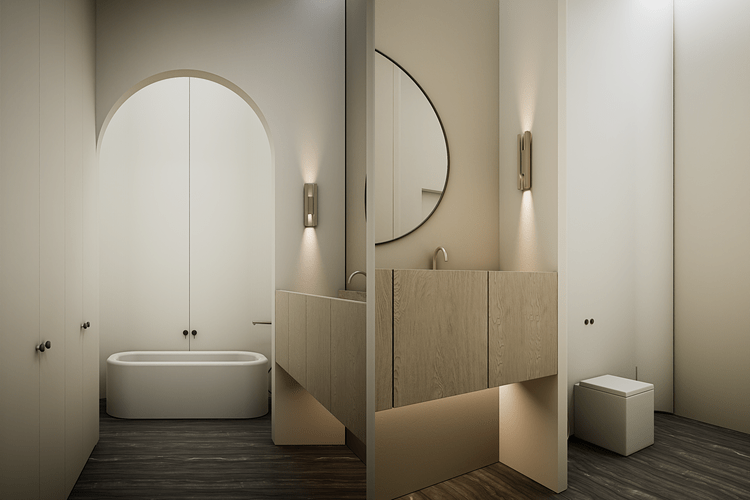
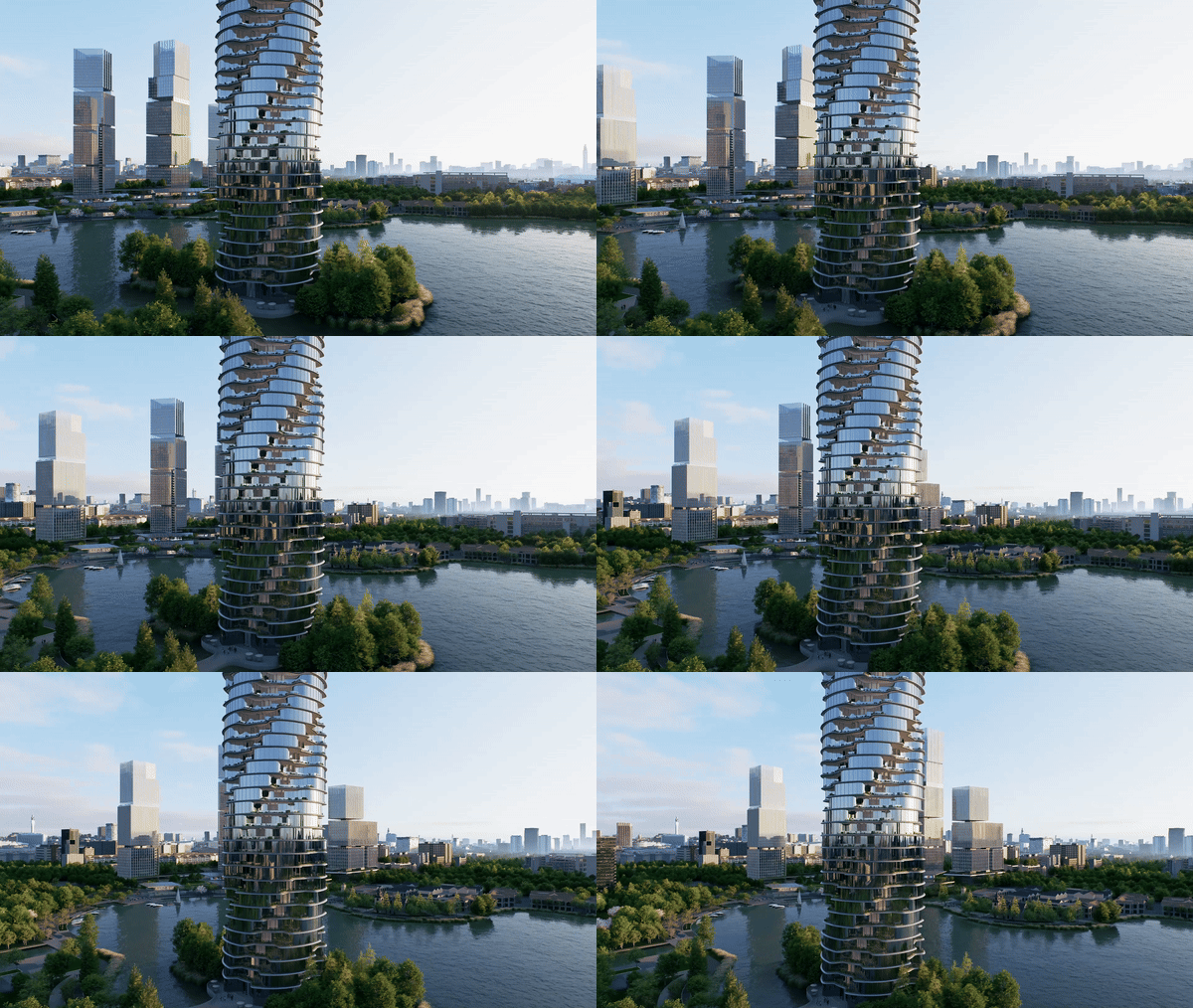
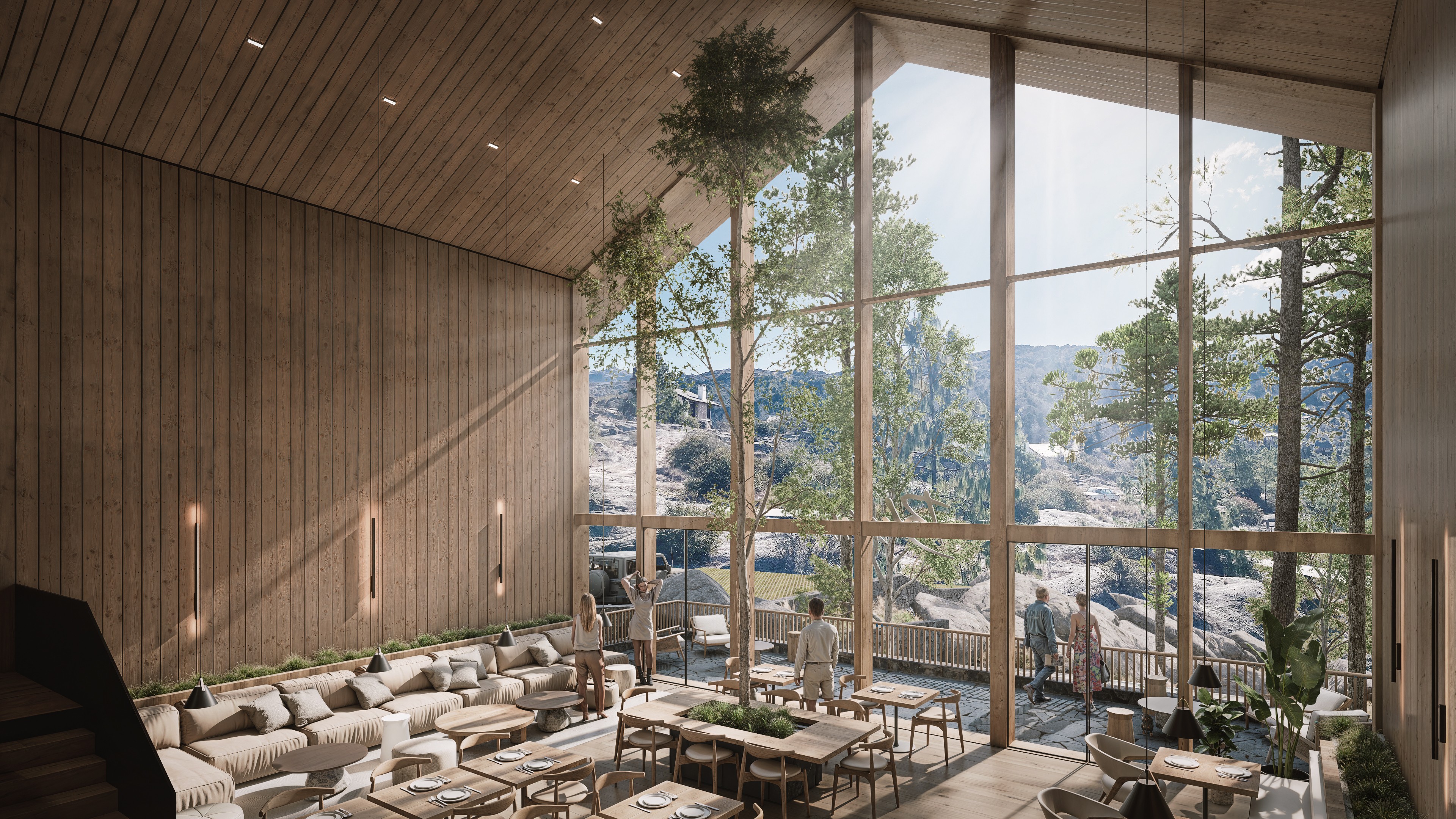
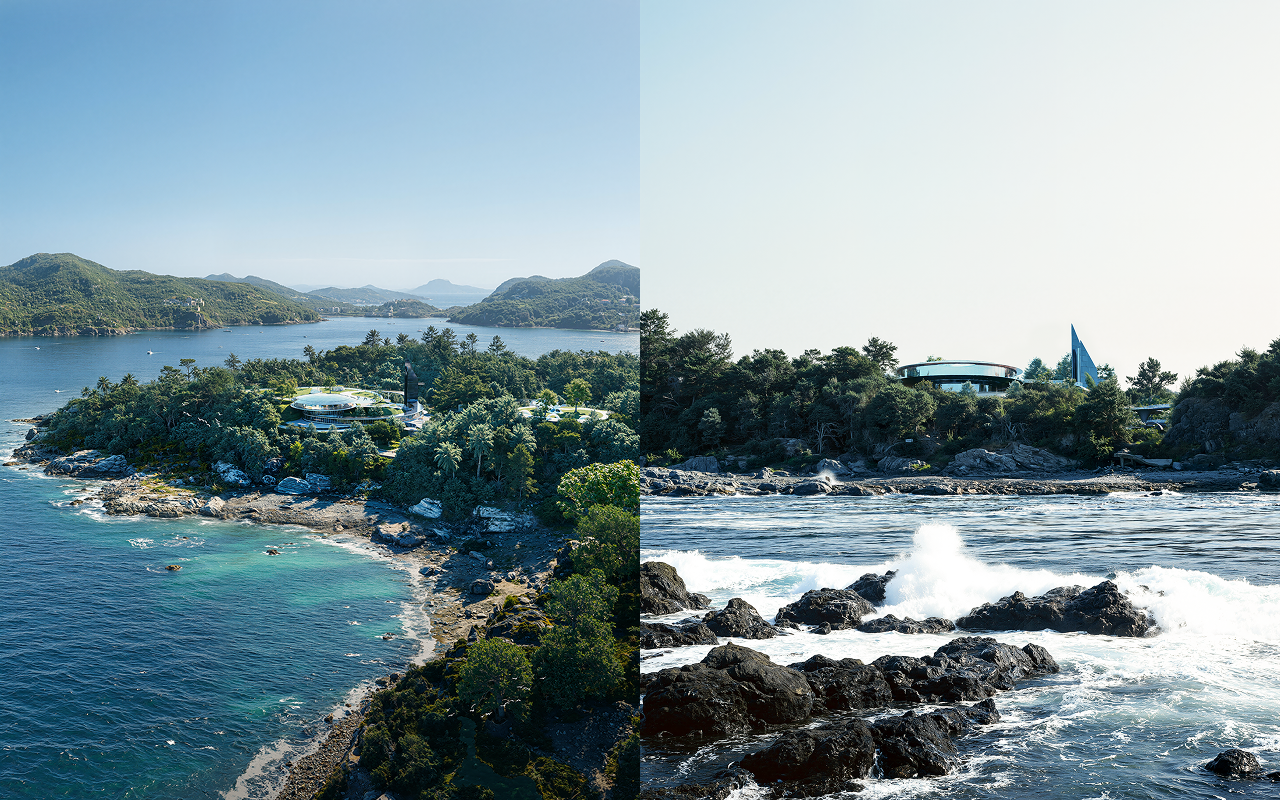
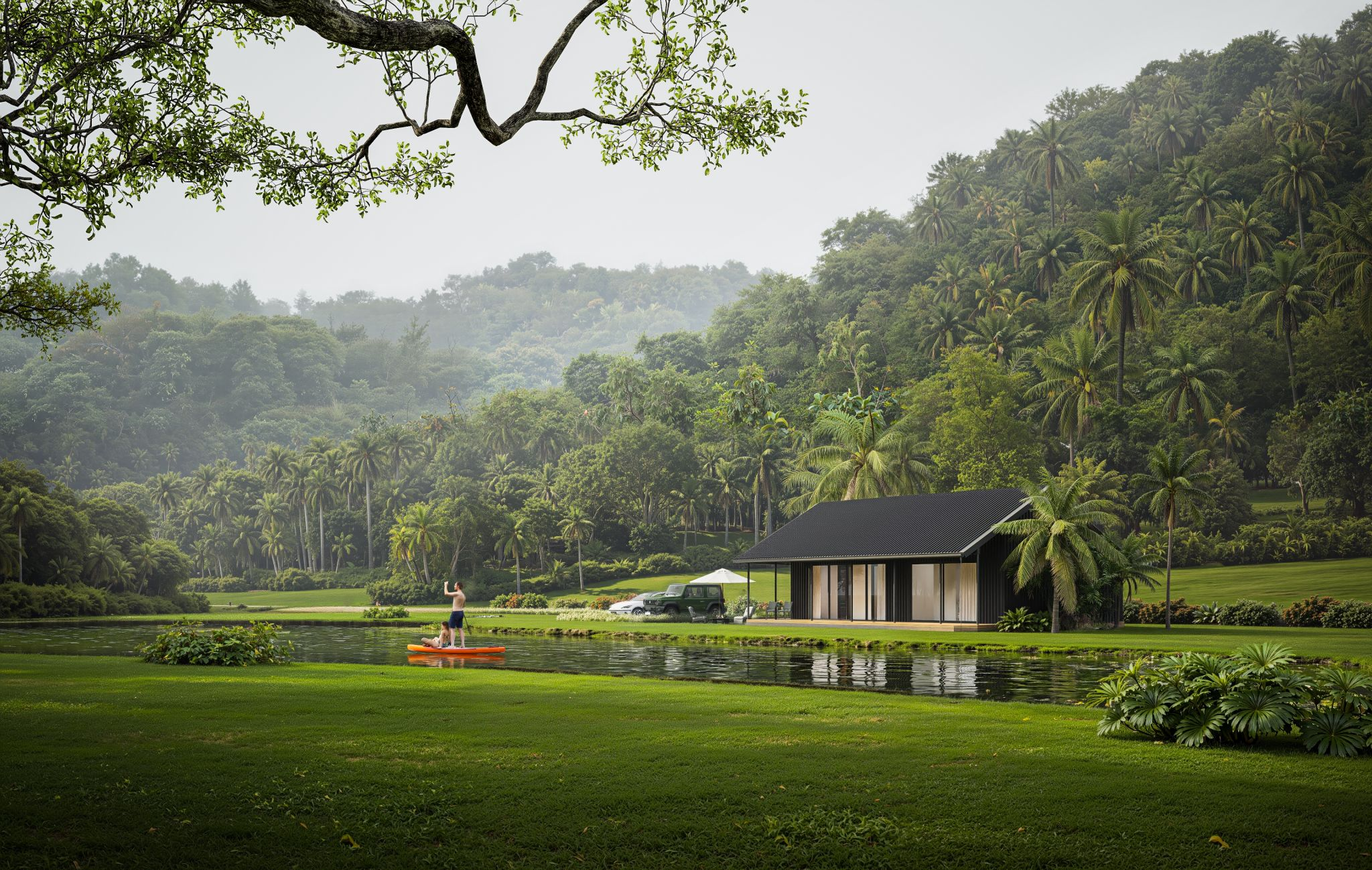
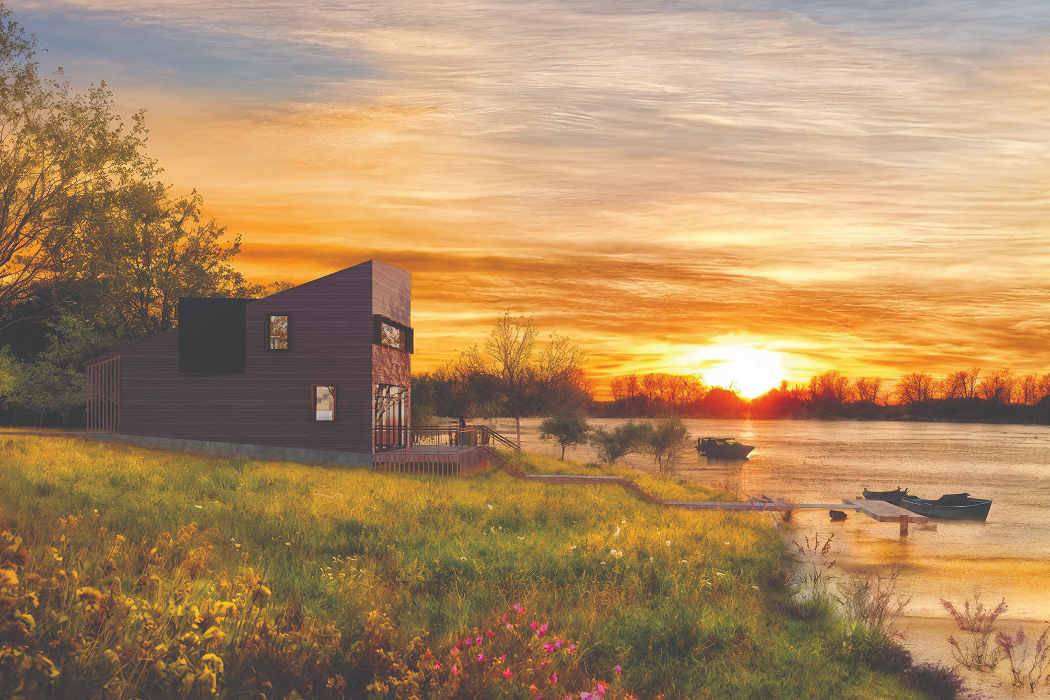
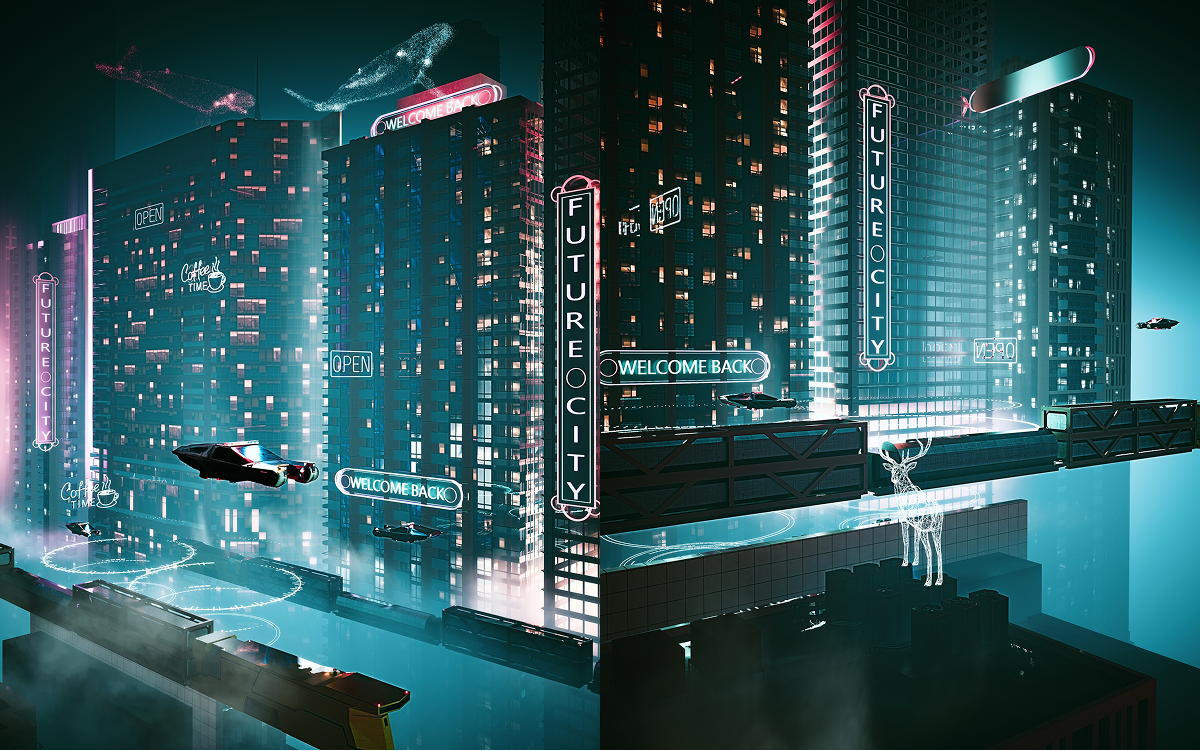
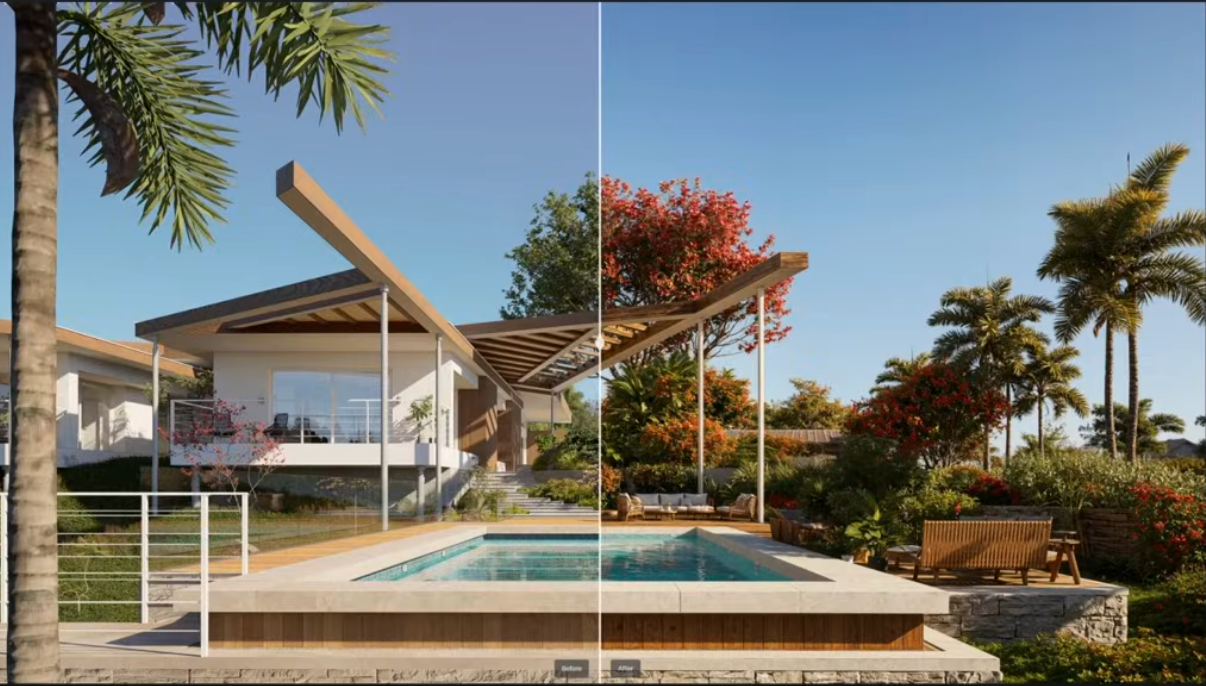
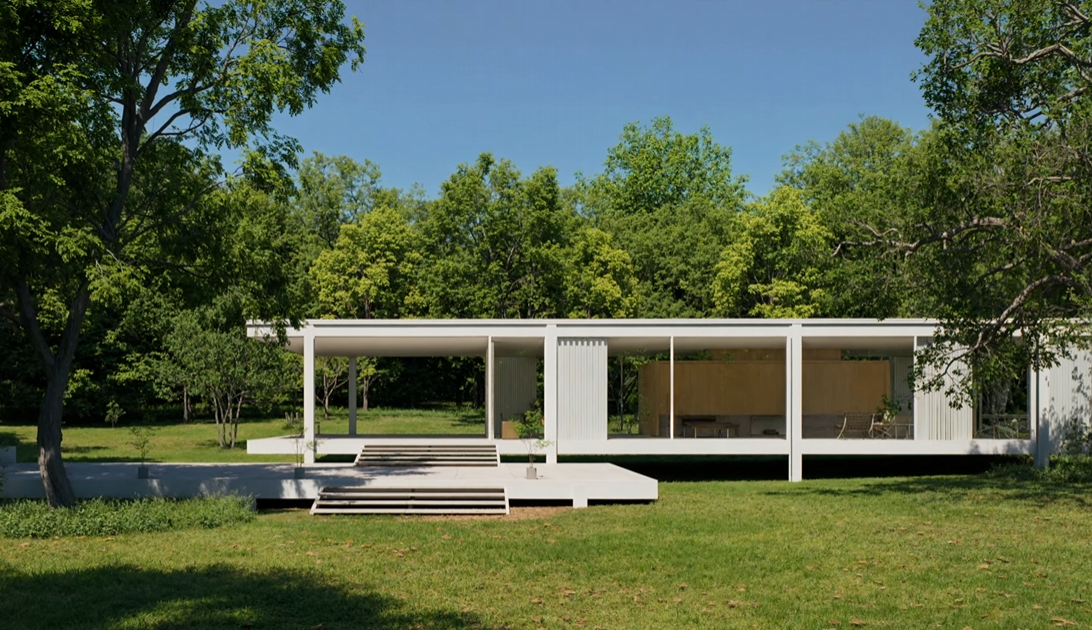
At the heart of any believable outdoor scene lies accurate atmospheric behavior. D5 Render’s Geo & Sky System simulates real‑world sun positions and sky conditions by time, date, and geographic location, giving architects precise control over natural light quality and shadow behavior. The latest additions extend this core with true volumetric clouds — fully 3D cloud formations that respond dynamically to lighting conditions — and an optimized fog system that enhances depth perception while maintaining interactive performance, even in expansive landscapes. This combination enables visuals that capture realistic sky moods without the need for post‑production compositing.

Designers can also fine‑tune HDRI environments with expanded rotation control and resolution scaling, balancing between visual fidelity and system performance. A custom background color option provides a clean fallback when sky or HDRI environments aren’t needed, such as for abstract diagrams or technical presentations. These controls bring atmospheric realism directly into the interactive viewport, saving iterative lighting tests and guesswork.
Dynamic Water, Weather, and Natural Phenomena
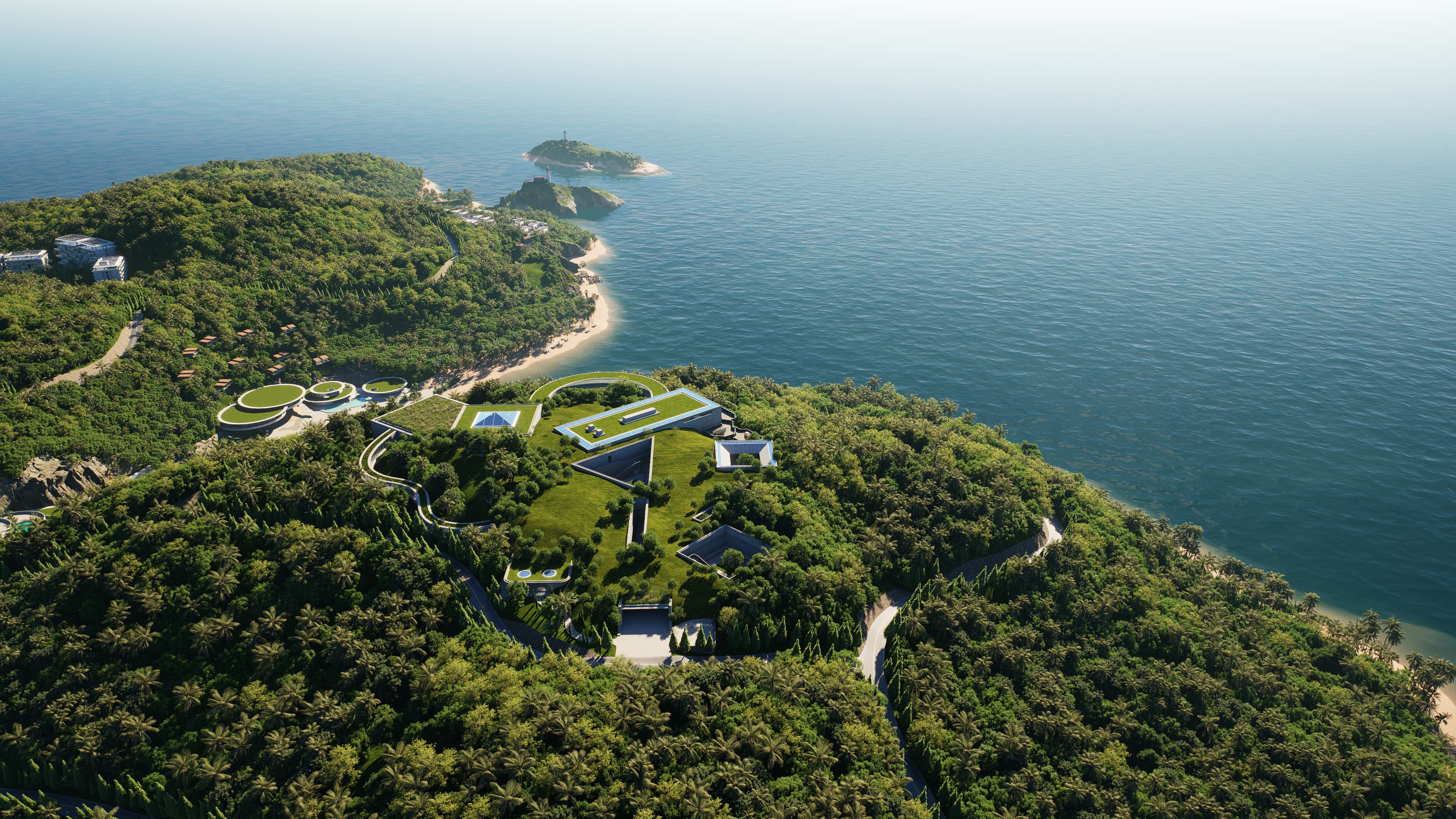
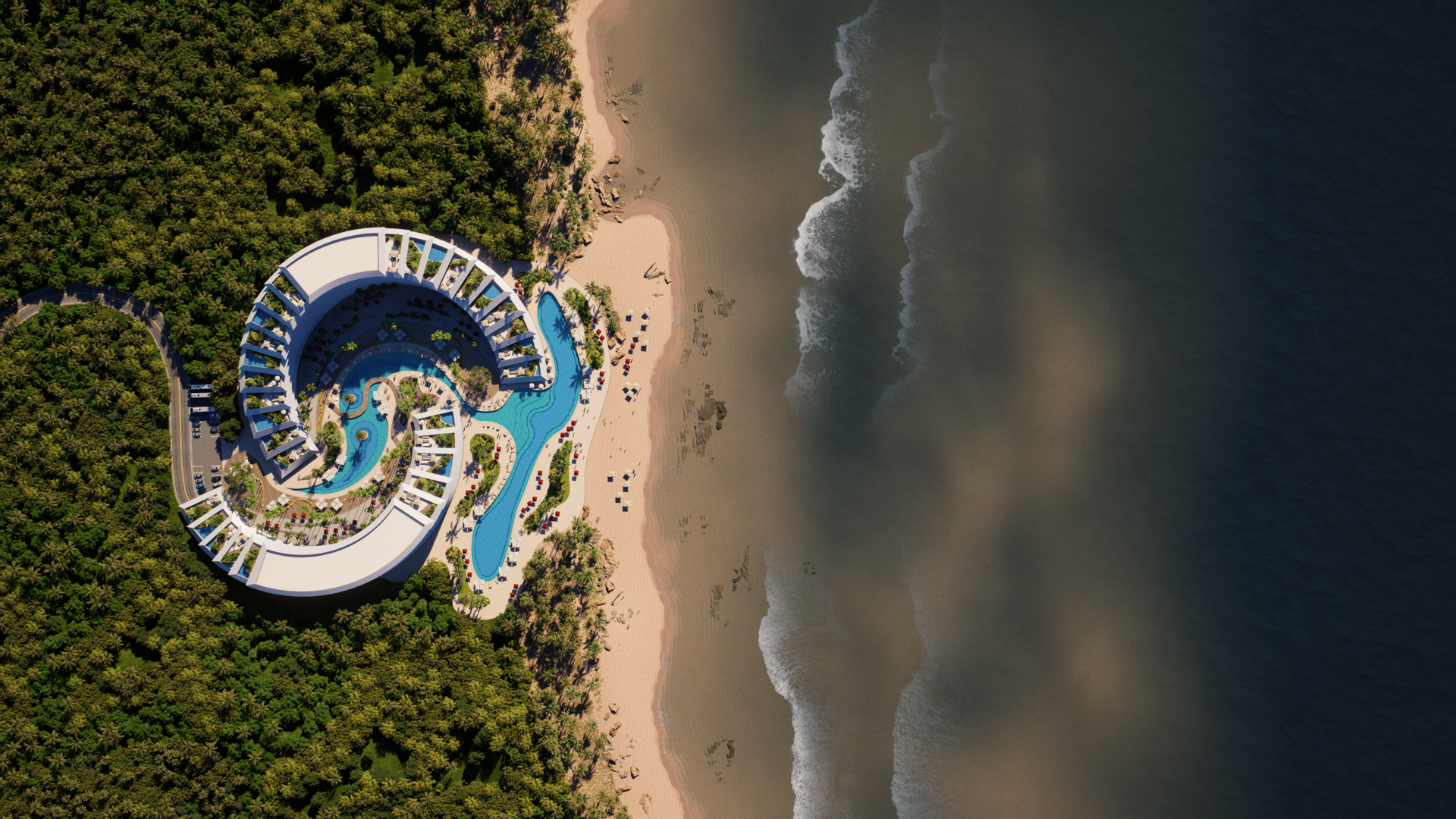
Water is one of the hardest environmental elements to simulate convincingly because it must interact with both light and weather. D5 Render’s Ocean System elevates water behavior beyond static plane materials to animated, responsive surfaces that reflect wind patterns, cast foam, and exhibit natural wave motion. This is essential for site studies near coastlines, waterfront developments, or landscape designs where water plays a functional or aesthetic role.

Coupled with optimized rain‑on‑surface interactions, designers can now simulate believable water behavior influenced by weather — a detail that significantly enhances realism in both aerial and close‑up perspectives.
Scalable Terrain, Vegetation, and Natural Layers
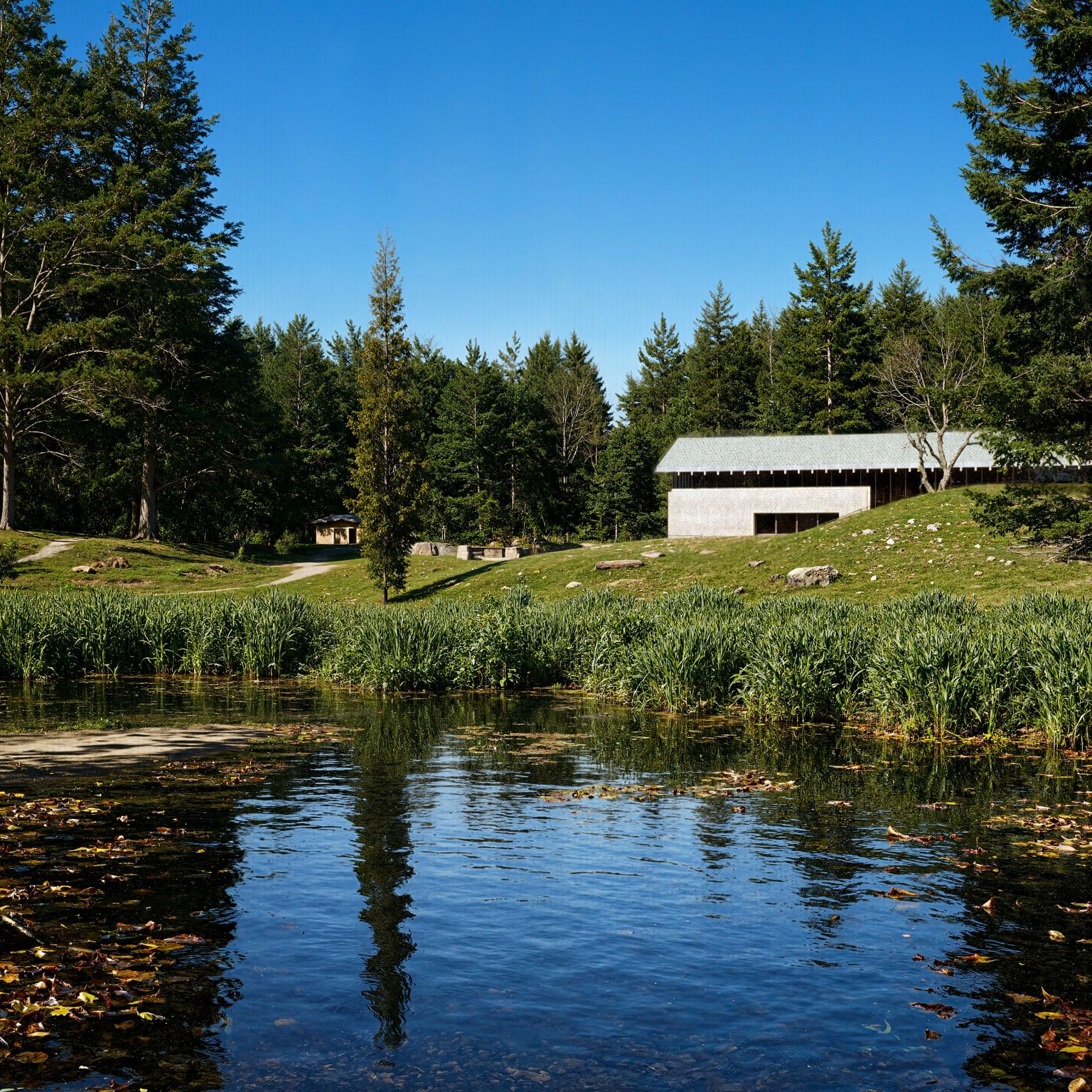
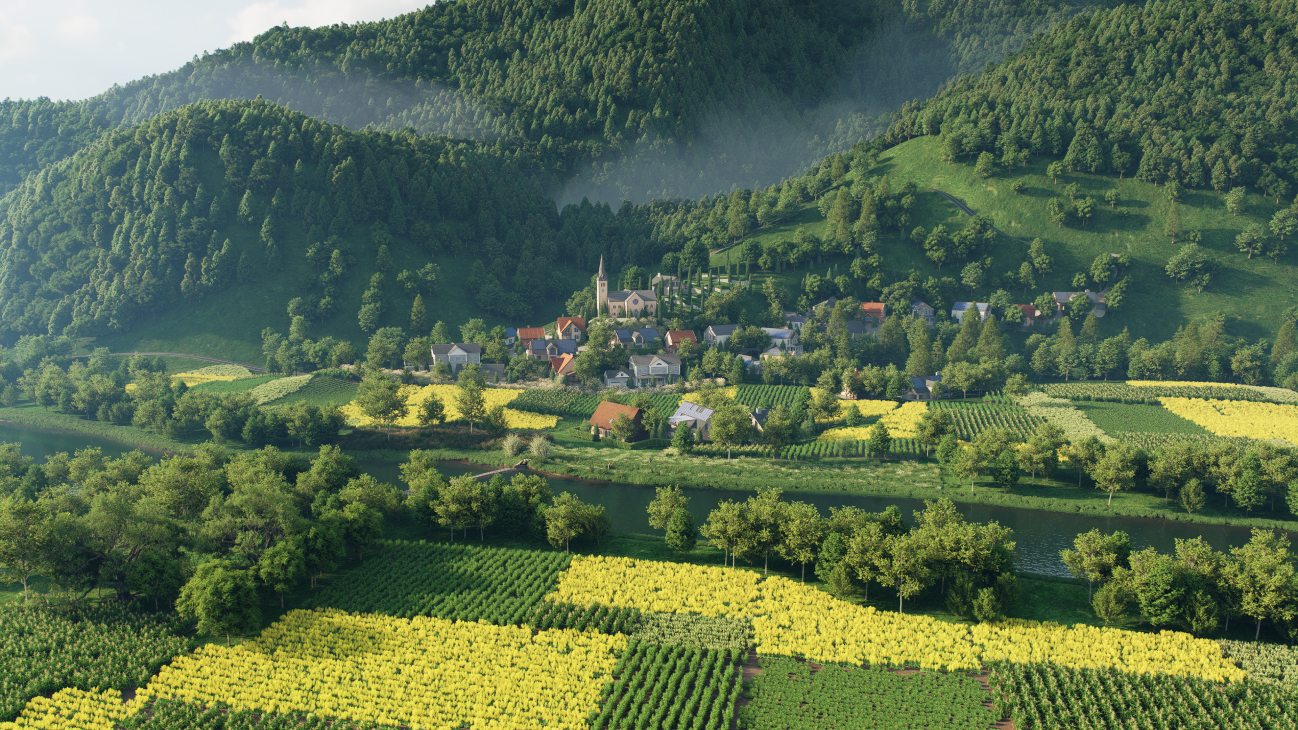
Creating terrain that feels alive and grounded in its context has traditionally required external terrain modeling tools or painstaking manual work. D5’s terrain editor brings sculpting, heightmap control, and texture painting into the same platform used for final visualization. This means adjustments to hills, valleys, slopes, and ground texture happen within the render environment itself, eliminating the need to bounce between applications.
.gif)
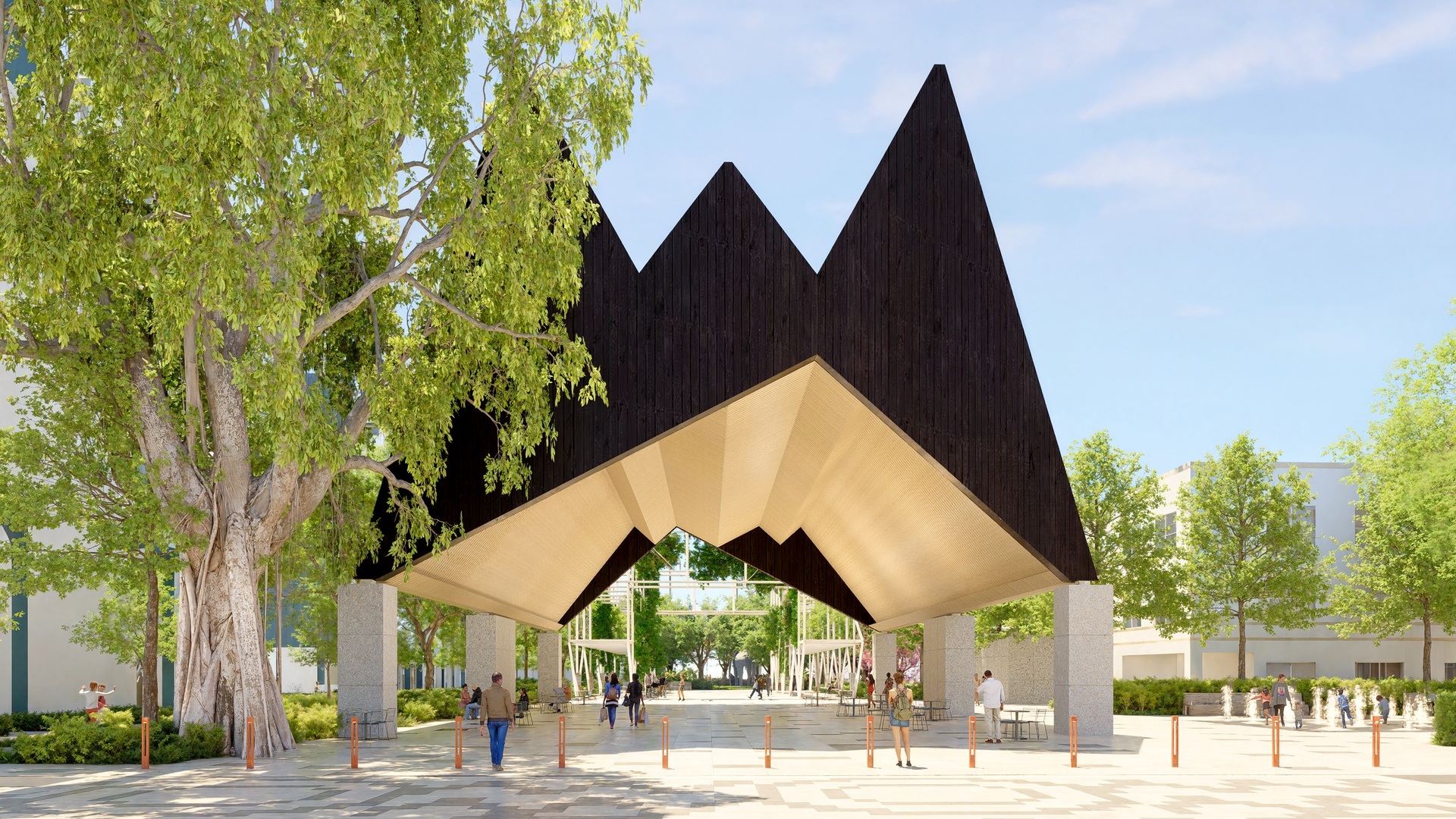
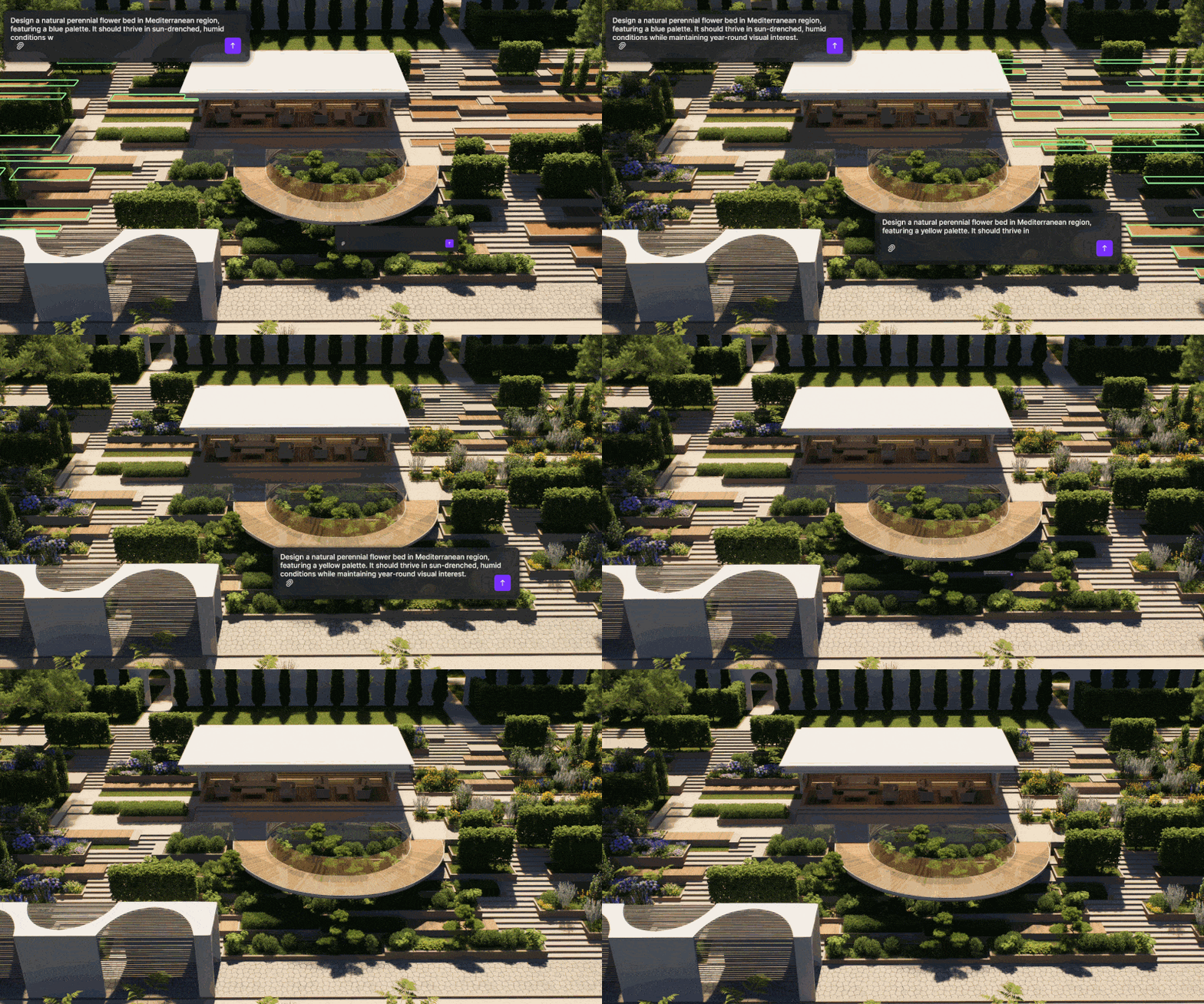
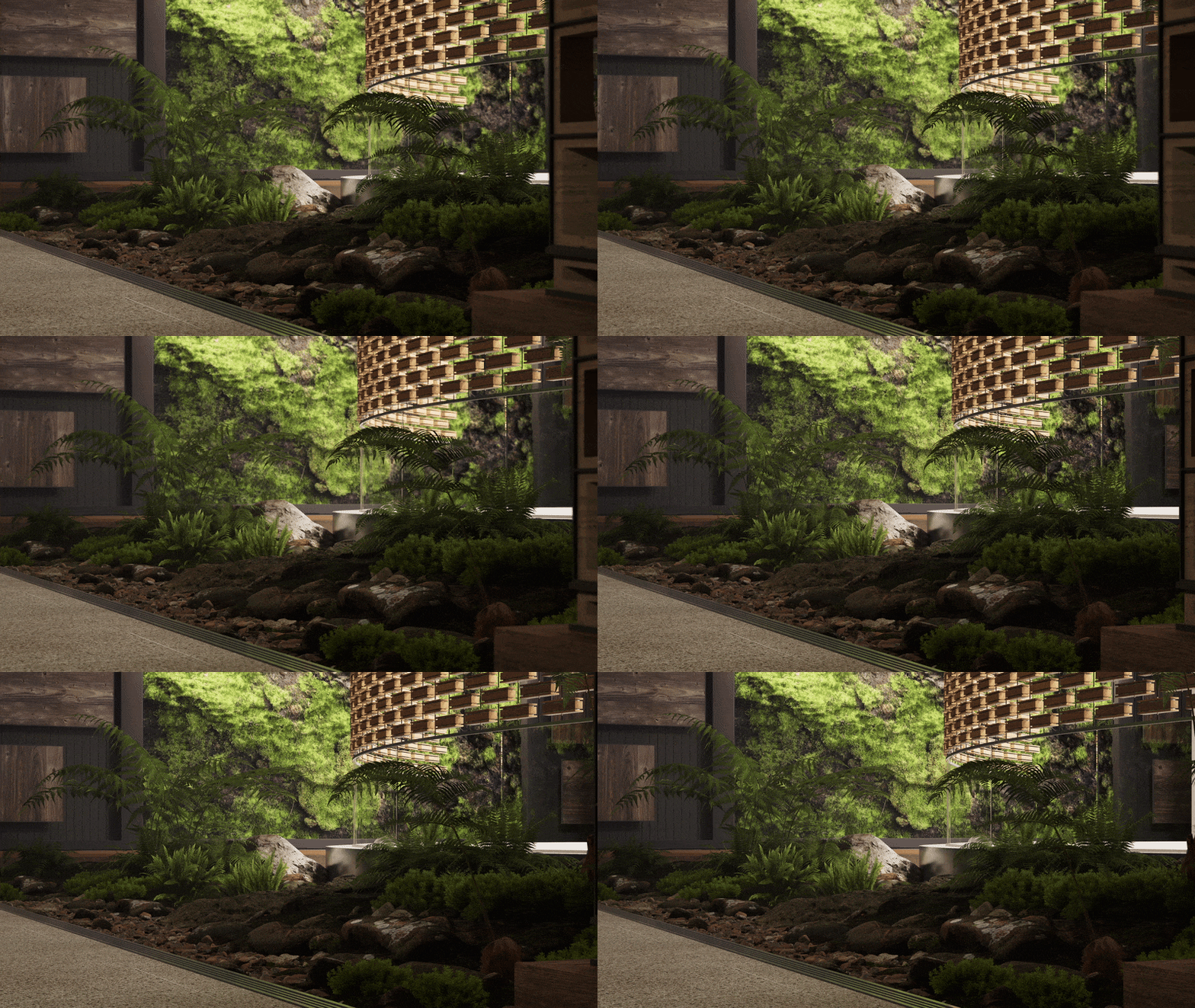
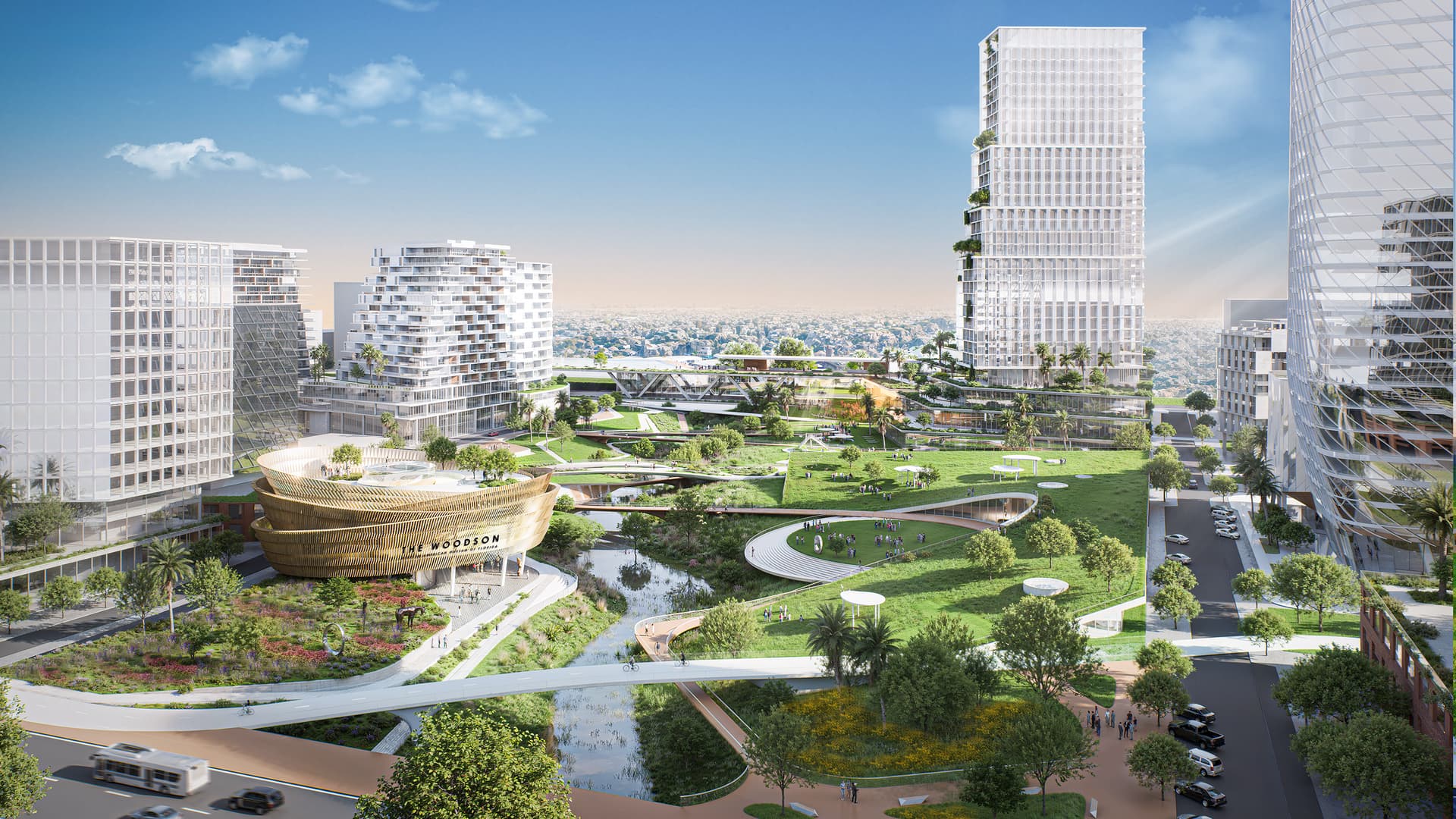
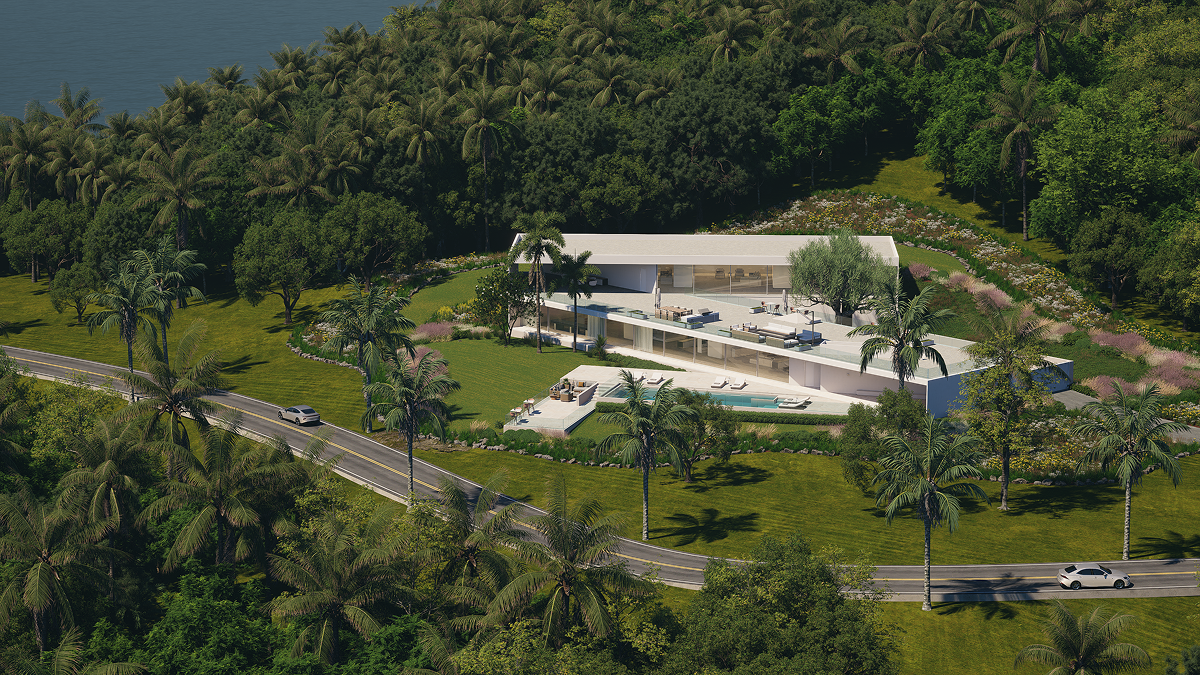
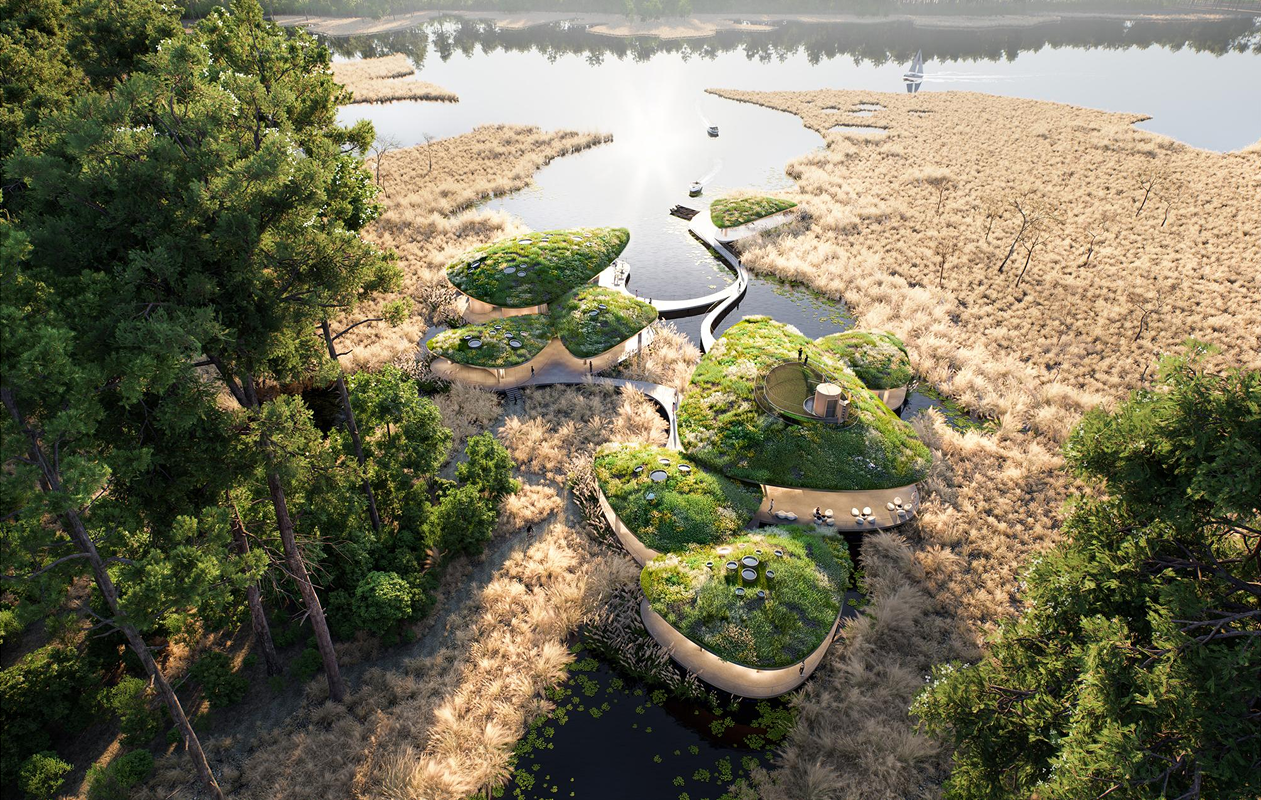
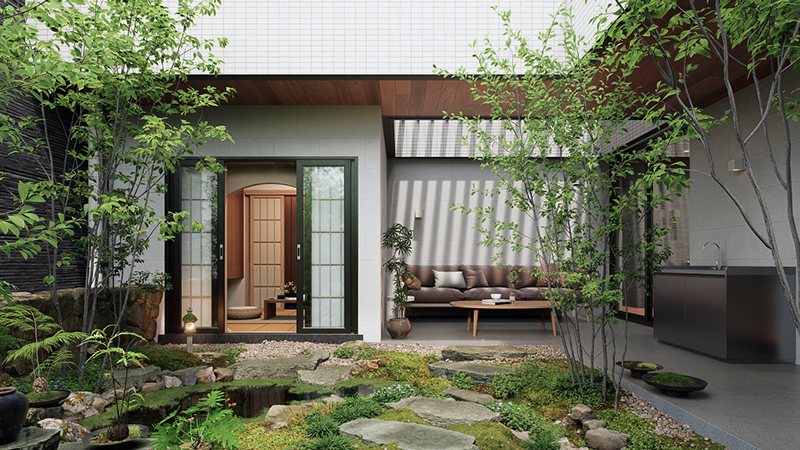
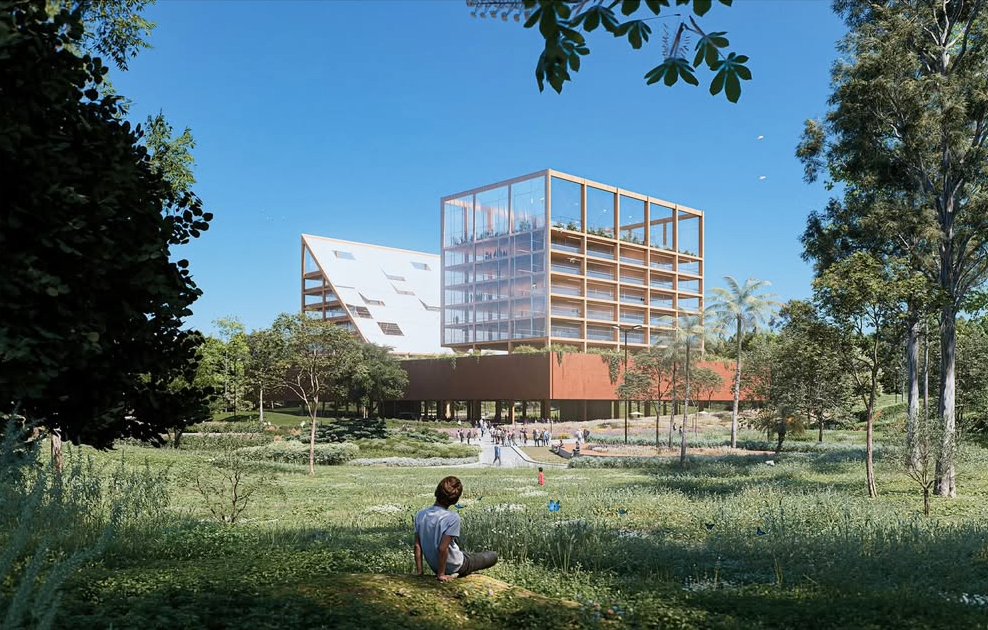
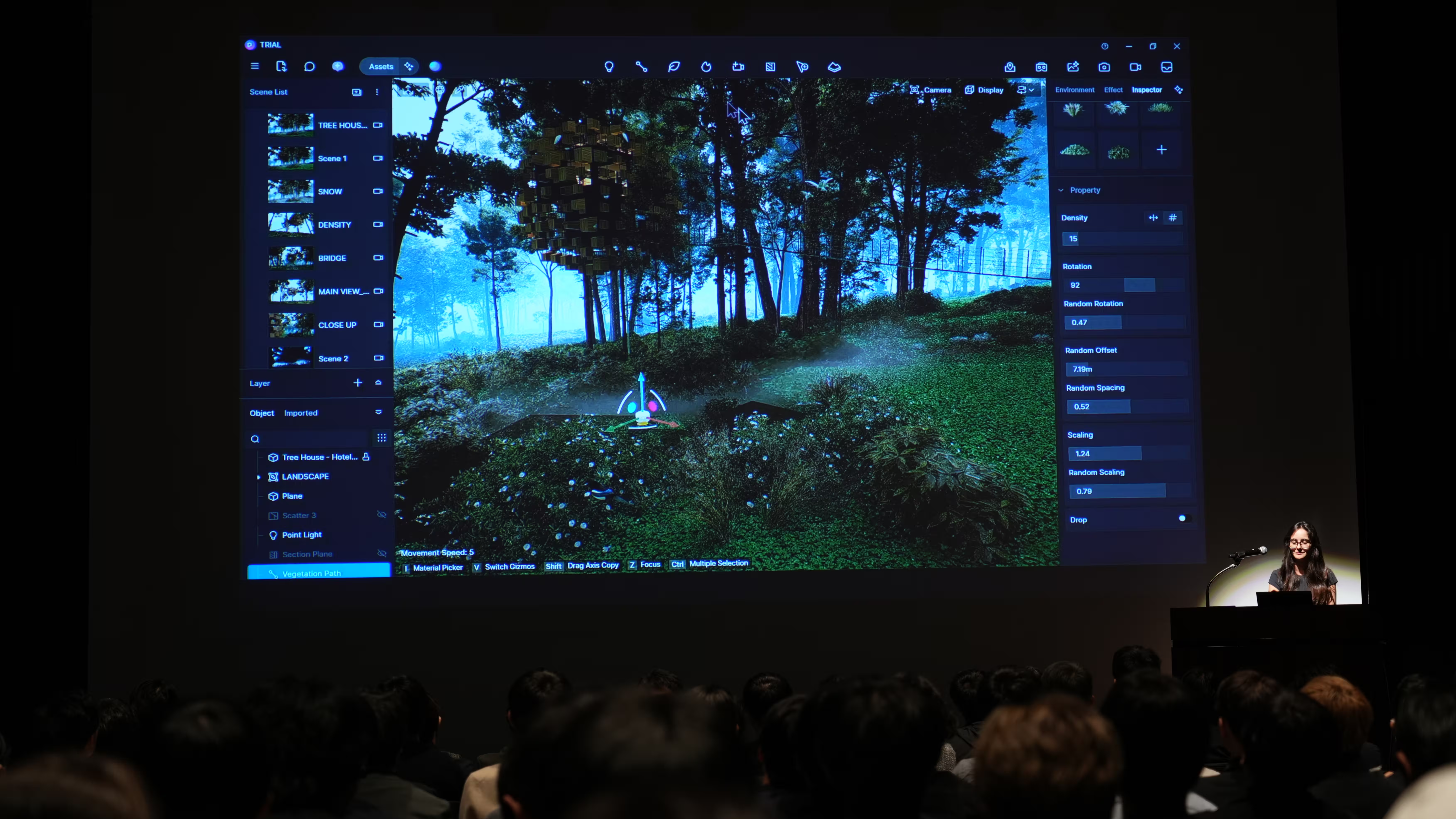
Vegetation tools, such as the Scatter and Path tools, let designers distribute trees, grass, and ground cover across complex topographies. Recent performance enhancements allow for denser vegetation scenes without bogging down interactive performance, as the cull distance logic conserves resources for visible elements only. Together, these capabilities support environmental context ranging from small parks to large subdivisions and regional landscape studies — all with real‑time feedback on density, scale, and layering.
Also read: 3D Landscape Scatter Tools in D5 Render You Must Know
AI‑Enhanced Scene Setup and Asset Placement
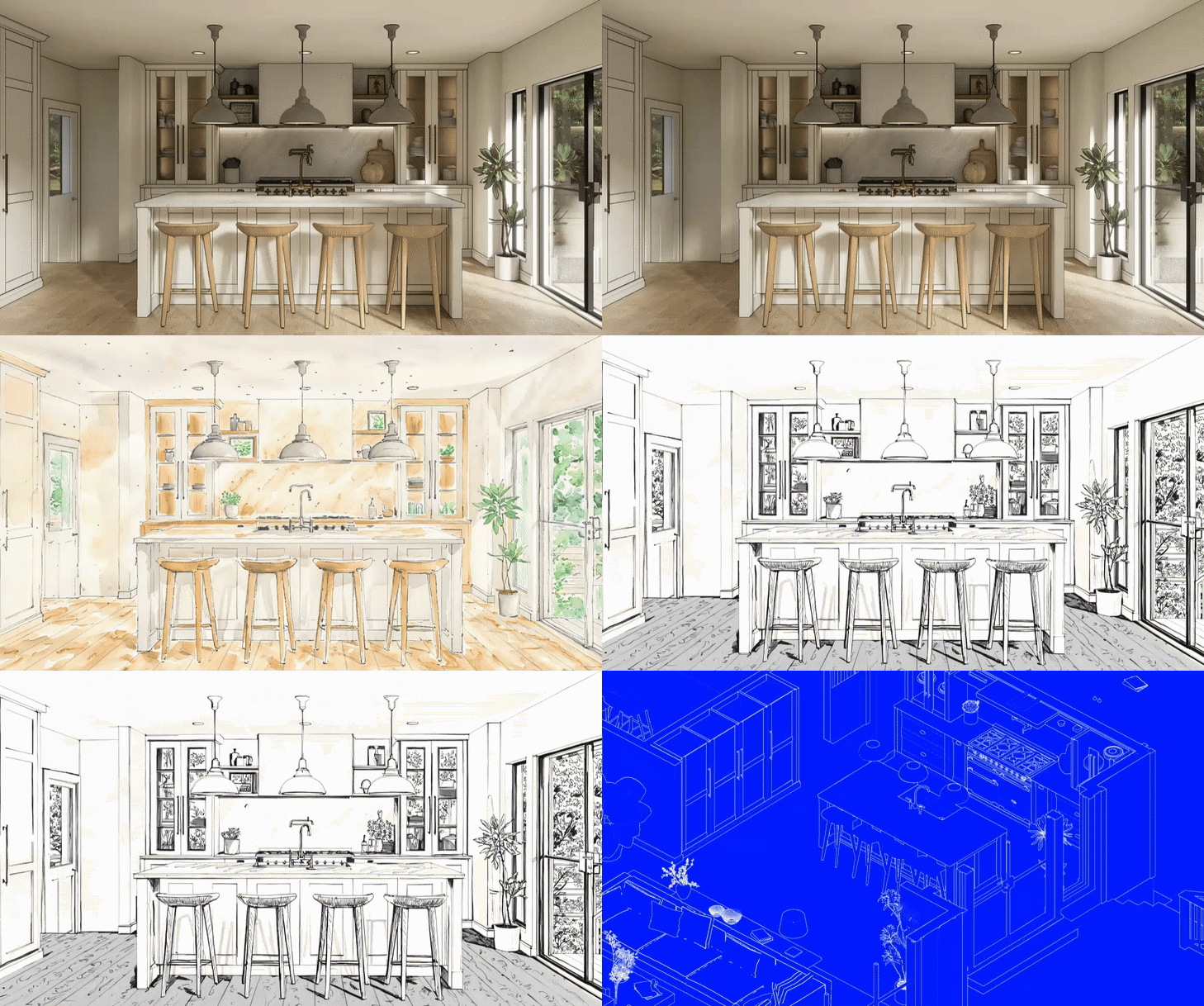
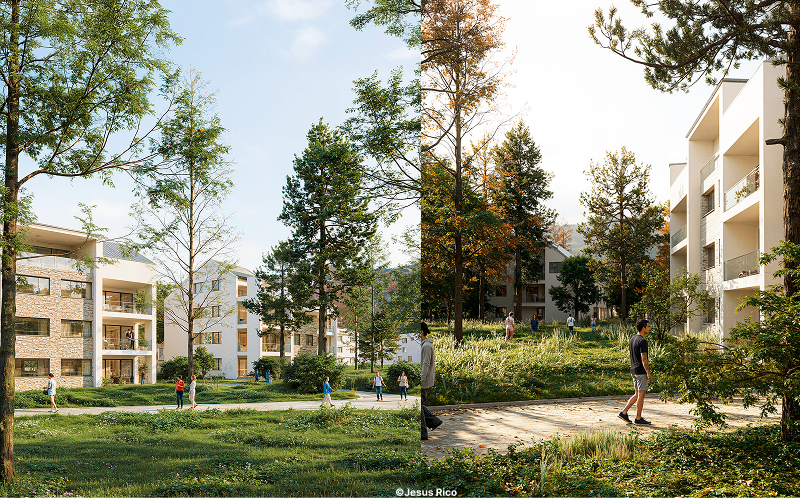
One of the most transformative developments in D5 Render is the integration of AI into the environment design workflow itself. Instead of manually dialing every lighting and environmental parameter, the AI Scene Match tool can interpret a reference image — like a photograph of a site at golden hour — and automatically configure lighting, atmosphere, and post‑processing settings to match it. Complemented by AI Asset Recommendation, designers can quickly populate scenes with models and vegetation that align with a visual intent, accelerating the initial setup phase.

For architectural visualization, this reduces one of the most time‑consuming tasks: obtaining an environment that aligns with the client’s mood and project narrative. These AI agents help teams iterate faster while maintaining a consistent quality baseline.
Urban Concepting with City Generator and Real‑World Context
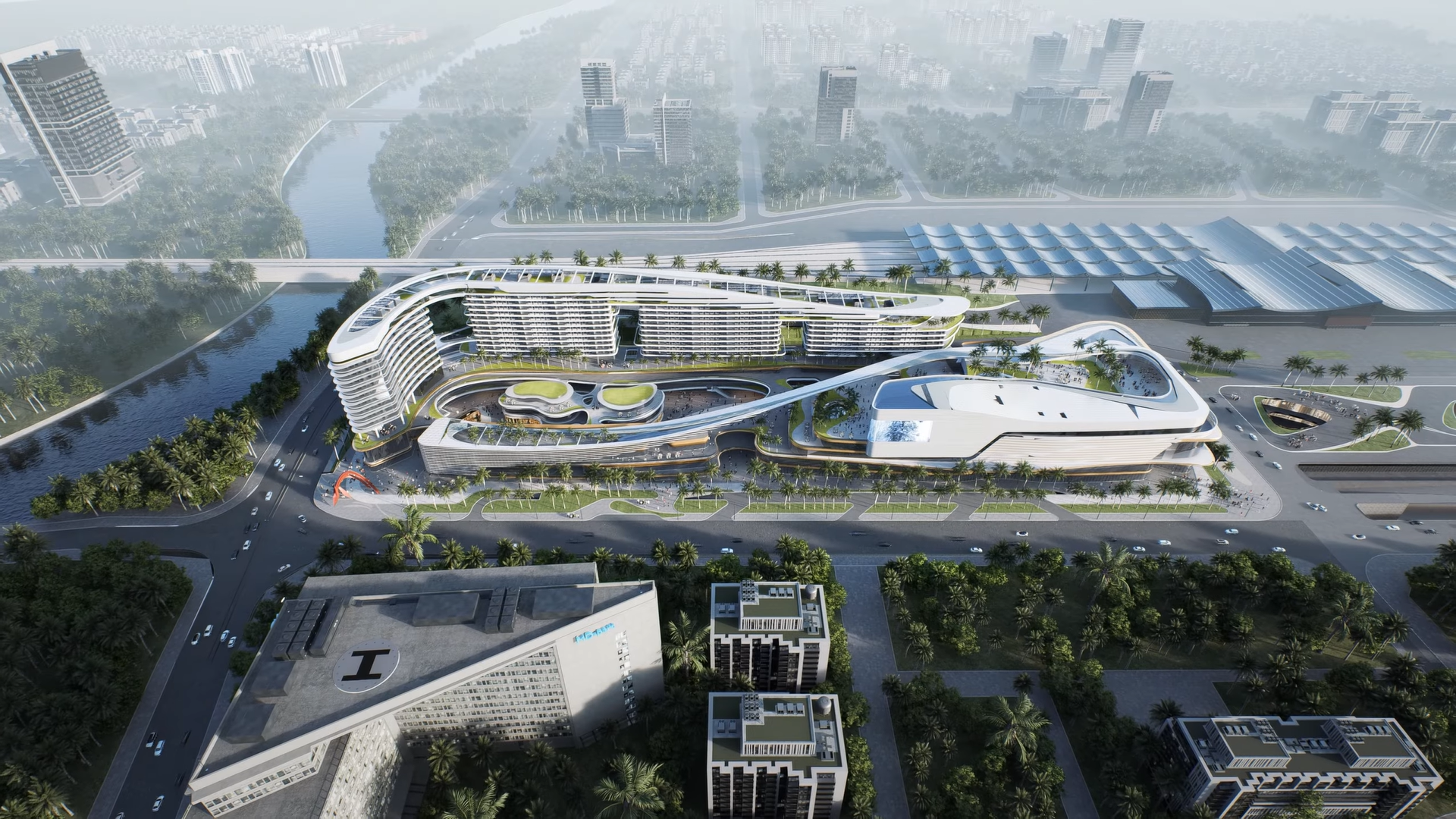
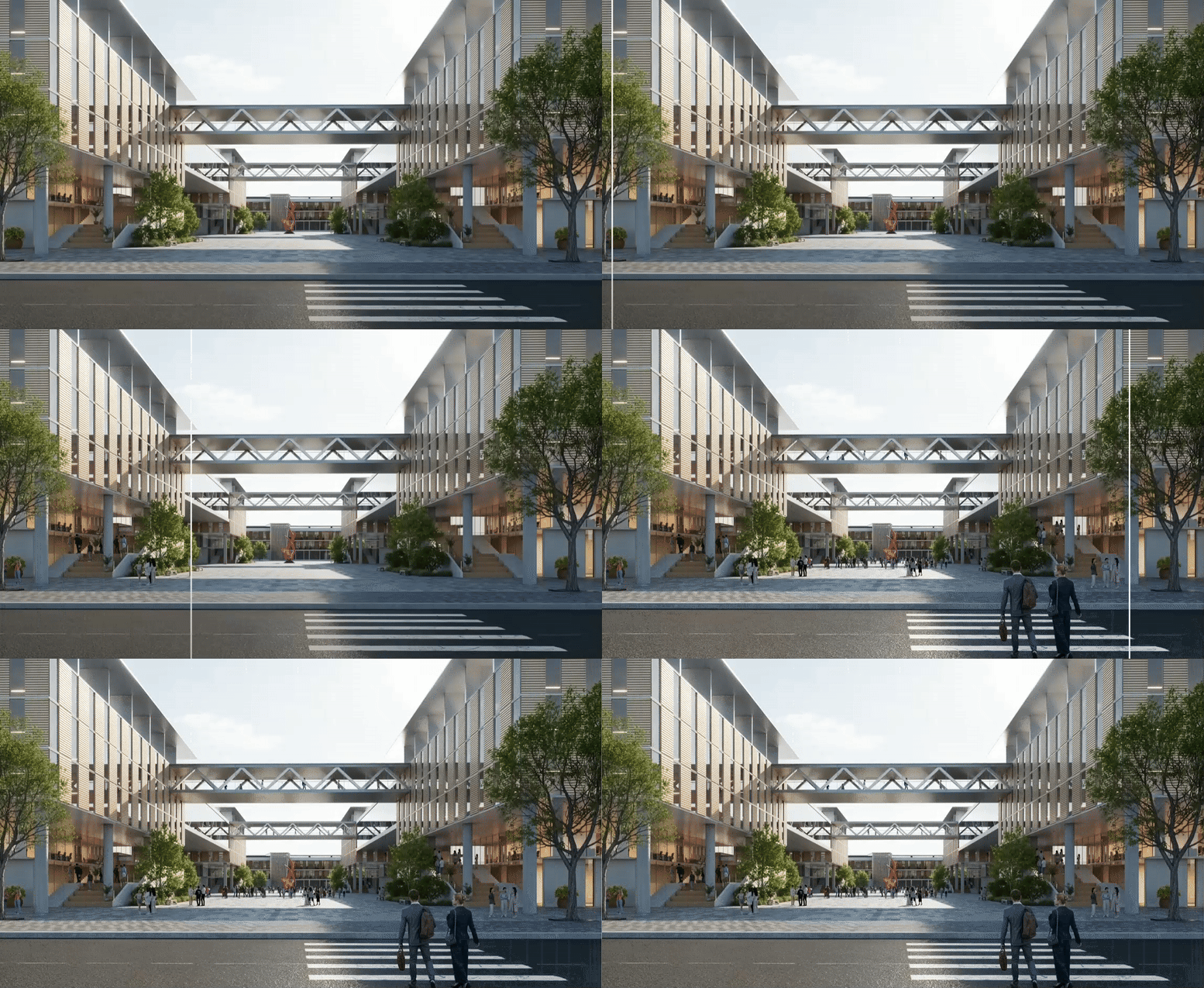
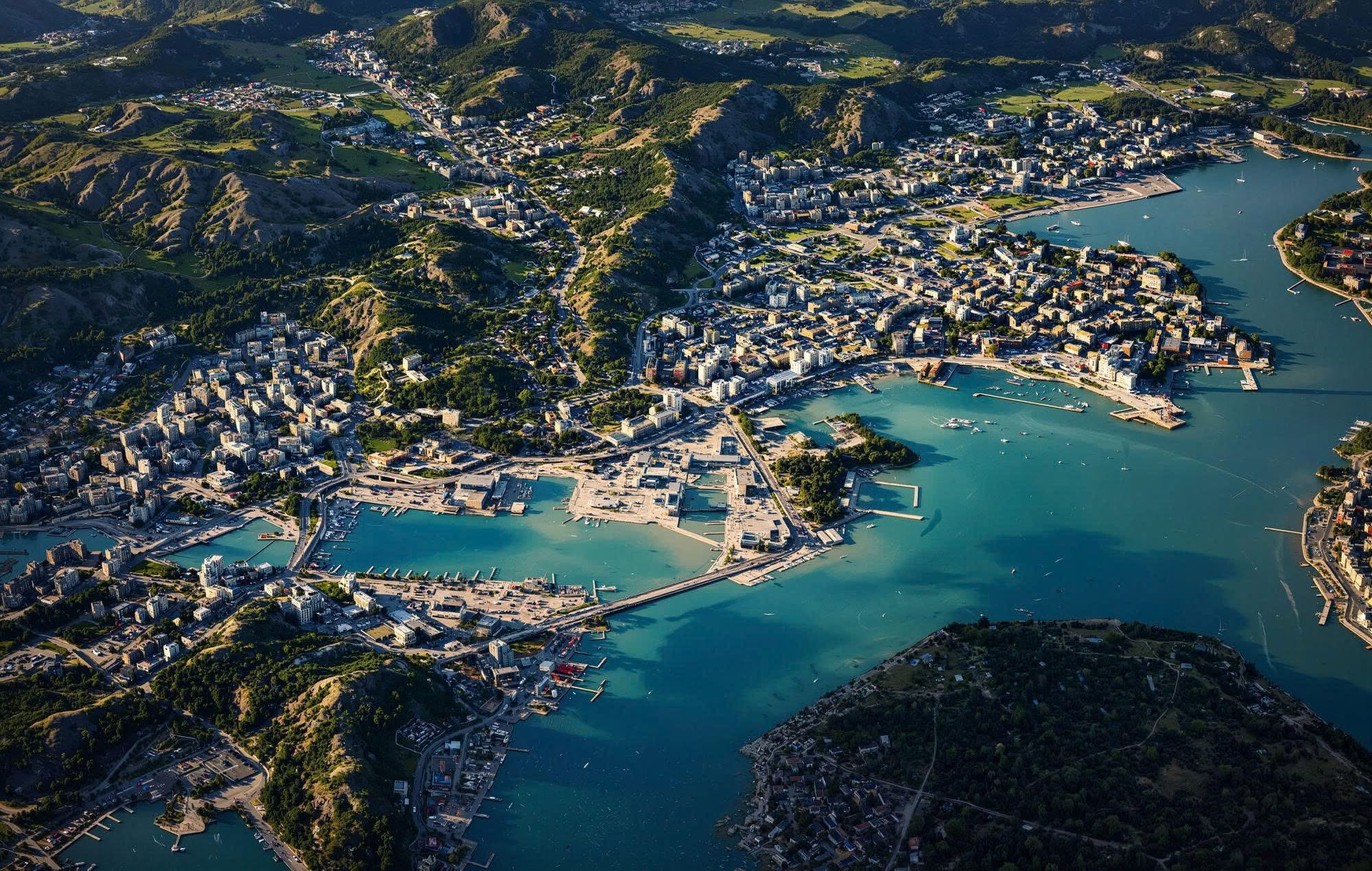
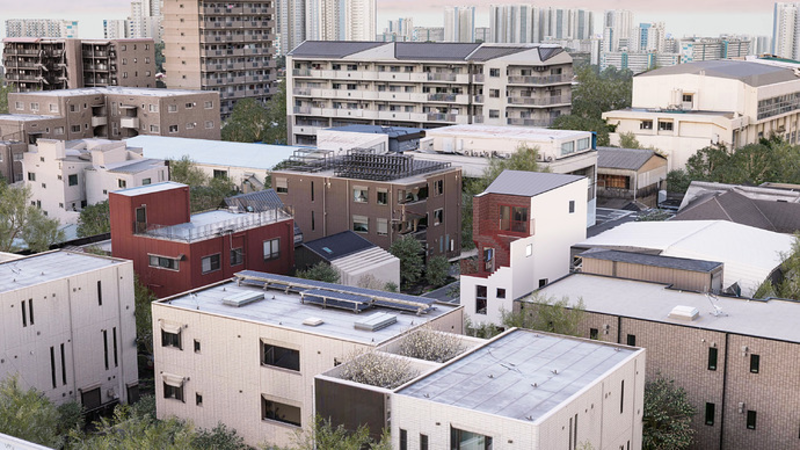
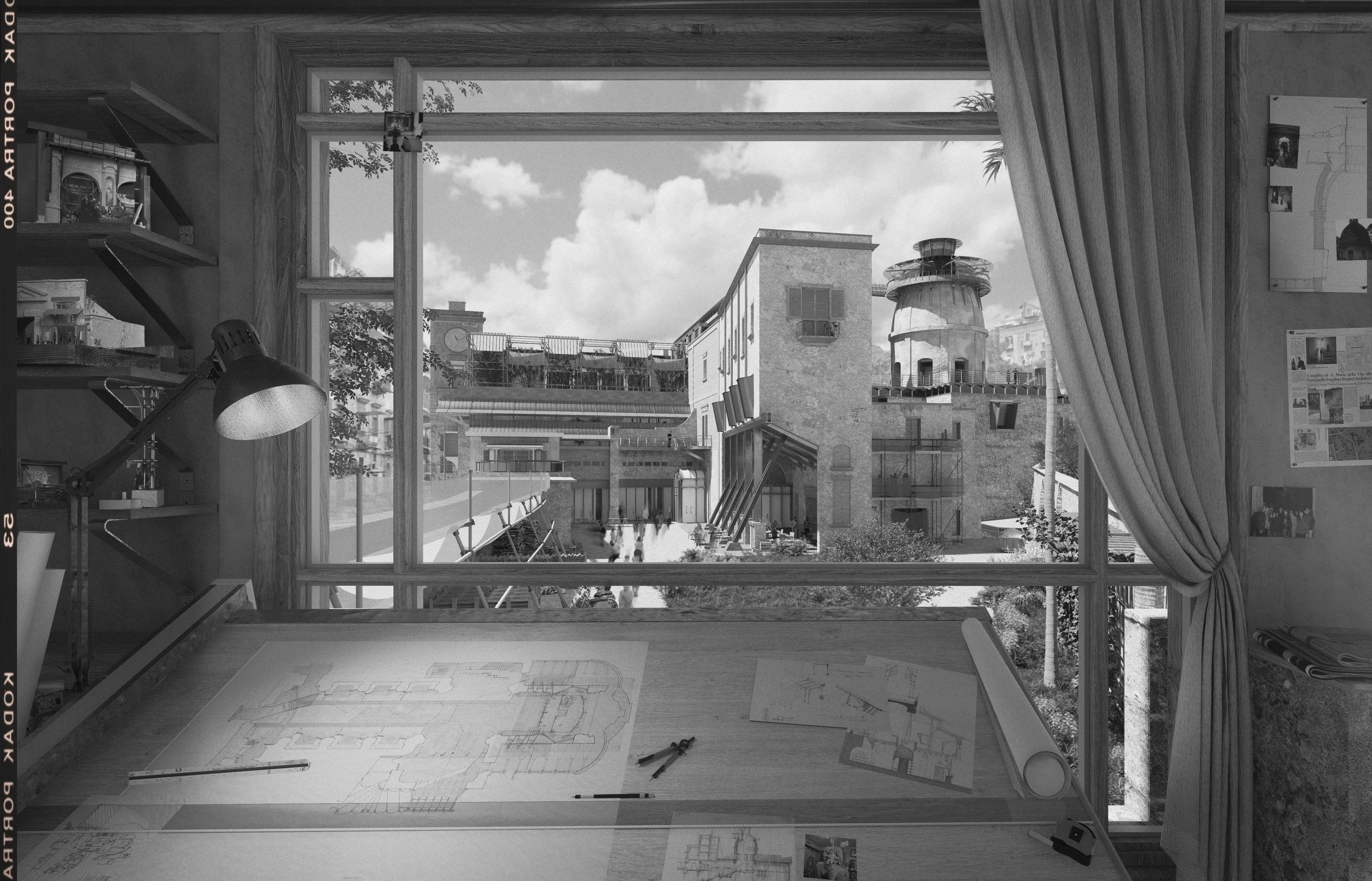
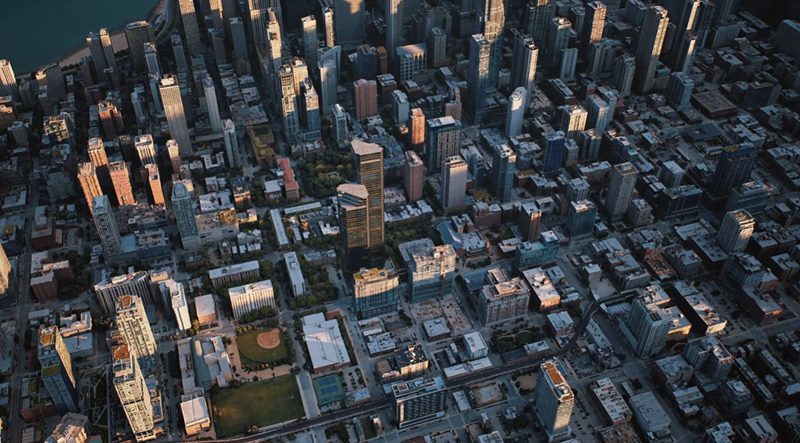
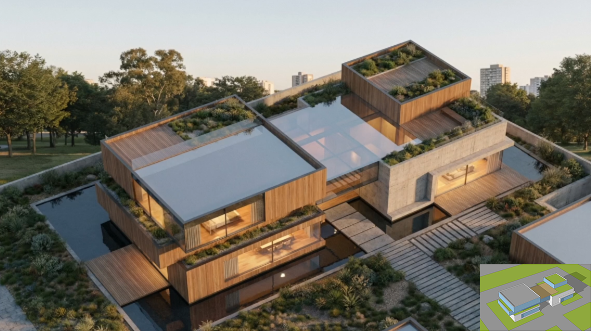
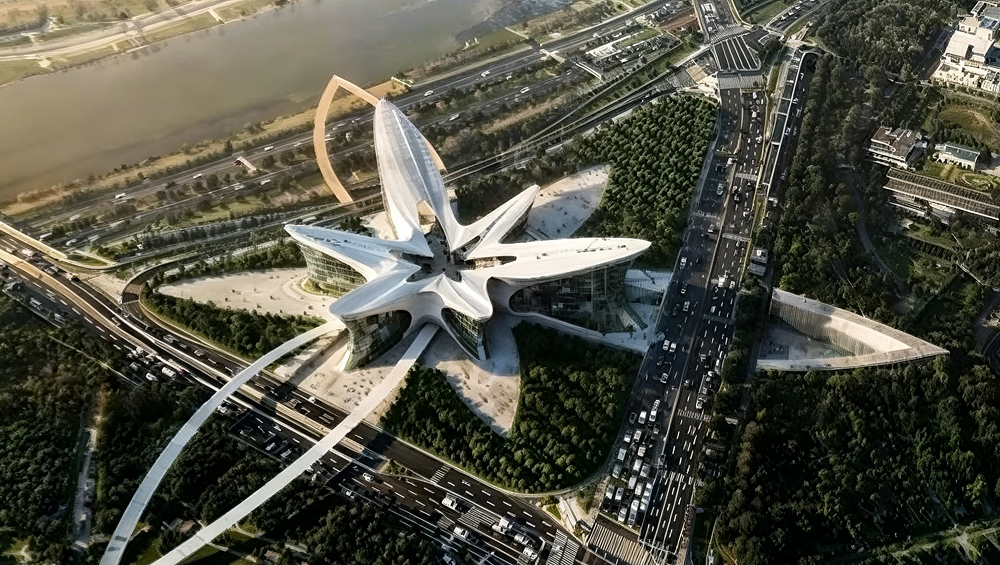
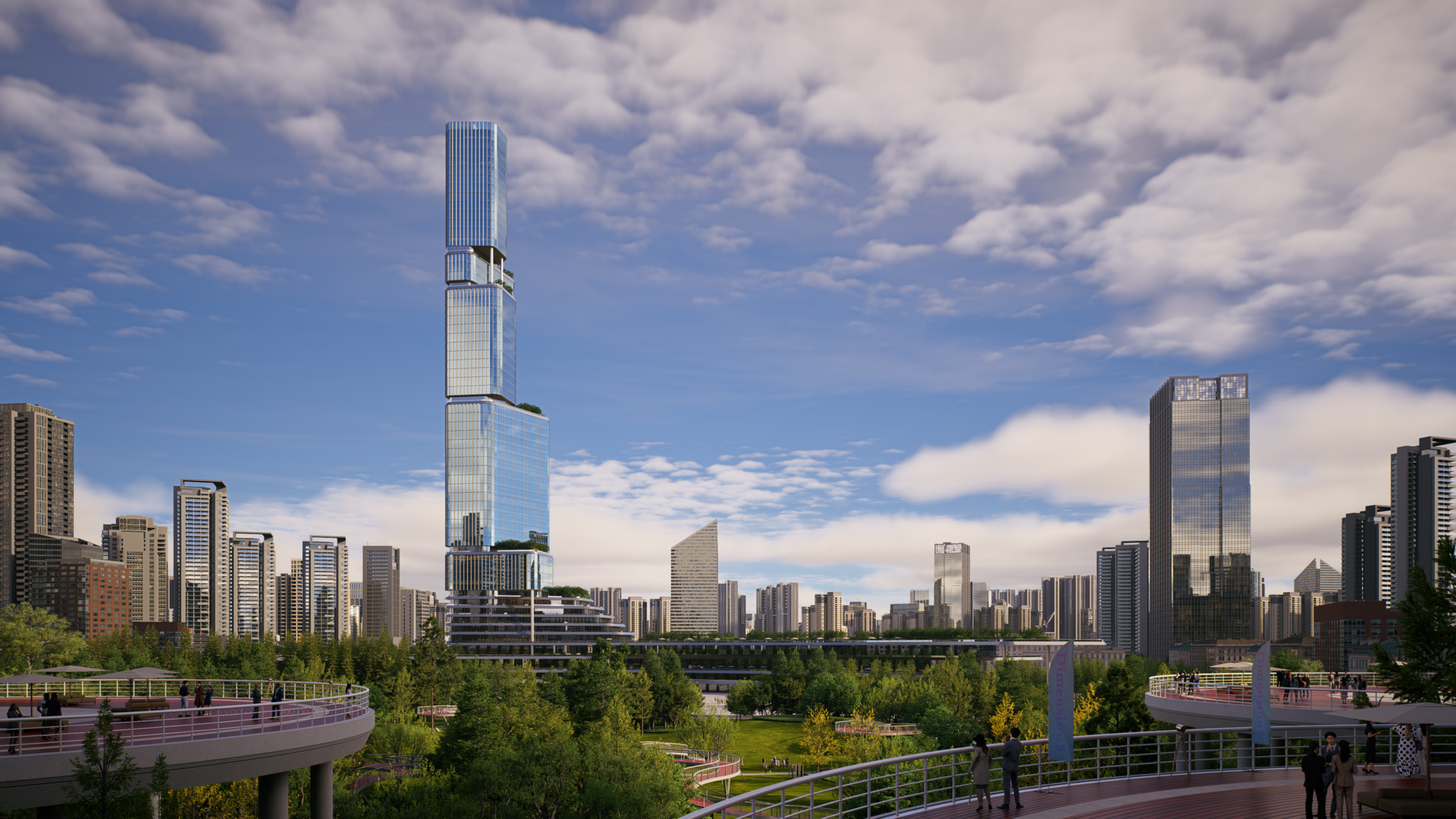
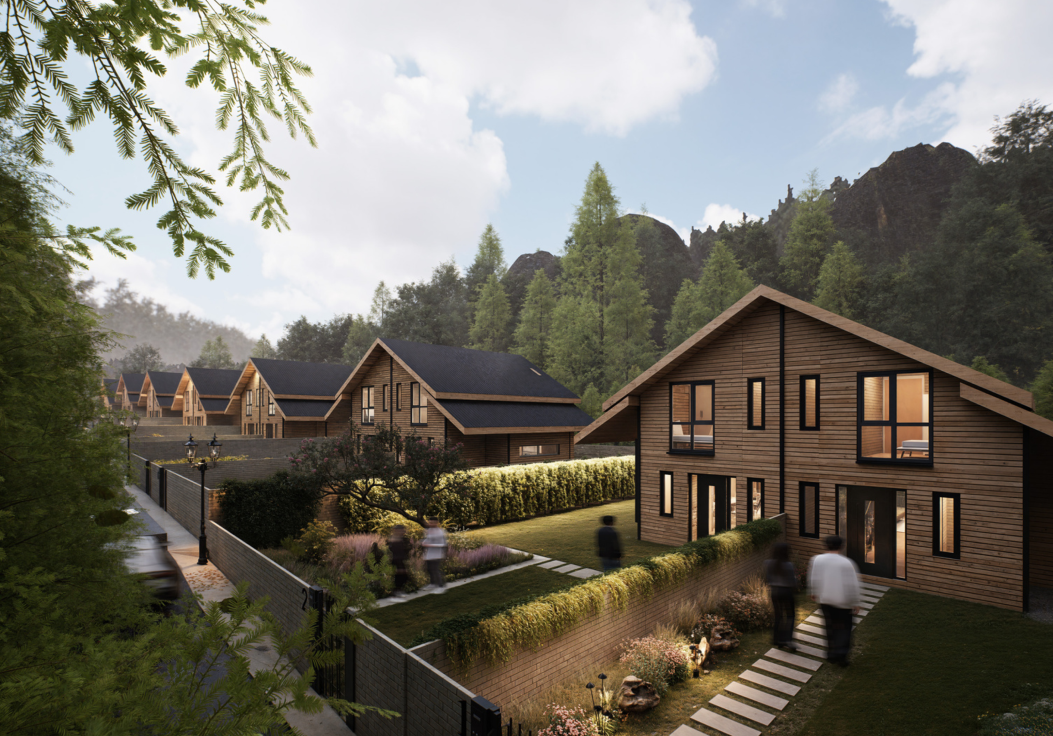
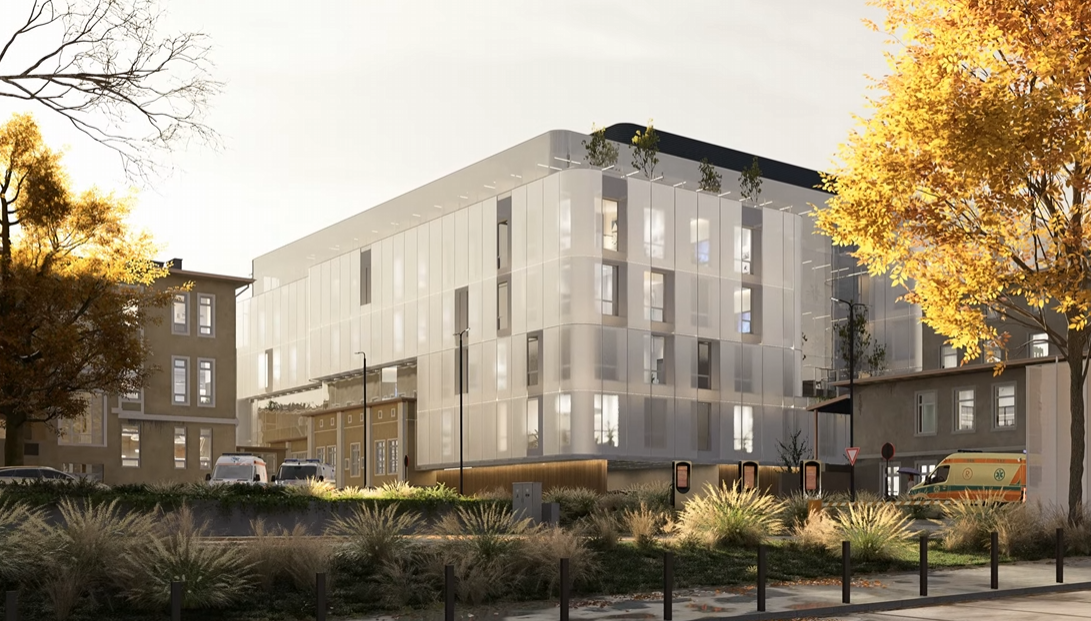
Designs don’t live in isolation — they exist within urban fabric. The City Generator in D5 Render allows architects and urban planners to import real‑world datasets from OpenStreetMap and GIS Shapefiles to generate accurate city contexts. This means massing, road networks, and surrounding building footprints can be visualized without manual modeling, giving immediate context to new designs. Procedural buildings further enhance this process by rapidly populating urban backdrops with stylized or accurate forms to support master planning, zoning studies, or impact visualization.

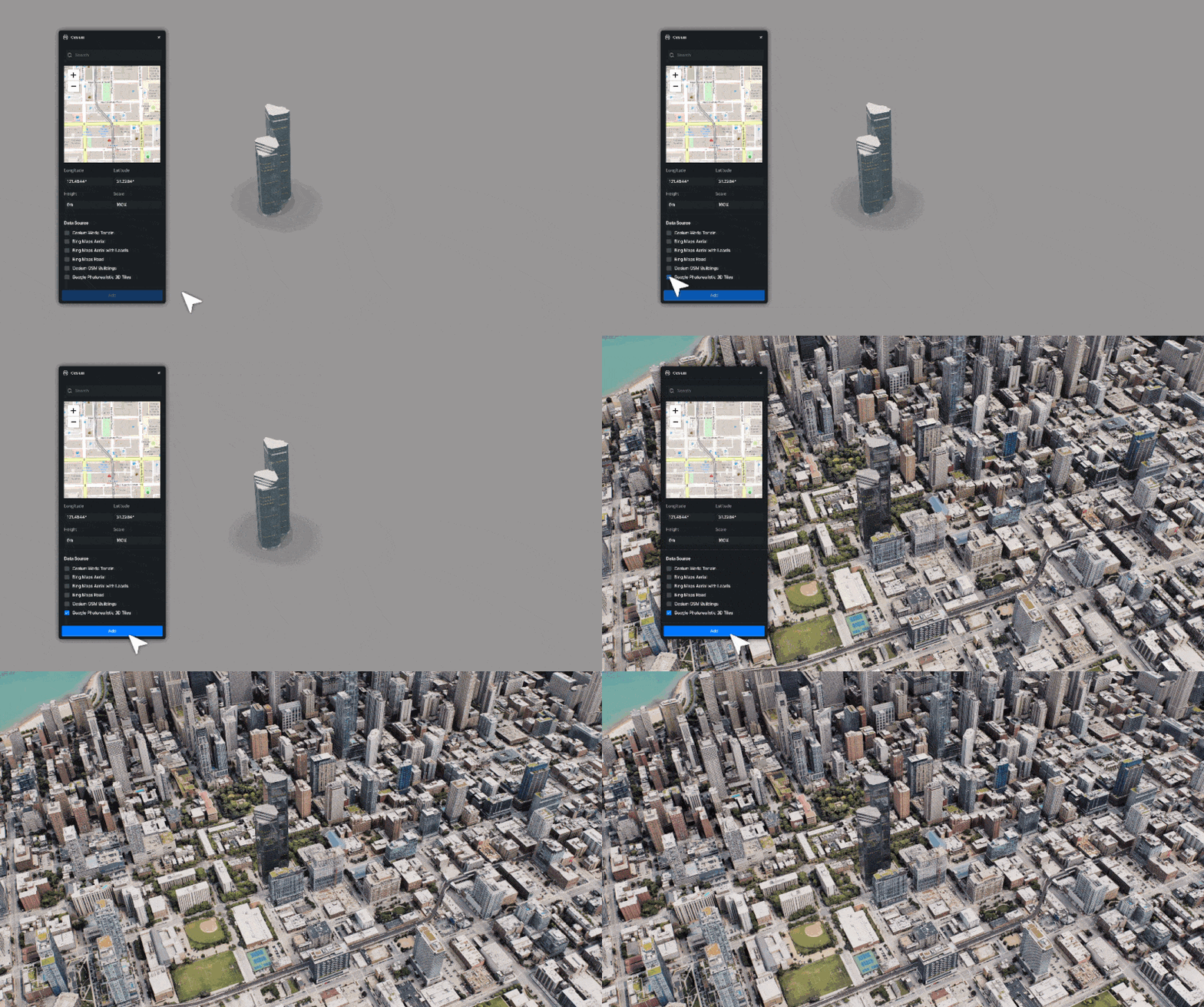
Integrations with geospatial tools like Cesium allow even larger datasets to ground models in their real geospatial locations, broadening the scale at which environment design is practical within the same software environment.
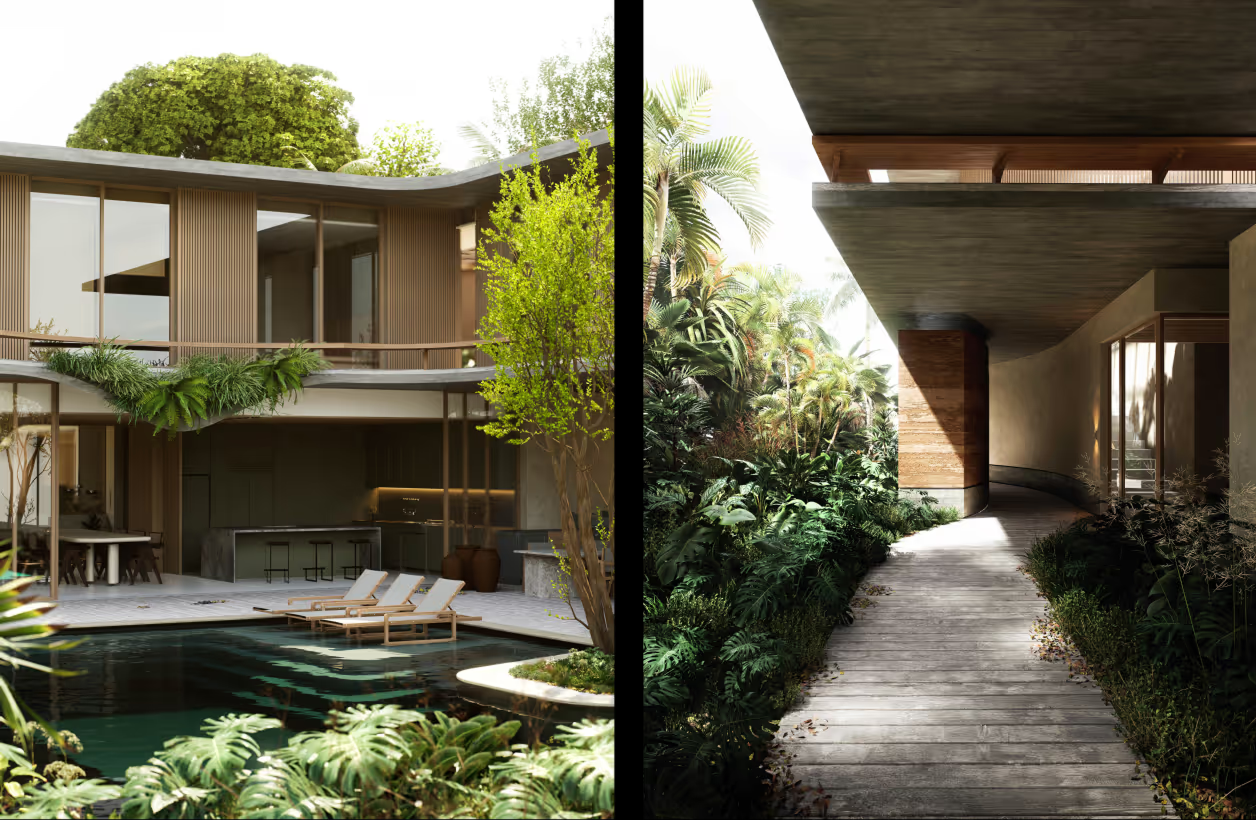
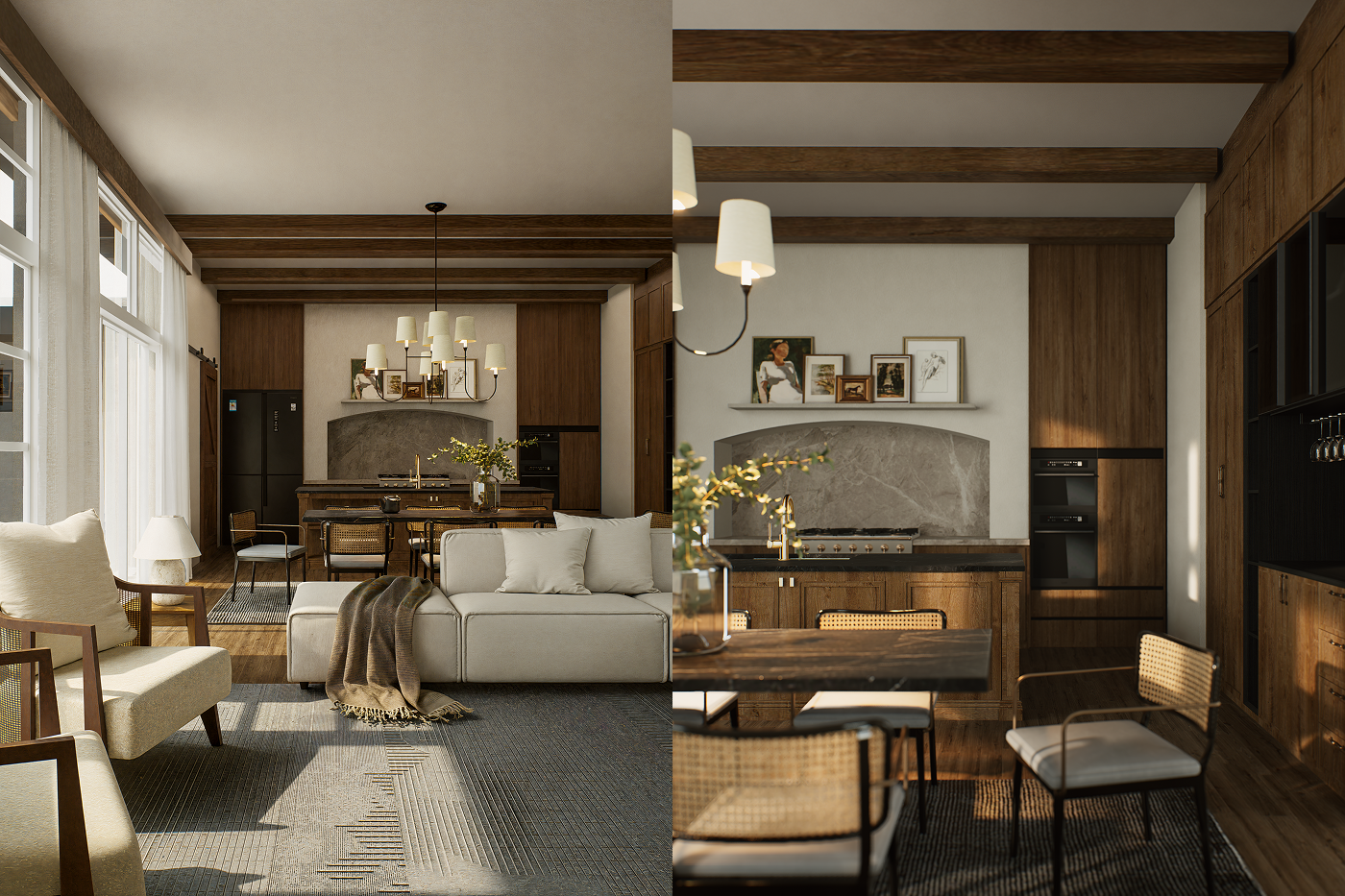
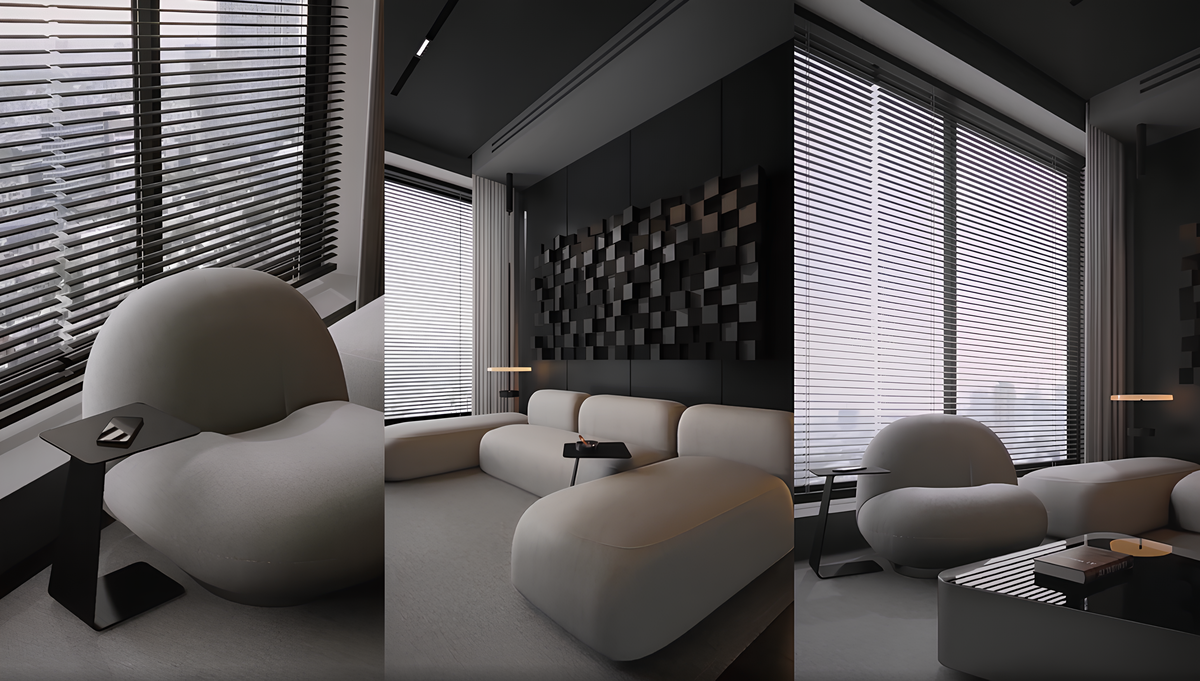
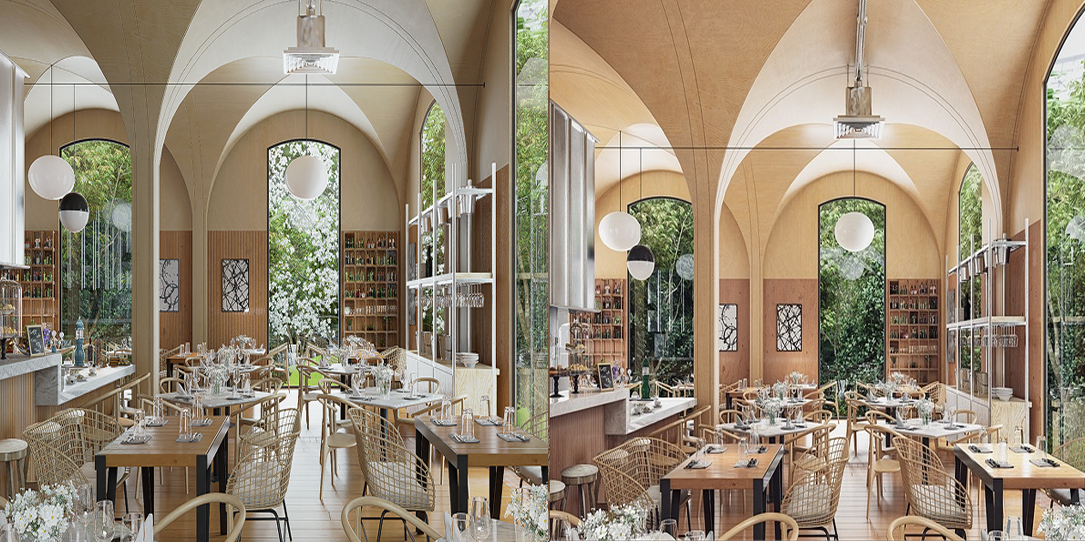
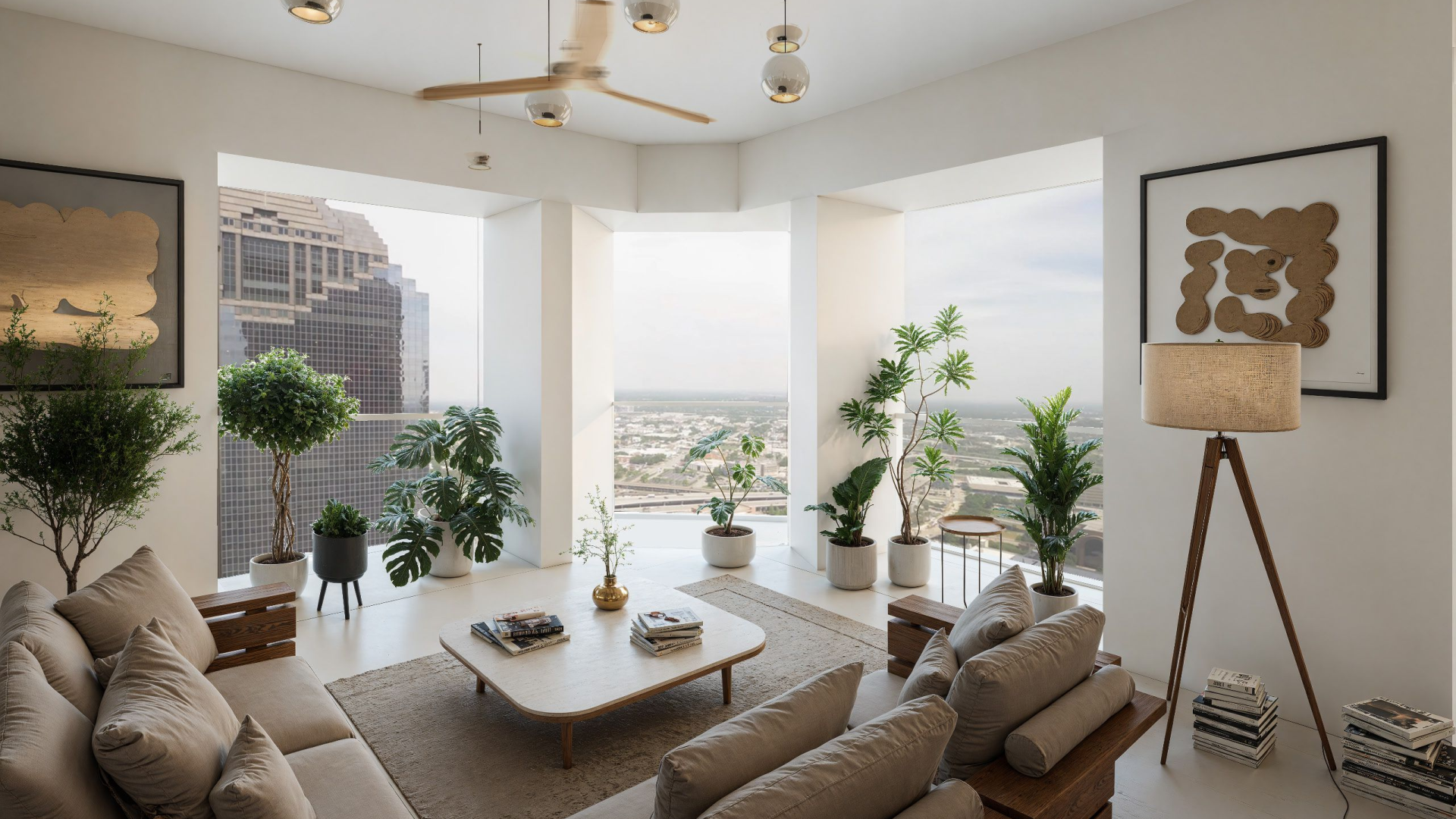
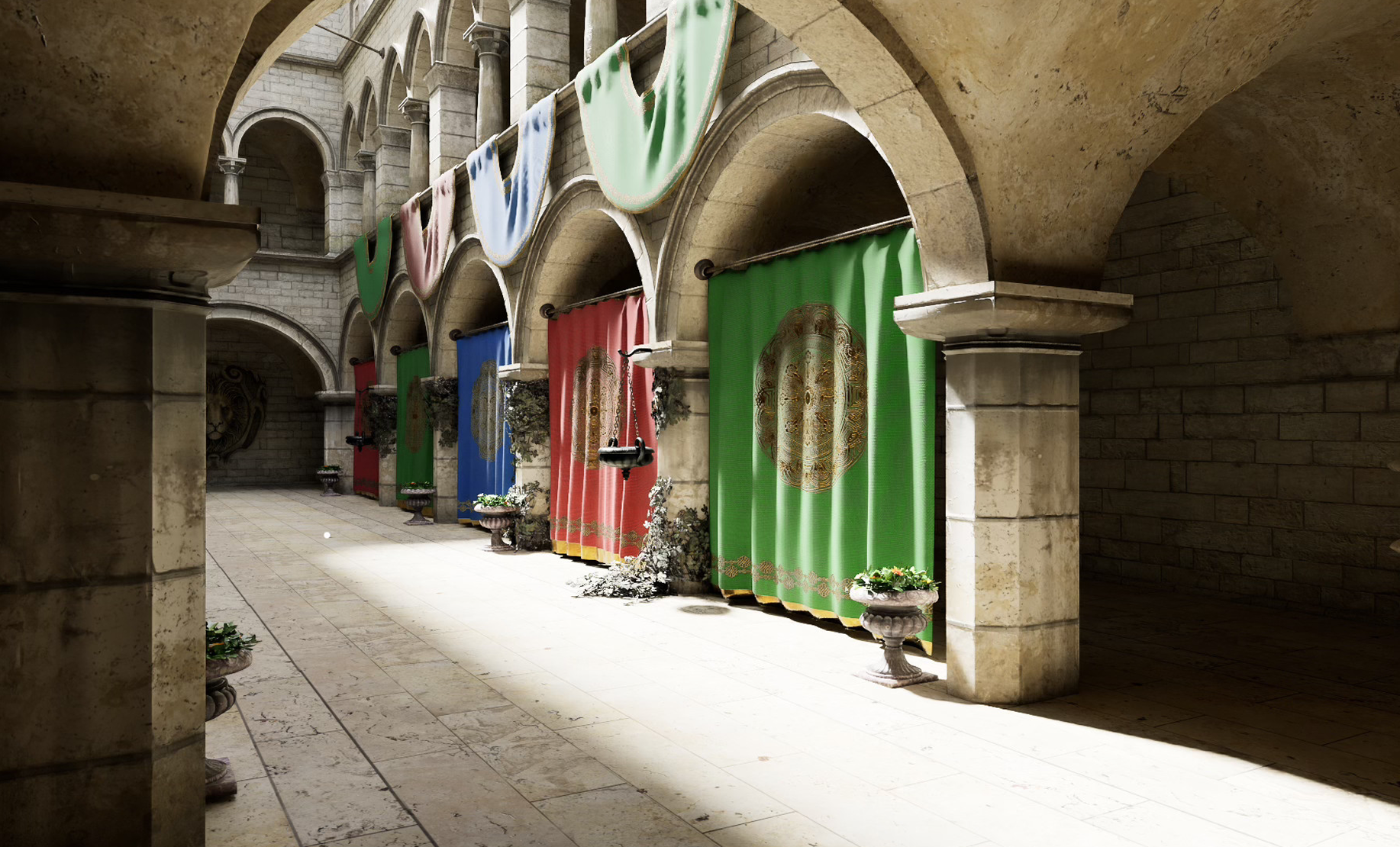
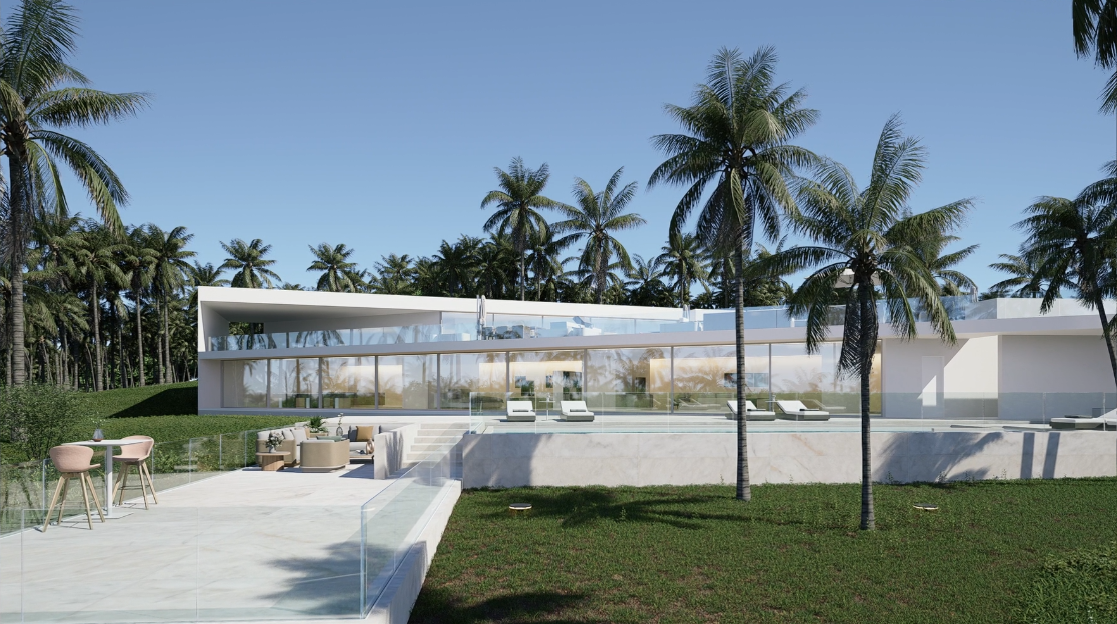
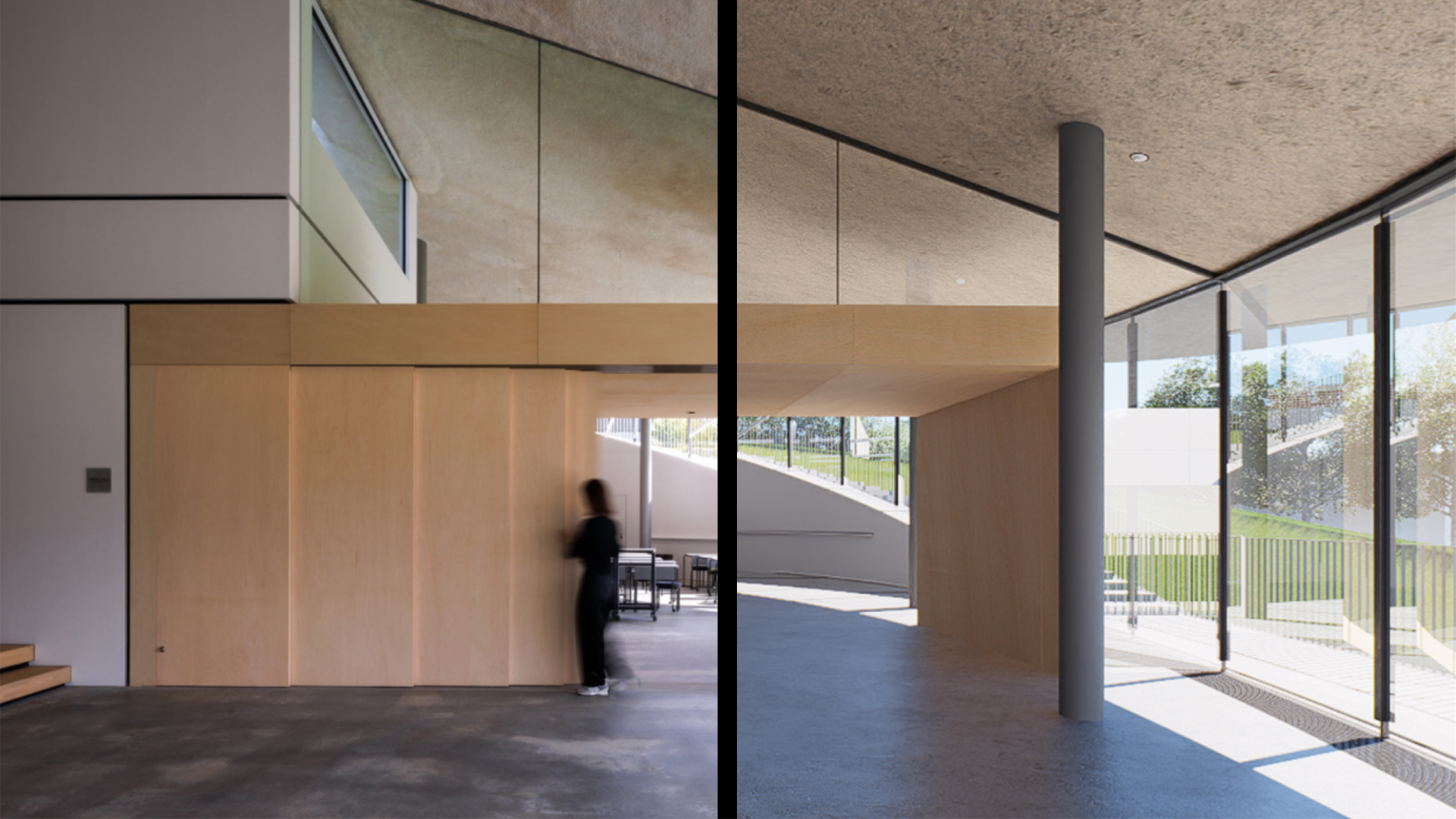
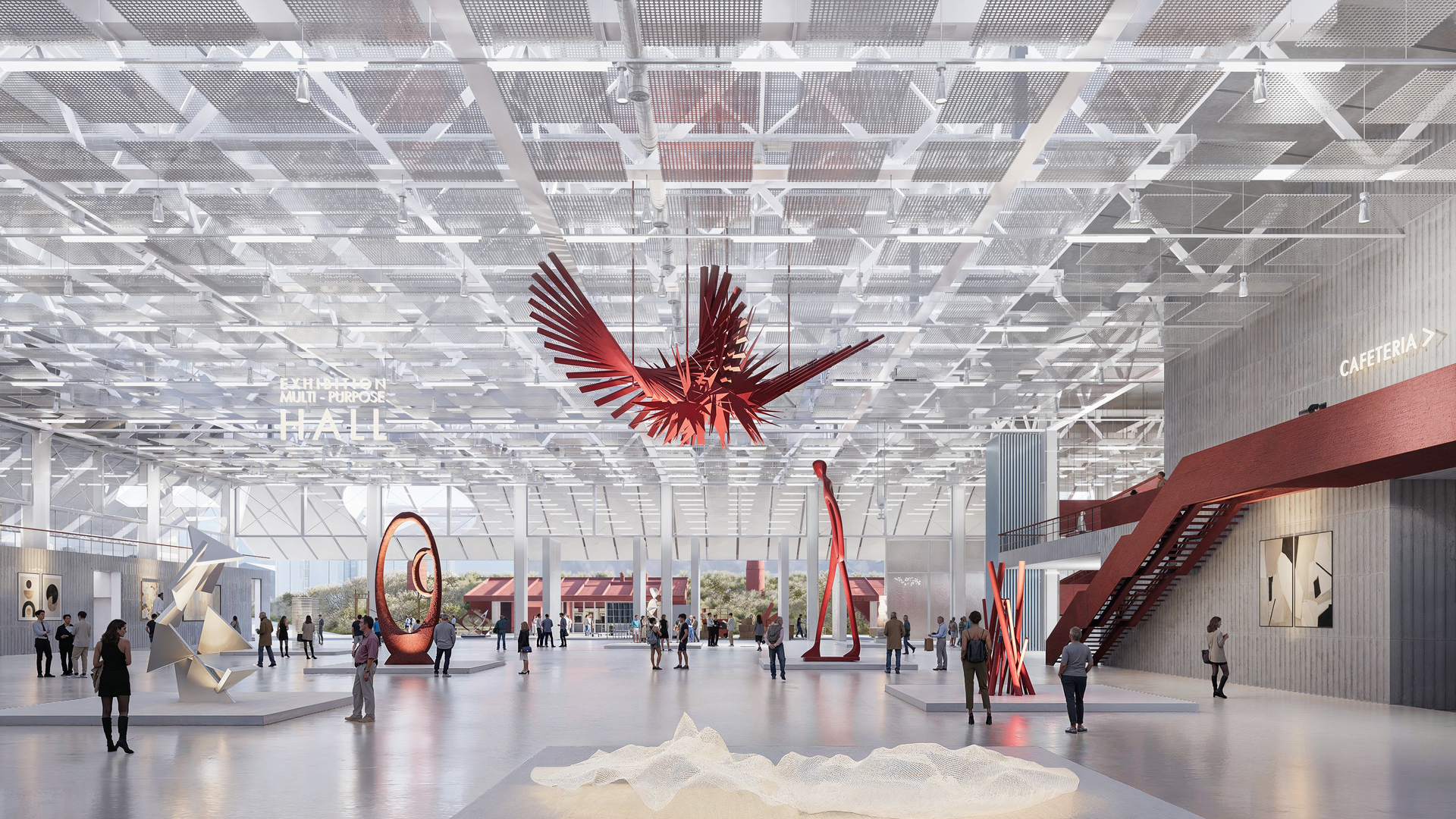
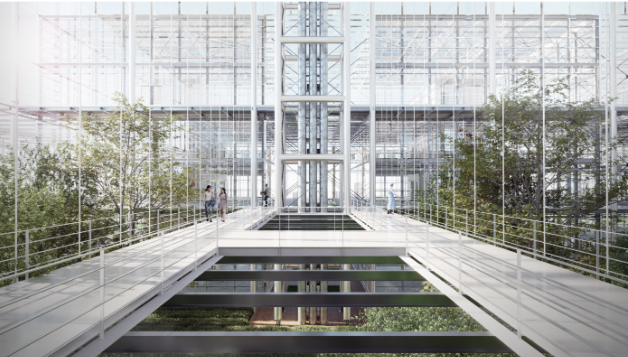
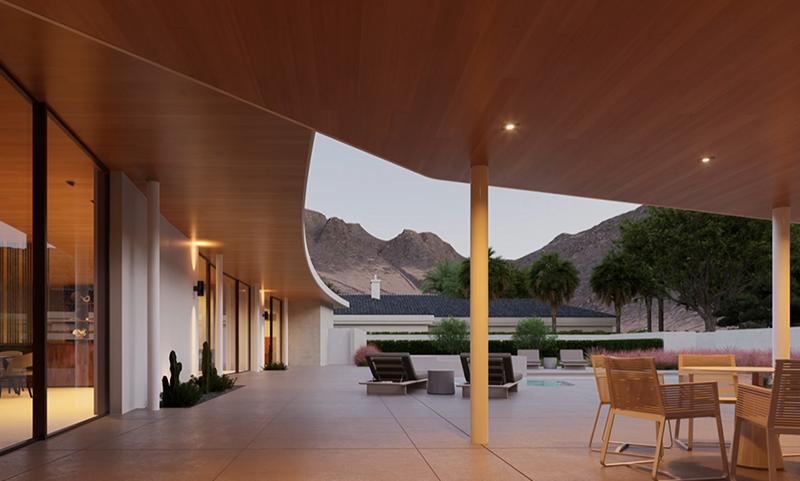
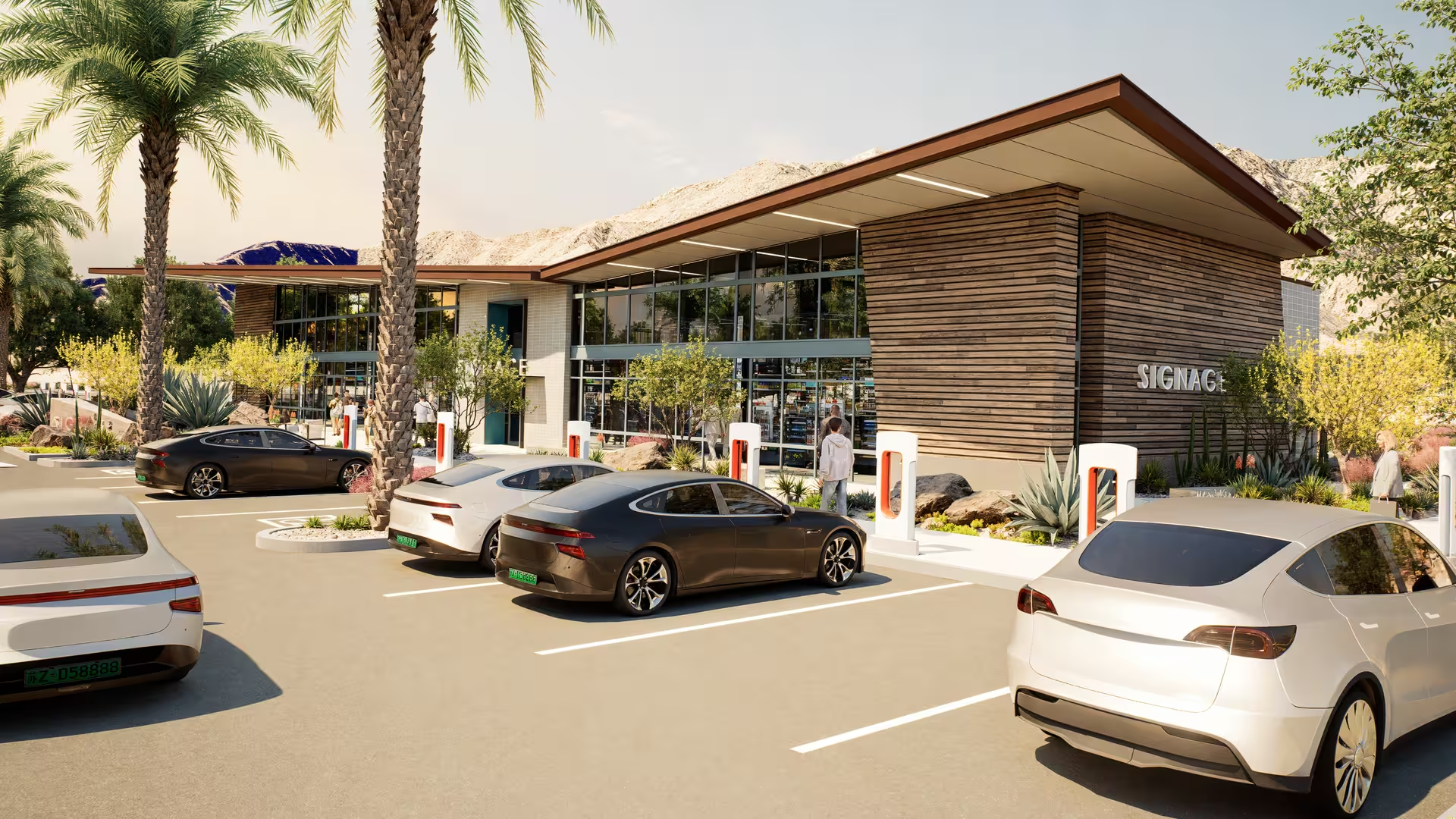
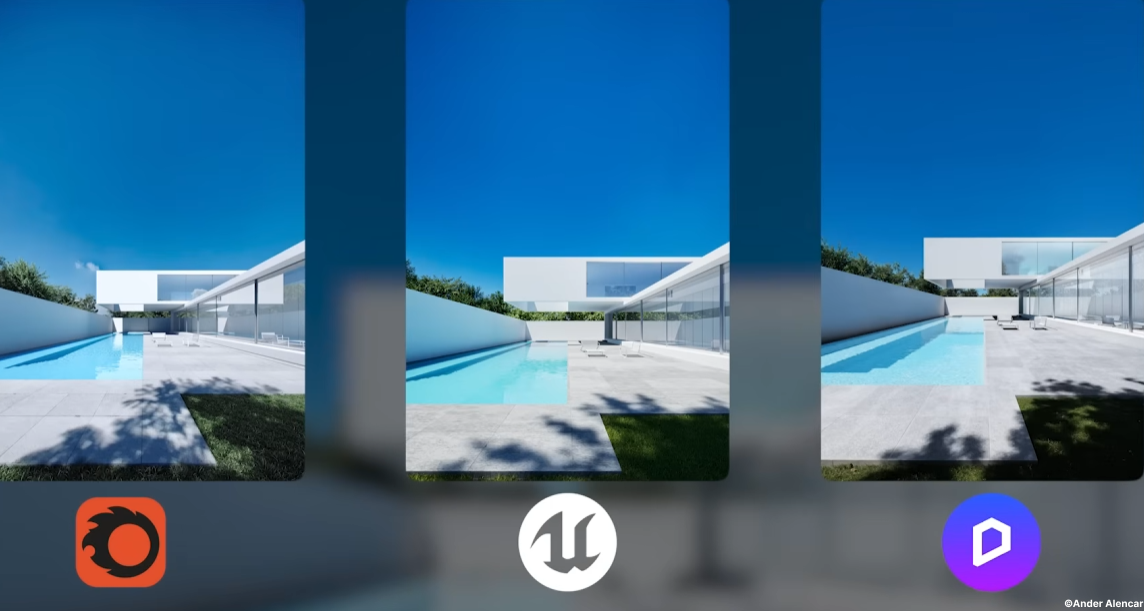
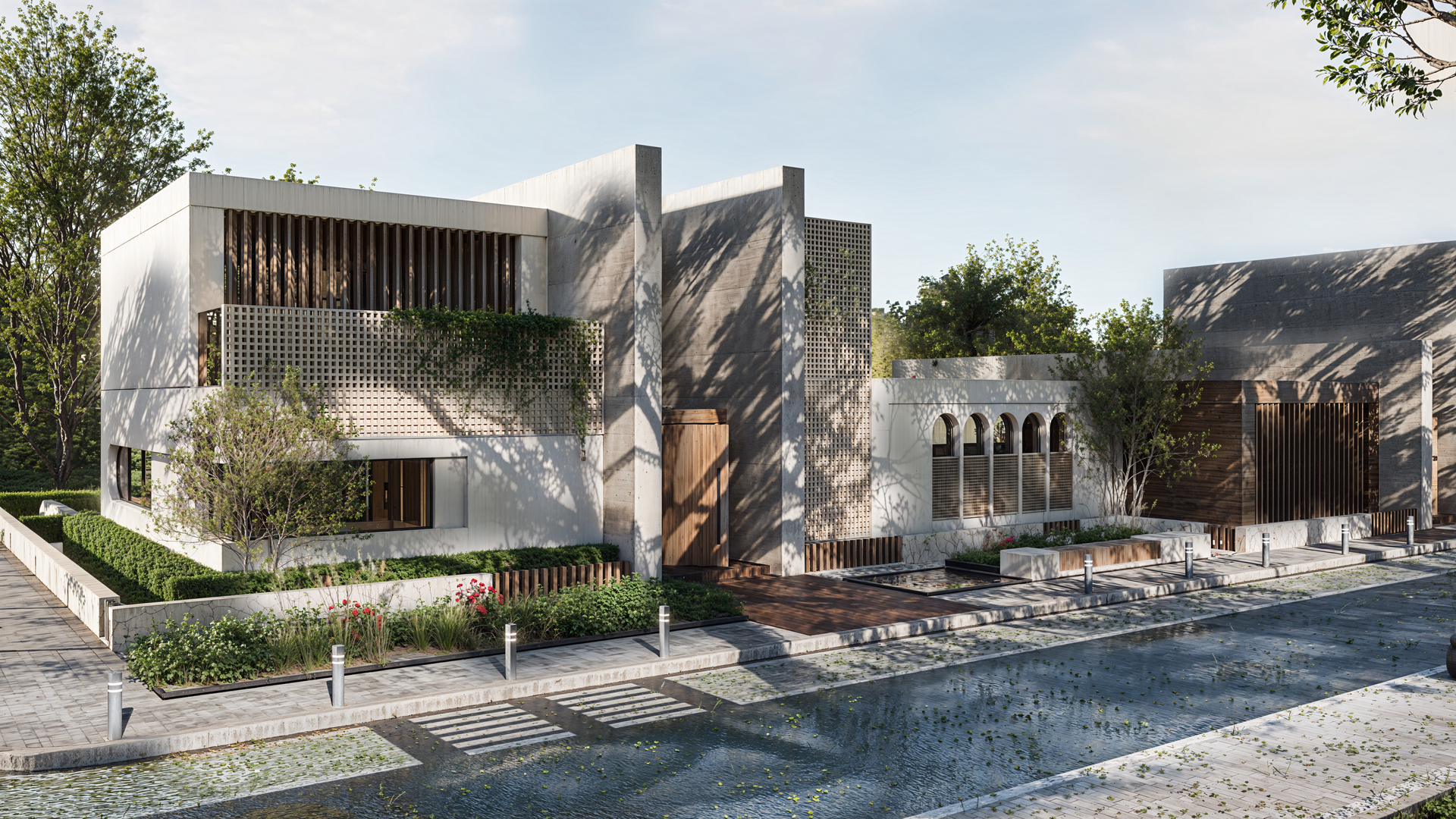
Combined with D5’s real-time path tracing system, these large-scale urban contexts are lit with physically accurate global illumination, delivering natural light interaction, coherent shadows, and realistic reflections across buildings, terrain, and vegetation—without the need for offline rendering or post-processing.
Also read: How to Use Cesium in D5 Render for 3D Mapping (3 Steps)
Towards a Seamless, Integrated Environment Design Workflow
Designing 3D environments for architectural visualization is no longer a series of disconnected tasks. With D5 Render’s latest feature set — spanning atmospheric systems, dynamic water, terrain and vegetation, AI‑assisted setup, urban data integration, and real‑time physically based lighting — designers can operate within a single, integrated pipeline.
This evolution empowers architects and planners to move from early concept studies to high‑fidelity presentation in less time, with higher precision and clearer communication of spatial intent. Rather than treating environment design as an optional enhancement, D5 Render positions it as a central pillar of the visualization workflow — one that supports iterative design, informs decisions, and elevates storytelling without technical compromise.


.png)
.png)




.jpg)




.png)
1%20(2).png)




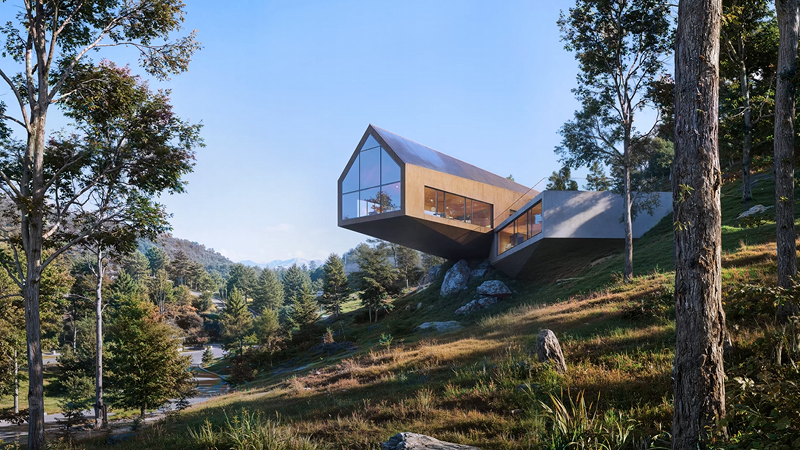
%20(1).png)
.png)
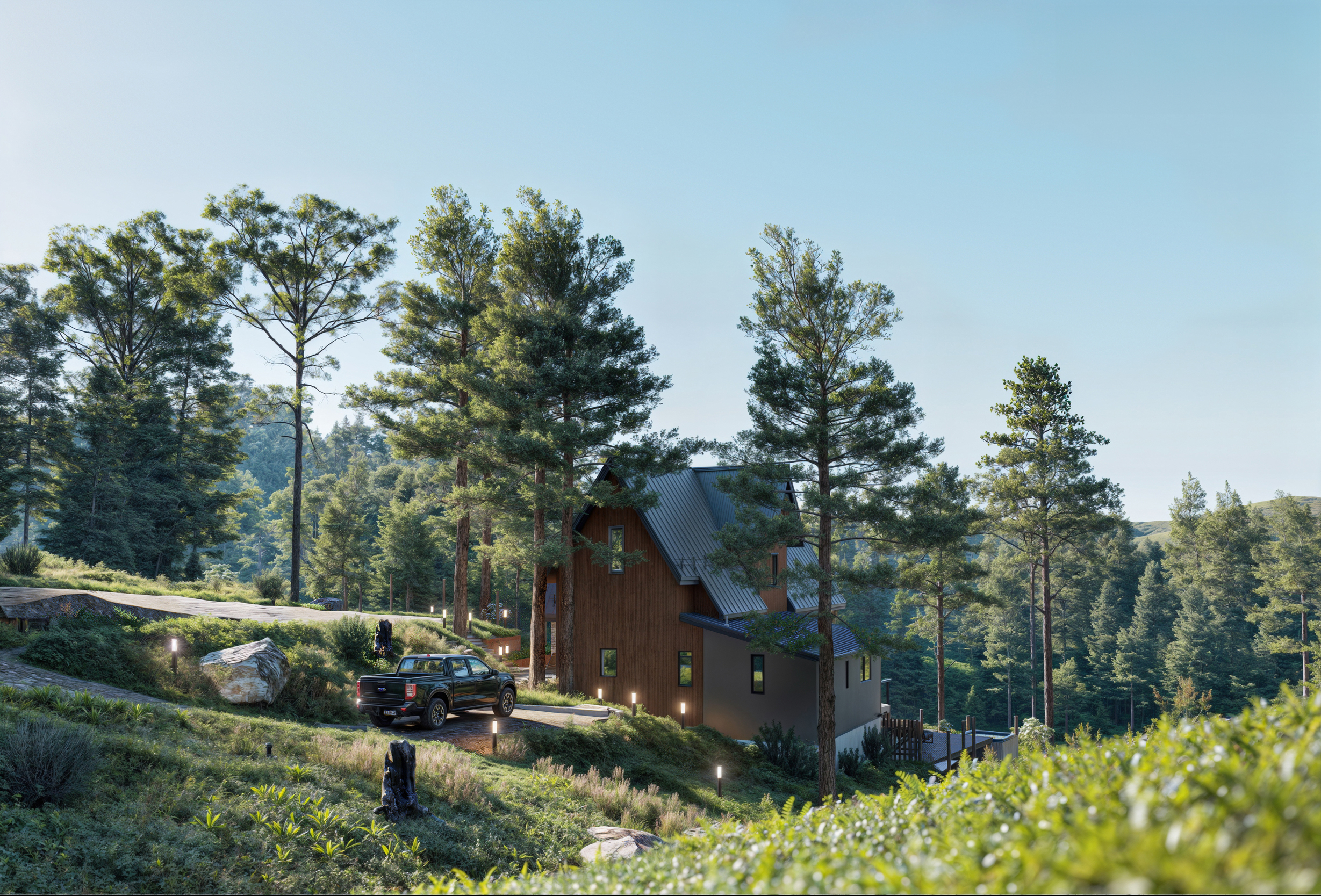
.png)