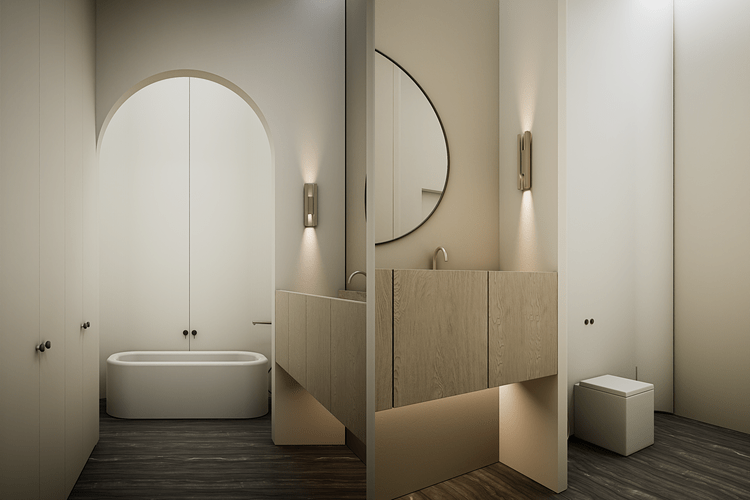
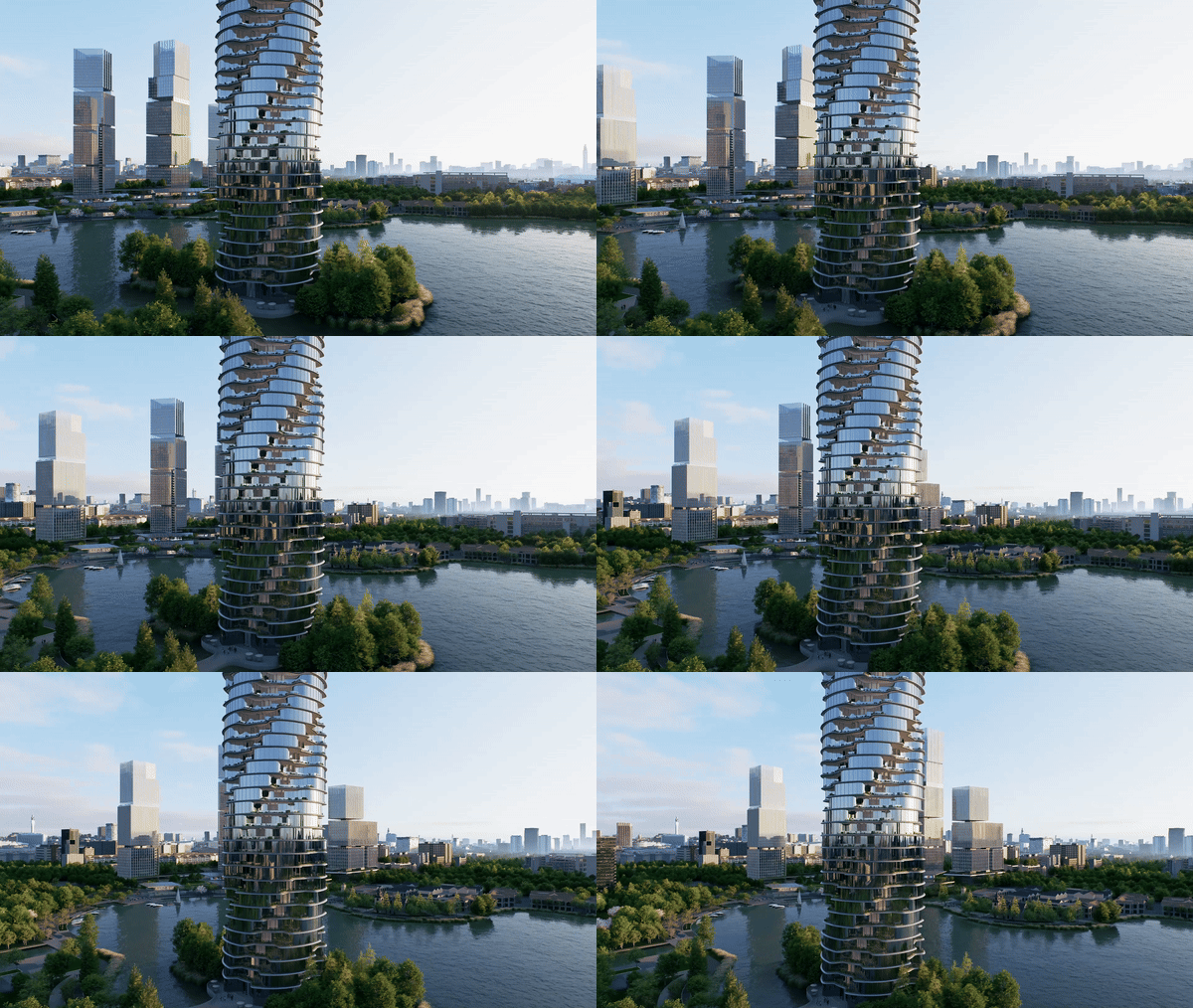
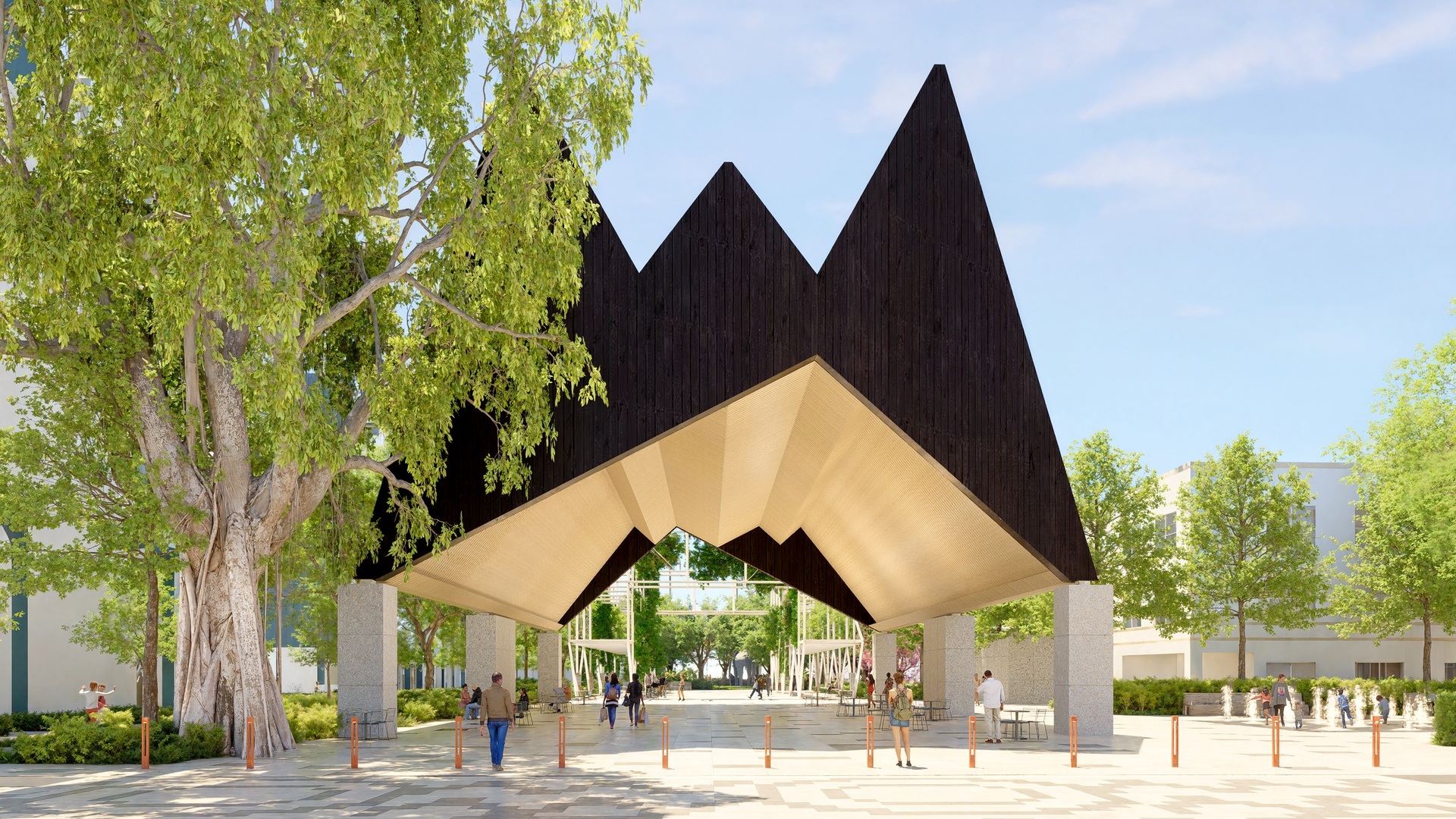
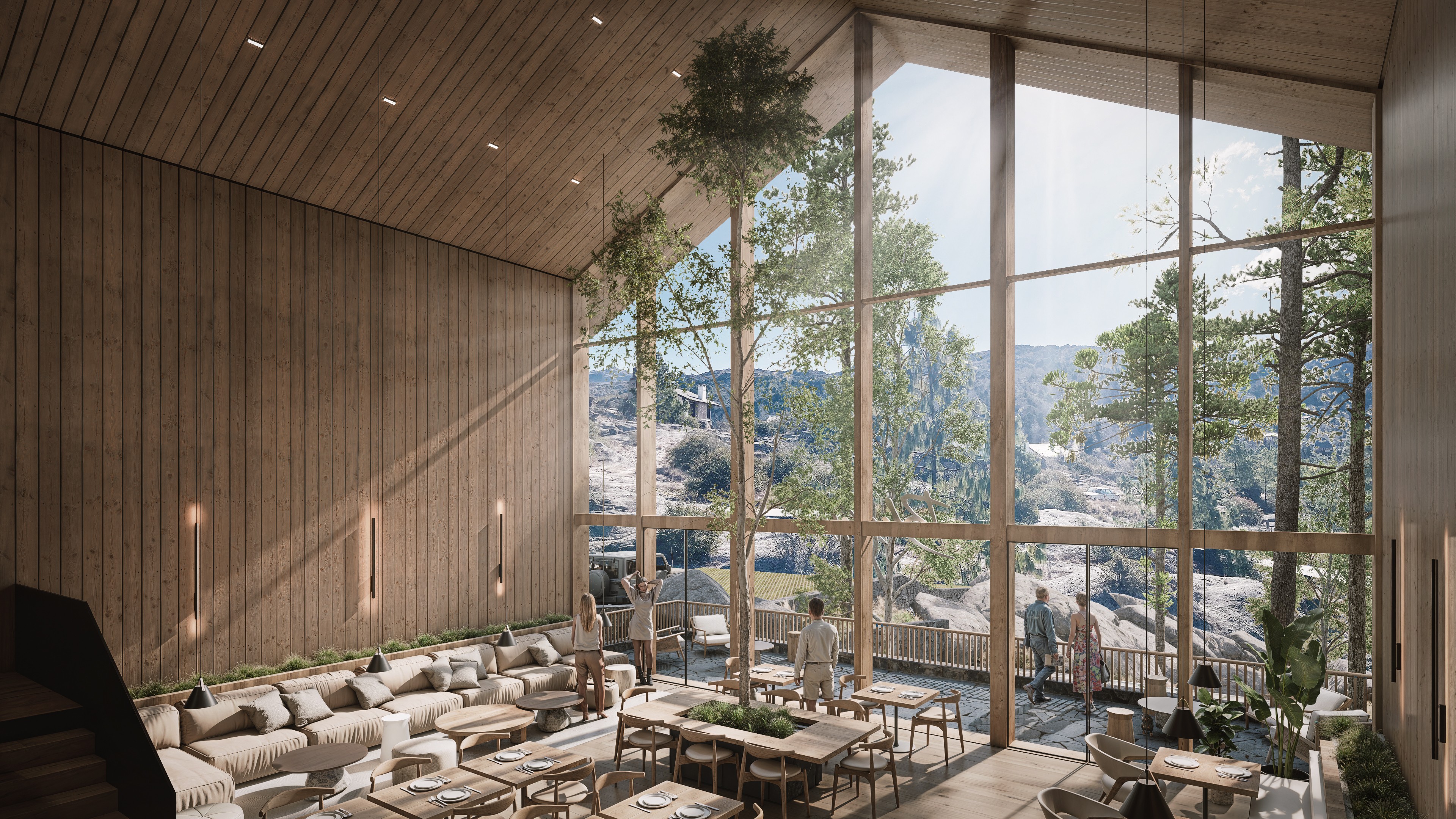
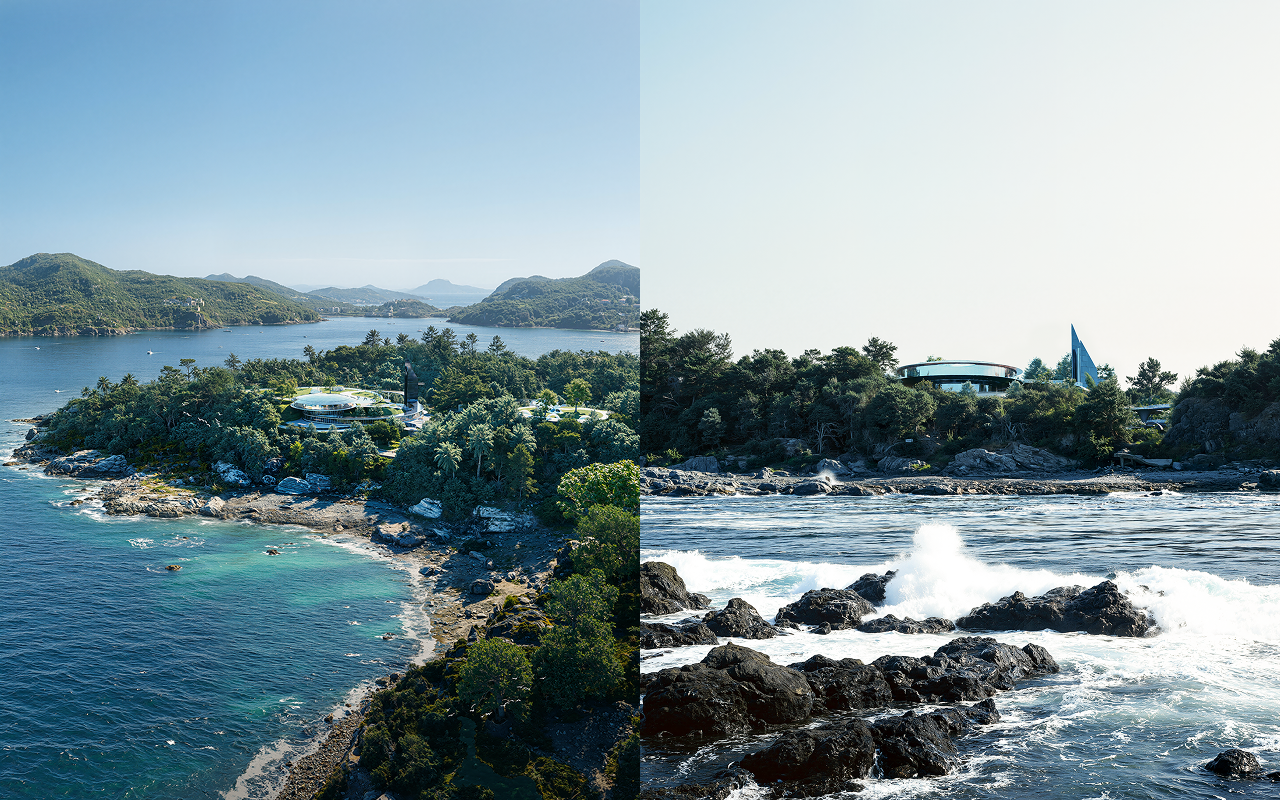
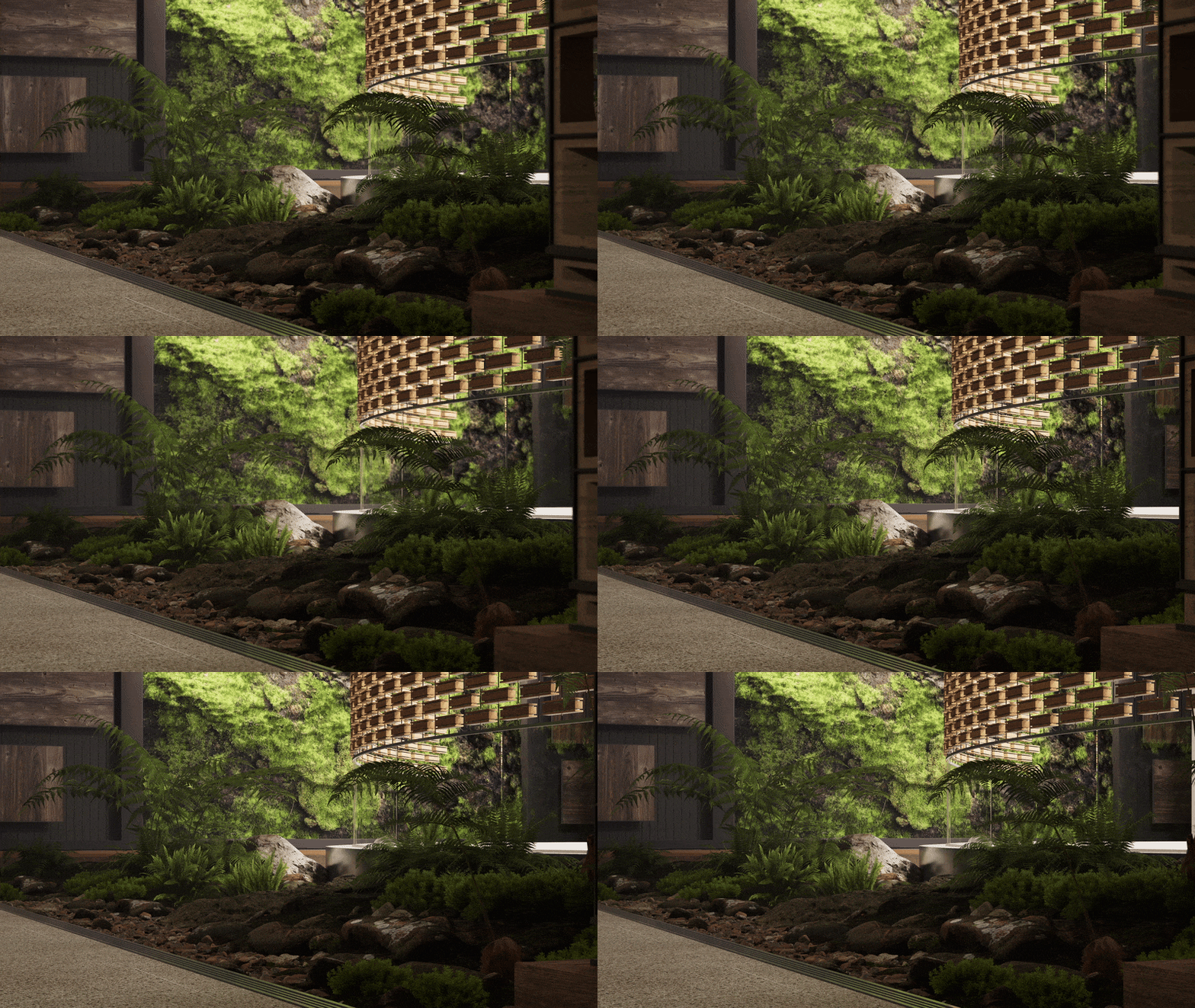
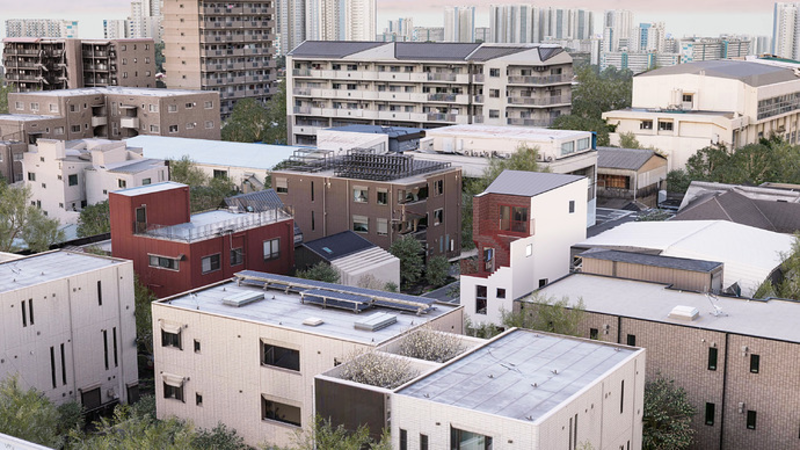
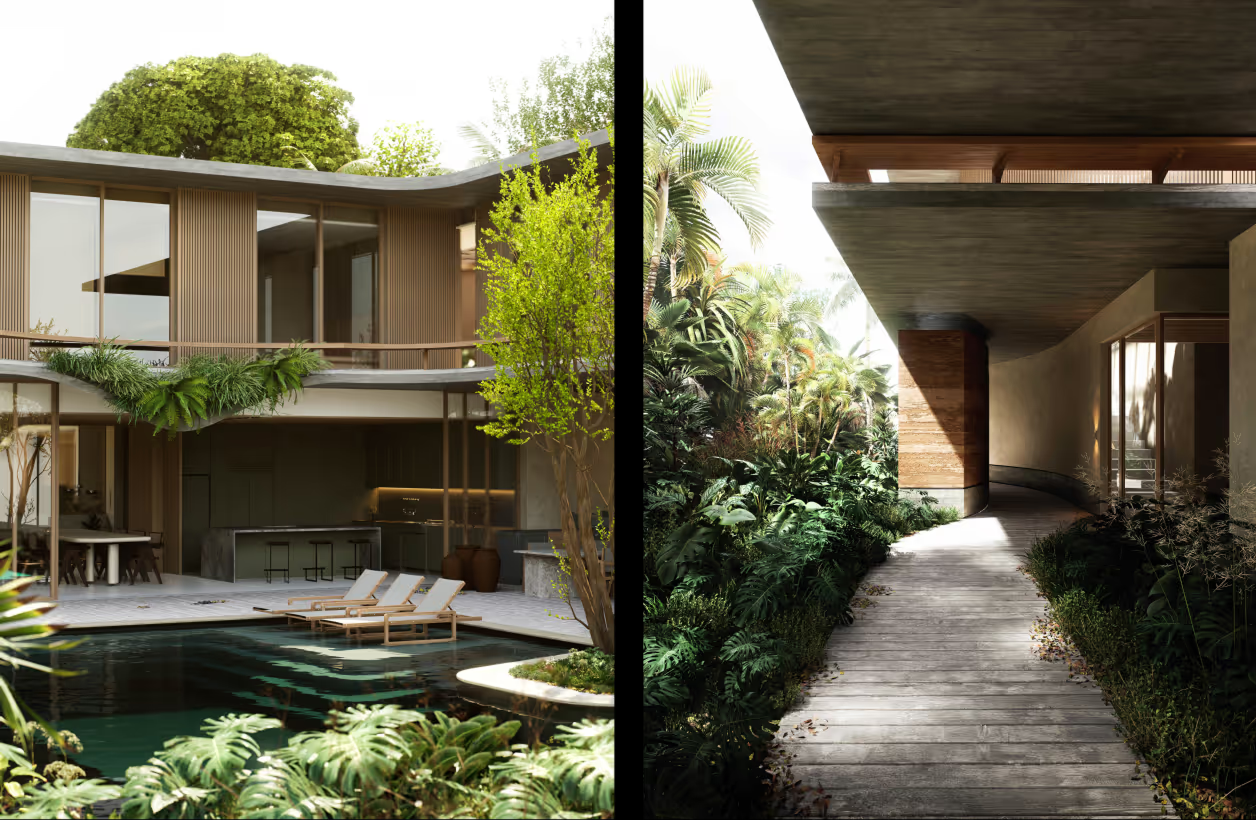
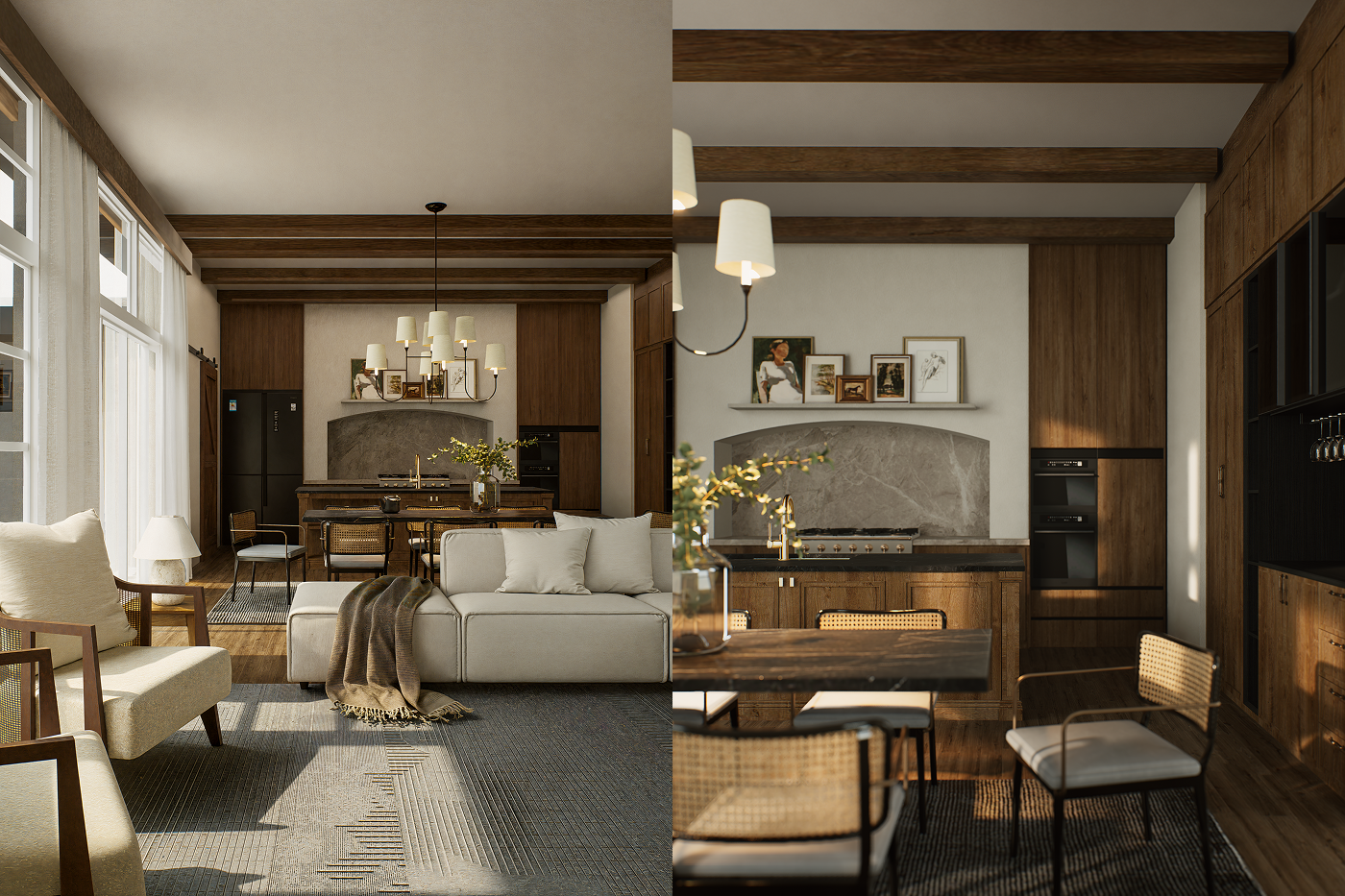
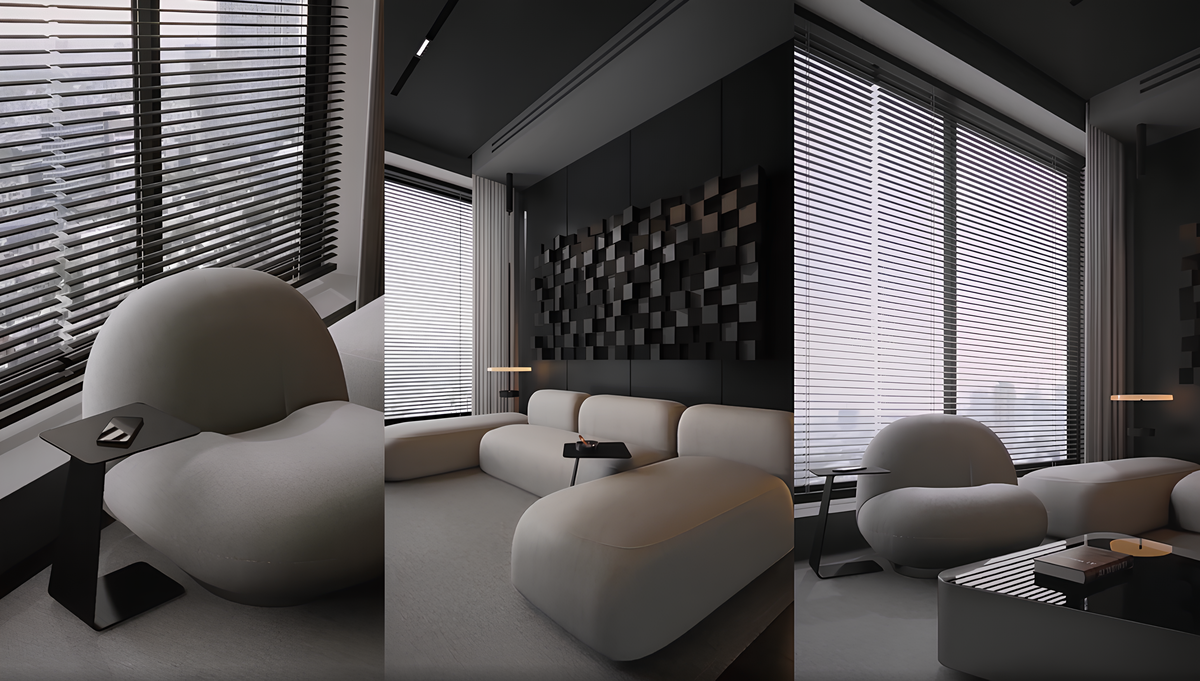
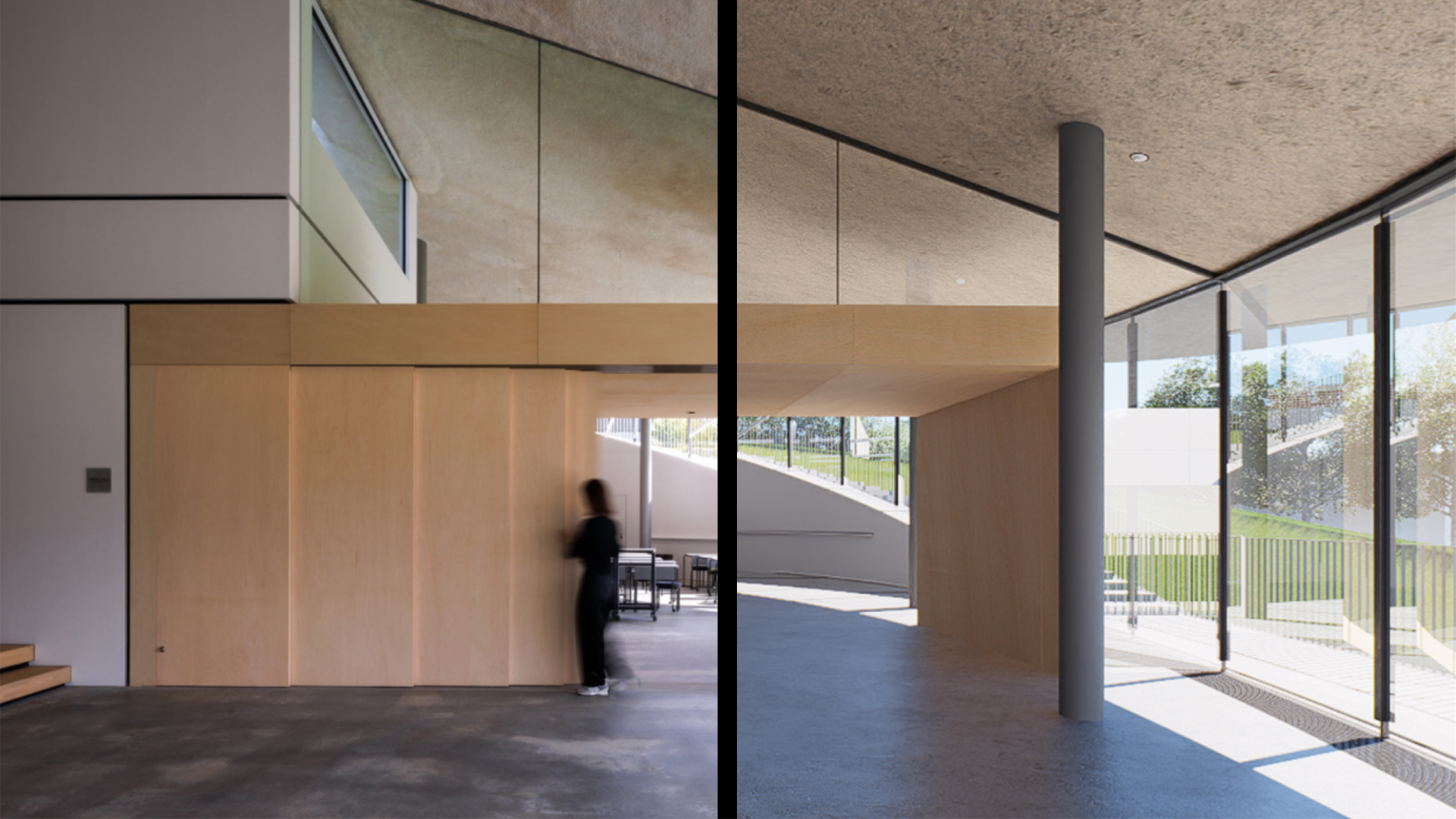
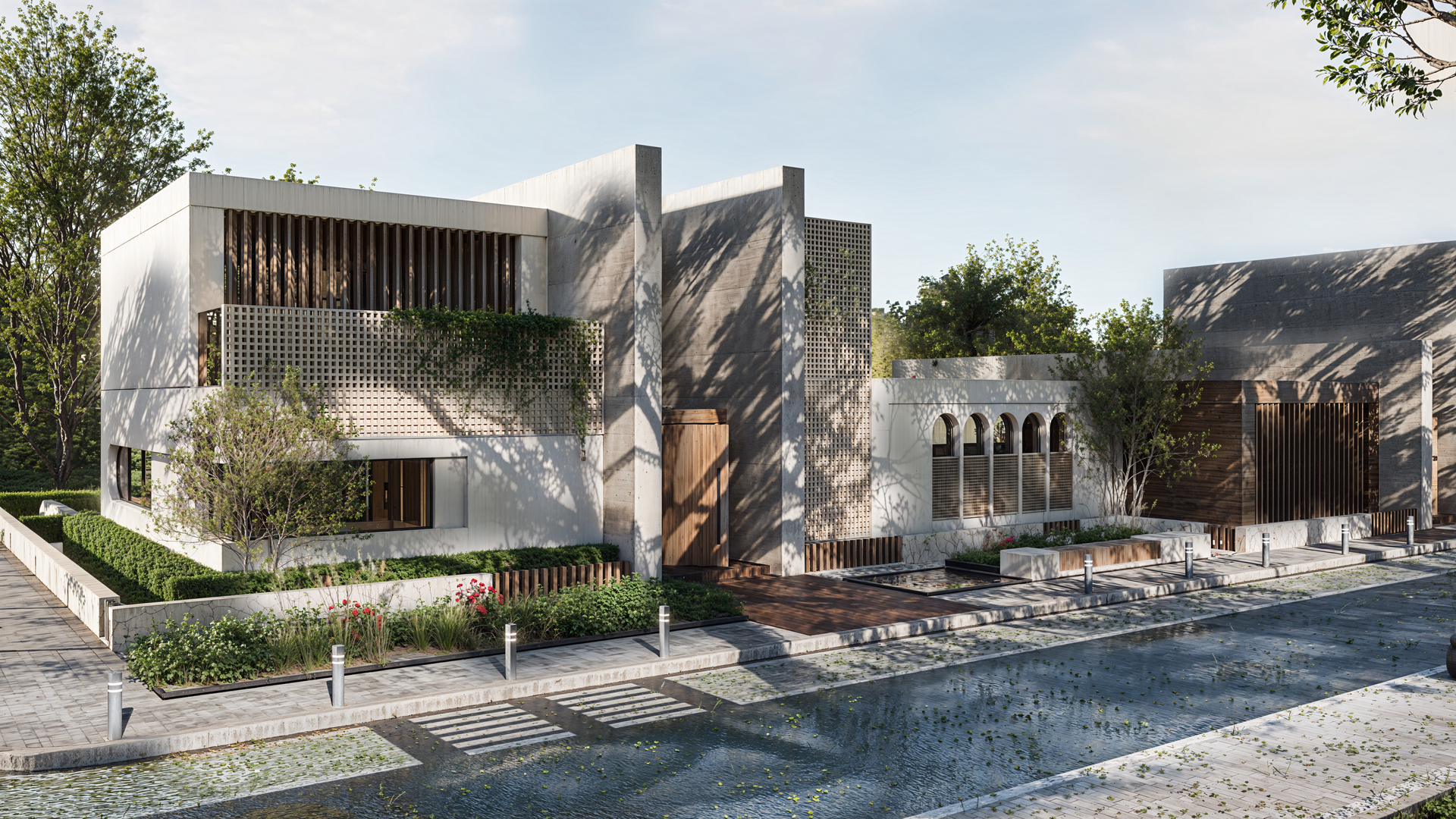
In the real world, walls have cracks, concrete has water stains, and clay surfaces are never perfectly smooth. This is the core of the wabi-sabi style—a Japanese aesthetic philosophy that embraces the beauty of imperfect, impermanent, and incomplete things.
For many 3D artists, capturing this organic quality in architectural visualization used to mean hours of Photoshop post-processing or wrestling with complex material setups in other tools. With D5 Render, building wabi-sabi textures—raw concrete, earthy clay, weathered surfaces—becomes part of the creative workflow rather than a technical detour.
Quick Takeaways on Wabi-Sabi Style Rendering in D5 Render
- AI-Powered Concepts: Start wabi-sabi style projects with D5 Lite's AI Image Generation, turning basic models into moody concepts without tool switching.
- Achieve Wabi-Sabi Realism: Move beyond sterile renders by tweaking PBR settings in D5 Render to add that imperfect, lived-in quality to concrete and clay.
- Add Depth with Decals: Use D5 Render's Decal to layer stains and cracks for authentic weathering, making surfaces feel tactile and true-to-life.
- Atmosphere with AI Matching: Capture wabi-sabi's quiet essence faster with D5's AI Scene Match and Asset Recommendation for seamless lighting and finishing touches.

Phase 1: Generating Wabi-Sabi Concept Images with D5 Lite
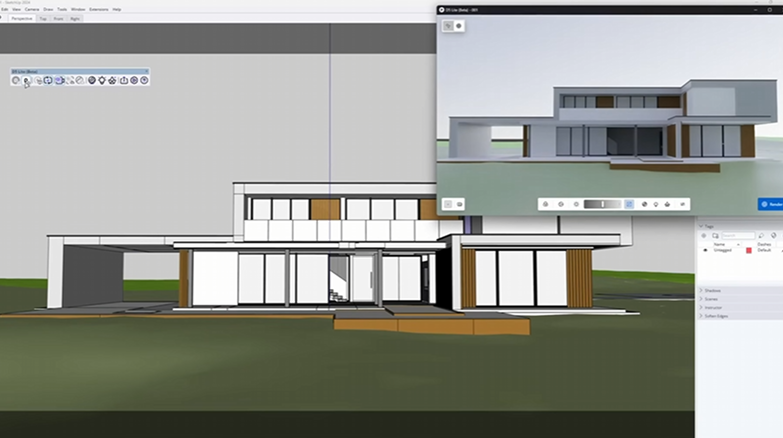
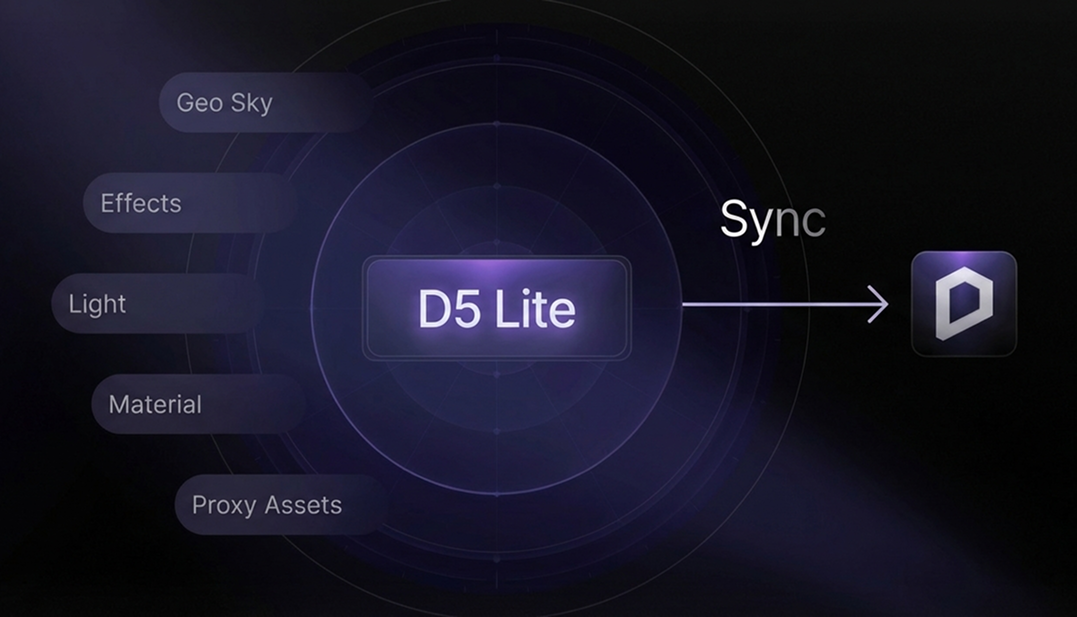
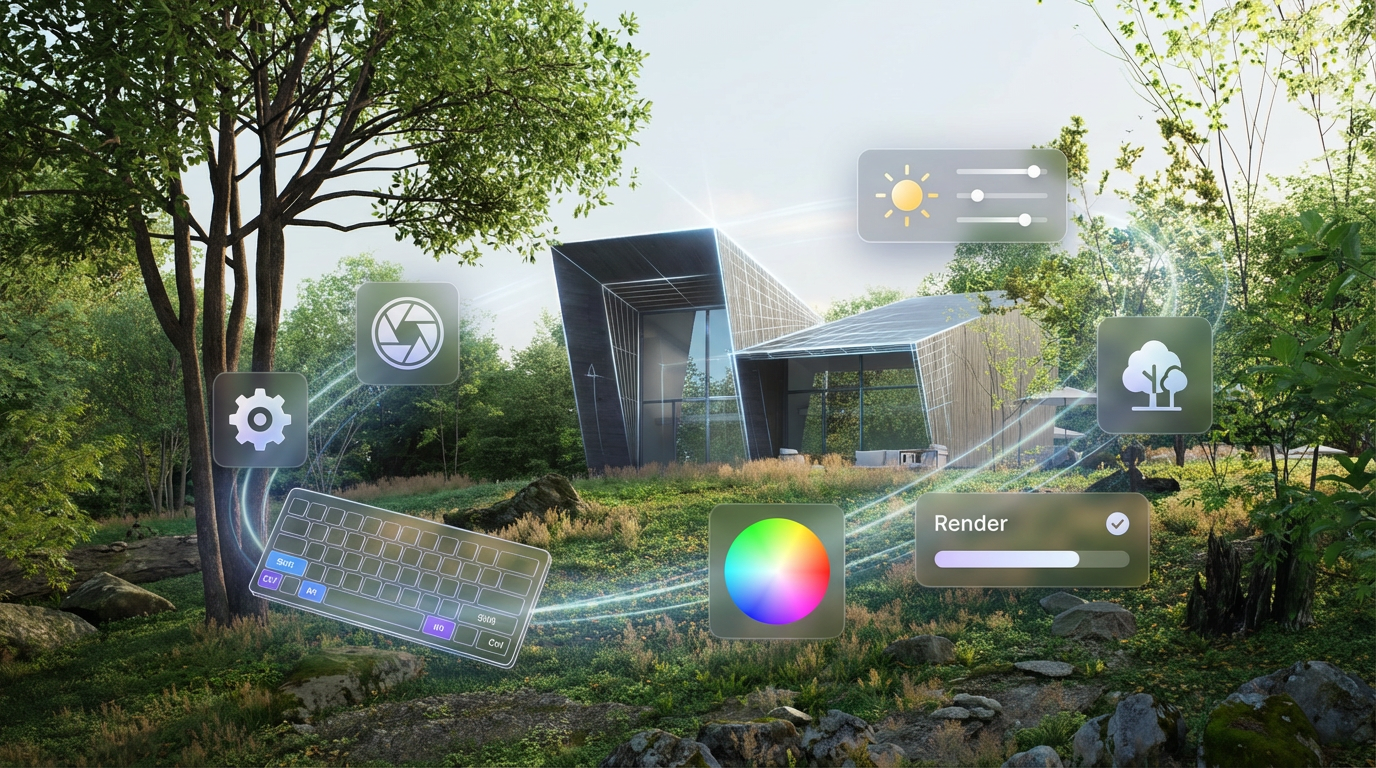
Every wabi-sabi project starts with a feeling—something quiet, unfinished, and intentionally imperfect. Traditionally, finding that feeling meant hours of moodboarding and reference gathering. D5 Lite changes that—it's a real-time visualization plugin that works directly inside your modeling tool (currently supporting SketchUp, with Rhino and Revit coming soon).
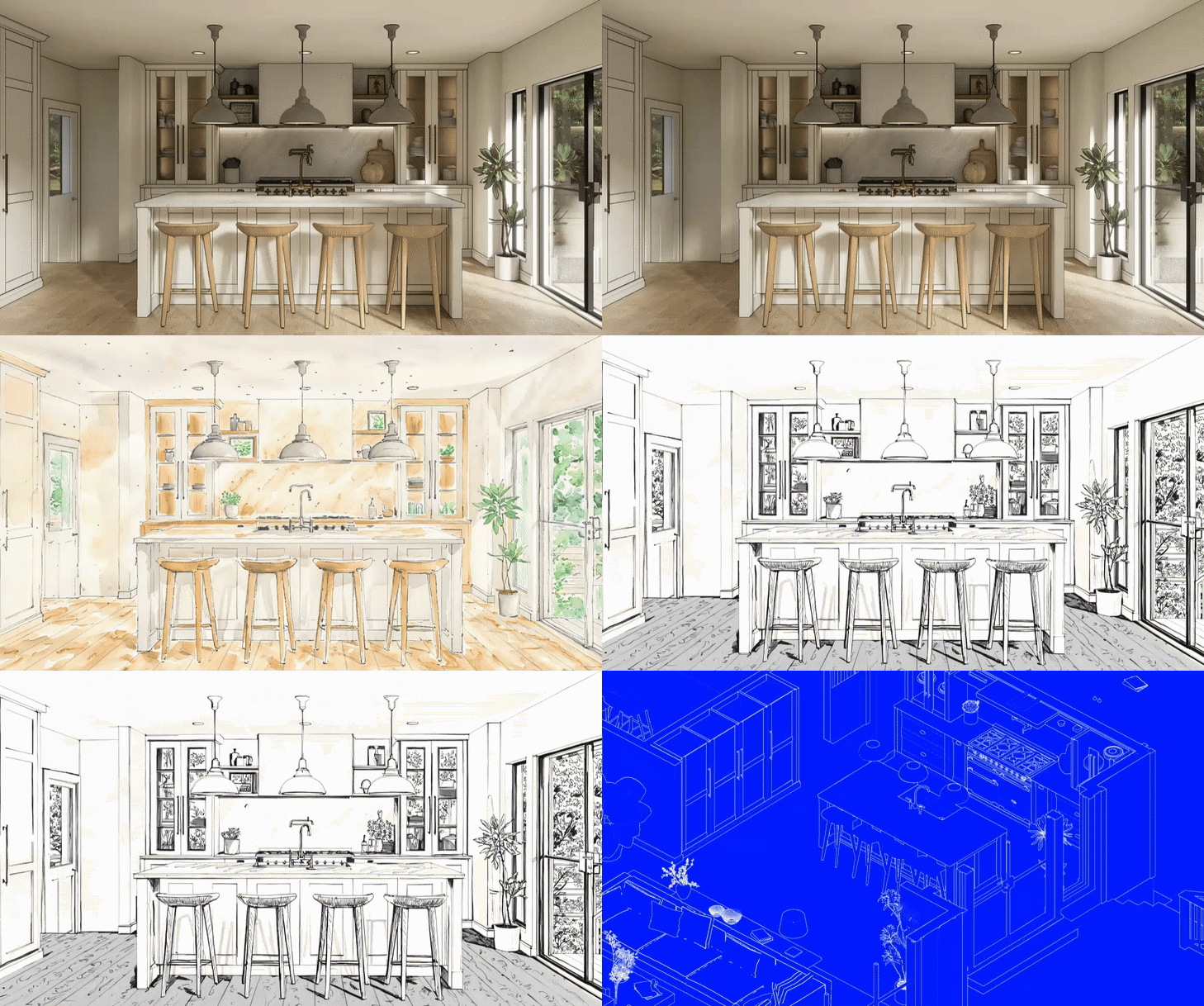
- Starting from a white model or a rough sketch, you can use D5 Lite to instantly generate a wabi-sabi concept—without leaving your modeling environment.
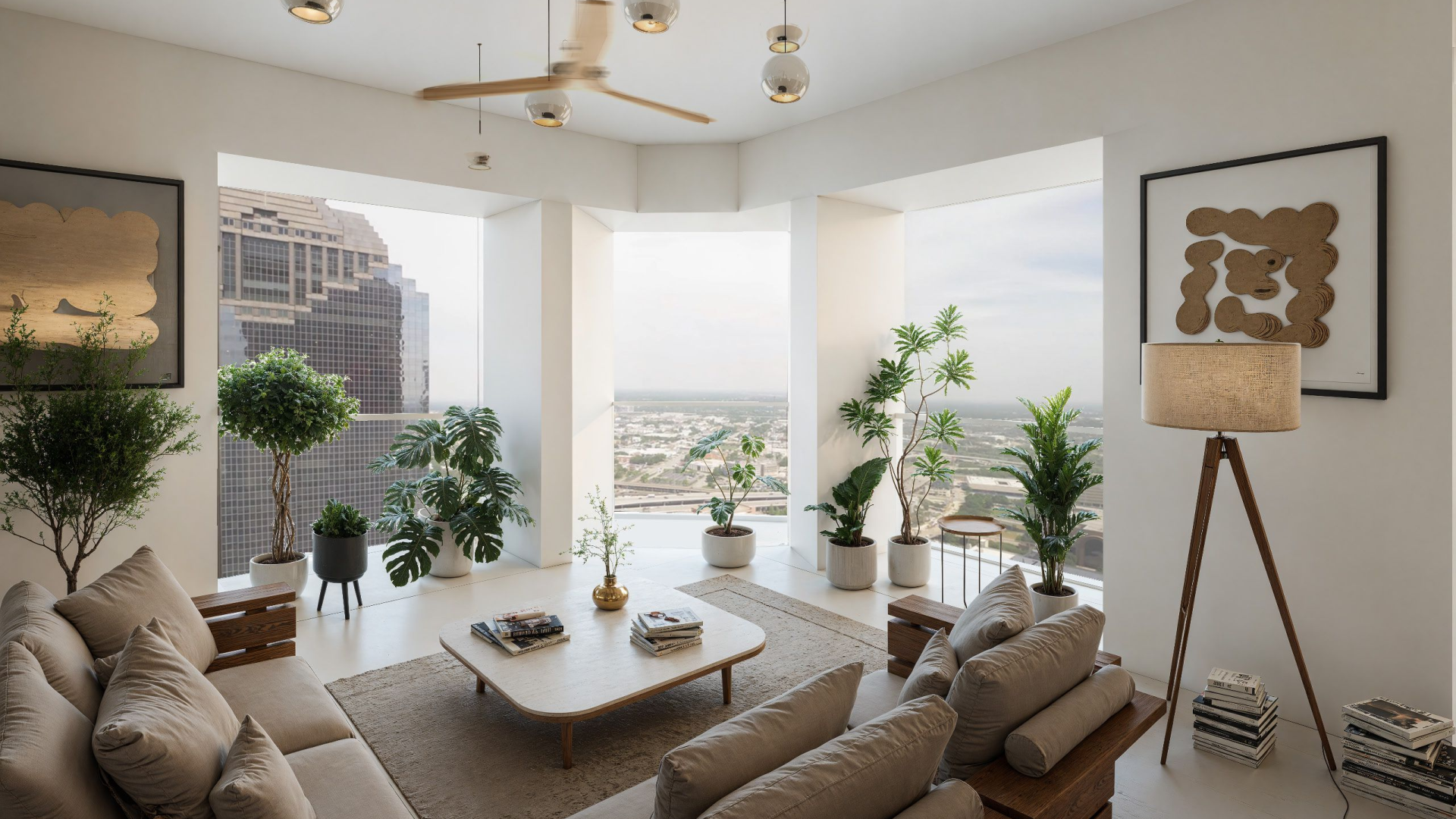
- One-Click Wabi-Sabi Presets: D5 Lite comes equipped with specialized AI style presets for common spaces like wabi-sabi living rooms and bedrooms. With a single click, the AI interprets your geometry and applies the muted earth tones, organic textures, and soft lighting characteristic of the style.

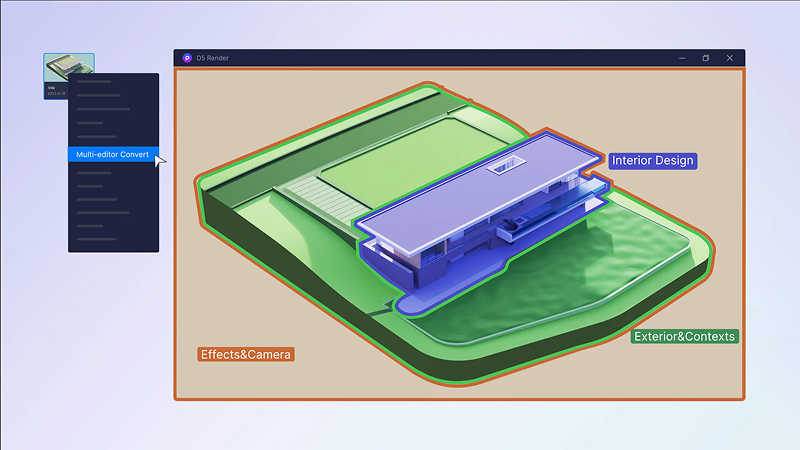
3. Concept to Completion: A strong starting concept makes everything that follows easier. Once the mood is established, you can continue refining lighting, materials, and geometry within D5 Lite. When the project calls for more advanced rendering settings, you can move it directly into D5 Render—keeping the same project file and the same creative direction.
Phase 2: Building Wabi-Sabi Textures with PBR Materials in D5 Render
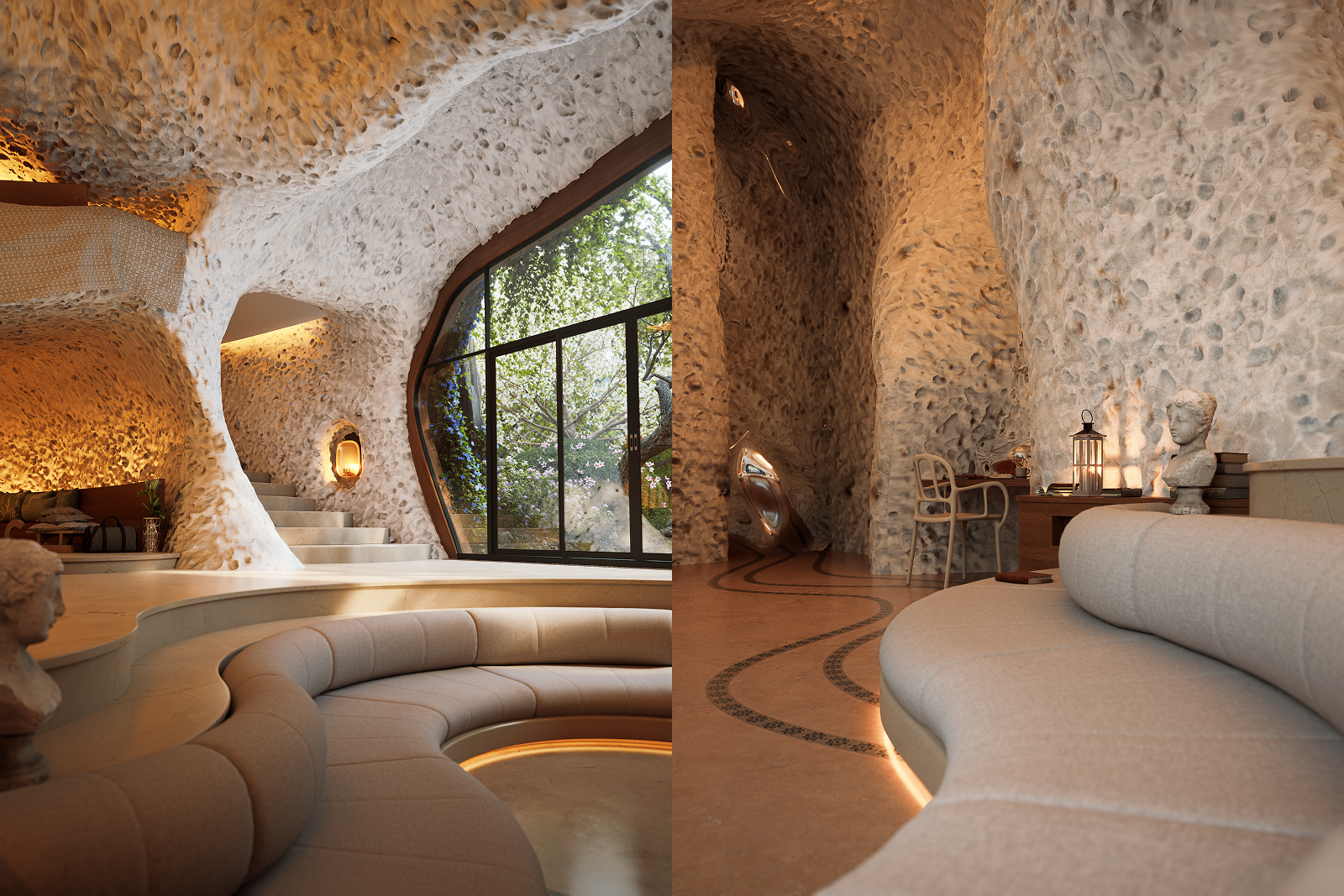
Good wabi-sabi rendering starts with the right materials. D5 Render's Asset Library includes a wide range of concrete and clay textures—high-resolution, seamless, and ready to use. Real control comes from the Material Editor.
For wabi-sabi style rendering, these PBR adjustments make the biggest difference:
- Roughness Control: Concrete and clay rarely reflect light evenly in real life. In D5, adjust the Roughness slider in real time—lower values for worn, high-contact areas, and higher values for untouched, porous surfaces. The result is a more varied specular response that avoids the over-polished look common in CG renders.
- Normal Map & Displacement: These two parameters are key to achieving tactile realism. Increase the Normal value to bring out surface micro-detail. For clay surfaces—especially those meant to catch light the way handmade pottery does—pair a subtle Displacement map with a stronger Normal value. Since D5 updates in real time, you can fine-tune both until the surface feels genuinely three-dimensional.
💡 Pro Tip: Once you've finalized a weathered concrete or clay material you're happy with, save it to your Local Library. You can then reuse it across projects to keep a consistent wabi-sabi style without starting from scratch each time.

Phase 3: Using Decals to Add Weathering Details to Wabi-Sabi Style
One of the most common challenges in wabi-sabi rendering is adding surface detail—cracks, water stains—without rebuilding the entire texture. In traditional workflows, this means UV unwrapping or texture painting in a separate application. In D5, the Decal tool handles this directly—and it's particularly well-suited to wabi-sabi style work.
- Placement: Open the Asset Library and navigate to Decals. Drag a "water stain" decal beneath a window, or place a "hairline crack" near a structural joint.
- Layering Decals: Sometimes, a single decal isn't enough to create depth. Stack multiple decals by adjusting their order (use "Bring to Front" to layer one over another). For blending, adjust opacity—around 60–75% typically helps integrate the decal with the base material, avoiding a pasted-on look. This works well for creating saturated stains or tonal variations in wabi-sabi style surfaces.
- Adapting to Curved Surfaces: Wabi-sabi style renders frequently feature organic, curved elements like clay vases, arched entryways, or rounded columns. In D5's decal settings, adjust UV parameters (such as tiling and rotation) to project cracks and stains onto these forms, ensuring they conform to the geometry with minimal stretching or distortion.
- Saving Custom Decal Combos: If a combination of a water stain and a plaster crack works well together, select both and save them as a group in your library. You can then apply the same combination across future projects without reassembling it each time.

What makes this approach effective is that every decal uses D5's physically based rendering pipeline—meaning they respond to global illumination and scene lighting the same way the underlying surface does.
👉 How to Create a Detailed Rendering with Decals in D5 Render?
Phase 4: Lighting and Atmosphere for Wabi-Sabi Style Renders
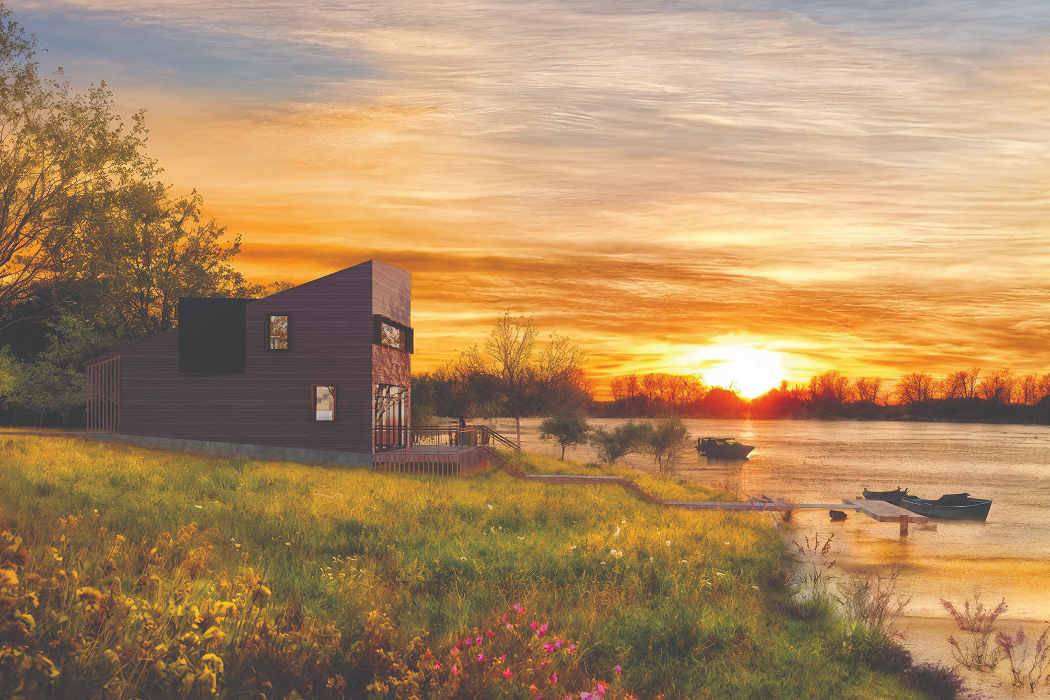
In wabi-sabi style, light and shadow carry as much weight as the objects themselves. A good starting point is natural lighting. D5's HDRI library includes overcast skies and low-angle sun environments that bring out surface texture—the kind of diffused, directionless light that lets raw concrete and clay do the talking. For interior scenes, D5's artificial lights—particularly with IES profiles—produce a soft, localized glow that complements this aesthetic.
When you're working from a specific mood reference, D5's AI Atmosphere Match is worth exploring. Upload a reference photo with the atmosphere you're after, and D5 will sync the sun angle, color temperature, and fog settings to match.

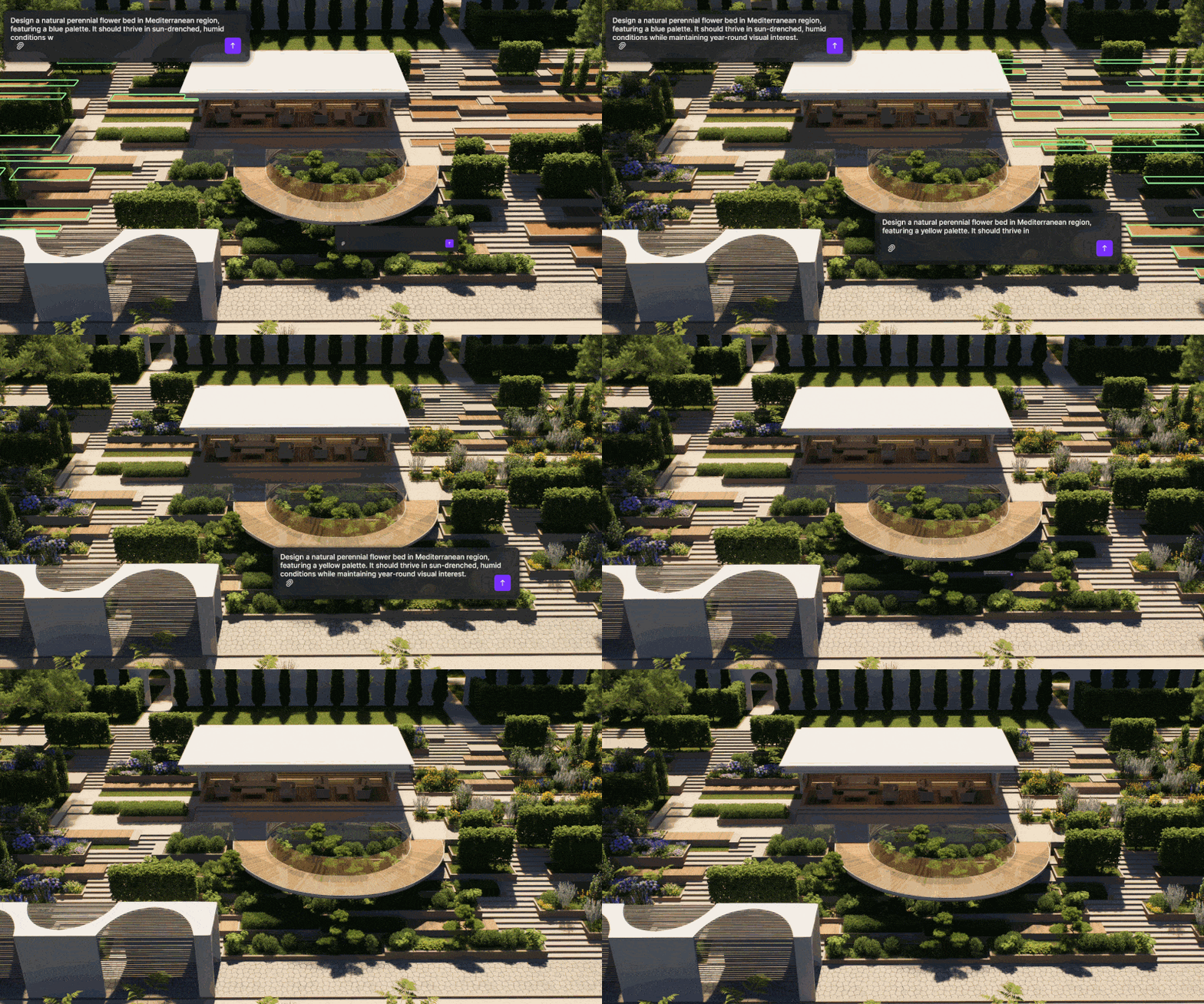
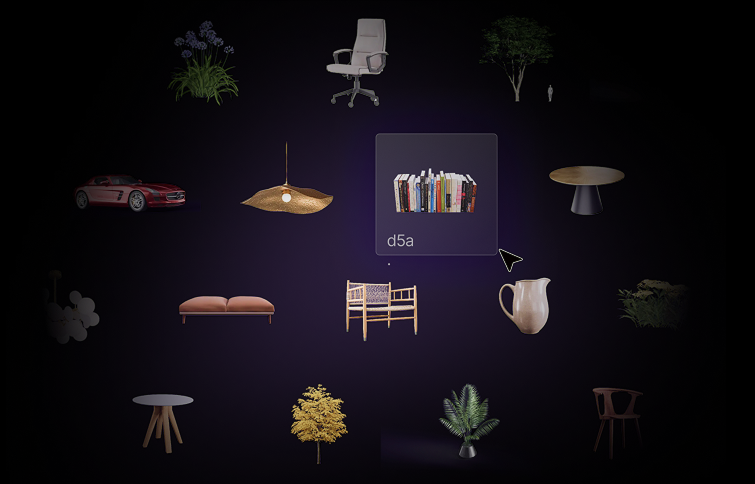
For a different approach, AI Scene Match lets you describe the atmosphere in your own words. Type something like "soft morning sun hitting a weathered clay wall," and the tool generates visual references based on your input. Once you find the right mood and apply it, D5 also suggests matching assets—linen cushions, rattan furniture, handcrafted ceramics—to complete the wabi-sabi style look.
👉 Ditch Manual Setup: D5 Render AI Scene Generation for Archviz
Elevate Your Workflow: Bringing Wabi-Sabi Style to Life with D5
Wabi-sabi isn't just a visual style—it's a reminder that the most honest spaces are the ones that show their age. With D5, you're no longer stitching together a fragmented workflow across multiple tools. From your first AI-driven concept in D5 Lite to the final layer of grit and character with D5 Render's PBR decals, every step of the journey happens in one fluid ecosystem. That's the real shift: it's not just about the final image anymore—it's about a seamless creative process.
Download D5 Render for free and give it a try. Don't be afraid to leave a few flaws in your next project—after all, that's where the soul lives.
Explore More Scene Creation Tips >>
How to Create a Detailed Rendering with Decals in D5 Render?
12 Japandi Living Room Design ideas for 2026
Top 7 Low Budget Small Cafe Interior Design Ideas
How to Design Perfect Kitchens? Try D5 Render's Smart Tools!
AI-Powered Design for Hospitality: Transforming Guest Experiences
Elevate Luxury Interior Design with Real-Time Visualization
FAQs on Wabi-Sabi Style Rendering in D5 Render


.jpg)

.png)
.png)


.jpg)

.png)
1%20(2).png)





%20(1).png)
.png)
.png)