

Key Takeaways
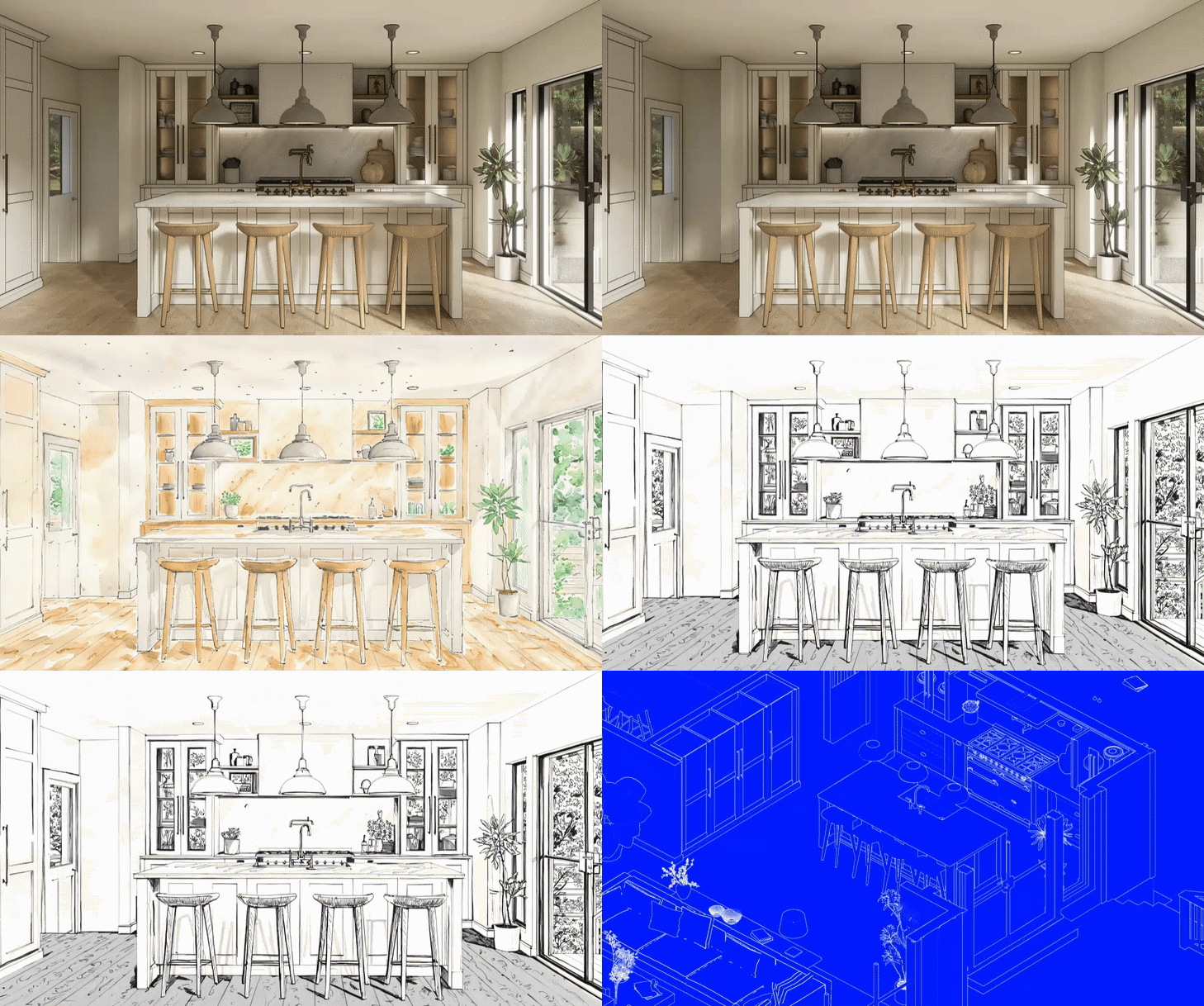
- Design operates as a fluid, non-linear system, moving between sketch, model, and real-time visualization.
- Real-time visualization (D5 Render) enables faster iteration and clearer communication, supporting earlier design decisions and client alignment.
- AI and intuitive tools accelerate visualization while maintaining designer control, allowing teams to focus on design quality rather than technical process.
Studio Overview
- Location: London, UK
- Team Size: ~200+ employees
- Studio Type: International architecture practice focused on infrastructure, cultural, civic, and large-scale public projects
- Project Types: Bridges and infrastructure, cultural buildings, transport hubs, mixed-use developments, commercial architecture, and public realm projects
- Modeling Tools: Rhino (primary), alongside other digital and physical modeling methods

Architectural workflows evolve continuously, shaped by shifting tools, expectations, and project constraints. At WilkinsonEyre, where architecture and engineering are closely intertwined, that evolution has accelerated over the past year. Faster iteration cycles, real-time visualization, and the careful adoption of AI-assisted tools are reshaping how ideas are developed, tested, and communicated.
Rather than adhering to a fixed, linear workflow, the practice treats design as an open system. Ideas move fluidly across different mediums, responding to project needs. The process is cyclical rather than sequential, continually testing and refining proposals as they develop.
Designing Across Multiple Mediums
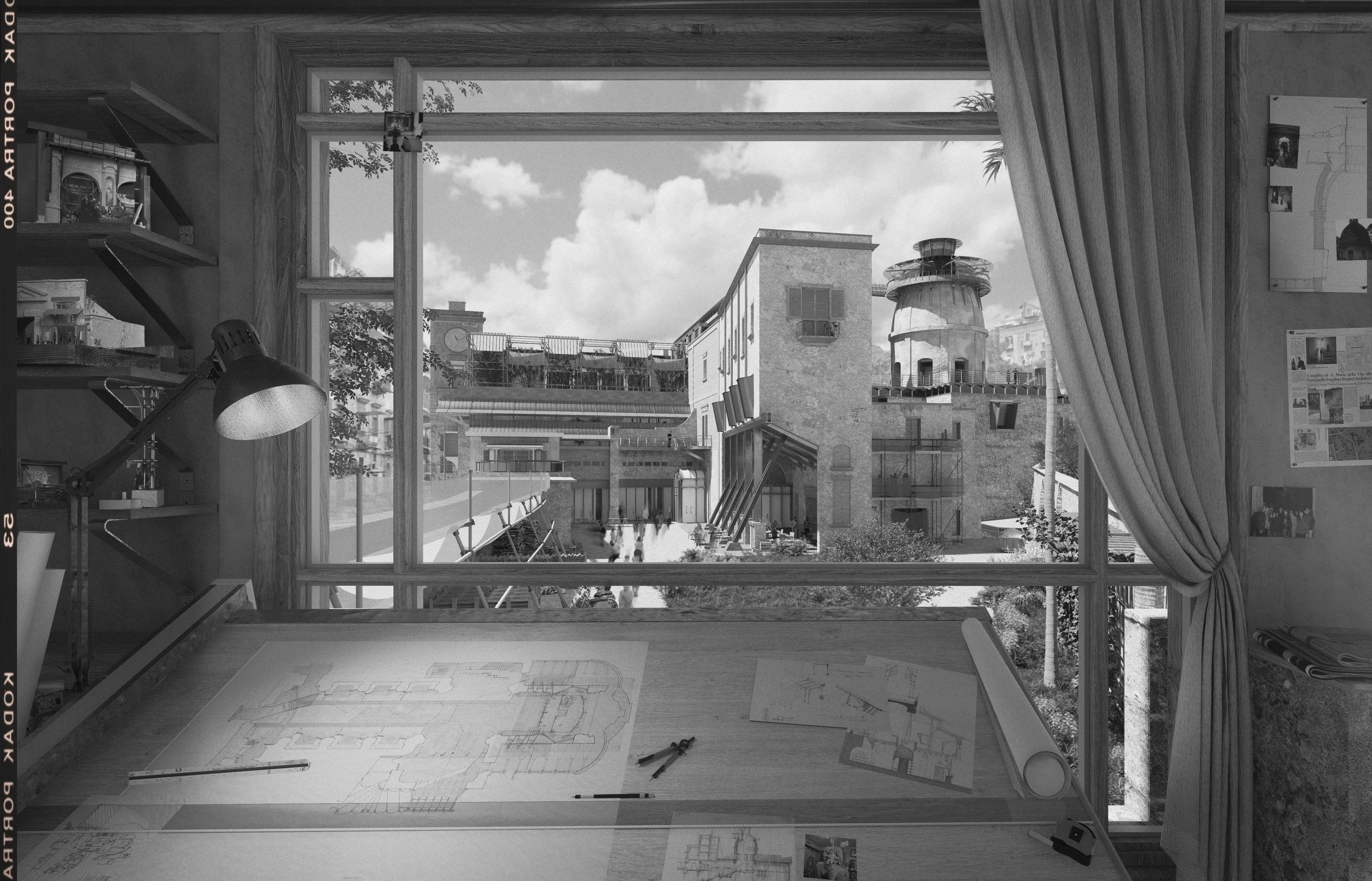
Design rarely begins or ends in a single format. Sketches, physical models, digital massing studies, and visualization tools coexist, each serving a specific role. Hand drawing and model making remain central to early ideas, while tools such as Rhino establish form, proportion, and structural logic.
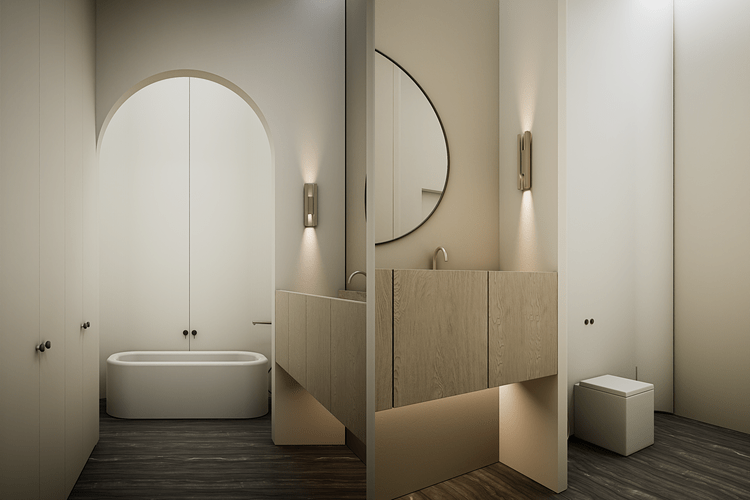
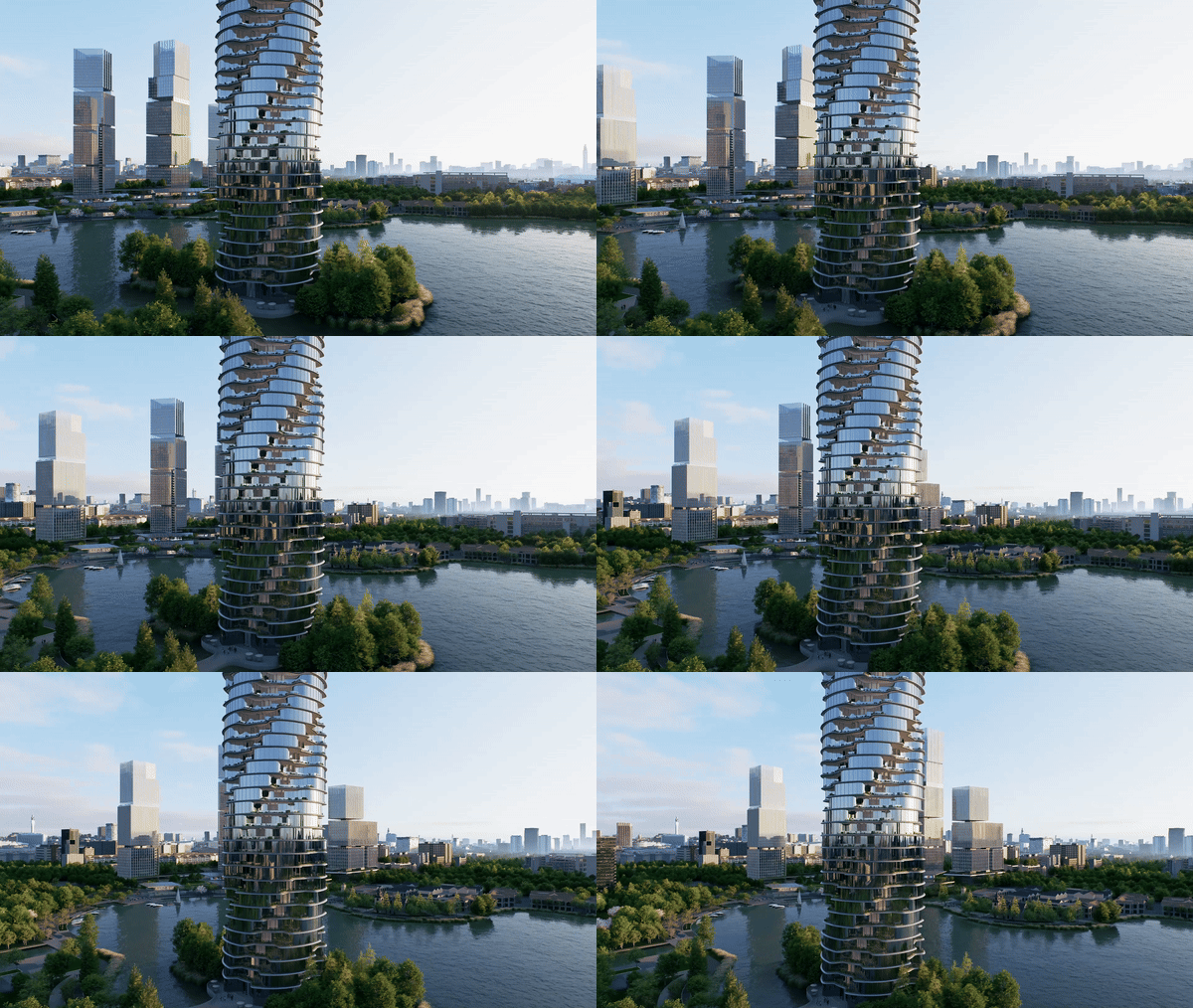
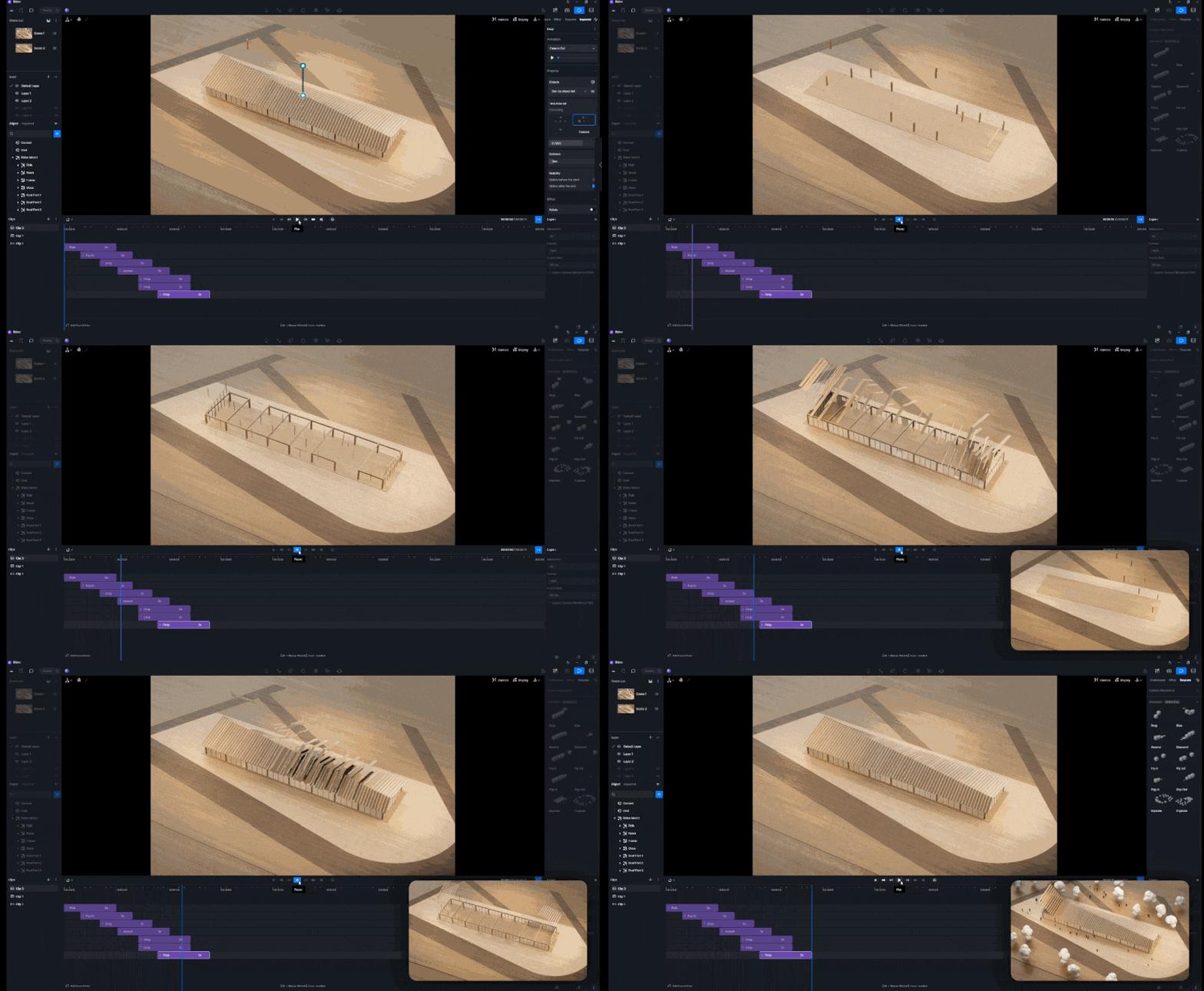
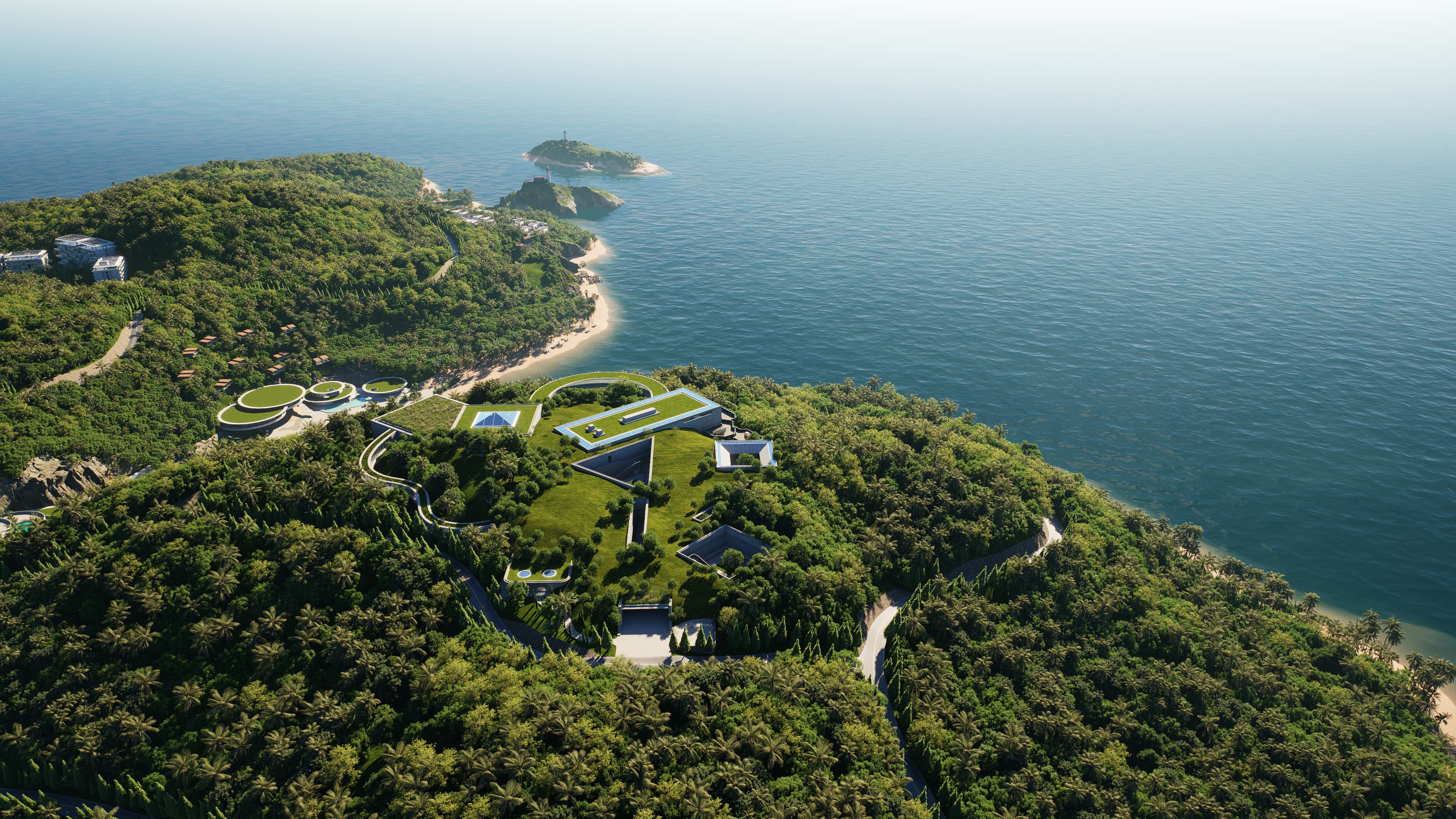
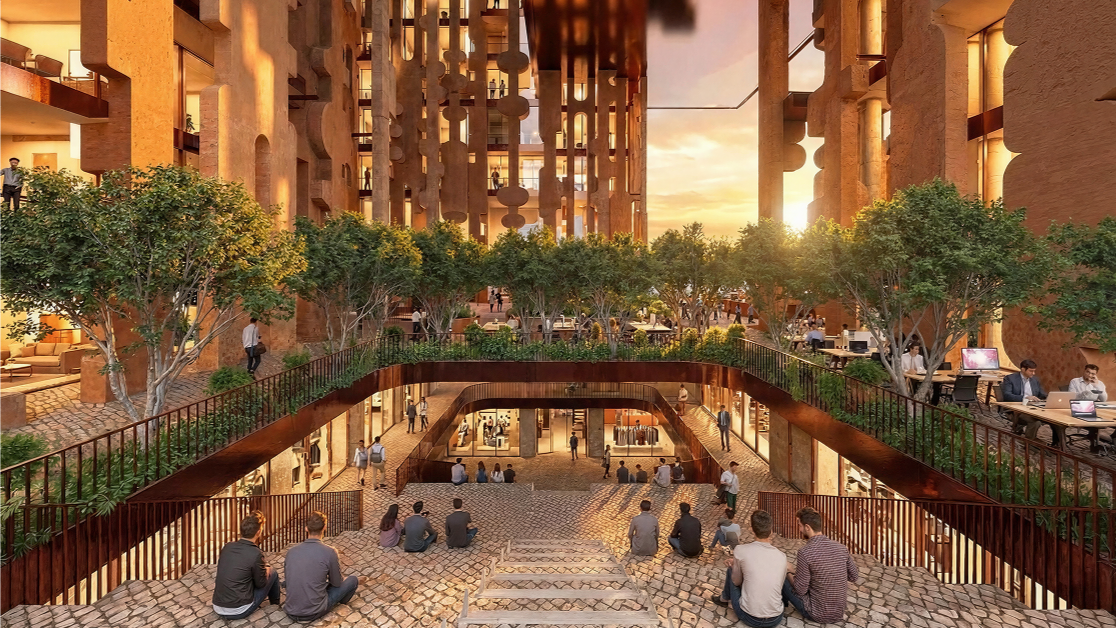
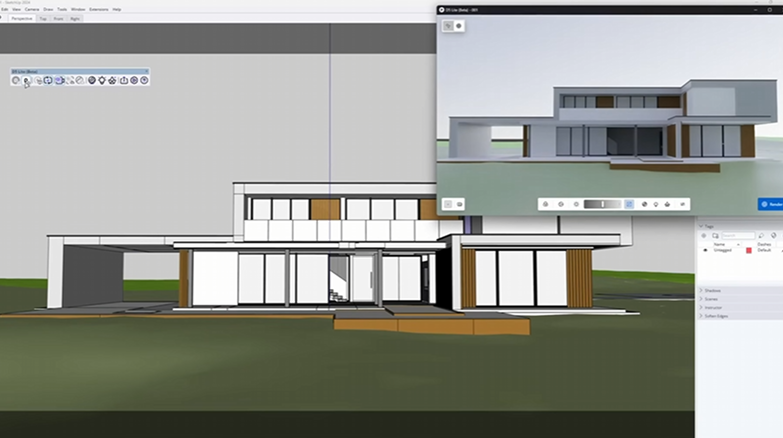
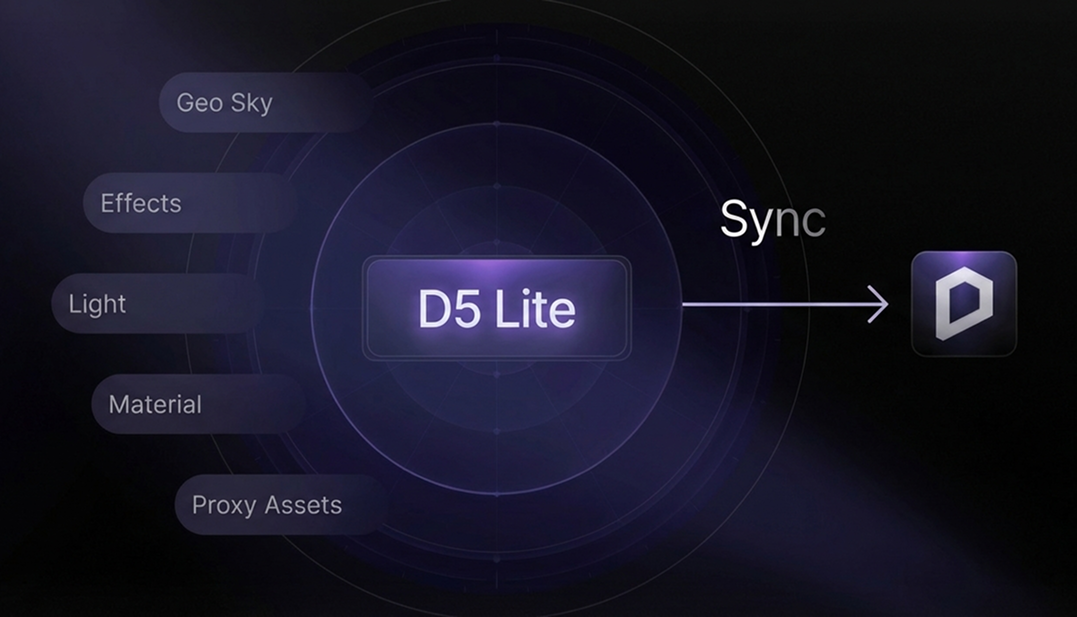
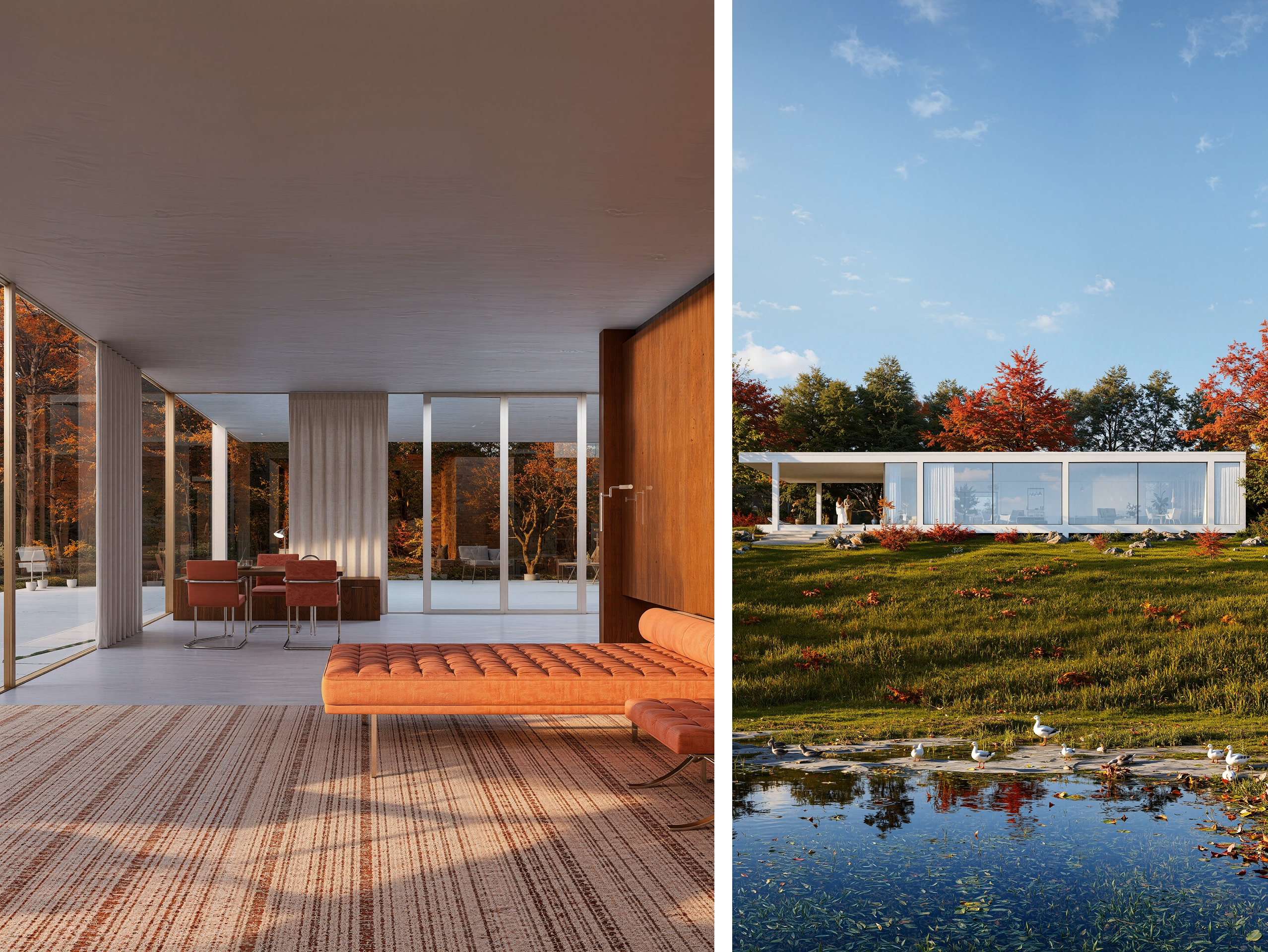
More recently, real-time visualization and AI-assisted tools have been integrated as additional layers of exploration. Using D5 Render’s real-time rendering engine and Live Sync, designers can move quickly from massing to spatially legible scenes, testing proportion, material presence, and light without waiting for offline rendering. Ideas move between modelling and visualization instantly, allowing spatial, material, and atmospheric questions to be explored while the design remains open.
From Linear Pipelines to Cyclical Iteration
Architectural visualization has traditionally arrived late in the process, often weeks after modelling, limiting early design discussion. While still valuable for final deliverables, this model can restrict experimentation.
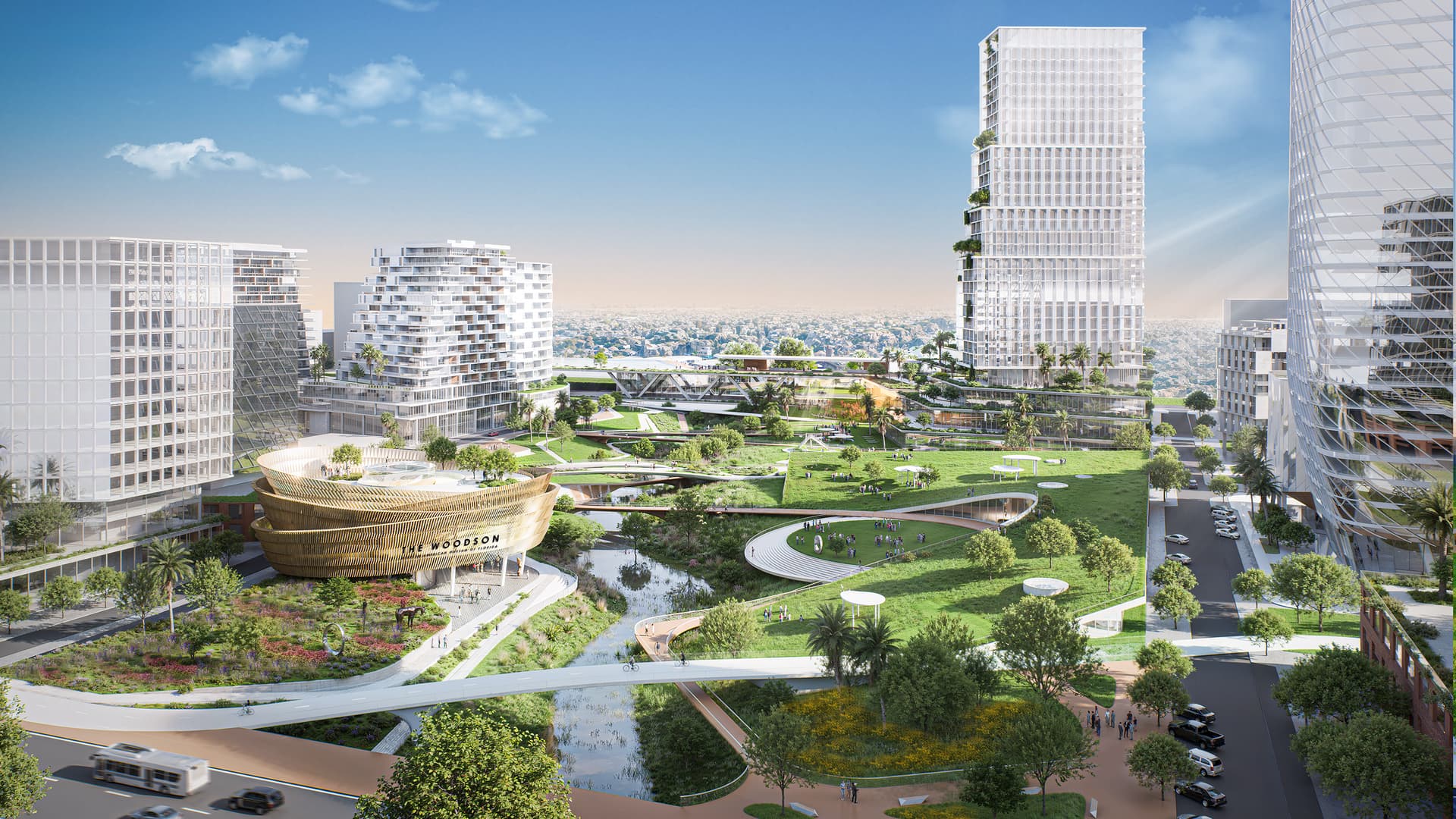
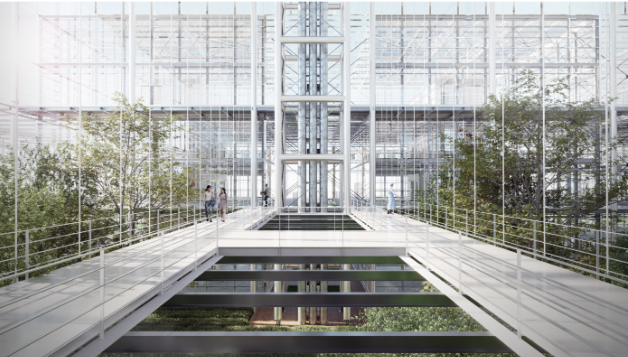
Real-time visualization shifts this dynamic. D5’s instant feedback on light, material, and spatial relationships allows architects to assess proposals as they develop. Feedback loops become shorter, and questions about daylight, structure, and atmosphere can be explored alongside form-making rather than deferred.
For WilkinsonEyre, this is particularly valuable in competitions and fast-moving phases, where teams must develop and communicate ideas under tight timelines. The emphasis shifts from polished imagery to rapid understanding, both internally and with clients.
Architecture and Structure as One System
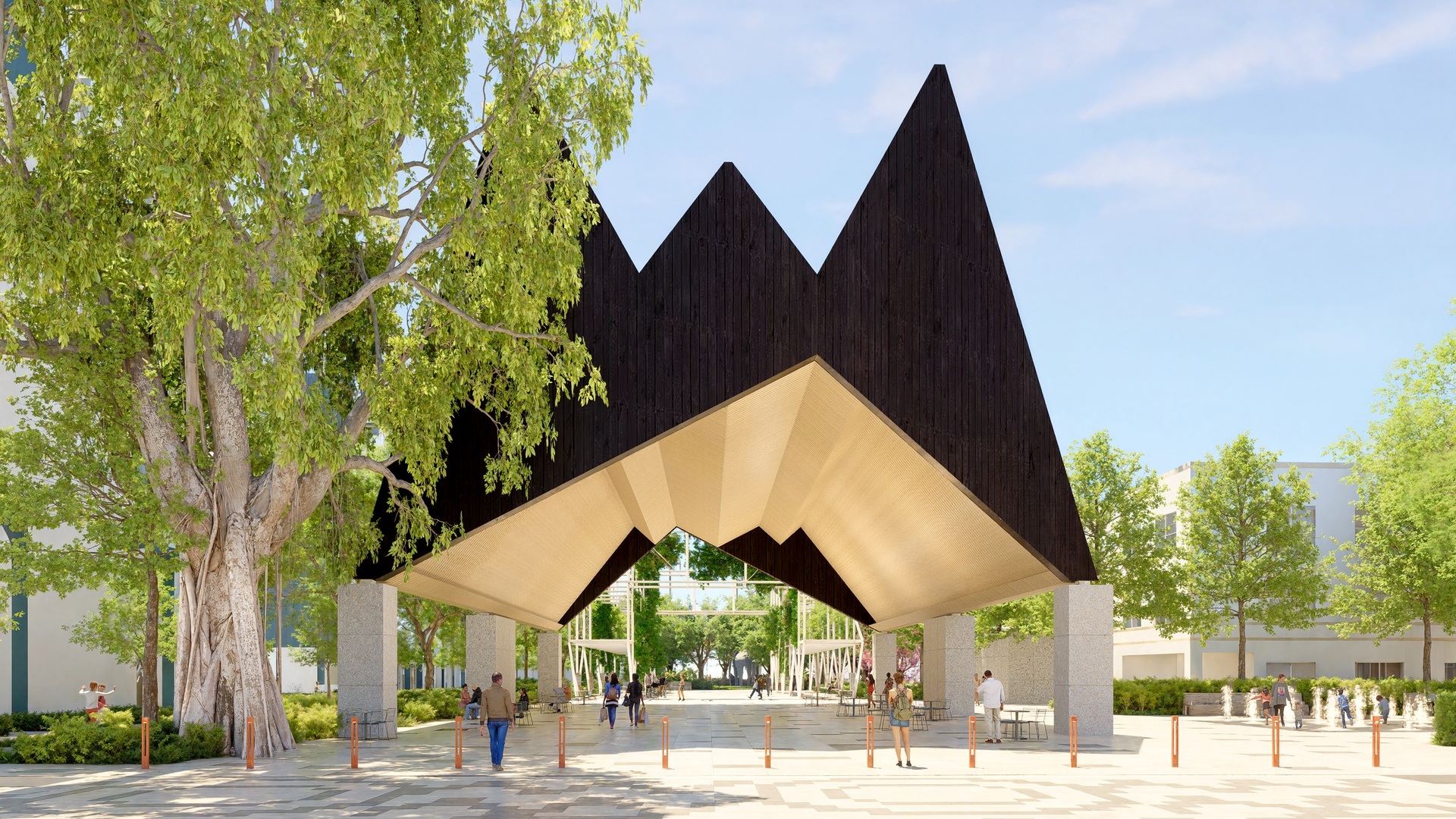
WilkinsonEyre’s work is often characterized by a close relationship between architectural form and structural logic. Structure and design evolve together from the outset. Visualization supports this approach by making structural ideas legible as part of the spatial experience, not just as technical diagrams.
Real-time rendering has plugged the gap between the inception of an idea and something that looks believable. We don’t have to wait weeks anymore to understand what a proposal might feel like.
By seeing form, structure, and context simultaneously, teams can evaluate whether a proposal communicates its logic clearly. This clarity is particularly important when projects involve unconventional geometries or engineering concepts that may not be immediately intuitive to non-specialists.
Project Spotlight: Visualizing Complexity Through Movement
A recent bridge project illustrates this approach. Originating as a design competition and now progressing toward fabrication, the project is defined by geometry derived from celestial movement, responding to solstices and equinoxes. It is intended to be experienced through motion, with spatial and structural qualities revealed as users cross the bridge.
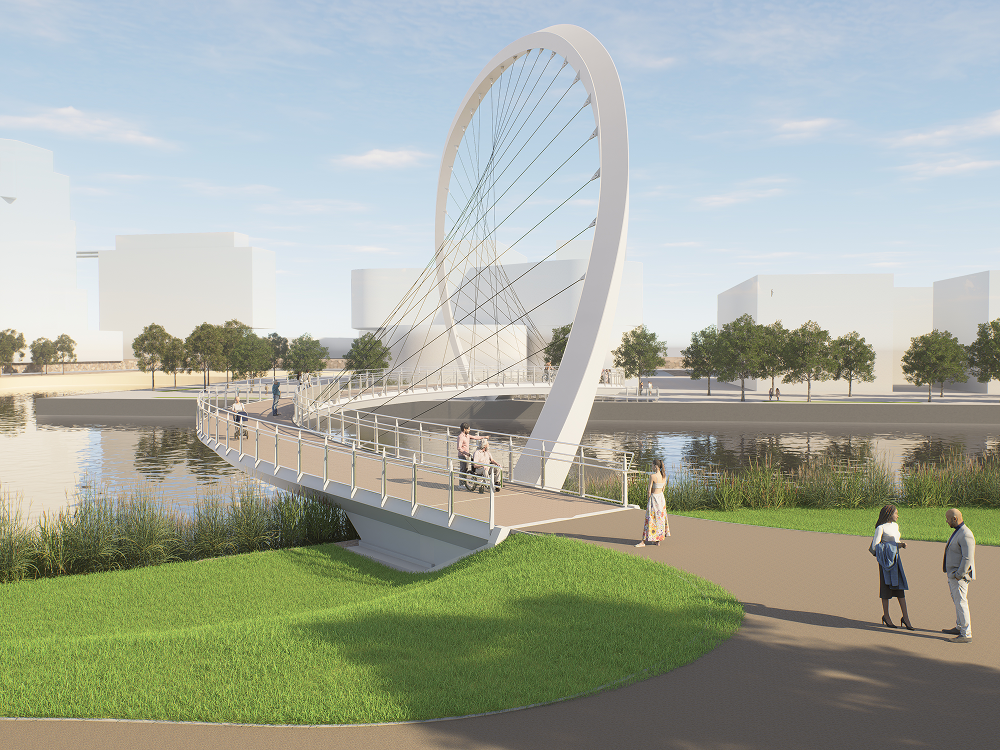
Such concepts are difficult to convey through drawings alone. In this case, D5 Render’s animation tools with adjustable camera paths were essential in explaining how the geometry works, how it relates to movement, and how the structure supports the form. By visualizing the experience over time, the design team was able to communicate a complex idea in a way that clients and stakeholders could quickly understand.
When you’re trying to explain something complicated, you can talk about it for a long time — but once you animate it, the client just says, ‘I get it.’
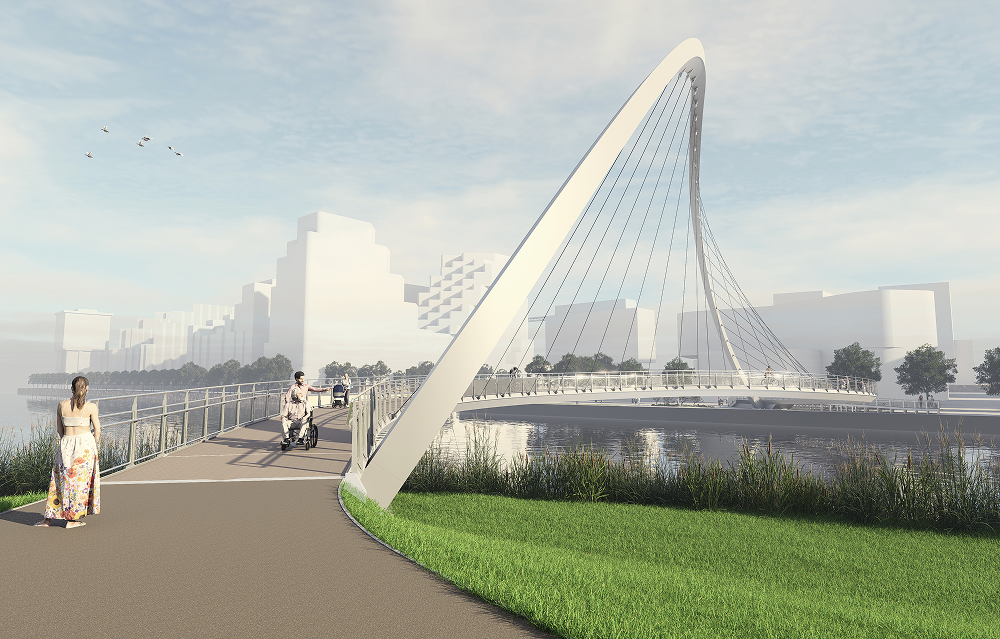
Importantly, visualization continued to play a role beyond the competition phase. Using the same evolving model, D5 Render enabled rapid comparison of material options and experiential qualities in real time, supporting design refinement while maintaining continuity between early concepts and later development stages. As the project moved into development, D5 supported material comparisons and design refinement, helping maintain confidence in a structure that does not immediately appear self-supporting, despite being engineered to work entirely in compression.
Transparency and Client Engagement
Real-time visualization has also shifted client interaction. Through live model navigation, real-time material changes, and interactive camera control, clients can engage directly with proposals—exploring viewpoints, testing options, and asking questions in real time.
This transparency supports earlier alignment and more confident decision-making. Visualization becomes a tool for shared understanding rather than persuasion.
Experimentation, AI, and Design Control
We never use AI to generate ideas for us. The ideas are ours. AI helps us visualize and test them — it doesn’t replace the thinking.
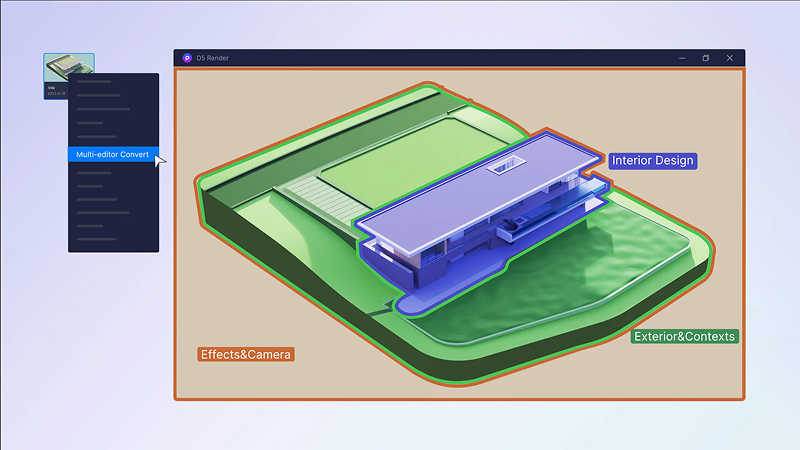
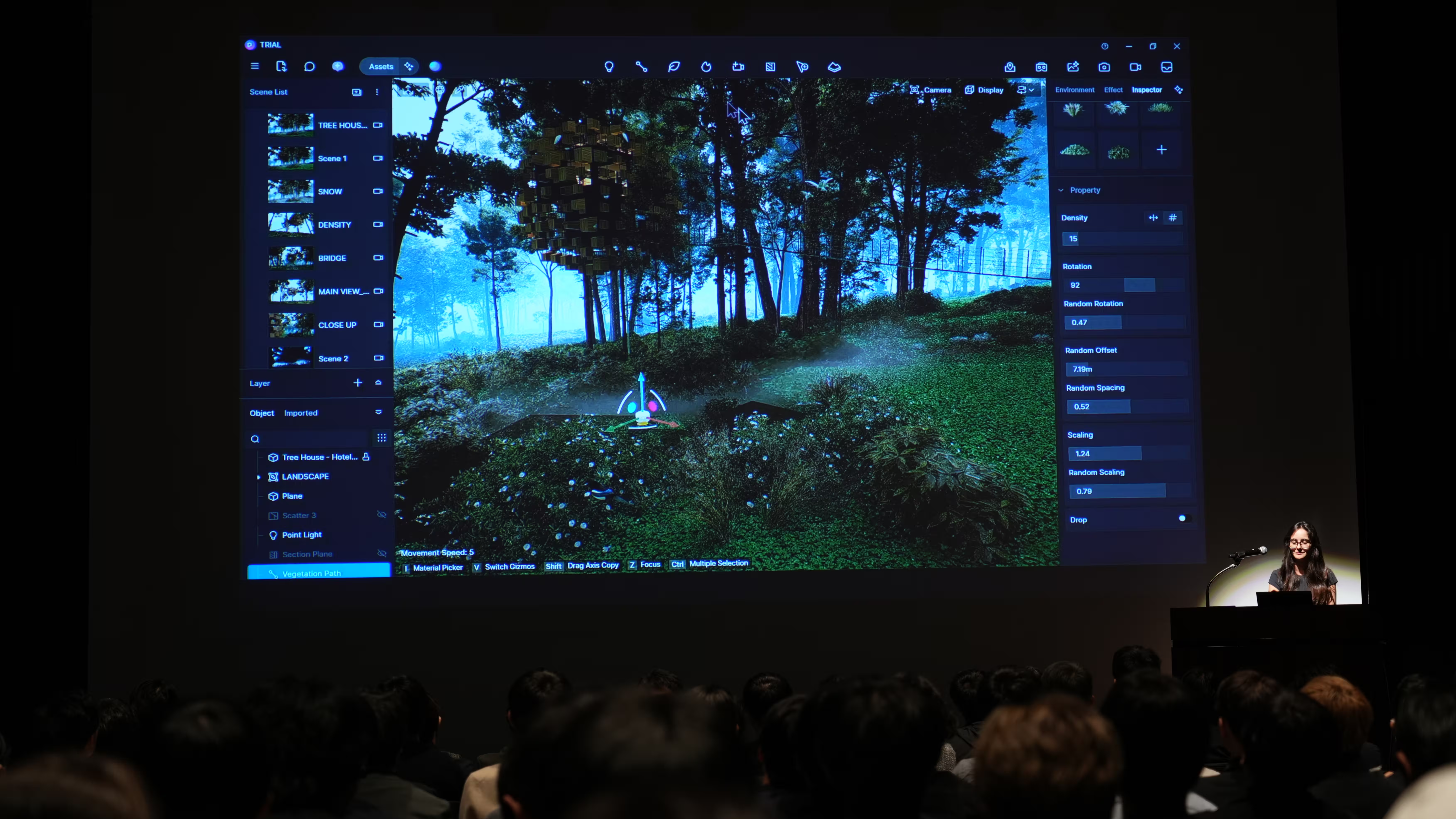
Within this workflow, real-time visualization is used as a design tool rather than a final output. Using D5 Render—through real-time material editing, lighting controls, and camera path tools—teams can test materiality, light, and atmosphere while ideas are still in flux.
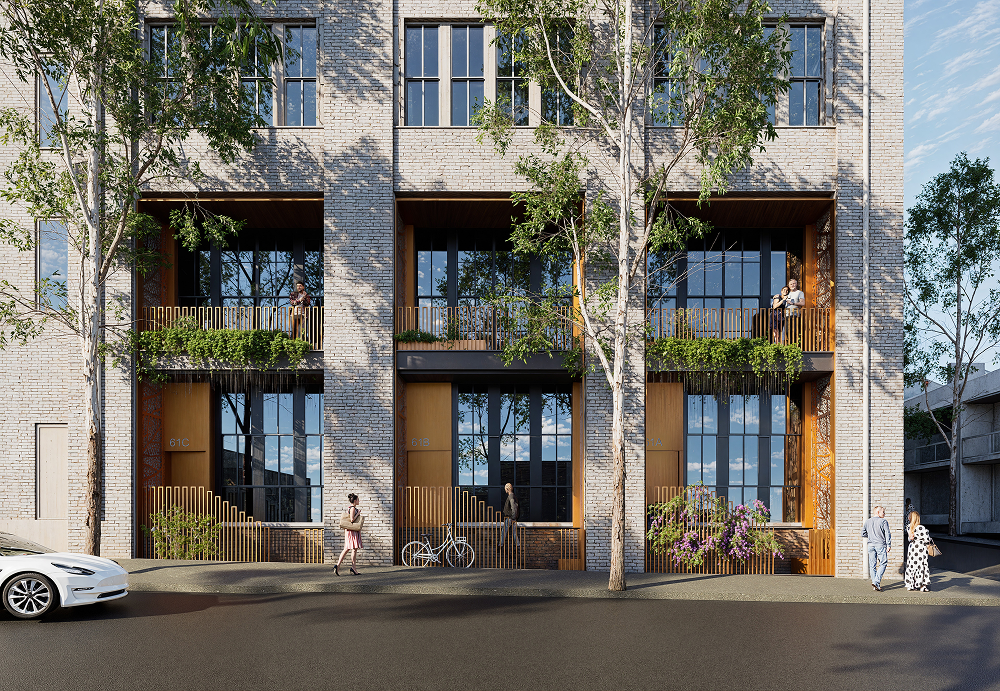
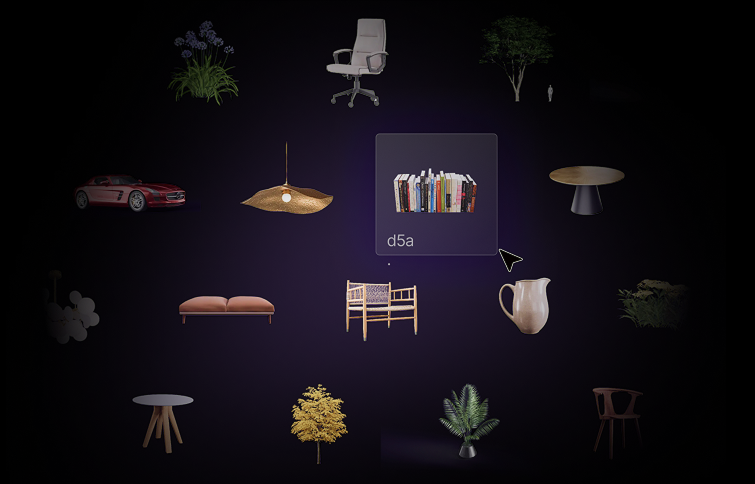
Accessibility further shifts how teams work. With a low learning curve and built-in assets, more designers can contribute visually without relying on specialist intermediaries, creating a more integrated design culture.

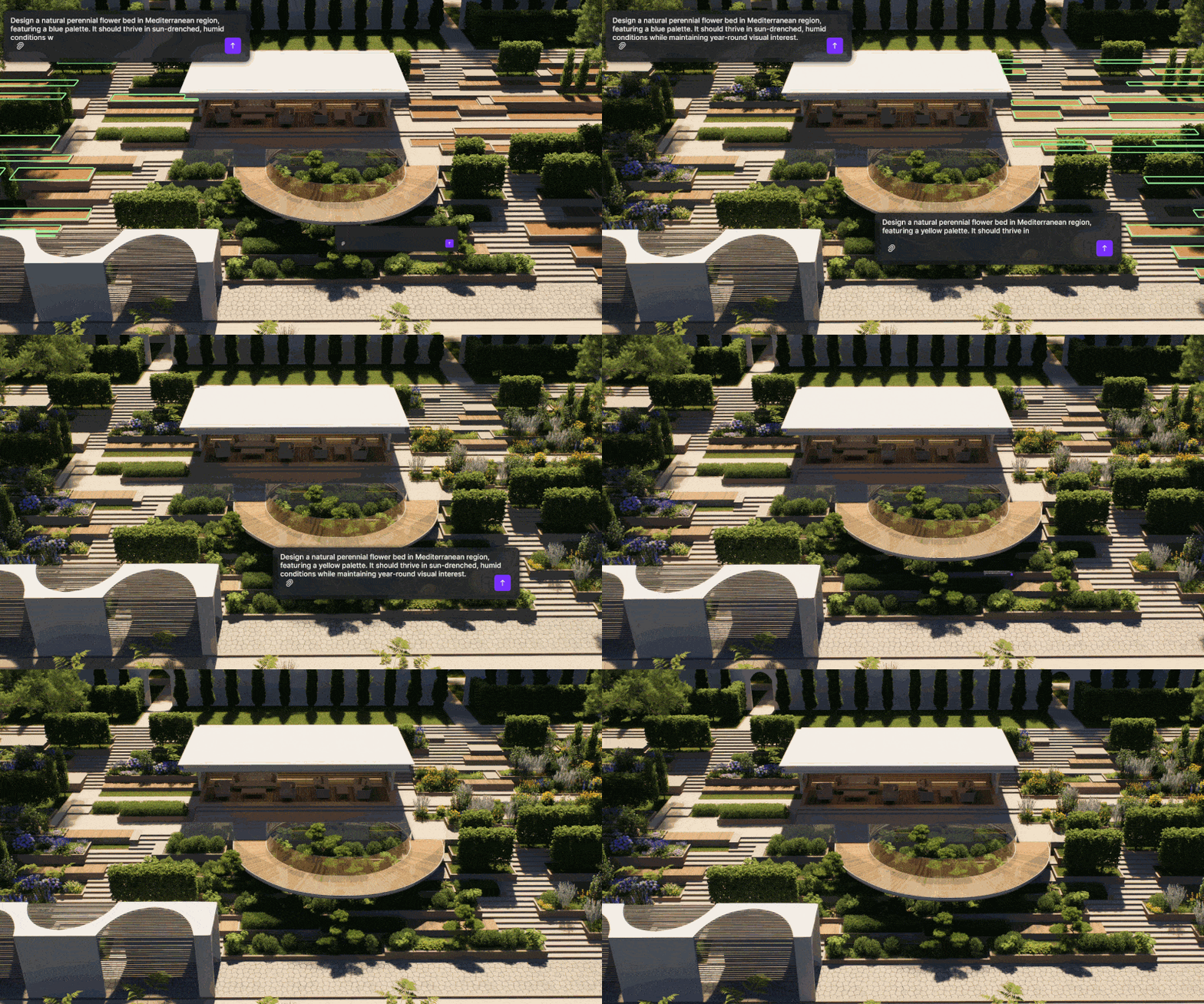
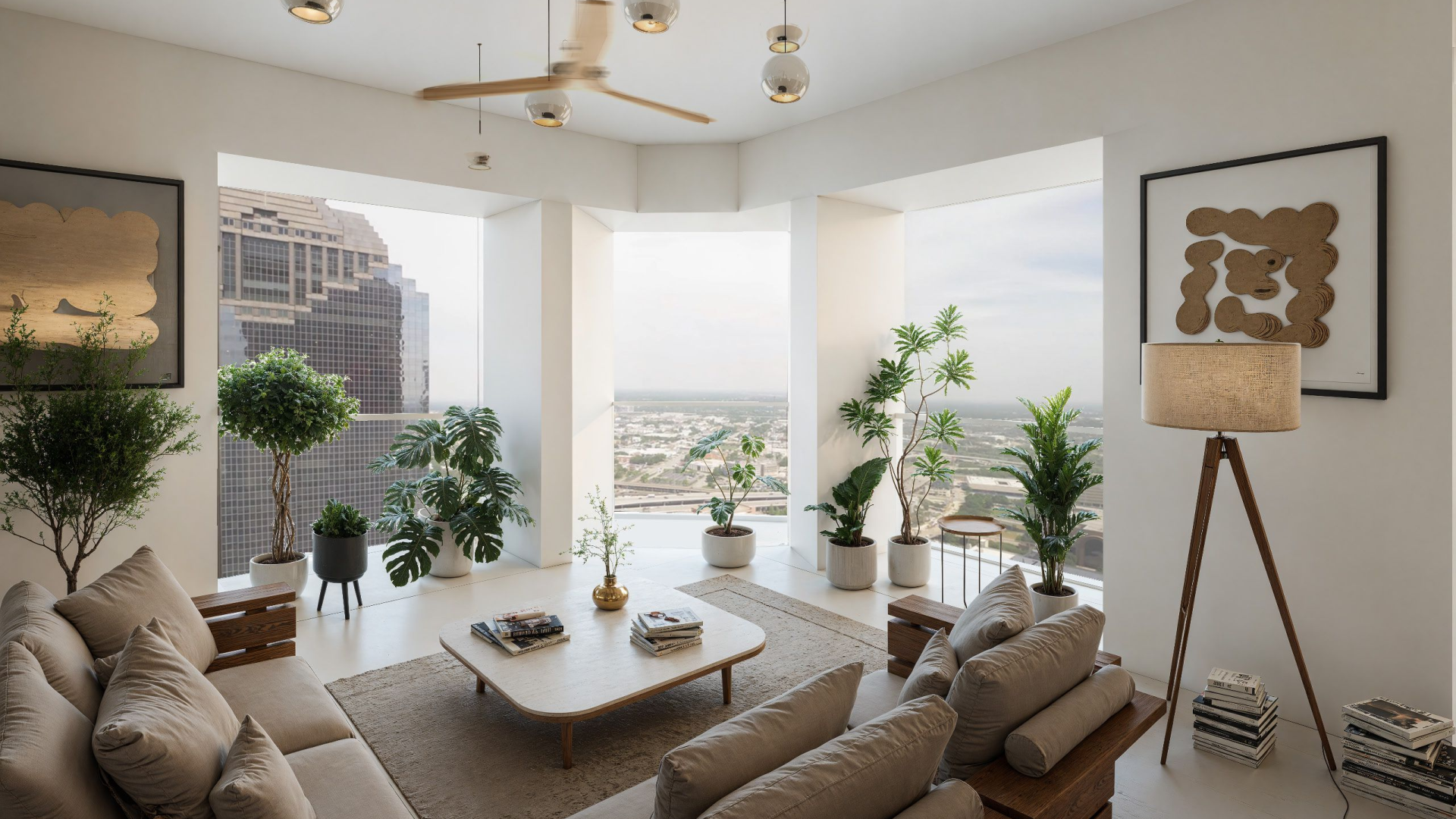
AI is used to accelerate visualization, not originate ideas. External tools support visual exploration, while D5 Render’s AI features—such as AI Scene Match, AI Asset Recommendation, AI Enhancer, and AI PBR Material Snap—assist with scene setup, material exploration, and refinement. Preference is given to tools that integrate with existing workflows and maintain control.
Also read: D5 Render's AI Texture Generator: Speed + Realism Boost
Efficiency Without Reductionism
While improvements in speed and efficiency are evident—particularly in animations and early visual studies—they are understood qualitatively. Producing convincing animations in days rather than weeks reduces friction and supports better design conversations, earlier confidence, and fewer late-stage revisions.
Efficiency is not about doing less, but focusing effort where it matters most.
Designing in a Moving Landscape
As design technology continues to evolve, WilkinsonEyre’s experience suggests that adaptability matters more than any single tool. Workflows that remain flexible—capable of incorporating new methods while retaining established practices—are better positioned to respond to changing expectations.
Rather than seeking a definitive process, the practice continues to refine how ideas move from sketch to structure to spatial experience. In doing so, it illustrates a broader shift within the profession: toward workflows that prioritize clarity, iteration, and integration in an increasingly complex design landscape.


.png)
.png)



.jpg)



.png)
1%20(2).png)



%20(1).png)
.png)
.png)