Key Takeaway
- D5 Works is a curated 3D model platform built exclusively for AEC professionals.
- For Creators: Sell 3D models with 0% commission and retain 100% of your revenue.
- For Buyers: Access high-quality, production-ready assets seamlessly optimized for D5 workflows.

D5 Works: A Focused Marketplace for AEC Professionals
Over the years, while working closely with architectural visualization teams, we’ve seen that general 3D marketplaces don't always align with the strict demands of AEC professionals. Designers may find a detailed furniture model, only to discover it isn't optimized for architectural scale, materials, or D5 workflows—a common frustration.
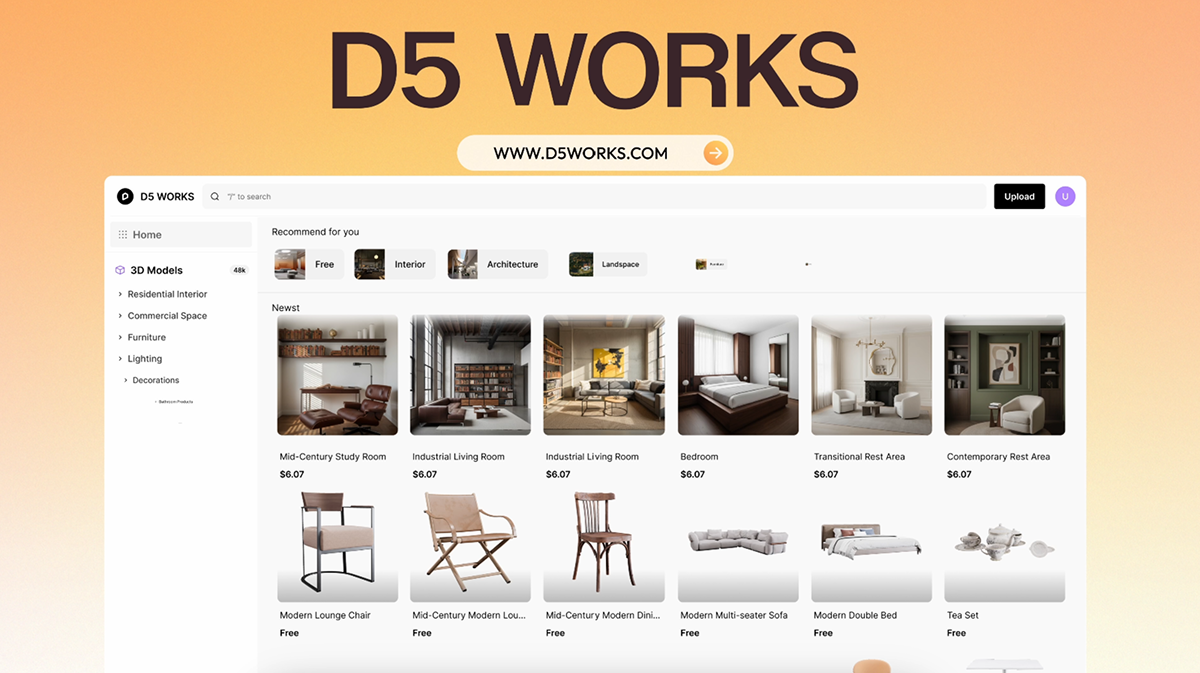
D5 Works solves this with a carefully curated asset library tailored specifically to AEC and spatial design workflows. Whether you're creating intricate interior scenes, large-scale landscape elements, or modular building components, the platform delivers the precision these projects require. Unlike general platforms that mix game props, stylized characters, and 3D printing files, D5 Works offers a focused selection of professional assets built for spatial design needs.
D5 Works is Here: Your Curated Hub for AEC-Ready 3D Models >>

Why Creators Choose D5 Works
1. A Creator-First Revenue Model
Unlike many major 3D asset marketplaces, D5 Works charges 0% platform commission. You set your own price, though we may provide official recommendations based on asset quality and content richness. Your earnings equal the amount paid by the buyer (after any discounts or coupons), minus only standard payment processing and bank transfer fees. This means you keep nearly 100% of what you earn—no heavy platform cuts reducing the value of your detailed, production-ready work.
2. A Professional AEC-Focused Marketplace
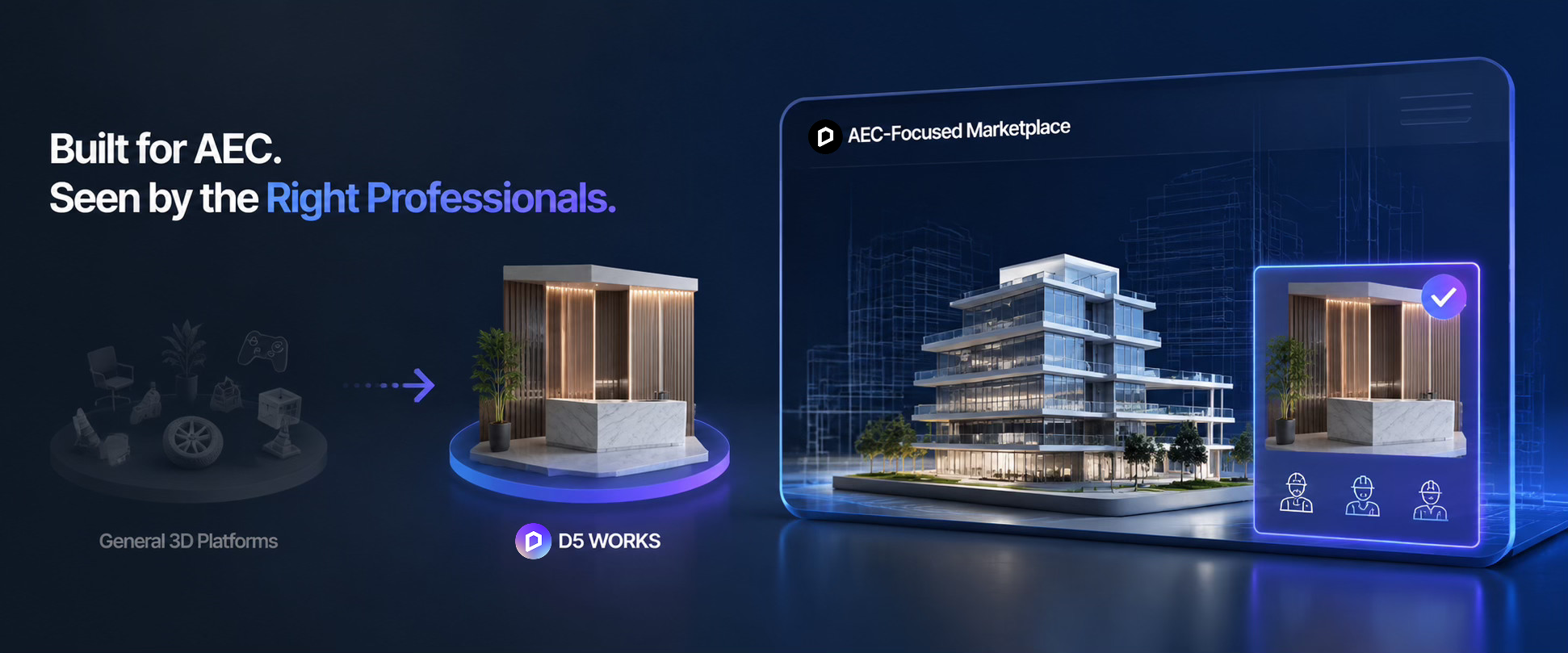
On general 3D platforms, high-quality architectural assets like a detailed commercial lobby or accurate plant library can easily get lost among game props and unrelated content. D5 Works focuses strictly on AEC and spatial design, placing your assets in front of the architects and designers who need them. Professionals find what they need faster, and your work gains better visibility.
3. Deep Ecosystem Integration
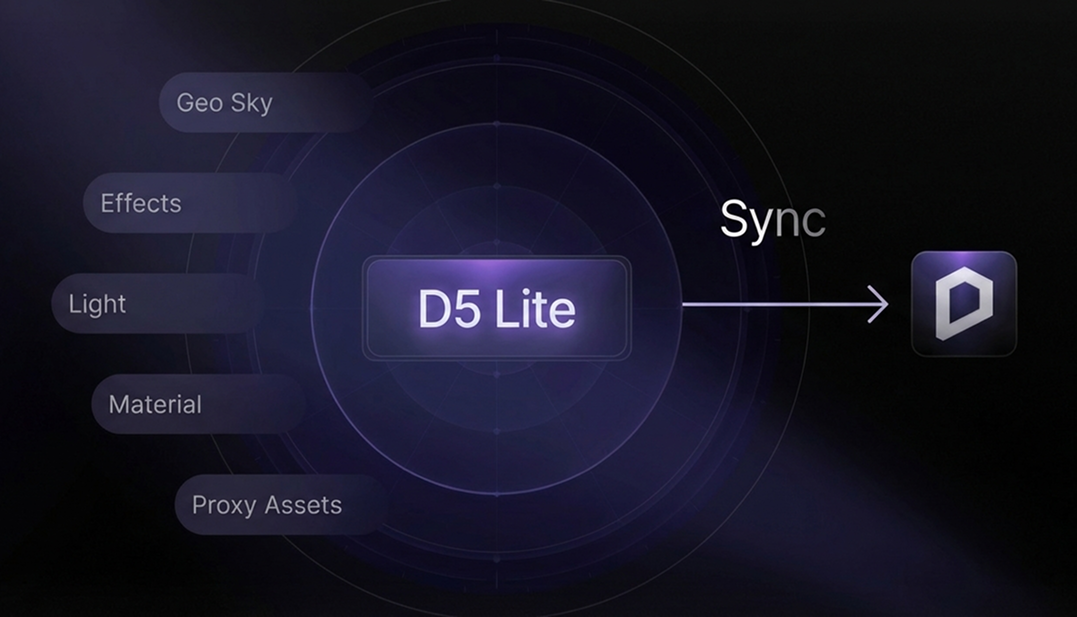
Selling on D5 Works integrates your assets into the D5 ecosystem—a complete visualization platform trusted by over 3 million users and 40,000 businesses worldwide. Beyond broad compatibility with industry standards like .skp, .max, and .fbx, the real differentiator lies in the native .d5a and .d5m formats—delivering true instant usability in D5 Render and D5 Lite with zero import friction.
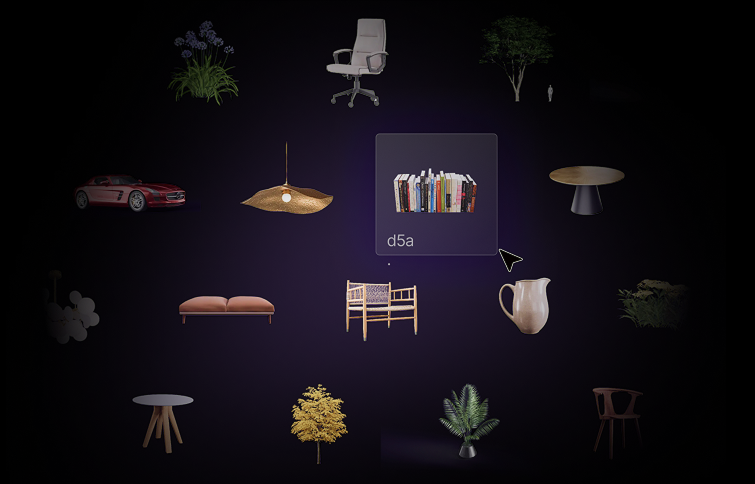
Buyers can browse and purchase assets directly inside the D5 Launcher, then simply drag and drop your models into their viewport. Textures, scale, and materials appear correctly right away—no complex importing, material tweaks, or compatibility headaches. This means your work reaches spatial design professionals exactly where they are already working, delivering the precision they need with a true plug-and-play experience.

4. Clear Quality Standards
D5 Works maintains a curated environment through a rigorous review process focusing on quality, originality, and compliance. This review process ensures a cleaner, more trustworthy marketplace where high-quality work stands out.
Marketplace Comparison: Your Earnings When Selling 3D Models
When choosing where to host your assets, the math matters. Here is a look at how D5 Works compares to other major players in terms of public seller revenue models.
Note: Earnings on D5 Works are shown before standard payment processing and bank fees (which are typically minimal). Payout rates for other platforms often vary based on "levels" or exclusivity agreements.
Technical Standards: Preparing Your Assets for Success
To help your assets meet our professional standards, we recommend that creators prioritize clean topology, PBR-accurate textures, and comprehensive documentation.
1. Supported Formats & Recommendations
Choosing the right format impacts how many users can successfully use your asset:
- Highly Recommended: .d5a (models) and .d5m (materials), or .skp
- Also Supported: .max, .fbx, and .obj
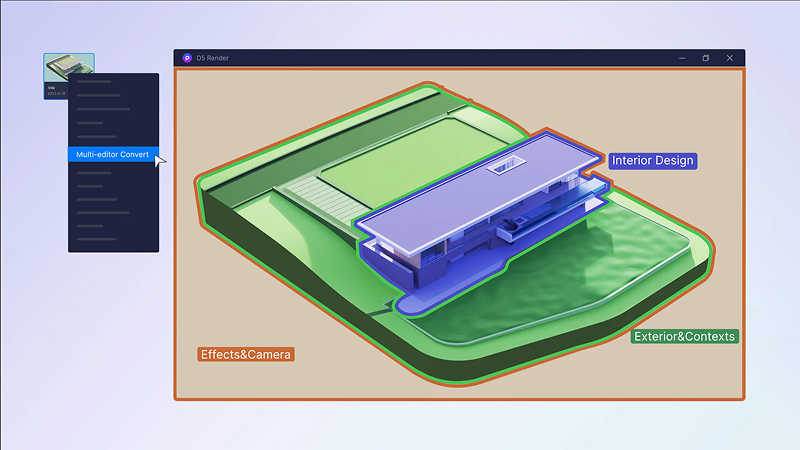
D5 Conversion Tip: To create a .d5a file, import your model into D5 Render, select "Add to Local" in the Inspector panel, then find the file in D5 Workspace > Models folder.
2. Review Guidelines and Timelines
The review team typically completes the review within 72 hours (2–3 business days). To ensure your work passes on the first try, keep these requirements in mind:
- Proof of originality: Provide a screenshot that matches your cover image angle (viewport or exported view for SketchUp, D5 viewport for D5 uploads, and wireframe for 3ds Max).
- Visual Clarity: Use a 1:1 aspect ratio for preview images with at least 1,000 px resolution. Avoid watermarks or misleading renders.
- AI Disclosure: If generative AI tools were used, clearly mark the content as "AI-generated" or "Created with AI."
- Contact works-support@d5techs.com for any questions.
Also Read: Pre-Upload Guidelines >>
Step-by-Step: How to Start Selling 3D Models
We've designed this process to be simple, reliable, and creator-friendly, ensuring your assets are professional and discoverable.
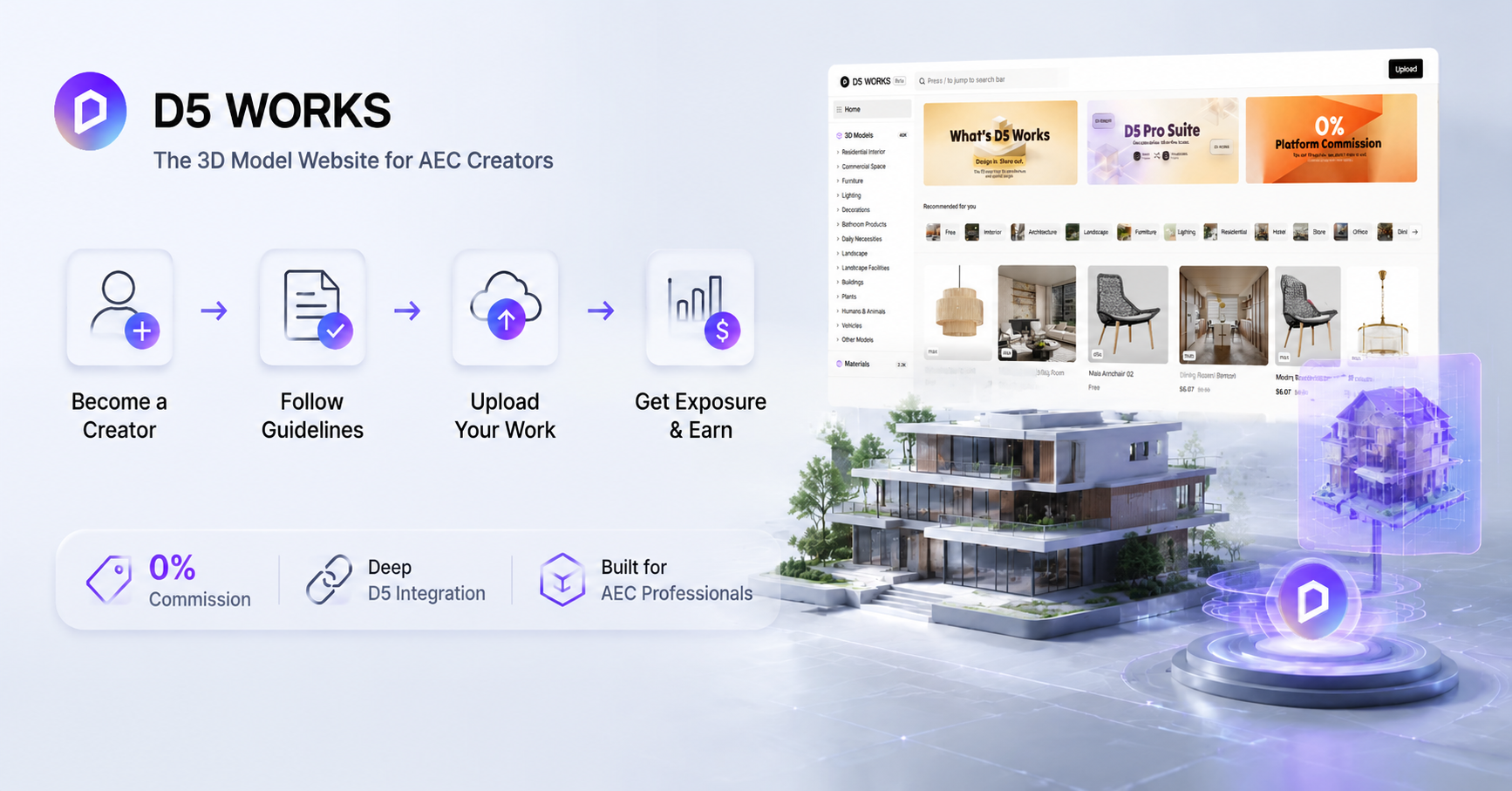
Step 1: Register as a Creator
- Visit D5 Works and click "Upload" or "Become a Creator".
- Use a global D5 account to upload assets.
- Review the Upload Guidelines and Rules before preparing your files.
Step 2: Prepare Your 3D Assets
- Ensure your files are exported in one of the supported formats (.d5a, .skp, .max, .fbx, or .obj).
- When providing source model packages in a compressed archive, use supported formats such as .rar, .zip, or .7z, and do not use nested compressed files.
Step 3: Prepare Preview Images and Proof of Originality
- Thumbnail and preview images should be in .jpg, .jpeg, .png, or similar formats.
- Use a 1:1 aspect ratio, at least 1,000 px resolution, and keep each image within 15 MB.
- For better visibility, upload a minimum of four high-resolution images when possible.
💡 Quick Asset Prep Checklist:
Step 4: Create Your Product Listing
Click "Upload Work" and fill in the product details.
- Title: Use clear, search-friendly names, such as "Modern Office Desk Set" or "Residential Landscape Pavilion."
- Description: Explain the asset's design style, use scenario, file format, and ideal AEC application.
- Category: Choose the most accurate category to improve search visibility.
- Technical Specifications: Provide accurate information on rendering engine, polycount, texture resolution, etc.
- Pricing: You can set your price, and D5 Works may provide official pricing recommendations.
Step 5: Review, Approval, and Resubmission
- Reviews typically take 2–3 business days, though review times may be extended during holidays or periods of high submission volume. Once approved, your asset goes live automatically.
- If the asset is not approved, check the rejection reason in My Work > Creator Studio > Upload, revise the asset, and resubmit.
D5 Works | Upload Guidelines and Rules >>
Pro Tips to Boost Your Models' Visibility
Turning your 3D modeling skills into a sustainable revenue stream, mastering the upload process is only half the battle. Whether you're building your portfolio on D5 Works or other 3D asset libraries, here are a few proven strategies to help your content stand out to AEC professionals:
- Think in Thematic Collections: Instead of uploading isolated models, consider the actual spatial design workflows of your buyers. A complete "Modern Office Furniture Set" or a meticulously curated "Mediterranean Plant Bundle" performs far better than single items. Professionals prefer downloading cohesive collections that instantly fill a scene, saving them hours of searching.
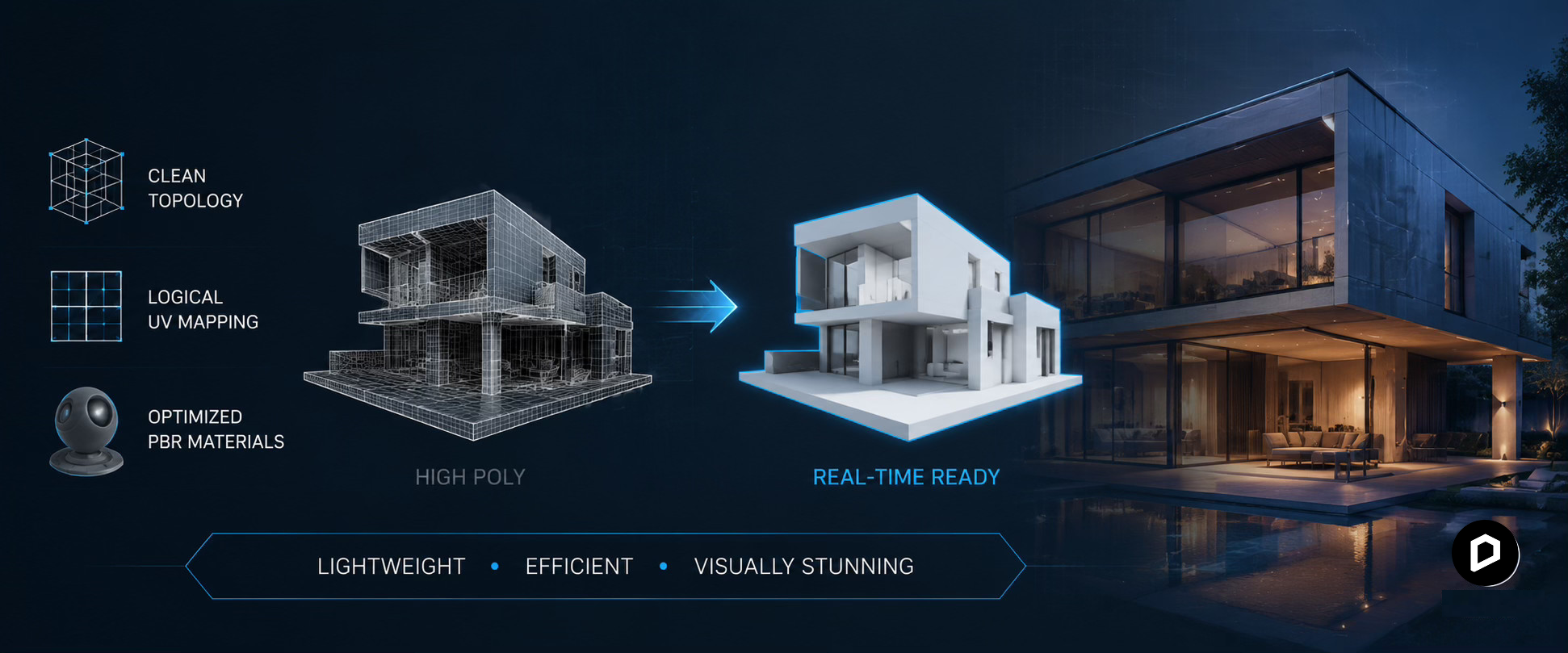
- Optimize for Real-Time Rendering: In the world of architectural visualization, a high polycount doesn’t always mean better quality. Buyers look for clean topology, logical UV mapping, and optimized PBR materials. Ensuring your assets are lightweight yet visually striking is the golden rule for real-time rendering engines.
- Mastering Preview Images: Your cover image is your digital storefront. Use realistic lighting, clean backgrounds, and clear angles to showcase the asset exactly as it will appear in a render. Always provide a 1:1 aspect ratio image at a minimum of 1,000 px resolution. If an architect can't see the material details in the thumbnail, they are likely to scroll past it.
- Write Descriptive, Search-Friendly Titles and Descriptions: Treat your asset titles, descriptions, and tags as the key to getting discovered. Avoid generic names like "Chair01." Instead, use precise, descriptive keywords such as "Mid-Century Modern Leather Lounge Chair" or "Parametric Wooden Wall Panel." Accurate keywords connect your work directly with buyers actively searching for those specific items.
Beyond Revenue: Career Benefits of Selling 3D Models
Uploading to D5 Works isn't just about income:
- Targeted Exposure: Your work reaches professionals using D5 Render and D5 Lite—architects, interior designers, and visualization artists looking for quality assets.
- Portfolio Building: Build a recognizable portfolio within the growing D5 ecosystem. Your D5 Works creator profile can serve as a showcase for potential clients or employers.
- Influence the Industry: Contribute high-quality assets to real-time rendering workflows used by global AEC professionals worldwide.
- Early Creator Recognition: Join early to gain visibility and community recognition as the platform grows.
Consistent high-value uploads create long-term revenue and strengthen your visibility in the AEC visualization community.
Join D5 Works: The 3D Model Website for AEC Creators
D5 Works is a creator-friendly platform with 0% commission, deep D5 integration, and a sharp focus on professional AEC needs. Whether you want extra income, wider exposure, or real industry impact, this is a great place to start.
Head to D5 Works, click "Become a Creator", check the guidelines in the Help Center, and upload your best work. Your models could help countless designers create better visualizations—while earning you real income along the way.
Continue Reading: More About D5 Works
D5 Works: The Ultimate AEC Asset Hub Ready for Any Workflow
D5 Works is Here: Your Curated Hub for AEC-Ready 3D Models
The 5 Best 3D Asset Libraries for Architectural Rendering in 2026
Redefining the Architectural Design Process in 2026: From Friction to Flow
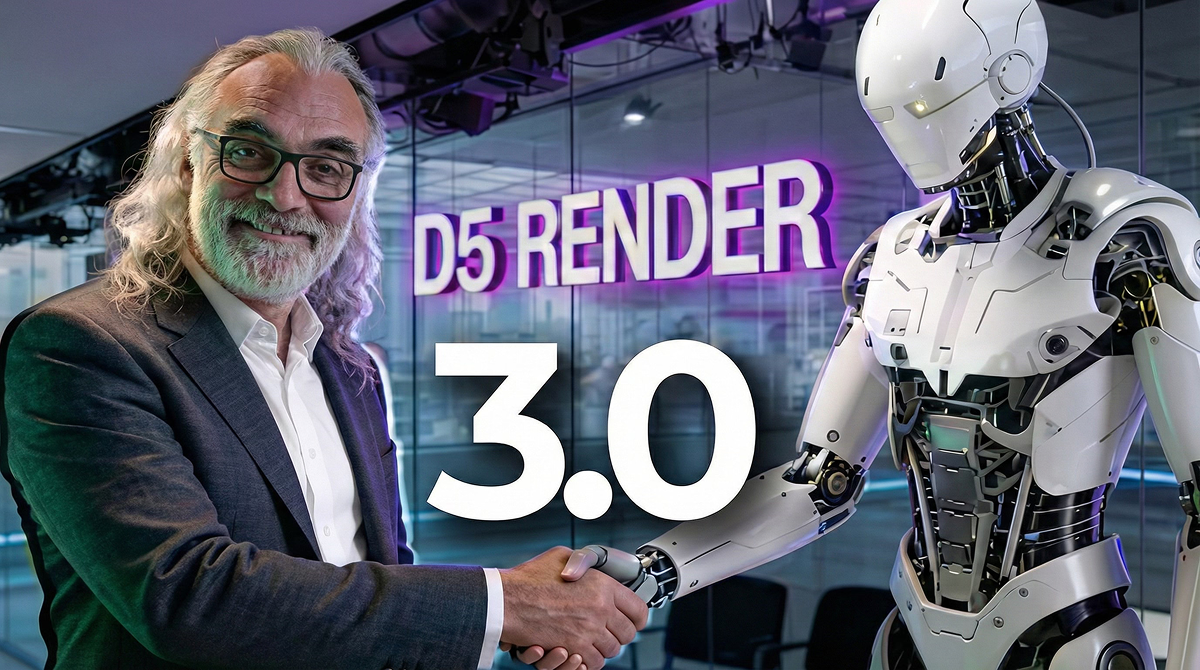
D5 Render 3.0 is Live: A New Era of AI Rendering for Your Design Workflow
FAQ: Common Questions About Selling 3D Models


.png)



.jpg)

.png)



.png)




.jpg)






.png)
1%20(2).png)







%20(1).png)
.png)

.png)